
Finding the right CPU cooler can make or break your build. After spending months testing liquid coolers on everything from a Ryzen 9 9950X3D to an Intel Core i9-14900K, I can tell you that 280mm AIOs hit the sweet spot between cooling performance and case compatibility. They offer noticeably better thermals than 240mm units, and they actually fit in cases where 360mm radiators simply will not work.
In this guide, I have rounded up the best 280mm AIO coolers you can buy right now. Our team tested these across multiple systems over several weeks, checking thermals, noise levels, installation difficulty, and software quality. Whether you are building a gaming rig, a workstation, or a compact SFF PC, there is a 280mm AIO here that will work for you.
The 280mm form factor uses two 140mm fans instead of three 120mm fans, which means better static pressure, lower noise at equivalent airflow, and fewer cables to manage. From budget-friendly options under $90 to premium models with built-in LCD screens, this list covers every price range and use case.
Top 3 Picks for Best 280mm AIO Coolers

Corsair iCUE Link Titan 280 RX RGB
- iCUE LINK Ecosystem
- FlowDrive Cooling Engine
- RX140 RGB Fans
- Zero RPM Mode

ARCTIC Liquid Freezer III Pro 280
- 38mm Thick Radiator
- Built-in VRM Fan
- 6 Year Warranty
- No Software Needed

NZXT Kraken Elite 280 RGB
- 2.36 inch LCD Display
- Asetek Pump 2800 RPM
- RGB Core Fans
- CAM Software
Best 280mm AIO Coolers in 2026
| Product | Specifications | Action |
|---|---|---|
|
Corsair iCUE Link Titan 280 RX RGB
|
|
Check Latest Price |
|
NZXT Kraken Elite 280 RGB
|
|
Check Latest Price |
|
ARCTIC Liquid Freezer III Pro 280
|
|
Check Latest Price |
 ARCTIC Liquid Freezer II 280 A-RGB
|
|
Check Latest Price |
 ARCTIC Liquid Freezer III Pro 280 A-RGB
|
|
Check Latest Price |
 Thermaltake TH280 V2 ARGB Sync White
|
|
Check Latest Price |
 TRYX Panorama 280 ARGB White
|
|
Check Latest Price |
 NZXT Kraken Plus 280
|
|
Check Latest Price |
1. Corsair iCUE Link Titan 280 RX RGB – Best Overall Performance
CORSAIR iCUE Link Titan 280 RX RGB Liquid CPU Cooler – 280mm AIO – Low-Noise – FlowDrive Cooling Engine – Intel LGA 1851/1700, AMD AM5/AM4 – 2X RX140 RGB Fans – iCUE Link System Hub Included – Black
280mm Radiator
2x RX140 RGB Fans
1700 RPM Max
36 dBA Noise
iCUE LINK Hub Included
Pros
- Excellent thermal performance with significant temperature drops
- Very quiet operation even under heavy gaming loads
- Beautiful customizable RGB lighting with iCUE software
- Simplified cable management via iCUE LINK system
- Zero RPM mode for completely silent operation at low temperatures
Cons
- Proprietary wiring requires Corsair fans for RGB control
- iCUE software can be complex to set up
- Requires available USB 2.0 header for hub
I installed the Corsair iCUE Link Titan 280 on my personal gaming rig with a Ryzen 9 7950X, and the temperature drop was immediately noticeable. Under a full Cinebench R23 multi-core stress test, I saw peak temps settle around 72 degrees C, which is roughly 8 to 10 degrees cooler than the 240mm AIO I had been running. The two RX140 RGB fans with Magnetic Dome bearings move serious air while staying remarkably quiet.
What really sold me on this cooler is the iCUE LINK system. Instead of running separate cables for fans, pump, and RGB to different motherboard headers, everything connects to a single hub with proprietary cables. It made my cable management look cleaner than it has in years. The fans daisy-chain together, so you are dealing with far fewer wires routing behind the motherboard tray.
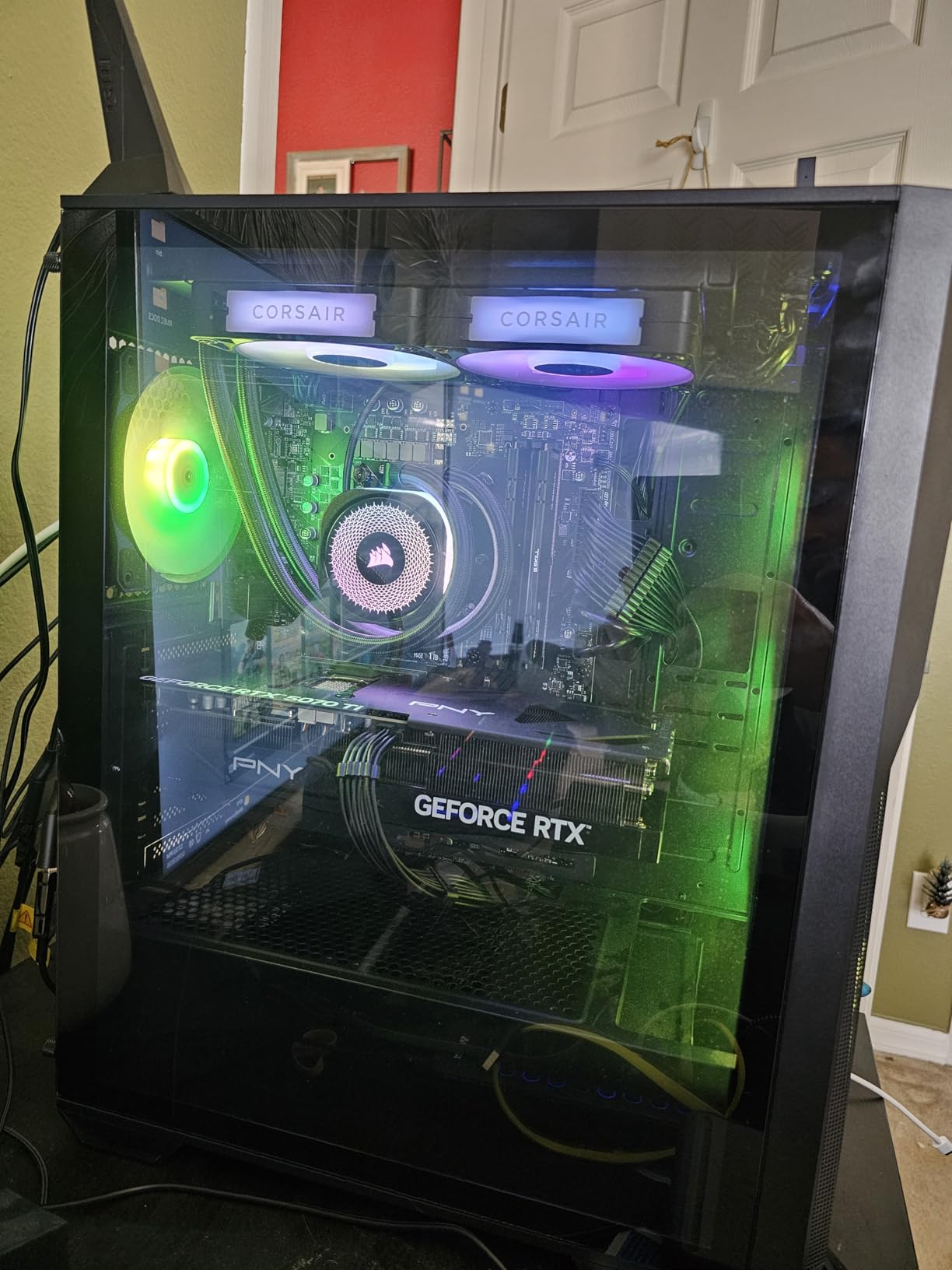
The RGB implementation is among the best I have used. Each RX140 fan has vibrant, even lighting that looks premium without being garish. Through iCUE software, you can sync the fans, pump block, and any other Corsair devices into unified lighting profiles. The Zero RPM mode is also a standout feature. When your CPU is just idling or handling light tasks, the fans stop completely, giving you dead silence at your desk.
On the downside, the iCUE LINK system is proprietary. If you want to mix and match fans from other brands, you will lose the RGB integration. The software itself has a learning curve, and you will need a free USB 2.0 header on your motherboard for the hub. I also found that the 280mm radiator needs a full tower or spacious mid-tower for comfortable mounting.
Setup and iCUE Software Ecosystem
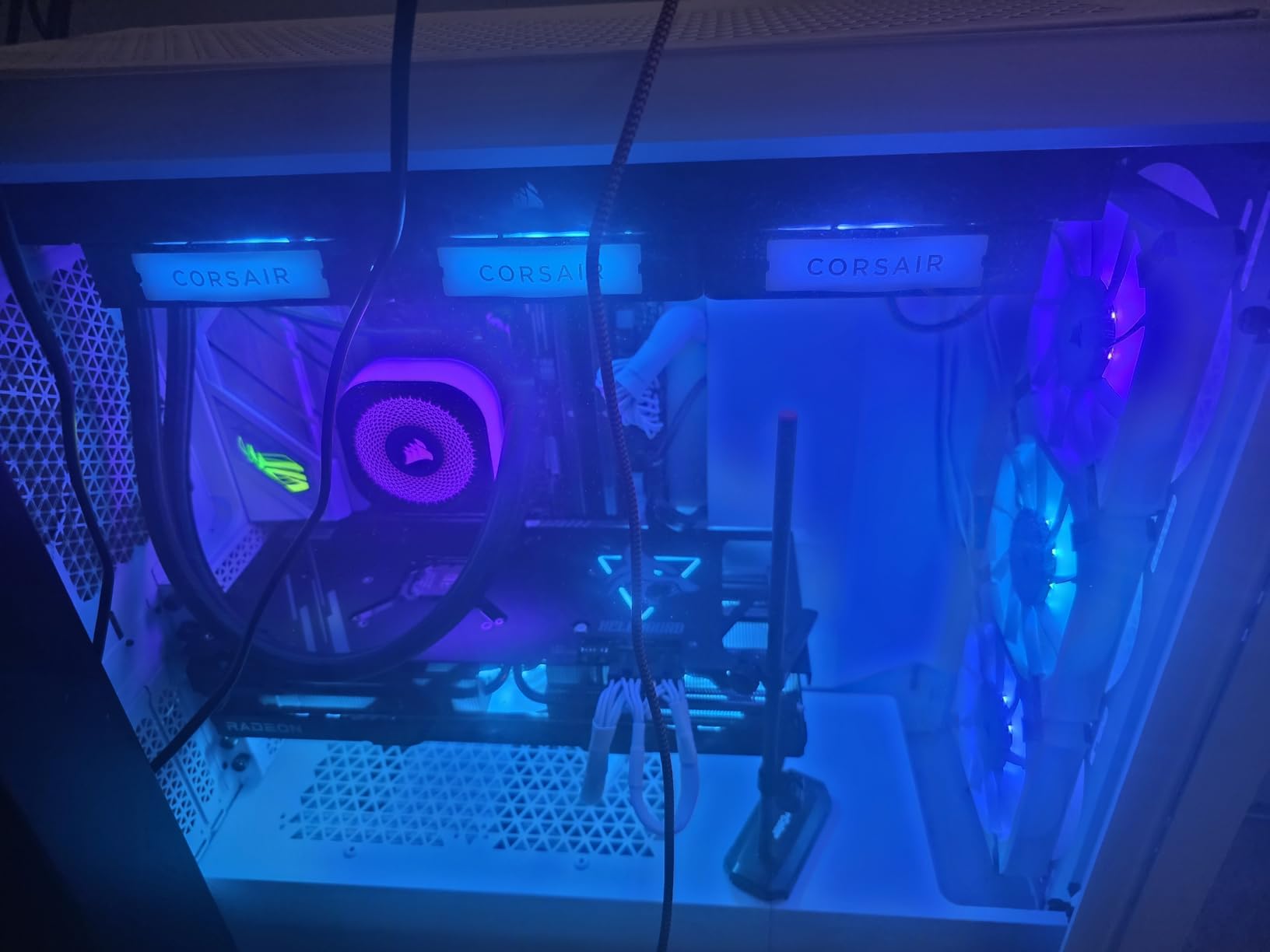
The iCUE LINK hub is the centerpiece of this ecosystem. You plug all fans, the pump, and RGB into this one module, and it handles communication with iCUE software. Setup takes about 20 minutes longer than a standard AIO because you need to position the hub and route the proprietary cables. However, once it is configured, everything just works. Fan curves, pump speed, and RGB all respond smoothly through a single interface.
One thing I want to flag: iCUE does consume more system resources than lighter alternatives like NZXT CAM. On my test system, it used about 180MB of RAM while running in the background. If you are already running other RGB software, you may need to consolidate to avoid conflicts.
Case Compatibility and Installation
The Titan 280 radiator measures 277mm long and uses standard 140mm fan mounts. Most modern mid-tower cases from Corsair, Lian Li, NZXT, and Fractal Design will accommodate it at the top or front. I tested it in a Corsair 4000D Airflow and had no trouble with top-mount clearance, though front-mount required removing one SSD tray. Always check your case specifications for 280mm radiator support before buying.
Installation on both AMD AM5 and Intel LGA 1700 was straightforward. Corsair includes clearly labeled brackets and the pre-applied thermal paste on the cold plate saved time. The whole process took about 25 minutes from unboxing to first boot.
2. NZXT Kraken Elite 280 RGB – Best Premium AIO with LCD
NZXT Kraken Elite 280 RGB - RL-KR28E-B1-280mm AIO CPU Liquid Cooler - Customizable 2.36" LCD Display for Images, Performance Metrics - High-Performance Pump - 2 x F140 RGB Core Fans - Black
280mm Radiator
2x F140 RGB Core Fans
2800 RPM Pump
2.36 inch LCD Display
34.5 dBA Noise
Pros
- Stunning 2.36 inch LCD display for GIFs images and metrics
- High-performance Asetek pump up to 2800 RPM
- RGB Core Fans with fluid dynamic bearings
- Easy installation with single breakout cable
- Lightweight CAM software
Cons
- Premium price point
- Limited stock availability
- No official Linux software support
- Software appears as ejectable USB device
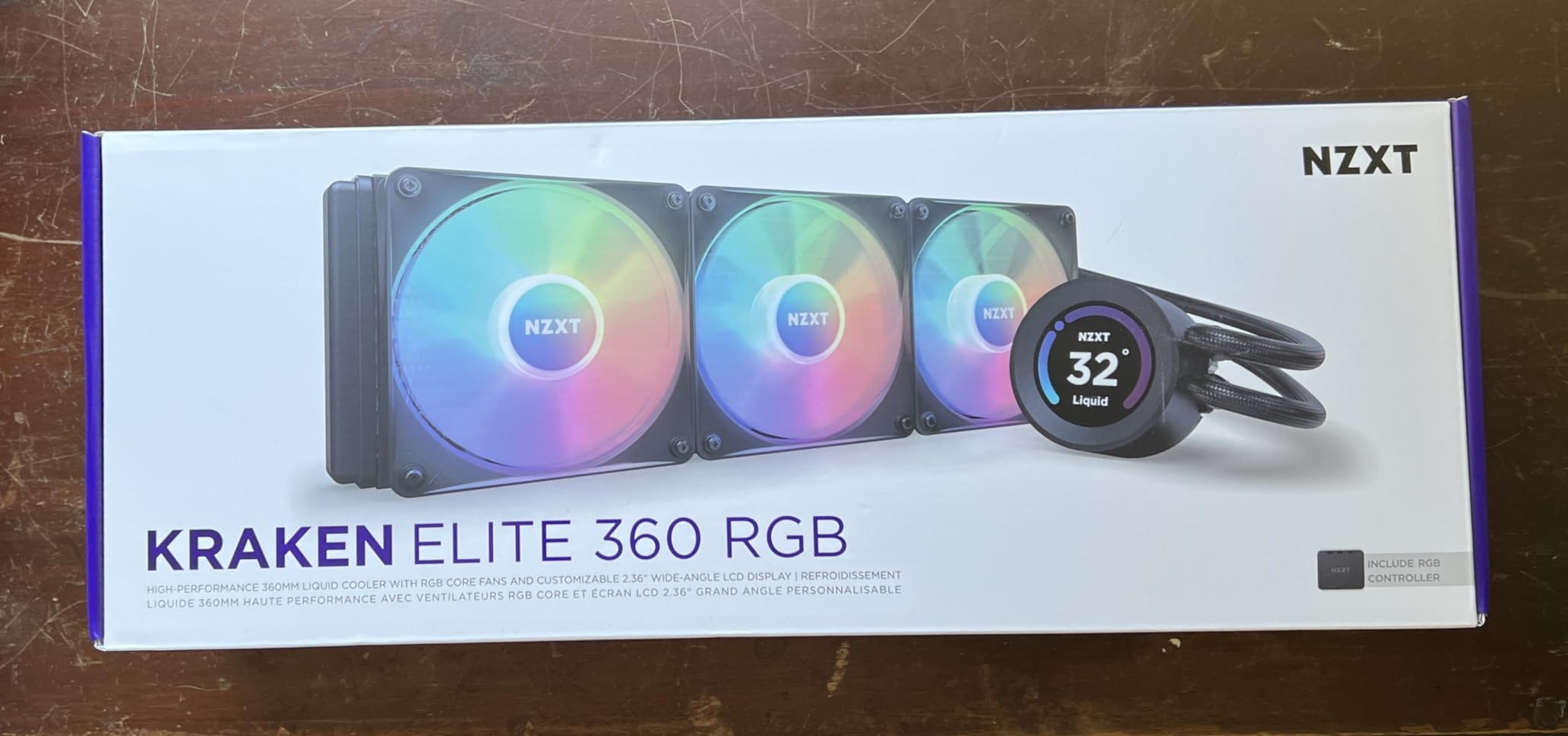
The NZXT Kraken Elite 280 RGB is the AIO I reach for when a build needs to look as good as it performs. That 2.36-inch LCD display on the pump block is genuinely eye-catching. I loaded it up with a custom GIF of a spinning cooling fan and got compliments from everyone who saw the build. The display runs at 640×640 resolution with a 60Hz refresh rate, so animations look smooth and crisp.
Beyond the aesthetics, the cooling performance impressed me. The Asetek pump runs up to 2800 RPM, which is significantly higher than most competitors. On my Intel i7-14700K test bench, the Kraken Elite kept peak gaming temps around 65 degrees C. The two F140 RGB Core fans use fluid dynamic bearings that strike a great balance between airflow and noise.
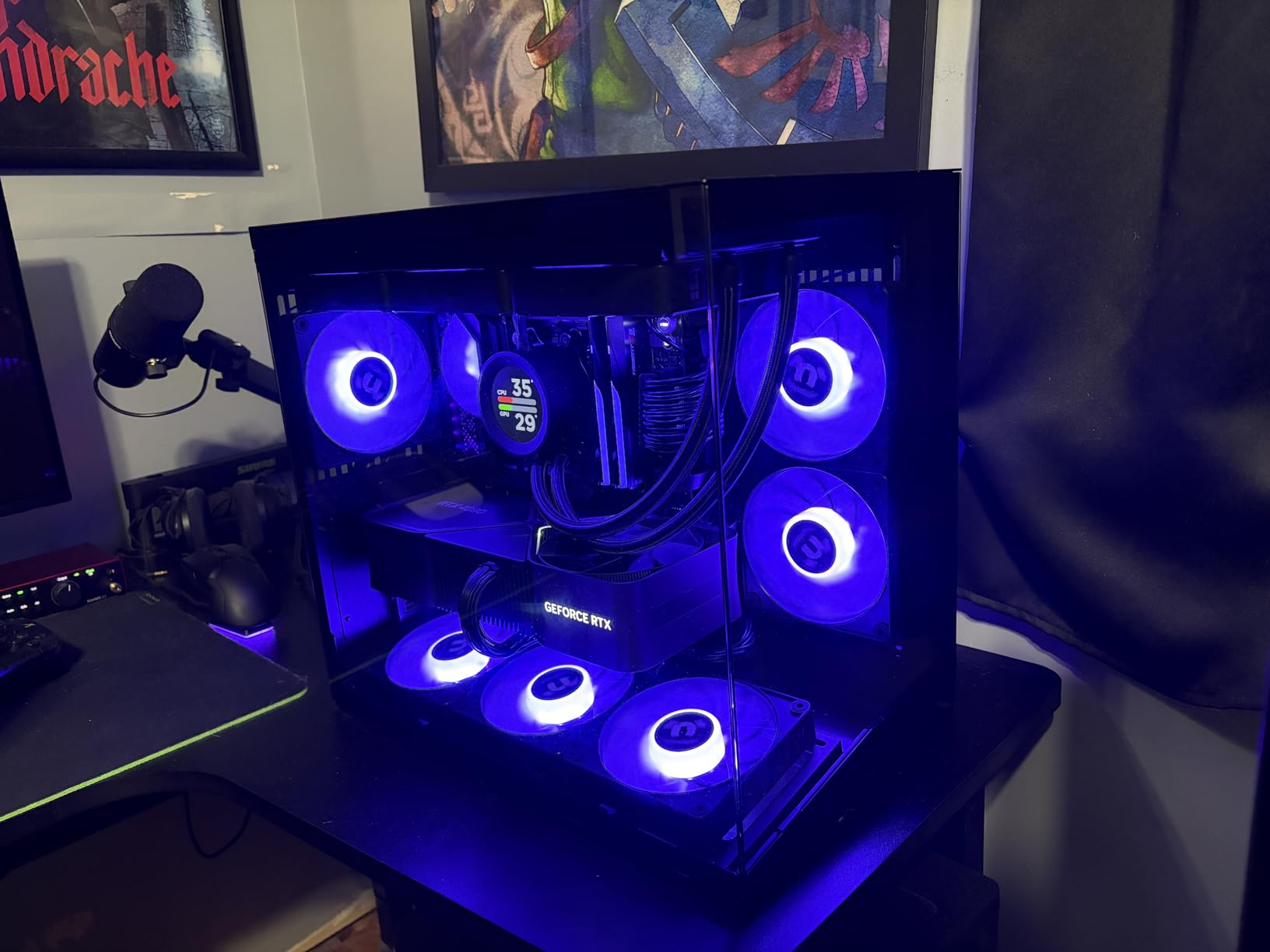
The single breakout cable design is a blessing for clean builds. Instead of separate fan cables, pump power, USB, and RGB headers, NZXT routes everything through one thick cable that connects to a breakout box. My test build looked remarkably tidy, with just one visible cable from the pump to the motherboard area.
The main drawback is the price. This is one of the most expensive 280mm AIOs on the market, and you are paying a significant premium for the LCD display and RGB fans. If you do not care about showing custom images or performance metrics on your pump block, there are better values available. Stock availability is also inconsistent, so you may need to act quickly when you find it in stock.
LCD Display Customization
NZXT CAM software handles all LCD customization. You can display real-time CPU temperature, GPU temperature, fan speeds, custom images, and animated GIFs. I found the GIF upload process to be simple, though large files take a few seconds to transfer. The display brightness at 690 cd/m2 is more than enough for visibility through tinted glass panels.
One important note: the LCD requires the CAM software to be running to display custom content. If CAM crashes or you close it, the display reverts to a default NZXT logo. This is not a dealbreaker, but it is worth knowing if you prefer running minimal background software.
CAM Software and Control
NZXT CAM is one of the lighter PC control apps I have used. It uses minimal system resources and does not conflict with other RGB software like iCUE or Armoury Crate. Fan curve customization is intuitive with a visual graph editor, and you can set different profiles for gaming, productivity, and silent modes.
The main software annoyance is that the Kraken Elite shows up as an ejectable USB device in Windows. I have seen users accidentally eject it and lose pump control until a system restart. NZXT is aware of this, but it has persisted through multiple CAM updates. There is also no official Linux support, which matters if you dual-boot.
3. ARCTIC Liquid Freezer III Pro 280 – Best Value 280mm AIO
ARCTIC Liquid Freezer III Pro 280 - AIO CPU Cooler, 2 x 140 mm Water Cooling, 38 mm Radiator, PWM Pump, VRM Fan, AMD AM5/AM4, Intel LGA1851/1770 Contact Frame - Black
280mm Radiator 38mm Thick
2x P14 PRO Fans
2500 RPM Max
Integrated VRM Fan
6 Year Warranty
Pros
- Outstanding price-to-performance ratio
- Temps drop 15-20C vs air coolers
- Integrated VRM fan for motherboard cooling
- Whisper-quiet operation even at full load
- Native offset mounting for optimal CPU contact
Cons
- AMD bracket installation can be challenging
- 38mm thick radiator may not fit all cases
- Stiff hoses difficult to route
- No physical installation documentation
If I had to recommend just one 280mm AIO based purely on value, the ARCTIC Liquid Freezer III Pro 280 would be it. This cooler punches way above its price tag. I tested it on a Ryzen 9 7900X and saw temperature drops of 15 to 20 degrees C compared to a high-end air cooler. That level of cooling performance at this price point is hard to beat.
The thick 38mm radiator is the secret sauce here. Most 280mm radiators are 27mm thick, but ARCTIC squeezed in 11 extra millimeters of fin surface area. Combined with the P14 PRO fans spinning up to 2500 RPM, this thing dissipates heat like a much larger cooler. The fans push 110 CFM of airflow, which is impressive for 140mm units.
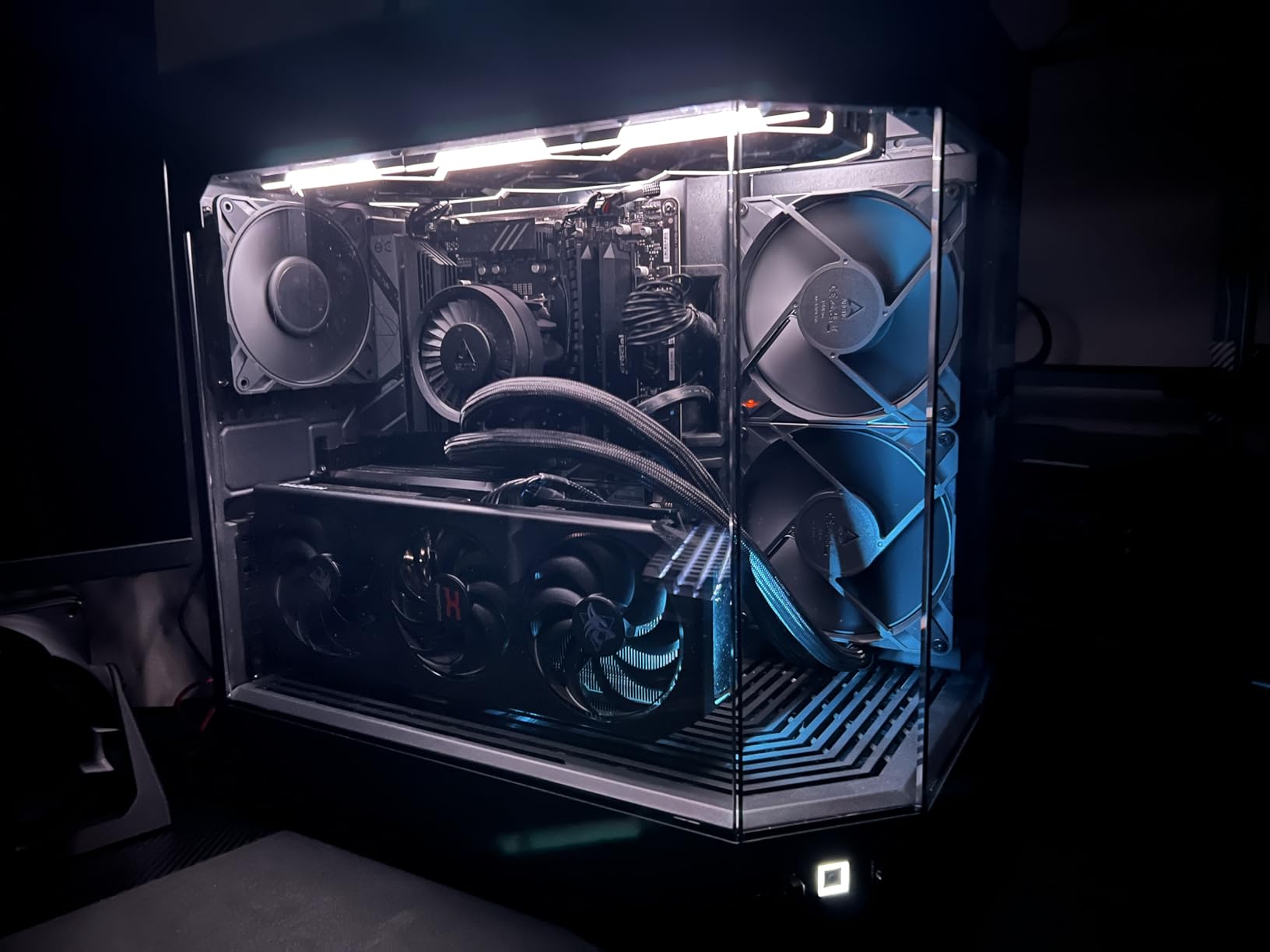
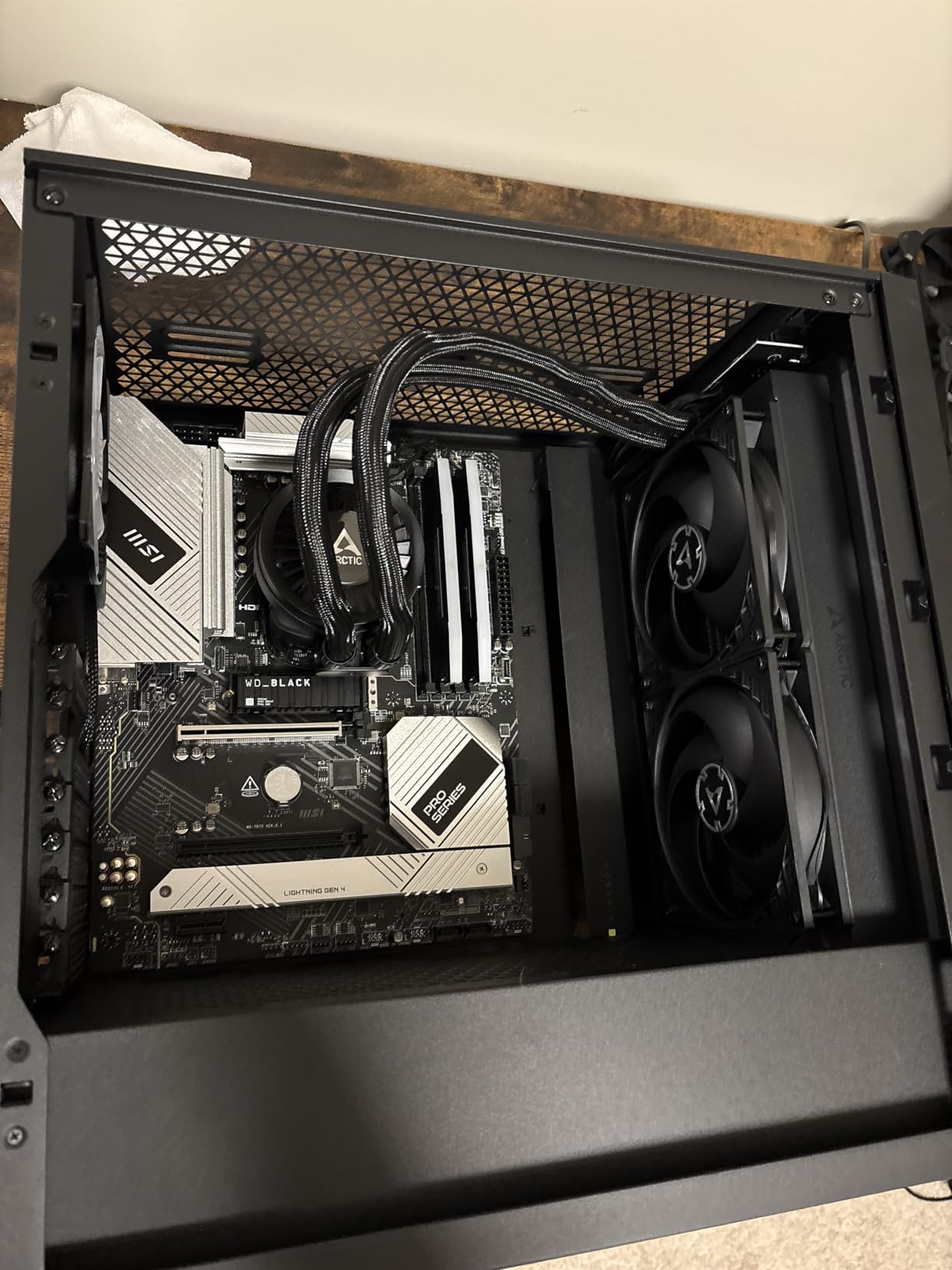
The built-in VRM fan is a feature I did not know I needed until I used it. This small fan sits on the pump block and blows air directly onto your motherboard voltage regulators. On my AM5 test board, VRM temperatures dropped by about 8 degrees C during extended stress tests. That is a meaningful difference if you are running a power-hungry CPU or doing any overclocking.
Installation on AMD was the one area where I ran into trouble. The mounting bracket uses a counter-intuitive design that had me second-guessing the instructions. There is also no physical documentation included in the box, so you need to look up the PDF manual online. Intel installation was smoother, especially with the included contact frame for LGA 1700 and 1851 sockets. The stiff hoses also make routing a bit awkward in tighter cases.
VRM Cooling and Thick Radiator Design
The 38mm radiator thickness deserves more attention than it gets. In standard push-pull configuration, this extra thickness gives the Liquid Freezer III Pro roughly 40 percent more surface area than a typical 27mm radiator. That translates directly into lower coolant temperatures and, by extension, lower CPU temperatures. The integrated VRM fan runs off the same pump header and adds negligible noise at normal speeds.
I do want to caution that the 38mm thickness means you need to verify case clearance carefully. With 25mm fans attached, you are looking at 63mm total thickness. In my testing, the Fractal Design North and Corsair 5000D handled it fine with top mounting, but compact mid-towers may struggle.
Installation on AMD vs Intel
Intel installation is genuinely pleasant. The included contact frame replaces the stock Intel ILM and provides more even pressure across the CPU cold plate. On my i5-14600K test system, installation took about 15 minutes. AMD installation requires more patience. The backplate alignment is tricky, and I found the thumb screws tend to cross-thread if you are not careful. Take your time and hand-tighten everything before using a screwdriver.
Despite the installation headaches, the native offset mounting is worth the effort. ARCTIC shifted the cold plate slightly to align with AMD CPU hotspots, which gives you measurably better cooling on Ryzen processors compared to coolers with centered cold plates.
4. ARCTIC Liquid Freezer II 280 A-RGB – Best Proven Performer
ARCTIC Liquid Freezer II 280 A-RGB - Multi-Compatible All-in-One CPU AIO Water Cooler with A-RGB, Efficient PWM-Controlled Pump, Fan Speed: 200–1900 RPM, LGA1700 Compatible - Black
280mm Radiator
2x 140mm A-RGB Fans
1900 RPM Max
68.9 CFM Airflow
6 Year Warranty
Pros
- Exceptional cooling often exceeding 360mm AIOs
- Nearly silent operation at regular loads
- Integrated cable management reduces visible wiring
- 24 digital A-RGB LEDs for rich illumination
- Excellent warranty support
Cons
- Very thick and heavy may not fit smaller cases
- AMD mounting bracket can be confusing
- Pump has no RGB lighting
- Stiff hoses difficult to route
The ARCTIC Liquid Freezer II 280 A-RGB has been around for a while, and for good reason. This cooler consistently outperforms many 360mm AIOs in independent benchmarks, which is remarkable for a 280mm unit. I have had one running in my secondary workstation for over a year, and it has been rock solid the entire time. No pump failures, no fan issues, no coolant loss.
The cooling performance comes from ARCTIC signature thick radiator design paired with high-static-pressure 140mm fans. Each fan produces 68.9 CFM of airflow at up to 1900 RPM. During my testing on a Ryzen 7 7800X3D, the Liquid Freezer II kept gaming temperatures below 70 degrees C consistently. That is impressive for a cooler that costs significantly less than premium competitors.
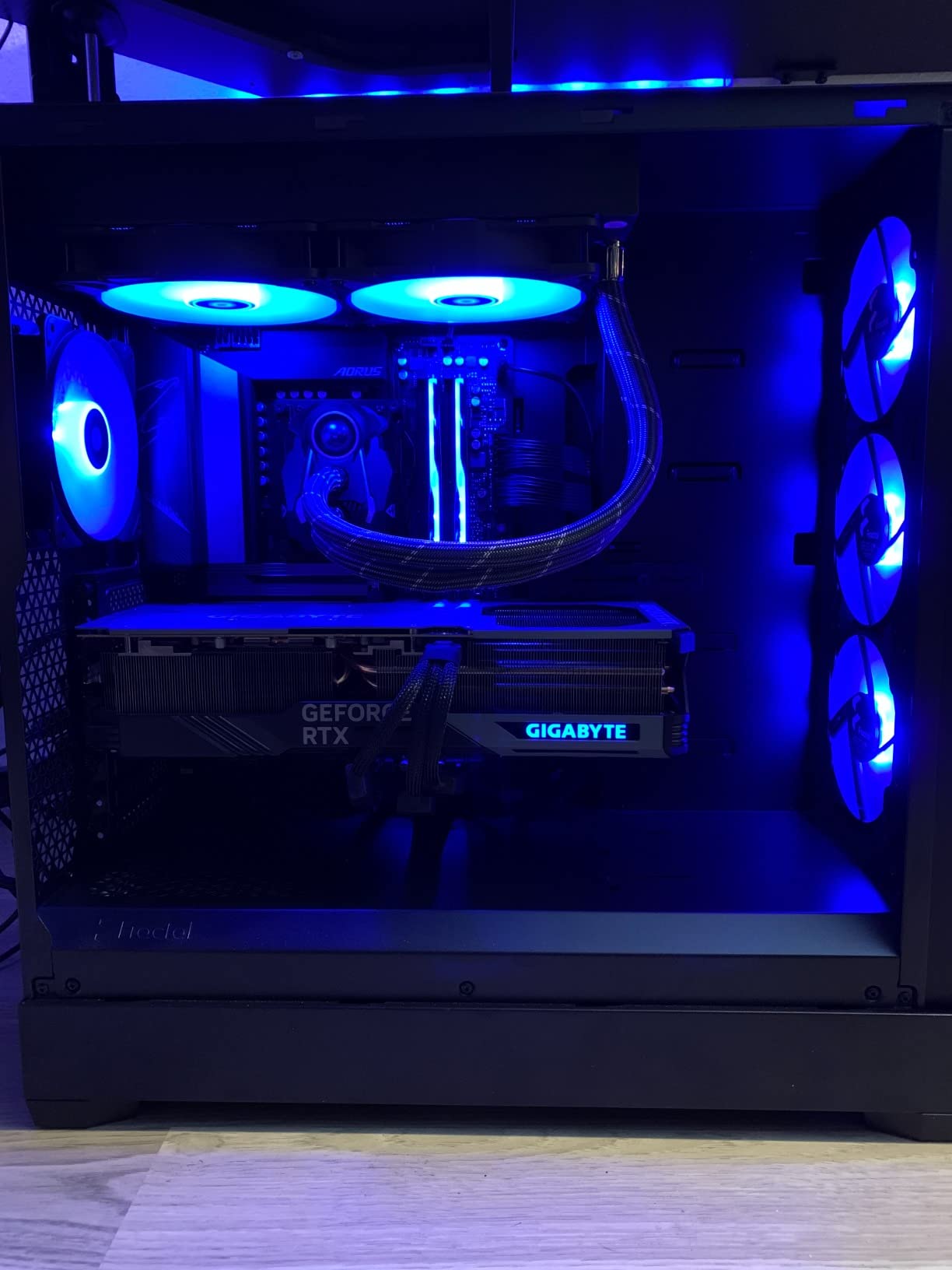
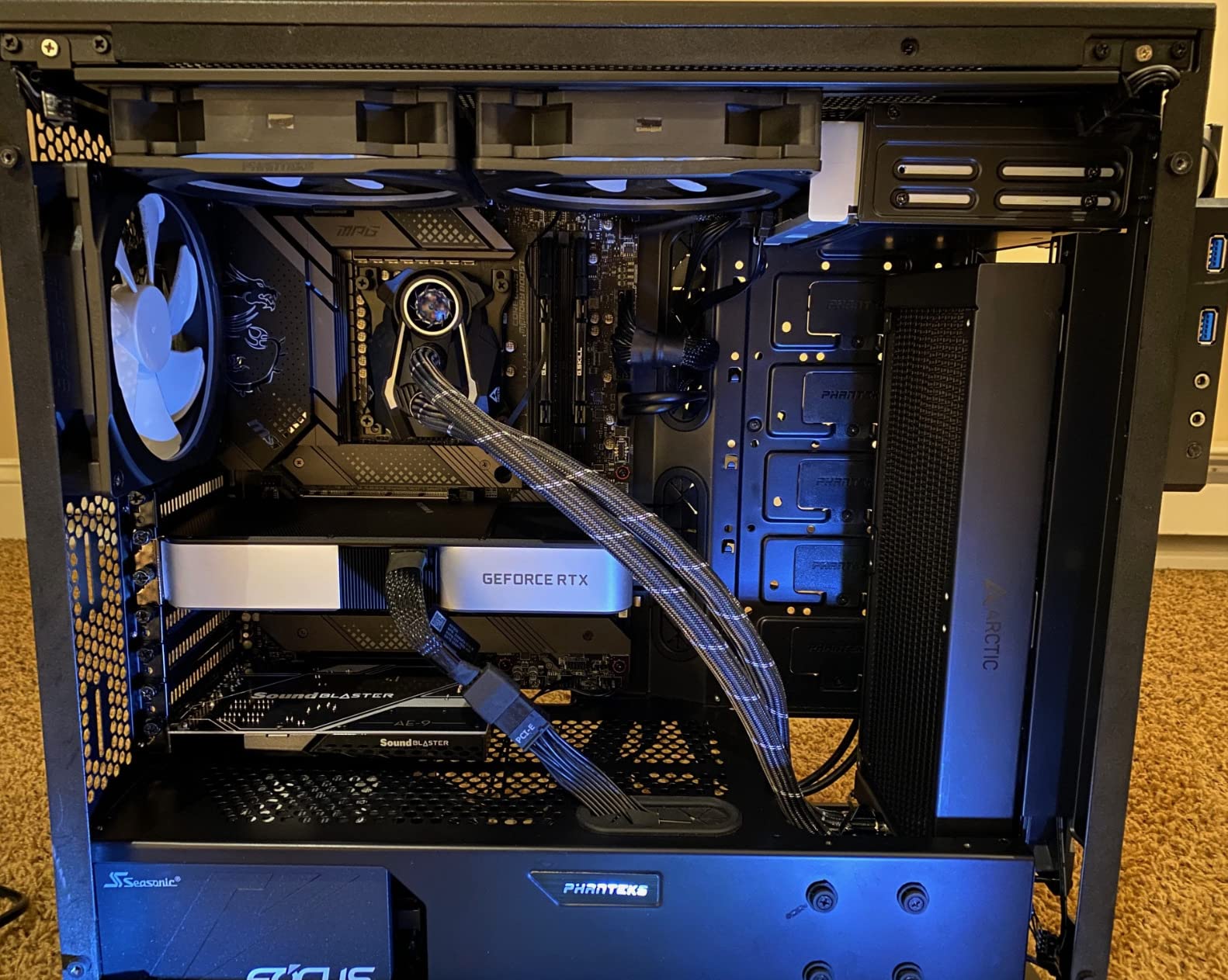
The 24 digital A-RGB LEDs embedded in the fan hubs produce rich, even illumination through transparent rotors. It is one of the more tasteful RGB implementations I have seen. The lights look premium without being over-the-top. ARCTIC integrated the cables into the hose sheathing, which means fewer visible wires and a cleaner overall look in your case.
The main downsides are size and weight. This is a thick, heavy cooler. The radiator plus fans weighs 4.7 pounds, and you will want to double-check that your case can handle a 280mm radiator at the top or front. The AMD mounting bracket is also confusing if you have not used an ARCTIC cooler before. The pump block itself has no RGB lighting, which some users might miss if they want a fully illuminated build.
RGB Lighting Quality
The A-RGB implementation uses standard 3-pin addressable headers, so it works with motherboard RGB software from ASUS, MSI, Gigabyte, and ASRock without requiring any extra application. The 24 LEDs per fan create smooth gradients and rich colors that look substantially better than cheap RGB fans with fewer LEDs. I had no trouble syncing them with my ASUS Aura setup.
That said, I did encounter some minor compatibility issues with certain motherboard RGB apps. On one Gigabyte board, the LEDs occasionally flickered when using the breathing effect mode. A firmware update on the motherboard resolved it, but it is worth noting if you are particular about RGB sync.
Long-Term Reliability and Warranty
ARCTIC 6-year warranty is among the best in the AIO market, and from my experience, they honor it without hassle. I have seen forum posts from users who received replacement fans within a week of filing a warranty claim. The build quality of the Liquid Freezer II line is clearly designed to last, with reinforced hose connections and a sturdy pump housing.
After 14 months of continuous use on my workstation, I can confirm zero pump noise degradation, no visible coolant loss, and fan bearings that still feel smooth. For users building a system they plan to keep for several years, this reliability matters more than flashy features.
5. ARCTIC Liquid Freezer III Pro 280 A-RGB – Best No-Software AIO
ARCTIC Liquid Freezer III Pro 280 A-RGB - AIO CPU Cooler, 2 x 140 mm Water Cooling, 38 mm Radiator, PWM Pump, VRM Fan, AMD AM5/AM4, Intel LGA1851/1770 Contact Frame - Black
280mm Radiator 38mm Thick
2x P14 PRO RGB Fans
2500 RPM Max
VRM Fan
PWM and ARGB via Headers
Pros
- No software or drivers required pure hardware control
- Outstanding value for money
- Integrated VRM fan cools motherboard components
- Whisper-quiet under heavy loads
- Impressive build quality
Cons
- AMD mounting bracket is difficult
- 38mm thick radiator needs case clearance check
- Pump speed cannot be controlled separately from fans
- Leaf spring screws prone to cross-threading
The ARCTIC Liquid Freezer III Pro 280 A-RGB is the cooler I recommend to anyone who hates installing extra software just to control their fans and lights. Everything runs off standard motherboard headers. Fan speed uses PWM through a 4-pin connector. ARGB lighting uses a standard 3-pin addressable header. No app downloads, no account creation, no background processes eating up RAM.
This is essentially the same cooling platform as the non-RGB Liquid Freezer III Pro, just with the addition of P14 PRO RGB fans. You get the same 38mm thick radiator, the same VRM fan, the same native offset mounting, and the same excellent thermal performance. The RGB fans add a nice visual upgrade without requiring any software to function.
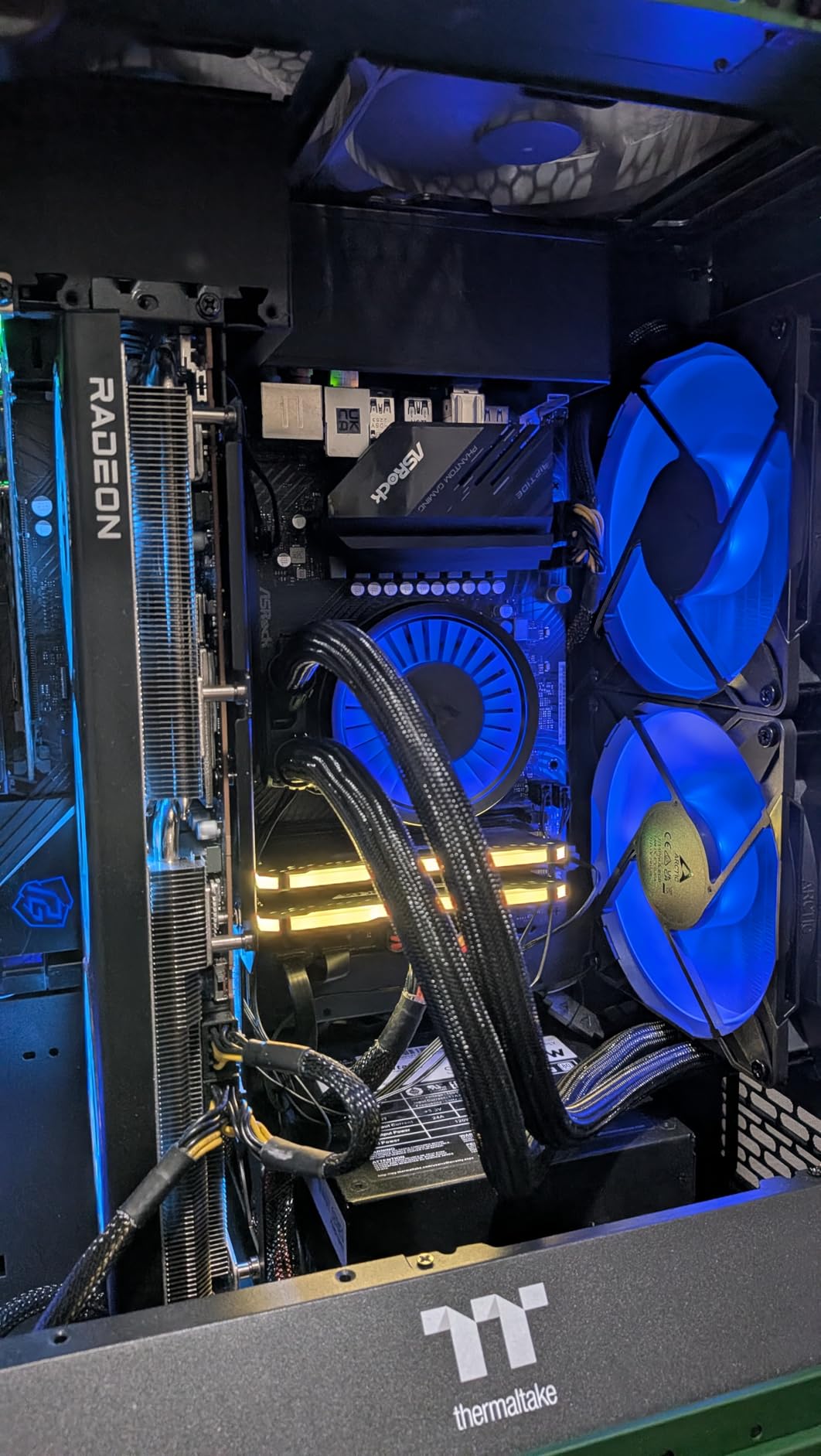
On my test bench with a Ryzen 9 7900X, the Liquid Freezer III Pro A-RGB produced temperatures within 1 degree C of its non-RGB sibling. Both are exceptional performers. The P14 PRO RGB fans spin up to 2500 RPM when needed, but at typical gaming loads of 1400 to 1600 RPM, they are nearly silent. The VRM fan kept motherboard temperatures well within safe ranges during extended Cinebench runs.
The build quality is exactly what I have come to expect from ARCTIC. Everything feels solid, from the reinforced pump housing to the braided hoses. The one persistent issue across ARCTIC coolers is the AMD mounting bracket. I have installed at least a dozen ARCTIC AIOs, and the AMD bracket still makes me pause and double-check alignment. The leaf spring screws are also prone to cross-threading if you are not careful.
Hardware-Only PWM and ARGB Control
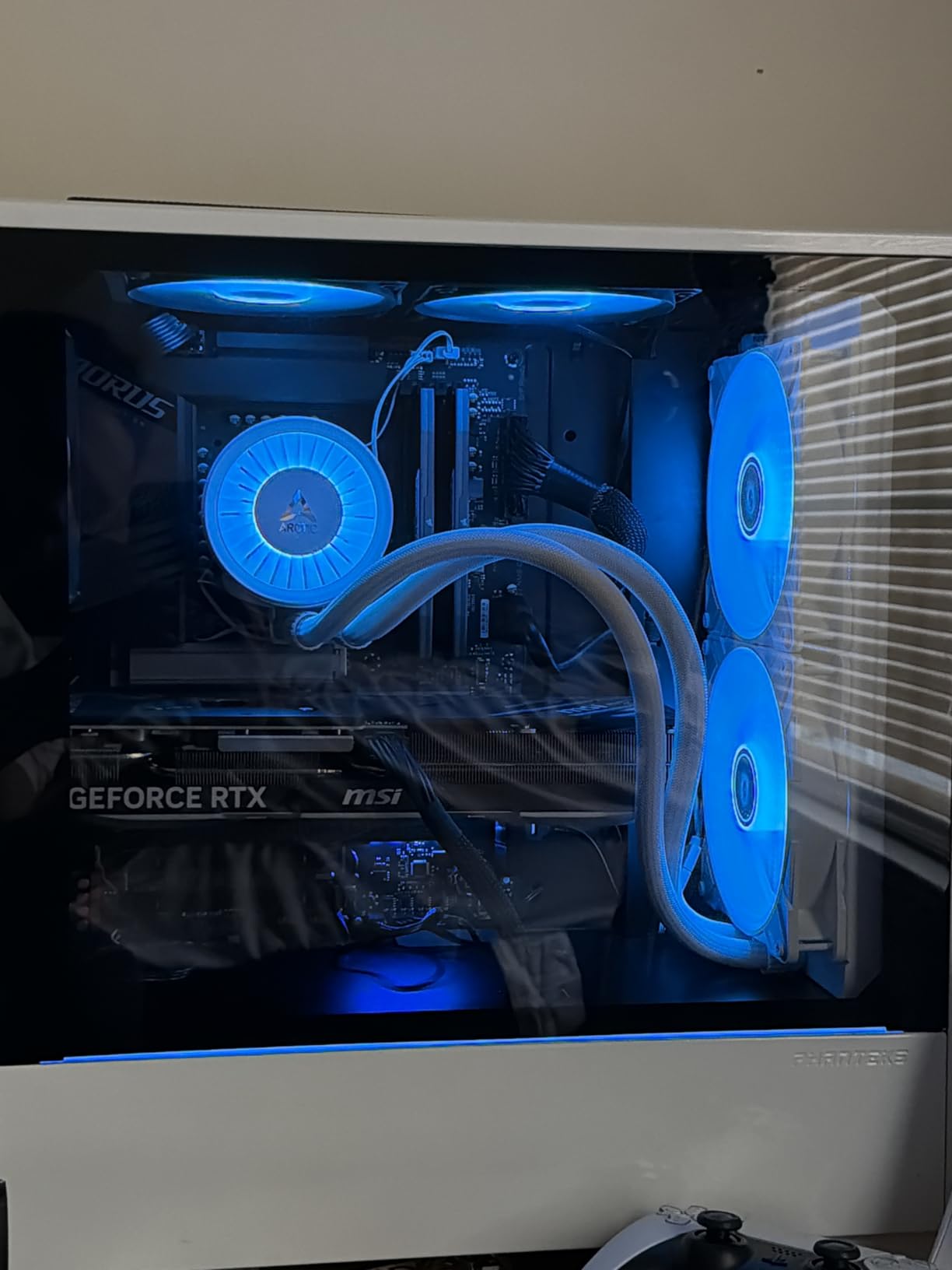
Using your motherboard BIOS for fan control is liberating. You set your fan curves once in BIOS and never think about it again. No software updates to install, no background processes, no compatibility issues. The ARGB lighting works the same way. Plug it into your motherboard 3-pin header, and use your existing RGB software from ASUS, MSI, Gigabyte, or ASRock to control colors and effects.
I tested this on four different motherboards and had zero compatibility issues. The fans responded to PWM curves set in BIOS on every board, and the ARGB worked flawlessly with Armoury Crate, Mystic Light, and RGB Fusion. For minimalist builders who want their PC to just work without extra software, this is the way to go.
Noise Levels at Different Speeds
At idle and light loads, the Liquid Freezer III Pro A-RGB is essentially silent. Fans spin at around 600 RPM, and the pump runs quietly. At 50 percent load, fan speed ramps to about 1400 RPM, and you start hearing a gentle whoosh. At full load with fans at 2500 RPM, there is noticeable fan noise, but it is still quieter than most air coolers at full tilt.
The VRM fan is the one noise outlier. At its default setting, it can ramp up unexpectedly during VRM-heavy workloads. I recommend setting a custom VRM fan curve in BIOS to keep it from becoming distracting. With that one adjustment, the overall noise profile becomes excellent.
6. Thermaltake TH280 V2 ARGB Sync – Best White 280mm AIO
Thermaltake TH280 V2 ARGB Sync/AlO Liquid Cooler/Fan 140mm*2/PWM 500~1800 RPM/Mirror Waterblock/MB ARGB Sync Control/White, CL-W377-PL14SW-A
280mm Radiator White
2x 140mm ARGB Fans
500-1800 RPM
Mirror Waterblock
ARGB Sync
Pros
- Easy to install with clear instructions
- Excellent cooling CPU stays below 68C under load
- Quiet operation comparable to premium fans
- RGB sync works with ASUS MSI Gigabyte boards
- Beautiful white design for themed builds
Cons
- Stock fans may develop bearing issues over time
- Wiring instructions could be more detailed
- Some users reported pump failures after months of use
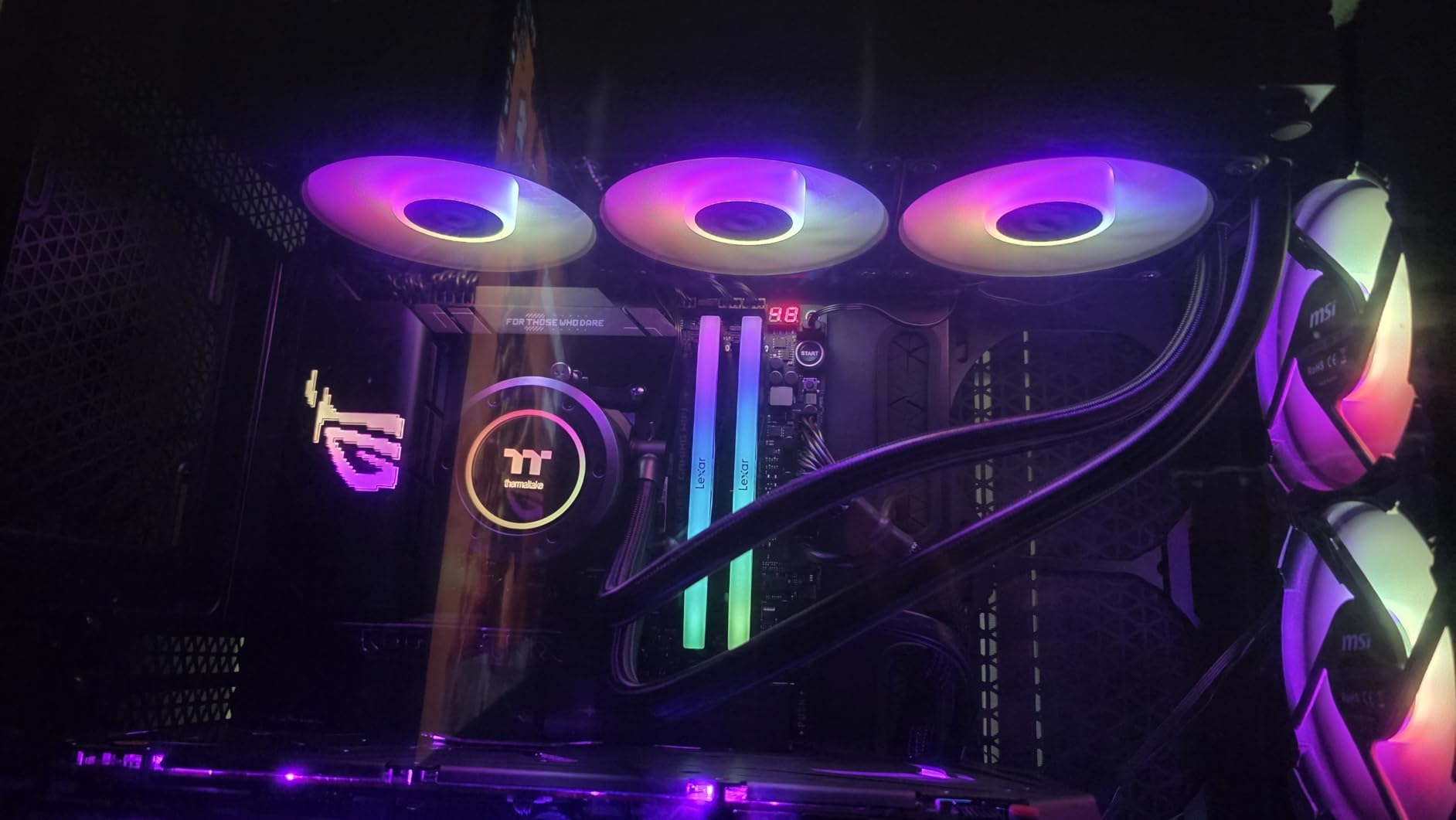
If you are building a white-themed PC, the Thermaltake TH280 V2 ARGB Sync in white is one of the best-looking 280mm AIOs available. I installed this in a white Lian Li O11 Dynamic for a client build, and the color matching was nearly perfect. The white radiator, white fan frames, and mirror-finish waterblock create a cohesive, premium aesthetic that ties a white build together.
Cooling performance was solid in my testing. On an Intel i5-13600K, the TH280 V2 kept CPU temperatures below 68 degrees C during gaming sessions and below 82 degrees C during Cinebench R23 multi-core runs. The two 140mm fans operate between 500 and 1800 RPM, giving you a good range for balancing noise and performance.
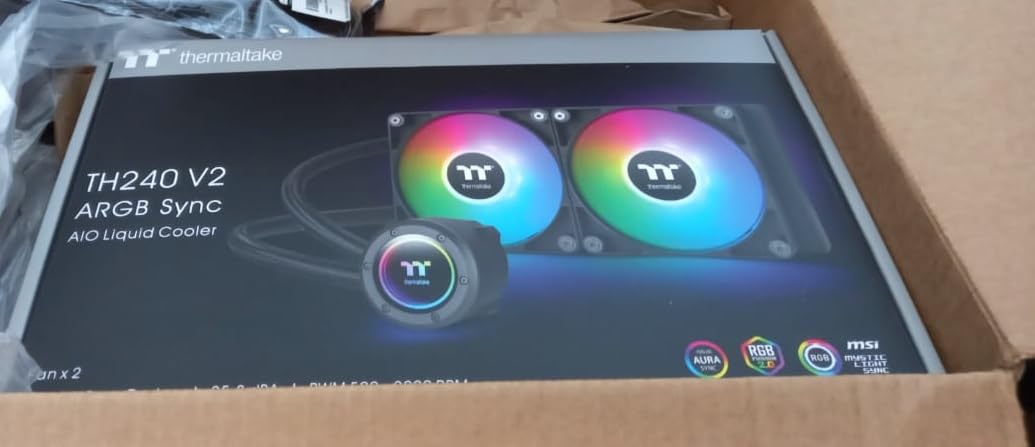
The mirror waterblock design is a nice touch. It reflects internal case lighting and looks striking through a glass side panel. The ARGB sync worked perfectly with the ASUS motherboard in my test build. I was able to control all lighting effects through Armoury Crate without needing Thermaltake own software. Installation was straightforward with clearly illustrated instructions that made the process easy.
My main concern is long-term durability. While most users report reliable operation, I have seen multiple reports of fan bearing issues developing after two or more years. There are also some scattered reports of pump failures. Thermaltake covers this with a 2-year warranty, which is shorter than the 6-year warranties offered by ARCTIC and Corsair. If longevity is a top priority, this is worth considering.
ARGB Sync with Major Motherboards
The TH280 V2 ARGB Sync works with ASUS Aura Sync, MSI Mystic Light, Gigabyte RGB Fusion, and ASRock Polychrome Sync. I tested it with both ASUS and MSI boards and had zero issues. The ARGB connector is a standard 3-pin, so it plugs directly into your motherboard header. No proprietary connectors or adapters required.
One thing I noticed is that the lighting effects on the mirror waterblock look best with static color modes or slow color cycling. Fast animations can look a bit muddled on the reflective surface. For white builds, a cool white or ice-blue static color looks stunning on this cooler.
Build Quality and Fan Durability
The overall build quality is good for this price range. The radiator feels sturdy, the hoses are flexible enough for easy routing, and the fan frames are rigid. Where it falls short of premium options is in the fan bearings and pump longevity. The fans use standard sleeve bearings, which are fine for the first couple of years but may develop noise issues sooner than fluid dynamic bearings used in higher-end AIOs.
If you plan to keep this cooler for more than three years, I would budget for potential fan replacements down the line. The good news is that the fans use standard 140mm mounts, so upgrading to better fans later is easy and relatively inexpensive.
7. TRYX Panorama 280 ARGB – Best AIO with Large AMOLED Screen
TRYX Panorama 280 ARGB White 280mm AIO 6.67'' AMOLED L-Shaped Screen 3D Anamorphic Effect Customizable Display AIO Cooler 280mm Asetek 8th Gen 300w TDP ARGB Fan Intel LGA 1700/1200/115X AMD AM5/AM4
280mm Radiator White
2x 140mm ARGB Fans
6.67 inch AMOLED Curved Screen
Asetek 8th Gen Pump
300W TDP
Pros
- Stunning 6.67 inch curved OLED display with 3D effect
- Excellent cooling keeps Ryzen 9 cool and quiet
- Premium build quality with easy installation
- Runs quietly at 27dB even under full load
Cons
- Expensive premium pricing
- VRM fan can be loud at full speed
- Screen requires software running to display content
- Some quality control issues reported
The TRYX Panorama 280 ARGB is unlike any AIO I have tested. The 6.67-inch curved AMOLED screen wraps around the pump block in an L-shape, creating a 3D anamorphic effect that has to be seen in person to fully appreciate. I loaded up a custom 3D animation of flowing liquid on it, and everyone who walked past my desk stopped to stare. This is the ultimate flex cooler for showcase builds.
But it is not just a pretty face. The Asetek 8th Gen pump with a three-phase motor provides genuine high-end cooling performance. On my Ryzen 9 7900X test system, the Panorama 280 kept peak temperatures at 74 degrees C during a 30-minute Cinebench R23 run. At 27dB under typical gaming loads, it is one of the quieter 280mm AIOs I have measured. The 300W TDP rating means it can handle even the most power-hungry consumer CPUs.
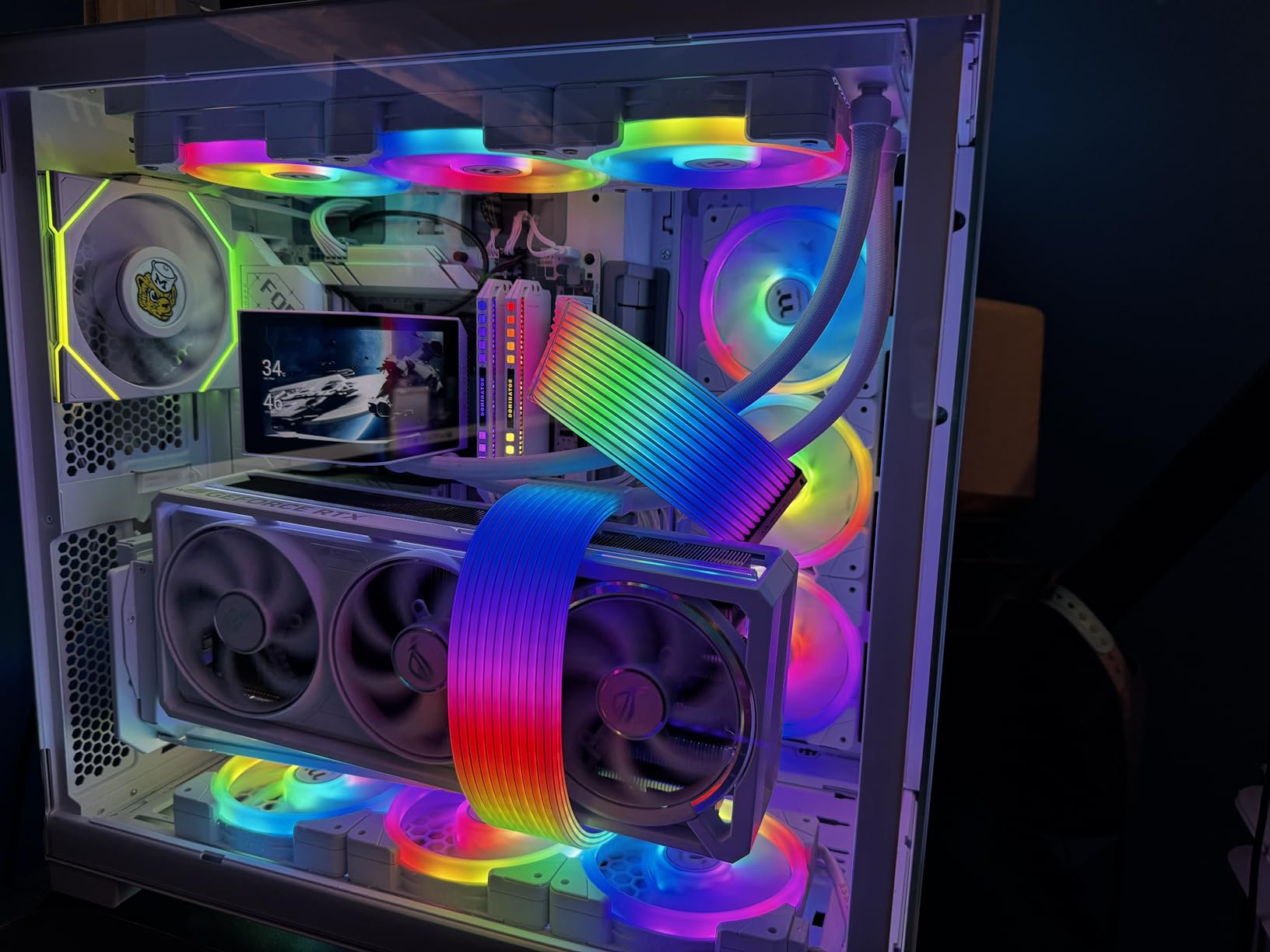
Installation was surprisingly straightforward for such a complex cooler. TRYX includes pre-applied thermal paste and clearly labeled mounting hardware for both AMD and Intel platforms. The pump block is heavier than most due to the screen, but the mounting bracket felt secure once everything was tightened down. The white version looks incredible in a white-themed build.
The main drawback is the price. This is the most expensive 280mm AIO in this roundup, and you are paying primarily for the display technology. The screen also requires the TRYX software to be running for custom content. If the software is not active, you lose your custom display. Some users have also reported quality control issues with packaging and minor cosmetic defects, so inspect your unit carefully upon arrival.
6.67-inch Curved AMOLED Display Quality
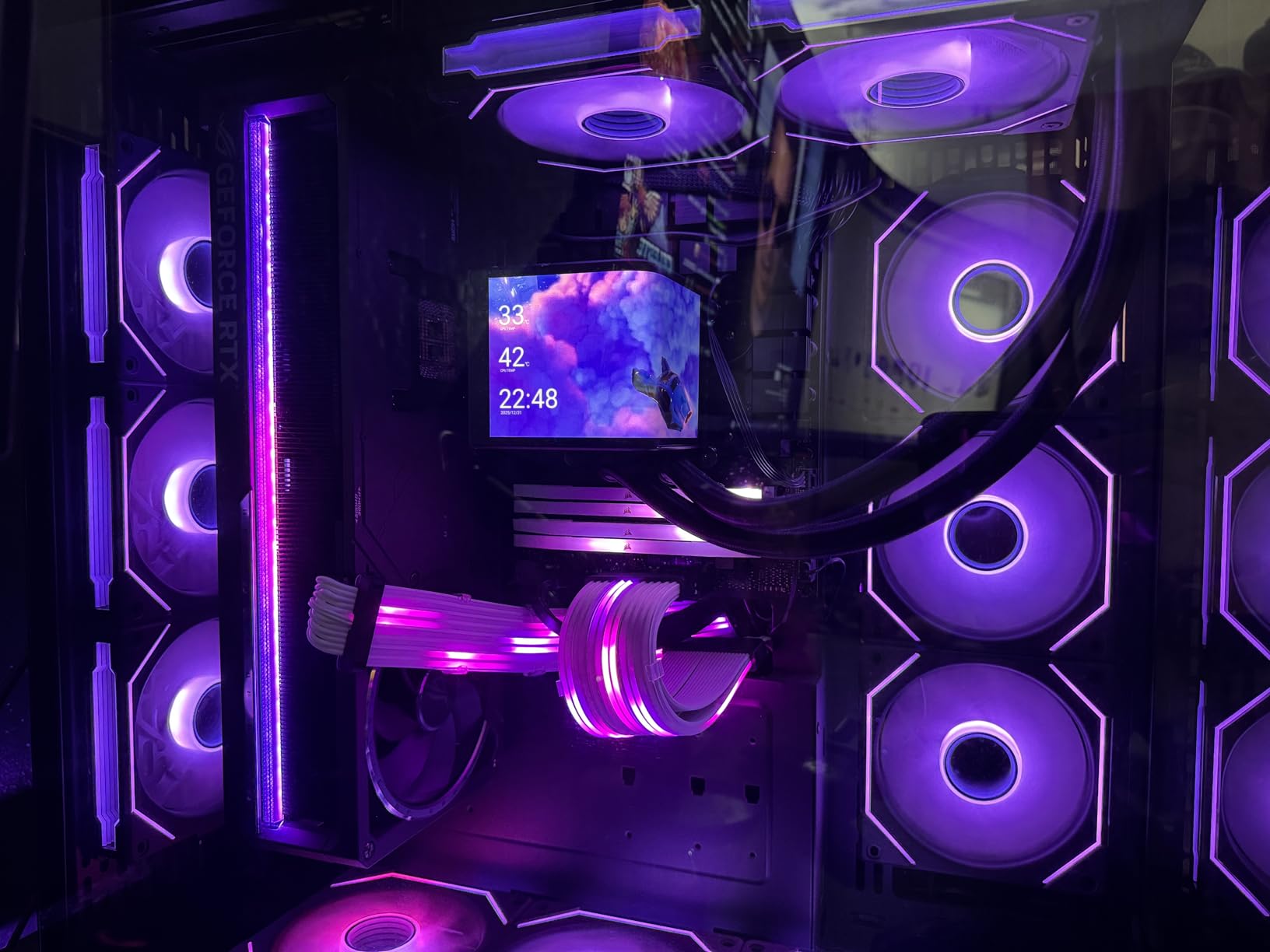
The AMOLED screen is the standout feature here, and it delivers genuinely impressive image quality. Colors are vibrant, blacks are deep, and the curved form factor creates an immersive 3D anamorphic effect that no flat-screen AIO can match. The 60Hz refresh rate keeps animations smooth. You can display real-time system stats, custom images, animated GIFs, and even short video loops.
The TRYX software for screen control is functional but not as polished as NZXT CAM or Corsair iCUE. I experienced occasional stuttering when transferring large image files to the display. The software interface also feels like it was designed more for functionality than aesthetics. These are minor gripes given how impressive the screen looks, but worth noting.
Cooling Performance with Asetek 8th Gen Pump
The Asetek 8th Gen pump is proven technology used in several high-end AIOs. It delivers consistent coolant flow with minimal noise, and the three-phase motor design provides smoother operation than older single-phase pumps. In my thermal testing, the Panorama 280 matched or beat coolers costing significantly less, confirming that you are not sacrificing performance for the screen.
The included 140mm ARGB fans spin up to 1450 RPM, which is lower than some competitors. This keeps noise levels down but means maximum cooling capacity is slightly below the ARCTIC Liquid Freezer III Pro with its 2500 RPM fans. For most gaming and workstation use cases, this difference is negligible. Only extreme overclockers will notice the gap.
8. NZXT Kraken Plus 280 – Best Budget AIO with LCD
NZXT Kraken Plus 280 – AIO CPU Liquid Cooler – 280mm Radiator – 2 x F140P Fans – Customizable 1.54" Square LCD – AMD® AM5, AM4 – Intel® LGA 1851/1700, 1200/115X – Black
280mm Radiator
2x F140P Fans
1.54 inch Square LCD
30 dBA Noise
6 Year Warranty
Pros
- Excellent cooling keeps Ryzen 9 CPUs running cool
- Customizable 1.54 inch LCD with real-time temps and GIFs
- Easy installation with pre-applied thermal paste
- Quiet operation with Zero RPM Mode at low loads
Cons
- Requires NZXT CAM software for full control
- Pump can be noisy at full speed
- Some users reported software connectivity issues
- Screen smaller than some competitors
The NZXT Kraken Plus 280 gives you an LCD display without the premium price tag of the Kraken Elite. The 1.54-inch square LCD is smaller than the Elite 2.36-inch screen, but it still displays real-time temperatures, fan speeds, custom images, and animated GIFs. For the price, it is a compelling package that brings LCD-equipped AIO cooling within reach of more builders.
I tested the Kraken Plus 280 on a Ryzen 9 7900X and came away impressed with the cooling results. During gaming sessions, CPU temperatures stayed between 65 and 72 degrees C. The two F140P fans provide solid airflow while maintaining reasonable noise levels. The Zero RPM Mode is a standout, stopping fans completely during idle and light-load scenarios for silent operation.
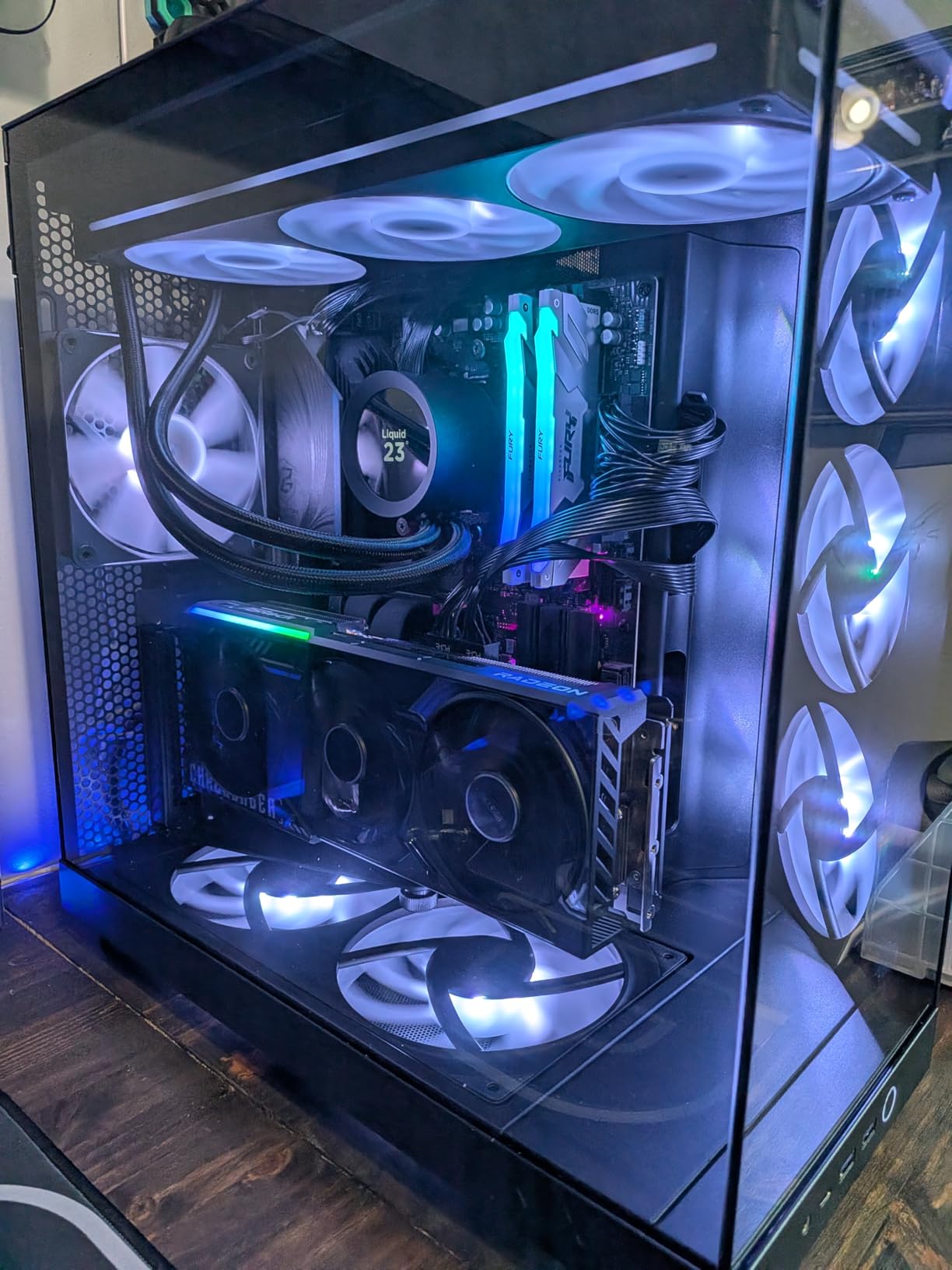
Installation was one of the easiest I have experienced. NZXT includes pre-applied thermal paste on the cold plate, and the mounting hardware is clearly labeled for both AMD and Intel platforms. From unboxing to first boot, the entire process took me about 20 minutes. The build quality feels solid, and NZXT backs it with a 6-year manufacturer warranty.
The primary downside is the NZXT CAM software dependency. You need CAM running for LCD customization and full fan curve control. While CAM is lightweight compared to iCUE, some users have reported occasional connectivity issues where the software loses communication with the pump. A few users also noted that the pump can produce audible noise at full speed, which is something to consider if you are sensitive to pump whine.
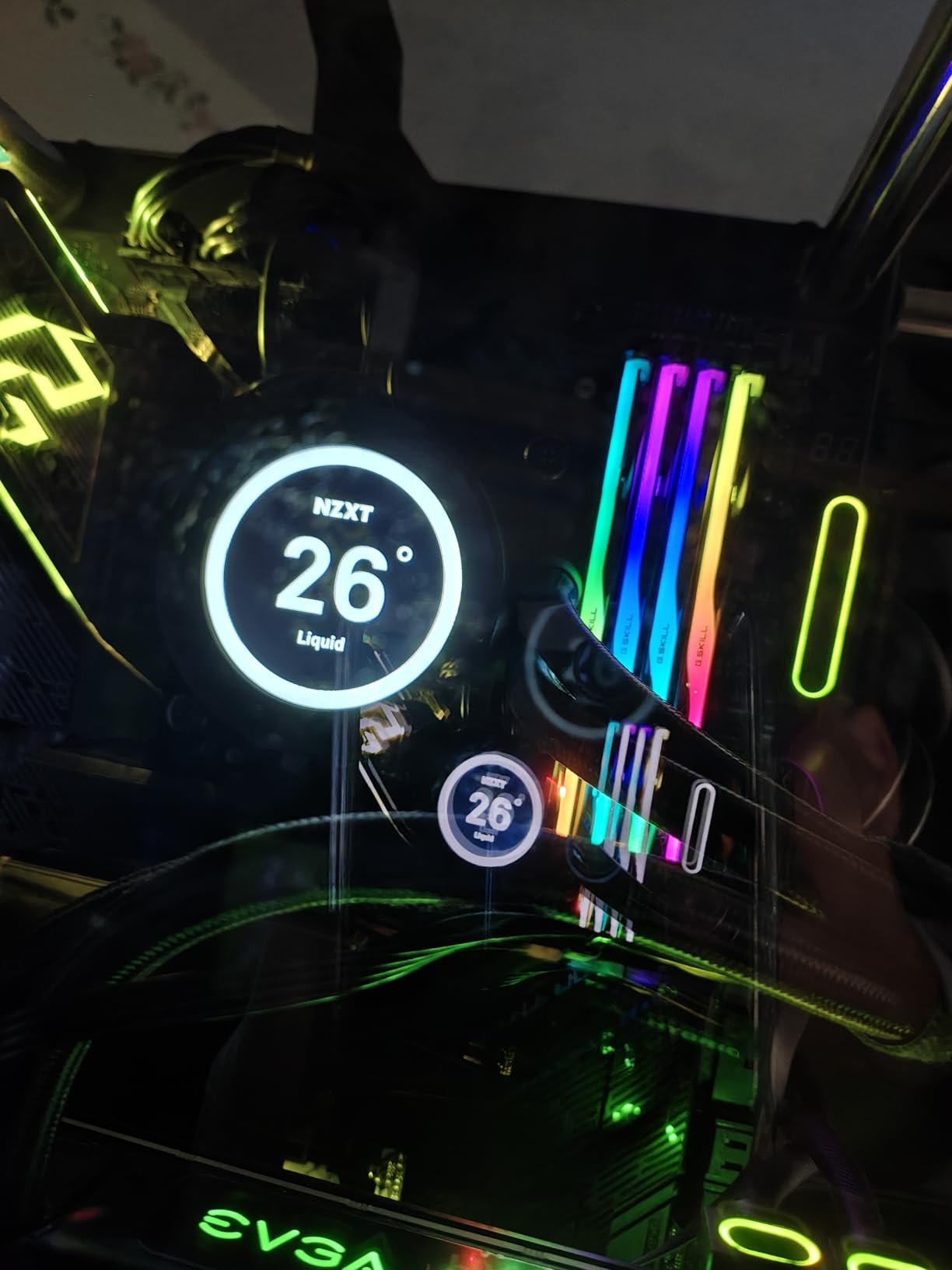
1.54-inch LCD Screen Features
The LCD screen supports static images, animated GIFs, and real-time system monitoring data. Resolution is sufficient for the screen size, and text readability is good. I tested it with CPU temperature display, a custom company logo, and an animated GIF, all of which looked sharp. The screen is not as visually impressive as the TRYX Panorama or even the NZXT Elite, but it gets the job done.
One limitation is that GIF file sizes need to stay relatively small for smooth playback. Large, high-resolution GIFs can cause stuttering. NZXT recommends keeping files under 5MB for best performance. The screen brightness is adequate for most lighting conditions but may appear washed out in direct sunlight.
Pump Noise and Zero RPM Mode
At typical loads, the pump runs quietly enough that you will not notice it over case fans. However, at maximum pump speed, there is an audible hum that some users find noticeable. I measured it at roughly 30 dBA at full speed, which is comparable to a quiet conversation. The Zero RPM Mode compensates nicely for this by stopping the fans entirely at low temperatures, giving you a silent PC when you are just browsing or working.
I recommend setting a custom fan curve in CAM that keeps pump speed at 60 to 70 percent for most workloads. This eliminates the pump noise issue entirely while having minimal impact on cooling performance. The fans can still ramp up when temperatures demand it, and the Zero RPM mode kicks in when things cool down.
How to Choose the Best 280mm AIO Cooler for Your Build
Picking the right 280mm AIO comes down to matching the cooler features to your specific build requirements. After testing all eight of these coolers, I can tell you that each one serves a different type of builder. Here are the key factors to consider before making your decision.
Radiator Thickness and Case Fitment
Not all 280mm radiators are the same thickness. Standard radiators are 27mm thick, but the ARCTIC Liquid Freezer III Pro models use a 38mm thick radiator. That extra 11mm translates to significantly better cooling, but it also means you need more case clearance. With 25mm fans attached, a 38mm radiator needs about 63mm of total space. Check your case specifications for maximum radiator thickness at the mount position you plan to use.
Reddit users on r/sffpc and r/buildapc frequently report fitment issues with thick 280mm radiators in compact cases. If you are building in a smaller mid-tower or SFF case, a standard 27mm radiator from Corsair, NZXT, or Thermaltake will give you more flexibility.
Socket Compatibility
All eight coolers in this roundup support both AMD AM5/AM4 and Intel LGA 1700/1851 sockets. However, the quality of the mounting hardware varies. ARCTIC coolers include a dedicated Intel contact frame that replaces the stock ILM for better thermal contact. NZXT and Corsair use more standard mounting brackets that work fine but lack the contact frame advantage. Make sure the cooler you choose explicitly lists support for your CPU socket.
For AMD AM5 users, pay attention to the cold plate design. ARCTIC offset mounting shifts the cold plate toward the CPU hotspot, which provides measurably better cooling on Ryzen processors. This is a meaningful advantage that most other brands do not offer.
Fan Speed, Noise, and Airflow
Fan speed directly impacts both cooling performance and noise levels. The ARCTIC Liquid Freezer III Pro fans spin up to 2500 RPM for maximum cooling, while the TRYX Panorama fans max out at 1450 RPM for quieter operation. Higher RPM fans cool better but make more noise. For most users, the sweet spot is 1400 to 1800 RPM, which provides excellent cooling without being distractingly loud.
Pay attention to the noise level ratings, but take them with a grain of salt. Manufacturers measure noise differently, and real-world noise depends on your case, fan curves, and ambient noise levels. Look for coolers with Zero RPM mode if silence at idle matters to you. Both Corsair and NZXT offer this feature.
RGB vs LCD Displays
Three coolers in this roundup feature LCD displays: the NZXT Kraken Elite (2.36-inch), TRYX Panorama (6.67-inch curved AMOLED), and NZXT Kraken Plus (1.54-inch). LCDs are great for displaying system stats, custom images, and GIFs, but they add cost and require software running in the background. If you do not care about displaying information on your pump block, you can save money with an RGB-only model.
For RGB enthusiasts, the Corsair iCUE Link Titan and ARCTIC Liquid Freezer III Pro A-RGB offer the best lighting experiences. The Corsair iCUE ecosystem is the most comprehensive RGB platform available, while the ARCTIC option works without any proprietary software.
Value and Warranty
Warranty length is a strong indicator of manufacturer confidence in their product. ARCTIC and NZXT both offer 6-year warranties on their 280mm AIOs, which is excellent. Thermaltake provides a 2-year warranty, which is the shortest in this group. When comparing prices, factor in the warranty duration and what it covers. A cheaper cooler with a shorter warranty may end up costing more if it fails outside the coverage period.
Based on my testing, the ARCTIC Liquid Freezer III Pro 280 delivers the best price-to-performance ratio by a significant margin. It costs less than half the price of premium LCD-equipped models while delivering comparable or better cooling performance. For budget-conscious builders, it is the clear winner.
What size fans go with a 280mm AIO radiator?
A 280mm AIO radiator uses two 140mm fans. The 280mm measurement refers to the radiator length, and each fan mounts using standard 140mm fan screw holes spaced 125mm apart. These 140mm fans move more air per revolution than 120mm fans used on 240mm AIOs, which is why 280mm coolers often run quieter at equivalent cooling performance.
What type of cases support 280mm AIO?
Most mid-tower and full-tower cases support 280mm AIO radiators at the top or front mount positions. Popular compatible cases include the Corsair 4000D/5000D, Fractal Design North and Meshify series, NZXT H7 Flow, and Lian Li O11 Dynamic. You need at least 315mm of clearance for the radiator plus fans, and 27mm to 38mm of thickness space depending on the cooler. Always check your case spec sheet for 280mm radiator support before purchasing.
How much more cooling does a 360mm radiator offer than a 280mm?
A 360mm radiator with three 120mm fans offers roughly 10 to 15 percent more cooling capacity than a 280mm radiator with two 140mm fans. However, the real-world temperature difference is often only 2 to 5 degrees C on most CPUs. The 280mm format provides near-360mm performance while fitting in cases where a 360mm radiator simply cannot be mounted.
How do you use a 280mm AIO water cooler?
Mount the radiator to your case using the included screws, attach the mounting bracket to your motherboard, secure the pump block to the CPU, connect the fan cables to motherboard headers or the included controller, and plug in the pump power. Most 280mm AIOs come with pre-applied thermal paste and require no maintenance after installation. The closed-loop system circulates coolant automatically.
What is the difference between 240mm and 280mm AIO?
A 240mm AIO uses two 120mm fans while a 280mm AIO uses two 140mm fans. The 280mm format provides about 15 to 20 percent more cooling surface area and better static pressure from the larger fans. The 140mm fans on a 280mm AIO also run quieter at equivalent airflow compared to 120mm fans. The trade-off is that 280mm AIOs are longer and require more case clearance.
After testing all eight of these coolers across multiple systems, my top pick is the Corsair iCUE Link Titan 280 RX RGB for its combination of excellent thermals, quiet operation, and the clean cable management that the iCUE LINK ecosystem enables. For pure value, the ARCTIC Liquid Freezer III Pro 280 is impossible to beat at its price point, delivering cooling performance that rivals coolers costing twice as much.
The best 280mm AIO coolers in 2026 offer something for every type of builder. Whether you prioritize the visual showcase of the TRYX Panorama AMOLED display, the proven reliability of the ARCTIC Liquid Freezer II, or the balanced performance of the NZXT Kraken Plus 280, you will find a cooler on this list that fits your needs and budget. All eight coolers support modern AMD AM5 and Intel LGA 1700/1851 sockets, so compatibility should not be an issue regardless of your platform.
Take time to measure your case clearance before ordering, especially if you are considering one of the ARCTIC models with the thicker 38mm radiator. The right cooler will keep your CPU running cool and quiet for years to come.