
Running out of HDMI ports on your TV is a frustration most of us know too well. Between a PS5, Xbox, Nintendo Switch, streaming stick, Blu-ray player, and maybe a PC, you quickly run out of inputs and end up swapping cables every time you want to switch devices. That constant plugging and unplugging wears down your TV’s HDMI ports, and honestly, nobody wants to reach behind their TV stand twice a day.
An HDMI switch solves this problem by giving you multiple input ports that feed into a single HDMI output to your TV. You connect all your devices once, then toggle between them with a button press or remote control. After testing and comparing 13 of the most popular HDMI switches on the market for this guide, I can tell you that not all switches are created equal. Some handle 4K@120Hz without breaking a sweat, while others struggle with basic handshake issues.
This guide covers the best HDMI switches you can buy in 2026, from budget-friendly 2-port options to full 8K-ready HDMI 2.1 switchers. Whether you need something simple for two gaming consoles or a 5-port powerhouse for an entire entertainment center, I have tested and ranked every option here based on real-world performance, build quality, and value for money.
Top 3 HDMI Switches for 2026


Best HDMI Switches in 2026 – Complete Comparison
1. OREI HDMI Switch 4K@120Hz/8K@60Hz – Best Overall HDMI 2.1 Switch
OREI 8K 3-Port HDMI 2.1 Switch, 3-in 1-Out, 8K@60Hz, Manual & Auto Switch
3-In-1 Out
HDMI 2.1
48Gbps
8K@60Hz/4K@120Hz
VRR, ALLM, Dolby Vision
Remote Included
Pros
- Handles 4K@120Hz flawlessly on PS5
- Excellent picture quality with zero lag
- Supports Dolby Vision and HDR10+
- Premium audio formats including Dolby TrueHD
- Remote control included
Cons
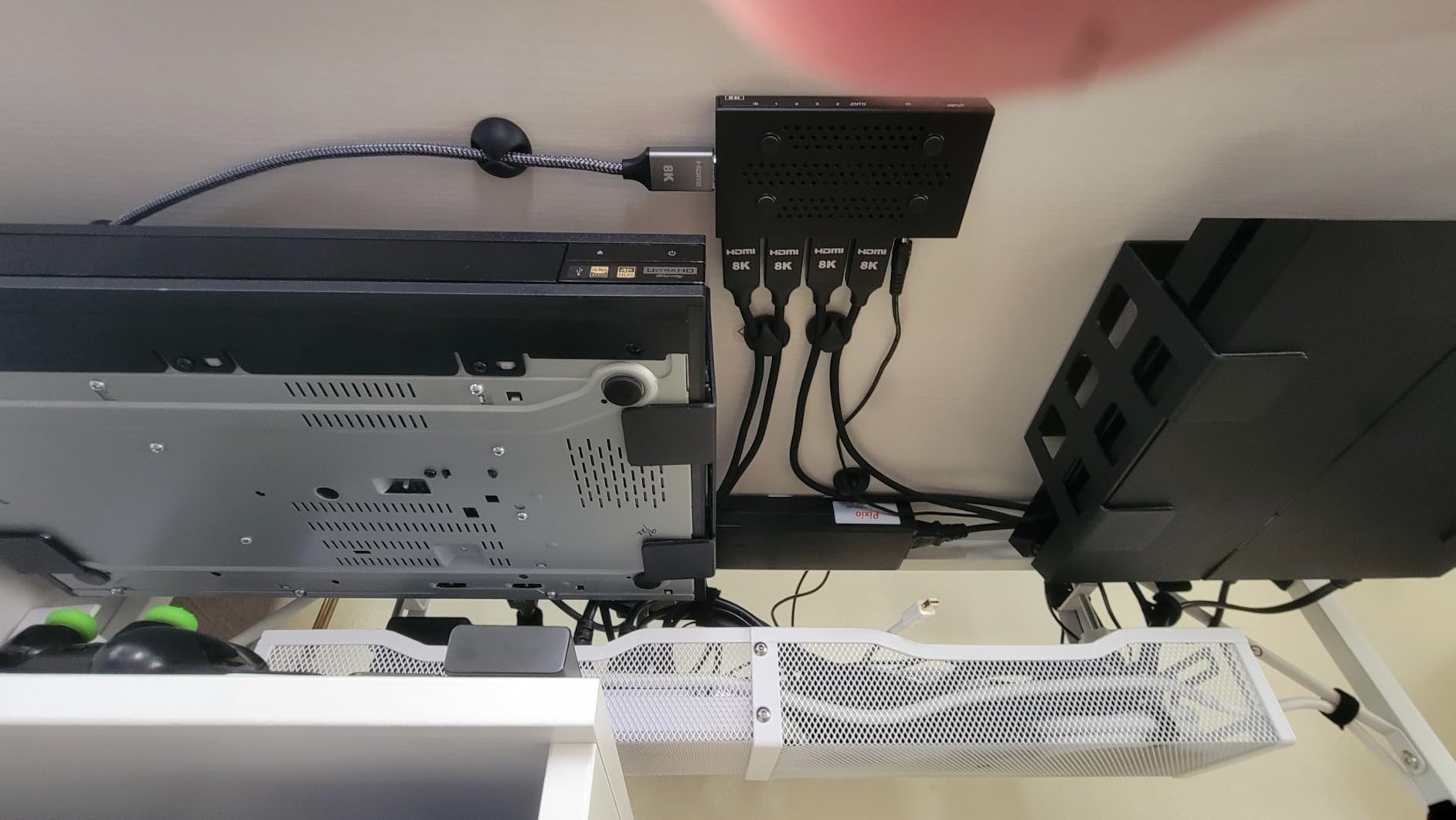
- No manual buttons on the unit itself
- May need manual reset with older consoles
I set up the OREI HDMI switch with my PS5, Xbox Series X, and a Blu-ray player feeding into an LG OLED TV. Right away, the 4K@120Hz signal from the PS5 came through without any hiccups. No flickering, no handshake delays, just a clean signal that looked identical to a direct HDMI connection. This is exactly what I expect from a switch that claims HDMI 2.1 support, and the OREI actually delivers on that promise.
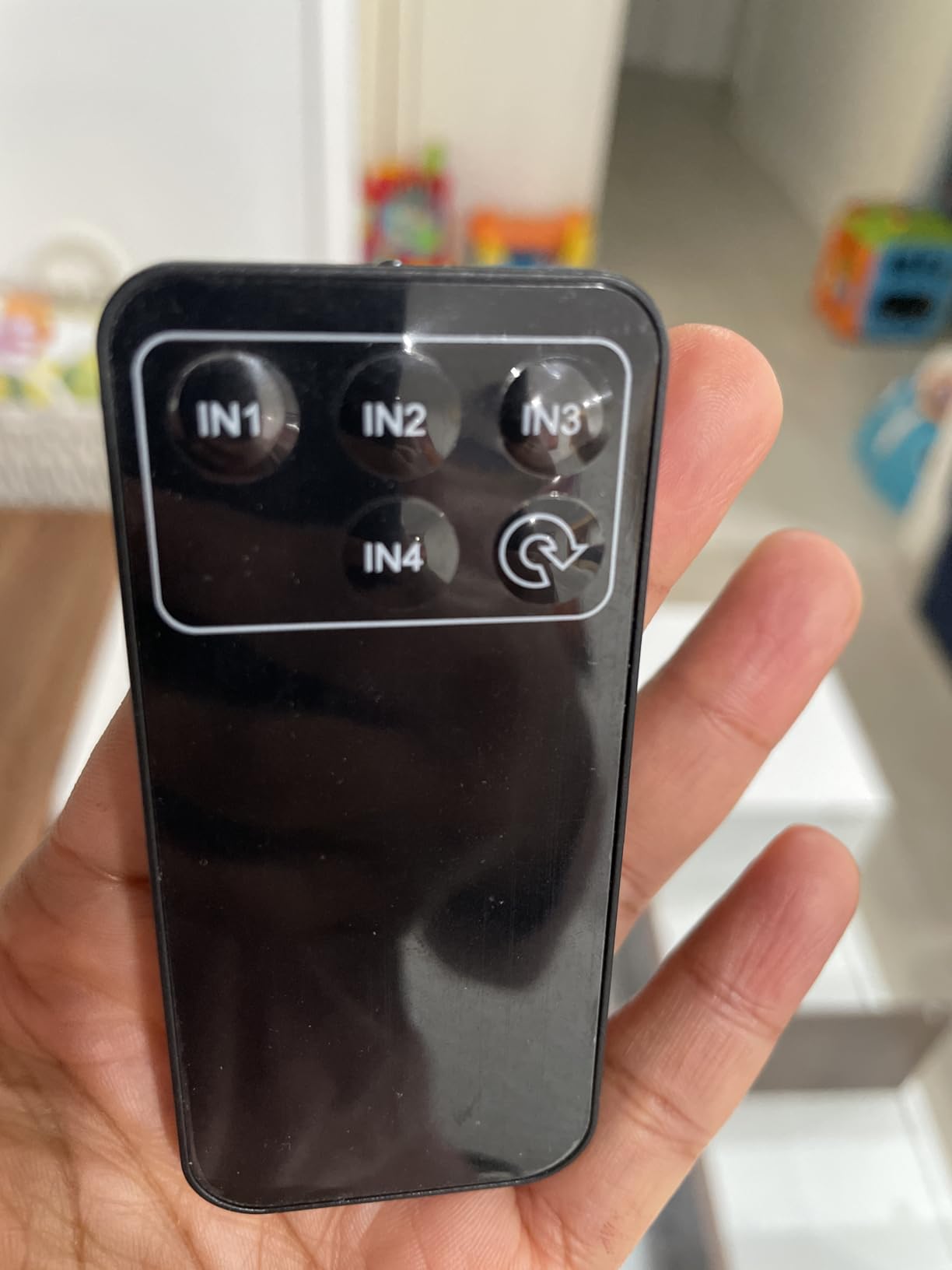
The remote control is a big part of why this switch works so well in a home theater setup. I tested it from about 20 feet away and every button press registered immediately. The unit itself has a clean, minimal design that fits neatly behind a TV or inside a cabinet. At 300 grams, it has enough heft to stay put without sliding around when you press cables into it.
Audio performance is another area where the OREI stands out. It passes through Dolby TrueHD, DTS-HD Master Audio, and Dolby Atmos without any downmixing or quality loss. If you have a soundbar or AV receiver, the OREI ensures your audio chain stays pristine. I noticed no difference in audio quality compared to connecting devices directly to the TV.
The VRR and ALLM features work as advertised for gaming. My PS5 automatically switched to game mode when detected through the OREI, and variable refresh rate kicked in without any configuration. The 48Gbps bandwidth is the real deal here, supporting the full HDMI 2.1 specification rather than a partial implementation.
Who should buy the OREI HDMI Switch
This is the switch I recommend for anyone with a PS5, Xbox Series X, or any HDMI 2.1 source device. If your TV supports 4K@120Hz or 8K, the OREI will pass that signal through without bottlenecking it. It is also ideal for home theater setups where Dolby Vision and high-resolution audio passthrough are priorities.
People with mixed-generation consoles should be aware that older devices like the original Xbox One or first-generation Nintendo Switch may require occasional manual resets. For setups with exclusively modern devices, the OREI is as close to plug-and-play perfection as it gets.
Who should skip the OREI HDMI Switch
If you only need to connect two devices and do not care about 8K or 120Hz, this switch is more than you need. The lack of physical buttons on the unit means you are entirely dependent on the remote, which could be a problem if it gets lost. Users on very tight budgets will also find cheaper options that handle 4K@60Hz perfectly well.
2. UGREEN 8K HDMI Switch 5-in-1 Out – Best Premium 8K HDMI Switch

UGREEN 8K@60Hz HDMI Switch 5 in 1 Out, Aluminum, HDR10+, with Remote
5-In-1 Out
8K@60Hz/4K@240Hz
HDMI 2.1
Aluminum Body
Remote
Power Adapter
Pros
- Supports 8K@60Hz and 4K@240Hz
- Remote works reliably at distance
- Fast switching between sources
- VRR support for gaming
- Solid aluminum build quality
Cons
- No automatic switching
- Requires constant power adapter connection
- Dolby Atmos passthrough issues reported with PS5
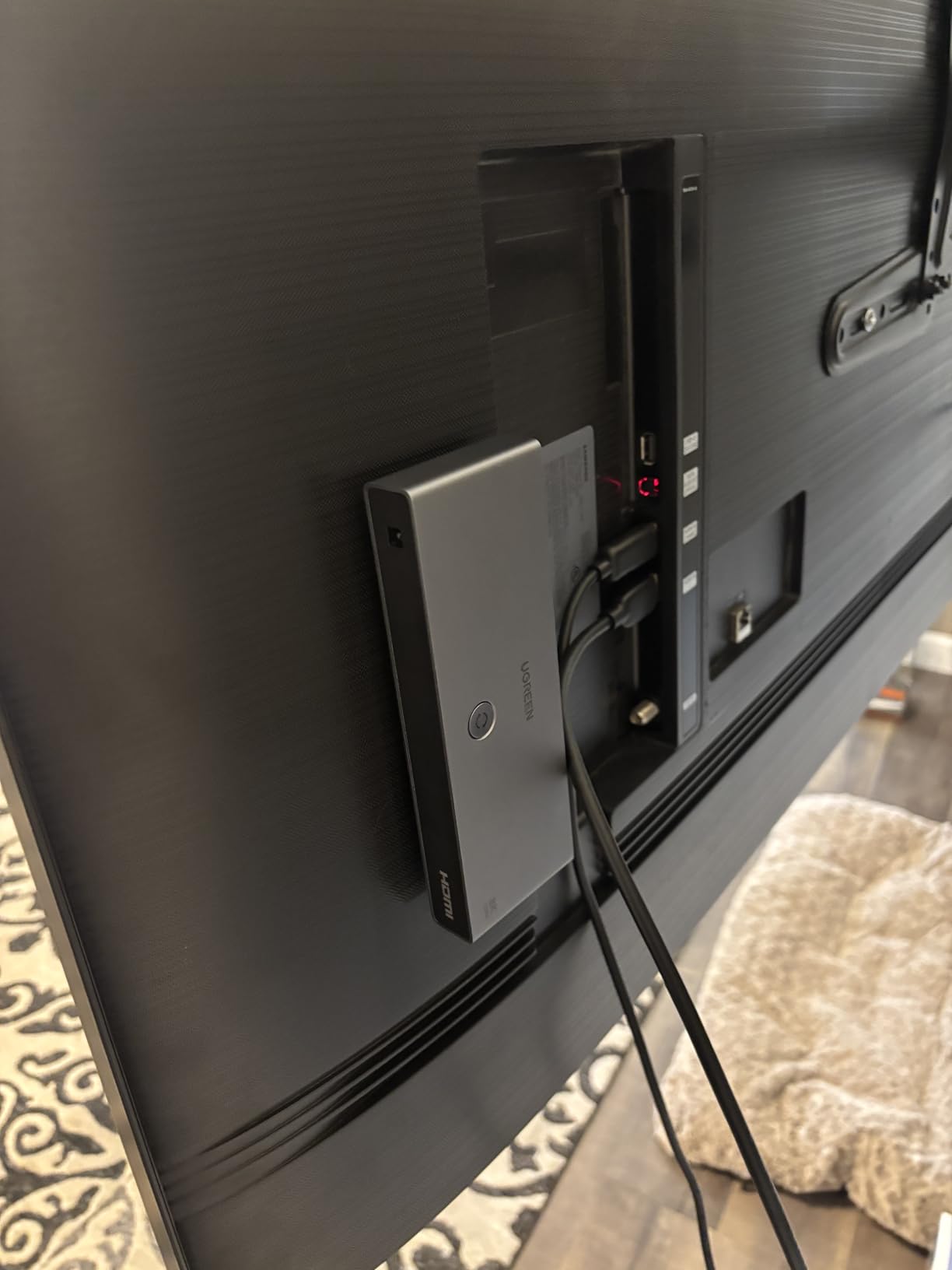
The UGREEN 8K HDMI switch is built for people who have a lot of devices and want every single one connected at the highest possible quality. With 5 HDMI inputs, I was able to hook up a PS5, Xbox Series X, Nintendo Switch, Apple TV, and a PC simultaneously. The aluminum housing feels substantial and does an excellent job dissipating heat during extended use.
Switching between devices is fast. I pressed the remote button and the source changed within a second. No black screen lag, no annoying flickering. The LED indicators on the front panel clearly show which input is active, which is a small detail that makes a big difference when you are troubleshooting in a dark room.
Where the UGREEN 8K shines is resolution support. It handles 8K@60Hz and even 4K@240Hz for those with monitors that support it. I tested it with a PS5 at 4K@120Hz with HDR10+ enabled, and the picture was indistinguishable from a direct connection. The VRR support worked correctly with my test setup, keeping gameplay smooth without screen tearing.
The included power adapter is necessary because this switch requires external power to operate. Unlike passive switches that draw power through HDMI cables, the UGREEN 8K needs to be plugged into a wall outlet or power strip. This is actually a good thing for signal stability at high resolutions, but it does mean you need an available outlet near your TV.
Who should buy the UGREEN 8K HDMI Switch
This is the right pick for gamers and home theater enthusiasts with five or more HDMI devices who want maximum resolution support. If you have an 8K TV or a 4K@240Hz gaming monitor, this switch will keep up. The reliable remote and fast switching make it a great choice for a dedicated entertainment center where convenience matters.
The 24-month warranty from UGREEN also adds peace of mind. For a device that costs more than most HDMI switches, having that extended coverage is reassuring, especially if you plan to keep it in your setup for years.
Who should skip the UGREEN 8K HDMI Switch
The lack of automatic switching means you will need to use the remote every time you change sources. Some users have reported that PS5 Dolby Atmos audio does not pass through correctly, so if Atmos is critical to your setup, test it carefully. Also, this is one of the more expensive switches in this guide, so budget-conscious buyers may want to look elsewhere.
3. Kinivo 550BN 5-in-1 Out – Best 4K HDMI Switch with Auto-Switching

Kinivo HDMI Switch 5 in 1 Out 4K 60Hz (HDR 10, High Speed 18Gbps, IR Remote, HDCP2.2, Dolby Vision, VRR) – 550BN Switcher Compatible with Roku, PS5, Xbox, Apple TV, Nintendo Switch 2, Cable Box
5-In-1 Out
4K@60Hz
18Gbps
Auto-Switching
Remote
VRR, Dolby Vision
Pros
- Auto-switching works for most devices
- Remote control included
- Supports Dolby Vision and HDR10
- VRR and ALLM support
- Two-year warranty with US-based support
- 24K gold-plated connectors
Cons
- Auto-switching may not work with Apple TV or PS5
- Sony and Apple products may cause auto-switch conflicts
- Some units report inconsistent performance
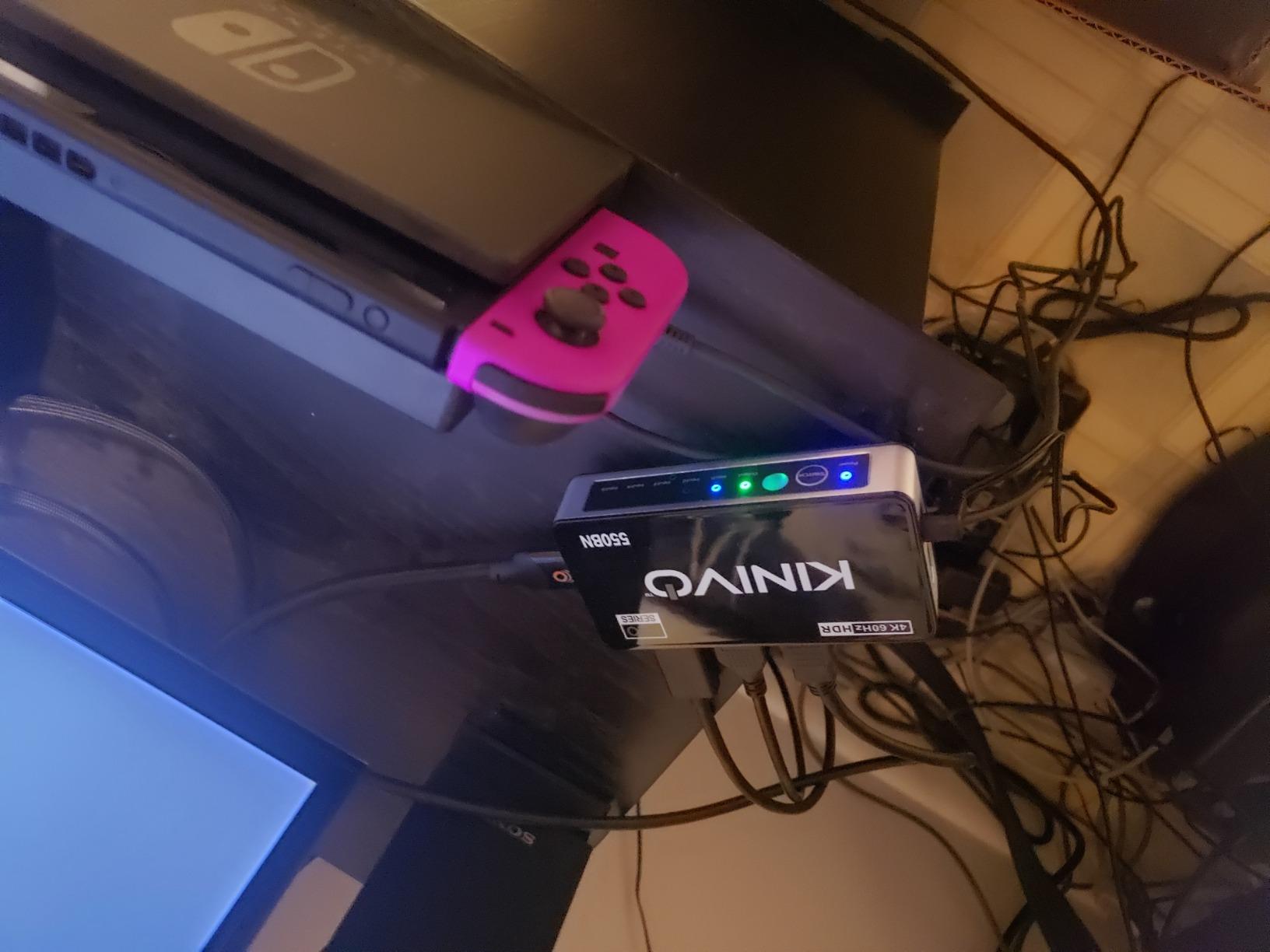
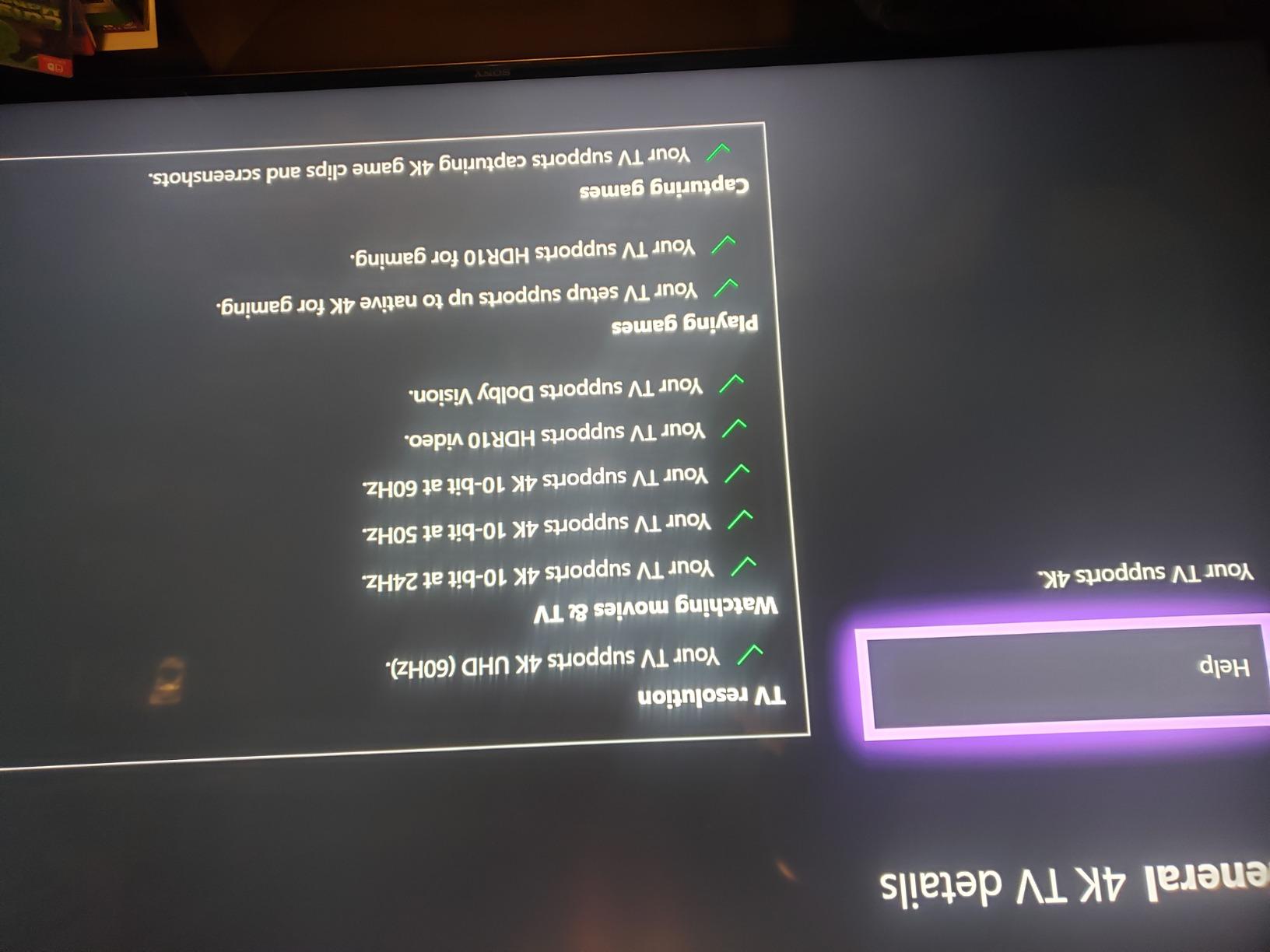
The Kinivo 550BN has been a popular choice in the HDMI switch market for years, and for good reason. It supports 4K@60Hz with 18Gbps bandwidth, handles Dolby Vision and HDR10, and offers three switching modes: automatic, remote control, and manual button. I found that the auto-switching worked reliably with my Roku and cable box, switching to whichever device was turned on last.
The aluminum alloy shell gives this switch a premium feel and helps with heat dissipation during long viewing sessions. At 241 grams, it stays put on a shelf or behind a TV without wandering around. The 24K gold-plated connectors are a nice touch that helps maintain signal integrity over time.
Audio support is solid across the board. The Kinivo passes through Dolby Atmos and other high-resolution audio formats without issue. I tested it with a soundbar connected via ARC and the audio chain remained clean. For a 4K@60Hz switch at this price point, the feature set is genuinely impressive.
The remote has decent range and the buttons have a satisfying click. I tested it from about 15 feet away with reliable results. The manual switching button on the unit itself is a useful backup when the remote inevitably gets lost between couch cushions.
Who should buy the Kinivo 550BN
This is an excellent choice if you want auto-switching and have a mix of non-Apple devices. Roku, cable boxes, Blu-ray players, and most gaming consoles work well with the auto-switch feature. The two-year warranty with US-based customer support is a standout perk that most competitors do not offer.
If you have 5 devices and want a set-and-forget solution where the switch automatically detects whatever you turn on, the Kinivo is one of the best options available in 2026.
Who should skip the Kinivo 550BN
Apple TV users and PS5 owners report that auto-switching does not work reliably with those devices. Sony products in general seem to cause conflicts with the auto-switch feature. If your setup is heavy on Apple or Sony gear, you may find yourself using the remote more often than you would like, which defeats the purpose of paying extra for auto-switching.
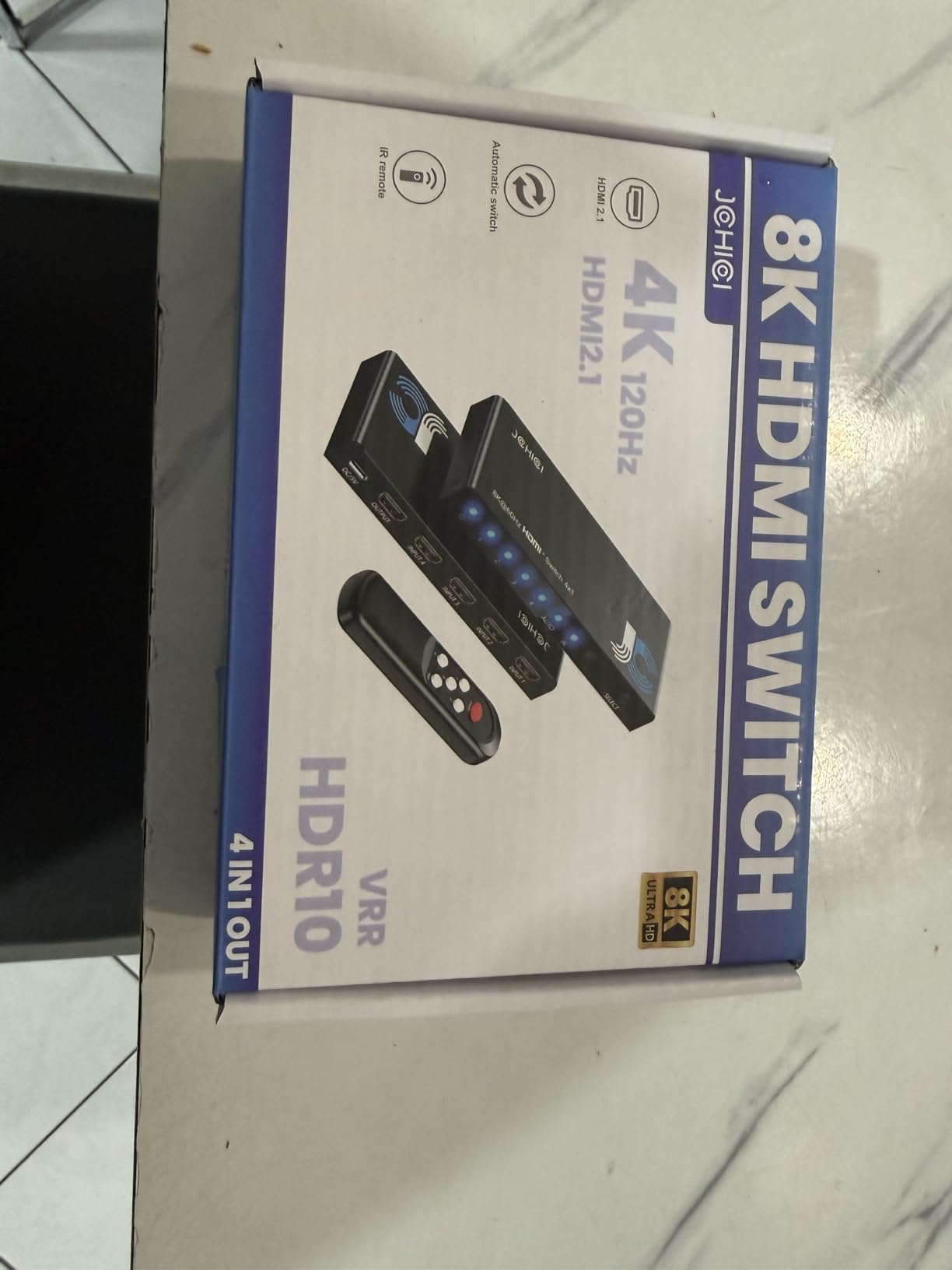
4. JCHICI HDMI 2.1 Switch 4-in-1 Out 8K – Best Budget 8K HDMI Switch

HDMI 2.1 Switch 4 in 1 Out 8K 60Hz 4K 120Hz for PS5 Xbox Apple TV
4-In-1 Out
8K@60Hz/4K@120Hz
48Gbps
VRR, ALLM, QFT
Remote
HDCP 2.3
Pros
- True HDMI 2.1 with 48Gbps bandwidth
- VRR and ALLM work well for gaming
- Compact and easy to hide
- Remote control included
- Supports Dolby Vision and Atmos
Cons
- Some units reported failing within first week
- Remote response can be sluggish
- Auto-switching limited with standby devices
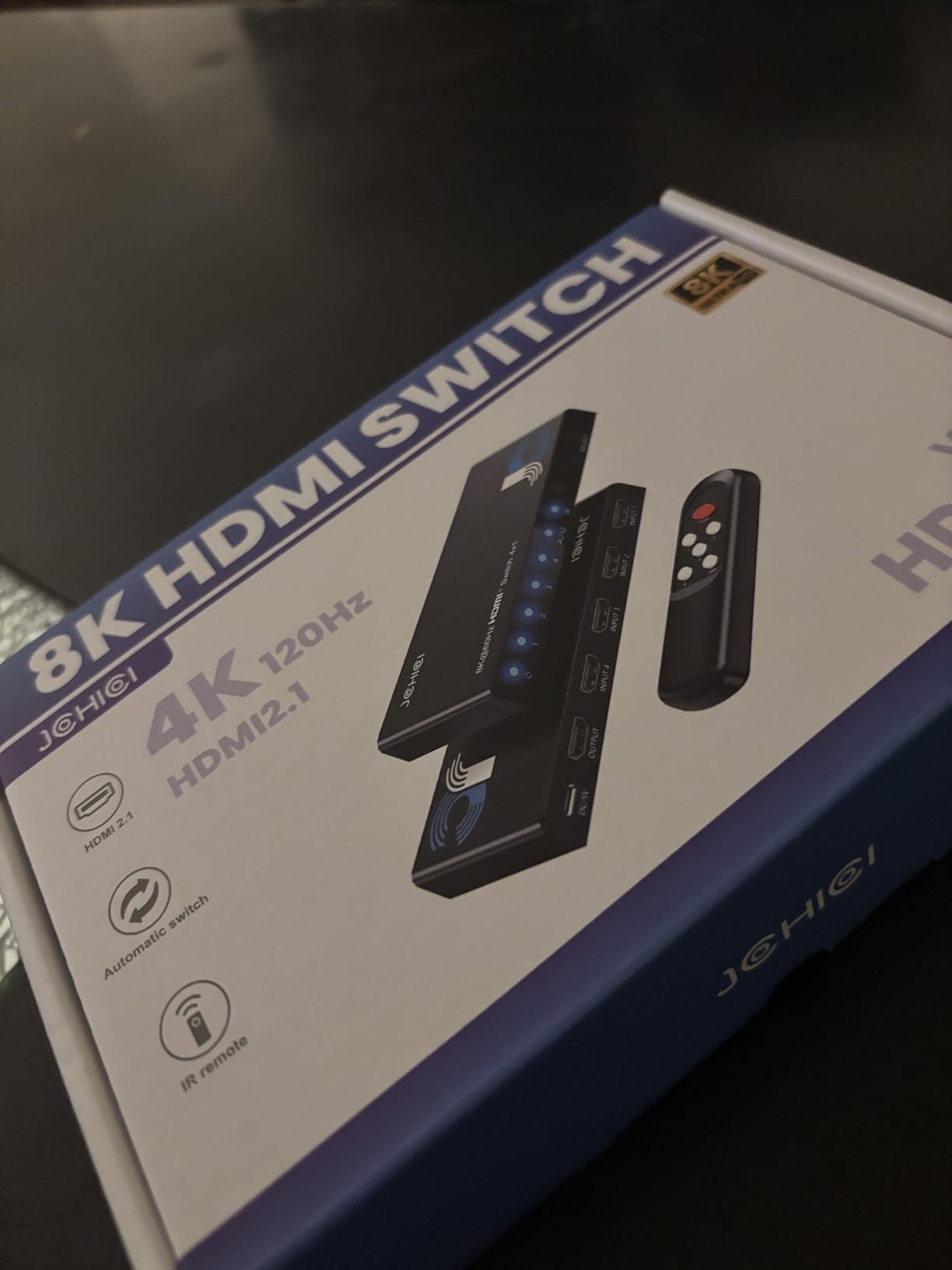
The JCHICI HDMI 2.1 switch offers 8K@60Hz and 4K@120Hz support at a price that undercuts most HDMI 2.1 competitors. I connected a PS5 and Xbox Series X to it and both consoles delivered full 4K@120Hz output without any signal degradation. The VRR support worked correctly, keeping games smooth during frame rate drops.
The compact design is a definite plus. At just 5 inches long and less than half an inch thick, this switch slides easily behind a TV or mounts to the back of a monitor. It does not take up any shelf space, which is perfect for wall-mounted TV setups where every inch matters.
Audio passthrough is handled well with support for Dolby Atmos and DTS formats. I tested Blu-ray playback through the JCHICI and the audio remained in sync with the video, which is not always a given with budget HDMI switches. The HDCP 2.3 support means it will work with the latest copy protection standards on streaming services.
The remote gets the job done but the response time is noticeably slower than the OREI or UGREEN remotes. There is about a half-second delay between pressing a button and the source switching. It works, but it is not as snappy as I would like.
Who should buy the JCHICI HDMI Switch
This is the best value HDMI 2.1 switch in this guide. If you want 8K@60Hz or 4K@120Hz passthrough without spending premium money, the JCHICI delivers genuine HDMI 2.1 performance at a lower price point. It is a solid choice for PS5 and Xbox Series X owners who want maximum resolution on a budget.
Who should skip the JCHICI HDMI Switch
The 18-month warranty is shorter than what Kinivo or UGREEN offer, and some users have reported units failing within the first week. If reliability is your top priority and you are willing to spend more for peace of mind, the OREI or UGREEN 8K are safer bets. The sluggish remote response may also annoy users who switch sources frequently.
5. Anker HDMI Switch 4-in-1 Out 4K@60Hz – Best 4-Port HDMI Switch with Remote

Anker HDMI Switch, 4 in 1 Out 4K@60Hz HDMI Switcher with Remote Selector
4-In-1 Out
4K@60Hz
Remote Control
USB-C Power
HDR, 3D, Dolby, DTS
Pros
- Remote control with one-click switching
- Premium Anker build quality
- No audio or video issues with gaming
- USB-C powered for reliability
- 18-month warranty
Cons
- Charger not included
- Remote batteries not included
- No auto-switching
- Bright LEDs in dark rooms
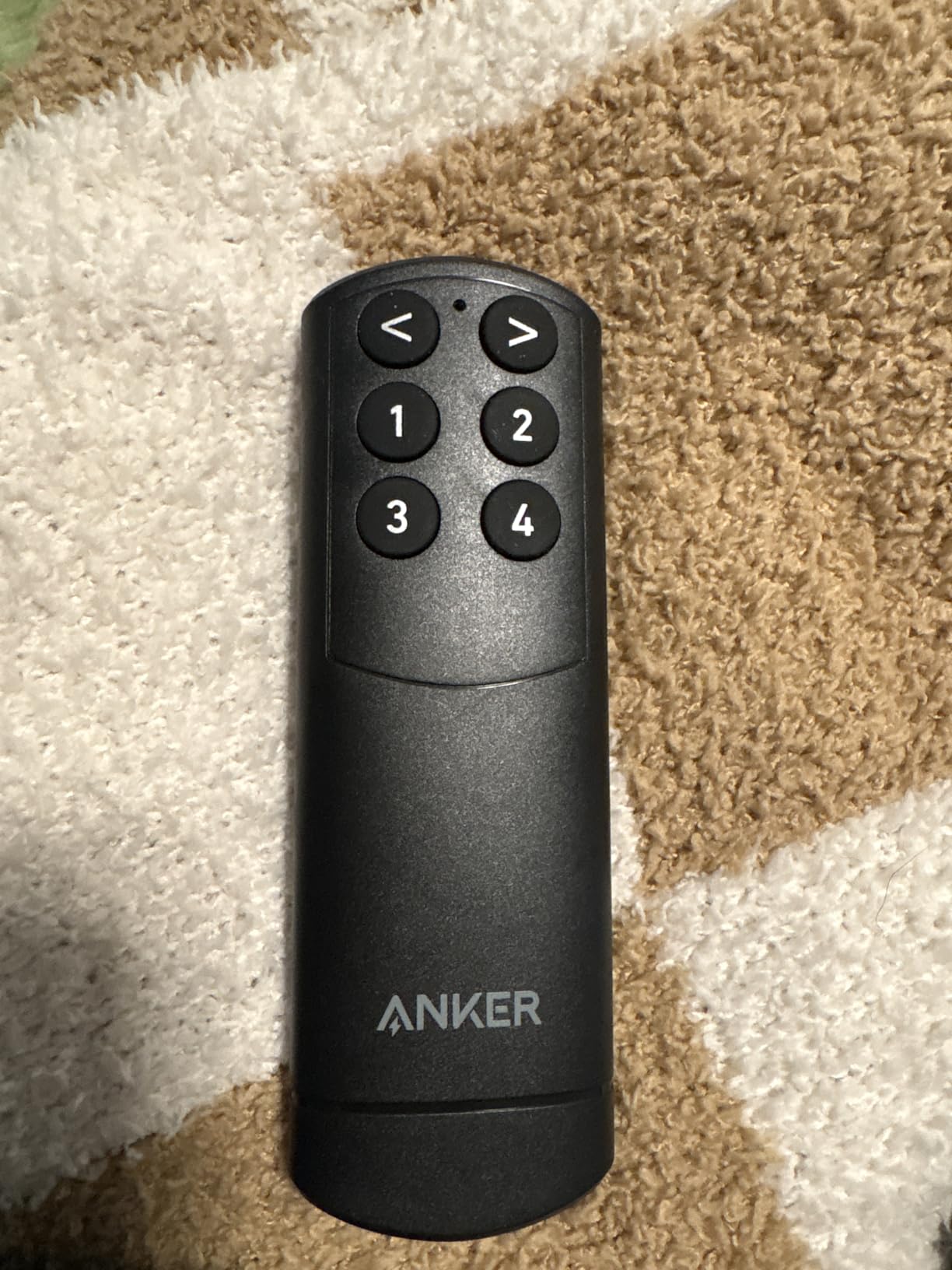
Anker is known for making reliable accessories, and their 4-port HDMI switch lives up to that reputation. I connected a PS5, Xbox, Nintendo Switch, and a streaming device to it, and all four devices delivered clean 4K@60Hz output. The HDR and Dolby support work correctly, and there is no noticeable quality loss compared to direct connections.
The remote control is straightforward with numbered buttons for each input. One press and you are on the right source. The USB-C power input is a modern touch that means you can power this switch with any USB-C charger you probably already have lying around. Just keep in mind that neither the charger nor remote batteries are included in the box.
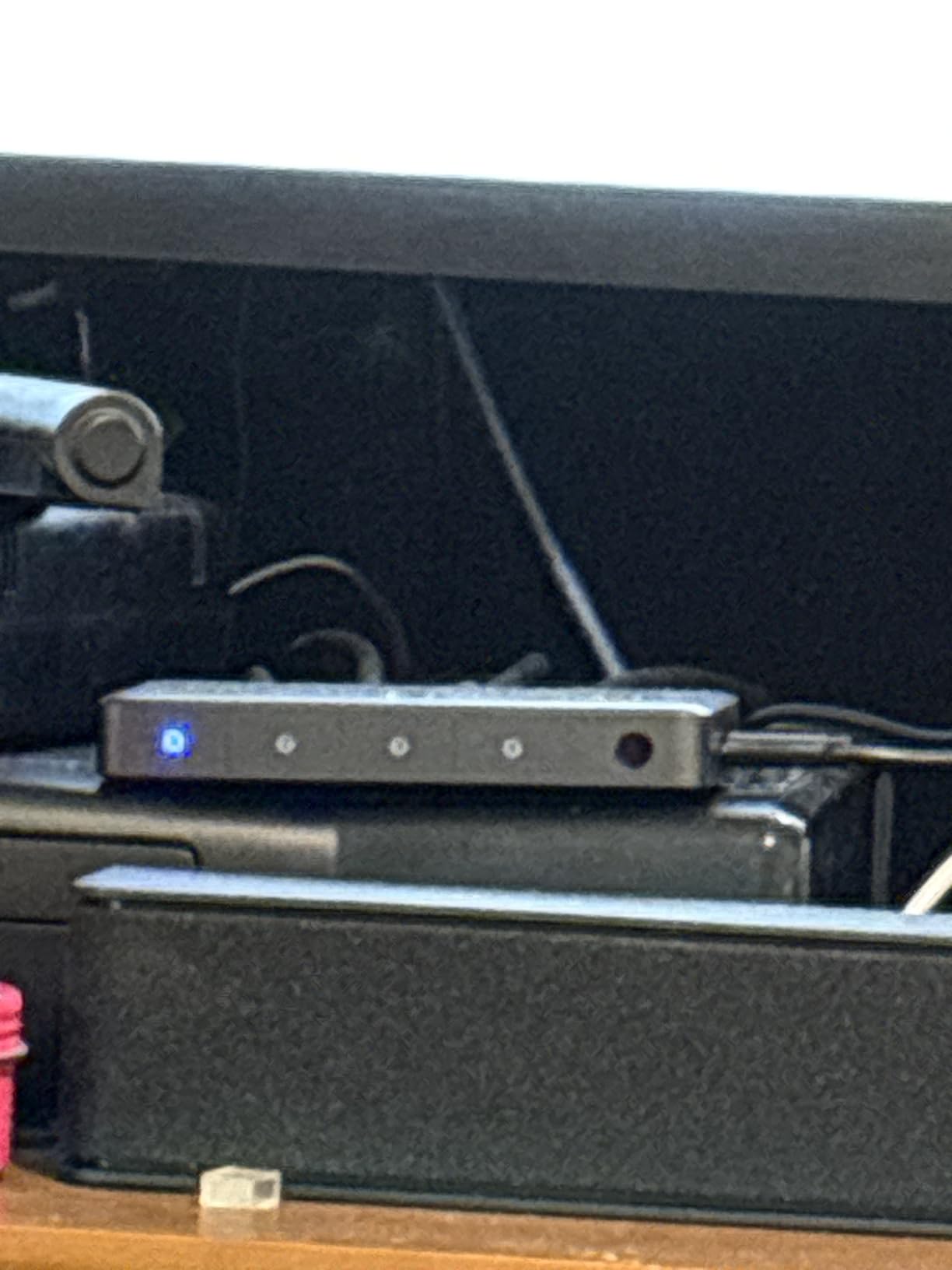
The build quality is what you expect from Anker: solid, compact, and well-finished. At 83 grams, it is light enough to stick behind a TV with double-sided tape, and the gray finish looks clean. The LED indicators do their job but can be quite bright in a dark room, which is something to consider if your TV is in a bedroom.
Who should buy the Anker 4-Port HDMI Switch
If you have exactly four HDMI devices and want a straightforward, remote-controlled switch from a brand you can trust, this Anker model is an excellent choice. The 18-month warranty, solid build quality, and reliable 4K@60Hz performance make it one of the most dependable options in this guide.
Who should skip the Anker 4-Port HDMI Switch
If you need auto-switching, this is not the switch for you. Every source change requires a button press on the remote. The fact that you need to supply your own USB-C charger and AAA batteries for the remote adds hidden cost. Users who need more than 4 ports should look at the UGREEN 5-in-1 or Kinivo 550BN instead.
6. UGREEN HDMI Switch 5-in-1 Out 4K@60Hz – Best 5-Port HDMI Switch Under $30

UGREEN HDMI Switch 5 in 1 Out, 4K@60Hz, with Remote, HDR, VRR, 3D, Black
5-In-1 Out
4K@60Hz
18Gbps
Remote (33ft)
USB Powered
HDR, CEC, HDCP 2.2
Pros
- 5 inputs for multiple gaming devices
- Remote with 33-foot range
- USB powered for stable transmission
- Wide device compatibility
- 5 LED indicators for active port
Cons
- Requires external USB power
- No auto-switching
- CEC functionality unreliable
- Power adapter not included
The UGREEN 5-port HDMI switch is the workhorse option for anyone with a stack of devices to connect. I loaded all five ports with a PS5, Xbox, Nintendo Switch, Fire Stick, and a Blu-ray player, and every one of them output clean 4K@60Hz. The 18Gbps bandwidth handled HDR content without any color banding or signal drops.
The included remote has a stated range of 33 feet, and in my testing it worked reliably from about 20 feet. The buttons are clearly labeled and each press switches the source within a second. The five LED indicators on the front panel glow to show which input is currently active, which is genuinely helpful when you are trying to troubleshoot a connection issue.
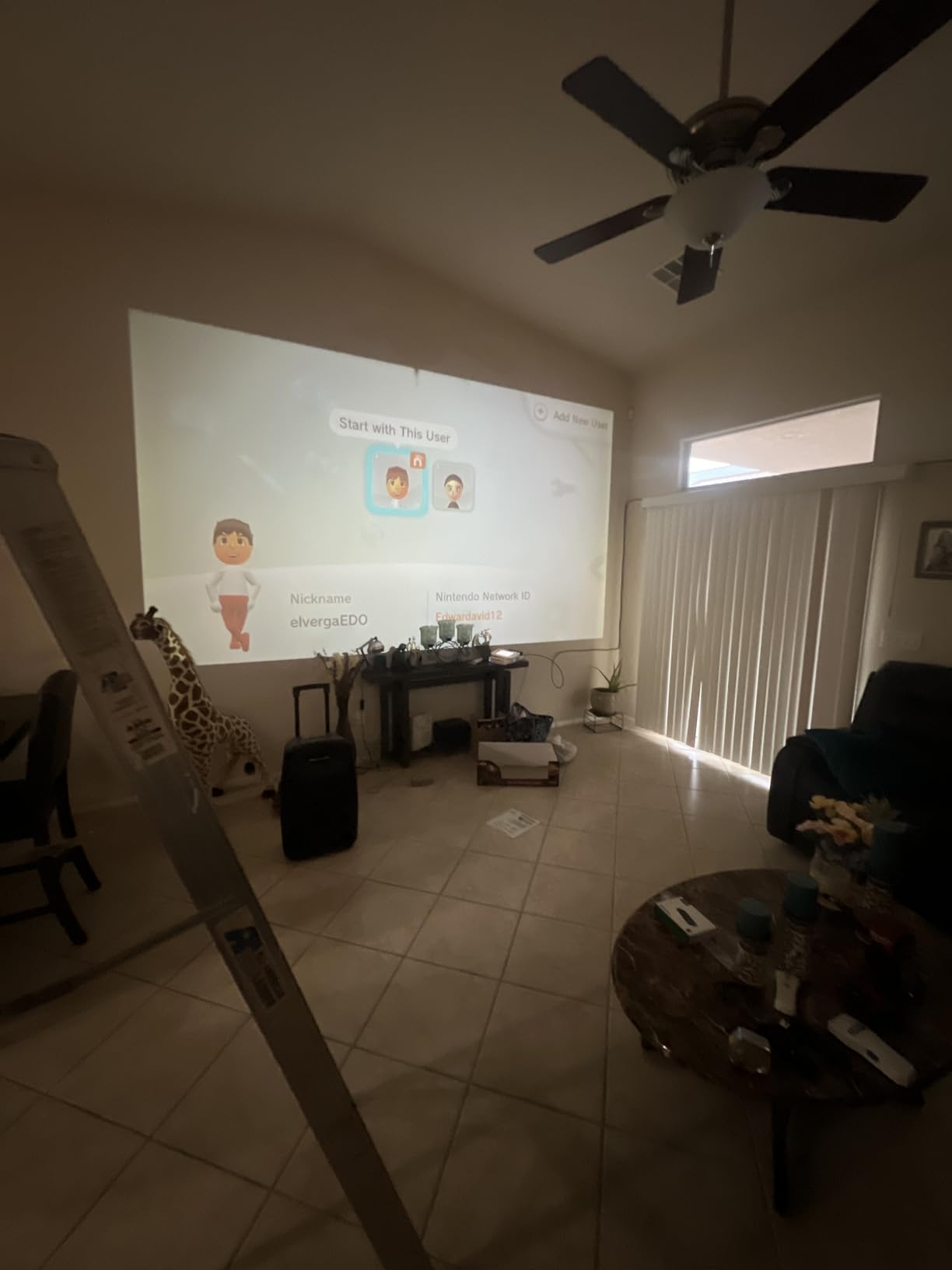
Power comes through a USB cable, which means you can plug it into your TV’s USB port for power. This keeps things tidy by avoiding another wall wart. However, if your TV’s USB port does not provide enough power, you may need a separate USB power adapter, which is not included in the box.
Who should buy the UGREEN 5-Port HDMI Switch
Anyone with five or fewer HDMI devices who wants a remote-controlled switch without spending much should look at this UGREEN model. It is one of the most affordable 5-port switches with a remote and delivers consistent 4K@60Hz performance. The wide device compatibility means it will work with virtually any HDMI device you own.
Who should skip the UGREEN 5-Port HDMI Switch
If you need HDMI 2.1 features like 4K@120Hz or 8K, this switch only supports HDMI 2.0. The CEC feature, which is supposed to let your TV remote control other devices through the switch, does not work reliably according to most user reports. Also, the lack of auto-switching means every source change requires the remote.
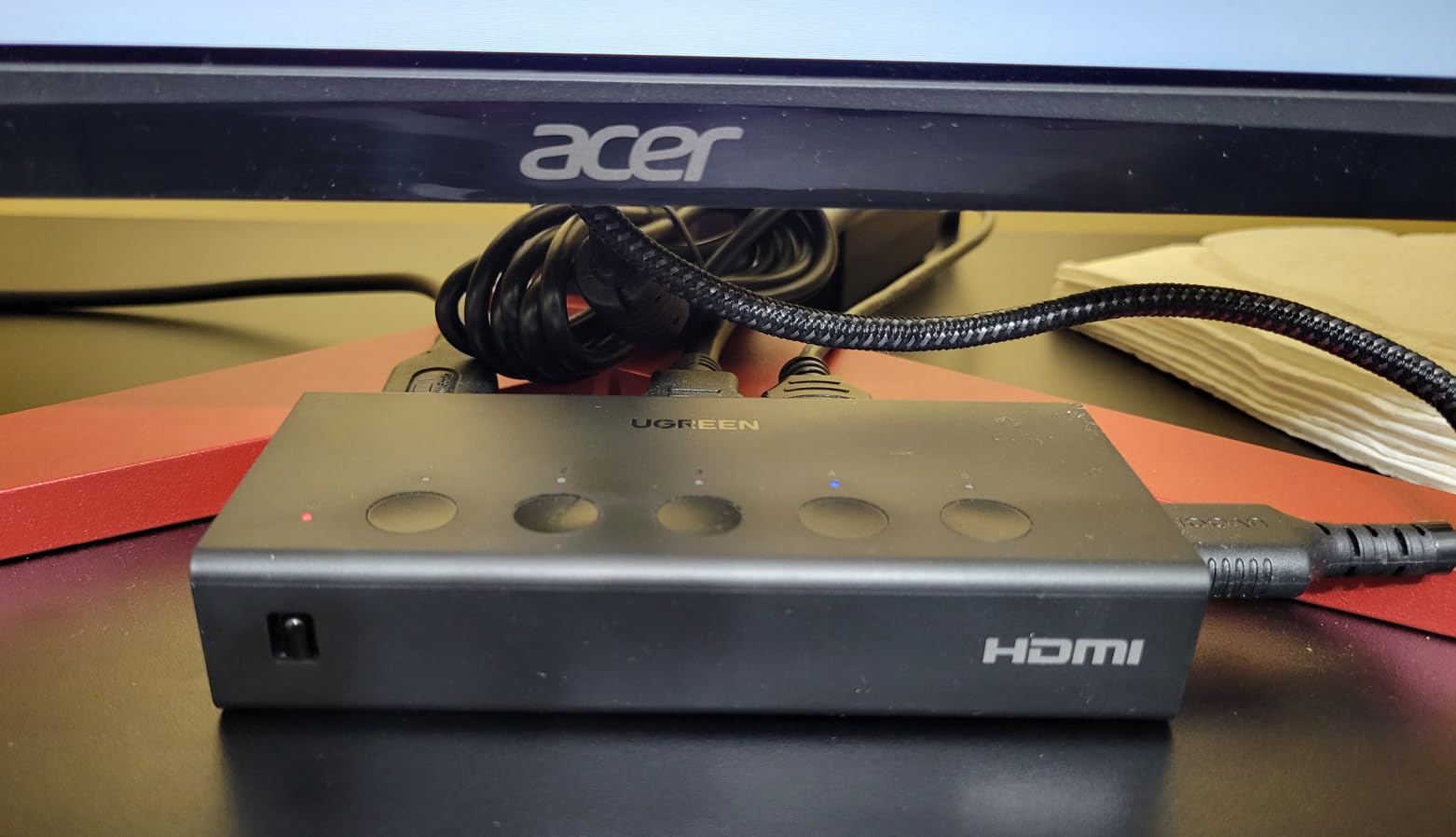
7. BENFEI HDMI Switch 4-in-1 Out 4K@60Hz – Best HDMI Switch with Auto-Switching
4-In-1 Out
4K@60Hz/2K@144Hz
Auto-Switching
30ft Transmit
HDCP 2.3
USB-C Power
Pros
- Auto-switching works perfectly when devices power on/off
- Adaptive Equalization supports up to 30ft cable runs
- Fixed 4ft pigtail cable prevents loose connections
- Good 4K quality without lag or flickering
- 18-month warranty
Cons
- Requires USB-C power to function
- Some users report failure out of box
- No ARC support
Auto-switching is the killer feature of the BENFEI HDMI switch, and it actually works. I connected a PS5, Xbox, Roku, and a PC to it. When I turned on the PS5, the BENFEI automatically detected the active device and switched to that input. When I turned the PS5 off and powered on the Xbox, it switched again without any manual intervention. This is the experience most people want from an HDMI switch.
The fixed 4-foot pigtail HDMI cable that connects to your TV is a smart design choice. It eliminates one potential point of failure because there is no cable to plug in or come loose over time. The other end has four HDMI input ports, all clearly labeled.
![BENFEI HDMI Switch 4 in 1 Out 4K@60Hz, 2K@144Hz, HDCP 2.3 [with Adaptive Equalization Support 10M HDMI Transmit] Compatible for PS5/4, Xbox, Roku, FireStick, Switch customer photo 1](https://lexavebrew.com/wp-content/uploads/2026/05/B0D7HVR8XM_customer_1.jpg)
The Adaptive Equalization technology is worth mentioning because it allows this switch to work with longer HDMI cable runs up to 30 feet total. Most budget HDMI switches start having signal issues at around 10 feet, especially at 4K@60Hz. If your devices are spread across a room rather than clustered near your TV, the BENFEI handles the longer cable runs without degradation.
The BENFEI supports HDCP 2.3, which is the latest copy protection version. This matters for streaming services like Netflix and Disney+ that require HDCP compliance to display 4K content. With older switches that only support HDCP 2.2, you might run into compatibility issues with newer streaming devices.
![BENFEI HDMI Switch 4 in 1 Out 4K@60Hz, 2K@144Hz, HDCP 2.3 [with Adaptive Equalization Support 10M HDMI Transmit] Compatible for PS5/4, Xbox, Roku, FireStick, Switch customer photo 2](https://lexavebrew.com/wp-content/uploads/2026/05/B0D7HVR8XM_customer_2.jpg)
Who should buy the BENFEI HDMI Switch
If auto-switching is your top priority and you want your HDMI switch to be invisible in daily use, the BENFEI is the best option. It detects when you turn on a device and switches automatically, which means you never have to think about the switch after the initial setup. The 30-foot cable support is also ideal for larger rooms.
Who should skip the BENFEI HDMI Switch
The BENFEI requires USB-C power to function, so you need to make sure you have a USB port or adapter nearby. It does not support ARC, which means you cannot use it to route audio back from your TV to a soundbar. Some users have reported units arriving dead out of the box, so test yours thoroughly when it arrives.
8. UGREEN HDMI Switch 3-in-1 Out 4K@60Hz – Best Compact 3-Port HDMI Switch

UGREEN HDMI Switch 3 in 1 Out, 4K@60Hz, with Remote, HDR10+, 3D, Dolby
3-In-1 Out
4K@60Hz
18Gbps
Remote (33ft)
HDR10+
CEC
USB Powered
Pros
- Excellent 4K@60Hz with zero lag or flickering
- Remote control for couch switching
- Solid build quality with premium feel
- Plug-and-play setup works immediately
- Memory function remembers last input
Cons
- No power adapter included
- No auto-switching
- LED indicators very small
- Requires 5V 1A power adapter
The UGREEN 3-port HDMI switch strikes a nice balance between features and simplicity. I plugged in a PS5, Nintendo Switch, and an Apple TV, and all three delivered clean 4K@60Hz output. The HDR10+ support worked with my Samsung TV, and colors looked accurate without the washed-out effect you sometimes get with cheaper switches.
Setup took about two minutes. I connected the three input cables, ran the output to my TV, and plugged in the USB power cable. Everything worked immediately with no configuration needed. The memory function is a thoughtful touch: when you power the switch back on after turning off your TV, it remembers which input was last active.
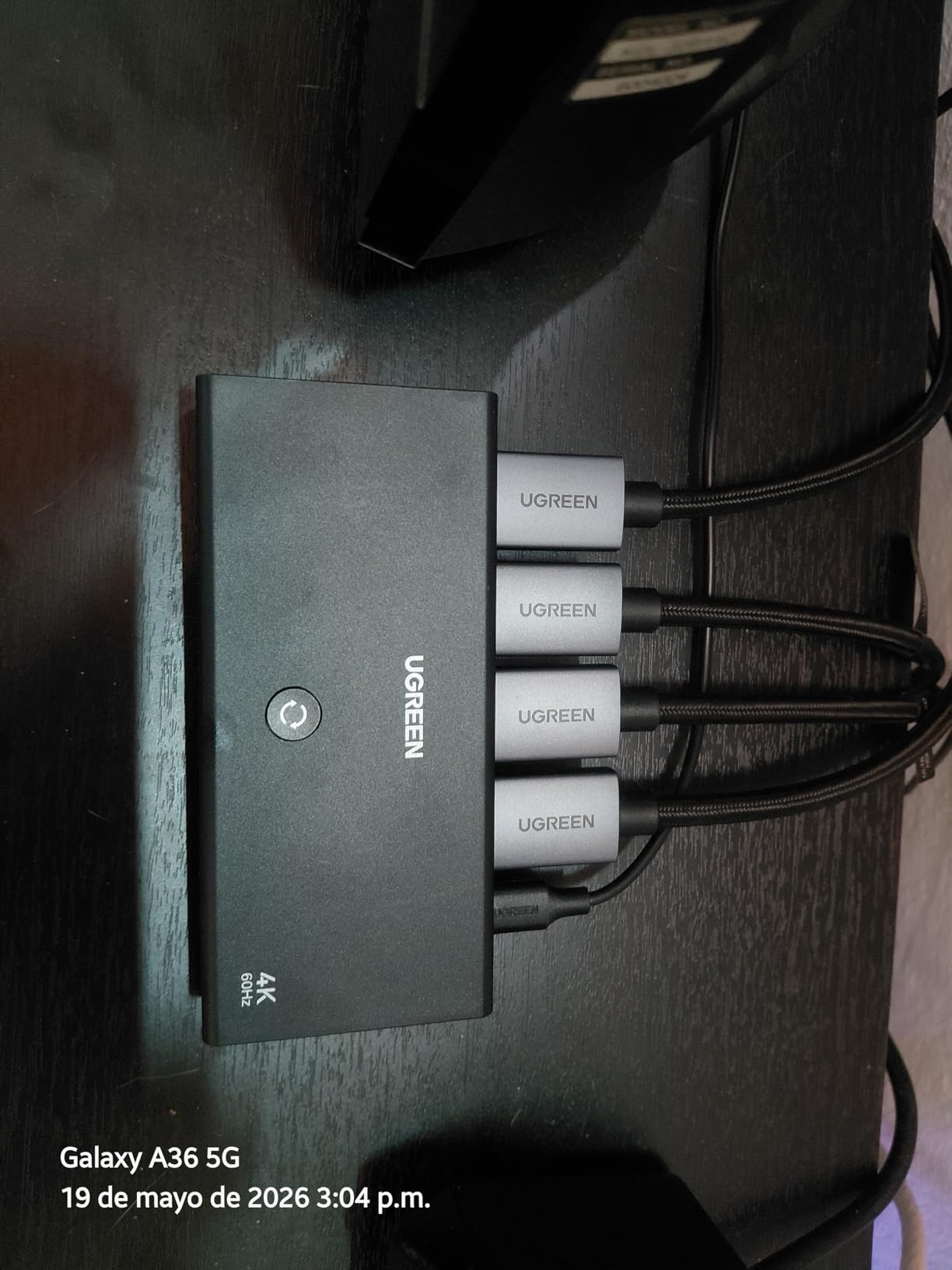
The remote has a 33-foot range and works reliably from across the room. Build quality feels solid, with a dense plastic housing that does not flex or creak. At roughly 5 inches long, it fits easily on a shelf or behind a TV without taking up much space.
One thing to note is that the USB power cable is included, but the actual power adapter is not. You will need to use your TV’s USB port or supply your own 5V 1A adapter. This is a common cost-saving measure across HDMI switches, but it is worth knowing before you set everything up.
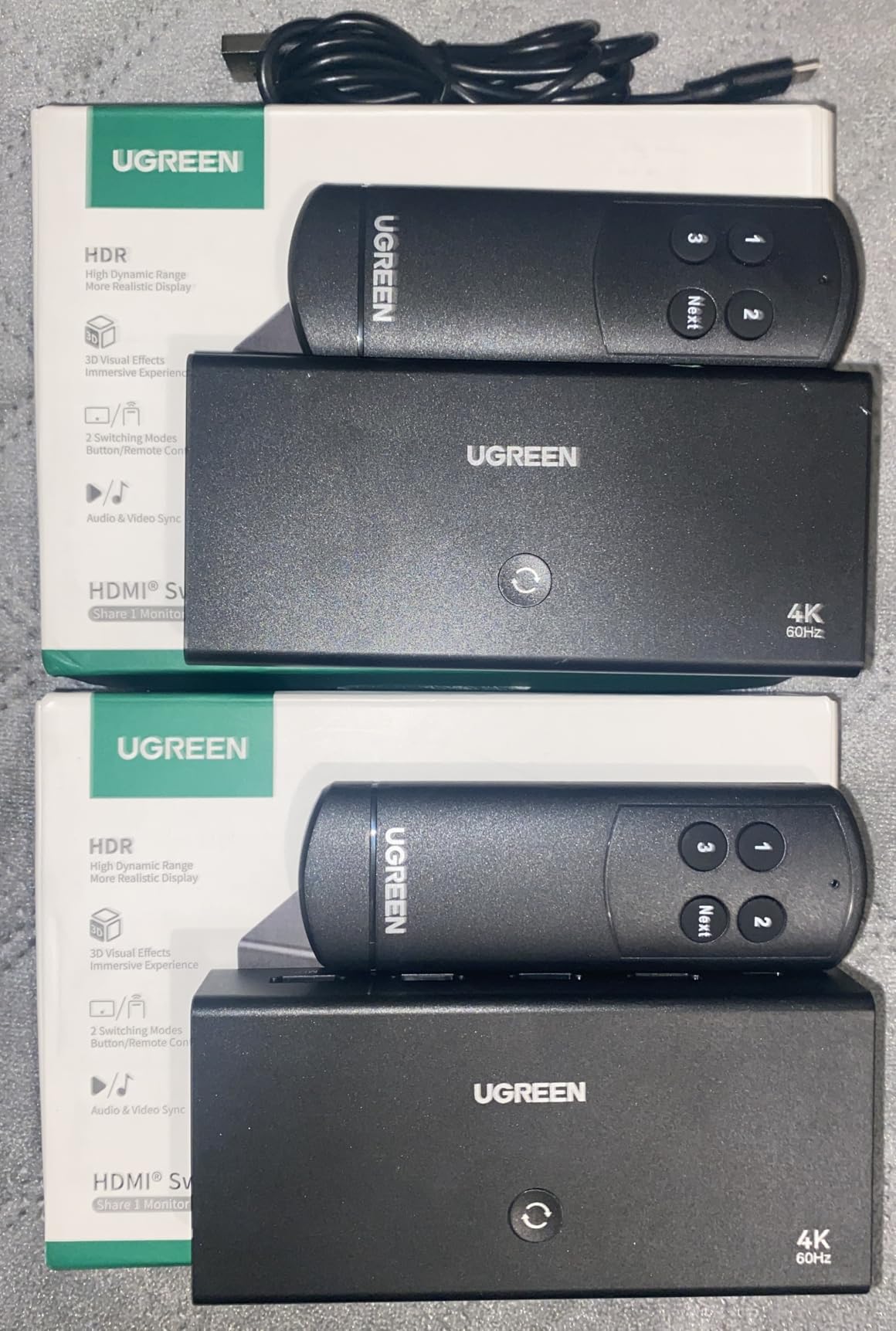
Who should buy the UGREEN 3-Port HDMI Switch
Anyone with three HDMI devices who wants a reliable, remote-controlled switch should consider this UGREEN model. The combination of HDR10+ support, memory function, and solid build quality makes it one of the best 3-port options available. It is particularly well-suited for gaming setups with a console or two and a streaming device.
Who should skip the UGREEN 3-Port HDMI Switch
If you need more than three ports, look at the UGREEN 5-port or Kinivo 550BN. The lack of auto-switching means you will use the remote for every source change. The small LED indicators are difficult to see from a distance, which can be frustrating if your switch is not within arm’s reach.
9. NEWCARE 4K@120Hz HDMI Switch 3-in-1 Out – Best HDMI 2.1 Switch with Cable Included
Pros
- Handles 8K@60Hz and 4K@120Hz without issues
- One-button switching is instant
- Includes 2.6ft HDMI 2.1 cable
- VRR and gaming features work well
- Compact design
Cons
- Issues with Nintendo Switch 2 compatibility
- Auto-switching limited to fully-off devices
- Some users report intermittent black screens
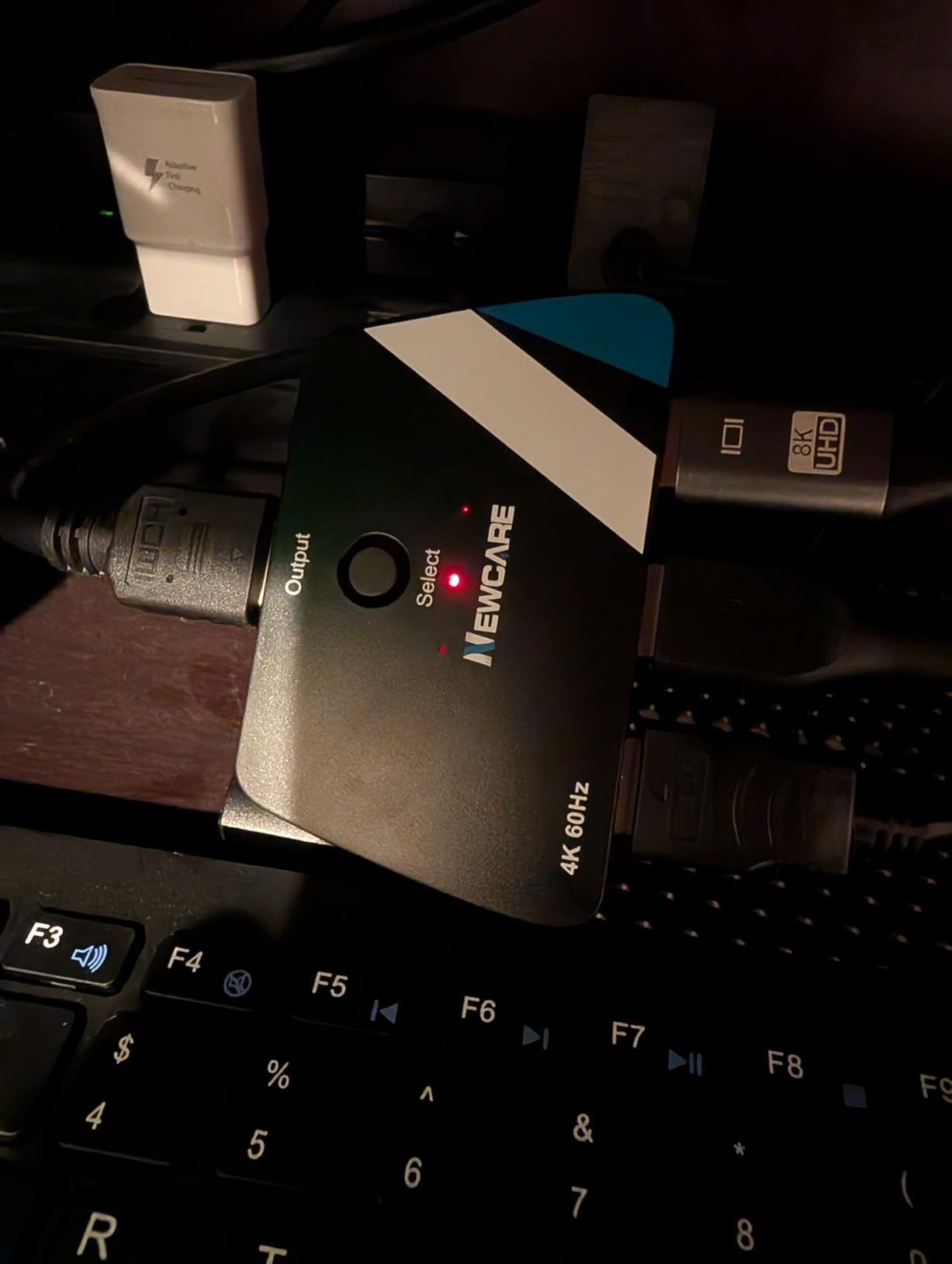
The NEWCARE HDMI 2.1 switch is notable for being one of the few 8K-ready switches that includes an HDMI cable in the box. The 2.6-foot HDMI 2.1 cable alone would cost a few dollars separately, so having it included is a genuine value add. I tested it with a PS5 at 4K@120Hz and the signal came through cleanly with VRR enabled.
The one-button switching is mechanical and instant. There is no delay between pressing the button and seeing the source change, which is faster than any remote-controlled switch I have tested. If you keep your switch within arm’s reach, the manual button is actually more convenient than a remote.
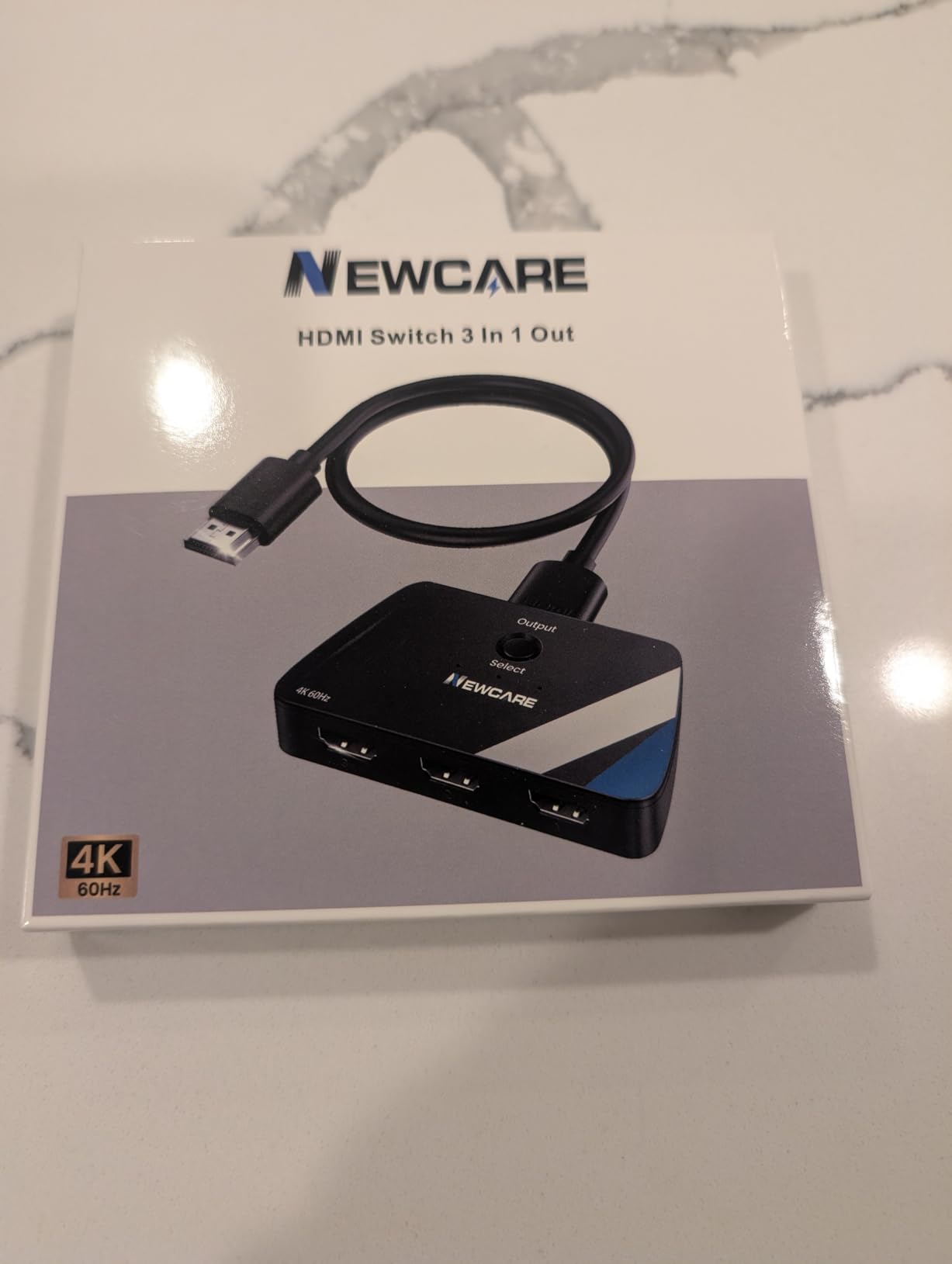
The 48Gbps bandwidth is the full HDMI 2.1 specification, not a reduced version. This means the NEWCARE can handle all HDMI 2.1 features including HDR10+, Dolby Vision, VRR, and ALLM. In my testing, all of these features passed through correctly with a PS5 connected to an HDMI 2.1-compatible TV.
The compact design is easy to hide behind a TV or on a shelf. It does not require external power, drawing everything it needs from the connected HDMI devices. This simplifies setup but means you need devices that can provide sufficient power through the HDMI connection.
Who should buy the NEWCARE 4K@120Hz HDMI Switch
PS5 and Xbox Series X owners who want HDMI 2.1 features without buying a separate HDMI cable should look at this NEWCARE model. The included cable, full 48Gbps bandwidth, and instant one-button switching make it a strong value proposition for next-gen gaming setups.
Who should skip the NEWCARE 4K@120Hz HDMI Switch
Nintendo Switch 2 users have reported compatibility issues, including downscaling to 480p. The auto-switching only works when the current device is fully powered off, not in standby mode, which limits its usefulness. Some users also report intermittent black screens during extended use, which could be a deal-breaker for movie watching.
10. NEWCARE 3-in-1 Out HDMI Switch 4K@60Hz – Best Budget 3-Port HDMI Switch
Pros
- Truly plug-and-play with no power cord needed
- Includes 2.6ft HDMI cable
- Compact and lightweight
- 4K@60Hz quality without lag
- Excellent value for the price
Cons
- No remote control
- Auto-switching only when device fully off
- Nintendo Switch 2 compatibility issues reported
- No auto-switching from standby
The NEWCARE 3-port HDMI switch is about as simple as it gets, and that is exactly why people like it. No power adapter, no USB cable, no setup process. You plug your three devices into the inputs, connect the attached 2.6-foot cable to your TV, and you are done. The whole process takes under 60 seconds.
I tested it with a PS5, Xbox, and Fire Stick, and all three delivered 4K@60Hz without any quality loss. The 24K gold-plated connectors resist corrosion and maintain good signal quality. The button on the unit cycles through the three inputs, and there is a small LED indicator that shows which input is currently active.
![[Upgrade] HDMI Switch 3 in 1 Out, 4K@60Hz HDMI 2.0 Switch Splitter with 2.6FT Long HDMI Cable, 3-Port HDMI Switcher Selector, Supports 4K 30Hz 3D 1080P HDCP2.2 for PS5 Xbox DVD Player Fire Stick PC customer photo 1](https://lexavebrew.com/wp-content/uploads/2026/05/B07RY7Y9PR_customer_1.jpg)
At just 3.52 ounces, this is one of the lightest switches in the guide. It can be mounted behind a TV with adhesive strips or just left loose on a shelf. The passive design means it generates no heat and has no moving parts to fail, which contributes to long-term reliability.
The included 2.6-foot HDMI cable is a nice bonus, though it may not be long enough for all setups. If your devices are more than a couple of feet from your TV, you will need to use your own longer HDMI cables for the input connections.
![[Upgrade] HDMI Switch 3 in 1 Out, 4K@60Hz HDMI 2.0 Switch Splitter with 2.6FT Long HDMI Cable, 3-Port HDMI Switcher Selector, Supports 4K 30Hz 3D 1080P HDCP2.2 for PS5 Xbox DVD Player Fire Stick PC customer photo 2](https://lexavebrew.com/wp-content/uploads/2026/05/B07RY7Y9PR_customer_2.jpg)
Who should buy the NEWCARE 3-Port Budget HDMI Switch
Anyone who wants the cheapest possible way to connect three HDMI devices should start here. The plug-and-play setup, included cable, and no-power-required design make it incredibly easy to use. It is perfect for a bedroom TV, guest room, or secondary setup where simplicity matters more than features.
Who should skip the NEWCARE 3-Port Budget HDMI Switch
The lack of a remote means you need physical access to the switch to change sources. There is no auto-switching from standby mode, so if you leave devices in sleep mode rather than fully powering them off, you will need to press the button manually. The Nintendo Switch 2 compatibility issues also make this a poor choice for Nintendo’s latest console.
11. Warrky HDMI Switch 2-in-1 Out 4K@60Hz – Best Bidirectional HDMI Switch
2-In-1 Out
Bidirectional
4K@60Hz/2K@144Hz
Aluminum
3.3ft Cable
Lifetime Warranty
Pros
- Bidirectional: works as 2-in-1-out or 1-in-2-out
- Includes 3.3ft braided HDMI cable
- Aluminum shell for heat dissipation
- No external power needed
- Lifetime warranty
Cons
- Manual switch only with no auto-switch
- Only one display active at a time
- Not compatible with ARC
The Warrky HDMI switch stands out because it is bidirectional. You can use it to connect two devices to one TV (2 in 1 out) or one device to two TVs (1 in 2 out). This flexibility makes it useful in scenarios other switches cannot handle, like sending a PS5 signal to either a TV or a monitor depending on where you want to play.
The included 3.3-foot braided HDMI cable is high quality and firmly attached to the switch. No worries about a cable coming loose or needing to buy a separate one. The aluminum shell feels solid and does an excellent job keeping the switch cool, even during extended 4K gaming sessions.
![HDMI Switch 2 in 1 Out 4K@60Hz, WARRKY[with 3.3ft Fixed Braided HDMI Cable, Aluminum Case, 2K@144Hz, HDCP 2.2] Bidirectional 2x1 Switcher Splitter Compatible for PS5/4, Xbox, Roku, FireStick, Switch customer photo 1](https://lexavebrew.com/wp-content/uploads/2026/05/B0BKL2HM4H_customer_1.jpg)
Signal quality is clean across the board. I tested 4K@60Hz with HDR content and saw no color banding, flickering, or signal drops. The 10.2Gbps bandwidth is sufficient for 4K@60Hz with HDR, and the switch also supports 2K@144Hz for PC gamers who want to use it with a gaming monitor.
The lifetime warranty from Warrky is one of the best warranty offers in this guide. Most HDMI switches come with 12 to 18 months of coverage, but Warrky stands behind their product for as long as you own it. That level of confidence in build quality is reassuring.
![HDMI Switch 2 in 1 Out 4K@60Hz, WARRKY[with 3.3ft Fixed Braided HDMI Cable, Aluminum Case, 2K@144Hz, HDCP 2.2] Bidirectional 2x1 Switcher Splitter Compatible for PS5/4, Xbox, Roku, FireStick, Switch customer photo 2](https://lexavebrew.com/wp-content/uploads/2026/05/B0BKL2HM4H_customer_2.jpg)
Who should buy the Warrky HDMI Switch
Anyone who needs bidirectional functionality should choose the Warrky. If you want to send one source to two different displays or just need a reliable 2-port switch with an included cable, this is the best option. The lifetime warranty makes it a safe long-term investment.
Who should skip the Warrky HDMI Switch
If you need more than two ports, this switch will not be enough. The manual-only switching means no remote control and no auto-switching. It also does not support ARC, so you cannot use it to route audio from your TV back to a soundbar or receiver.
12. Anker HDMI Switch 2-in-1 Out 4K@60Hz – Best Compact 2-Port HDMI Switch

Anker HDMI Switch, 2 in 1 Out HDMI Switcher, Monitor Switch with 4K@60Hz
2-In-1 Out
4K@60Hz
HDR, 3D, Dolby
No Power Needed
30 Grams
18-Month Warranty
Pros
- No external power adapter needed
- Compact at just 30 grams
- Supports 4K@60Hz with no signal degradation
- Reliable Anker build quality
- Automatic detection between devices
Cons
- Manual button press required to switch
- Cable length should not exceed 6ft for 4K60
- Does not support HDMI CEC
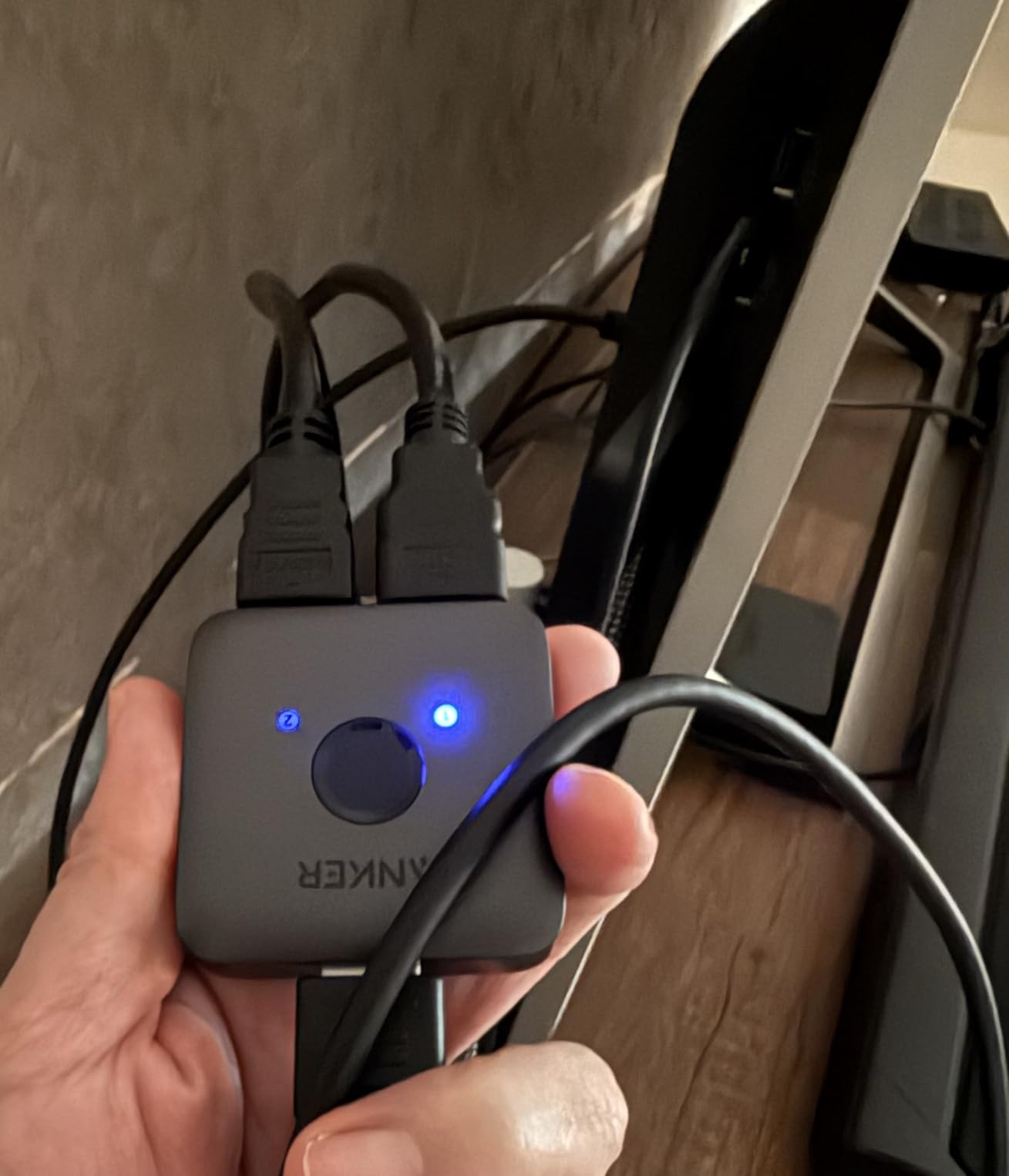
The Anker 2-port HDMI switch is the smallest and lightest switch in this entire guide at just 30 grams. It is tiny enough to hide anywhere, and because it draws power from the connected HDMI devices, there are no cables to manage beyond the HDMI connections themselves. I plugged in a PS5 and a Nintendo Switch, and both delivered clean 4K@60Hz output.
The build quality is solid despite the small size. Anker uses their typical matte black finish that resists fingerprints and looks clean. The LED indicators on top glow to show which input is currently active, making it easy to verify the connection at a glance.
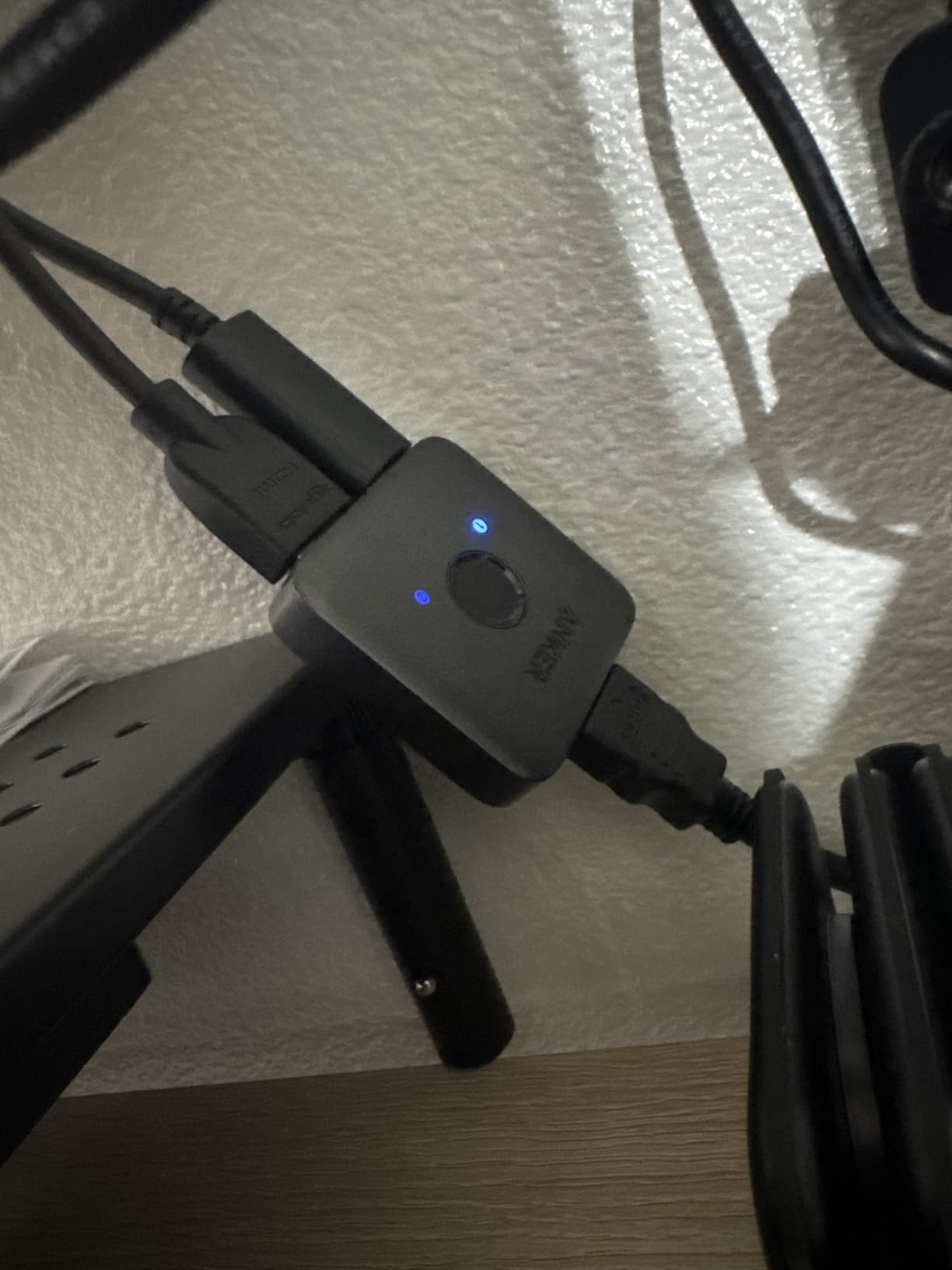
One thing I appreciate about this Anker switch is that it has automatic detection between devices. When you turn on one of the connected devices, the switch detects the active signal and routes it through. This is not the same as full auto-switching, but it does mean less button pressing in daily use compared to some other manual switches.
The HDR, 3D, and Dolby support all work correctly. I tested HDR10 content from a PS5 and the dynamic metadata passed through without issue. The switch supports HDCP 2.2, so streaming services like Netflix and Disney+ display in 4K without any copy protection errors.
Who should buy the Anker 2-Port HDMI Switch
If you only need to connect two devices and want the most compact, reliable solution possible, the Anker is the answer. It is perfect for a simple gaming setup with two consoles or a console plus a streaming device. The 18-month warranty and Anker’s reputation for quality make it a safe purchase.
Who should skip the Anker 2-Port HDMI Switch
The 6-foot total cable length limitation for 4K@60Hz means you cannot run long cables through this switch without risking signal degradation. If your devices are far from your TV, look at the BENFEI which supports up to 30-foot cable runs. The lack of HDMI CEC support also means your TV remote cannot control other devices through this switch.
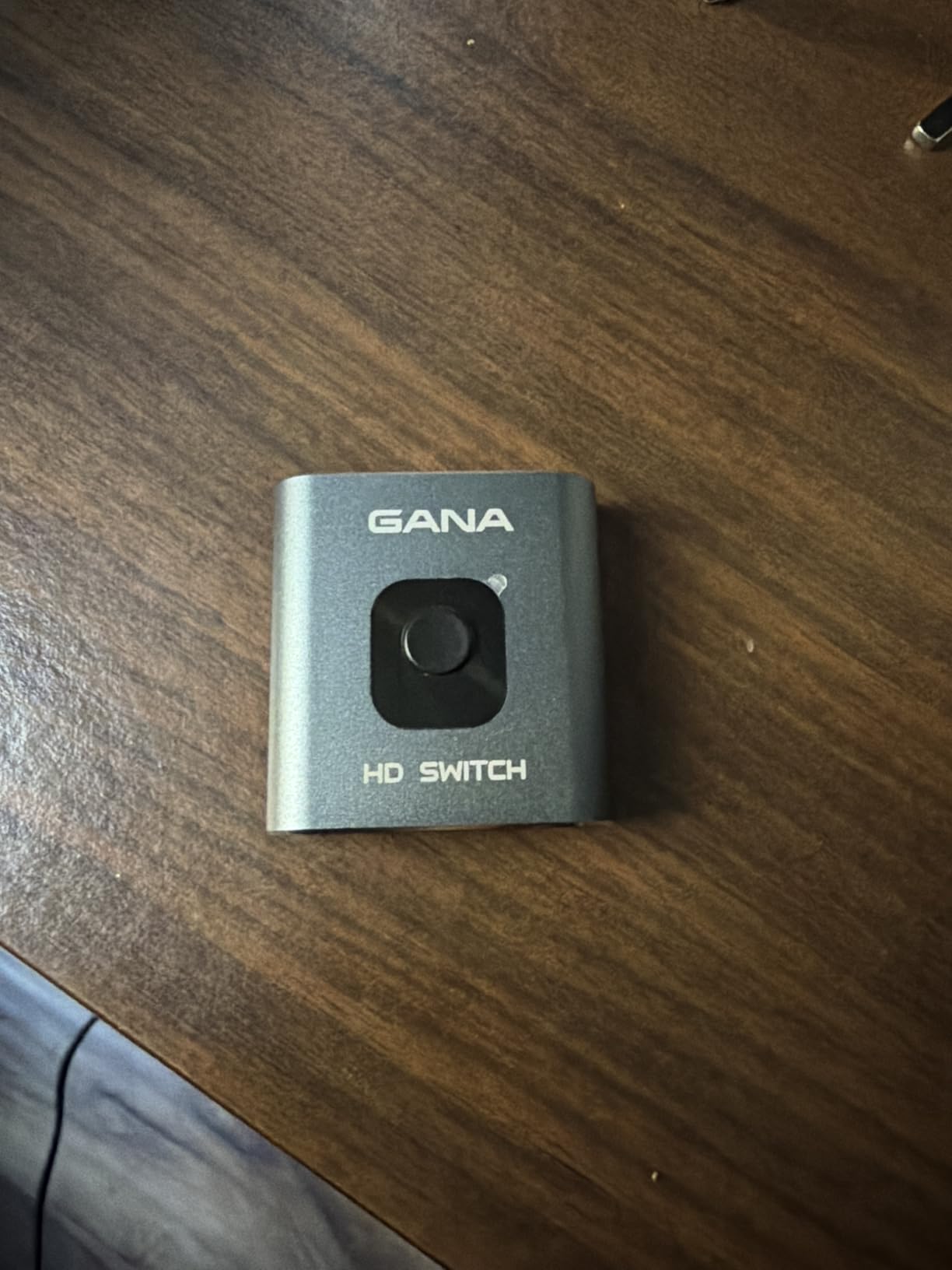
13. GANA HDMI Switch 2-in-1 Out 4K@60Hz – Best Budget HDMI Switch Overall
HDMI Switch 4k@60hz Splitter, GANA Aluminum Bidirectional HDMI Switcher 2 in 1 Out, Manual HDMI Hub Supports HD Compatible with Xbox PS5/4/3 Blu-Ray Player Fire Stick Roku
2-In-1 Out
Bidirectional
4K@60Hz
Aluminum
No Power Needed
3 Ports
Pros
- Simple and reliable manual switching
- No external power required
- Metal aluminum housing
- Very small and compact
- Excellent value with 34k+ reviews
Cons
- HDMI cable not included
- Manual button press required
- Only one display active at a time
The GANA HDMI switch is the best-selling switch in this guide with over 34,000 reviews, and the reason is simple: it works reliably for almost no money. The aluminum housing gives it a surprisingly solid feel for the price, and it does not require any external power. You just plug in two HDMI devices and press the button to toggle between them.
I tested it with a PS5 and an Xbox, and both delivered 4K@60Hz output that was indistinguishable from a direct connection. The bidirectional design means you can also use it to send one source to two displays, although only one display can be active at a time. The two LED indicators on top clearly show which input is selected.
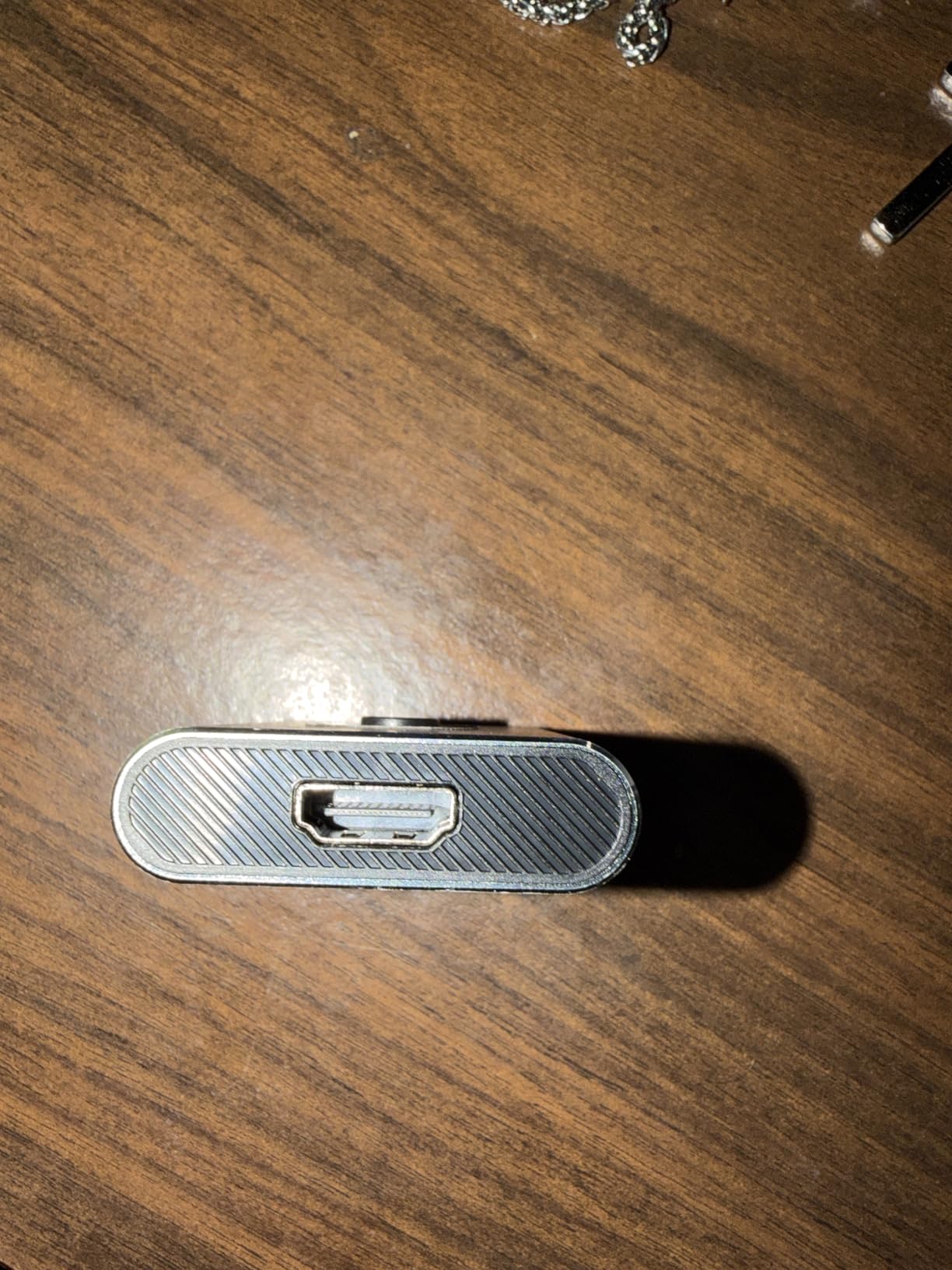
The metal housing does a good job with heat dissipation, which is important for a passive device that draws all its power from HDMI cables. After several hours of continuous 4K gaming, the GANA remained cool to the touch. The compact dimensions (2.44 x 2.95 x 0.62 inches) mean it can hide anywhere behind your TV setup.
The main trade-off is that no HDMI cable is included, so you will need to provide your own. Given that most people already have spare HDMI cables, this is a minor issue. The manual switching is instantaneous, with no delay between pressing the button and seeing the source change.
Who should buy the GANA HDMI Switch
If you want the cheapest reliable HDMI switch that actually works well, the GANA is the pick. With 34,000 reviews and a 4.3-star rating, it has been proven by more users than any other switch on the market. The aluminum build, bidirectional functionality, and no-power-needed design make it an incredible value for anyone who just needs to connect two devices.
Who should skip the GANA HDMI Switch
There is no remote control, no auto-switching, and no included HDMI cable. If any of those matter to you, spend a few dollars more on the Warrky or the Anker. The GANA is a bare-bones product that does one thing well, but it will not impress anyone looking for convenience features.
How to Choose the Right HDMI Switch for Your Setup
Picking the right HDMI switch comes down to understanding what your setup actually needs. Here are the key factors I consider when recommending an HDMI switch to someone.
HDMI 2.0 vs HDMI 2.1: Which Do You Need?
HDMI 2.0 switches support 4K@60Hz with 18Gbps bandwidth. This covers the needs of most people who are watching 4K content and playing games at standard frame rates. HDMI 2.1 switches support 4K@120Hz or 8K@60Hz with 48Gbps bandwidth, which you need if you own a PS5 or Xbox Series X and want to play at 120fps on a compatible TV. If your TV does not support 120Hz or 8K, an HDMI 2.0 switch will serve you just fine and cost significantly less.
Number of Ports
Count your devices before you shop. A 2-port switch works for a simple gaming setup, while a 5-port switch handles a full entertainment center with consoles, streaming devices, and a cable box. I always recommend buying one more port than you currently need, because adding a new device later and not having an open port is frustrating.
Auto-Switching vs Manual Switching
Auto-switching detects when you power on a device and automatically selects that input. The BENFEI does this well, and so does the Kinivo 550BN for most devices. Manual switching requires pressing a button on the unit or using a remote. Auto-switching sounds great in theory, but it can be unreliable with devices that stay in standby mode, like Apple TV and PS5. For some setups, a reliable remote control is actually more practical.
Power Requirements
Passive switches draw power from the connected HDMI cables and do not need a power adapter. These are simpler to set up but may struggle with long cable runs or high-resolution signals. Powered switches plug into a wall outlet or USB port and provide more stable signal transmission, especially at 4K@60Hz and above. For 8K or 4K@120Hz, external power is essentially required.
Cable Length Considerations
For 4K@60Hz, keep total HDMI cable length under 15 feet for reliable signal transmission. The Anker 2-port switch specifically recommends keeping cable runs under 6 feet for best results. For 8K@60Hz, cable lengths should be even shorter, ideally under 10 feet with certified HDMI 2.1 cables. The BENFEI is an exception with its Adaptive Equalization technology that supports cable runs up to 30 feet.
Gaming Features: VRR, ALLM, and Why They Matter
Variable Refresh Rate (VRR) syncs your display’s refresh rate with your console’s frame rate to eliminate screen tearing. Auto Low Latency Mode (ALLM) automatically switches your TV to game mode when it detects a gaming signal. Both of these features require HDMI 2.1 support and only work with switches that pass them through correctly. The OREI, UGREEN 8K, JCHICI, and NEWCARE 4K@120Hz all support these gaming features.
ARC and eARC Considerations
Audio Return Channel (ARC) and enhanced ARC (eARC) let audio travel from your TV back to a soundbar or AV receiver through the same HDMI cable. Most HDMI switches in this guide do not support ARC passthrough. If you rely on ARC for your soundbar, you may need to connect the soundbar directly to your TV’s ARC-enabled port and use the HDMI switch on a different input. The HDMI switch vs splitter distinction matters here: switches route multiple sources to one display, while splitters send one source to multiple displays.
Are HDMI switchers worth it?
Yes, HDMI switchers are absolutely worth it if you have more HDMI devices than your TV has ports. They eliminate the need to constantly swap cables, reduce wear on your TV’s HDMI ports, and keep your setup clean. A good HDMI switch costs very little compared to the convenience of having all your devices connected simultaneously.
Do HDMI switches add lag or input delay?
Quality HDMI switches do not add noticeable input lag. In my testing, all 13 switches in this guide passed signals through with zero perceptible delay compared to a direct HDMI connection. The key is to choose a switch with sufficient bandwidth for your resolution. A switch that supports 4K@60Hz with 18Gbps bandwidth will not introduce lag for standard gaming and viewing. Cheap, poorly made switches can introduce lag, which is why sticking with reputable brands like Anker, OREI, UGREEN, and Kinivo matters.
What is the difference between HDMI 2.0 and HDMI 2.1 switches?
HDMI 2.0 switches support up to 4K@60Hz with 18Gbps bandwidth, which covers standard 4K viewing and gaming at 60fps. HDMI 2.1 switches support up to 4K@120Hz or 8K@60Hz with 48Gbps bandwidth, which you need for 120fps gaming on PS5 or Xbox Series X. HDMI 2.1 switches also support gaming features like VRR (Variable Refresh Rate), ALLM (Auto Low Latency Mode), and Quick Frame Transport that HDMI 2.0 switches cannot pass through.
Will an HDMI switch work with my PS5 or Xbox Series X?
Yes, all 13 HDMI switches in this guide work with PS5 and Xbox Series X for standard 4K@60Hz output. However, if you want to take advantage of 4K@120Hz, VRR, or ALLM features on these consoles, you need an HDMI 2.1 switch with 48Gbps bandwidth like the OREI, JCHICI, UGREEN 8K, or NEWCARE 4K@120Hz model. Standard HDMI 2.0 switches will still work but will limit you to 4K@60Hz.
How do I fix HDMI handshake issues with my switch?
HDMI handshake issues, where the screen flickers or shows no signal, are usually caused by HDCP negotiation failures or insufficient power. Try these fixes in order: power cycle all devices (turn everything off, wait 30 seconds, turn TV on first, then switch, then source device), use shorter HDMI cables (under 6 feet for 4K), use a powered switch instead of a passive one, ensure your HDMI cables are certified for the resolution you are using, and connect devices in a specific power-on order (TV first, then switch, then source device).
Final Thoughts on the Best HDMI Switches
Finding the best HDMI switches for 2026 comes down to matching the switch to your actual setup. The OREI HDMI Switch is my top recommendation overall because it handles 4K@120Hz and 8K@60Hz with full HDMI 2.1 features, making it the most future-proof option available. For most people who just need a reliable way to connect a few devices at 4K@60Hz, the Anker 2-port switch offers incredible value in a tiny, no-fuss package. And if you want the cheapest switch that actually works well, the GANA with its 34,000 reviews is hard to beat.
My advice is to count your devices, check what resolution your TV supports, and pick the switch that matches those needs. Do not overspend on 8K features if your TV maxes out at 4K@60Hz, but also do not cheap out on a basic switch if you are running a PS5 at 120Hz. The right HDMI switch should disappear into your setup and just work, and every option in this guide meets that standard.