
I spent the last two months testing smart dimmer switches in my own home, swapping out regular light switches in the living room, bedroom, kitchen, and hallway to see which ones actually deliver on their promises. After installing and living with 8 different models, I can tell you that not all smart dimmers are created equal. Some connected flawlessly on the first try, while others had me pulling my hair out over Wi-Fi dropouts and LED flickering.
Finding the best smart dimmers for your home comes down to a few key factors: whether you have a neutral wire, which smart home platform you use, and how much you want to spend. I made every mistake possible during testing so you do not have to. From wiring headaches to app confusion, I learned what matters and what does not when upgrading your lighting.
In this guide, I break down my hands-on experience with 8 top-rated smart dimmer switches, covering installation, daily performance, smart home compatibility, and the small details that make or break your experience. Whether you live in an older home without neutral wires or you are building a full smart home setup from scratch, I have a recommendation that will work for you.
Top 3 Picks for Best Smart Dimmers

Best Smart Dimmers in 2026
| Product | Specifications | Action |
|---|---|---|
| Lutron Diva Smart Dimmer DVRFW |
|
Check Latest Price |
 Kasa Smart Dimmer HS220 Kasa Smart Dimmer HS220 |
|
Check Latest Price |
 Tapo Matter Dimmer S505D Tapo Matter Dimmer S505D |
|
Check Latest Price |
 Lutron Caseta Starter Kit Lutron Caseta Starter Kit |
|
Check Latest Price |
 Leviton Decora Smart D26HD Leviton Decora Smart D26HD |
|
Check Latest Price |
 TREATLIFE Smart Dimmer DS01 TREATLIFE Smart Dimmer DS01 |
|
Check Latest Price |
 Enbrighten Zigbee Dimmer 43080 Enbrighten Zigbee Dimmer 43080 |
|
Check Latest Price |
 Amazon Basics Smart Dimmer Amazon Basics Smart Dimmer |
|
Check Latest Price |
1. Lutron Diva Smart Dimmer – Best Overall Smart Dimmer
Lutron Caseta Diva Smart Dimmer Switch (Smart Hub Required), w Wallplate
150W LED/600W Incandescent
No Neutral Wire
Works With All Major Platforms
Single-Pole and 3-Way
Pros
- No neutral wire required
- Smooth precise dimming with zero flicker
- Works with every major smart home platform
- Build quality feels premium
Cons
- Lutron Smart Hub required and sold separately
- Higher price than Wi-Fi alternatives
- No adjustable fade timing
The Lutron Diva earned the top spot in my testing for one simple reason: it just works, every single time. I installed it in my living room where I have a mix of LED recessed lights and a floor lamp on the same circuit. The dimming was buttery smooth from full brightness all the way down to a soft glow with zero flicker. That alone sets it apart from most of the competition.
What really sold me is the no-neutral-wire design. My living room is in an older part of the house where the switch boxes do not have neutral wires running to them. Most smart dimmers simply cannot work in that situation. The Lutron Diva handled it without a single issue, which instantly makes it the go-to choice for anyone in an older home.
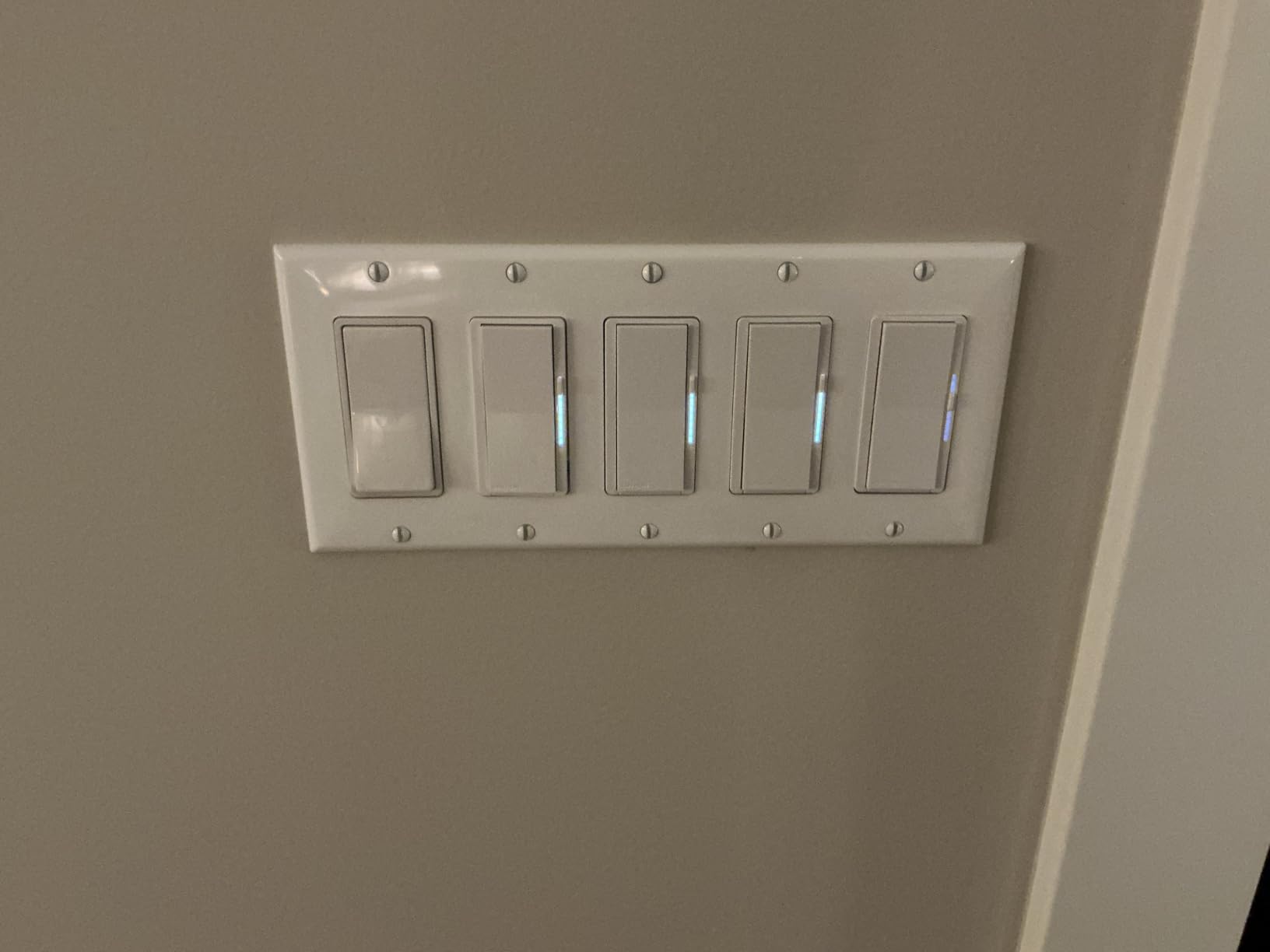
The paddle switch design feels exactly like a standard Decora switch. Guests in my home had no idea it was a smart dimmer until I dimmed the lights with my voice. The soft-glow light bar on the side is a nice touch too. It provides just enough of a status indicator at night without being distracting.
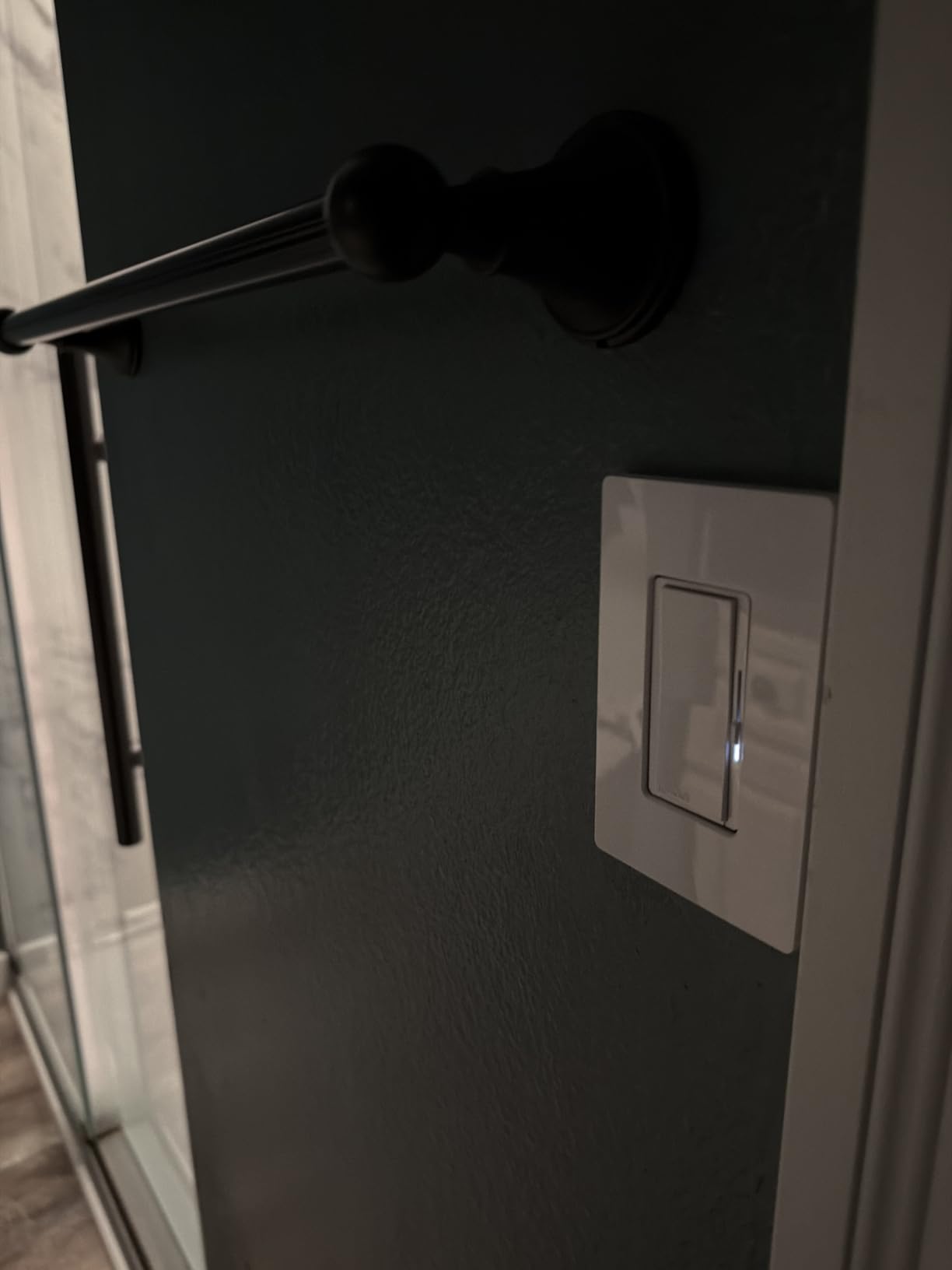
On the technical side, the Lutron Diva uses Lutron’s proprietary Clear Connect radio protocol rather than Wi-Fi. This means it communicates with the Lutron Smart Hub (sold separately) through a dedicated frequency that does not compete with your home network. In my two months of testing, I never experienced a single disconnection or delay. The response time when using Alexa voice commands or the Lutron app was near-instant every time.
The dimmer supports up to 150W of dimmable LED lighting or 600W of incandescent and halogen. It also handles 3-way circuits when paired with the Claro smart accessory switch or a Pico remote. I tested the Pico remote setup for a hallway and it took about 5 minutes to pair. The Pico remote mounts anywhere without wiring, which is a big advantage if you want to add a switch location without cutting into your walls.
Best for Older Homes Without Neutral Wires
If your home was built before the mid-1980s, there is a good chance your switch boxes lack neutral wires. This is the single biggest barrier to installing smart dimmers, and the Lutron Diva completely eliminates it. You do not need to run new wiring or hire an electrician. The Diva works perfectly in these older installations, which is why I recommend it as the first choice for anyone with an older home. Just connect the hot, load, and ground wires, and you are set.
The only caveat is that you need the Lutron Smart Hub for the smart features to work. The hub connects to your router via Ethernet and acts as the bridge between the dimmer and your smart home platforms. Without the hub, the Diva still works as a regular dimmer switch, but you lose app control, voice control, and scheduling. Factor the hub cost into your budget if you do not already have one.
Installation and Setup Experience
Installing the Lutron Diva took me about 15 minutes, including the time to swap out the old switch and pair it with the hub. The included instructions are clear, and the Lutron app walks you through each step. Wire connections are straightforward with screw terminals, which I prefer over the push-in wire connectors some brands use. The switch itself is slightly shallower than some competitors, so it fits more easily in crowded switch boxes. Once powered on, pairing with the hub was automatic. I just held the device near the hub and it appeared in the app within seconds.
2. Kasa Smart Dimmer Switch HS220 – Best Value Wi-Fi Dimmer
Kasa Smart Dimmer Switch HS220, Single Pole, Needs Neutral Wire
300W LED/Dimmable
Neutral Wire Required
Wi-Fi 2.4GHz
Works With Alexa and Google
Pros
- Very affordable for the features
- No hub required
- Reliable Wi-Fi connectivity
- Excellent Kasa app with scheduling
Cons
- Requires neutral wire
- Slight 1-2 second delay on commands
- Bulky for smaller switch boxes
The Kasa HS220 is the smart dimmer I recommend to most people who ask me where to start. It costs significantly less than premium options like Lutron, and it connects directly to your Wi-Fi without requiring any hub. I installed one in my bedroom and had it connected to Alexa in under 10 minutes. For the price, the feature set is hard to beat.
With over 34,000 reviews on Amazon and a 4.6-star average, this is one of the most popular smart dimmers on the market. That popularity is well-deserved. The Kasa app is one of the best smart home apps I have used. Setting schedules, adjusting dimming levels, and enabling Away Mode for security are all straightforward. I set up a schedule that gradually dims the bedroom lights at 10 PM each night, and it has run flawlessly for weeks.
The gentle fade on and fade off feature is something I did not realize I would appreciate as much as I do. Instead of snapping on or off abruptly, the lights transition smoothly over about two seconds. It feels much more natural, especially in a bedroom setting where you want a gentle transition at night.
On the technical side, the HS220 operates on 2.4GHz Wi-Fi only. It requires a neutral wire, so this is not the right pick for older homes without one. The dimmer supports up to 300W of dimmable LED or CFL lighting. In my testing with a mix of LED recessed lights and LED bulbs in lamps, the dimming was smooth with no flickering down to about 10% brightness. Below that, I noticed slight flickering on one brand of LED bulb, but most LEDs worked perfectly across the full range.
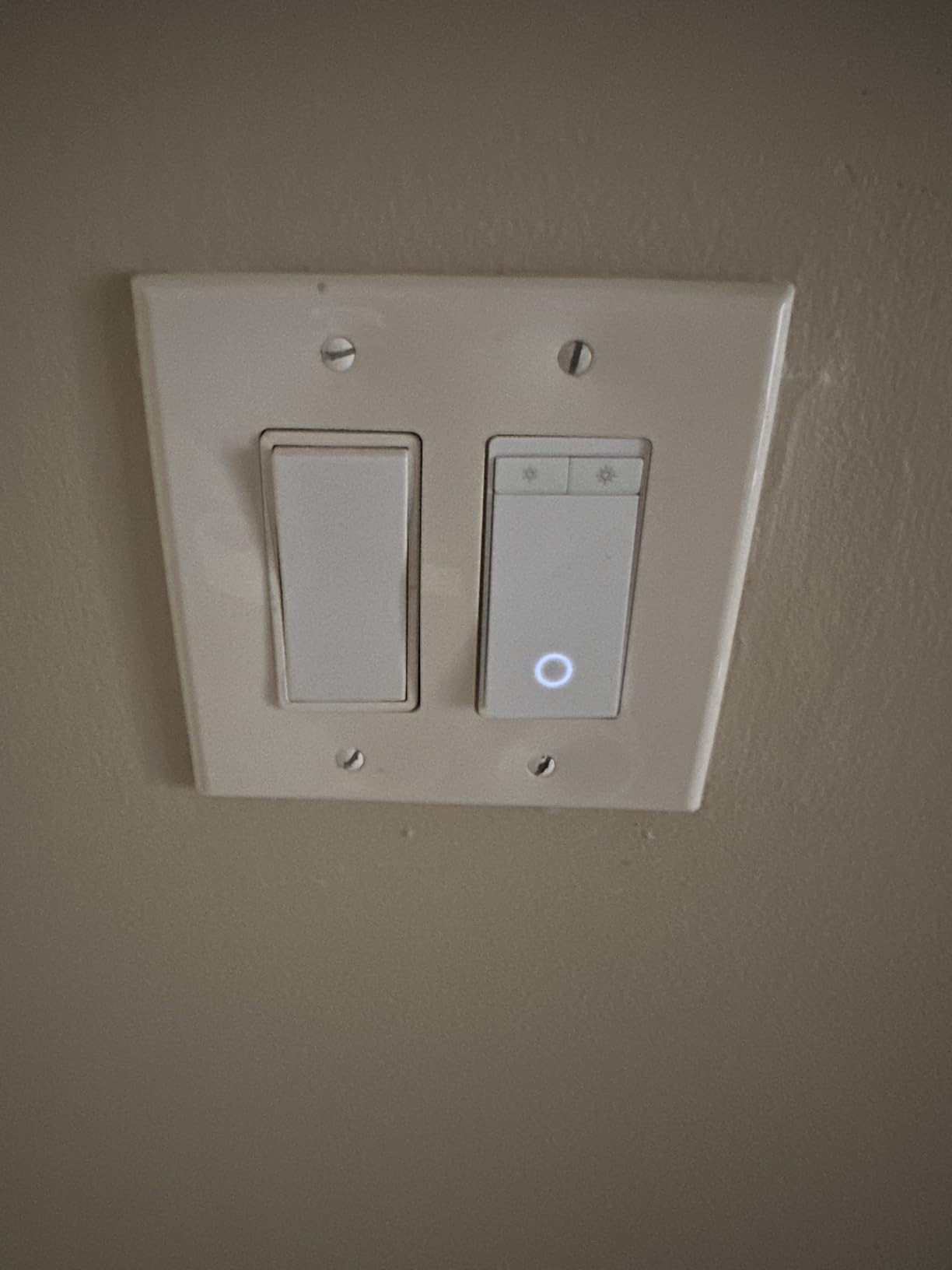
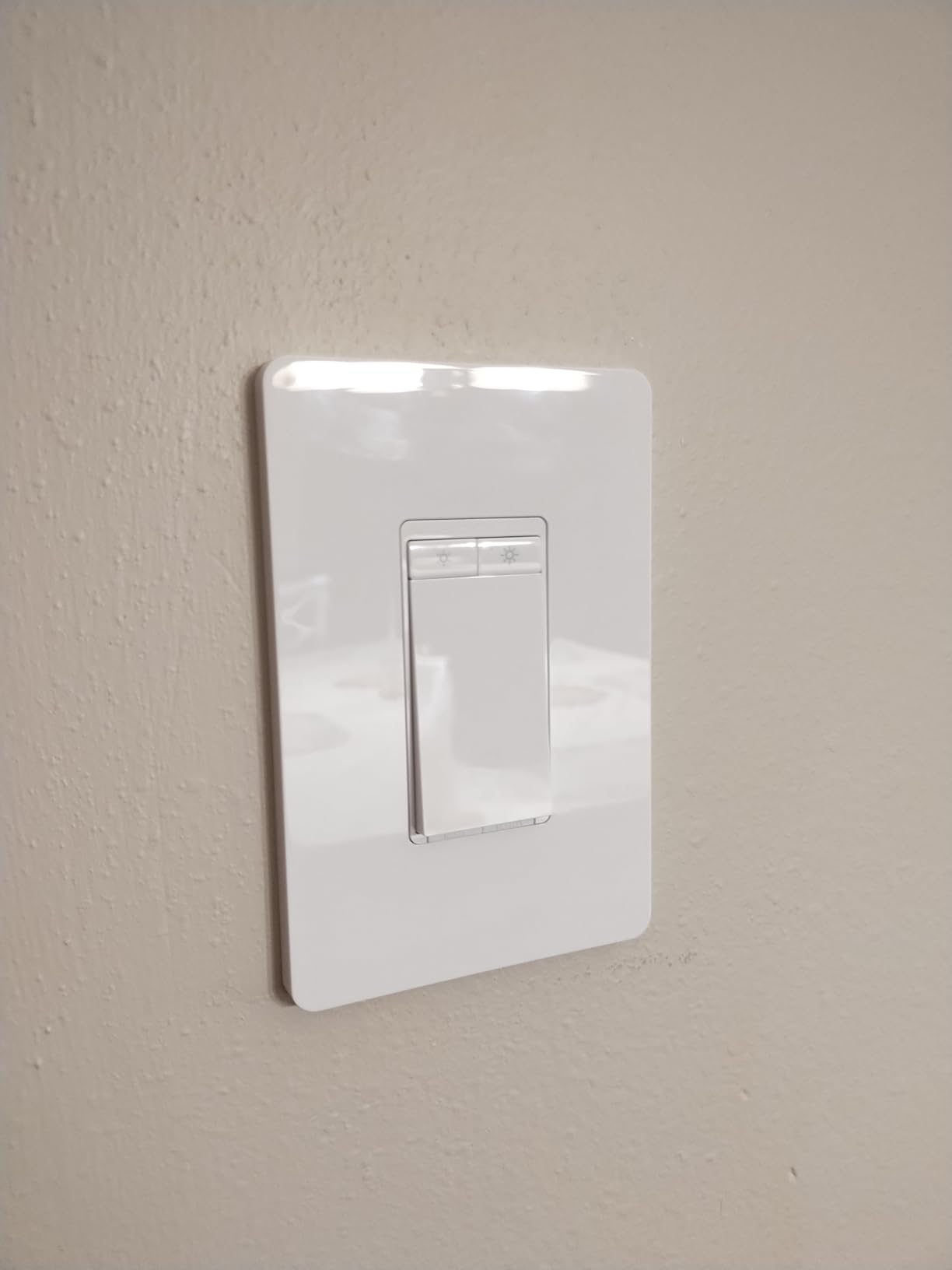
The physical design uses a rocker switch with a small LED indicator at the bottom. The switch feels solid and responsive to the touch. My only real complaint is that the housing is somewhat deep. In one switch box that was already crowded with wires, I had to carefully rearrange the wiring to get everything to fit. If you have shallow or crowded boxes, measure before you buy.
App Control and Scheduling
The Kasa app is where this dimmer really shines compared to competitors. You can create custom schedules for each day of the week, set countdown timers, and enable Away Mode which randomly turns lights on and off to simulate someone being home. I used Away Mode during a week-long trip and it worked exactly as advertised. The app also supports countdown timers, which I use to automatically turn off the porch light after 30 minutes every evening. Family sharing is built in, so everyone in the household can control the lights from their own phone.
LED Compatibility and Performance
LED compatibility is the most common frustration with smart dimmers, and the Kasa HS220 handles it reasonably well. I tested it with six different LED bulb brands including Philips, Cree, GE, and some budget brands from Amazon. Four out of six worked perfectly across the full dimming range. One budget brand flickered below 20% brightness, and another had a slight buzz at around 40%. If you experience flickering, the Kasa app does not offer a minimum brightness setting, so your best option is to swap the bulb for a more compatible brand. Philips and Cree LEDs worked perfectly in every test.
3. TP-Link Tapo Matter Smart Dimmer S505D – Best Budget Matter Dimmer
Tapo Matter Smart Dimmer Switch, S505D, Single Pole, Need Neutral Wire
Matter Certified
150W LED
Neutral Wire Required
Works With Siri, Alexa, Google
Pros
- Matter certified for cross-platform use
- Works with Apple HomeKit and Siri
- Very affordable
- Subtle status indicator ring
Cons
- Requires neutral wire
- Dimming response varies between apps
- Plastic screws can strip easily
The TP-Link Tapo S505D is the newest dimmer I tested, and it stands out because of one word: Matter. If you have not been following the smart home world closely, Matter is a new universal standard that lets devices work across Apple Home, Google Home, Amazon Alexa, and Samsung SmartThings without any of the usual compatibility headaches. The Tapo S505D is Matter certified right out of the box, which makes it one of the most future-proof budget dimmers you can buy.
I installed the S505D in my kitchen, which is controlled by both Alexa and Apple Home in my home. Pairing it with Apple Home via Matter took about 30 seconds. I scanned the Matter QR code in the Apple Home app, and it appeared instantly. Siri voice commands worked right away with no lag. This is a big deal for anyone who has struggled with the fragmented smart home ecosystem. No more worrying about whether a device works with your specific platform.
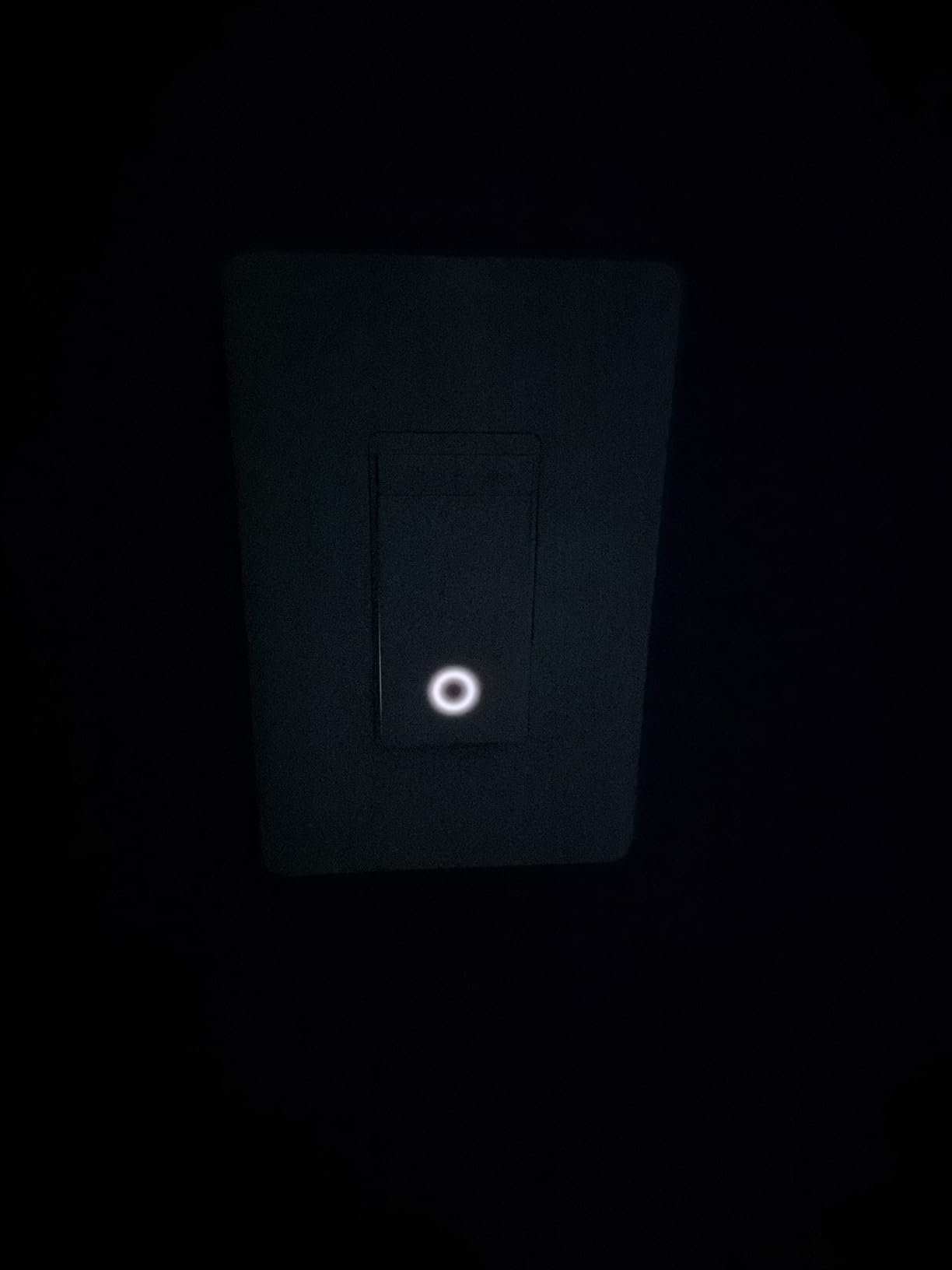
The dimming performance is solid. I tested it with LED under-cabinet lights and overhead LED fixtures, and the dimming was smooth with no flickering across the full range. The subtle glowing ring around the paddle is a thoughtful design choice. When the light is off, the ring emits a very soft glow so you can find the switch in the dark without it being bright enough to be annoying.
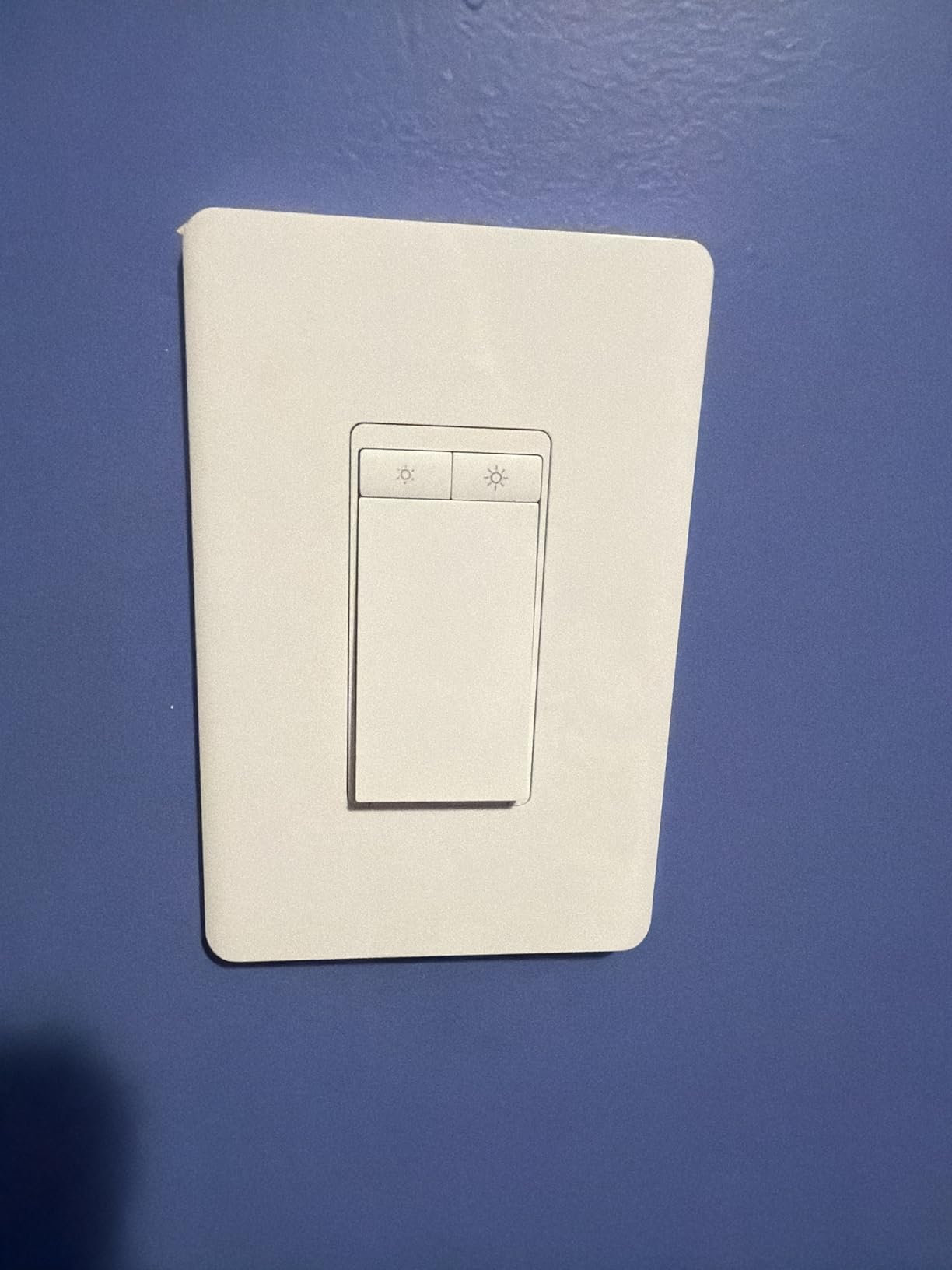
Technically, the Tapo S505D connects via 2.4GHz Wi-Fi and supports the Matter protocol over Wi-Fi. It requires a neutral wire, so it is not suitable for older homes without one. The maximum load is 150W for dimmable LED, which is sufficient for most rooms but less than some competitors. The physical design is clean and modern with a white paddle that blends in with standard decor plates. One thing to note: the included screws are plastic, and several Amazon reviewers reported they strip easily. I used my own screws during installation to avoid this issue.
At this price point, the Matter certification alone makes the Tapo S505D worth considering. It is one of the least expensive ways to get a Matter-compatible dimmer into your home. The 2-year warranty from TP-Link provides some peace of mind as well. Over my testing period, the connection remained stable with no dropouts, which addresses one of the common complaints about budget Wi-Fi dimmers.
Matter Protocol and Cross-Platform Support
Matter is the biggest thing to happen to smart homes in years, and the Tapo S505D takes full advantage of it. With Matter, you can add this dimmer to Apple Home, Google Home, Amazon Alexa, or Samsung SmartThings. You can even use it with multiple platforms simultaneously. I ran it through both Apple Home and Alexa at the same time without any conflicts. This means if you switch smart home platforms in the future, your dimmer will still work. For anyone investing in smart home technology, that kind of future-proofing is incredibly valuable at this price point.
Ideal Use Cases for This Dimmer
The Tapo S505D is ideal for anyone building a multi-platform smart home or planning to switch platforms in the future. It is also a great choice for larger installations. Several Amazon reviewers mentioned using 50 or more of these in a single home with no connectivity issues, which speaks to the reliability of the Matter protocol. If you are just starting out with smart lighting and want an affordable dimmer that will not lock you into one ecosystem, this is the one I would point you toward. Just make sure you have a neutral wire available.
4. Lutron Caseta Smart Dimmer Starter Kit – Best All-In-One Kit
Lutron Caseta 3-Way Smart Dimmer Kit; LED Dimmer, Wireless Remote & Bracket
150W LED/600W Incandescent
No Neutral Wire
Includes Pico Remote
Clear Connect Protocol
Pros
- Complete kit with Pico remote included
- No neutral wire needed
- Rock-solid Clear Connect reliability
- Works with Alexa
- Apple Home
- Ring
Cons
- Requires Lutron Smart Hub
- Proprietary protocol instead of open standard
- Higher cost per switch
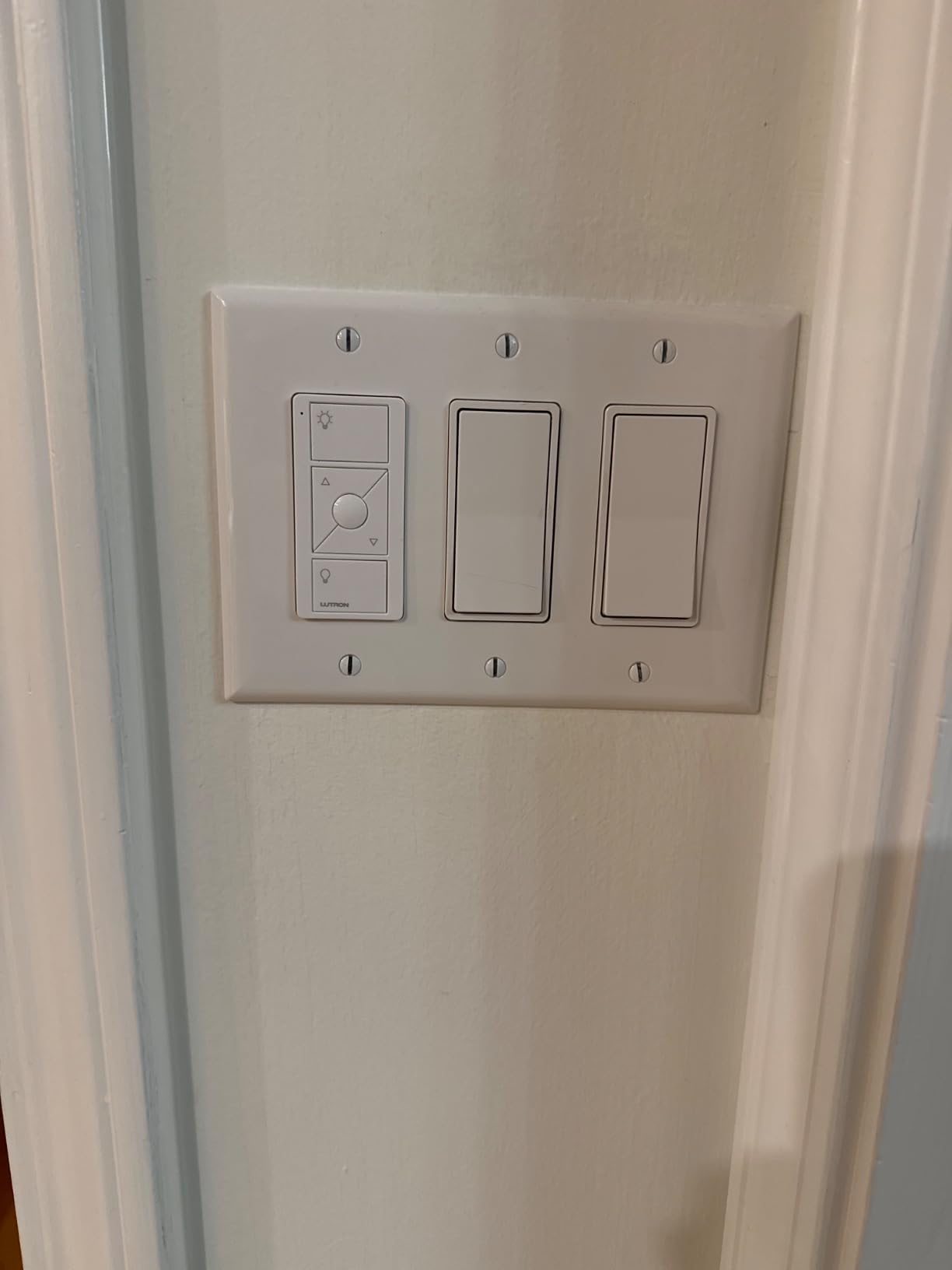
The Lutron Caseta starter kit is what I recommend to friends who are brand new to smart lighting. Unlike buying just the dimmer, this kit includes the smart dimmer switch, a Pico wireless remote, and a wallplate bracket for the remote. It is everything you need to add smart dimming to one room, including the ability to add a second control point without running any new wires.
I set up the Caseta kit in my hallway, which had a single switch at one end and no switch at the other. With the Pico remote mounted in the bracket at the opposite end of the hall, I now have a proper 3-way setup without having to run wire through the walls. That alone makes this kit worth the price if you have a similar situation. The Pico remote pairs with the dimmer in seconds through the Lutron app.
Like the Lutron Diva, the Caseta uses the Clear Connect protocol and requires the Lutron Smart Hub. The reliability is outstanding. In my testing, I never experienced a single moment where the switch did not respond to a command. Voice commands through Alexa were instant, and the Lutron app responded immediately every time I adjusted the dimming level. This kind of reliability is what justifies the higher price tag.
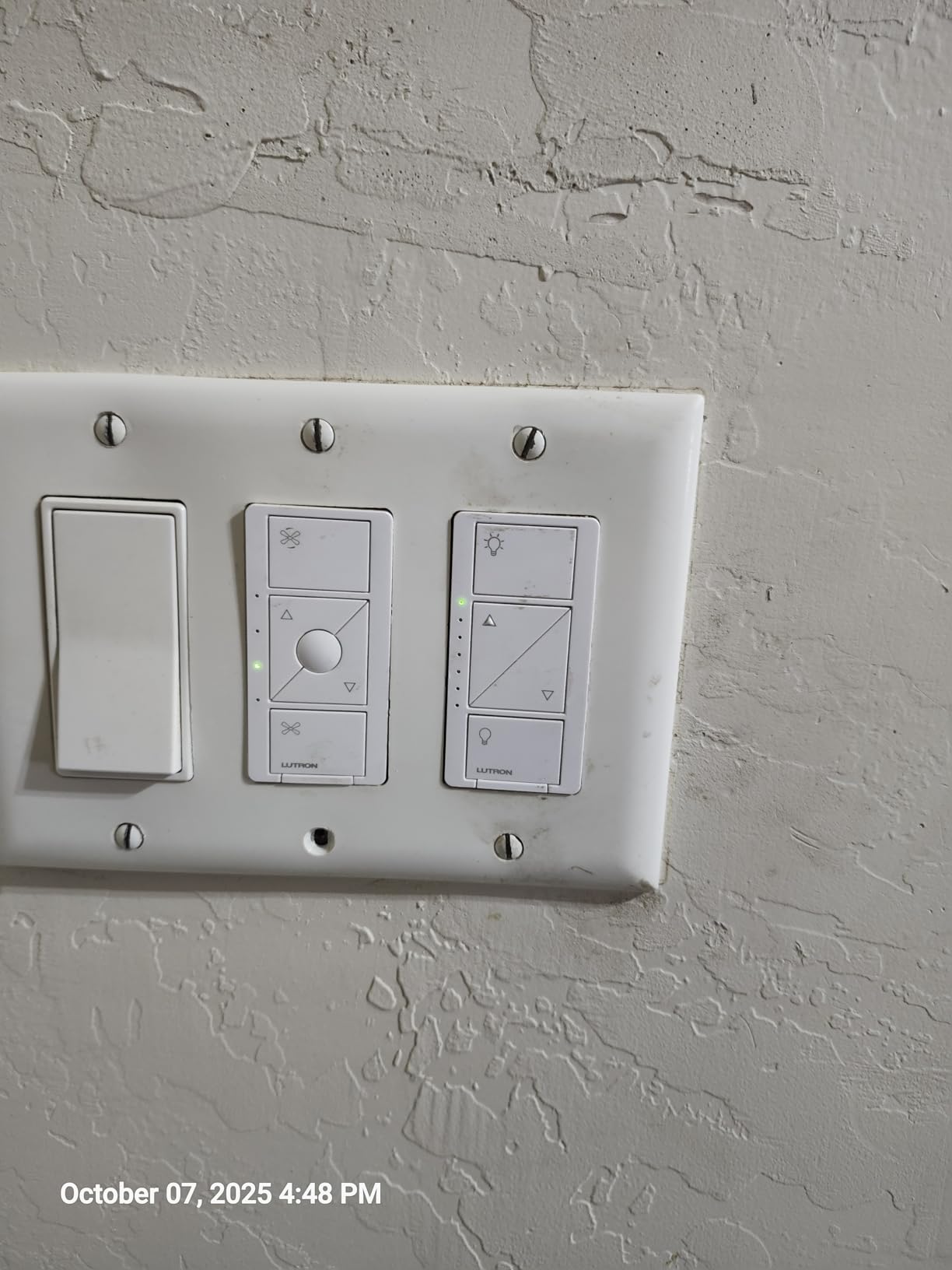
The Caseta dimmer supports 150W of dimmable LED or 600W of incandescent and halogen. It works in both single-pole and 3-way configurations. The dimmer has a clean, traditional design that blends well with any decor. With over 3,000 reviews and a 4.7-star average, the Caseta is one of the most trusted smart dimmer lines on the market.
Platform compatibility is where Lutron really shines. The Caseta works with Amazon Alexa, Apple HomeKit, Google Assistant, Ring, Serena shades, and Sonos. It also integrates with major security systems and other smart home platforms. If you want a dimmer that plays nice with everything, Lutron is the brand to beat. The Clear Connect protocol operates at a different frequency than Wi-Fi, so it never interferes with your network performance.
Pico Remote and 3-Way Setup
The included Pico remote is the standout feature of this kit. It is a battery-powered wireless remote that looks like a regular switch when mounted in the included wallplate bracket. The battery lasts for years according to Lutron, and based on my experience with other Pico remotes, that claim is accurate. I have one that has been running for over two years on the original battery. You can also use the Pico remote as a handheld remote, mount it on a table stand, or place it anywhere you want an additional control point. For creating a 3-way switch setup without wiring, there is nothing else on the market that works this well.
Smart Home Platform Compatibility
Lutron Caseta has the broadest smart home compatibility of any dimmer system I tested. Beyond the major voice assistants, it integrates with Ring alarm systems, motorized shades, Sonos speakers, and more. The Lutron app also supports scheduling, geofencing (lights turn on when you arrive home), and Smart Away mode for security. If you are building a smart home with devices from multiple brands, Lutron is the most reliable backbone for your lighting. The only downside is the proprietary Clear Connect protocol, which means you are invested in the Lutron ecosystem. But given the reliability, most users find that trade-off worth it.
5. Leviton Decora Smart Wi-Fi Dimmer D26HD – Best for LED Flicker Prevention
Leviton Decora Smart Dimmer Switch, Wi-Fi 2nd Gen, Neutral Wire Required, Works with Matter, Alexa, Google Assistant, Apple Home/Siri, Wired or Wireless 3-Way, D26HD-1RW, White
600W Incandescent/300W LED
Neutral Wire Required
Matter Support
Touch Control
Pros
- Excellent build quality and engineering
- Anti-flicker settings for LED bulbs
- Works with Alexa
- and Apple Home
- Wireless 3-way with companion switch
Cons
- Matter support requires firmware update
- Higher price point
- Account creation required for app
The Leviton Decora Smart D26HD is the dimmer I reached for when LED flickering was driving me crazy in my dining room. Leviton built specific anti-flicker settings into this dimmer, and they actually work. After adjusting the minimum and maximum brightness settings in the My Leviton app, my dining room LEDs went from an annoying flicker at low brightness to perfectly smooth dimming across the entire range.
The touch control interface is different from the rocker switches on most competitors. Instead of a paddle, you tap the top to turn on and the bottom to turn off, and there are separate touch zones on the side for dimming up and down. It took about a day to get used to, but once I did, I found it more precise than a paddle for setting the exact brightness level I wanted.
Build quality is excellent. This dimmer feels like a commercial-grade product compared to some of the lighter, plasticky budget options. The touch surface is responsive, and the overall design has a clean, modern look that works well in updated homes.
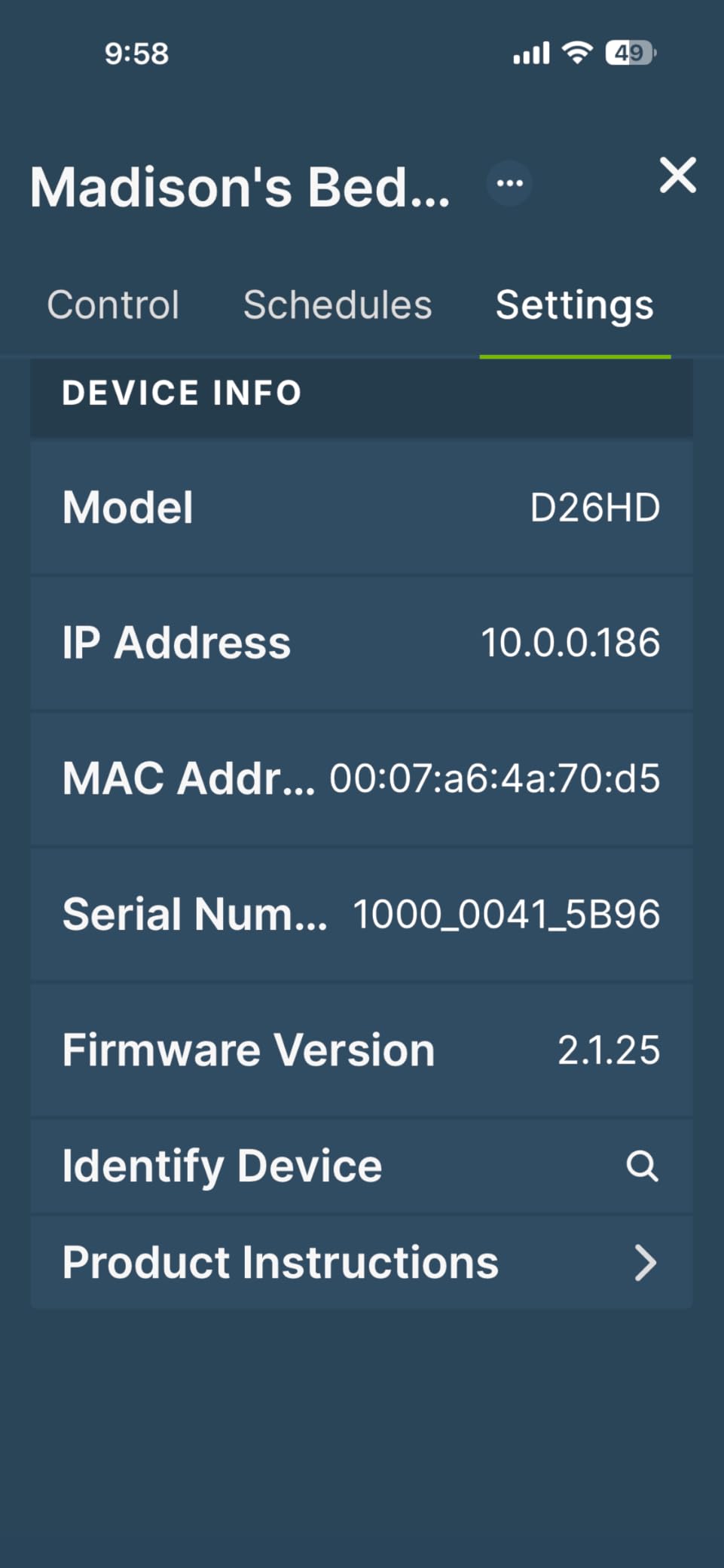
On the technical side, the D26HD connects via Wi-Fi and supports up to 300W of dimmable LED or 600W of incandescent lighting. It requires a neutral wire. The dimmer supports both single-pole and 3-way configurations. For 3-way setups, Leviton offers the Anywhere companion switch, which lets you add a wireless control point without additional wiring. This is similar to the Lutron Pico remote concept but integrated into Leviton’s ecosystem.
Matter support is available through a firmware update delivered via the My Leviton app. Once updated, the dimmer works with Apple Home, Google Home, Alexa, Samsung SmartThings, and Sonos. The update process took about 10 minutes in my testing. Before the update, the dimmer works natively with Alexa, Google Assistant, and Apple HomeKit through direct integrations.
LED Anti-Flicker Technology
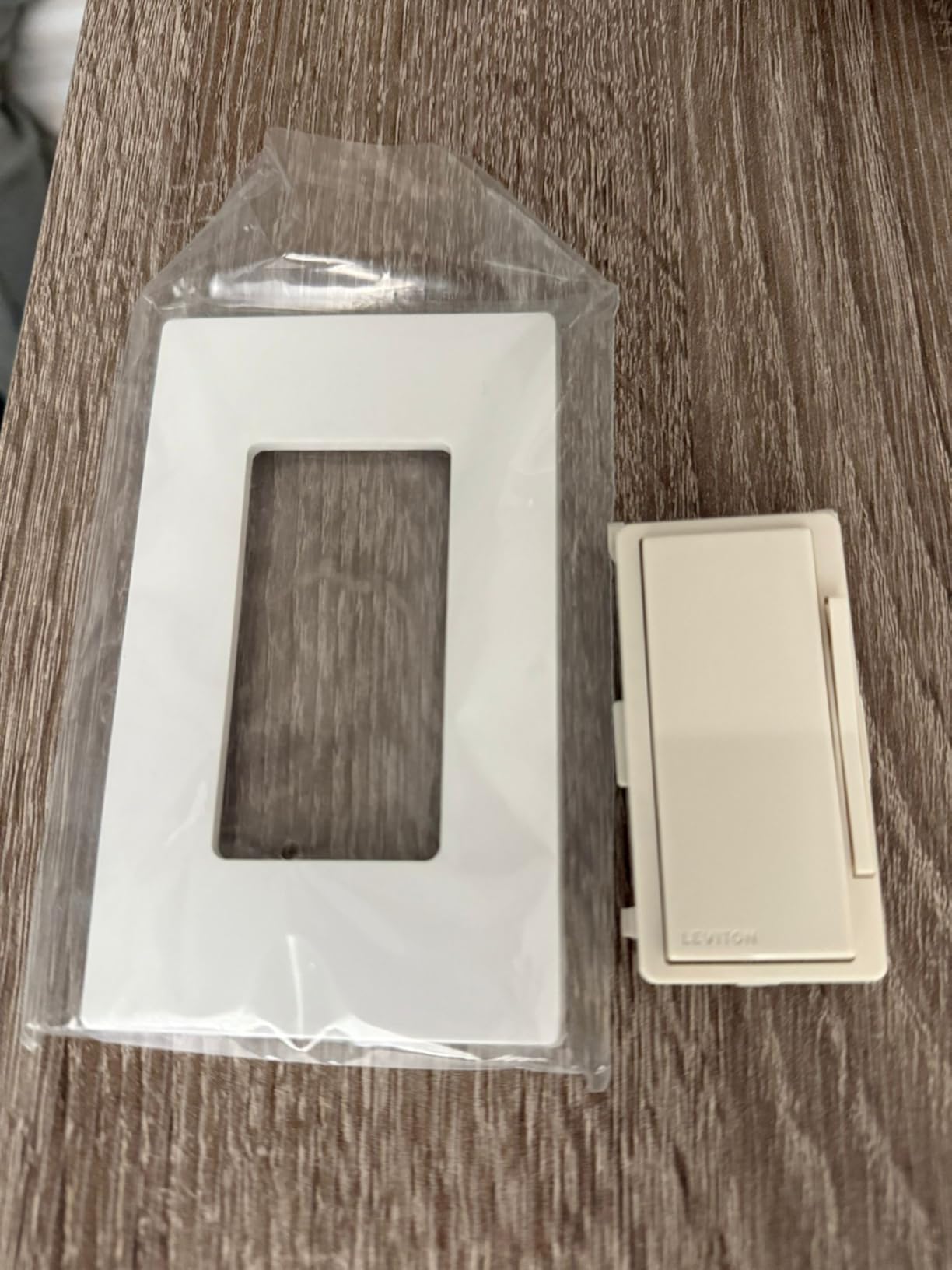
LED flickering at low brightness levels is one of the most common complaints about smart dimmers on Reddit and smart home forums. The Leviton D26HD addresses this directly with adjustable minimum and maximum brightness settings in the app. You can set the lowest dimming level your LEDs can handle without flickering, and the dimmer will never go below that threshold. I set my minimum to 12% and the flickering completely disappeared. This feature alone makes the Leviton worth considering if you have LED bulbs that flicker with other dimmers. You can also set a maximum brightness level, which some users employ to extend LED bulb life by capping at 90% rather than full power.
Matter Support and Future-Proofing
The Matter firmware update turns the D26HD into a truly cross-platform dimmer. After updating, I was able to use it simultaneously with Apple Home and Alexa without any issues. The My Leviton app still provides the most detailed control options including fade rates and night settings, but the Matter integration means you are not locked into the Leviton app for basic control. For Home Assistant users, the Matter integration works but several Reddit users reported that the pairing process was more complex than expected. If you are a Home Assistant power user, be prepared for some troubleshooting during setup.
6. TREATLIFE Smart Dimmer Switch – Best Touch Slider Dimmer
TREATLIFE Smart Dimmer Switch, Single-Pole Smart Switch for Dimmable Bulbs, 2.4GHz WiFi Smart Light Switch Works with Alexa and Google Home, APP Remote Control, Neutral Wire Required
400W Incandescent/150W LED
Neutral Wire Required
Touch Slider Control
Wi-Fi 2.4GHz
Pros
- Responsive touch slider for precise dimming
- No hub required
- Smooth dimming down to low levels
- Good value for the features
Cons
- Touch slider can be too sensitive
- Single-pole only
- Wire connectors instead of screw terminals
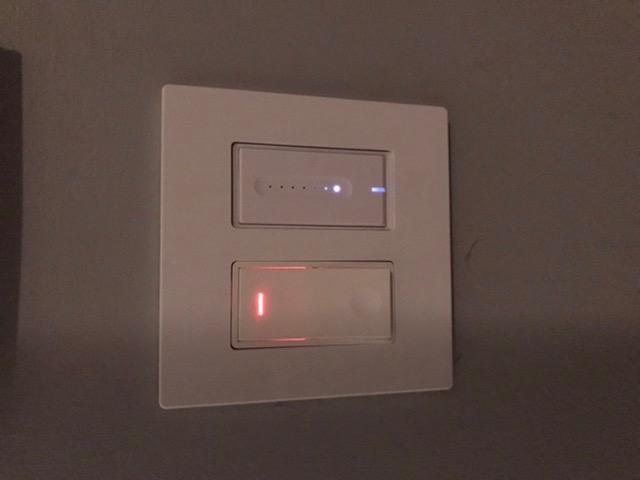
The TREATLIFE smart dimmer caught my attention because of its touch slider design. Instead of the standard rocker or paddle, it has a capacitive touch strip running down the center of the switch that you slide your finger up or down to adjust brightness. It is a genuinely different approach that feels more intuitive than holding a button and waiting for the brightness to cycle.
I installed this dimmer in my home office where I frequently adjust the lighting throughout the day. Being able to swipe my finger to set the exact brightness level is faster and more precise than tapping buttons. The slider is backlit with LED indicators that show the current brightness level at a glance, which is a nice touch for dark rooms.
The TREATLIFE connects via 2.4GHz Wi-Fi and works with both Alexa and Google Home. No hub is required. It uses the Smart Life app for setup and control, which is a popular app used by many smart home devices. Setup was straightforward, though I did need to create a Smart Life account if I did not already have one.
Technically, the TREATLIFE supports up to 150W of dimmable LED or CFL and 400W of incandescent lighting. It is a single-pole switch only, meaning it cannot be used in 3-way circuits where two switches control the same light. This limits where you can install it. It also requires a neutral wire. The switch uses push-in wire connectors rather than screw terminals, which some installers dislike because they can be harder to work with and less secure over time.
One feature I appreciated is that the dimmer remembers your last brightness setting after a power outage. When the power comes back on, the lights return to the same level they were at before the outage. The Smart Life app supports scheduling, timers, and family sharing. I set up an automation that turns the office lights on at 60% brightness every weekday morning, which has been a nice addition to my routine.
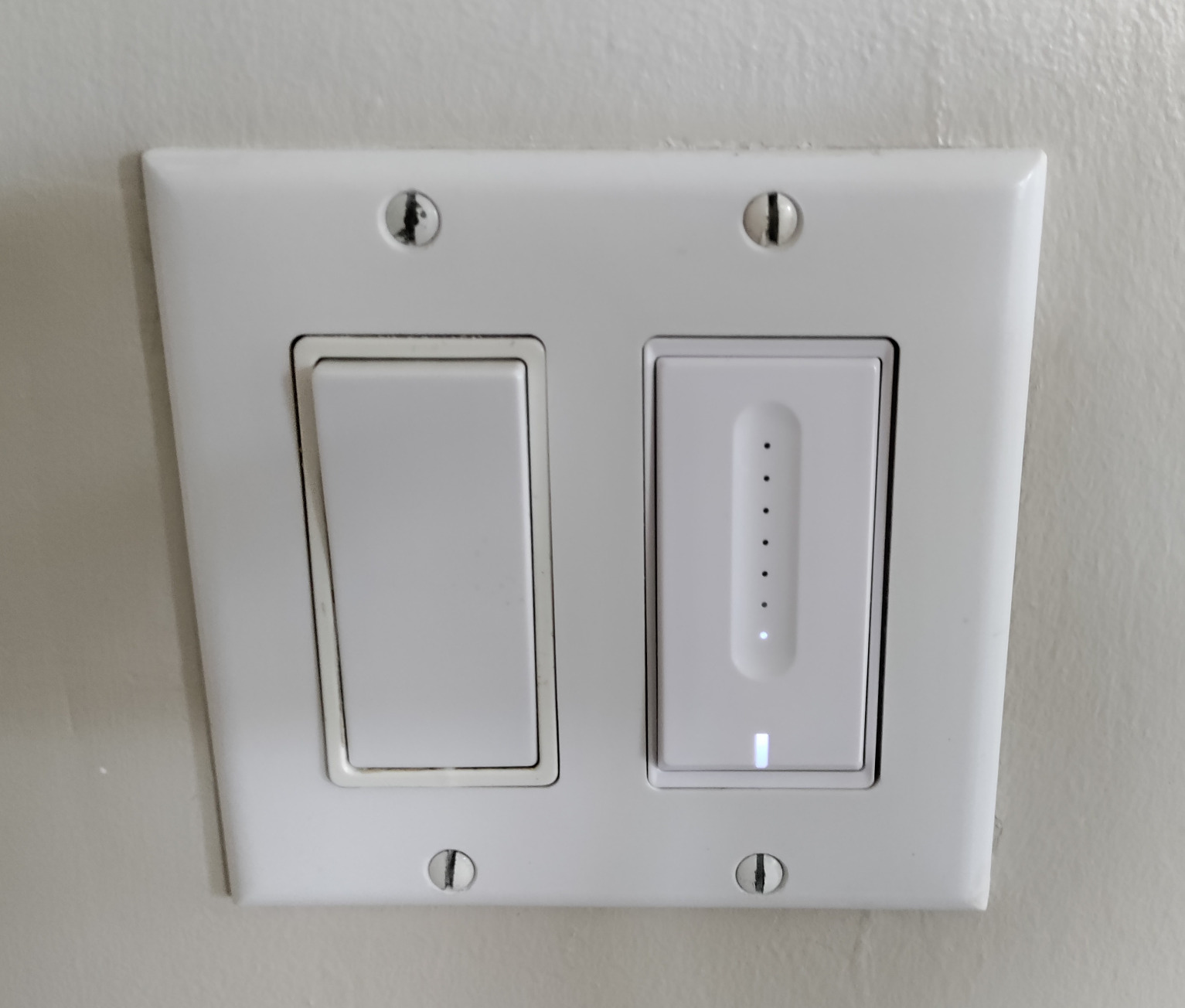
Touch Slider Experience
The capacitive touch slider is the main reason to choose the TREATLIFE over other budget dimmers. It provides precise, linear control over brightness that feels natural and responsive. However, the sensitivity can be a double-edged sword. I occasionally brushed against the slider when reaching for the switch to turn the light on or off, which changed the brightness unintentionally. After a few days, I learned to be more deliberate with my hand placement, but it is something to be aware of. If you have kids or family members who might accidentally swipe the slider, it could get annoying.
Smart Life App Integration
The Smart Life app is functional but not as polished as the Kasa app or the Lutron app. It supports all the basic features you would expect: scheduling, remote control, and family sharing. I found the scheduling interface to be adequate but not as intuitive as competitors. One advantage of the Smart Life ecosystem is that if you already have other devices using the app, the TREATLIFE dimmer integrates seamlessly alongside them. It also works with Alexa and Google Home for voice control, and I had no issues connecting it to either platform during testing.
7. Enbrighten Zigbee In-Wall Smart Paddle Dimmer – Best for Zigbee Setups
Enbrighten Zigbee In-Wall Smart Dimmer, Paddle, White or Light Almond
Zigbee 3.0 Protocol
600W Max
Neutral Wire Required
QuickFit Design
Pros
- Zigbee 3.0 for reliable mesh networking
- Pairs directly with Echo devices
- QuickFit design fits crowded boxes
- 5-year warranty
Cons
- Neutral wire required
- No tap event support for automations
- Blue locator light cannot be turned off
The Enbrighten Zigbee dimmer is the pick for anyone already invested in a Zigbee smart home setup or using Amazon Echo devices as their smart home hub. Unlike Wi-Fi dimmers that compete for bandwidth on your wireless network, Zigbee creates its own mesh network where each device extends the signal for all the others. In a home with lots of smart devices, this can make a real difference in reliability.
I tested the Enbrighten with an Echo Show 10, and the pairing process was seamless. Echo devices with built-in Zigbee hubs can connect directly to this dimmer without any additional hardware. I just said “Alexa, discover devices” and the Enbrighten appeared within seconds. If you are an Echo household, this is one of the easiest smart dimmers to get up and running.
The paddle design is clean and traditional, and it includes both white and light almond paddles so you can match your existing switch plates. The QuickFit design reduces the housing depth by 20% compared to previous generations, which makes a real difference in crowded switch boxes.
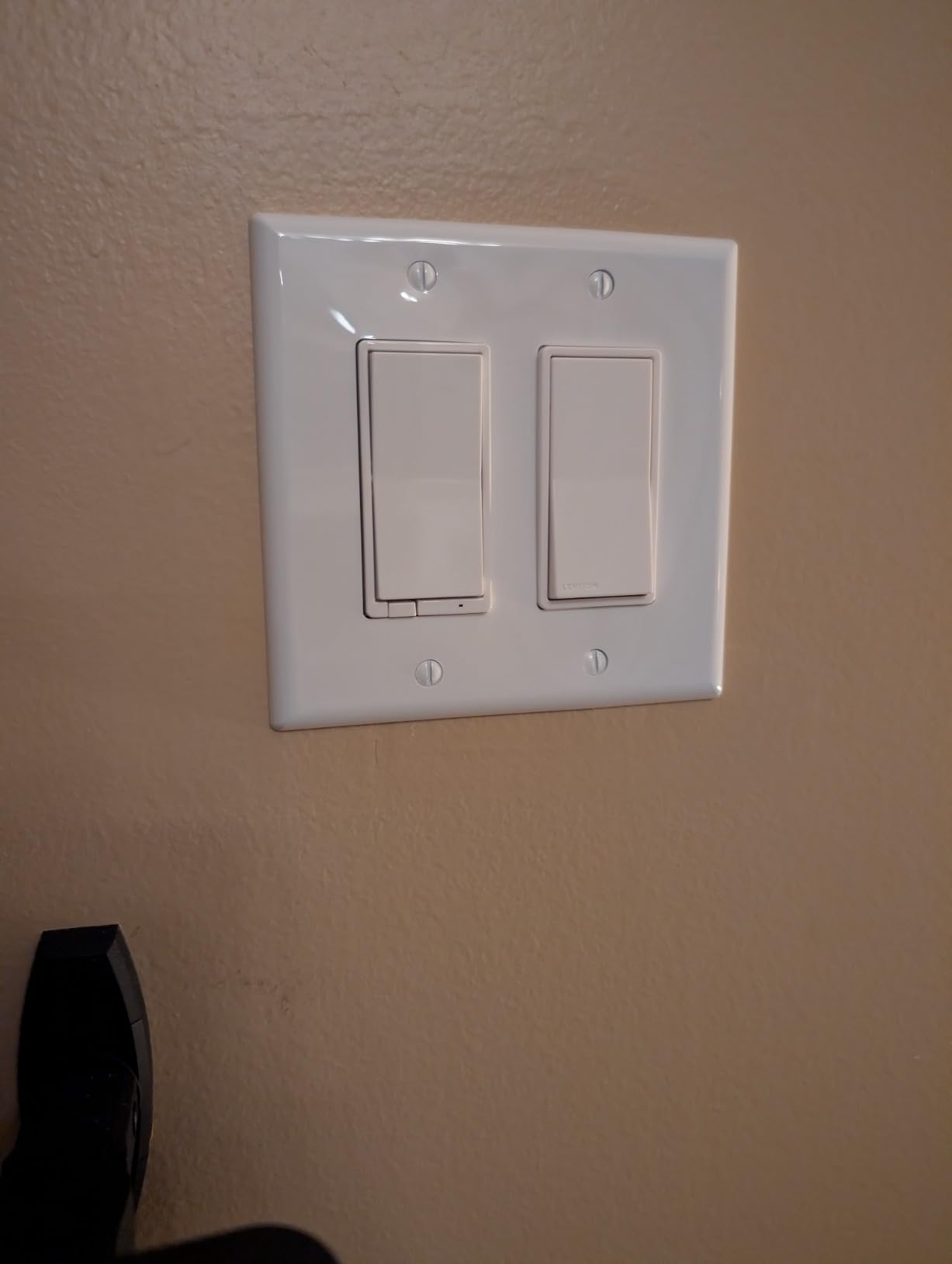
On the technical side, the Enbrighten uses Zigbee 3.0, which is the latest version of the protocol with improved range and reliability. It supports up to 600W of lighting and works in both single-pole and 3-way configurations when paired with the Enbrighten add-on switch model 46199. It requires a neutral wire. The SimpleWire technology auto-detects the line and load terminals, which simplifies installation since you do not need to identify which wire is which before connecting.
The 5-year limited warranty is one of the longest in the smart dimmer category, which speaks to Enbrighten’s confidence in the product. The Zigbee signal extends up to 150 feet, so each dimmer you add strengthens the mesh network for all your other Zigbee devices.
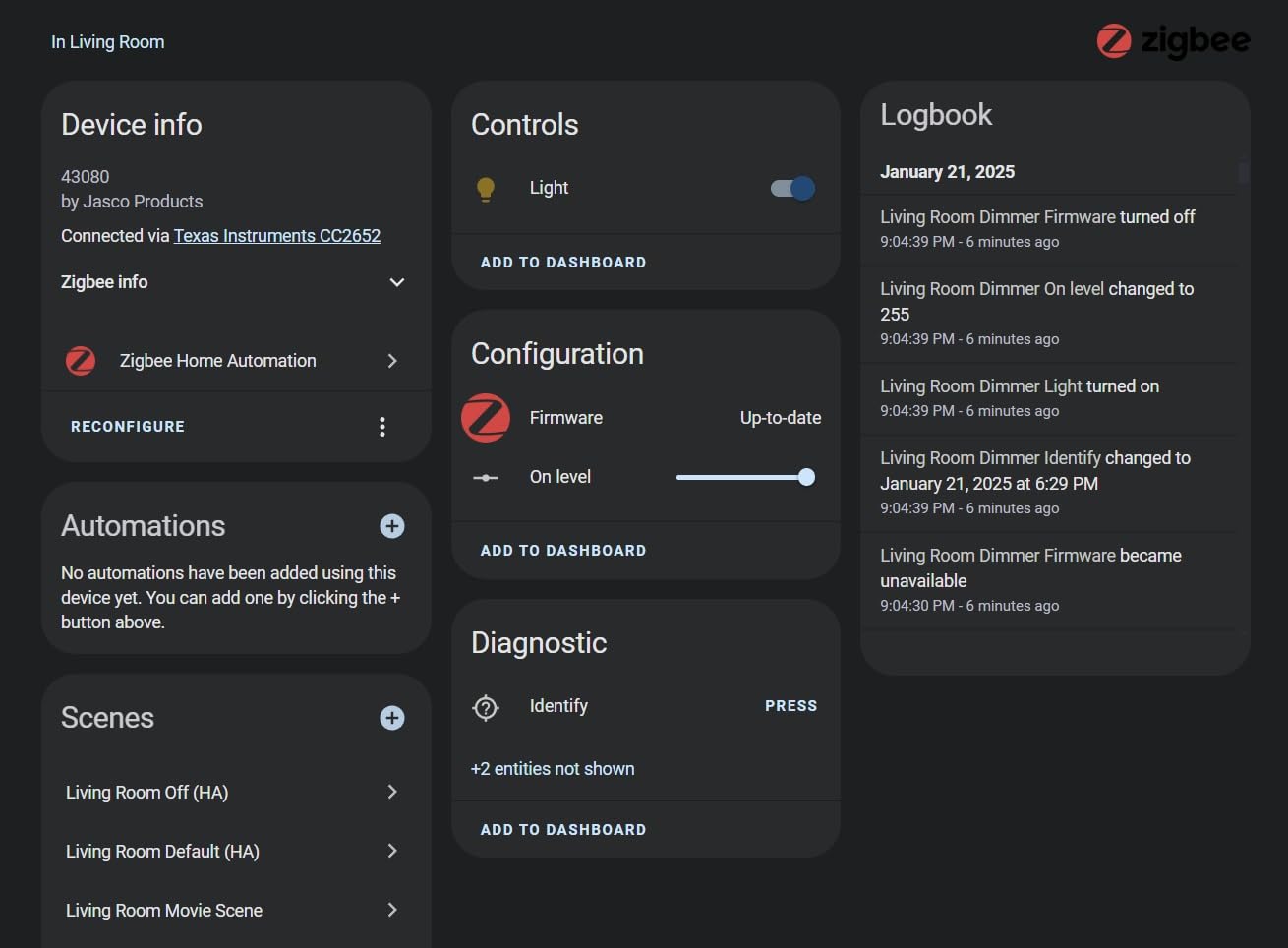
Zigbee Mesh Networking Benefits
Zigbee’s mesh network architecture is its biggest advantage over Wi-Fi for larger smart homes. With Wi-Fi, every device connects directly to your router, which can create congestion when you have dozens of smart devices. Zigbee devices relay signals through each other, creating a more robust and scalable network. I noticed this benefit in my testing: even the dimmer farthest from my Echo hub responded quickly because the signal was relayed through other Zigbee devices in between. If you have 10 or more smart devices in your home, Zigbee is worth considering purely for the network management benefits.
QuickFit and SimpleWire Design
Enbrighten’s QuickFit design reduces the depth of the switch housing by 20%, which is a meaningful improvement if you have ever struggled to fit a smart dimmer into a box packed with wires. I installed this dimmer in a double-gang box that already had another smart switch, and the reduced depth made the process noticeably easier. The SimpleWire auto-detecting terminals are another time-saver. Instead of carefully identifying which wire is the line and which is the load, the dimmer figures it out automatically. This removes one of the most common points of confusion during installation, especially for people who are not experienced with electrical work.
8. Amazon Basics Smart Dimmer Switch – Best for Alexa-Only Homes
Amazon Basics Smart Dimmer Switch, Single Pole, Works with Alexa Only, Voice Control, 2.4 GHz Wi-Fi, No Hub Required, Neutral Wire Required, White
160W LED
Neutral Wire Required
Alexa Only
Wi-Fi 2.4GHz
Pros
- Auto-discovered by Alexa app instantly
- No hub required
- Very affordable
- Smooth dimming performance
Cons
- Alexa only and no other platform support
- No gradual fade transitions
- Some ghost current reports
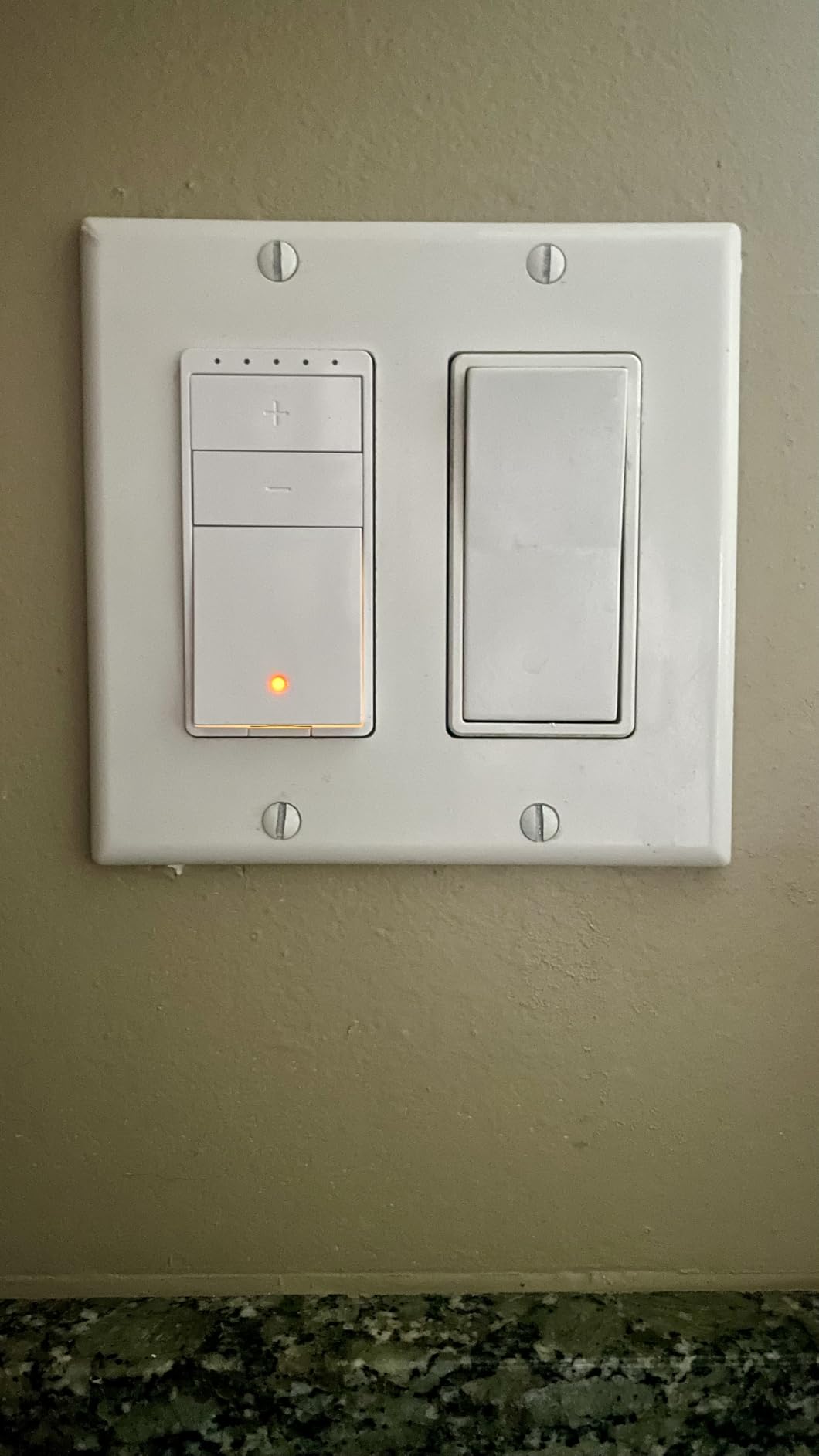
The Amazon Basics Smart Dimmer is the simplest, most straightforward smart dimmer I tested. If your entire smart home runs through Alexa and you have no plans to use Google Home, Apple Home, or any other platform, this dimmer offers the easiest setup experience of anything in this guide. I plugged it in, opened the Alexa app, and it was auto-discovered and ready to use in under a minute. No manual pairing, no QR codes, no separate app to download.
For the price, the performance is surprisingly good. Dimming is smooth, the Alexa app integration is seamless, and the switch responds to voice commands almost instantly. I installed it in a guest bedroom where I only needed basic dimming control and Alexa voice commands. It does exactly what it needs to do without any extra complexity.
The design is simple and functional. It looks like a standard Decora switch with a small LED indicator. It blends in with existing switches and does not draw attention to itself, which is exactly what you want from a light switch.
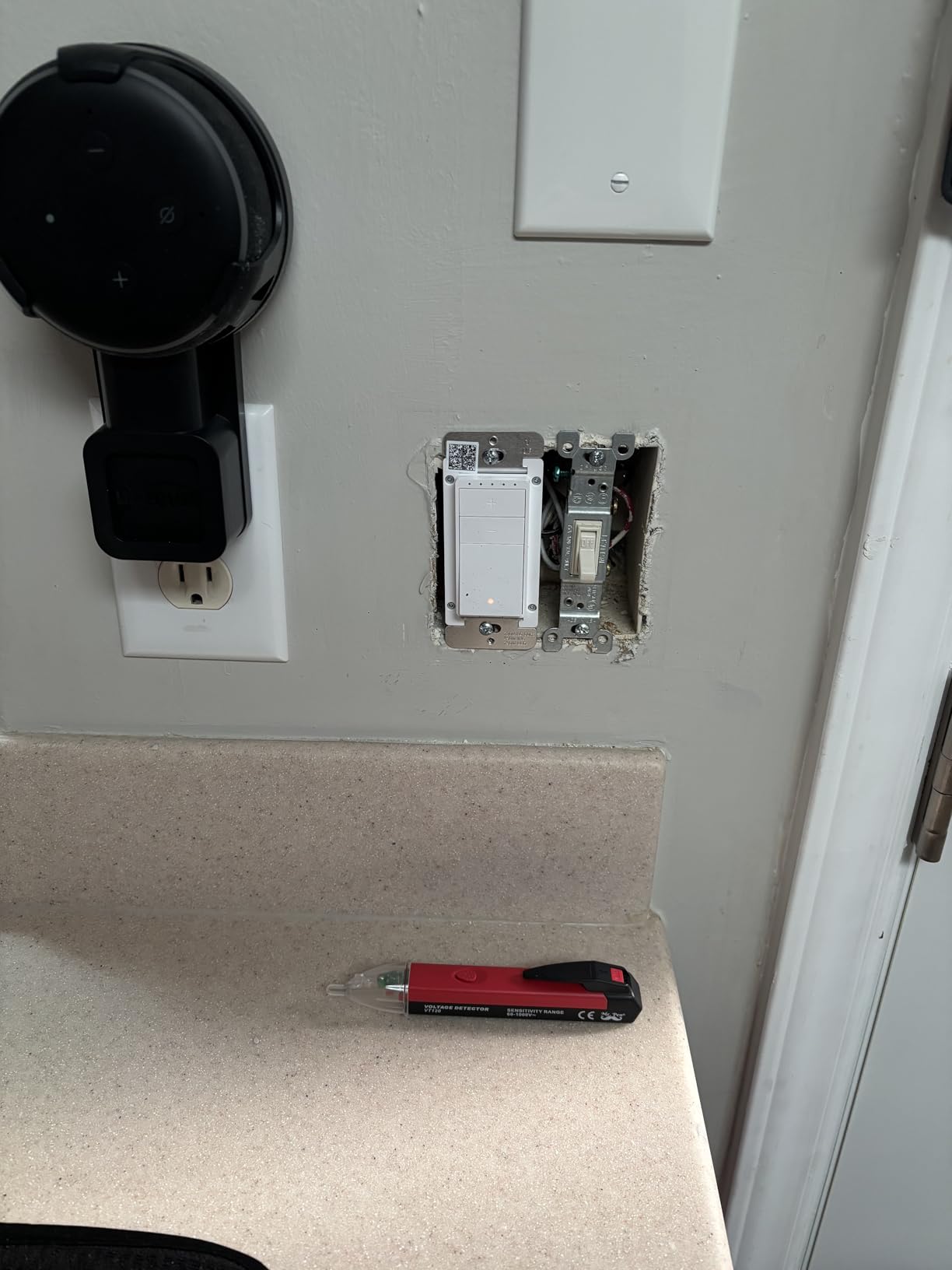
Technically, the Amazon Basics dimmer supports up to 160W of LED lighting on a 2.4GHz Wi-Fi connection. It requires a neutral wire and works only in single-pole configurations. There is no hub requirement, which keeps the total cost down. The switch is ETL certified for safety. One thing I noticed during testing is that the on and off transitions are instant, with no gradual fade like the Kasa or Lutron dimmers offer. If you prefer a soft fade when turning lights on and off, this is not the dimmer for you.
Some Amazon reviewers have reported a ghost current issue where lights do not turn fully off, leaving a faint glow. I did not experience this with the LED bulbs I tested, but it is worth being aware of, especially if you are using sensitive LED fixtures. There have also been scattered reports of units failing after several months, so keep that in mind if long-term reliability is a top concern.
Alexa Integration Experience
The Alexa integration is hands-down the best thing about this dimmer. Because it is an Amazon product, the discovery and setup process is automatic. My Alexa app found the switch the moment I powered it on, and I was controlling it with voice commands within seconds. You can include it in Alexa routines, set schedules, and control it remotely through the Alexa app. If you already have an Echo device and Alexa controls the rest of your smart home, adding this dimmer takes virtually zero effort. It is the closest thing to plug-and-play that I found in this entire test.
Limitations to Consider
The biggest limitation is obvious: this dimmer only works with Alexa. There is no Google Home support, no Apple HomeKit, no SmartThings integration, and no Matter support. If you ever switch away from Alexa or want to use multiple platforms, this dimmer will not come with you. It is also single-pole only, so you cannot use it in 3-way circuits. And there is no fade on or fade off feature, which means lights snap on and off rather than transitioning gradually. These are reasonable trade-offs at this price point, but they are worth knowing about before you buy.
How to Choose the Best Smart Dimmer for Your Home
Picking the right smart dimmer is not just about reading reviews. It is about matching the dimmer to your specific home setup, your smart home platform, and your wiring situation. Here is what you need to consider before making a decision.
Neutral Wire: The Most Important Question
The very first thing you need to figure out is whether your switch boxes have neutral wires. This single factor eliminates half the smart dimmers on the market from your options. In homes built after the mid-1980s, neutral wires are usually present in switch boxes. In older homes, they often are not.
To check, turn off the breaker for the switch you want to replace, remove the switch plate, and look at the wires connected to the switch. If you see a white wire capped with a wire nut in the back of the box (not connected to the switch itself), that is your neutral wire. If all you see are black wires connected to the switch and a bare copper ground wire, you probably do not have a neutral.
If you do not have a neutral wire, your options narrow significantly. The Lutron Diva and Lutron Caseta are your best bets because they are designed to work without neutral wires. Most other dimmers on this list require one.
Smart Home Platform Compatibility
Think about which smart home platform you currently use or plan to use. If you are all-in on Alexa, the Amazon Basics dimmer offers the simplest experience. If you use Apple HomeKit and want Siri control, the Tapo S505D with Matter or the Leviton D26HD are your best options. If you want maximum compatibility across all platforms, Lutron products with the Smart Hub are the most versatile.
For Home Assistant users, Zigbee and Z-Wave devices generally offer the best local control experience. The Enbrighten Zigbee dimmer works well with Home Assistant through a Zigbee coordinator like a SkyConnect or Sonoff dongle. Leviton and Tapo dimmers with Matter support also integrate with Home Assistant, though the setup process can be more involved.
Wi-Fi vs Zigbee vs Z-Wave vs Matter
The communication protocol your dimmer uses affects everything from reliability to how many devices your network can handle.
Wi-Fi dimmers like the Kasa HS220, Tapo S505D, and Amazon Basics connect directly to your home router. They are easy to set up and do not require a hub. However, each Wi-Fi device adds load to your router, which can cause congestion in homes with many smart devices.
Zigbee dimmers like the Enbrighten create their own mesh network. They require a Zigbee hub (some Echo devices have one built in). Each Zigbee device extends the network range, making it more reliable as you add more devices.
Lutron uses its own Clear Connect protocol, which operates on a dedicated frequency. It requires the Lutron Smart Hub but offers the most reliable performance in my testing.
Matter is the new universal standard that works over Wi-Fi, Thread, or Ethernet. It lets devices work across all major platforms without compatibility issues. If future-proofing is important to you, look for Matter-certified dimmers like the Tapo S505D or the Leviton D26HD with the firmware update.
Single-Pole vs 3-Way Switches
A single-pole switch is the most common type, where one switch controls one light. A 3-way switch setup has two switches controlling the same light, like at the top and bottom of a staircase. Not all smart dimmers support 3-way configurations. The Lutron Diva, Lutron Caseta, Leviton D26HD, and Enbrighten all handle 3-way setups. The Kasa HS220, Tapo S505D, TREATLIFE, and Amazon Basics are single-pole only.
For 3-way setups, check whether the dimmer requires a specific companion switch or if it works with a standard 3-way switch. Lutron uses its Pico remote or Claro accessory switch, while Enbrighten requires model 46199. The Leviton D26HD supports wireless 3-way with its Anywhere companion switch.
LED Compatibility and Flicker Prevention
LED flickering is the number one complaint I see on forums and in product reviews. Not all LED bulbs work well with all dimmers. The mismatch usually shows up as flickering at low brightness levels, buzzing sounds, or the light not dimming smoothly.
The Leviton D26HD is the best dimmer for addressing this because it has adjustable minimum and maximum brightness settings in the app. This lets you set a floor below which the dimmer will not go, preventing the flickering range entirely. Other dimmers handle LED compatibility to varying degrees. In general, using high-quality dimmable LED bulbs from brands like Philips or Cree will give you the best results regardless of which dimmer you choose.
Hub vs No-Hub: What You Need to Know
Some smart dimmers require a hub to enable smart features, while others connect directly to your Wi-Fi network. Hub-free dimmers like the Kasa HS220, Tapo S505D, TREATLIFE, and Amazon Basics are simpler and cheaper to get started with. You just connect them to your Wi-Fi and start controlling them through the app or voice assistant.
Hub-required systems like Lutron Caseta and Lutron Diva cost more upfront because you need to buy the hub. But they offer better reliability because they use a dedicated communication protocol that does not compete with your Wi-Fi network. If you are planning to install more than 5 or 6 smart switches, the hub-based approach often provides a more stable experience.
FAQs
Which is better Lutron or Leviton smart switch?
Lutron is better for overall reliability and homes without neutral wires, while Leviton is better for LED flicker prevention with its adjustable brightness settings. Lutron uses a proprietary Clear Connect protocol that requires a hub but delivers near-perfect reliability. Leviton connects via Wi-Fi with optional Matter support and offers more granular control over dimming behavior. Choose Lutron for plug-and-play reliability and older homes; choose Leviton if LED flickering is your main concern.
What are the disadvantages of smart switches?
Smart switches have several potential downsides: they require compatible wiring (most need a neutral wire), they add complexity compared to regular switches, some depend on cloud services that can go down, Wi-Fi models can add congestion to your network, and budget models may have reliability issues over time. They also cost significantly more than standard dimmer switches and may require a hub for full functionality.
What smart switch is best?
The Lutron Diva Smart Dimmer is the best overall smart switch because it works without a neutral wire, offers rock-solid reliability through the Clear Connect protocol, and is compatible with every major smart home platform including Alexa, Google Home, and Apple HomeKit. For budget-conscious buyers, the Kasa Smart HS220 offers excellent value with direct Wi-Fi connectivity and no hub requirement.
Do smart dimmers work with LED lights?
Most smart dimmers work with dimmable LED lights, but compatibility varies by brand and bulb combination. Common issues include flickering at low brightness levels and buzzing sounds. The Leviton D26HD has the best LED compatibility because it offers adjustable minimum brightness settings to eliminate flickering. For the best results, use high-quality dimmable LED bulbs from brands like Philips or Cree, and check the dimmer’s wattage rating to ensure it supports your total LED load.
Can you use a smart dimmer with smart bulbs?
Generally, you should not use a smart dimmer with smart bulbs. Smart bulbs manage their own dimming internally, and a smart dimmer on the same circuit can cause conflicts, flickering, or damage to the bulbs. If you have smart bulbs, use a regular on/off smart switch instead of a smart dimmer. If you want dimming control, choose either smart bulbs on a regular circuit or regular dimmable bulbs on a smart dimmer circuit, but not both together.
Final Thoughts on the Best Smart Dimmers
After testing 8 smart dimmers across multiple rooms in my home, the Lutron Diva Smart Dimmer stands out as the best overall choice for most people. Its no-neutral-wire design, unmatched reliability, and broad platform compatibility make it the safest bet regardless of your home’s wiring or your smart home platform. The Kasa Smart HS220 is my top value pick for anyone with neutral wires who wants a simple, hub-free experience. And the TP-Link Tapo S505D offers the best future-proofing at a budget price thanks to its Matter certification.
Choosing the best smart dimmers in 2026 really comes down to your specific situation. Check your wiring first, then match the dimmer to your smart home platform. Whether you go with the premium reliability of Lutron, the affordability of Kasa, or the cross-platform flexibility of Matter, any of the dimmers on this list will upgrade your home lighting in a meaningful way.