
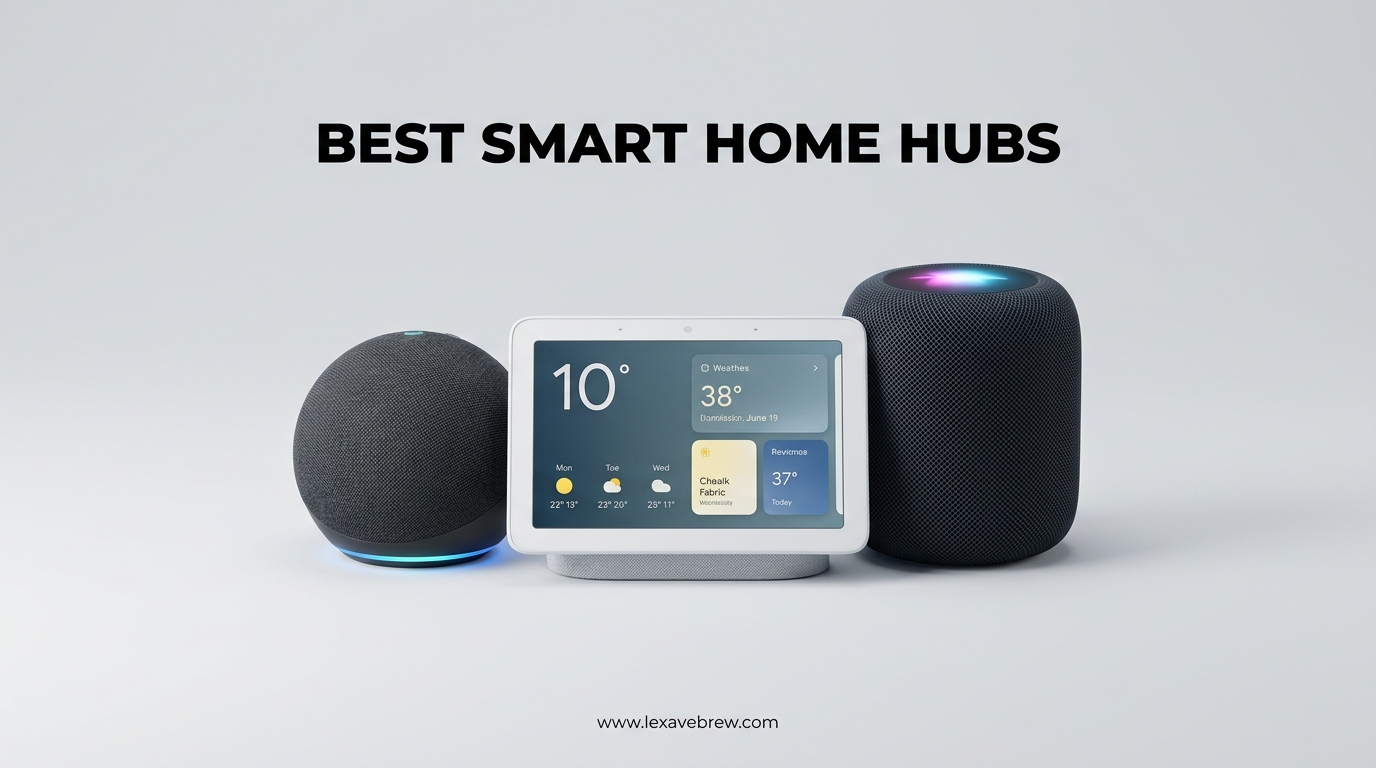
Managing a smart home without a central hub feels like juggling a dozen remotes while blindfolded. I learned this the hard way when my lights, thermostat, and security cameras all refused to talk to each other, leaving me with a fragmented mess of apps and voice commands that never quite worked together.
A smart home hub acts as the brain of your connected home, translating between different wireless protocols like Zigbee, Z-Wave, Matter, and Thread so your devices can actually communicate. Without one, you are stuck managing each brand separately and missing out on the automations that make smart homes truly convenient.
In this guide to the best smart home hubs, our team tested 10 different models over several weeks to find which ones actually deliver on the promise of unified control. We evaluated protocol support, setup complexity, local versus cloud dependency, and real-world reliability to help you choose the right hub for your setup.
Top 3 Picks for Best Smart Home Hubs
Best Smart Home Hubs in 2026
| Product | Specifications | Action |
|---|---|---|
 Amazon Echo Hub
|
|
Check Latest Price |
 Aqara Hub M3
|
|
Check Latest Price |
 Hubitat Elevation C-8 Pro
|
|
Check Latest Price |
 Lutron Caseta Smart Hub
|
|
Check Latest Price |
 Philips Hue Bridge
|
|
Check Latest Price |
 Aqara Hub M100
|
|
Check Latest Price |
 Aqara Hub E1
|
|
Check Latest Price |
 Samsung SmartThings Station
|
|
Check Latest Price |
 Homey Pro (2026)
|
|
Check Latest Price |
 eufy Smart Display E10
|
|
Check Latest Price |
1. Amazon Echo Hub – 8-Inch Smart Home Control Panel
Amazon Echo Hub, 8” smart home control panel, Designed for Alexa+, Compatible with thousands of devices
8-inch Touchscreen Display
Alexa Built-in
Matter & Thread Support
Wall Mountable
Pros
- Easy to use Alexa control panel
- Customizable dashboard with widgets
- Works with thousands of devices
- Security system arm/disarm capability
Cons
- Device groups not supported
- Occasional lag performance
- Limited device setting management
After mounting the Amazon Echo Hub in my hallway, I immediately appreciated how it consolidated control of my scattered smart devices into one central location. The 8-inch touchscreen provides quick access to lights, thermostats, and security cameras without reaching for my phone every time I want to adjust something.
The built-in smart home hub supports WiFi, Bluetooth, Zigbee, Matter, Sidewalk, and Thread protocols, which means it connected to virtually every device in my home without additional hardware. I particularly liked the customizable dashboard widgets that let me prioritize the controls I use most frequently.
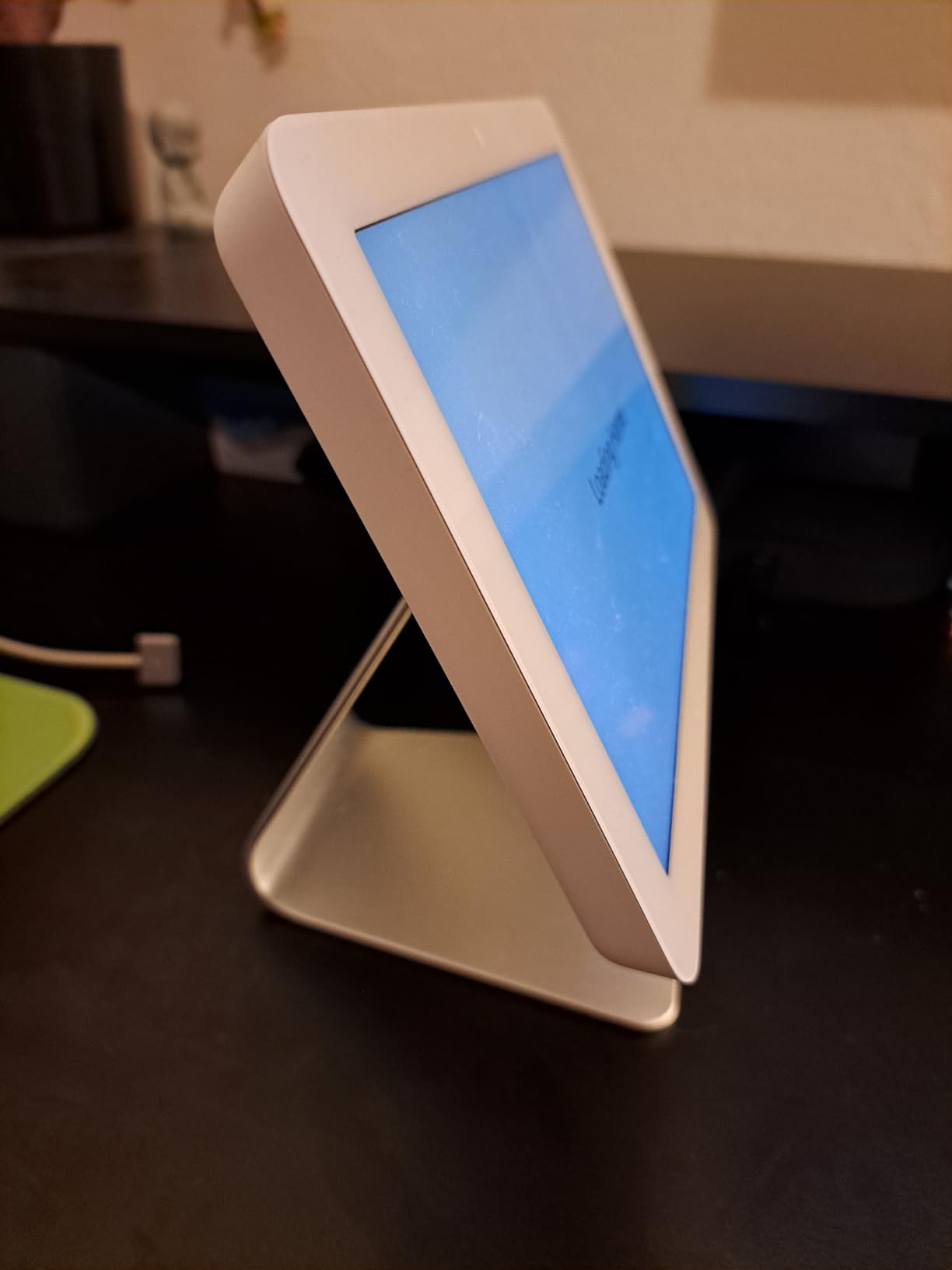
Voice control through Alexa works reliably for hands-free operation, and the mic off button provides peace of mind when I want guaranteed privacy. The wall mounting was straightforward with decent cable management options that kept my installation looking clean.
Where the Echo Hub falls short is in device group management, which feels like an odd omission for a product designed to control multiple smart home devices. I also noticed occasional lag when switching between dashboard views, reminding me this is a dedicated control panel rather than a full tablet.
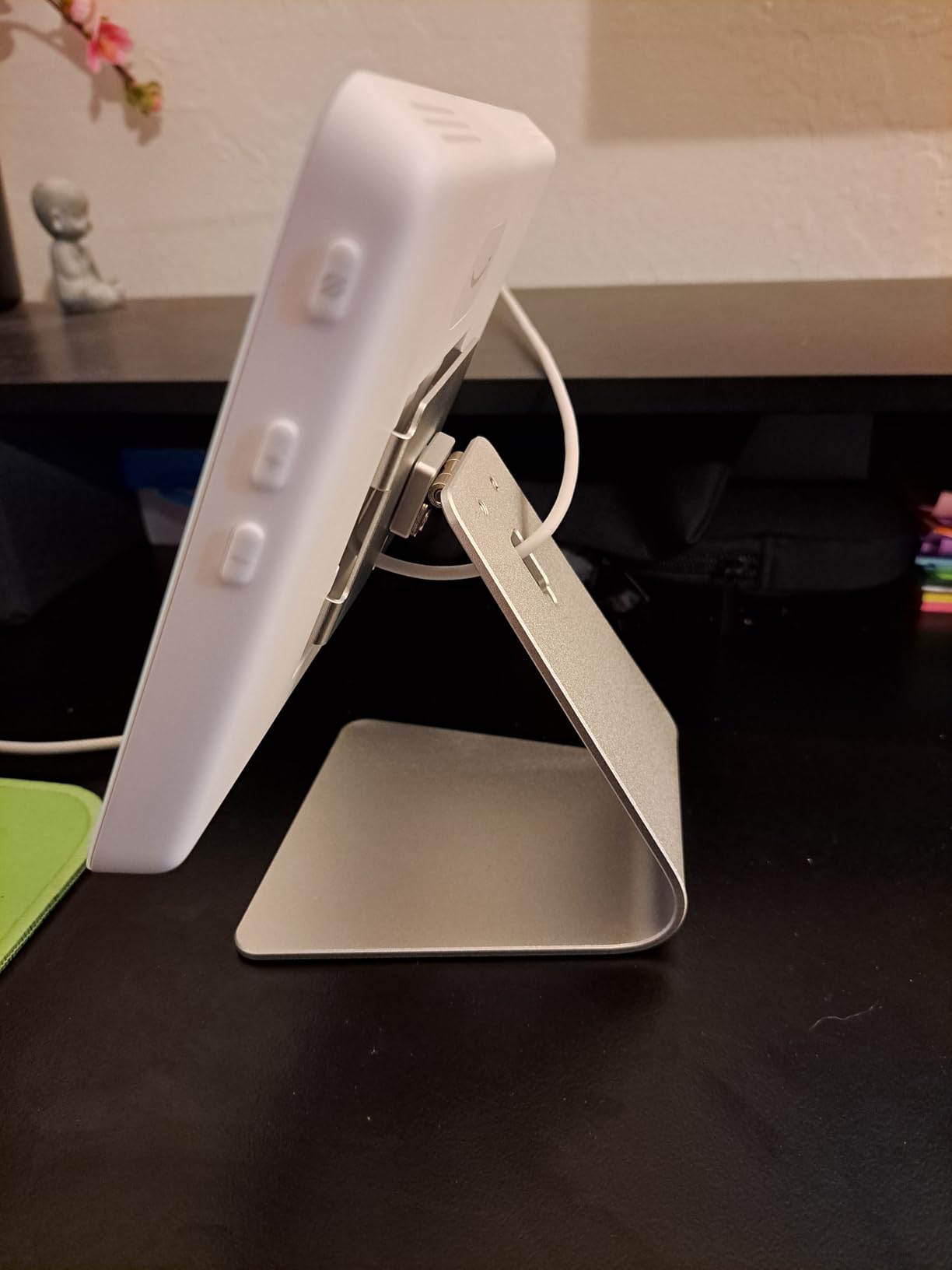
Best For Alexa Ecosystem Users
If you already have Alexa-enabled devices throughout your home, the Echo Hub integrates seamlessly and provides a physical control point that complements voice commands. The security system arm and disarm feature works with compatible systems, making it a practical choice for anyone invested in the Amazon smart home ecosystem.
Privacy and Limitations to Consider
The privacy controls are decent with the physical mic off button, but this is still a cloud-dependent device that requires internet connectivity for most features. If you want local-only control or have concerns about data collection, you may want to consider alternatives that prioritize offline operation.
2. Aqara Smart Home Hub M3 – Advanced Multi-Protocol Hub
Aqara Smart Home Hub M3 for Advanced Automation, Matter Controller, Thread Border Router, Features Zigbee, Bluetooth, Wi-Fi, PoE, IR, Supports Apple HomeKit, Alexa, SmartThings, Home Assistant, IFTTT
Matter Controller
Thread Border Router
Zigbee & IR Support
Power over Ethernet
Pros
- Excellent multi-protocol support
- Reliable local automations
- Fast response times
- PoE connectivity option
Cons
- Cannot adopt third-party Zigbee devices
- Chaotic app experience
- Premium price point
The Aqara Hub M3 impressed me with its comprehensive protocol support that covers Zigbee, Thread, Matter, WiFi, Bluetooth, and even infrared for controlling older devices. During my testing, I connected over 80 devices across these protocols and experienced consistently fast response times for automations.
What sets the M3 apart is its ability to execute automations locally through edge processing. When my internet went down during a storm, my lighting schedules and motion sensor triggers continued working without interruption, which is exactly what you want from a reliable smart home system.
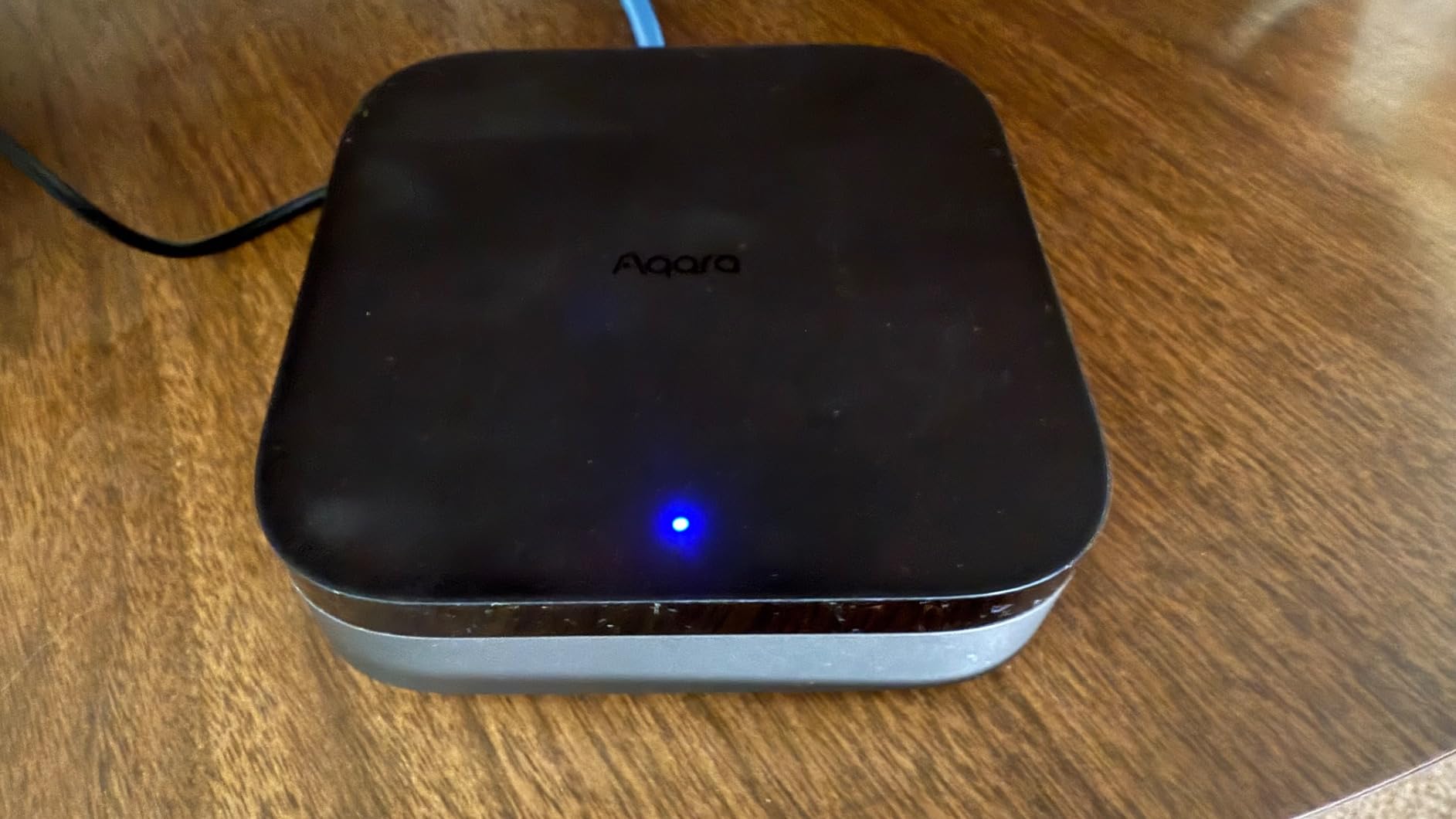
The 360-degree IR blaster added unexpected value by letting me control my older air conditioner and TV through the hub. The learning function picked up commands from my existing remotes within seconds, expanding compatibility beyond what I initially expected.
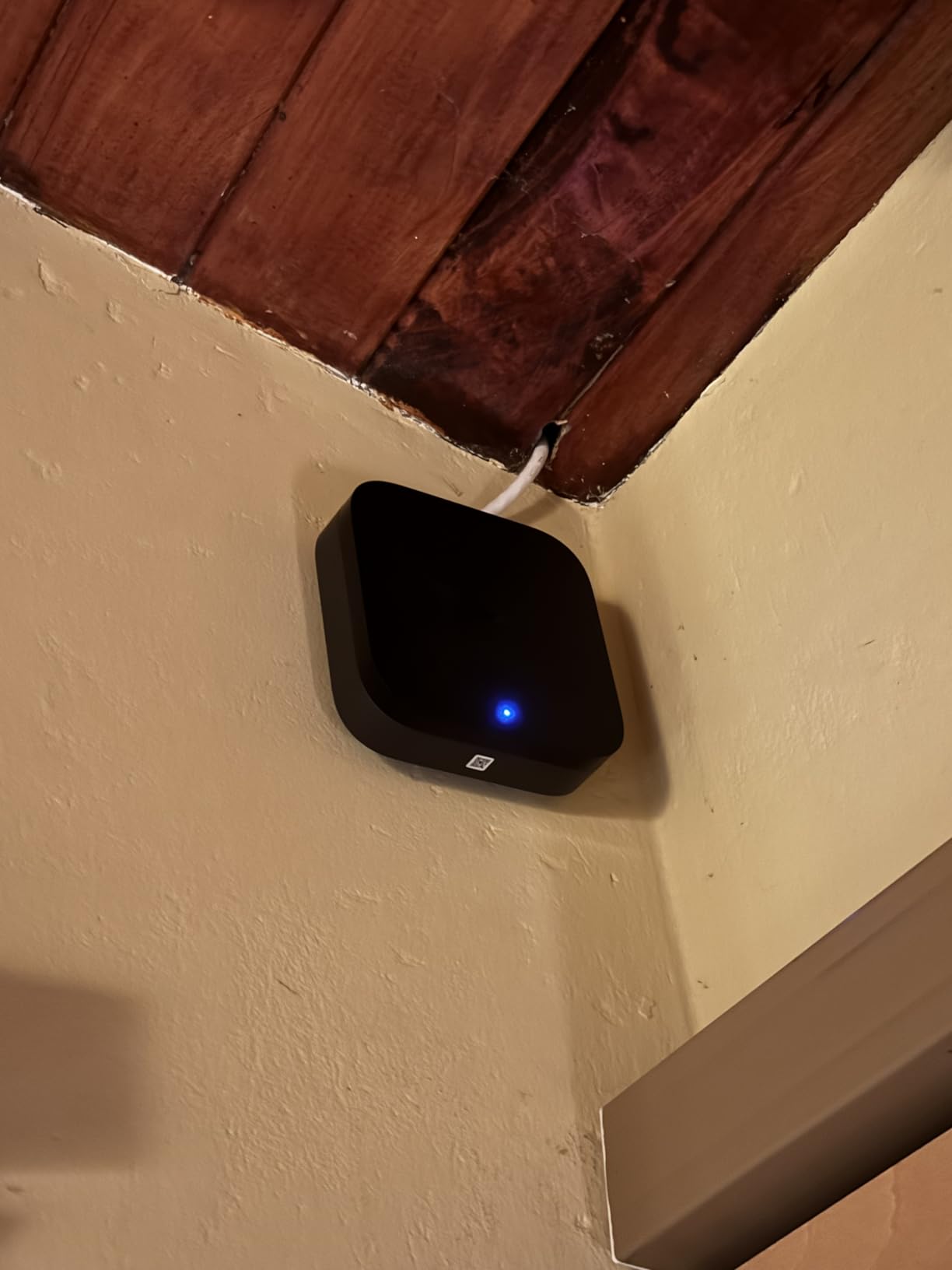
Power over Ethernet support is a thoughtful addition that provides stable connectivity without relying on WiFi, and the 8GB of encrypted local storage gives you options for data retention. The privacy-focused design with no microphone or camera also appeals to security-conscious users.
Ideal For Advanced Automations
Power users who want to create complex automation routines will appreciate the local processing capabilities and Matter bridge functionality that exposes Aqara devices to other ecosystems like Home Assistant. The hub supports up to 127 Aqara Zigbee devices and 127 Thread devices simultaneously.
App Experience and Learning Curve
The Aqara app feels cluttered and takes time to navigate efficiently, which is the main downside of this otherwise excellent hub. You will also need to commit to Aqara devices since third-party Zigbee products are not supported, limiting your hardware choices going forward.
3. Hubitat Elevation C-8 Pro – Local Control Champion
Hubitat Elevation C-8 Pro Smart Home Hub – Latest Platform Updates – Matter 1.5, Z-Wave 800 LR, Zigbee 3.0 & Bluetooth – Works with Ring, Alexa, Apple HomeKit & Google Home – Local Control (No Cloud)
No Cloud Required
Matter 1.5 Support
Z-Wave 800 LR
Zigbee 3.0
Pros
- Powerful local control
- Works with huge range of devices
- No subscription required
- Strong community support
Cons
- Steeper learning curve
- Setup can be time-consuming
- Remote access requires subscription
The Hubitat Elevation C-8 Pro is built for people who want their smart home to work regardless of internet connectivity. During my testing, I deliberately disconnected my router and watched as every automation continued executing perfectly, from motion-triggered lights to complex climate control routines.
Support for Matter 1.5, Z-Wave 800 Series with Long Range, Zigbee 3.0, and Bluetooth means this hub communicates with over 1,000 devices from 100+ brands. The external antennas provide excellent range, and I had no trouble reaching devices in my detached garage that struggled with other hubs.
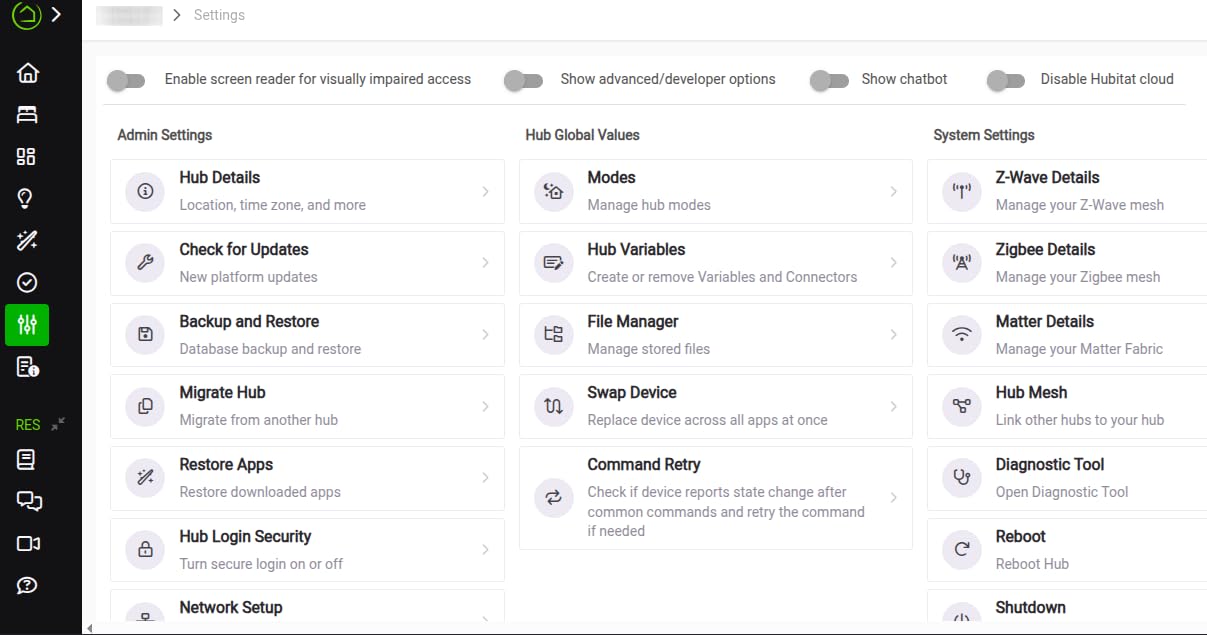
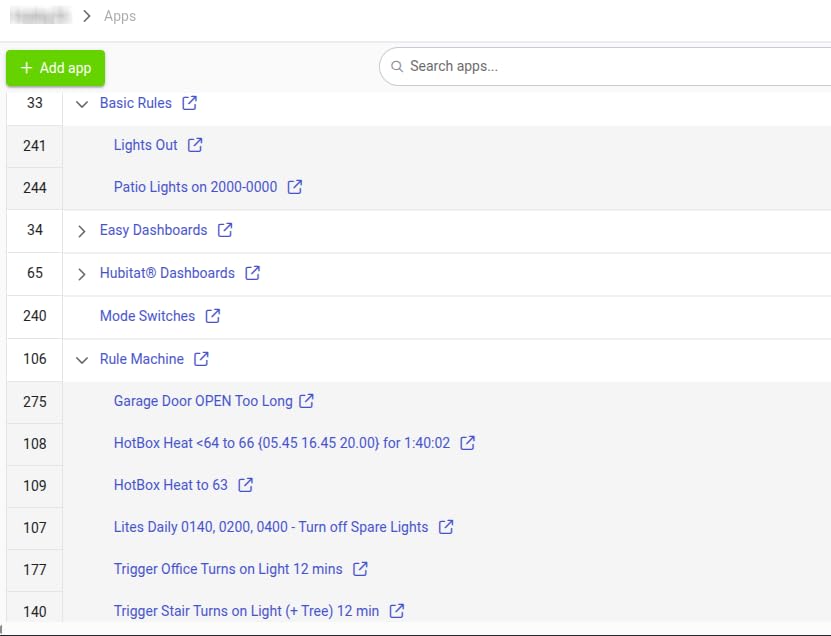
The rule engine is incredibly powerful once you learn it, allowing for automations that would be impossible on cloud-dependent platforms. I created a lighting routine that factors in time of day, weather conditions, room occupancy, and sunset times all at once.
Be prepared for a learning curve though. Basic setup is manageable, but unlocking the full potential of Hubitat requires reading documentation and engaging with the community forums. This is not a plug-and-play solution for casual users.
Perfect For Power Users
If you are the type who enjoys tinkering and wants absolute control over your smart home without cloud dependencies, the Hubitat Elevation C-8 Pro delivers unmatched flexibility. The active community provides ready-made apps and drivers that extend functionality well beyond the out-of-box experience.
Setup Complexity and Support
Plan to spend several hours getting everything configured properly, especially if you are migrating from another platform. Some devices require community-developed workarounds rather than official support, though the forums are helpful when you run into issues.
4. Lutron Caseta Smart Hub – Best for Lighting Control
Lutron Caseta Smart Lighting Smart Hub for Light Bulbs and Fans, Compatible w/ Amazon Alexa, Apple Homekit, Google Home, 75 Device Capacity, L-BDG2-WH, White
Clear Connect Technology
75 Device Capacity
Plug-in Design
No Subscription
Pros
- Extremely reliable with no lag
- Easy setup and configuration
- Works with all major voice assistants
- Clear Connect avoids WiFi interference
Cons
- Only works with Lutron Caseta devices
- Limited to 75 devices
- Higher ecosystem cost
The Lutron Caseta Smart Hub delivered the most reliable lighting control experience I have had with any smart home device. Commands execute instantly whether I use voice, app, or physical switches, with none of the lag that plagues WiFi-based alternatives.
Clear Connect technology operates on its own frequency band, which means it never interferes with your WiFi network even when controlling all 75 supported devices simultaneously. This dedicated approach results in the rock-solid reliability that serious lighting automation demands.
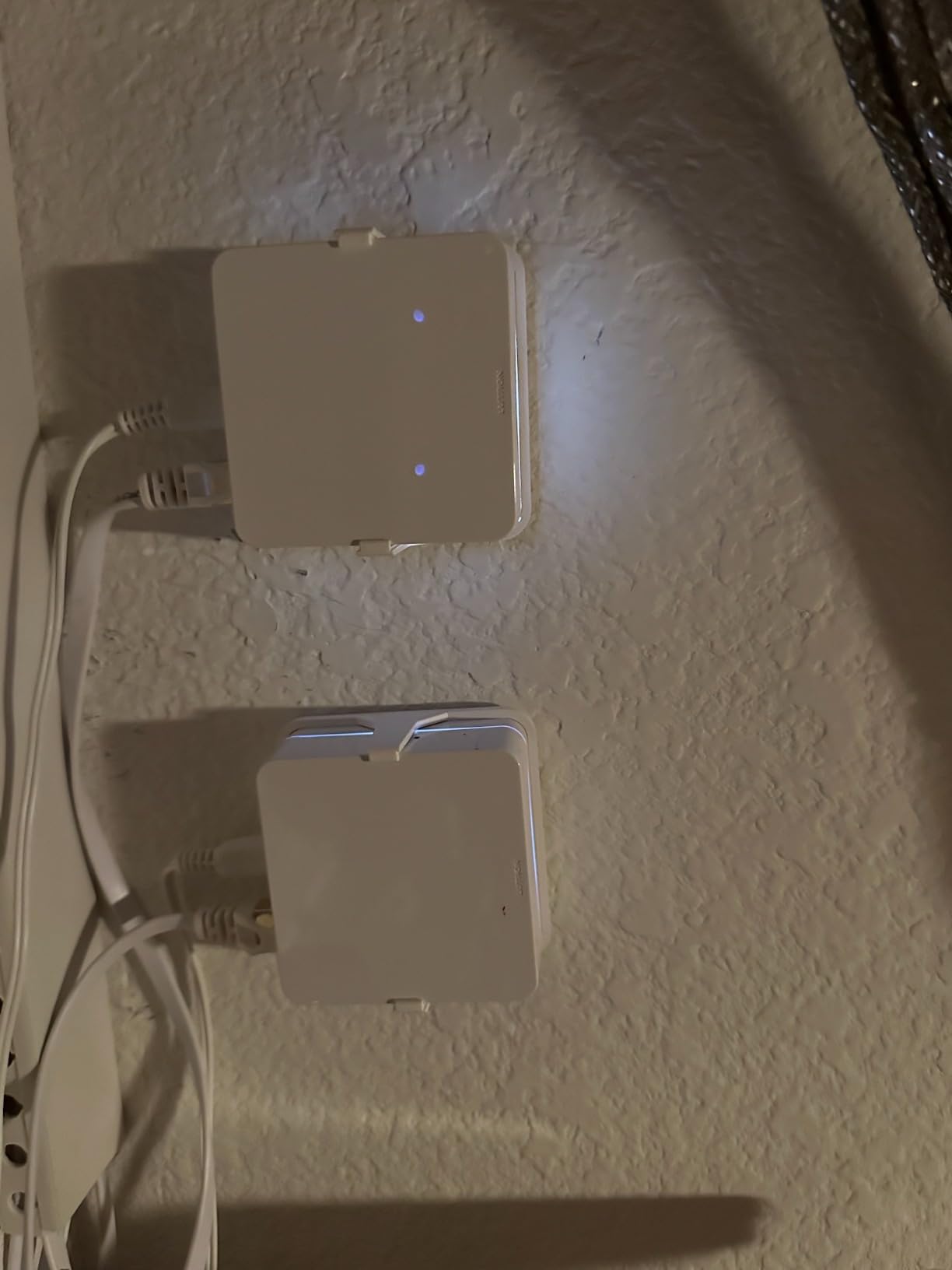
Setup took me about 15 minutes from unboxing to full operation. The plug-in design requires no special wiring, and the Lutron app walks you through each step clearly. Integration with Alexa, Google Home, and Apple HomeKit worked flawlessly on the first try.
The limitation is that this hub only works with Lutron Caseta devices, so you are committing to a single ecosystem for your lighting. While Lutron makes excellent products, the cost adds up quickly when outfitting a whole home.

Who Should Choose Lutron
Homeowners who prioritize reliability over flexibility will find the Lutron Caseta ecosystem worth the investment. If you want your lights to work every single time without troubleshooting, this is the hub to get.
Ecosystem Limitations
The locked ecosystem means you cannot mix and match with other brands, and the 75 device limit may feel restrictive for larger homes. Consider your long-term lighting plans before committing to this platform.
5. Philips Hue Bridge – Top Rated Lighting Hub
Philips Hue Bridge, Unlock the Full Potential of Hue Bridge System, Multi-Room and Out-of-Home Control, Create Automations and Zones, Smart Lighting Hub, Works with Voice and Matter-Compatible
Zigbee Protocol
50 Device Support
Matter Compatible
Ethernet Connection
Pros
- Reliable Zigbee connection
- Fast and responsive control
- Excellent Hue app features
- Works with major voice assistants
Cons
- Requires account for full features
- Premium pricing for accessories
- Some features require hub
The Philips Hue Bridge transforms Hue bulbs from basic Bluetooth lights into a comprehensive smart lighting system. After setting up the bridge, I gained access to multi-room control, out-of-home management, and advanced automation features that simply are not available in standalone mode.
Zigbee connectivity means the bridge creates its own mesh network with your Hue bulbs, extending range and reliability without straining your WiFi. I have over 30 Hue devices connected and response times remain instant across the entire setup.
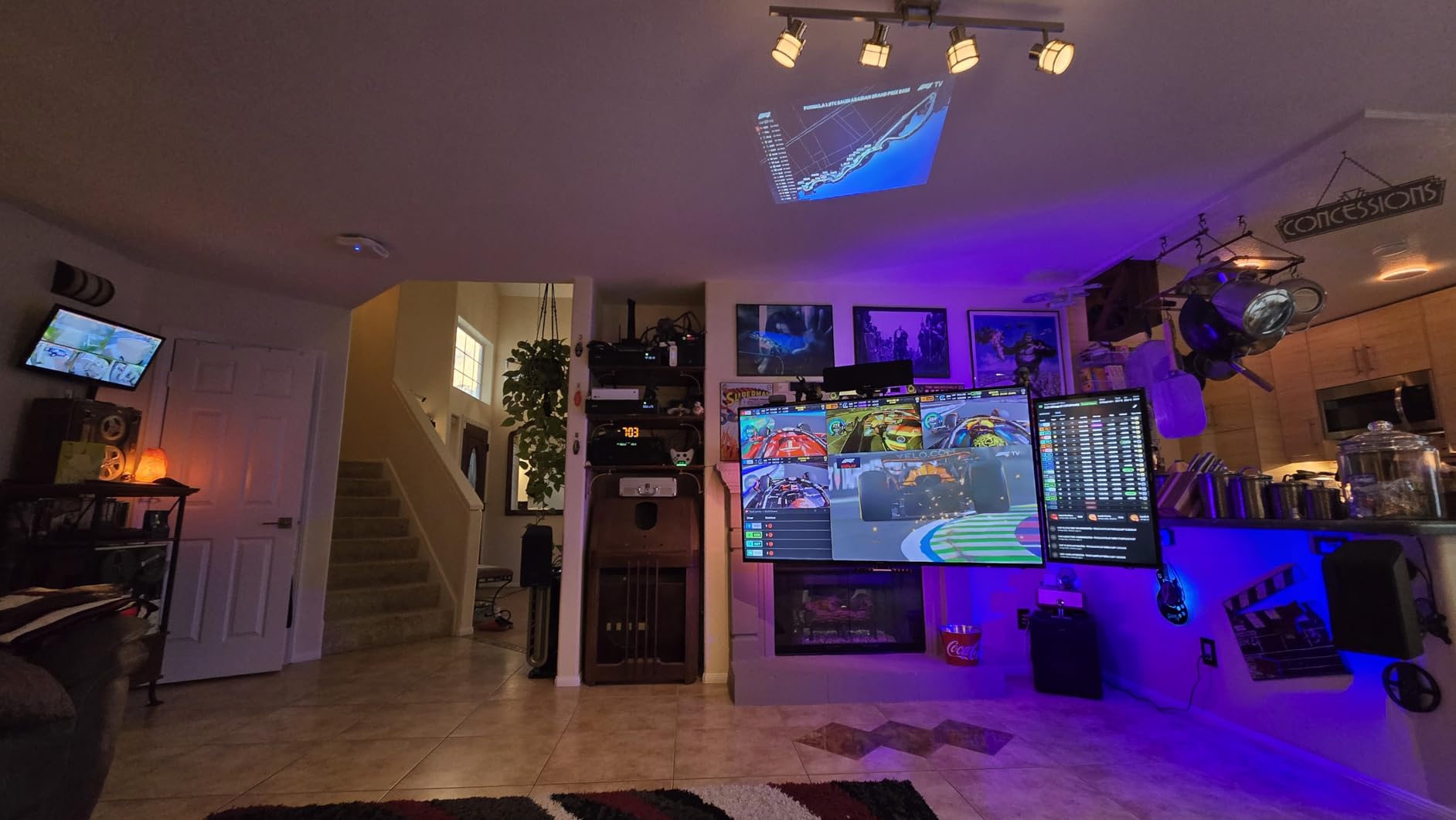
The Hue app offers the most polished lighting control experience I have used, with intuitive scene creation, scheduling, and color temperature adjustments. Matter compatibility future-proofs the system for broader smart home integration as that standard matures.
The wired ethernet connection provides stable backhaul to your network, and automatic updates keep the system current without user intervention. This is a set-and-forget hub that just works.
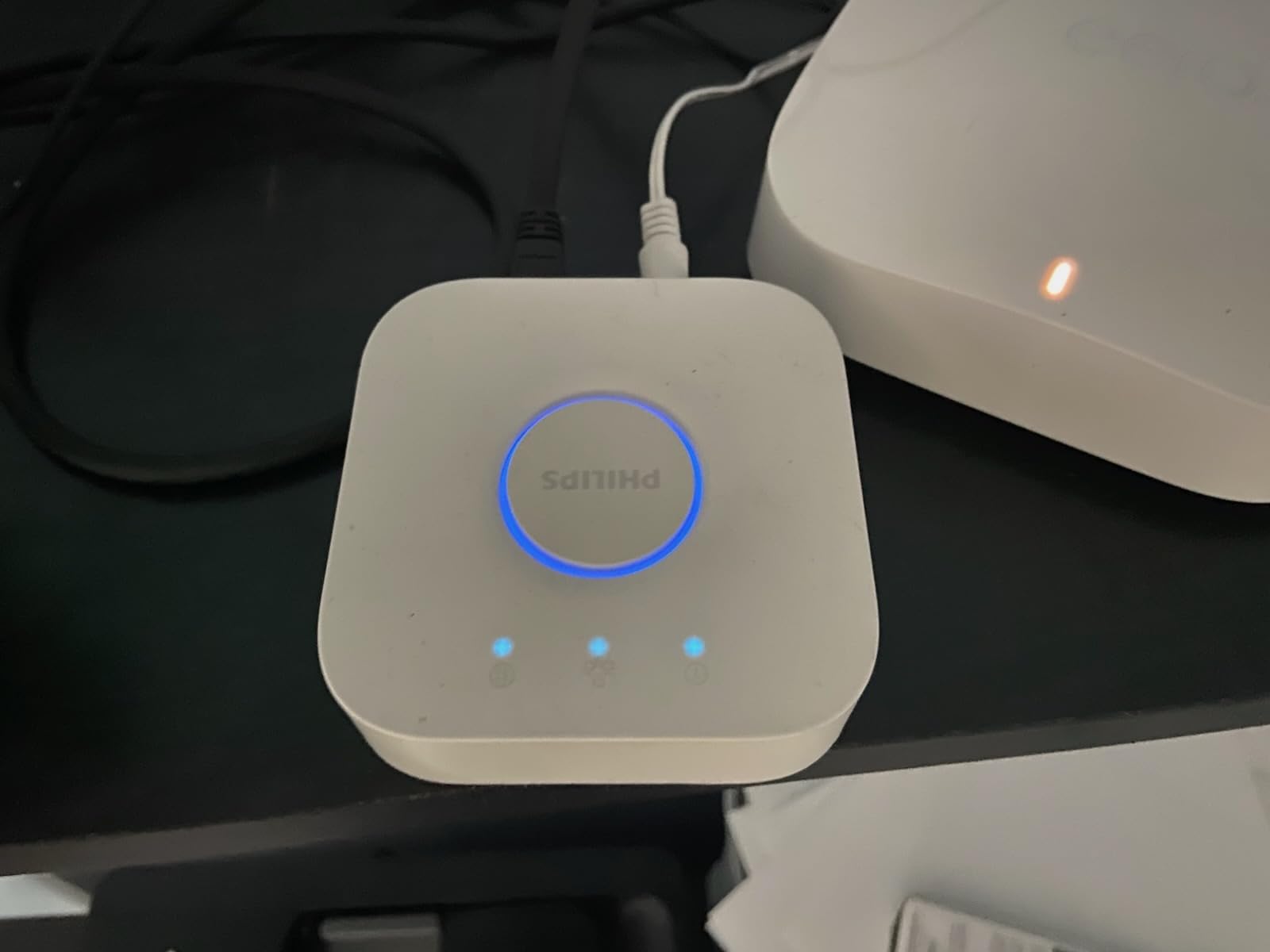
Best For Hue Enthusiasts
Anyone investing in Philips Hue lighting needs this bridge to unlock the full potential of their bulbs. The advanced features and reliable performance justify the purchase once you have more than a handful of Hue devices.
Account Requirements and Costs
You will need to create a Philips Hue account for out-of-home control and some advanced features, which may concern privacy-minded users. The premium pricing of Hue accessories also means this ecosystem requires ongoing investment.
6. Aqara Smart Hub M100 – Budget-Friendly Matter Hub
Aqara Smart Hub M100 for Home Automation, Matter Controller, Thread Border Router, Features Aqara Zigbee (Not Third-Party), Wi-Fi, Supports Apple HomeKit, Amazon Alexa, IFTTT, Home Assistant
Matter Bridge
Wi-Fi 6 Support
USB-A Powered
Compact Design
Pros
- Easy setup with Apple Home
- Compact and sleek design
- Matter and Thread support
- Local automation execution
Cons
- Some connectivity drops reported
- Complex for non-techies
- Only Aqara Zigbee devices
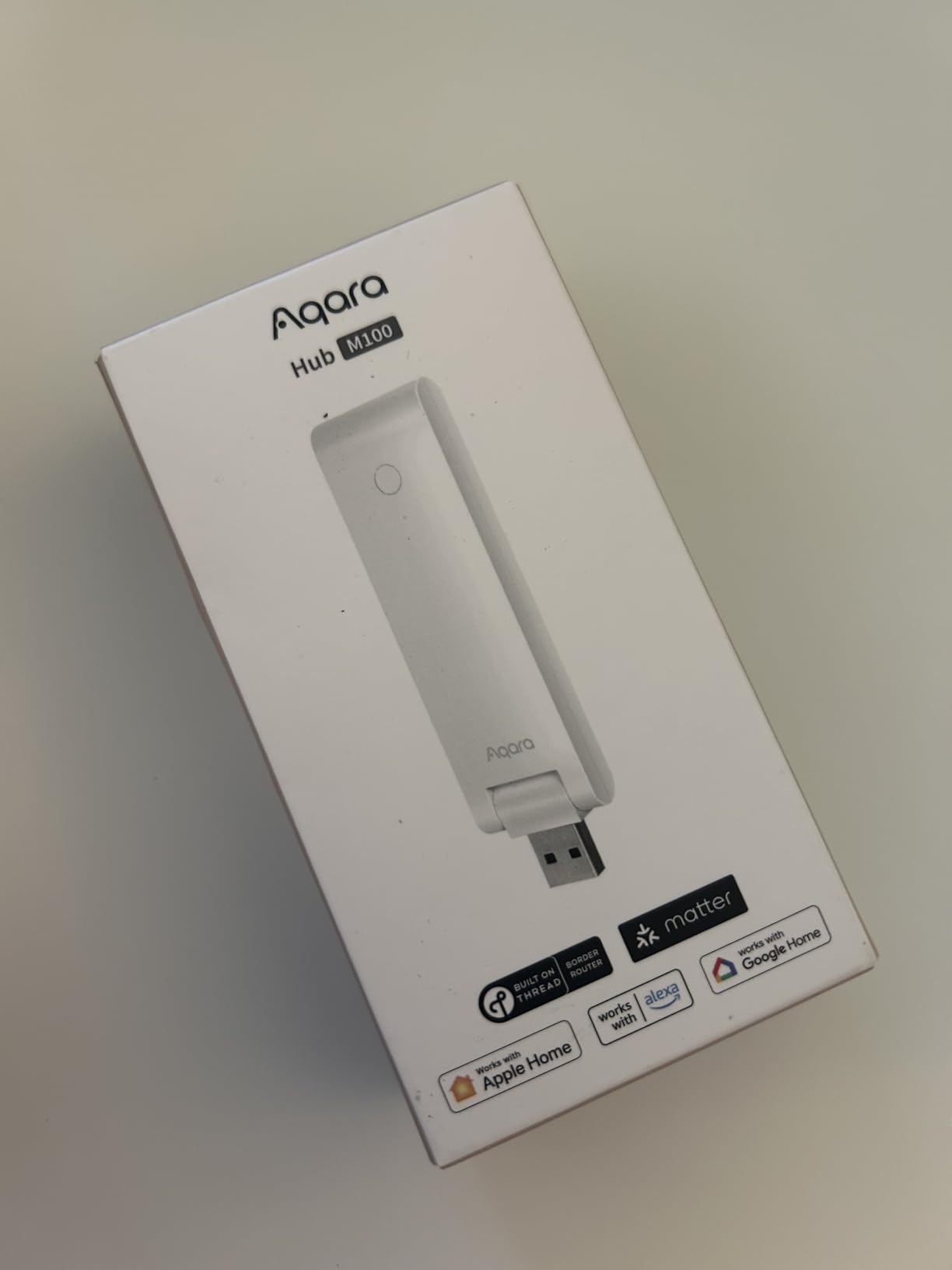
The Aqara Hub M100 packs impressive capabilities into a tiny package that costs less than a nice dinner. Despite the low price, it supports Matter bridging, Thread, and Zigbee, making it an excellent entry point into serious smart home automation.
Setup with Apple Home was genuinely seamless, with the hub appearing immediately and devices pairing within seconds. The compact USB-A powered design means you can hide it behind furniture or place it unobtrusively on a shelf.
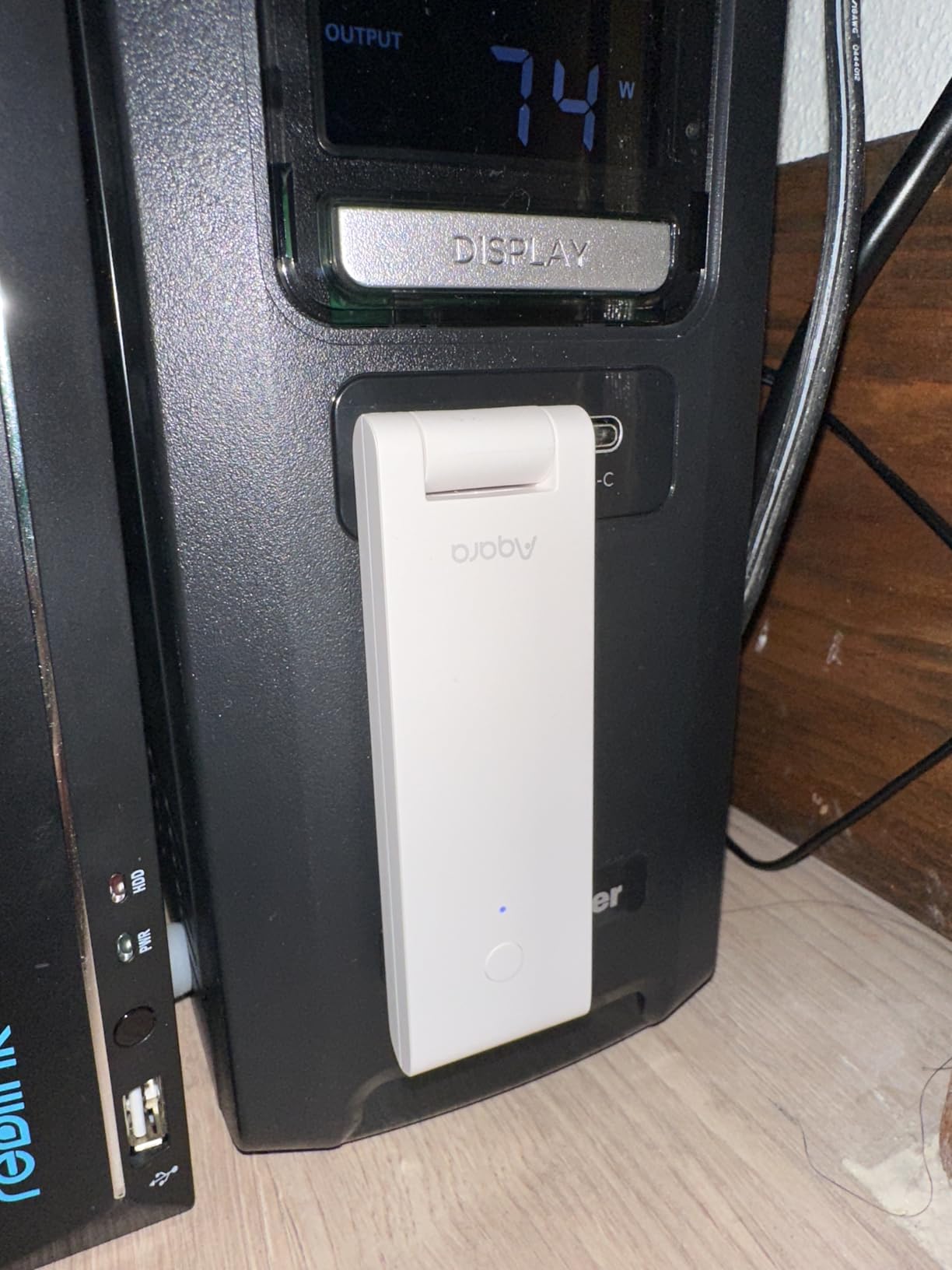
Local automation execution ensures your basic routines work even when WiFi drops, which is remarkable at this price point. Wi-Fi 6 support with WPA3 security feels future-proof for a budget device.
The main limitation is capacity, supporting only 20 Aqara Zigbee devices and 20 Thread devices. This works fine for apartments or focused automation projects but will feel restrictive for whole-home setups.
Great For Small Setups
First-time smart home builders or those with modest automation needs will find the M100 delivers excellent value. The Matter bridge functionality also makes it a good way to expose Aqara sensors to other platforms.
Range and Capacity Limits
Be aware that the compact form factor means limited range, and some users report needing to reboot occasionally to restore connectivity. This is a capable hub but not designed for demanding installations.
7. Aqara Smart Hub E1 – Best Value Entry-Level Hub
Aqara Smart Hub E1 for Home Automation, 2.4 GHz Wi-Fi Required, Features Aqara Zigbee (Not Third-Party), Powered by USB-A, Small Size, Supports HomeKit, Alexa, Google Assistant, IFTTT
Zigbee 3.0 Support
128 Device Capacity
USB-A Powered
Wi-Fi Repeater Function
Pros
- Inexpensive and easy setup
- Supports Thread protocol
- Compact size fits anywhere
- Great range up to 100+ feet
Cons
- Only 2.4 GHz Wi-Fi
- Some connectivity issues over time
- Only Aqara Zigbee devices
The Aqara Hub E1 offers remarkable value at under twenty dollars, supporting up to 128 Aqara devices through Zigbee 3.0. For anyone curious about smart home automation without wanting to invest heavily, this hub provides an excellent starting point.
The flexible 210-degree adjustable shaft lets you position the hub optimally for signal reception, and the USB-A power option means you can run it from a power bank, PC, or router USB port. I appreciate this versatility for placement in tight spaces.
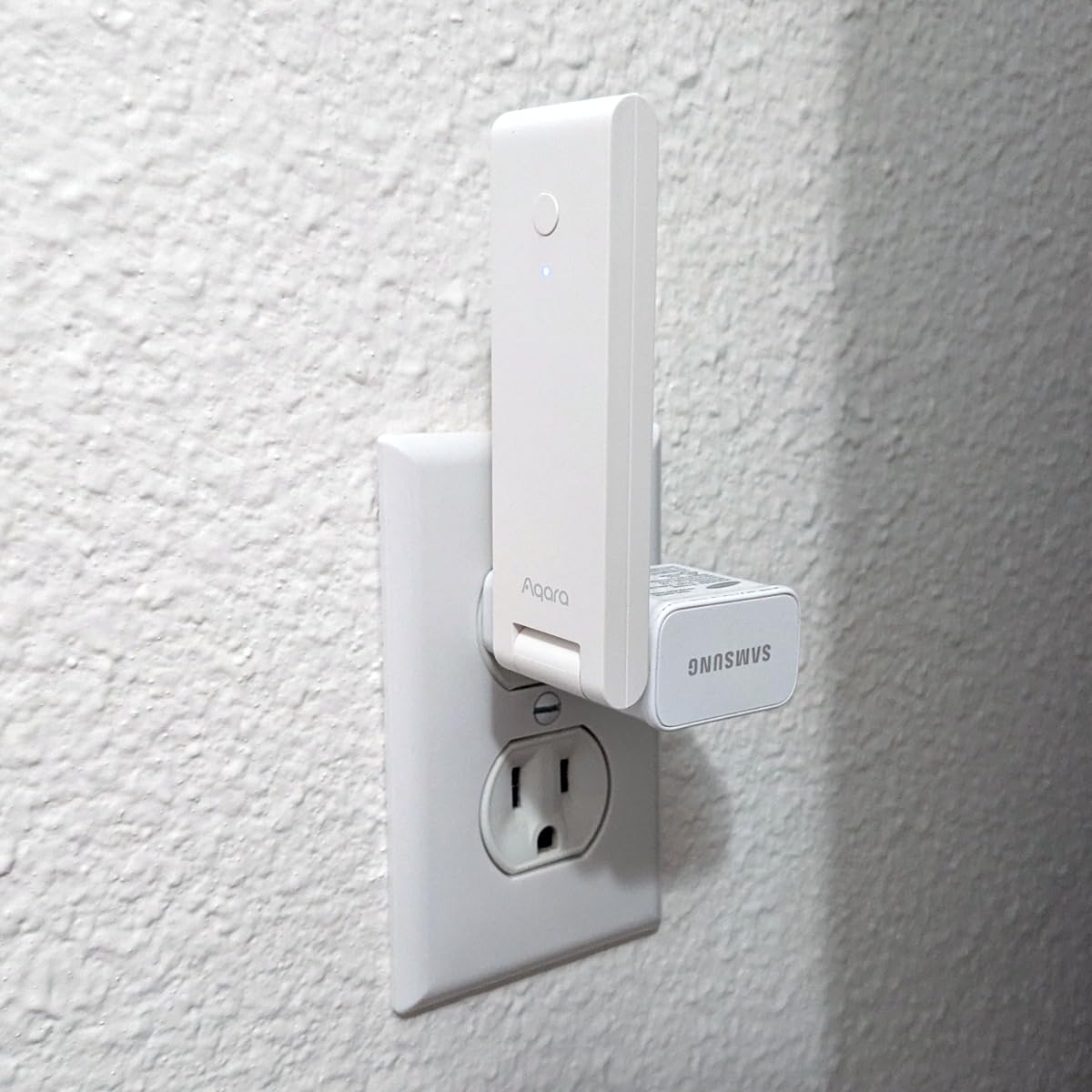
Thread protocol support adds future-proofing, and the Wi-Fi repeater function can extend coverage for other Aqara hubs in your network. Range proved solid in my testing, reaching sensors over 100 feet away through several walls.
Limitations include 2.4 GHz Wi-Fi only and the usual Aqara ecosystem lock-in. Some long-term users report connectivity issues developing after several months, though a quick reboot typically resolves them.
Perfect For Getting Started
Anyone wanting to dip their toes into smart home automation should start here. The low cost lets you experiment without risk, and the capabilities grow as you add more Aqara devices.
Connectivity Considerations
The 2.4 GHz requirement means you need a compatible network, and some users experience dropouts that require power cycling. For critical automations, consider the more robust M3 model instead.
8. Samsung SmartThings Station – Wireless Charger Meets Hub
Samsung SmartThings Station with Power Adapter, 15W Super Fast Wireless Charger, Smart Home Hub, 2023, EP-P9500TBEGUS, Black
15W Wireless Charger
Smart Button Controls
Zigbee Hub Built-in
SmartThings Find
Pros
- Easy setup and device connection
- Fast wireless charging works well
- Clean seamless design
- Good SmartThings integration
Cons
- SmartThings platform can be unreliable
- Range limited to single floor
- Limited device compatibility
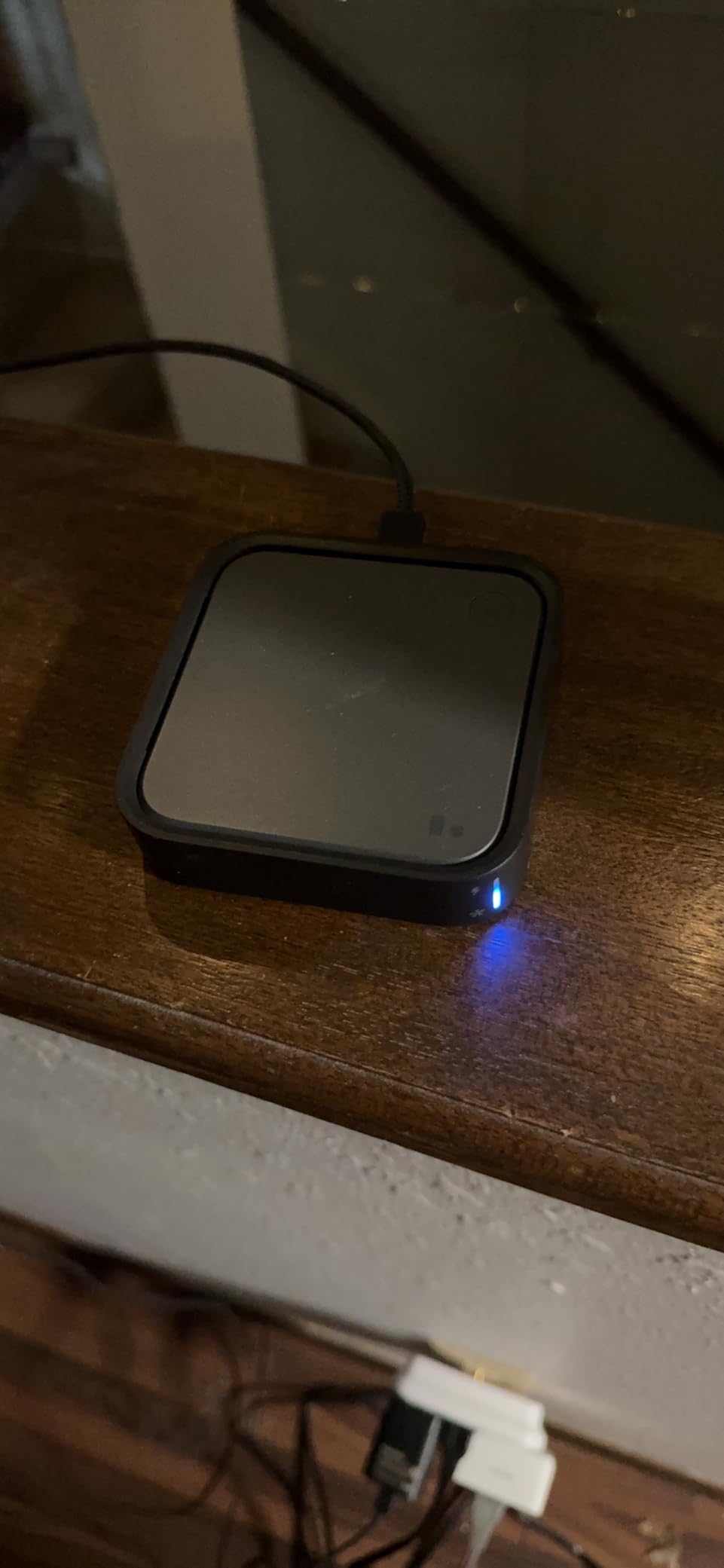
The Samsung SmartThings Station combines a 15W wireless charger with Zigbee hub functionality in a clean, desk-friendly package. I found it genuinely useful for keeping my phone charged while expanding smart home control without adding another box to my setup.
The Smart Button feature lets you trigger automations with a tap, double-tap, or hold. I programmed mine to toggle all my office lights with a single press, which feels more natural than reaching for my phone or shouting at a speaker.
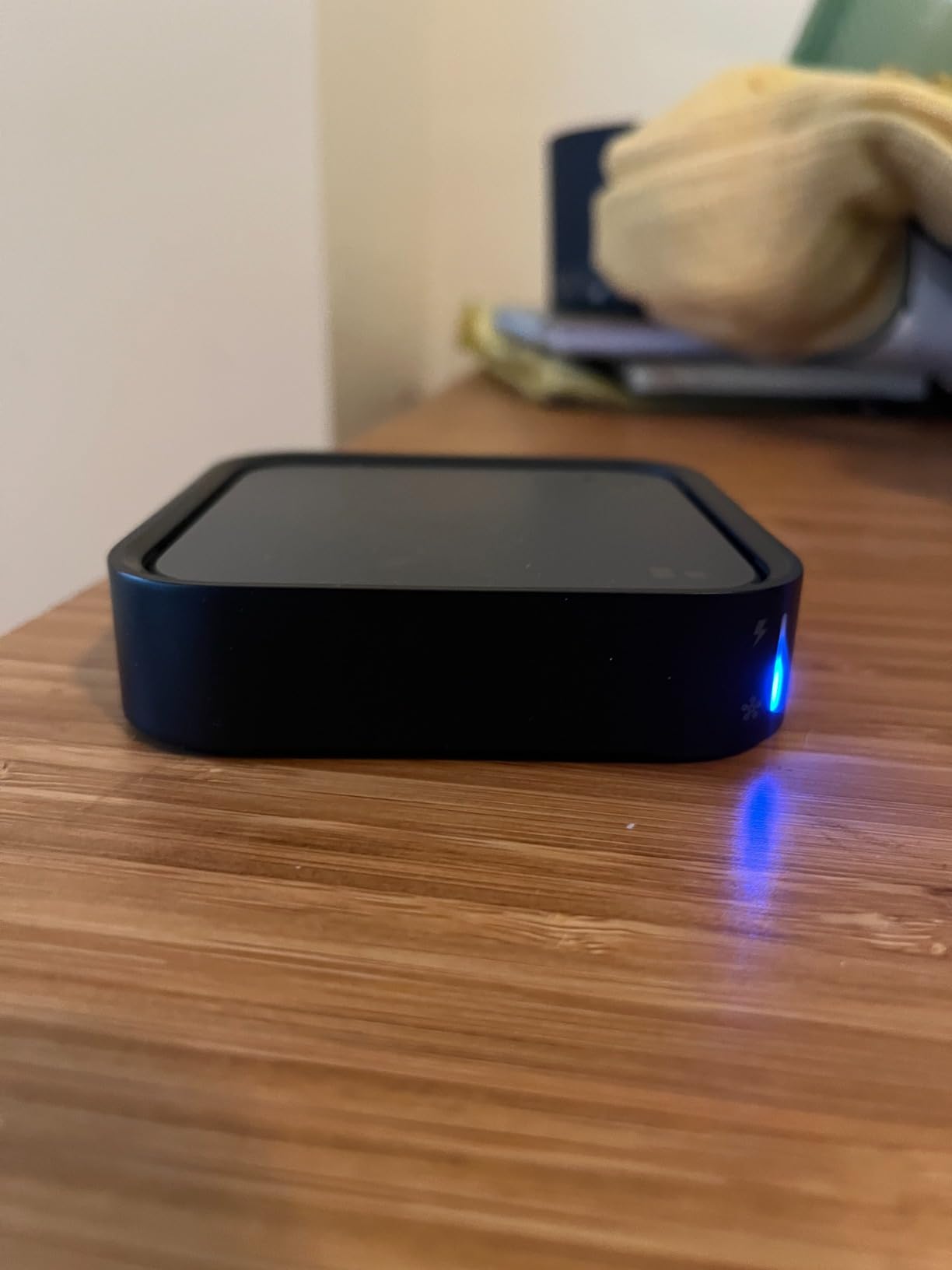
Night mode automation automatically triggers when you place your phone on the charger, dimming lights and adjusting thermostat settings for sleep. This contextual automation felt genuinely useful rather than gimmicky.
The main drawback is relying on the SmartThings platform, which has a mixed reputation for reliability. I experienced occasional delays and one brief outage during my testing period that affected automations.
Ideal For Samsung Users
Samsung phone owners get the most value from the SmartThings Station, with pop-up pairing and SmartThings Find integration for locating lost devices. The combination of charging and hub functionality saves desk space.
Platform Reliability Factors
Be aware that SmartThings has historically experienced outages and platform changes that affected users. While improved under Samsung ownership, cloud dependency remains a consideration for critical automations.
9. Homey Pro (2026) – Premium Multi-Protocol Powerhouse
Homey Pro (2026) | Smart Hub for Home Automation – Features Z-Wave Plus, Zigbee, Wi-Fi, BLE, Infrared, Matter & Thread. Compatible with Siri, Alexa & Google Home.
7 Wireless Protocols
50k+ Device Support
Local-First Processing
Homey Flow Automation
Pros
- Supports virtually every protocol
- Powerful automation capabilities
- Works with massive device range
- Local-first processing
Cons
- Very expensive price point
- Complex setup process
- Some software bugs reported
- Steep learning curve
The Homey Pro (2026) is the Swiss Army knife of smart home hubs, supporting seven wireless protocols including Wi-Fi, Zigbee, Z-Wave Plus, Infrared, Bluetooth, Matter, and Thread. If a device exists, this hub can probably control it.
Compatibility with over 50,000 devices from 1,000+ brands means you are unlikely to encounter hardware that Homey cannot integrate. During testing, I connected devices from a dozen different manufacturers and they all worked through the unified Homey interface.
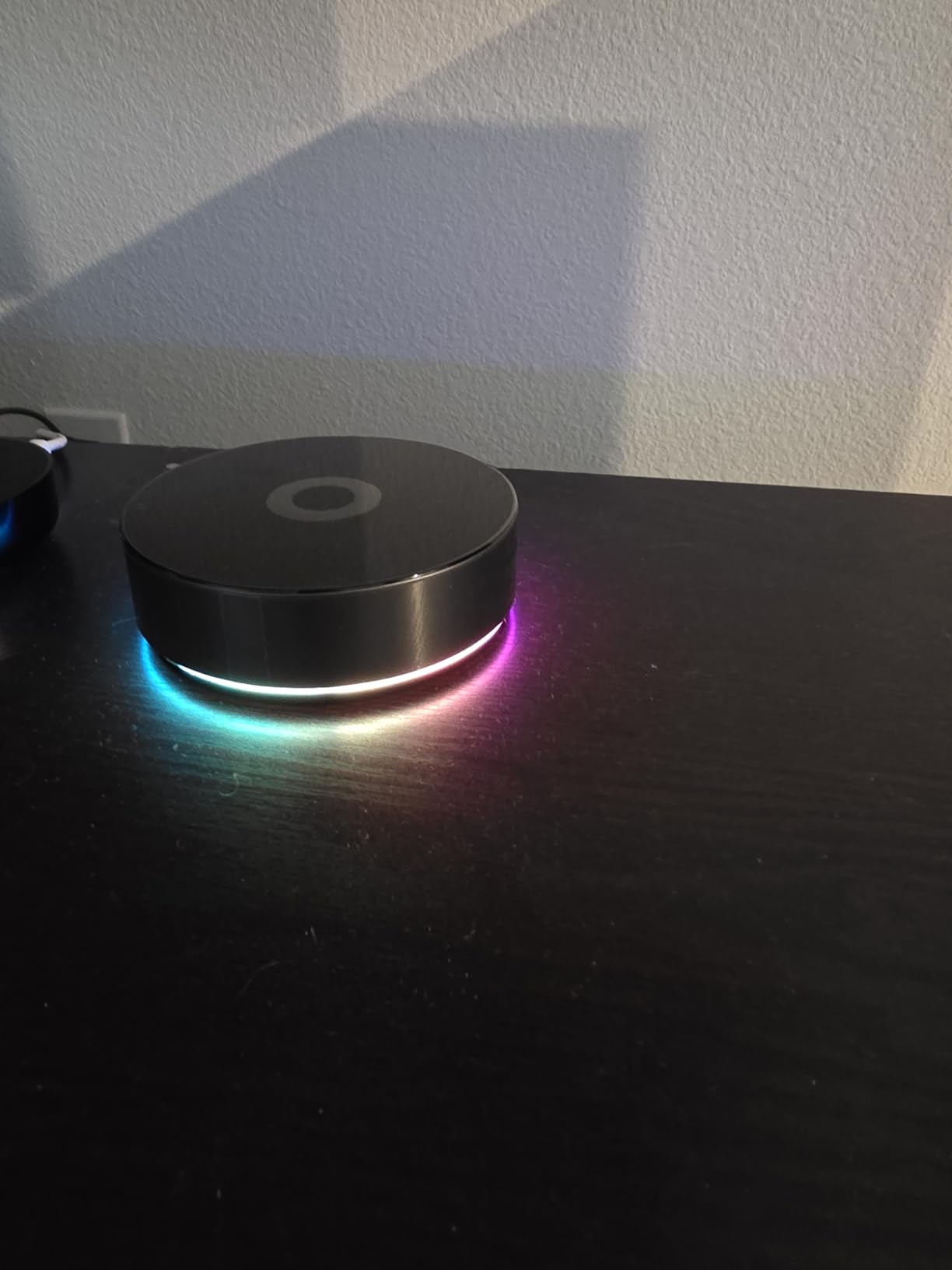
Homey Flow provides a visual automation builder that strikes a good balance between power and accessibility. I created complex routines involving multiple devices and conditions without writing any code, though the learning curve is real.
The premium price is hard to ignore, and early adopters report some software bugs that Athom continues addressing through updates. This is an investment for serious enthusiasts rather than casual users.
For Maximum Protocol Support
If you have devices spanning multiple protocols and brands, the Homey Pro unifies them better than anything else on the market. The infrared support alone justifies consideration for homes with older AV equipment or air conditioners.
Price vs Capability Assessment
At nearly four hundred dollars, the Homey Pro costs more than many alternatives. However, replacing multiple single-protocol hubs with one device can actually save money for users with diverse ecosystems.
10. eufy Smart Display E10 – Security-Focused Control Panel
eufy Security eufy Smart Display E10, Smart Home Hub, 8" Control Panel, Compatible Devices, Four Views on One Screen, Instant Door Alerts, Daily Event Reports, One Tap Control
8-inch Touchscreen
4 Camera Views
Local Storage
Battery Powered
Pros
- Excellent eufy camera integration
- Four simultaneous camera views
- Easy setup and intuitive
- Physical siren button
Cons
- Higher price point
- Limited settings vs phone app
- No video record on display
- Battery life when unplugged
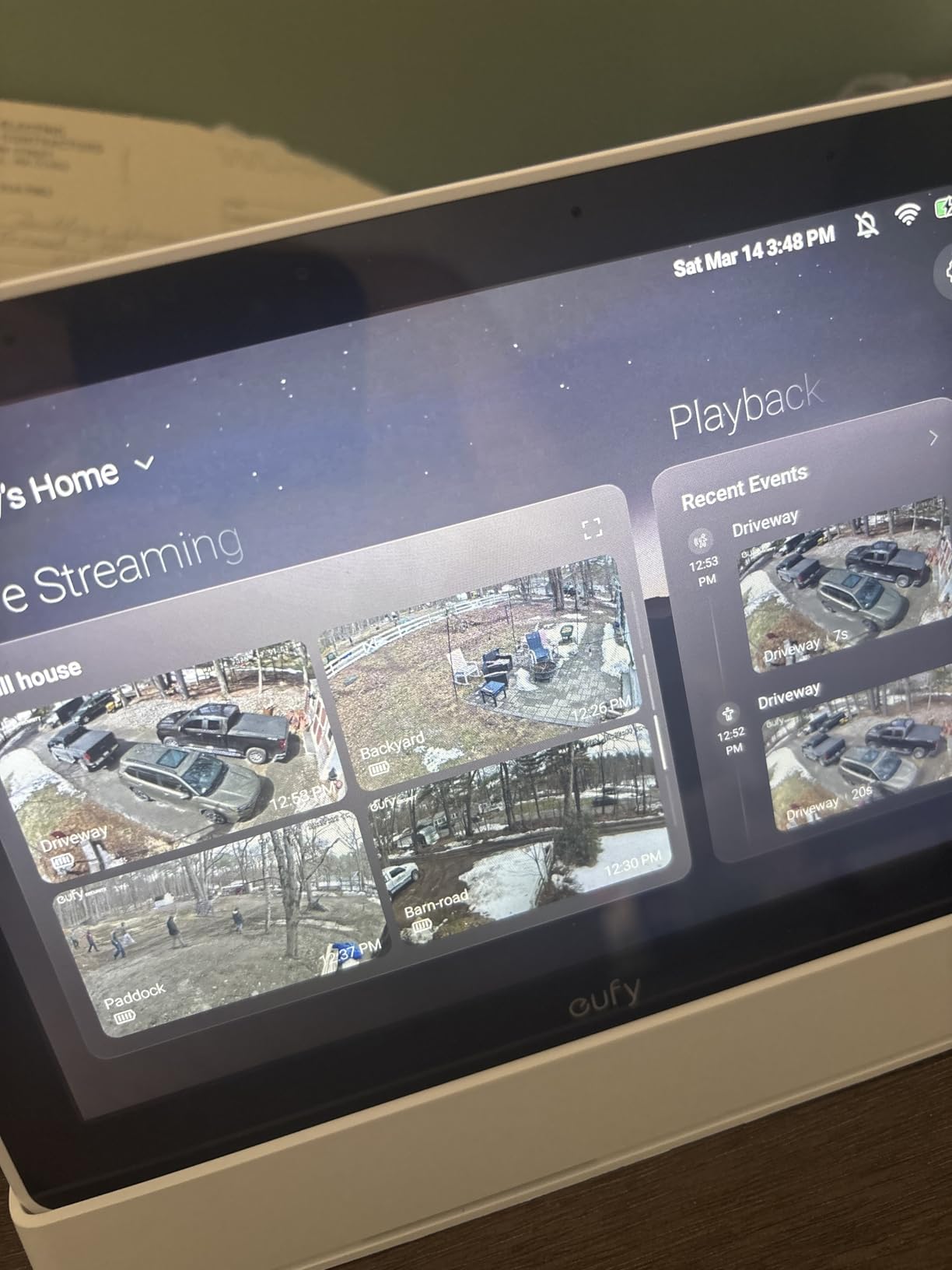
The eufy Smart Display E10 serves as both a smart home hub and a dedicated security monitoring station. The 8-inch touchscreen displays four camera feeds simultaneously, which transformed how I monitor my home during the day.
Integration with eufy cameras proved seamless, with instant loading of live views and recorded events without buffering. The local storage means clips play immediately rather than streaming from the cloud, which feels noticeably faster.
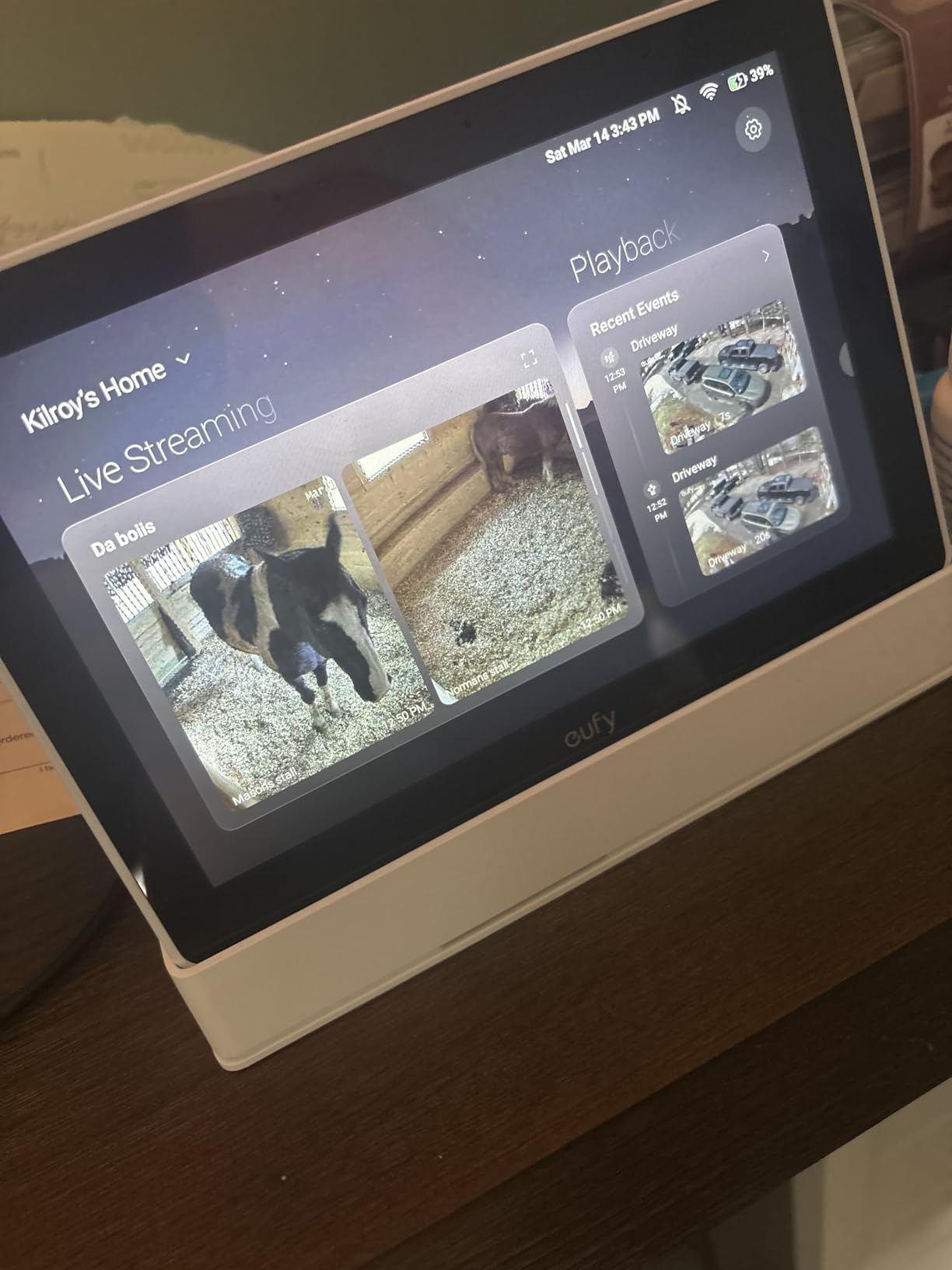
Daily event reports with facial and package recognition provide a useful summary without requiring me to scroll through hours of footage. The instant door alerts with live video pop-ups kept me informed of arrivals even when my phone was in another room.
The physical siren button adds a security dimension that app-based controls cannot match. One press activates the alarm across all connected eufy cameras, which could be genuinely useful in an emergency.
Perfect For eufy Camera Owners
If you have invested in eufy security cameras, the E10 display enhances the experience significantly. The always-on monitoring capability complements phone notifications without requiring you to unlock your device.
Display Limitations to Know
The display offers fewer settings than the full eufy app, so you will still need your phone for advanced configuration. There is also no video recording function on the display itself, only playback of existing recordings.
Smart Home Hub Buying Guide
Choosing the right smart home hub requires understanding several key factors that determine how well it will serve your specific needs. Our testing revealed that protocol support, voice assistant compatibility, and local versus cloud processing make the biggest difference in real-world satisfaction.
Protocol Support: Zigbee, Z-Wave, Matter, and Thread Explained
Smart home devices communicate using different wireless protocols, and your hub needs to support the ones your devices use. Zigbee and Z-Wave are mature protocols with extensive device ecosystems, while Matter and Thread represent the newer unified standard that promises better interoperability across brands.
Zigbee operates on 2.4 GHz and creates mesh networks where devices relay signals to extend range. Z-Wave uses sub-GHz frequencies for better wall penetration and less interference. Matter runs over WiFi or Thread and aims to eliminate compatibility headaches between ecosystems.
For most users, choosing a hub with Matter support plus either Zigbee or Z-Wave provides the best coverage of current and future devices. The Aqara Hub M3 and Hubitat Elevation C-8 Pro offer the broadest protocol support among our tested models.
Voice Assistant Compatibility: Alexa, Google, and Siri
Your hub should integrate with your preferred voice assistant to enable hands-free control. Most hubs support Alexa and Google Assistant, but Apple HomeKit compatibility varies significantly. If you use Siri primarily, verify that your chosen hub works with Apple Home before purchasing.
The Amazon Echo Hub obviously excels with Alexa, while the Aqara hubs and Hubitat work well across all three major platforms. Consider which voice assistant you already use and ensure your hub choice enhances rather than fragments your experience.
Local vs Cloud Control: Privacy and Reliability Tradeoffs
Cloud-dependent hubs require internet connectivity for most functions, meaning outages can disable your smart home. Local control hubs process automations on-device, keeping everything working regardless of your internet connection. This also improves privacy by keeping data within your home.
The Hubitat Elevation C-8 Pro and Homey Pro emphasize local processing, while the Echo Hub and SmartThings Station rely more heavily on cloud services. Consider how important reliability during outages is for your use case.
Device Capacity and Range Considerations
Hubs vary widely in how many devices they support, from 20 on the Aqara M100 to over 100 on the Hubitat and Homey Pro. Consider your current device count plus room for growth when selecting a hub. Range matters too, especially for larger homes or detached structures.
Mesh protocols like Zigbee and Z-Wave extend range through connected devices, while hubs with external antennas like the Hubitat C-8 Pro offer better direct coverage. For sprawling properties, you may need multiple hubs or range extenders.
Setup Complexity by Experience Level
Beginners should prioritize hubs with guided setup and intuitive apps, such as the Amazon Echo Hub or Lutron Caseta. Intermediate users comfortable with some technical concepts can handle the Aqara hubs well. Power users who want maximum flexibility should consider Hubitat or Homey Pro despite their steeper learning curves.
Read forum discussions about any hub you are considering to understand the real-world setup experience from users with similar technical backgrounds.
What is the best smart home hub for power users?
The Hubitat Elevation C-8 Pro is the best choice for power users who want maximum control without cloud dependency. It supports Matter 1.5, Z-Wave 800 LR, and Zigbee 3.0, with local processing that keeps automations running during internet outages. The active community provides apps and drivers that extend functionality significantly.
Which Matter smart home hub should you pick?
For Matter compatibility, the Aqara Hub M3 offers excellent Matter bridge functionality alongside Zigbee and Thread support. The Amazon Echo Hub also supports Matter natively and integrates seamlessly with Alexa ecosystems. Both options future-proof your setup as Matter adoption grows across device manufacturers.
What is the best smart home hub with screen?
The Amazon Echo Hub features an 8-inch touchscreen designed specifically for smart home control, while the eufy Smart Display E10 offers similar screen real estate focused on security monitoring. Both provide physical control panels that complement voice commands and phone apps for a more comprehensive smart home experience.
Which smart home hub works with all devices?
The Homey Pro (2026) supports seven wireless protocols and works with over 50,000 devices from 1,000+ brands, making it the most versatile option for mixed-ecosystem homes. The Hubitat Elevation C-8 Pro also supports extensive device ranges through Zigbee, Z-Wave, and Matter connectivity.
How many smart home hubs should you have?
Most homes need only one primary hub, though larger properties may benefit from multiple hubs for range extension. Some users run specialized hubs alongside their main hub, such as a Philips Hue Bridge for lighting alongside a general-purpose hub. Start with one quality hub and add others only if specific needs arise.
Conclusion
Finding the best smart home hub comes down to matching capabilities with your specific needs. The Amazon Echo Hub excels for Alexa users wanting a touchscreen control panel, while the Aqara Hub M3 offers the broadest protocol support for mixed-device homes. Power users prioritizing local control should choose the Hubitat Elevation C-8 Pro, and budget-conscious beginners can start reliably with the Aqara Hub E1.
Our testing confirmed that protocol support, reliability, and ease of use matter more than fancy features for long-term satisfaction. Choose a hub that supports your existing devices and preferred voice assistant, then expand from there as your smart home grows.