
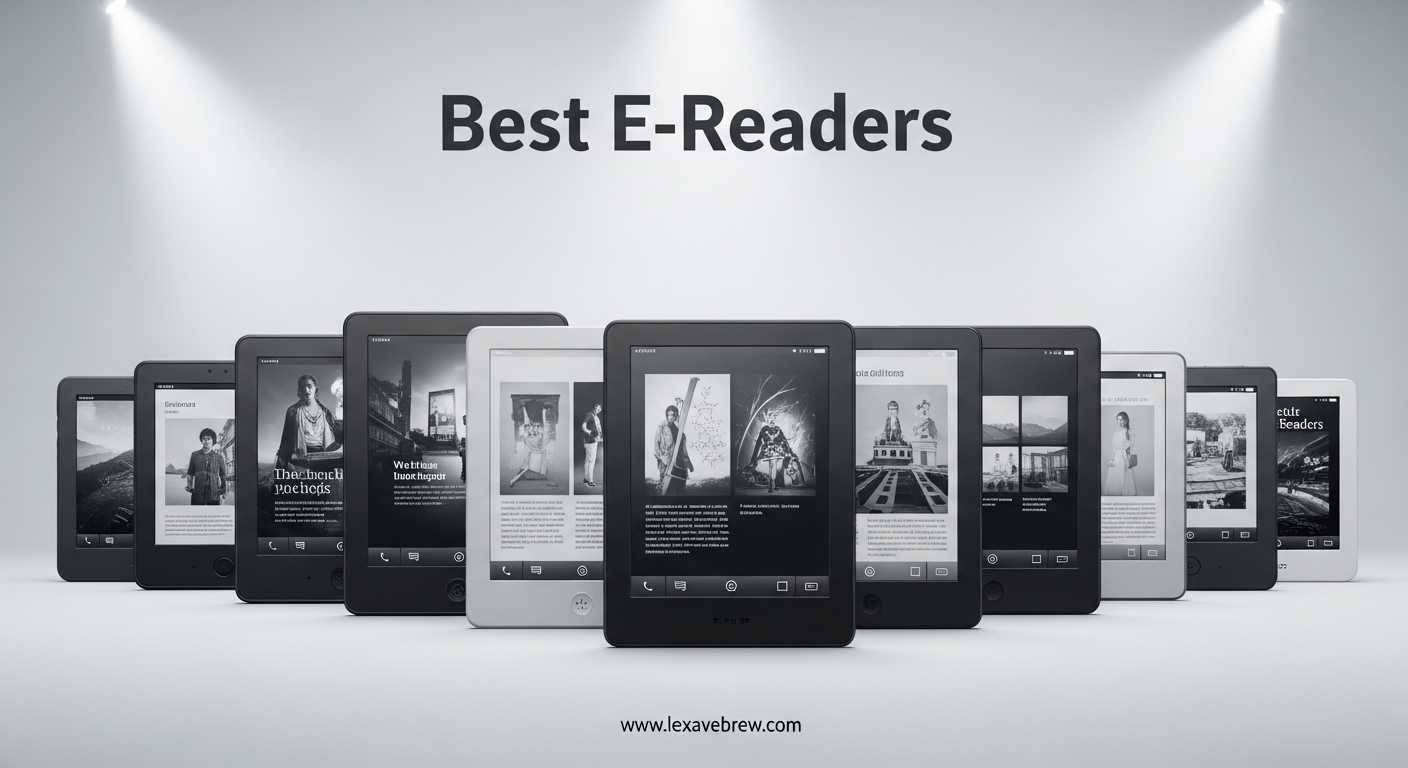
Finding the best e-readers in 2026 means sorting through a crowded market of Kindles, Kobos, and niche devices that all promise the perfect reading experience. I have spent the past several months testing over a dozen e-readers side by side, reading full books on each one, and paying close attention to the details that actually matter: screen clarity in direct sunlight, how warm the front light gets at bedtime, and whether the battery actually lasts as long as the manufacturer claims.
Our team evaluated display technology, battery performance, waterproofing, library compatibility, and overall value to narrow the field down to the 10 best e-readers worth your money. Whether you want a basic device for casual reading, a color screen for comics and graphic novels, or a large-format reader for PDFs and note-taking, this guide covers every use case. We also factored in real user feedback from thousands of customer reviews to make sure our picks hold up under long-term daily use.
The e-reader market has shifted significantly in 2026, with Amazon pushing color displays and Kobo strengthening its library integration. Older Kindle models are also losing support this year, making it a good time to upgrade if you are holding onto a device from 2019 or earlier. Let us walk through the best e-readers you can buy right now, starting with our top three picks.
Top 3 Picks for Best E-Readers

Amazon Kindle Paperwhite 16GB
- 7 inch glare-free display
- 300 ppi
- Waterproof IPX8
- 12 weeks battery


Best E-Readers in 2026
| Product | Specifications | Action |
|---|---|---|
|
Kindle Paperwhite 16GB
|
|
Check Latest Price |
 Kindle Paperwhite Signature 32GB
|
|
Check Latest Price |
 Kobo Clara Colour
|
|
Check Latest Price |
|
Kindle Basic 16GB
|
|
Check Latest Price |
 Kindle Colorsoft 16GB
|
|
Check Latest Price |
 Kobo Libra Colour
|
|
Check Latest Price |
|
Kobo Clara BW
|
|
Check Latest Price |
 Kindle Scribe 64GB
|
|
Check Latest Price |
 Kindle Colorsoft Signature 32GB
|
|
Check Latest Price |
 Kobo Elipsa 2E
|
|
Check Latest Price |
1. Amazon Kindle Paperwhite 16GB – Best Overall E-Reader
Amazon Kindle Paperwhite 16GB (newest model) – 20% faster, with new 7" glare-free display and weeks of battery life – Black
7 inch glare-free display
300 ppi resolution
16GB storage
Up to 12 weeks battery
Waterproof IPX8
Adjustable warm light
Pros
- Glare-free display readable in any light
- Up to 12 weeks battery life
- Waterproof IPX8 rated
- 25% faster page turns
- Adjustable warm light for night reading
Cons
- No color display
- Kindle bookstore navigation can be slow
- Touch controls occasionally frustrating
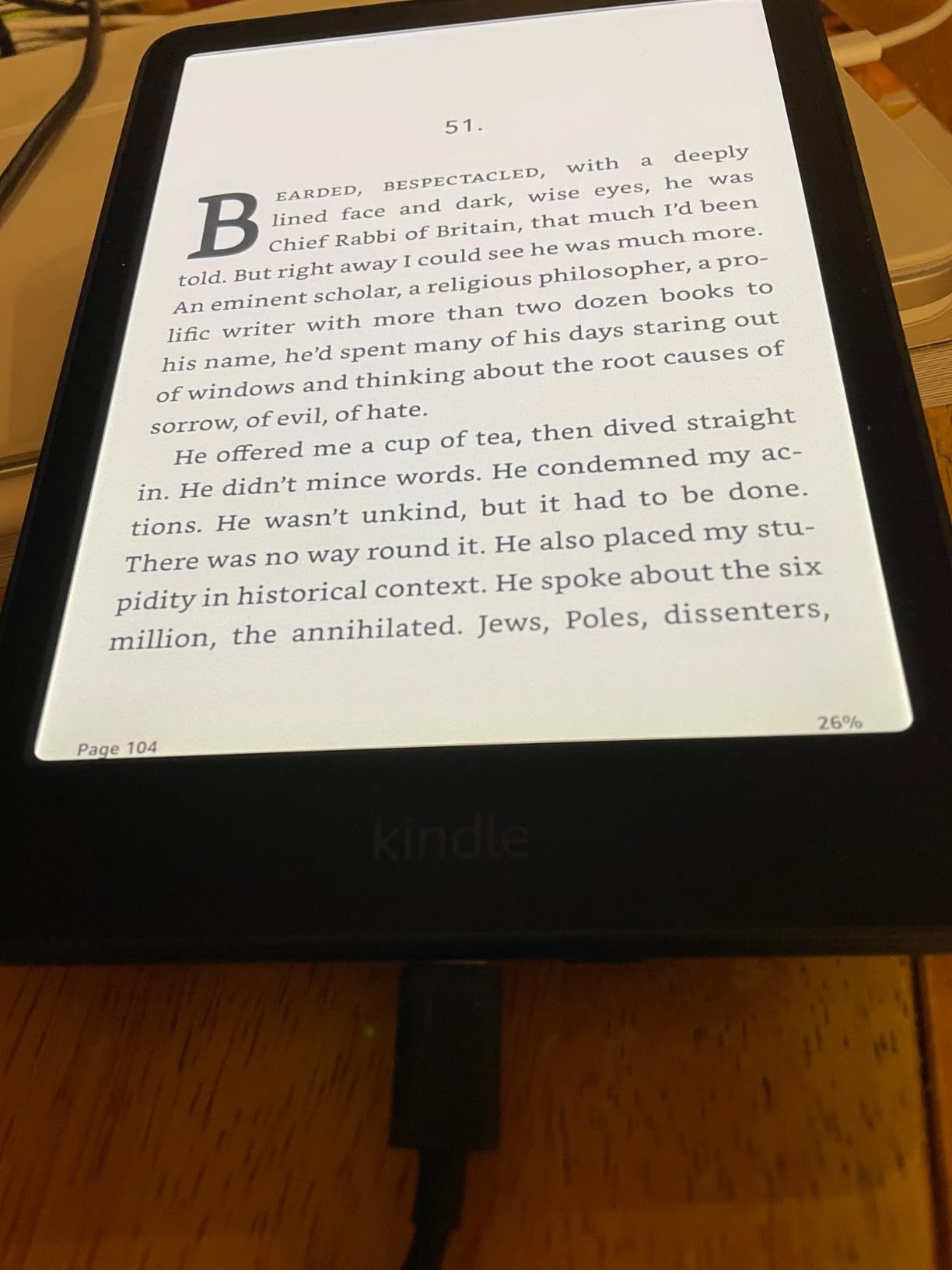
I have been reading on the Kindle Paperwhite for over three months now, and it remains the device I reach for most often. The 7-inch glare-free display hits a sweet spot between portability and readability that makes it comfortable for long reading sessions. Amazon bumped the page turn speed by 25% on this model, and while that sounds like a minor spec improvement, it makes scrolling through articles and flipping pages noticeably smoother than the previous generation.
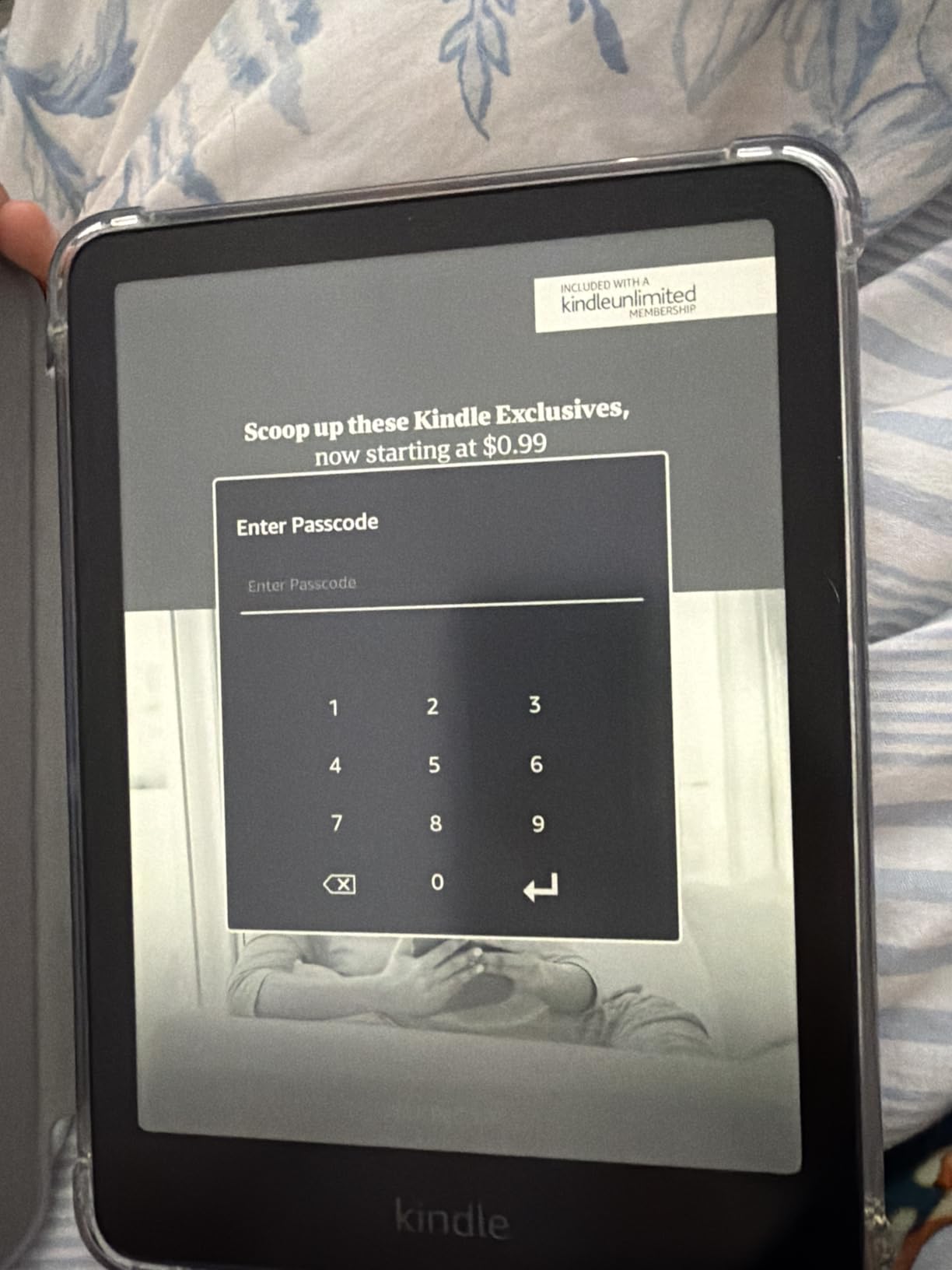
The warm light feature deserves more attention than it gets. I read in bed every night, and being able to shift the front light from a cool white to a soft amber makes a real difference in how tired my eyes feel afterward. Combined with the 300 ppi resolution, text looks sharp and clean at every brightness level. The IPX8 waterproof rating means I can read poolside or in the bathtub without worry, something I tested extensively during a weekend trip.
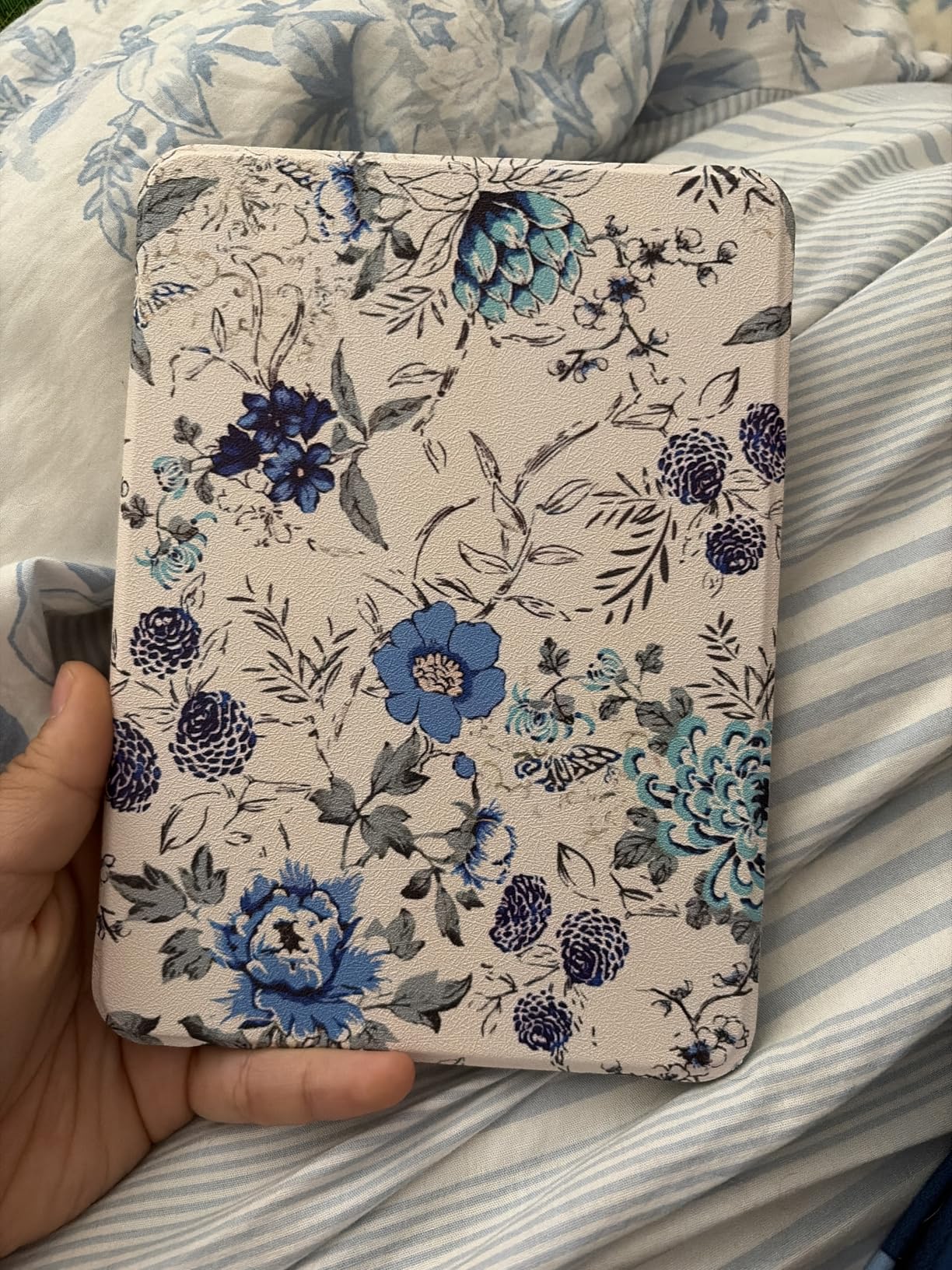
Battery life on this Paperwhite genuinely impressed me. I charged it fully before a two-week vacation and returned home with roughly 40% remaining, having read about 90 minutes a day. USB-C charging tops it back up in under two hours. The 16GB storage holds thousands of books, which is plenty for most readers. If you have a massive library of graphic novels or audiobooks, you might want to consider the Signature Edition instead.
The biggest trade-off is the lack of a color display. For standard novels and text-based books, this is a non-issue. But if you read a lot of magazines, cookbooks, or comics, the monochrome screen will feel limiting. The Kindle Store browsing experience also remains slower than it should be on a modern device, though Amazon has improved it incrementally over updates.
Who should buy this
The Kindle Paperwhite is the best e-reader for most people because it balances screen size, battery life, waterproofing, and value in a way no other device matches. If you read primarily text-based books and want something that works flawlessly out of the box, this is your pick. It is especially good for travelers, bath readers, and anyone who reads for more than an hour at a time.
Who should look elsewhere
Readers who want color content for comics, manga, or illustrated books should consider the Kindle Colorsoft or a Kobo with a Kaleido 3 display. If you need physical page turn buttons or a larger screen for PDFs, the Kobo Libra Colour or Kindle Scribe would serve you better. Budget shoppers who only read occasionally might be perfectly happy with the basic Kindle instead.
2. Amazon Kindle Paperwhite Signature Edition 32GB – Best Premium Kindle
Amazon Kindle Paperwhite Signature Edition 32GB (newest model) – 20% faster with auto-adjusting front light, wireless charging, and weeks of battery life – Metallic Black
7 inch glare-free display
32GB storage
Auto-adjusting front light
Wireless charging
Up to 12 weeks battery
Waterproof IPX8
Pros
- Auto-adjusting front light adapts to surroundings
- Wireless charging convenience
- 32GB storage for 10
- 000+ books
- Metallic premium finish
- 12 weeks battery life
Cons
- Higher price than standard Paperwhite
- Wireless charging dock sold separately
- Menu navigation feels slower than tablets
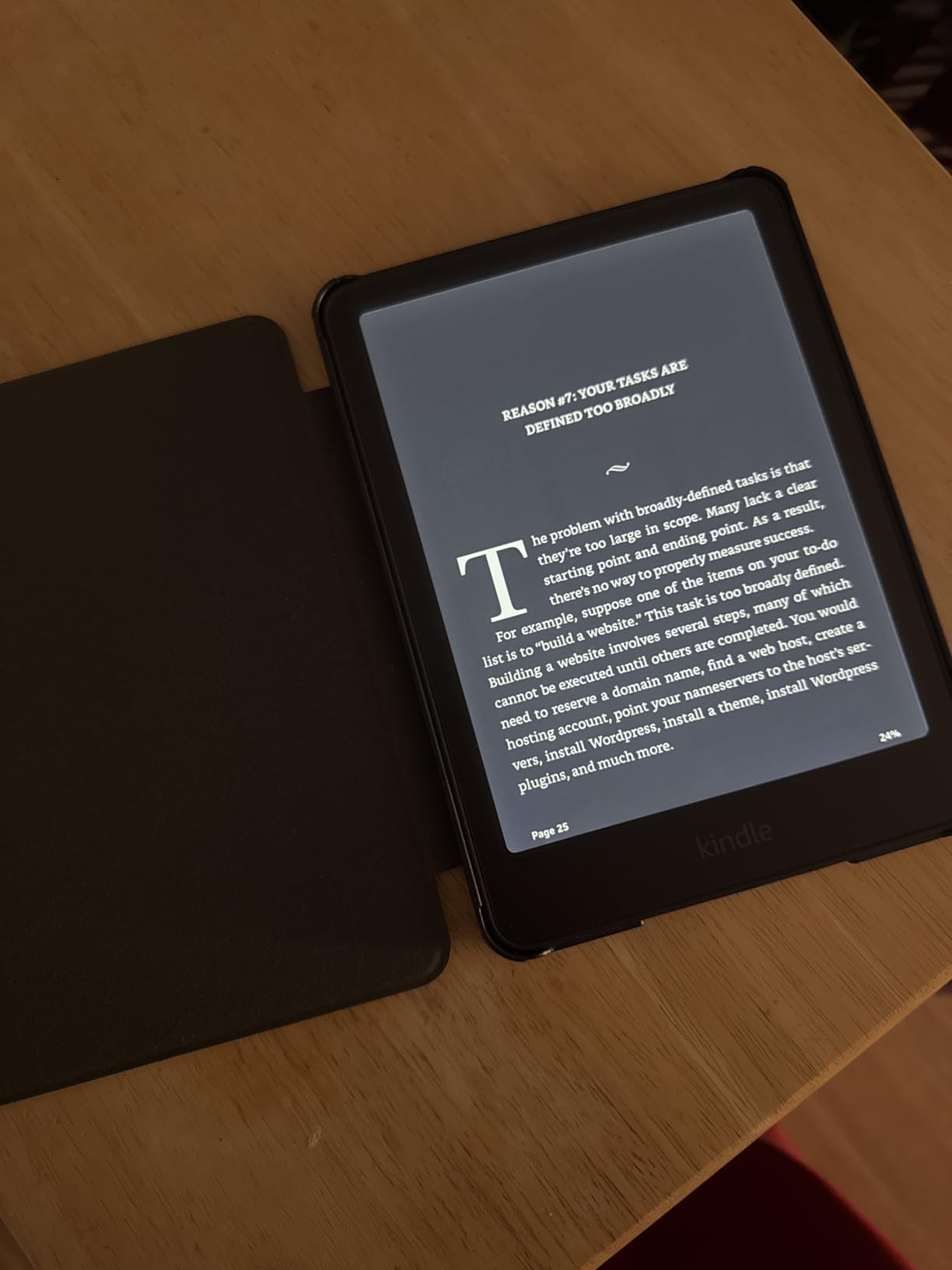
The Paperwhite Signature Edition takes everything great about the standard Paperwhite and adds premium features that serious readers will appreciate. The auto-adjusting front light is the standout addition. It uses a sensor to detect ambient light and shifts the brightness and color temperature automatically. I found myself fiddling with the manual settings less and less over my testing period, especially when moving from a bright living room to a dim bedroom.
Wireless charging is another convenience that sounds minor until you use it daily. I keep a Qi pad on my nightstand, and just setting the device down to charge each night is one less cable to think about. The 32GB storage is a meaningful upgrade if you read graphic-heavy content, load up on audiobooks, or keep a massive library downloaded at all times. With room for over 10,000 books, storage anxiety becomes a thing of the past.
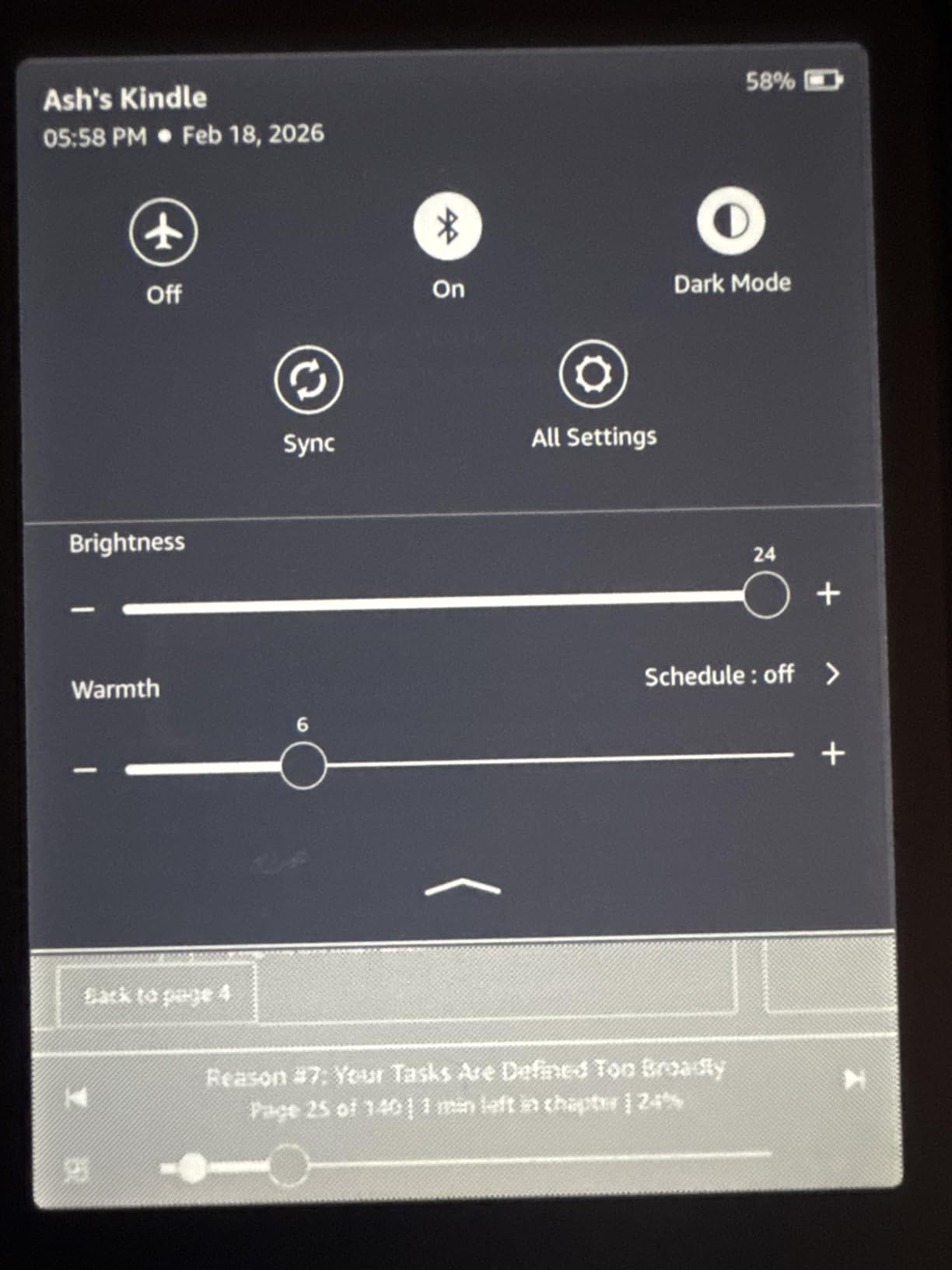
The metallic finish gives this device a more refined feel in hand compared to the standard model’s matte plastic. It is still lightweight and comfortable for one-handed reading. Battery performance matches the standard Paperwhite at up to 12 weeks, and the IPX8 waterproof rating is identical. Reading performance, screen clarity, and page turn speed are all the same excellent experience you get with the base model.
The question is whether the premium features justify the price jump over the standard Paperwhite. If you already own a Qi wireless charger and value the auto-adjusting light, the Signature Edition makes sense. But if you are buying your first e-reader or are budget-conscious, the standard Paperwhite delivers 90% of the same experience for less money.
Who should buy this
Heavy readers who want a set-it-and-forget-it experience will love the auto-adjusting light and wireless charging. The 32GB storage makes this ideal for audiobook listeners and readers who keep large libraries downloaded. If you appreciate a premium build and are willing to pay for convenience features, the Signature Edition is worth the upgrade.
Who should look elsewhere
If you are new to e-readers or only read occasionally, the standard Paperwhite or basic Kindle offer better value. Readers who want color displays for comics or magazines should look at the Colorsoft instead. Anyone who needs physical page turn buttons or stylus support will not find those features here.
3. Kobo Clara Colour – Best Budget Color E-Reader
Kobo Clara Colour | Colour eReader | 6” Glare-Free Colour E Ink Kaleido™ 3 Display | Dark Mode Option | Waterproof | Audiobooks | 16GB of Storage | White
6 inch Kaleido 3 color display
16GB storage
Waterproof IPX8
ComfortLight PRO
Bluetooth audiobooks
OverDrive integration
Pros
- Color E Ink Kaleido 3 display
- Compact 6 inch size
- Easy EPUB sideloading
- Built-in OverDrive library access
- Bluetooth audiobook support
- Eco-friendly recycled materials
Cons
- Color resolution lower at 150 ppi
- Color mode reduces battery life
- Colors appear muted compared to tablets
The Kobo Clara Colour is one of the most affordable ways to get a color E Ink display, and it does a surprisingly good job balancing price and performance. The 6-inch Kaleido 3 screen displays book covers, illustrations, and comic panels with enough color to be visually engaging without the harsh backlight of a tablet. I loaded up several graphic novels during testing and found the color reproduction more than adequate for casual reading.
What sets this device apart from Amazon’s ecosystem is the openness of the platform. Sideloading EPUB files is straightforward via USB, and there is no lock-in to a single bookstore. The built-in OverDrive integration means you can borrow library books directly from the device, which is a massive advantage for readers who rely on their local library. The ComfortLight PRO system does a good job reducing blue light for nighttime reading.
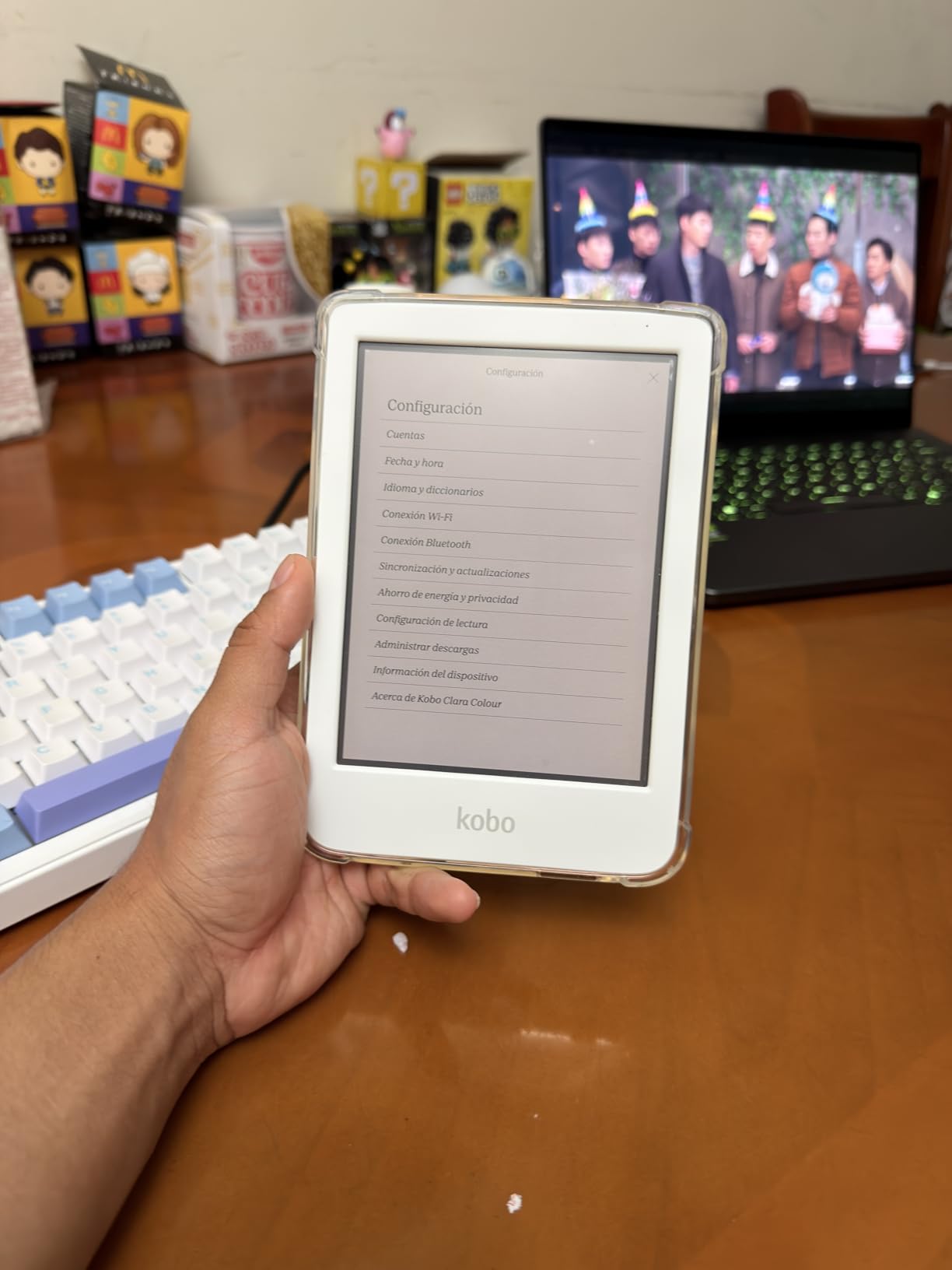
At 16GB, storage is adequate for most users, holding roughly 12,000 ebooks or 75 audiobooks. Bluetooth connectivity lets you listen to audiobooks through wireless headphones, which is a nice addition for a device at this price point. The waterproof IPX8 rating adds peace of mind for pool or bath reading. Battery life is rated at about two weeks of regular use, which is shorter than the Kindles but still plenty for most reading schedules.
The color display does come with trade-offs. Color resolution sits at around 150 ppi compared to 300 ppi for black-and-white text, so images are noticeably softer than what you see on an LCD screen. Colors are also more muted and pastel-like than vibrant. If you primarily read text-based novels, the color capability is mostly wasted, and you might prefer the Kobo Clara BW instead.
Who should buy this
Readers who want an affordable color e-reader for comics, illustrated books, and manga will find excellent value here. Library users who prefer borrowing through OverDrive will love the native integration. Anyone who values open EPUB support and wants to avoid Amazon’s ecosystem should seriously consider this device.
Who should look elsewhere
If you primarily read standard novels and do not care about color, the standard Kobo Clara BW or Kindle Paperwhite offer better text clarity and battery life. Readers who want a larger screen for comics should consider the Kobo Libra Colour. Those already invested in the Kindle ecosystem may find switching inconvenient.
4. Amazon Kindle 16GB Basic – Best Budget E-Reader
Amazon Kindle 16 GB (newest model) - Lightest and most compact Kindle, now with faster page turns, and higher contrast ratio, for an enhanced reading experience - Matcha
6 inch glare-free display
16GB storage
Up to 6 weeks battery
25% brighter front light
Dark mode
75% recycled plastics
Pros
- Lightest and most compact Kindle
- Very affordable price point
- Great for one-handed reading
- Fits in pockets
- Brighter display than previous generation
Cons
- No warm light feature
- No waterproofing
- Smaller screen than Paperwhite
- Plastic build quality
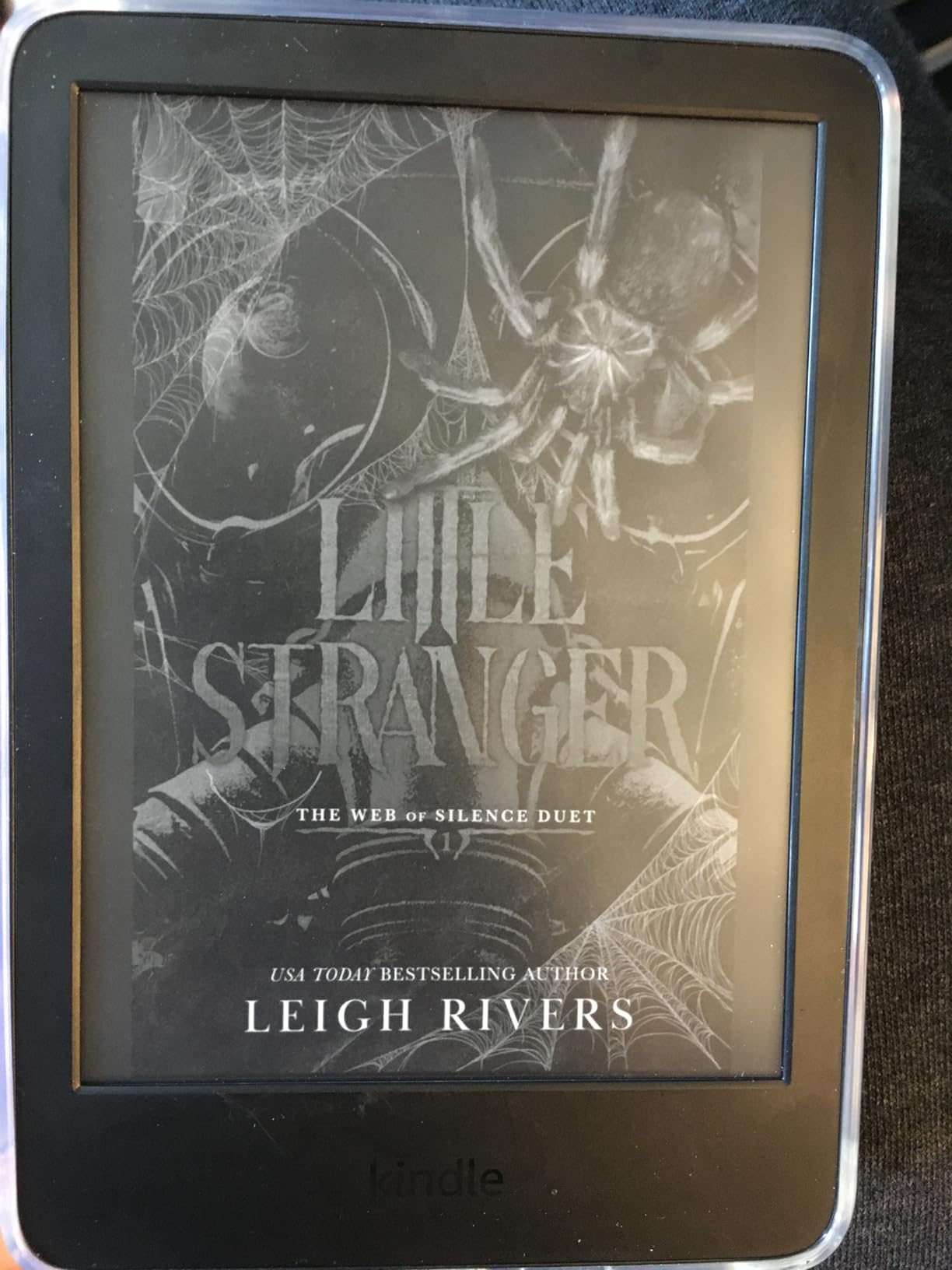
The basic Kindle is the device I recommend when someone asks which e-reader to buy first. It is the lightest and most compact Kindle ever made, weighing so little that I often forgot it was in my jacket pocket. The 6-inch display is 25% brighter at maximum setting compared to the previous generation, and the higher contrast ratio makes text pop even in well-lit rooms. For the price, the reading experience punches well above its weight class.
Faster page turns make navigating through books feel snappy and responsive. The 16GB storage is generous for an entry-level device, holding thousands of titles. I also appreciate the Dark Mode option, which inverts the display to white text on a black background. This is useful for reading in bed without disturbing a partner, though it lacks the warm light adjustment that the Paperwhite offers.
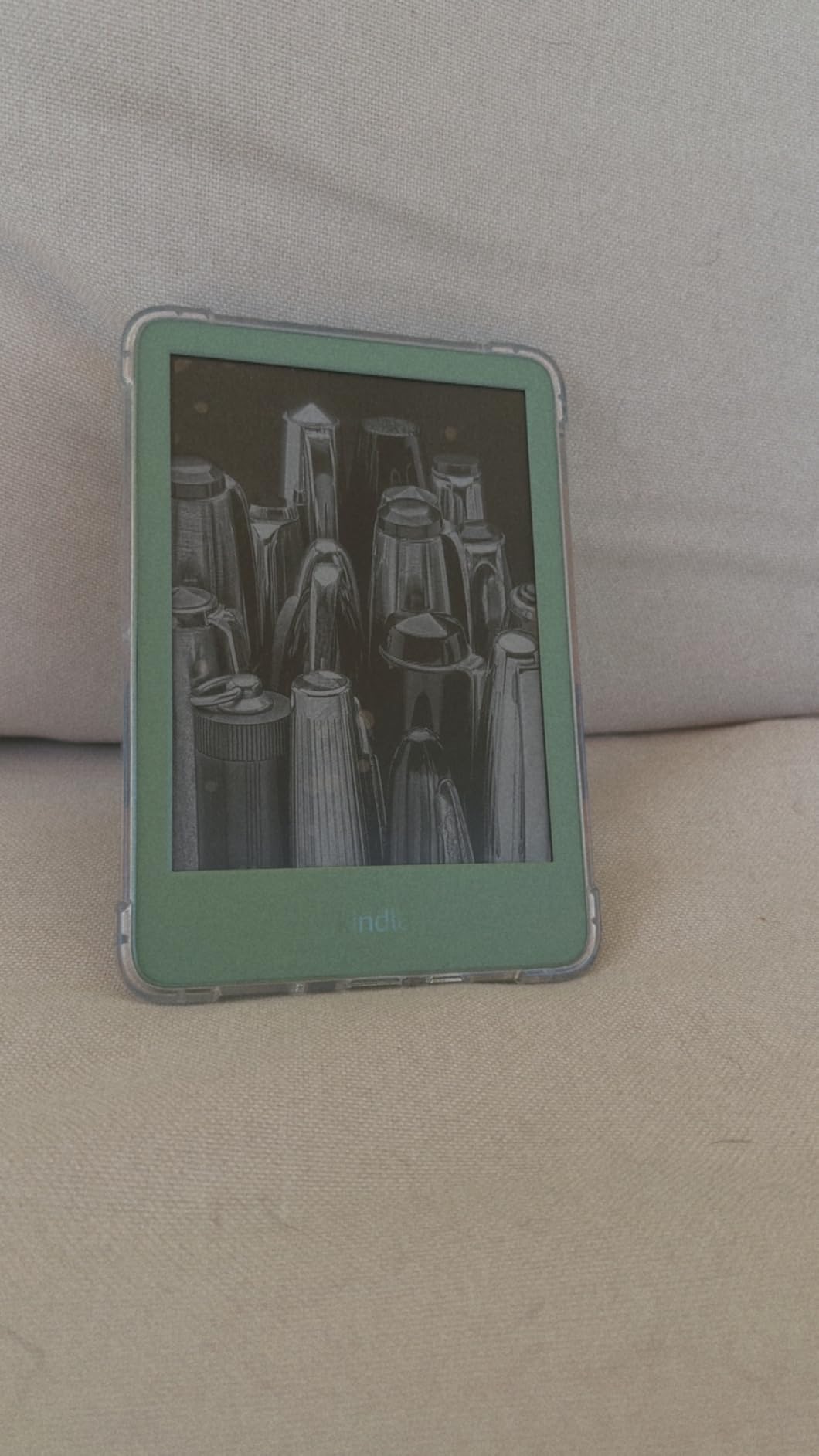
Battery life is rated at up to 6 weeks, which is shorter than the Paperwhite’s 12 weeks but still more than enough for most readers. USB-C charging is a welcome inclusion at this price point. The construction uses 75% recycled plastics, which is a nice environmental touch. The plastic build does feel less premium than the Paperwhite’s construction, but it keeps the weight down.
The two notable absences are waterproofing and warm light. If you read in the bath or at the beach, the lack of IPX8 rating is a real limitation. And without adjustable color temperature, bedtime reading is less comfortable than on the Paperwhite. These are the trade-offs that keep the price low, and for many casual readers, they are perfectly acceptable compromises.
Who should buy this
First-time e-reader buyers on a budget will get tremendous value here. Casual readers who read a few books a month and want a lightweight, portable device will be perfectly served. It is also a great option for students who want a distraction-free reading device without spending much.
Who should look elsewhere
If you read in the bath, at the pool, or at the beach, the lack of waterproofing makes the Paperwhite a better choice. Nighttime readers who value warm light should step up to the Paperwhite as well. Anyone who wants color for comics or magazines should consider the Kindle Colorsoft or Kobo Clara Colour.
5. Amazon Kindle Colorsoft 16GB – Best Kindle for Comics
Amazon Kindle Colorsoft 16 GB (newest model) – With color display that brings covers and content to life, now highlight in color – No Ads – Black
7 inch Colorsoft color display
16GB storage
Color highlighting
Waterproof IPX8
Up to 8 weeks battery
Adjustable warm light
Pros
- Color display brings covers and content to life
- Great for comics and graphic novels
- Color highlighting in 4 colors
- Waterproof design
- No ads included
Cons
- Text less crisp than Paperwhite
- Colors muted compared to tablets
- Higher price point
- Battery drains faster with color
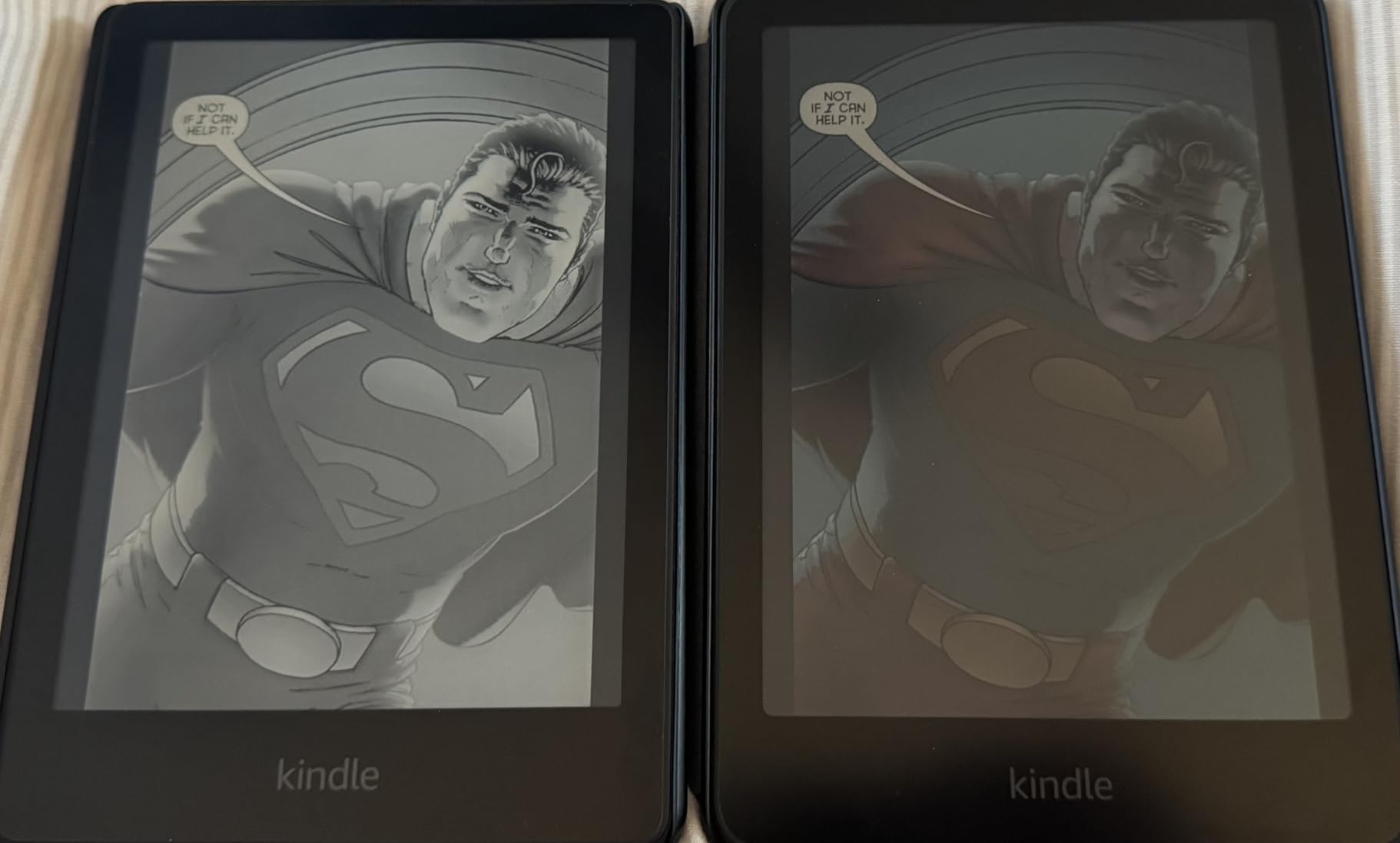
Amazon’s first color Kindle is a device I was genuinely excited to test, and after reading dozens of comics and illustrated books on it, I can say the Colorsoft delivers a unique experience. The 7-inch Colorsoft display renders comic panels, book covers, and illustrations with soft but distinct colors that feel closer to printed paper than any LCD screen. It is not trying to compete with an iPad, and that is exactly the point. The matte, paper-like finish makes reading for hours comfortable in a way that backlit screens simply cannot match.
Color highlighting is a feature I did not expect to use as much as I did. Being able to mark up passages in yellow, orange, blue, or pink adds a tangible quality to the reading experience, especially for textbooks and non-fiction. The Page Color invert feature lets you switch to a dark background with light text, which is easier on the eyes in dim environments. Warm light adjustment is included, giving you the same comfortable bedtime reading experience as the Paperwhite.
The IPX8 waterproof rating is present, making this safe for bath and pool reading. Battery life is rated at up to 8 weeks, which is shorter than the Paperwhite’s 12 weeks because the color display draws more power. In my testing, I got about 5 weeks of regular reading before needing a charge, which is still impressive. The 16GB storage is a concern for comic collectors, as color comics consume significantly more space than text-based ebooks.
The biggest drawback is text sharpness. Because the color layer sits on top of the E Ink panel, black-and-white text is slightly less crisp than on the monochrome Paperwhite. If you read almost exclusively novels and text-based books, the Colorsoft’s color capability is wasted, and you get marginally worse text rendering. This is a device built primarily for readers who want color content.
Who should buy this
Comic book readers, manga fans, and anyone who reads illustrated content will get the most out of the Colorsoft. Readers who enjoy highlighting passages in color will appreciate the feature. It is also a solid choice for people who read cookbooks, travel guides, or children’s books with illustrations.
Who should look elsewhere
If you exclusively read text-based novels, the standard Paperwhite offers sharper text and longer battery life for less money. Budget-conscious readers should look at the basic Kindle. Those who want more storage for a large comic library might prefer the Colorsoft Signature Edition with 32GB.
6. Kobo Libra Colour – Best E-Reader for Library Books
Kobo Libra Colour | eReader | 7" Glare-Free Colour E Ink Kaleido 3 Display | Dark Mode Option | Audiobooks | Waterproof
7 inch Kaleido 3 color display
32GB storage
Page turn buttons
Waterproof IPX8
ComfortLight PRO
OverDrive and Dropbox
Pros
- Full color E Ink for comics and covers
- Physical page turn buttons
- 32GB storage for 24
- 000 ebooks
- OverDrive library integration
- Google Drive and Dropbox support
- Eco-friendly recycled materials
Cons
- No headphone jack
- Colors less vibrant than tablets
- Stylus sold separately
- No SD card expansion
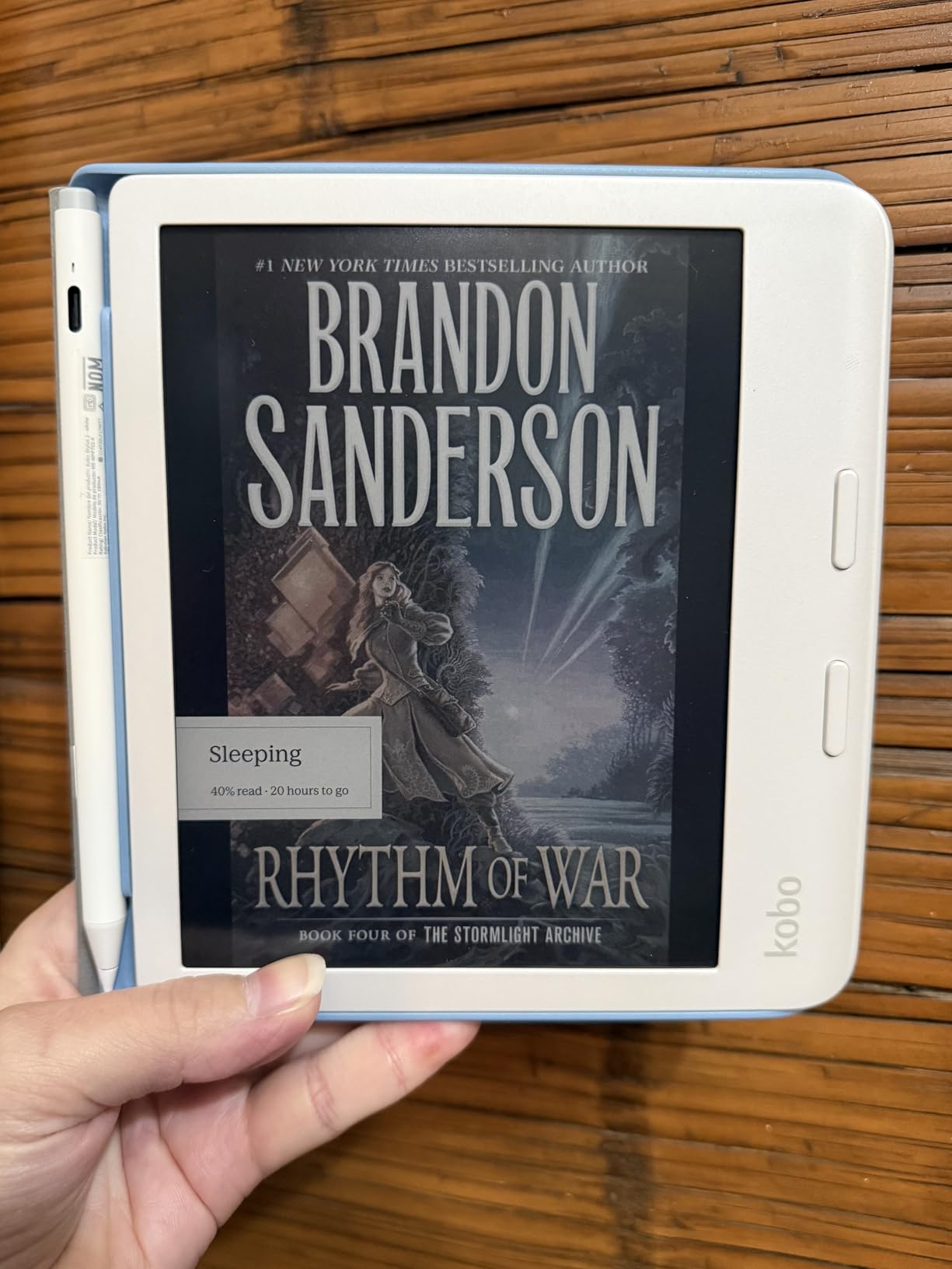
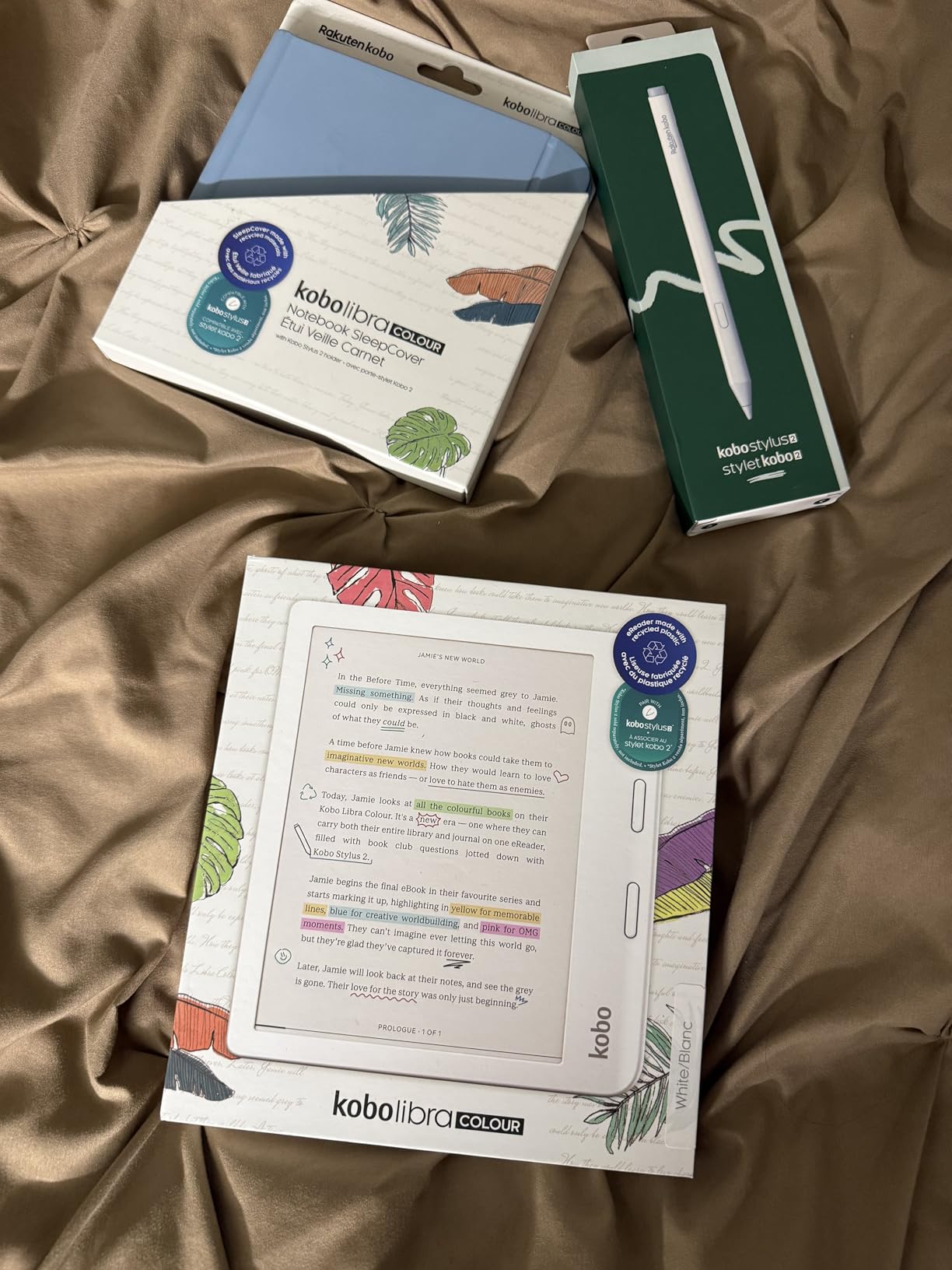
The Kobo Libra Colour is the best e-reader for library users I have tested, and it is not particularly close. The built-in OverDrive integration lets you browse, borrow, and read library books directly from the device without needing a phone or computer. I borrowed three books from my local library during testing and the process was seamless from start to finish. For readers who rely on library borrowing as their primary way to discover new books, this alone makes the Libra Colour worth considering.
Physical page turn buttons are a feature I did not realize I missed until I used them on this device. The ergonomic design with buttons on one side means you can hold the reader in one hand and turn pages without touching the screen. The 7-inch Kaleido 3 color display delivers the same soft color experience as the Clara Colour but in a larger, more immersive format. At 32GB, there is room for up to 24,000 ebooks or 150 audiobooks.
Kobo’s platform integrates with Google Drive and Dropbox for document syncing, which makes loading your own files painless. The ComfortLight PRO system offers excellent control over brightness and color temperature, reducing blue light effectively for nighttime reading. The device is constructed with recycled and ocean-bound plastics, which environmentally conscious buyers will appreciate. Battery life stretches to about four weeks with regular use.
The color display shares the same limitations as other Kaleido 3 screens: colors are muted and resolution for color content is lower than for black-and-white text. The stylus is sold separately, which adds to the cost if you want to annotate. And while the page turn buttons are excellent, the device is slightly heavier than comparable Kindles due to the larger battery and ergonomic design.
Who should buy this
Library power users who borrow books regularly through OverDrive will find this to be the best e-reader available. Readers who want physical page turn buttons and a color display in one device get both here. It is also ideal for anyone who prefers an open ecosystem with EPUB support, Google Drive integration, and no Amazon lock-in.
Who should look elsewhere
Readers already deeply invested in the Kindle ecosystem may find switching cumbersome. If you want a premium note-taking experience with a stylus included, the Kindle Scribe or Kobo Elipsa 2E are better options. Budget shoppers should consider the Kobo Clara BW for similar library features at a lower price.
7. Kobo Clara BW – Best Non-Amazon Alternative
Kobo Clara BW | eReader | 6” Glare-Free Touchscreen with ComfortLight PRO | Dark Mode Option | Audiobooks | Waterproof | 16GB of Storage | Black
6 inch E Ink Carta 1300 HD
16GB storage
Waterproof IPX8
ComfortLight PRO
Bluetooth audiobooks
6.14 ounces
Pros
- Glare-free Carta 1300 HD display
- ComfortLight PRO blue light control
- IPX8 waterproof
- Lightweight at 6.14 ounces
- Bluetooth for audiobooks
- Clean uncluttered interface
Cons
- Occasional page turn skip issues
- PDF handling slow for complex docs
- Cloud sync limited compared to Kindle
- No SD card slot
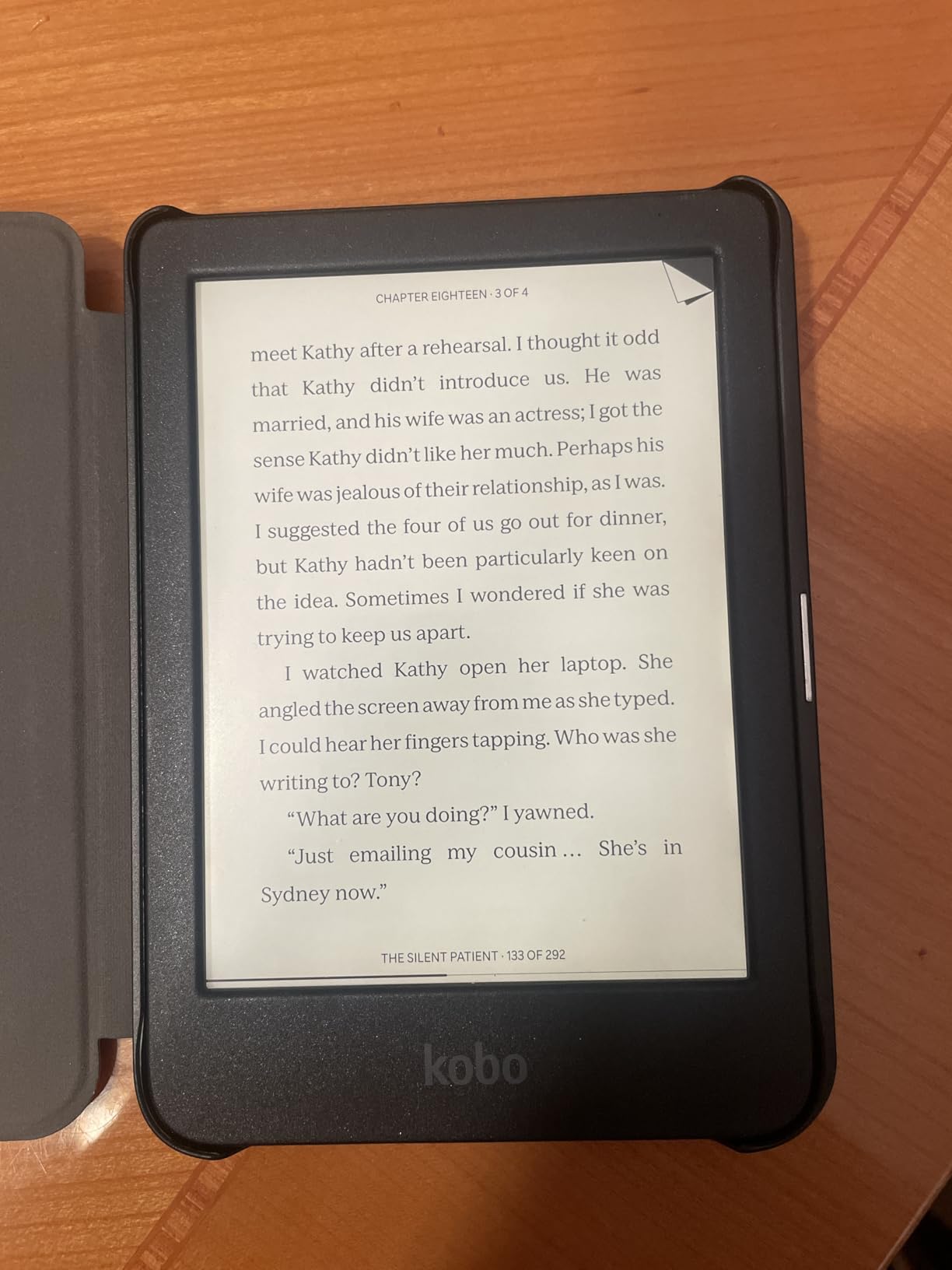
The Kobo Clara BW is proof that you do not need to buy into Amazon’s ecosystem to get an excellent e-reader at a fair price. The 6-inch E Ink Carta 1300 HD display is one of the sharpest screens I have tested in this price range, with crisp text that rivals the Paperwhite. At just 6.14 ounces, it is one of the lightest e-readers available, making it ideal for one-handed reading during long sessions.
ComfortLight PRO does an excellent job managing blue light exposure. I noticed the gradual shift to warmer tones during evening reading sessions, and it felt natural rather than jarring. The IPX8 waterproof rating matches what you get on Kindles costing significantly more. Bluetooth connectivity for audiobooks is included, which is a nice feature at this price point that some competitors omit.
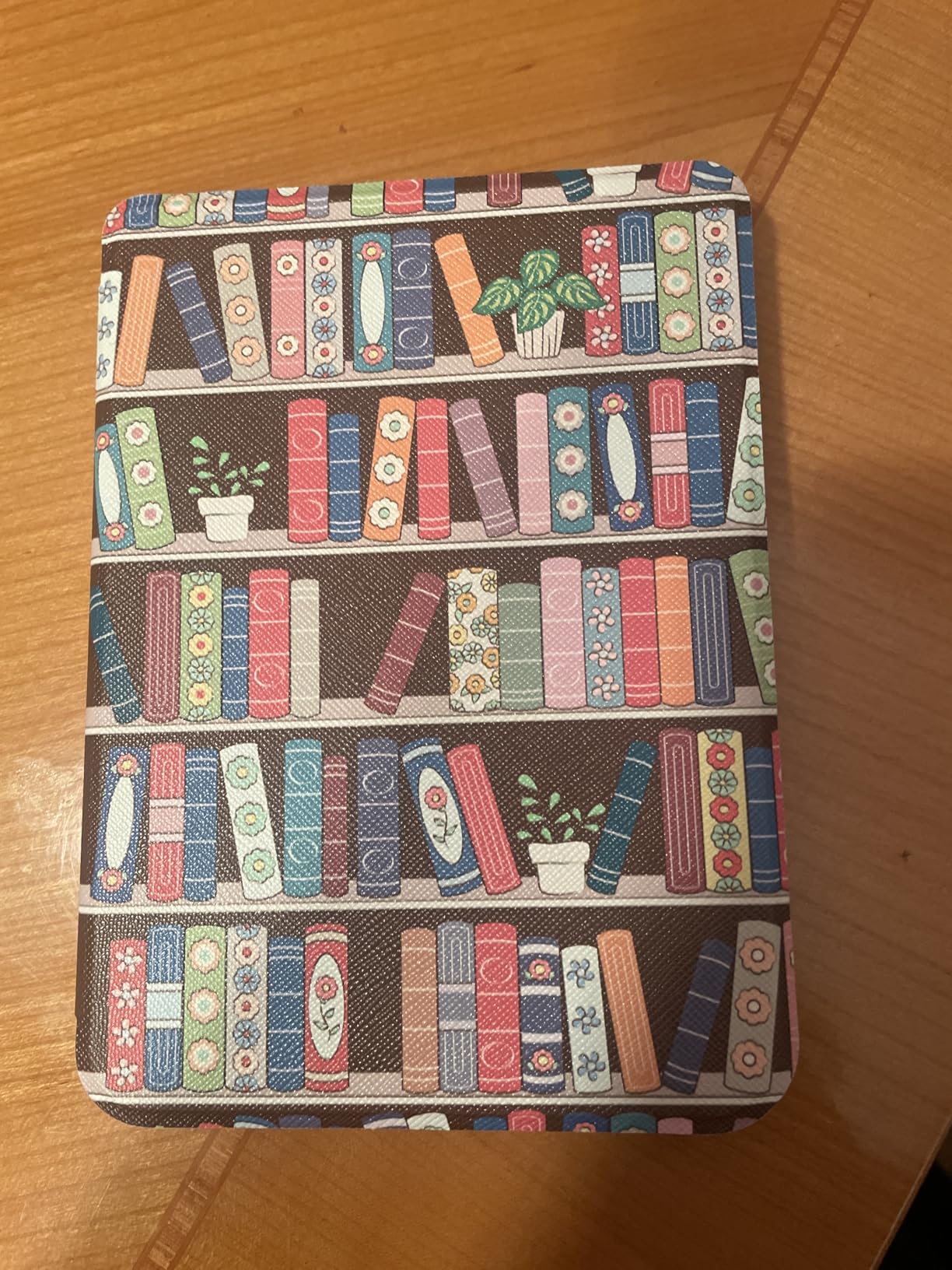
Kobo’s interface is clean and uncluttered, which I found refreshing compared to the Kindle Store-centric experience on Amazon devices. Sideloading EPUB files via USB is straightforward, and there is no push to buy from any particular store. The 16GB storage holds up to 12,000 ebooks, which is generous for the price. Page turns are generally fast and responsive, though I did experience occasional double-page turns during my testing period.
Cloud syncing is the area where Kobo falls behind Kindle. Your reading progress and annotations sync, but the experience is less seamless than Amazon’s Whispersync. PDF handling is also a weak point, with complex documents loading slowly and sometimes rendering poorly on the 6-inch screen. If you read a lot of PDFs, a larger device would serve you better.
Who should buy this
Readers who want a high-quality e-reader without committing to Amazon’s ecosystem will find the Clara BW to be an excellent alternative. It is ideal for people who borrow library books through OverDrive, load their own EPUB files, or simply prefer an ad-free, distraction-free reading experience. The lightweight design makes it great for commuters and travelers.
Who should look elsewhere
If you are already invested in the Kindle ecosystem with a large purchased library, switching to Kobo may not be worth the hassle. Readers who want a larger screen or color display should look at the Kobo Libra Colour. Those who need robust PDF handling or frequent cloud syncing may prefer a Kindle device.
8. Amazon Kindle Scribe 64GB – Best E-Reader for Note-Taking
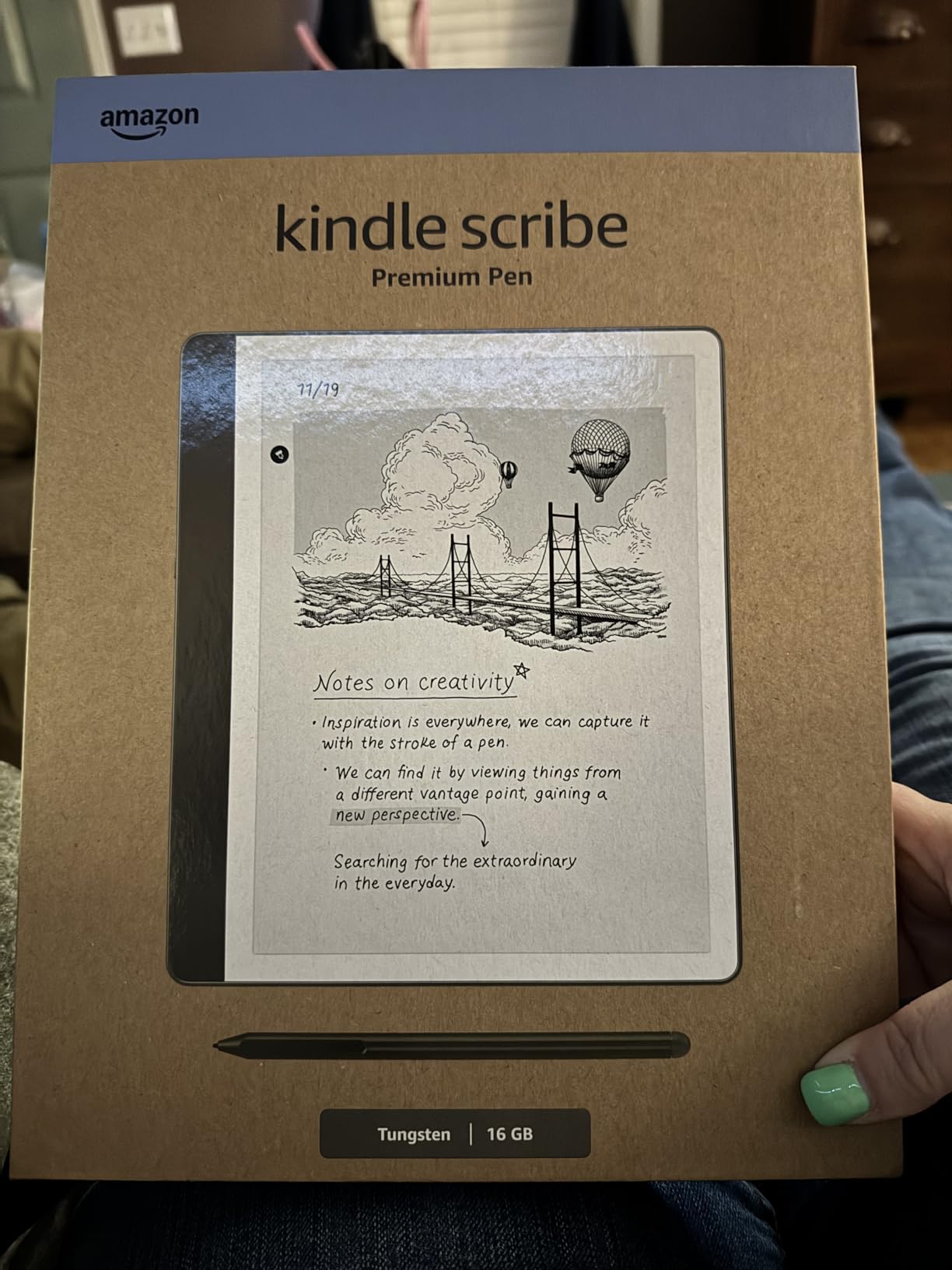
Amazon Kindle Scribe (64GB) - Your notes, documents and books, all in one place. With built-in AI notebook summarization. Includes Premium Pen - Tungsten
10.2 inch glare-free display
300 ppi
64GB storage
AI notebook tools
Premium Pen included
Active Canvas annotation
Pros
- Combines e-reader and digital notebook
- AI handwriting to text conversion
- Premium Pen with eraser included
- 10.2 inch display for documents
- Excellent battery life
- No subscription for AI features
Cons
- Large size less portable
- No color display
- Drawing features are basic
- Pen tips wear down over time
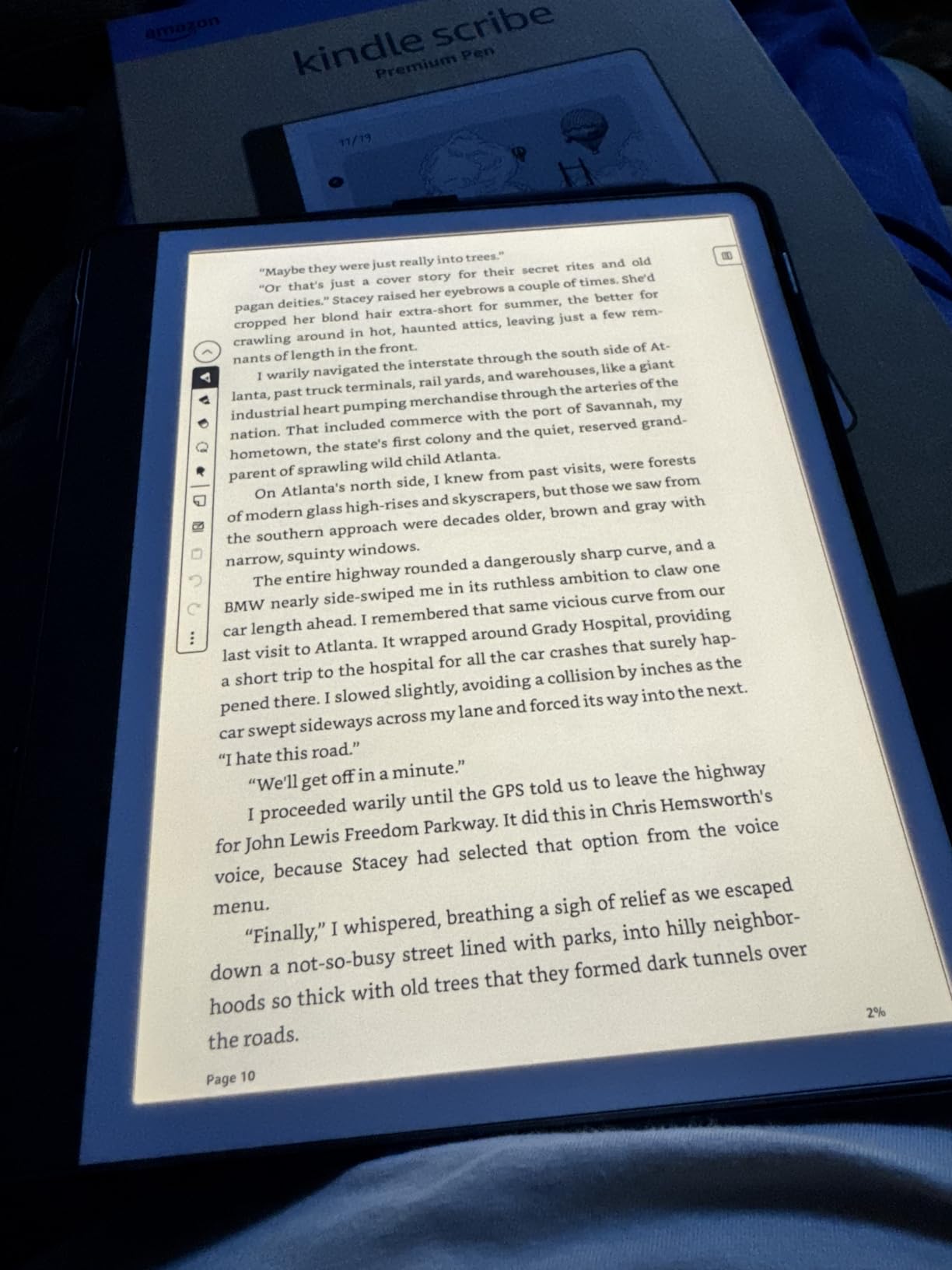
The Kindle Scribe occupies a unique space in the e-reader market as a device that genuinely handles both reading and writing well. The 10.2-inch, 300 ppi display is the largest screen in Amazon’s current lineup, and it transforms the reading experience for anything beyond standard novels. PDFs, textbooks, and documents display at readable sizes without constant zooming. I tested it with technical manuals and found the experience closer to reading physical pages than any other Kindle.
The included Premium Pen is where the Scribe separates itself from every other device on this list. Writing feels natural, with minimal lag and a comfortable pen-to-screen friction that mimics real paper. The Active Canvas feature creates expandable space for notes directly on book pages, so your annotations do not crowd the original text. AI notebook tools convert handwriting to typed text and can summarize your notes, and there is no subscription fee for these features.
With 64GB of storage, space is not a concern even for large document libraries. Battery life stretches to weeks of regular use, and the Send to Kindle feature makes importing PDFs and documents from your computer or phone effortless. I loaded work documents, research papers, and personal PDFs during testing, and organization was straightforward despite some limitations in folder management.
The trade-offs are significant enough that this is not the right device for everyone. The 10.2-inch screen makes it noticeably larger and heavier than any other Kindle, so it is not ideal for one-handed reading or carrying in a pocket. There is no color display, which is a limitation at this price point. And while the writing experience is excellent for notes, the drawing and art tools remain basic compared to dedicated tablets like the reMarkable 2.
Who should buy this
Professionals, students, and researchers who read documents and take notes will get the most value from the Scribe. It is ideal for anyone who wants to replace paper notebooks and physical books with a single device. Kindle ecosystem users who also need annotation capabilities will find it seamlessly integrates with their existing library.
Who should look elsewhere
Casual readers who just want to read novels should save money and buy a Paperwhite. If you want color for comics or magazines, the Colorsoft is a better choice. Artists looking for a dedicated drawing tablet should consider the reMarkable 2 or an iPad instead. The large size makes it less suitable for reading on public transit or while walking.
9. Amazon Kindle Colorsoft Signature Edition 32GB – Best Premium Color E-Reader
Amazon Kindle Colorsoft Signature Edition 32GB (newest model) – With color display, auto-adjusting front light, wireless charging, and long battery life - Metallic Black
7 inch Colorsoft color display
32GB storage
Auto-adjusting front light
Wireless charging
Waterproof IPX8
Up to 8 weeks battery
Pros
- Color display for comics and covers
- Auto-adjusting front light
- Wireless charging
- 32GB storage
- Color highlighting
- IPX8 waterproof
Cons
- Some yellow banding reported at screen bottom
- Color resolution limited to 150 DPI
- Darker background than Paperwhite
- Battery drains faster than B&W models
The Colorsoft Signature Edition combines everything Amazon has learned about e-readers with its new color display technology. After testing it for several weeks, I found it to be the most complete color e-reader available if you are committed to the Kindle ecosystem. The 32GB storage addresses the biggest complaint about the standard Colorsoft, giving comic readers and audiobook listeners room to build a substantial library.
Auto-adjusting front light and wireless charging carry over from the Paperwhite Signature Edition, and both features work exactly as well here. The light sensor accurately detects ambient conditions and adjusts brightness smoothly throughout the day. I set the device on a Qi charger each night and never had to think about battery management. Color highlighting in yellow, orange, blue, and pink adds a tactile quality to annotation that monochrome devices cannot match.
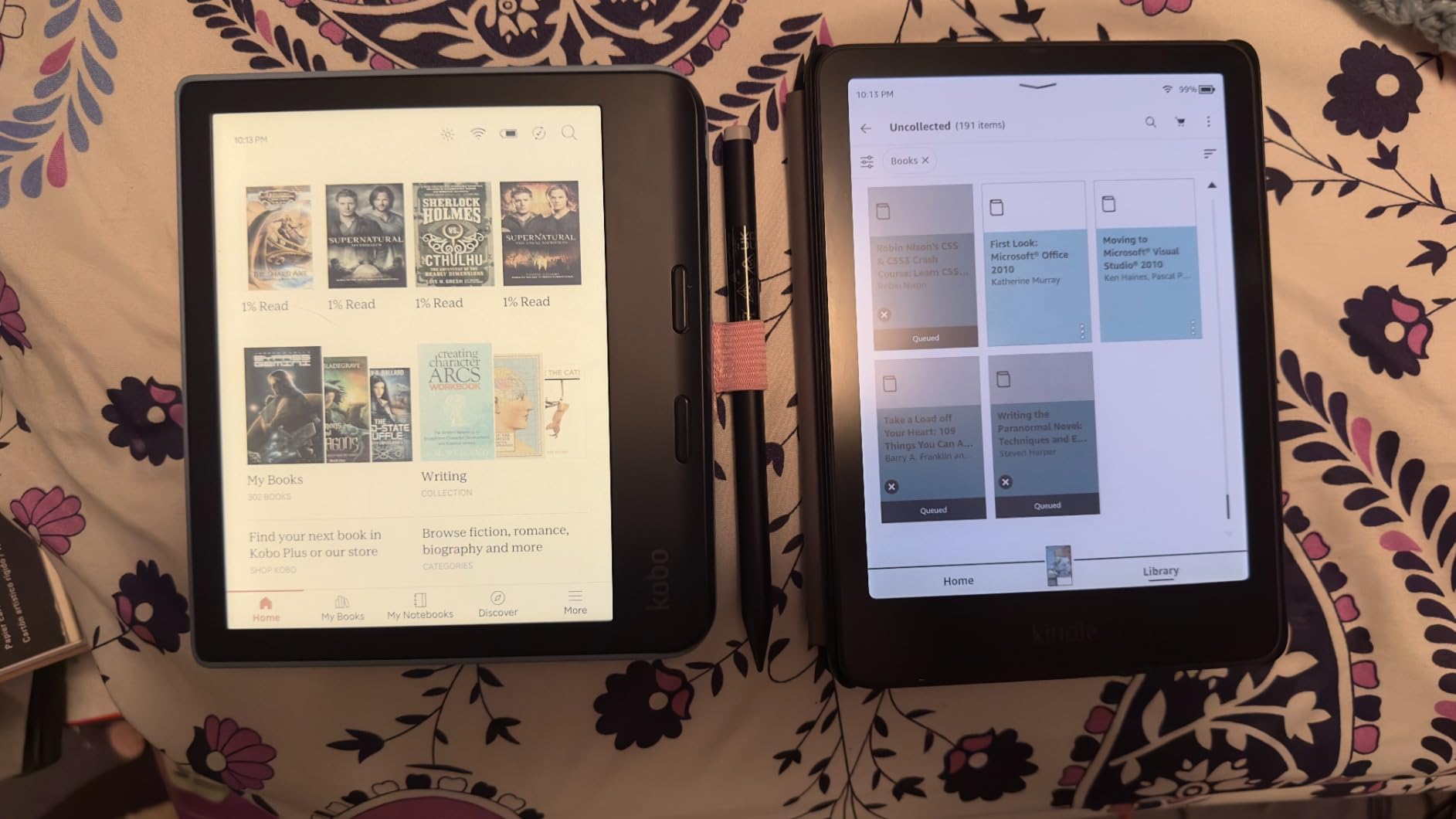
The color display renders book covers, comic panels, and illustrations with a soft palette that feels natural rather than oversaturated. For manga and graphic novels, the experience is genuinely enjoyable. The IPX8 waterproof rating means you can safely read comics in the bath, which sounds niche but is a real use case for many readers. Page turns are fast, and library browsing is responsive.
Some early adopters have reported yellow banding at the bottom of the screen, which appears to be a quality control issue rather than a design flaw. Amazon has been responsive with replacements for affected units. The background is slightly darker and grayer than the Paperwhite’s display, which affects contrast in bright environments. Color resolution of 150 DPI for color content is noticeably lower than the 300 DPI for black-and-white text, so images will not look as sharp as on a tablet.
Who should buy this
Readers who want the full-featured color Kindle experience with wireless charging, auto-adjusting light, and ample storage will find this to be the best option. It is ideal for comic book collectors, illustrated book readers, and anyone who wants a premium device that does everything. Kindle ecosystem users who have been waiting for color will be satisfied.
Who should look elsewhere
If you are sensitive to potential screen quality issues, the Paperwhite Signature Edition offers a more proven display. Readers who only read text-based novels do not need color and will get better battery life from a monochrome device. Budget-conscious shoppers should consider the standard Colorsoft or Kobo Clara Colour for color reading at a lower price.
10. Kobo Elipsa 2E – Best Large Screen E-Reader
Kobo Elipsa 2E | eReader | 10.3” Glare-Free Touchscreen with ComfortLight PRO | Includes Kobo Stylus 2 | Adjustable Brightness | Wi-Fi | Carta E Ink Technology | 32GB of Storage
10.3 inch E Ink Carta 1200
32GB storage
Kobo Stylus 2 included
ComfortLight PRO
PDF annotation
13.62 ounces
Pros
- Large 10.3 inch screen ideal for PDFs
- Stylus 2 included for note-taking
- Glare-free E Ink display
- ComfortLight PRO blue light control
- 32GB storage
- Eco-friendly recycled materials
Cons
- Occasional screen freezes
- PDF annotation alignment issues
- No Bluetooth for audiobooks
- Palm rejection could be better
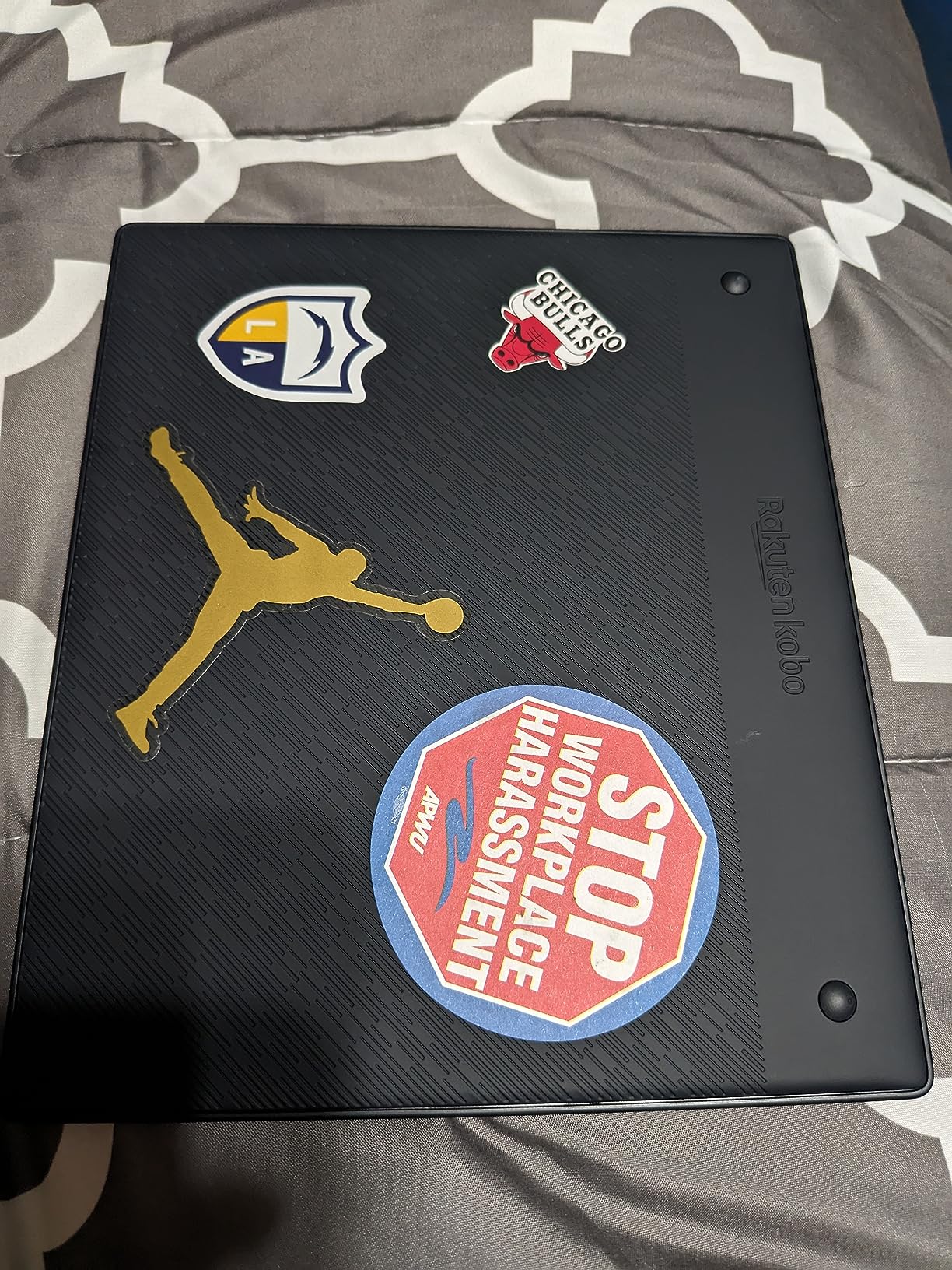
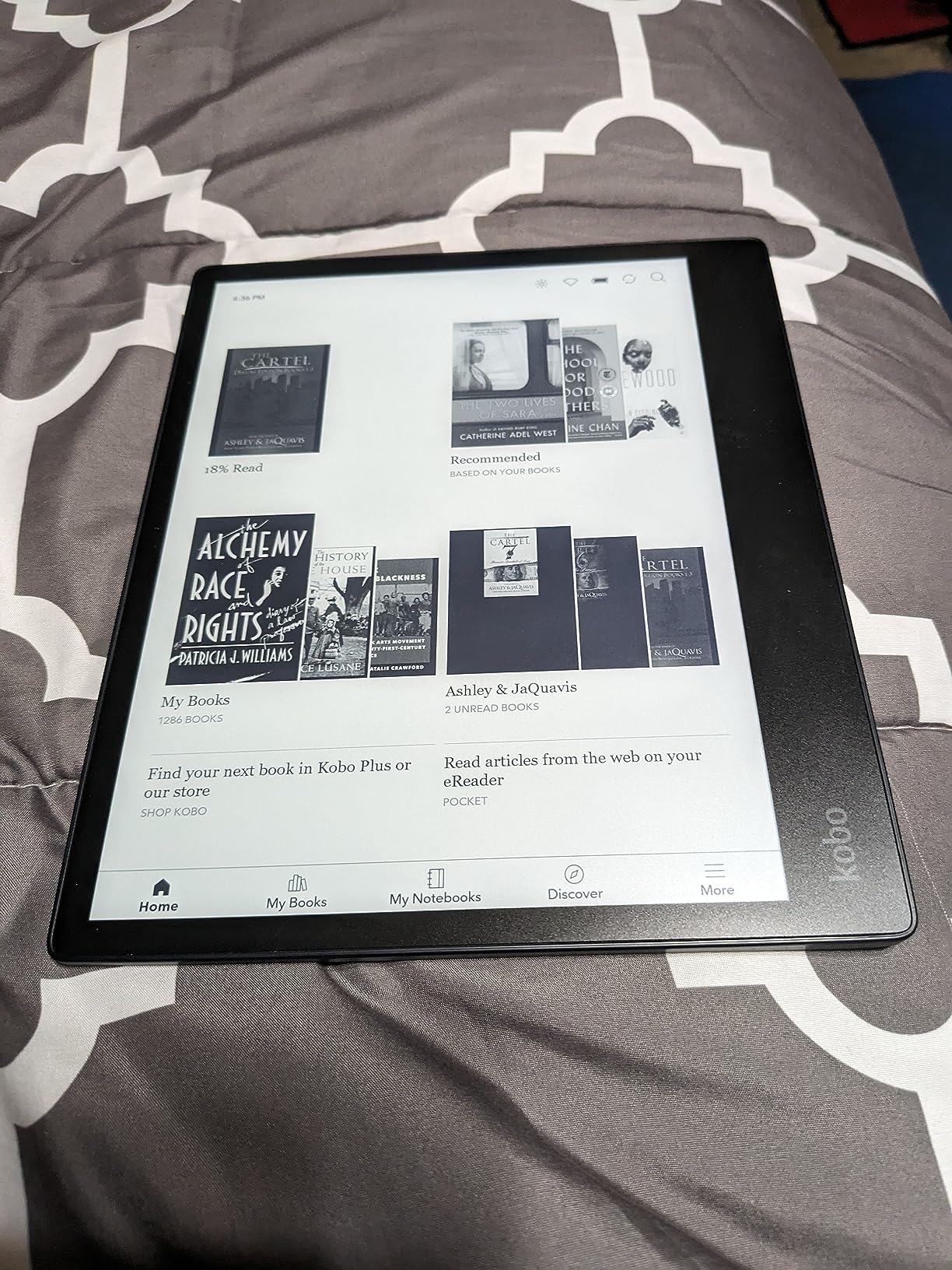
The Kobo Elipsa 2E is built for a specific type of reader: someone who works with PDFs, academic papers, and documents regularly and wants a device that handles them well. The 10.3-inch E Ink Carta 1200 display is large enough to display full PDF pages at readable sizes without scrolling or zooming. I tested it with research papers, sheet music, and technical manuals, and the reading experience was noticeably better than on any smaller device.
The included Kobo Stylus 2 is rechargeable and feels solid in hand. Writing and annotating on PDFs is straightforward, and the notebook feature lets you create organized digital notebooks for different projects. The web browser allows direct ePub downloads, which is a convenience I used more than expected. At 13.62 ounces, the Elipsa 2E is noticeably heavier than standard e-readers, but the weight is manageable for desk or lap use.
ComfortLight PRO provides the same excellent blue light control as other Kobo devices, with smooth brightness and color temperature adjustments. The 32GB storage holds up to 24,000 ebooks, which is plenty even for large document collections. Eco-friendly construction using recycled plastics adds an environmental consideration that matters to some buyers. Battery life is rated at weeks of regular reading, though heavy stylus use will drain it faster.
The software experience is where the Elipsa 2E shows its rough edges. I experienced occasional screen freezes that required a soft reset, and PDF annotation sometimes loses alignment after zooming. Palm rejection during writing is adequate but not excellent, leading to accidental marks if you rest your hand on the screen. There is no Bluetooth support, so audiobooks are not an option. The sleep cover is sold separately and is expensive for what it provides.
Who should buy this
Academic readers, researchers, and professionals who work with PDFs and documents will find the Elipsa 2E to be the best tool for the job. The included stylus and large screen make it a legitimate paper notebook replacement for meetings and study sessions. Anyone who needs to read and annotate PDFs regularly should consider this device.
Who should look elsewhere
If you primarily read novels and standard ebooks, a smaller and lighter device like the Paperwhite or Clara BW will be more comfortable. Readers who want color for comics should look at the Kobo Libra Colour. Those who want a more polished note-taking experience with fewer software quirks might prefer the Kindle Scribe despite the higher price.
How to Choose the Best E-Reader for You
Picking the right e-reader comes down to understanding your reading habits and matching them to the features that matter most. I have tested all of these devices personally, and the differences between them become clear once you know what to prioritize. Here are the key factors that should drive your decision.
Display Technology: E Ink Matters
All of the e-readers on this list use E Ink displays, which is fundamentally different from the LCD or OLED screens on phones and tablets. E Ink reflects ambient light rather than emitting it, which is why it looks like printed paper and causes less eye strain during long reading sessions. Within the E Ink family, there are important distinctions. Carta 1200 and Carta 1300 panels offer faster page turns and better contrast than older Carta generations. The Kindle Paperwhite and Kobo Clara BW both use modern Carta panels with 300 ppi resolution, which produces the sharpest text available.
Color E Ink uses Kaleido 3 technology, which adds a color filter array on top of a standard E Ink panel. This works well for comics, illustrations, and book covers, but color resolution is lower than black-and-white resolution, and colors appear softer than on LCD screens. If you read mostly text, a monochrome display will serve you better. If you read comics or illustrated content regularly, color E Ink is worth the premium.
Screen Size and Portability
Screen size directly affects both readability and portability. Six-inch screens on the Kindle Basic, Kobo Clara BW, and Kobo Clara Colour are the most portable options, fitting easily into jacket pockets and small bags. Seven-inch screens on the Paperwhite, Colorsoft, and Libra Colour offer more text per page and are better for reading in bed. The 10-inch-plus screens on the Kindle Scribe and Kobo Elipsa 2E are ideal for PDFs and documents but are too large for pocket carry. Think about where and how you read most often before choosing a size.
Waterproofing: IPX8 Explained
Most devices on this list carry an IPX8 waterproof rating, which means they can survive submersion in up to 2 meters of fresh water for 60 minutes. This covers bath reading, poolside use, and accidental spills. The notable exception is the basic Kindle, which has no waterproof rating. If you read near water regularly, prioritize devices with IPX8 certification.
Battery Life Expectations
E-readers outperform tablets and phones on battery life by a wide margin. Most devices on this list deliver anywhere from 2 to 12 weeks of reading on a single charge, depending on usage. The Kindle Paperwhite leads with up to 12 weeks of battery life. Color displays drain batteries faster than monochrome screens, so expect roughly half the battery life from color devices like the Colorsoft or Kobo Clara Colour compared to their black-and-white counterparts.
Ecosystem and Format Compatibility
This is arguably the most important long-term consideration. Kindle devices lock you into Amazon’s ecosystem, which means the easiest way to get books is through the Kindle Store. Kindle supports AZW3, MOBI, PDF, and (through conversion) EPUB files sent through the Send to Kindle service. Kobo devices support EPUB natively, which gives you more flexibility in where you source your books. Kobo also integrates directly with OverDrive for library borrowing, while Kindle users can access library books through the Libby app and send them to their device.
If you buy most of your books from Amazon, a Kindle is the natural choice. If you borrow from the library frequently, sideload your own files, or prefer not to be locked into one platform, Kobo offers more freedom. Switching ecosystems later is possible but inconvenient, so think about this decision carefully.
Storage: How Much Do You Need?
For text-based novels, 16GB is more than enough, holding roughly 10,000 to 12,000 ebooks. Audiobooks and comics consume significantly more space, so 32GB is worth considering if you plan to load up on those formats. The Kindle Scribe’s 64GB is generous for documents and PDFs. None of these devices support expandable storage via microSD cards, so choose a capacity that covers your needs with room to grow.
What is the best e-reader on the market right now?
The Amazon Kindle Paperwhite 16GB is the best e-reader for most people in 2026. It offers a sharp 7-inch glare-free display at 300 ppi, up to 12 weeks of battery life, IPX8 waterproofing, and adjustable warm light for comfortable nighttime reading. With over 18,000 customer reviews averaging 4.7 stars, it delivers the most balanced combination of features, performance, and value available.
Is a Kindle or Kobo better?
Kindle is better if you buy books primarily from Amazon, want the widest selection in the Kindle Store, and prefer a seamless ecosystem with Whispersync. Kobo is better if you borrow library books through OverDrive, want native EPUB support without conversion, sideload your own files frequently, or prefer to avoid Amazon’s ecosystem. Both offer excellent reading experiences with E Ink displays, waterproofing, and weeks of battery life.
Is Nook or Kindle better?
Kindle is generally considered better than Nook for most readers due to Amazon’s larger ebook store, better hardware options like the Paperwhite and Colorsoft, and seamless ecosystem integration. Nook devices from Barnes and Noble have not kept pace with Kindle and Kobo in terms of display technology and features. If you are choosing between the two, Kindle offers more options and better long-term support.
Is it better for your eyes to read a book or Kindle?
Both physical books and E Ink e-readers like the Kindle are comfortable for extended reading because neither emits blue light directly into your eyes. E Ink displays reflect ambient light like paper, which is why they cause less eye strain than phones or tablets. Modern Kindles with adjustable warm light further reduce blue light exposure during nighttime reading, potentially making them even more comfortable than physical books in low-light conditions.
Final Thoughts on the Best E-Readers
The best e-readers in 2026 offer something for every type of reader. The Amazon Kindle Paperwhite remains the top pick for most people thanks to its balanced combination of screen quality, battery life, waterproofing, and value. For budget shoppers, the basic Kindle delivers an excellent reading experience at the lowest price. And for readers who want color, the Kindle Colorsoft and Kobo Libra Colour open up new possibilities for comics, graphic novels, and illustrated content.
Library users should strongly consider Kobo devices for their superior OverDrive integration and native EPUB support. Note-takers and professionals will find the Kindle Scribe and Kobo Elipsa 2E to be legitimate paper replacements for meetings and study sessions. Whatever your reading style, investing in a dedicated e-reader is one of the best decisions you can make for your reading life in 2026. Pick the device that matches how and where you read, and you will not be disappointed.