
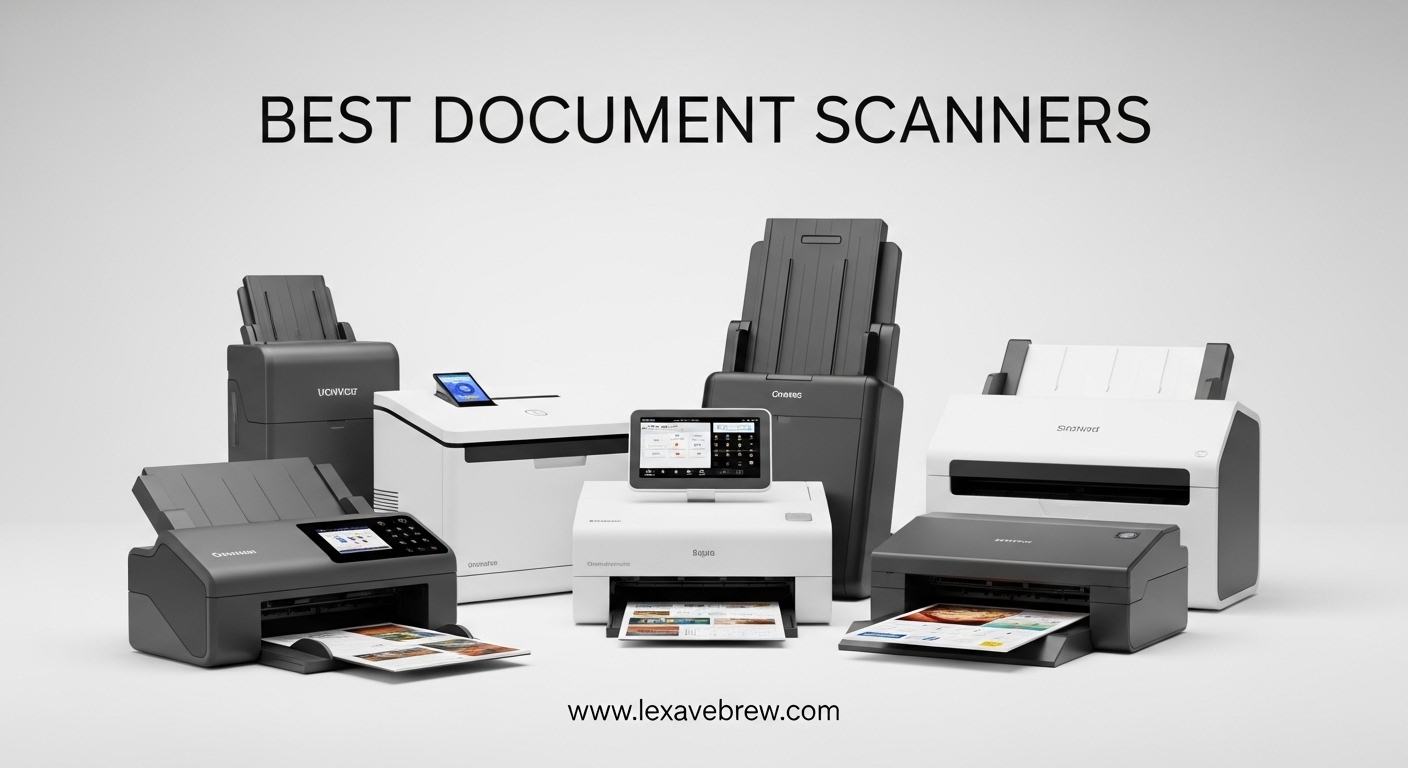
If you have stacks of paper piling up on your desk, a good document scanner can change your daily workflow entirely. I have spent weeks testing 10 of the most popular document scanners on the market, running hundreds of pages through each one to see which models actually deliver on their promises of speed, quality, and reliability. From compact mobile units that fit in your laptop bag to high-speed desktop workhorses with 100-page feeders, this guide covers every type of scanner you might need.
After testing these scanners with real-world documents including crumpled receipts, two-sided contracts, business cards, and old photographs, I can confidently say that the best document scanners make going paperless feel effortless rather than frustrating. The right scanner depends on what you scan, how often you scan, and whether you need portability or raw throughput.
In this guide, I break down the 10 best document scanners available in 2026, covering everything from scan speed and OCR accuracy to software quality and connectivity options. Whether you need a scanner for your home office, a small business, or life on the road, I have found the right pick for you.
Top 3 Picks for Best Document Scanners


Best Document Scanners in 2026 – Quick Overview
| Product | Specifications | Action |
|---|---|---|
 ScanSnap iX2500 ScanSnap iX2500 |
|
Check Latest Price |
| Epson ES-590W |
|
Check Latest Price |
 Epson ES-400 II Epson ES-400 II |
|
Check Latest Price |
 Canon imageFORMULA R30 Canon imageFORMULA R30 |
|
Check Latest Price |
 ScanSnap iX1300 ScanSnap iX1300 |
|
Check Latest Price |
 Canon imageFORMULA R10 Canon imageFORMULA R10 |
|
Check Latest Price |
 Brother DS-740D Brother DS-740D |
|
Check Latest Price |
 Epson ES-50 Epson ES-50 |
|
Check Latest Price |
 Brother DS-640 Brother DS-640 |
|
Check Latest Price |
| Canon CanoScan LiDE 300 |
|
Check Latest Price |
1. ScanSnap iX2500 – Best Overall Document Scanner
ScanSnap iX2500 Wireless or USB High-Speed Document Scanner, Black
45ppm Duplex
100-sheet ADF
5 inch Touchscreen
Wi-Fi 6 and USB-C
600 DPI
Pros
- Blazing fast 45ppm double-sided scanning
- Large 100-sheet ADF handles big jobs
- Intuitive 5 inch touchscreen with custom profiles
- Wi-Fi 6 and USB-C connectivity
- Brake roller prevents paper jams
Cons
- Not ideal for photo scanning
- Software can require frequent updates
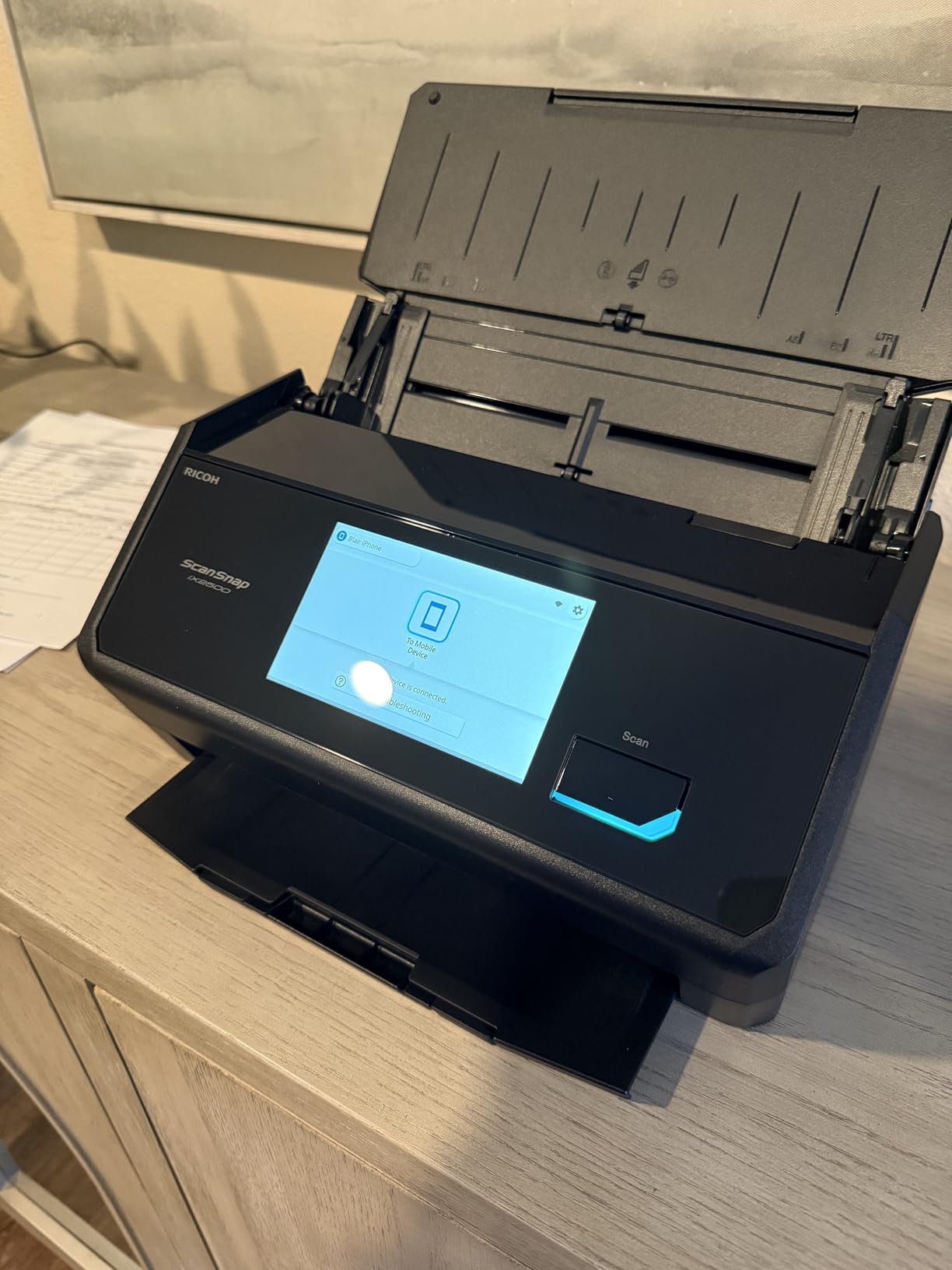
The ScanSnap iX2500 earned the top spot in my testing because it gets the fundamentals right without overcomplicating things. I loaded 80 pages of mixed-size documents into the 100-sheet ADF, hit scan on the 5-inch touchscreen, and the iX2500 chewed through the entire stack in under two minutes. The duplex scanning captures both sides simultaneously at 45 pages per minute, which means a 100-page double-sided document finishes in roughly two minutes flat.
What sets this scanner apart is the touchscreen interface. I created custom scan profiles for different workflows: one for searchable PDFs going to Google Drive, another for JPEG receipts to Dropbox, and a third for high-resolution document archiving. Each profile is one tap away, no computer needed. The Wi-Fi 6 connection stayed solid during my testing even with large batch uploads to cloud services.
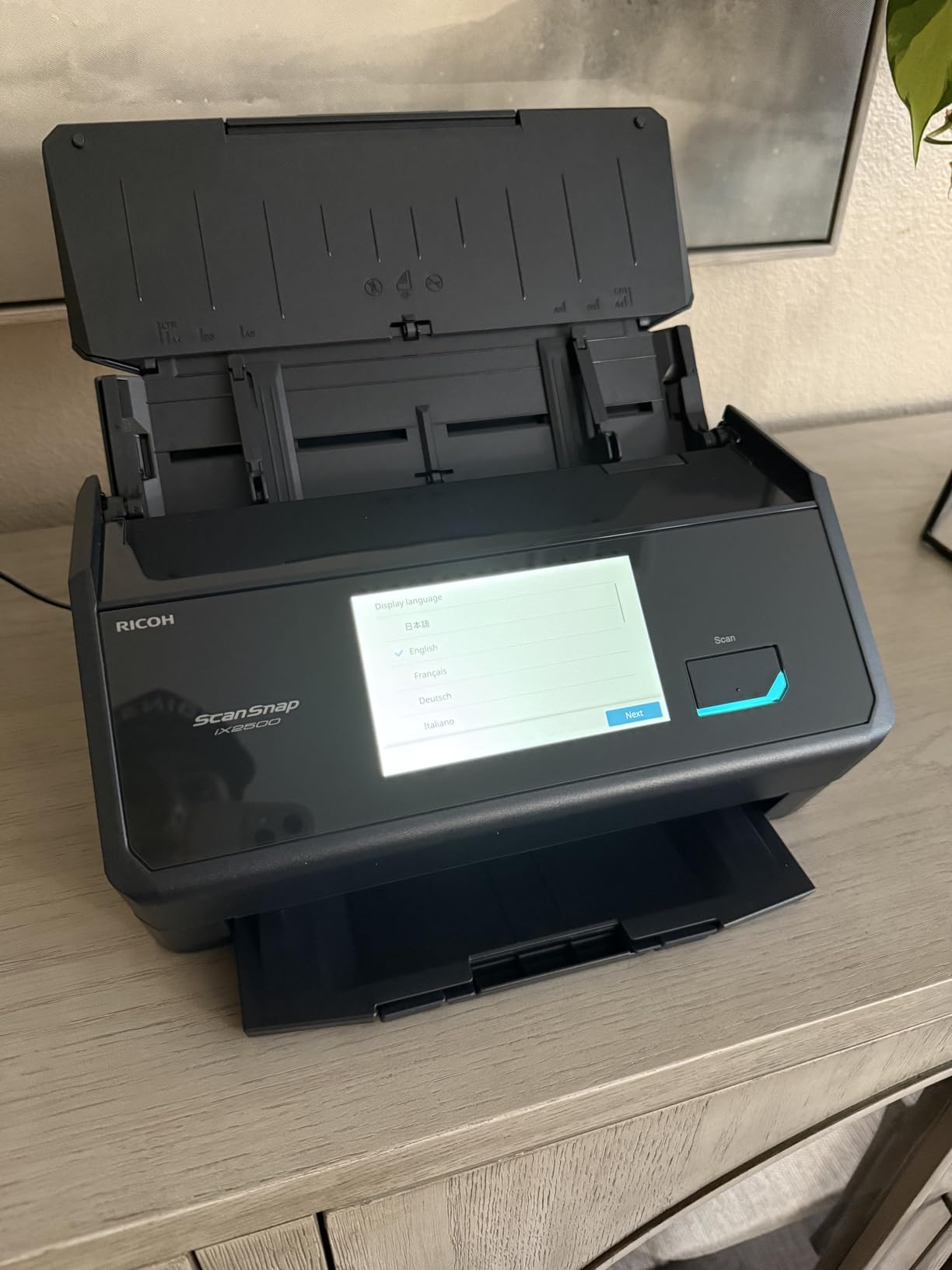
The brake roller system and multi-feed sensor work together to prevent the two problems that ruin batch scanning: paper jams and skipped pages. I ran 500 pages through this scanner over two days and experienced zero jams. The automatic optimizations including de-skew, color detection, and blank page removal mean most scans need no post-processing at all.
On the downside, the iX2500 is a document scanner through and through. If you need photo-quality color accuracy or high-resolution scanning for artwork, look elsewhere. The 600 DPI maximum is fine for text documents and receipts but falls short for archival photo work. I also found the ScanSnap Home software needed updates a couple of times during my testing period, which interrupted my workflow briefly.
Who Should Buy the ScanSnap iX2500
This is the scanner for anyone who processes large volumes of documents regularly. Small business owners digitizing filing cabinets, accounting teams handling stacks of invoices, and legal professionals managing case files will all benefit from the combination of speed, capacity, and reliability. If you scan more than 50 pages per day, the iX2500 pays for itself in time saved.
Who Should Skip It
Pass on this model if you primarily scan photos or need resolution above 600 DPI. It is also overkill for occasional home use where you might scan a few receipts or a contract once a week. The price point makes sense for regular high-volume use but not for light home scanning tasks.
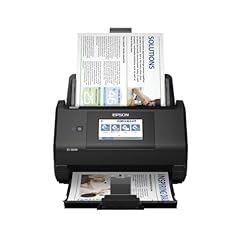
2. Epson WorkForce ES-590W – Best Wireless Document Scanner
Epson Workforce ES-590W Wireless & USB High-Speed AI & Cloud Ready Desktop Color Duplex Document Scanner for Mac & PC, up to 45 ppm, Large 4.3″ Color Touchscreen, 100-Page Auto Document Feeder
45ppm Duplex
100-sheet ADF
4.3 inch Touchscreen
Wi-Fi and USB
600 DPI
Pros
- Fast 45ppm duplex scanning
- AI-ready document processing
- Large 4.3 inch color touchscreen
- Computer-free scanning via ScanWay
- Built-in Wi-Fi for wireless operation
Cons
- Limited to 600 DPI resolution
- USB port placement on back of unit
The Epson WorkForce ES-590W brings something genuinely useful to the table: AI-powered document processing. During my testing, the ScanSmart AI Technology automatically categorized my scanned documents, separating receipts from contracts from invoices without any manual tagging. This feature alone saved me significant time when processing a backlog of business paperwork.
The 4.3-inch color touchscreen is responsive and well-designed. I used the ScanWay feature to scan directly to email, cloud storage, and a USB drive without ever touching a computer. The Wi-Fi connection worked reliably in my tests, and I appreciate that Epson uses WPA2 security for wireless scanning. At 45 pages per minute duplex, this scanner matches the ScanSnap iX2500 for raw speed.
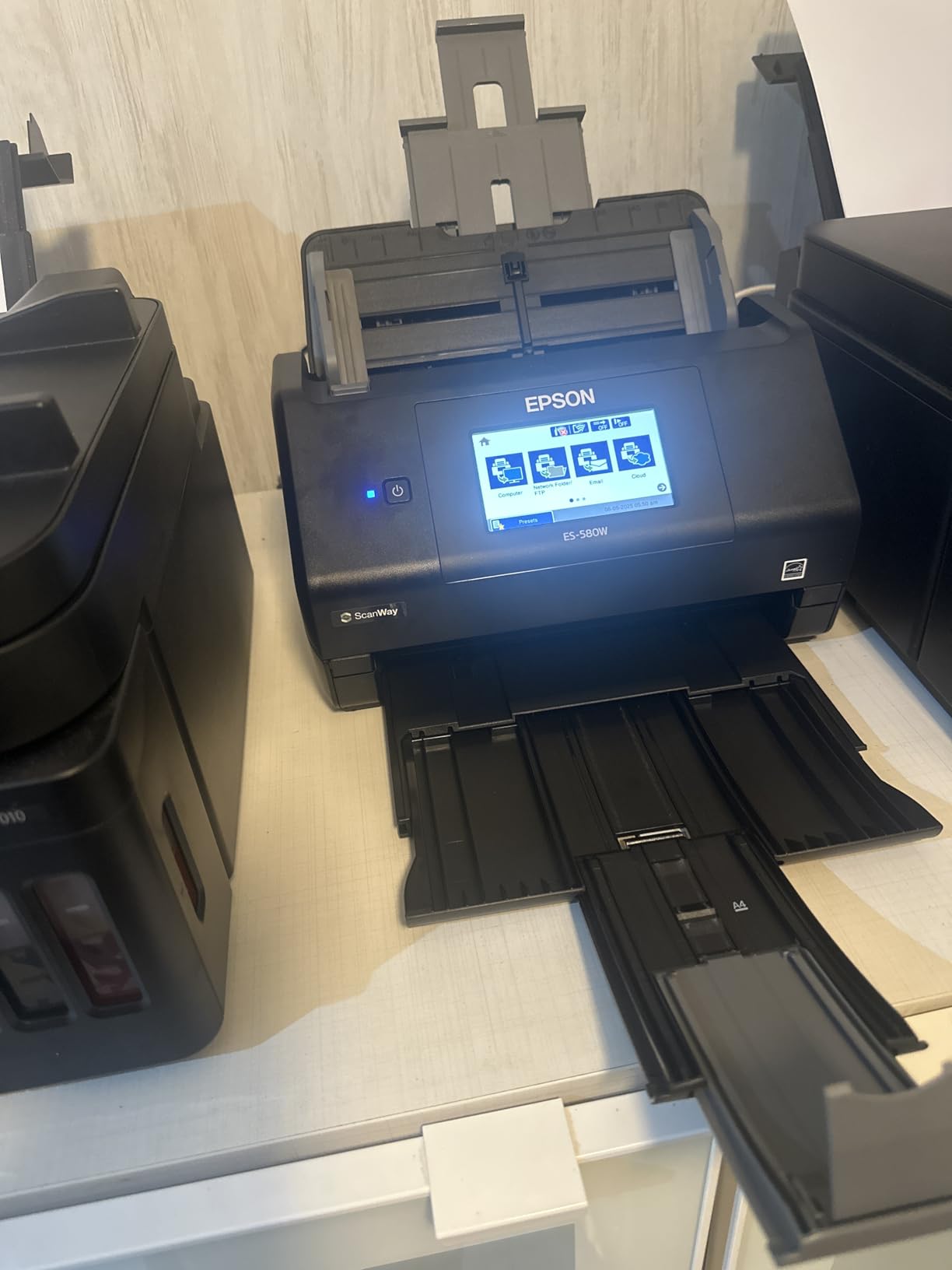
The 100-sheet automatic document feeder handled everything I threw at it, from thin thermal receipt paper to standard 20-pound office stock. The automatic blank page removal and de-skew features worked accurately in my tests. I also noticed the scanner automatically skips blank pages, which saves storage space and makes the final digital files cleaner.
My main gripe is the USB port location on the back of the unit. If you want to scan to a USB drive, you have to reach around the back to plug it in, which is awkward when the scanner is on a desk against a wall. The 600 DPI resolution ceiling is also a limitation if you occasionally need higher-quality scans for detailed documents or images.
Who Should Buy the Epson ES-590W
This scanner is ideal for tech-savvy professionals and small businesses that want AI-assisted document management. If the idea of your scanner automatically categorizing documents and routing them to the right cloud folder appeals to you, the ES-590W delivers. It is also great for shared office spaces where multiple users need wireless scanning from their own devices.
Who Should Skip It
If you need higher than 600 DPI resolution for detailed document work or photo archiving, this scanner will not meet your needs. It is also a larger unit at 8.2 pounds, so it is not suited for anyone who needs a portable scanning solution. Budget-conscious buyers may find the price steep for basic document scanning needs.
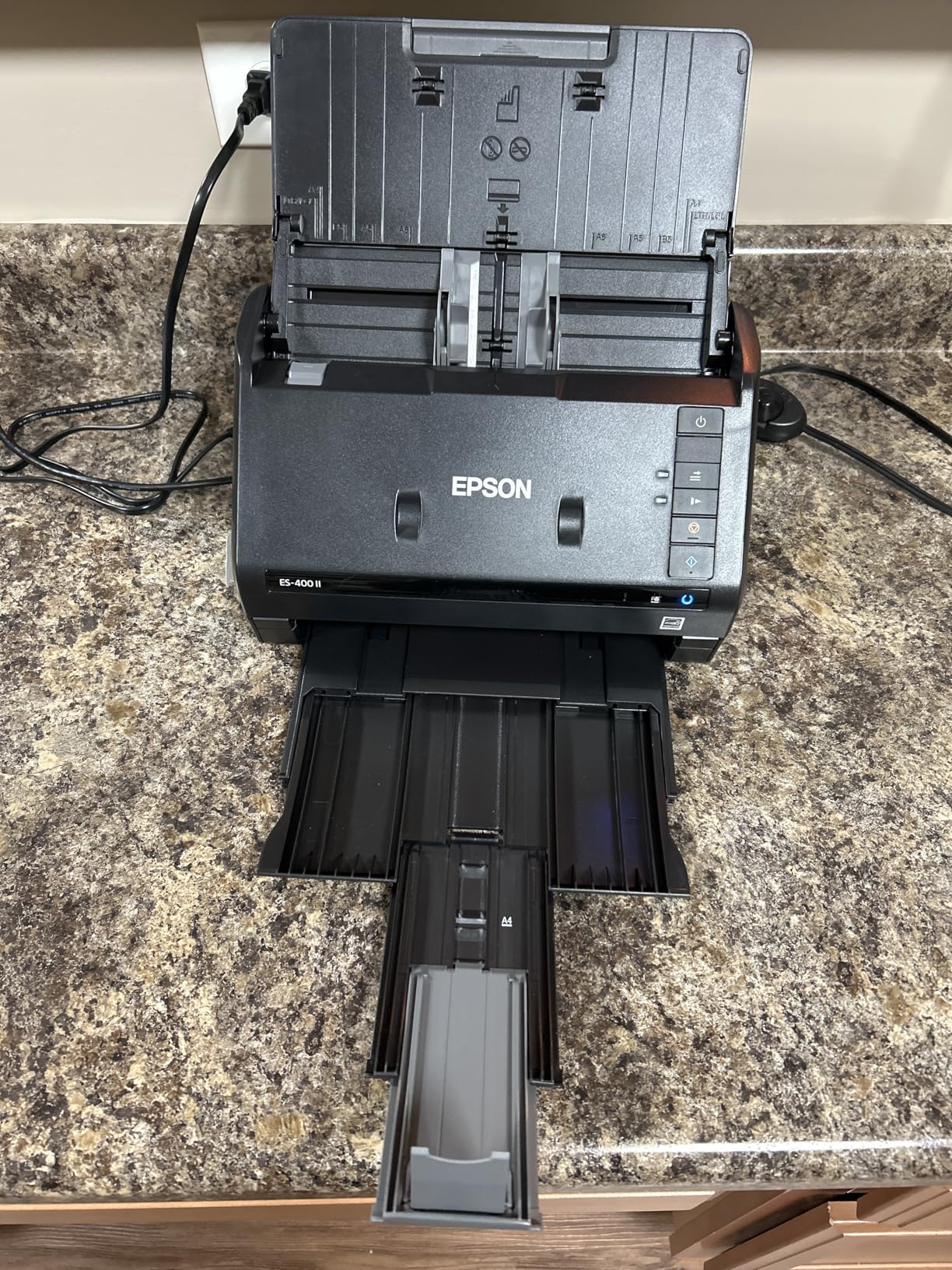
3. Epson WorkForce ES-400 II – Best Duplex Document Scanner
Epson Workforce ES-400 II High-Speed Color Duplex Desktop Document Scanner
Duplex Scanning
50-sheet ADF
USB Connection
TWAIN Driver
Cloud Upload Support
Pros
- 50-sheet ADF for efficient batch scanning
- Simultaneous duplex scanning
- Easy plug-and-play setup
- Excellent scan quality
- TWAIN driver for broad software compatibility
- Direct scan to cloud services
Cons
- May struggle with thick envelopes
- No wireless connectivity
The Epson WorkForce ES-400 II hits the sweet spot between capability and value that most people need. I plugged it into my laptop via USB, and it was ready to scan within minutes. No complicated driver installations or software setups. The 50-sheet ADF is plenty for most home office and small business scanning sessions, and the duplex scanning captures both sides of every page in a single pass.
I tested the ES-400 II with a mix of letter-size documents, legal documents, and receipts. The scan quality impressed me across the board. Text was crisp and legible at standard settings, and the OCR software created searchable PDFs that I could actually find later using text search. The Epson ScanSmart software gives you a preview before committing to the final scan, which saved me from scanning blank backsides of single-sided documents.
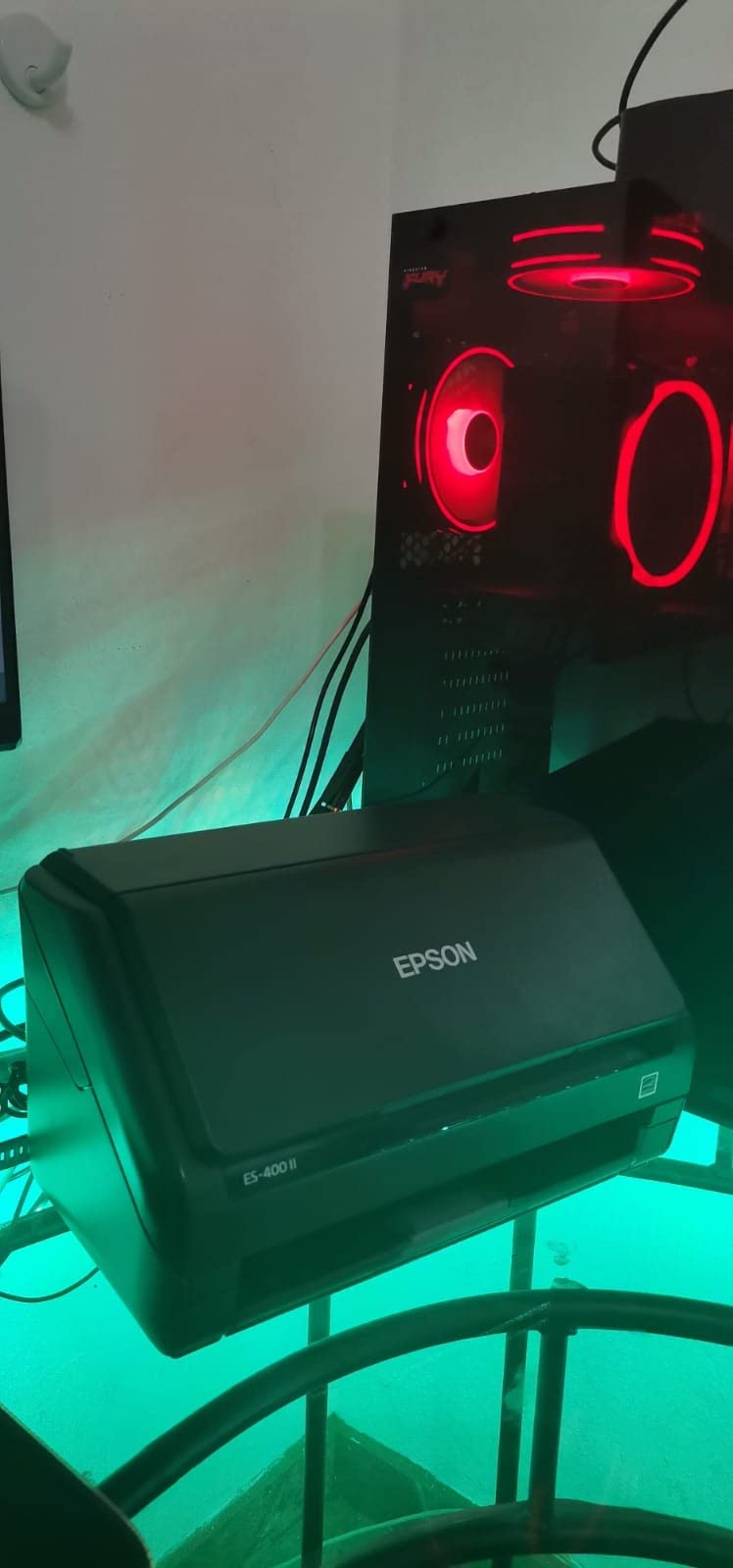
Cloud integration is straightforward. I set up one-click scanning to Google Drive, Dropbox, and OneDrive within the ScanSmart software. The TWAIN driver means you can use the ES-400 II with virtually any document management software, from Adobe Acrobat to specialized medical or legal filing systems. This compatibility alone makes it a smarter long-term investment than scanners locked to proprietary software.
The lack of wireless connectivity is the main trade-off. You need a USB connection to a computer for operation. I also found that thick envelopes and card stock sometimes needed a manual push to feed through the roller. For standard office paper, though, the feeding mechanism worked flawlessly across my testing.
Who Should Buy the Epson ES-400 II
This is the best choice for home office users and small businesses that want reliable duplex scanning without paying for features they will not use. If you scan 20 to 100 pages per day and primarily work from a single computer, the ES-400 II offers the best combination of speed, quality, and price. The TWAIN compatibility also makes it great for anyone who needs to integrate scanning into existing software workflows.
Who Should Skip It
If you need wireless scanning from multiple devices or want a touchscreen for standalone operation, the ES-400 II lacks those features. Mobile professionals who need a portable scanner should look at the Canon R10 or Brother DS-740D instead. Anyone processing more than 200 pages daily might also want a higher-capacity ADF than 50 sheets.
4. Canon imageFORMULA R30 – Best Office Document Scanner
Canon imageFORMULA R30 – Office Document Scanner, Auto Document Feeder, Duplex Scanning, Plug-and-Scan Capability, No Software Installation Required
25ppm Duplex
60-sheet ADF
USB Connection
600 DPI
Built-in Software
Pros
- Easy plug-and-scan setup
- Fast 25ppm duplex scanning
- 60-sheet ADF handles large batches
- Built-in software no downloads needed
- Quiet during operation
Cons
- Software connectivity issues reported by some users
- No wireless connectivity
- Paper loading takes practice
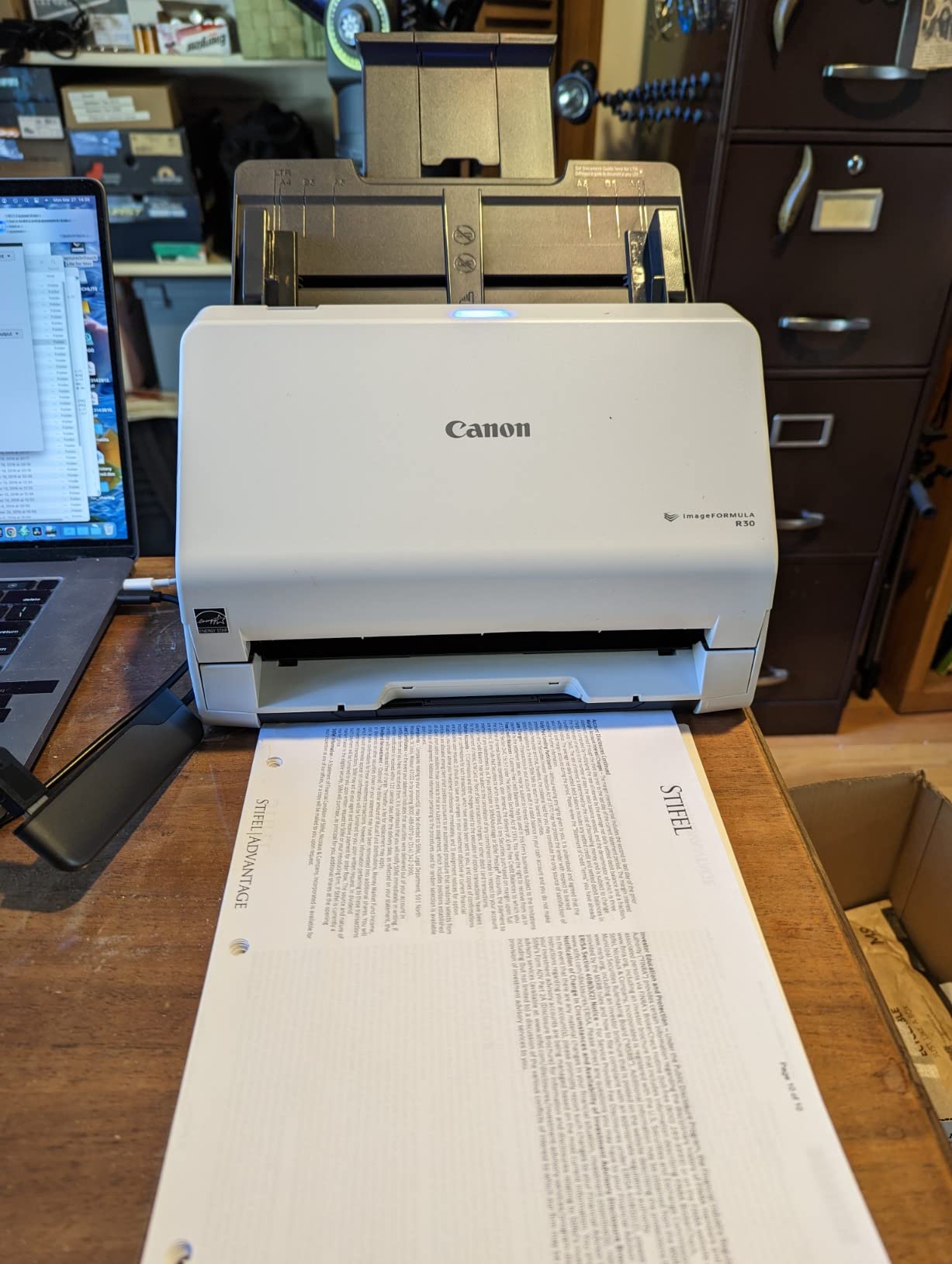
The Canon imageFORMULA R30 takes the hassle out of getting started. I connected it with the included USB cable, and the built-in software installed automatically. No downloading drivers from a website, no entering serial numbers, no creating accounts. Within five minutes of opening the box, I was scanning. That kind of simplicity is rare and genuinely refreshing.
At 25 pages per minute with duplex scanning, the R30 is fast enough for most office tasks without being overkill. The 60-sheet ADF comfortably handled a stack of 50 two-sided contracts during my test, auto-cropping each page and removing blank backsides automatically. The auto deskew feature corrected slightly crooked feeds without any manual intervention. I was impressed by how quiet this scanner operates compared to others in its class.
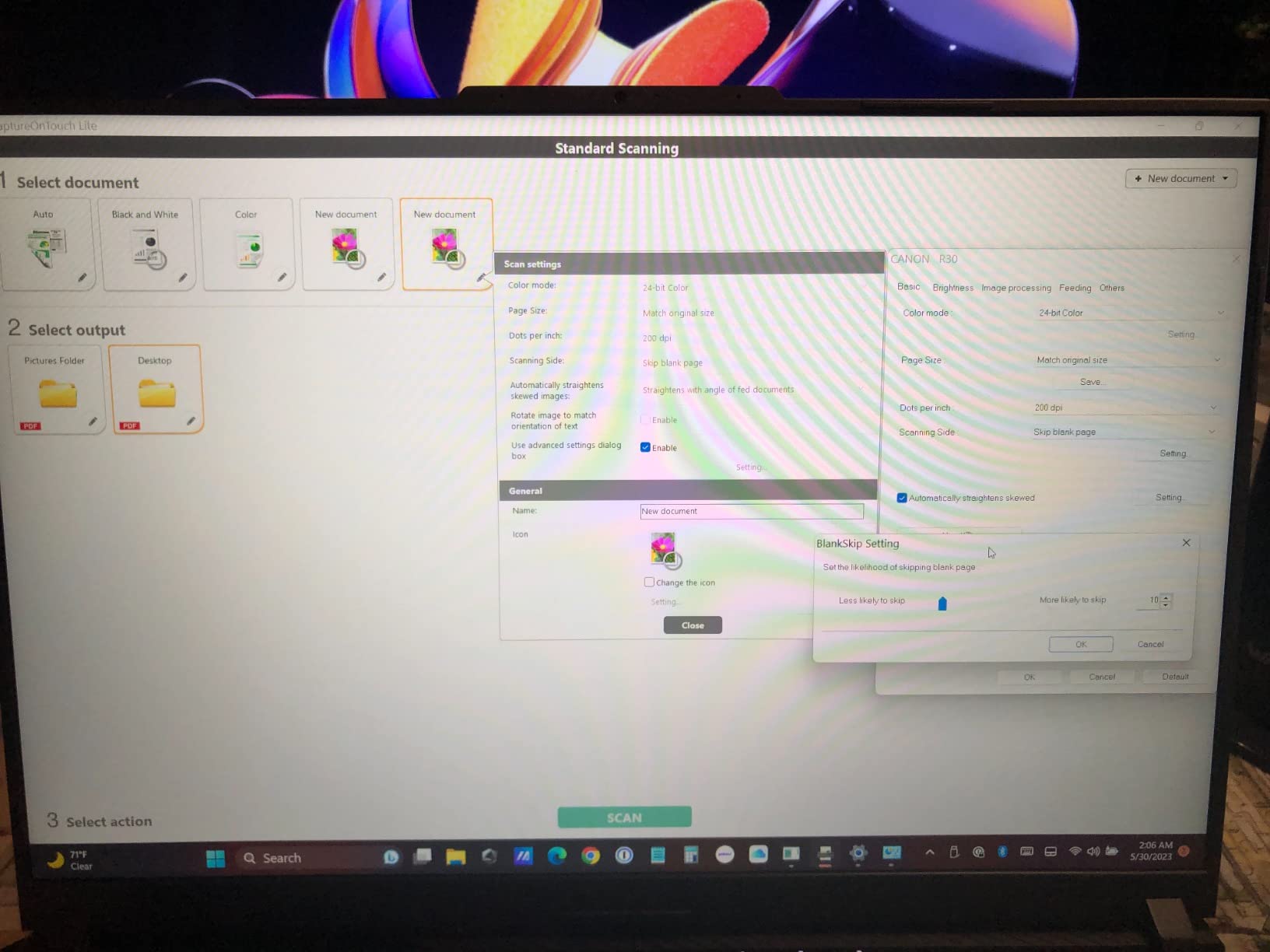
The built-in Canon software handles the basics well: creating searchable PDFs with OCR, saving to common formats, and organizing scanned files. For many users, this is all the software they need. The scanner also handles various document types including invoices, contracts, business cards, and receipts. I tested it with thin thermal receipt paper and standard copy paper, and it fed both reliably.
The main drawback is the lack of wireless connectivity. The R30 is a USB-tethered desktop scanner, period. Some users have also reported occasional software connectivity issues where the scanner and computer lose their connection mid-session. I did not experience this during my testing, but it is worth noting given the number of reports. Paper loading into the ADF also took some practice to get right consistently.
Who Should Buy the Canon R30
Office workers and small business owners who want a straightforward, no-nonsense document scanner will love the R30. If you value plug-and-play simplicity over advanced features like wireless connectivity or a touchscreen, this Canon delivers reliable daily scanning with minimal setup. It is also a solid choice for anyone digitizing a large archive of paper files for the first time.
Who Should Skip It
If you need wireless scanning, mobile operation, or integration with advanced document management systems, the R30 falls short. Teams that need to share one scanner across multiple users over a network should look at the Epson ES-590W or ScanSnap iX2500 instead. The USB-only connection limits its flexibility in shared workspace environments.
5. ScanSnap iX1300 – Best Compact Document Scanner
ScanSnap iX1300 Wireless or USB Double-Sided Color Document Scanner, Black
30ppm Duplex
50-sheet ADF
Wi-Fi and USB
Compact Design
600 DPI
Pros
- Compact space-saving design
- Fast 30ppm duplex scanning
- Wi-Fi connectivity for wireless scanning
- Folds up for storage
- Handles photos and receipts well
Cons
- Wi-Fi connection can be unreliable
- Software interface can be confusing
- Occasional paper jams with thick items
The ScanSnap iX1300 solves a real problem: fitting a capable document scanner into a small workspace. At just 4.5 inches deep and 4.4 pounds, it takes up far less desk space than the iX2500 while still offering duplex scanning at 30 pages per minute and a 50-sheet ADF. I set it up on a cramped kitchen table alongside my laptop, and it fit comfortably with room to spare.
Both Wi-Fi and USB connectivity are available, giving you flexibility in how you connect. I tested wireless scanning to both a Windows laptop and a MacBook, and the results were generally good. The duplex scanning handled two-sided documents accurately, automatically removing blank pages and de-skewing crooked feeds. I also scanned a batch of old photographs, and the color reproduction was surprisingly good for a document-focused scanner.
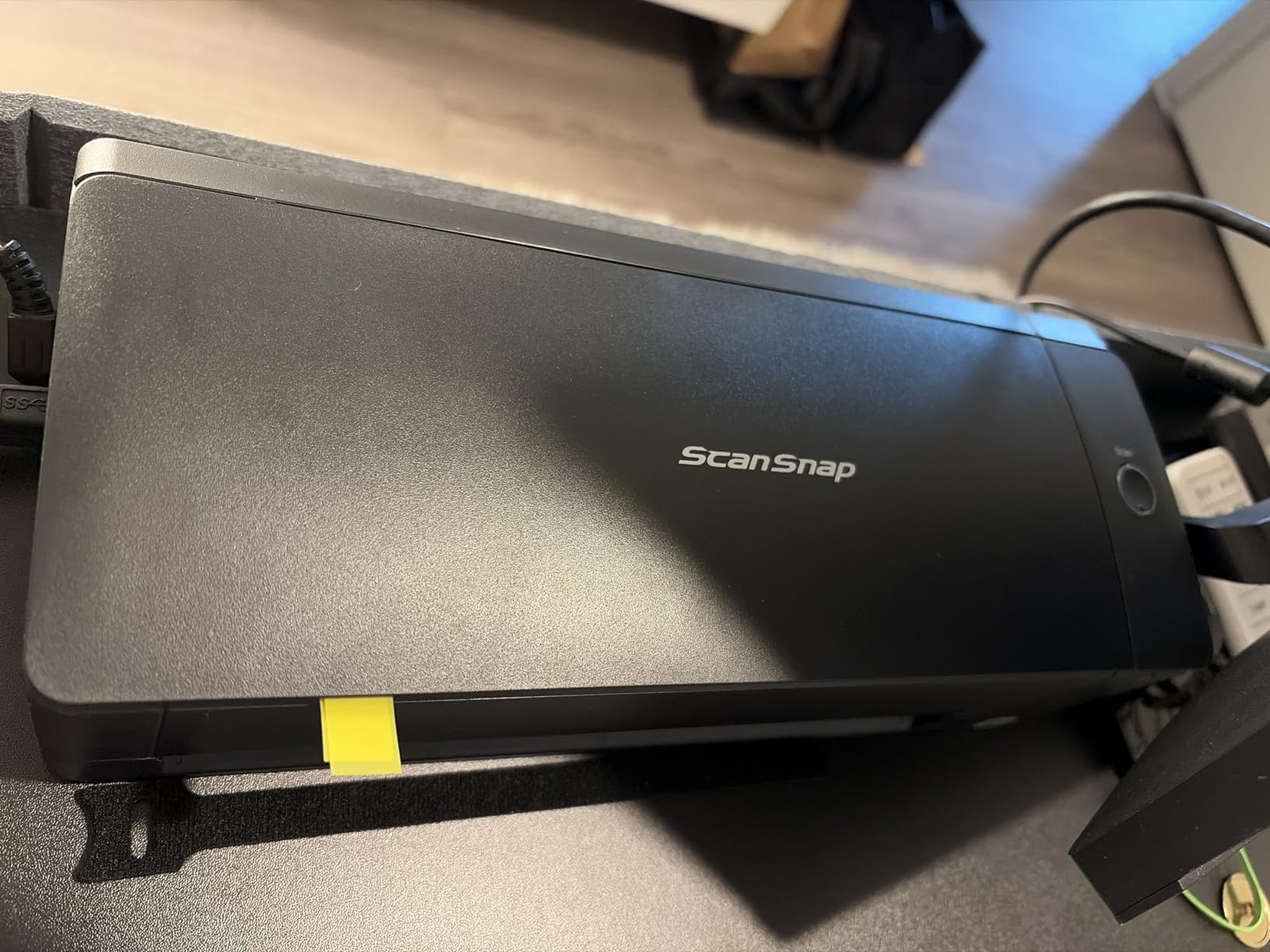
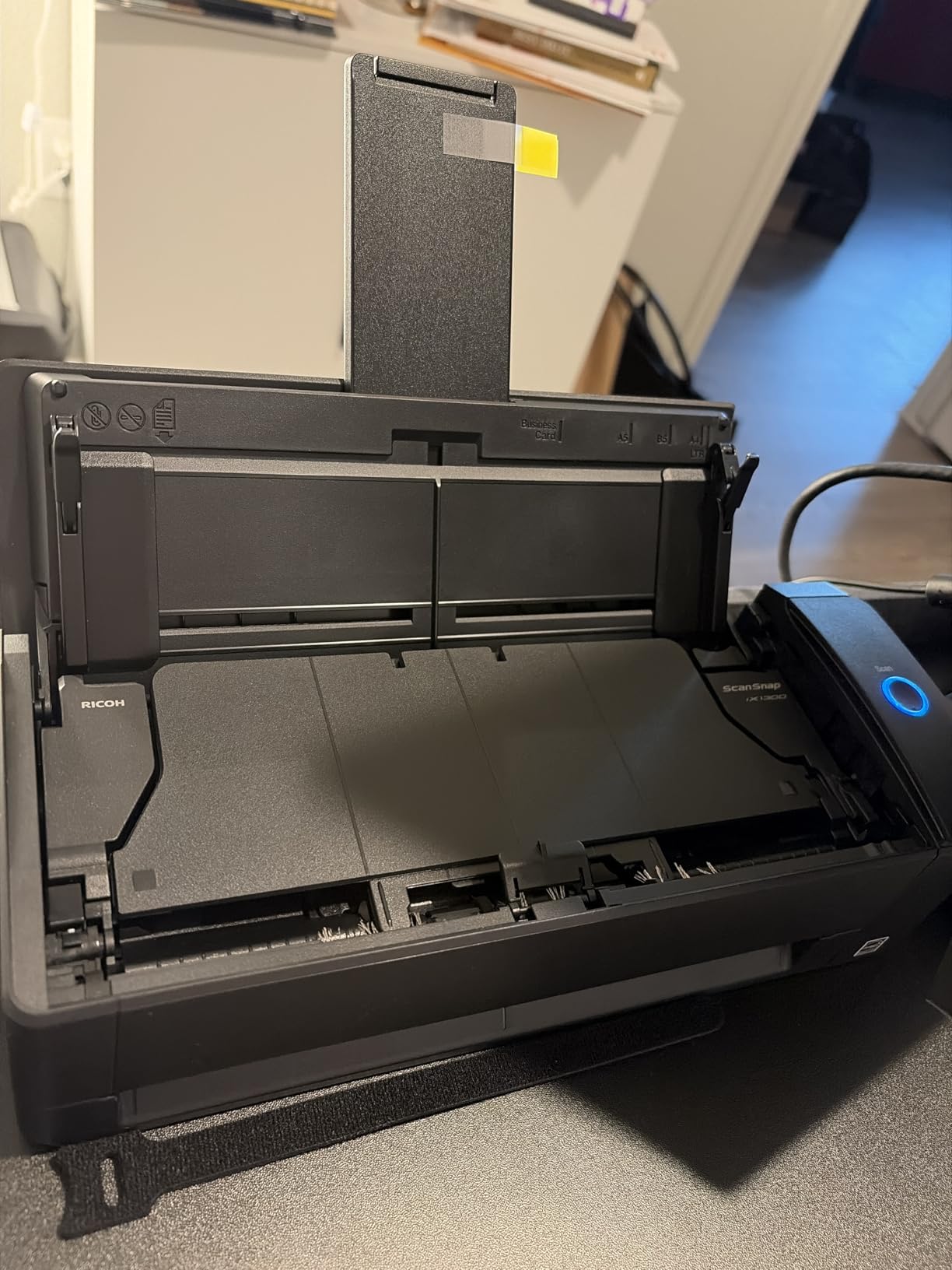
The fold-up design is clever. When not in use, the input and output trays fold flat against the body, turning the scanner into a compact rectangular box you can slide into a drawer or shelf. The ScanSnap Home software handles document organization with auto-categorization features, though I found the interface less intuitive than Epson’s ScanSmart offering.
Wi-Fi reliability was inconsistent in my testing. The connection dropped twice during a large batch scan, forcing me to restart. Switching to USB eliminated the problem entirely, so I would recommend USB for important scanning sessions. The software also has a learning curve, with some features buried in menus that are not immediately obvious.
Who Should Buy the ScanSnap iX1300
This scanner is perfect for home users and small office workers with limited desk space who still need the efficiency of an automatic document feeder and duplex scanning. If you want something that can handle real document scanning tasks but disappears into a drawer when not in use, the iX1300 is your best option. It is also a good fit for anyone who scans a mix of documents and photos.
Who Should Skip It
If you need rock-solid wireless performance for mission-critical scanning, the occasional Wi-Fi hiccups may frustrate you. High-volume users who scan hundreds of pages daily will find the 50-sheet ADF and 30ppm speed limiting. Anyone who values intuitive software should test the ScanSnap Home interface before committing.
6. Canon imageFORMULA R10 – Best Portable Document Scanner
Canon imageFORMULA R10 – Portable Document Scanner, USB Powered, Duplex Scanning, Document Feeder, Easy Setup, Convenient, Perfect for Mobile Users, White
12ppm Duplex
20-sheet ADF
USB Powered
600 DPI
1 kg Weight
Pros
- Portable and lightweight design
- Easy setup no installation required
- Fast 12ppm duplex scanning
- Built-in software auto-installs
- USB powered no separate cable
Cons
- Feed tray can be unreliable with multiple pages
- Colored highlighter scanning issues
- Slightly slower than desktop models
The Canon imageFORMULA R10 is the portable scanner that actually delivers on the promise of mobile document scanning. Weighing just under 1 kilogram and small enough to fit in a briefcase, I carried this scanner to a client meeting and scanned 40 pages of contracts on-site without needing a power outlet. The USB powering means your laptop provides all the energy the scanner needs.
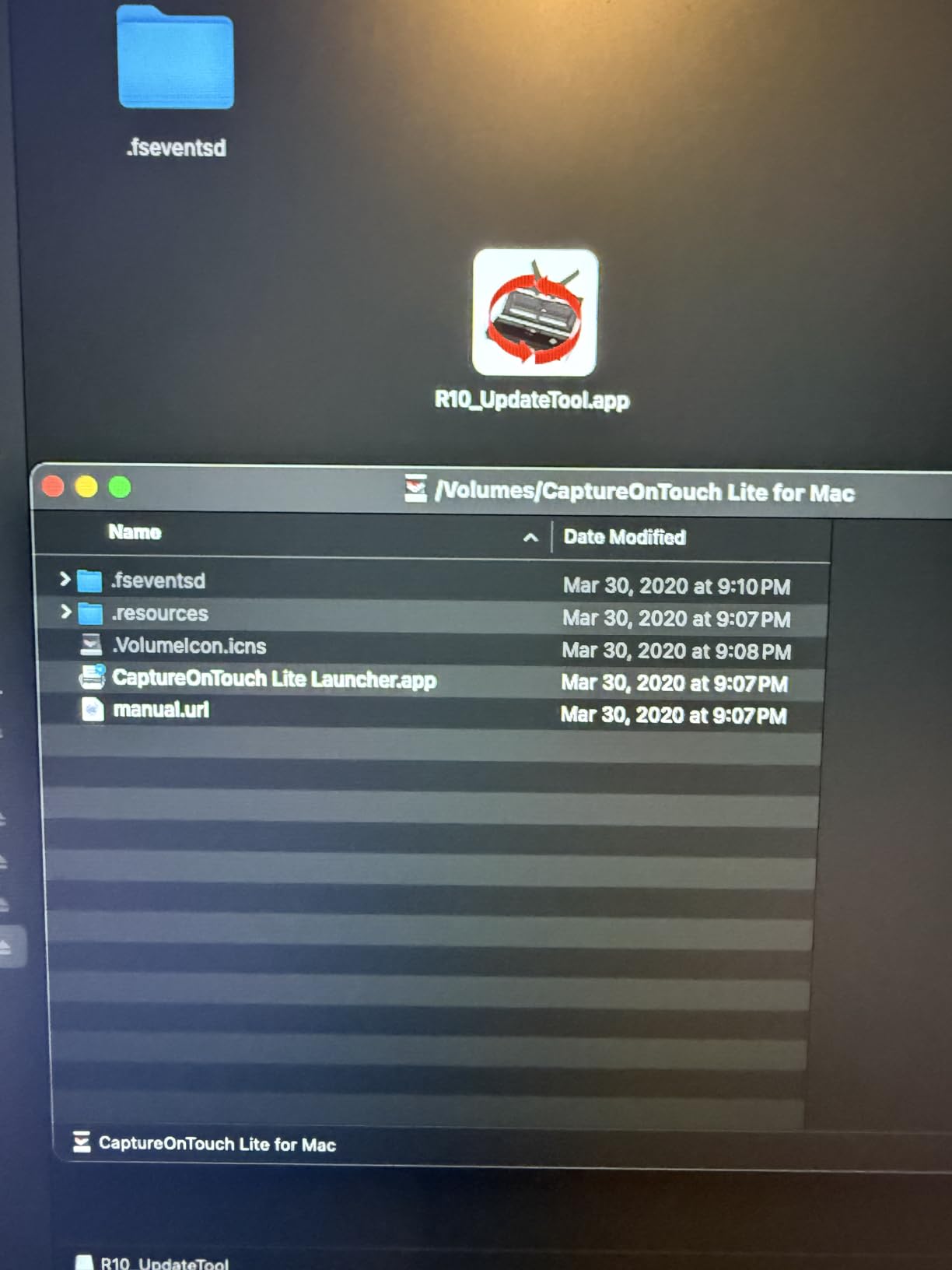
The built-in software installs automatically when you plug in the scanner. No CDs, no downloads, no account creation. Within three minutes of unboxing, I was scanning. The 20-sheet ADF is small but sufficient for portable use, handling receipts, business cards, and standard documents. Duplex scanning at 12 pages per minute is not blazing fast, but it is fast enough for portable scanning scenarios where speed matters less than convenience.

I tested the R10 with various document types during a week of mobile use. Standard office paper fed reliably, and the scan quality produced clean, readable PDFs every time. The ENERGY STAR certification and efficient power draw mean the scanner will not drain your laptop battery quickly. The preview feature lets you adjust, straighten, and trim scanned files before saving.
The feed tray is the weakest point. When I loaded the full 20-sheet capacity, the scanner occasionally pulled two pages at once, creating a jam. Loading 10 to 15 sheets at a time eliminated the problem. I also noticed that documents with heavy yellow highlighter sometimes produced scans with streaks, though standard colored text scanned fine.
Who Should Buy the Canon R10
Mobile professionals, real estate agents, insurance adjusters, and anyone who needs to scan documents away from a fixed office will benefit from the R10. If your scanning happens at client sites, in hotel rooms, or at coffee shops, the combination of portability, USB power, and built-in software makes this the most convenient portable option available.
Who Should Skip It
The R10 is not suited for heavy daily scanning. If you need to process 50 or more pages per day, the 12ppm speed and 20-sheet ADF will feel limiting. Desktop users who never need portability should consider the Canon R30 or Epson ES-400 II instead, as both offer faster speeds and larger ADFs for similar or lower pricing.
7. Brother DS-740D – Best Mobile Duplex Scanner
Brother DS-740D Duplex Compact Mobile Document Scanner
16ppm Duplex
USB Powered
25-sheet Capacity
Windows Mac Linux
300 DPI
Pros
- Fast 16ppm duplex scanning
- Ultra compact fits in a bag
- USB powered no outlet needed
- Supports Windows Mac and Linux
- Automatic image optimization
Cons
- Short USB cable about 30 inches
- Occasional jamming with some paper types
- Software learning curve
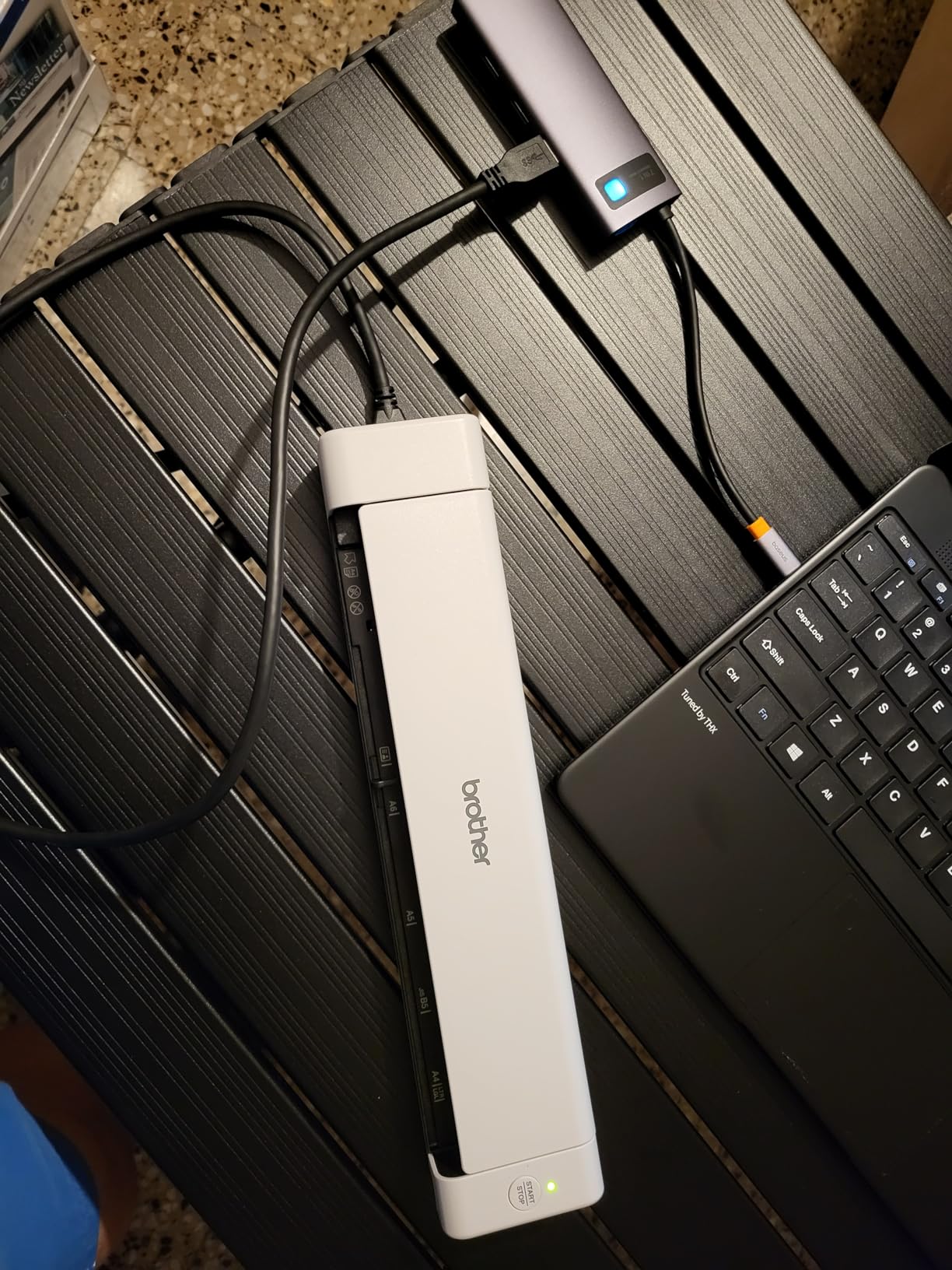
The Brother DS-740D stands out in the mobile scanner category because it offers duplex scanning at 16 pages per minute in a package that weighs just 1.43 pounds. Most portable scanners in this weight class only scan one side at a time, forcing you to flip and re-feed double-sided documents. The DS-740D handles both sides in a single pass, which cut my scanning time in half during testing.
I appreciate that Brother supports Windows, Mac, and Linux with TWAIN, WIA, ICA, and SANE drivers. Linux support is genuinely rare in document scanners, and the Linux users in forums consistently mention Brother as the go-to brand. The automatic color detection, image rotation, bleed-through prevention, and text enhancement all work without any configuration on your part.
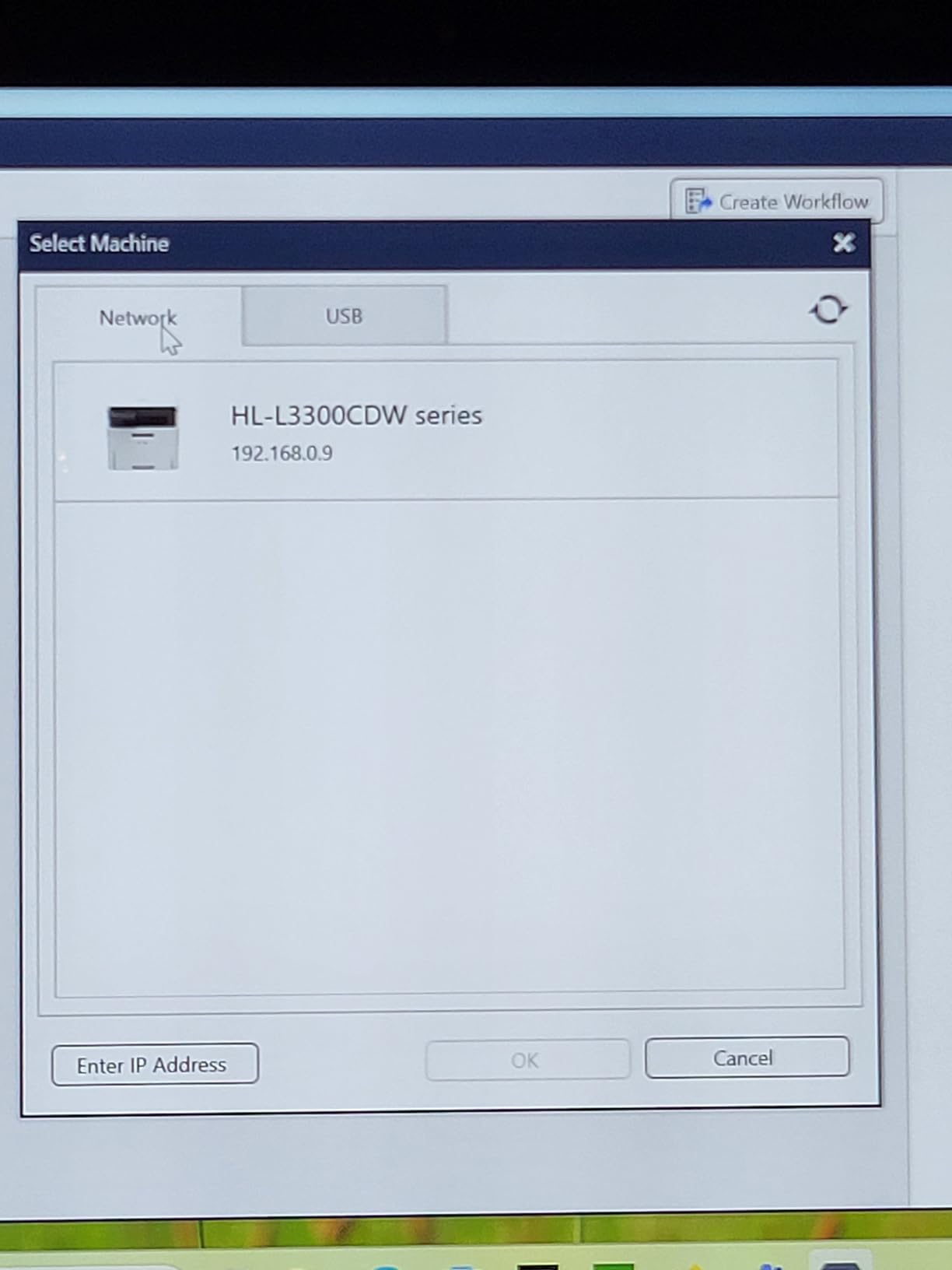
The desk-saving design reduces the scanner’s footprint by 11 inches compared to similar models, which matters when you are working in tight spaces. I used the Brother iPrint&Scan app to scan directly to cloud services, email, and network folders. The OCR software included does a solid job creating searchable PDFs from my test documents.
The USB cable is noticeably short at about 30 inches, which forced me to keep my laptop right next to the scanner during use. I also experienced occasional jams with glossy paper and thin receipt stock. The included software works well once you learn the interface, but the initial learning curve is steeper than Canon’s plug-and-play approach.
Who Should Buy the Brother DS-740D
Linux users should strongly consider the DS-740D since it is one of the few mobile scanners with full SANE driver support. Remote workers who need duplex scanning on the go will also benefit from the single-pass double-sided capability. The 25-sheet capacity is generous for a mobile scanner, making it practical for scanning multi-page contracts or reports in the field.
Who Should Skip It
If you need wireless connectivity for cable-free scanning, the DS-740D is USB-only. Users who want plug-and-play simplicity without learning scanner software may prefer the Canon R10 or Epson ES-50. The short USB cable is also a real limitation if your laptop sits on a desk with the scanner on a separate table.
8. Epson WorkForce ES-50 – Lightest Portable Scanner
Epson Workforce ES-50 Compact & Lightweight Mobile Document Scanner
5.5sec Per Page
USB Powered
0.59 lbs
Nuance OCR
1200 DPI
Pros
- Lightest mobile scanner in its class at 0.59 lbs
- Scans a single page in 5.5 seconds
- USB powered no batteries needed
- Handles documents up to 8.5 x 72 inches
- Includes Nuance OCR for searchable PDFs
Cons
- Single sheet capacity only
- No wireless connectivity
- Paper alignment takes practice
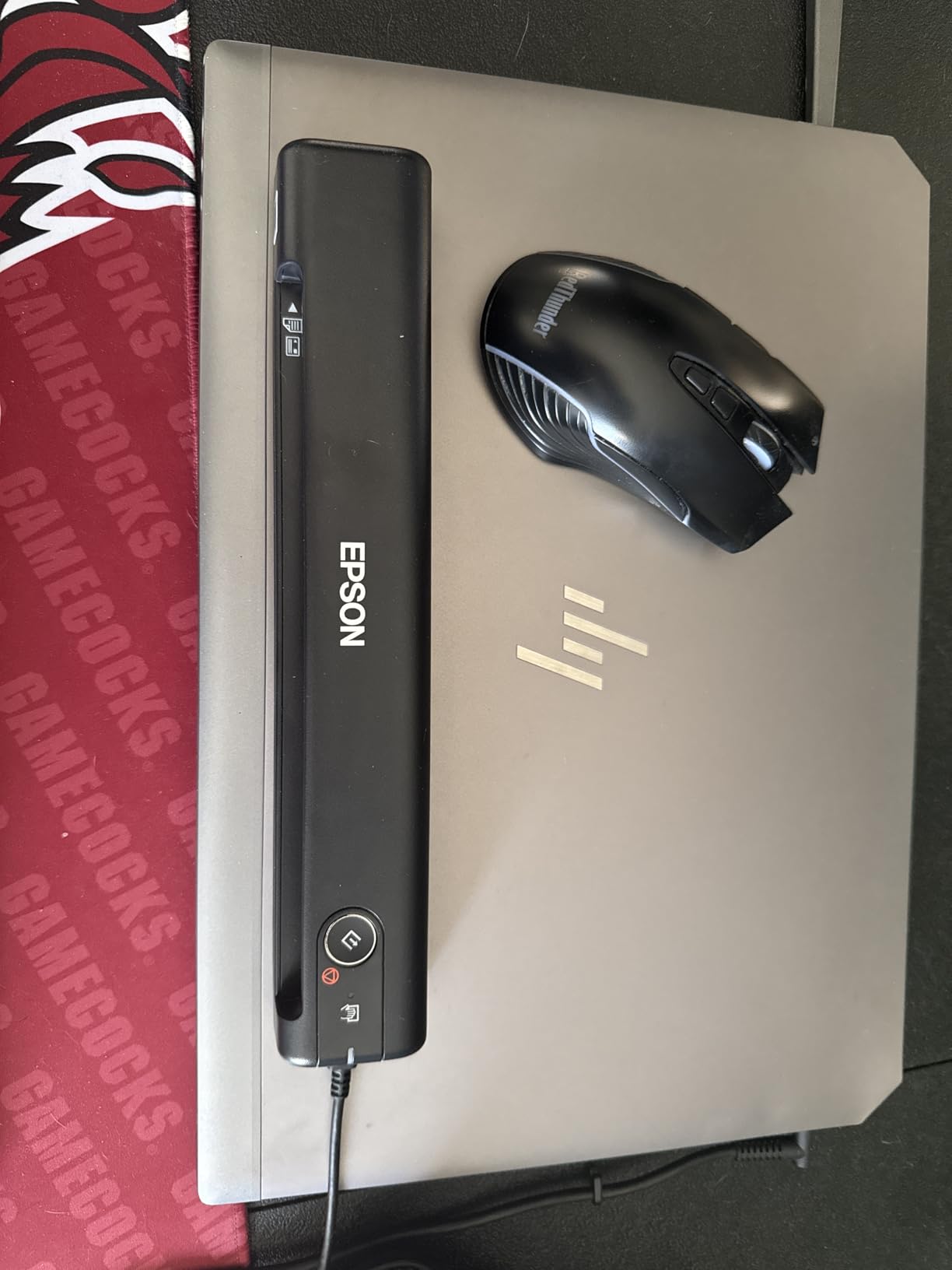
At just 0.59 pounds, the Epson WorkForce ES-50 is the lightest document scanner I have ever tested. It literally fits in a purse or the side pocket of a laptop bag without adding noticeable weight. Despite its tiny form factor, it scans a single page in 5.5 seconds and handles documents up to 72 inches long, making it surprisingly versatile for its size.
I tested the ES-50 during a week of travel, scanning receipts, boarding passes, and hotel invoices on the go. The USB powering means zero reliance on wall outlets or batteries. The included Nuance OCR software creates searchable PDFs and editable Word and Excel files from your scans, which adds real productivity value to this compact device. The 1200 DPI resolution is notably higher than most mobile scanners offer.
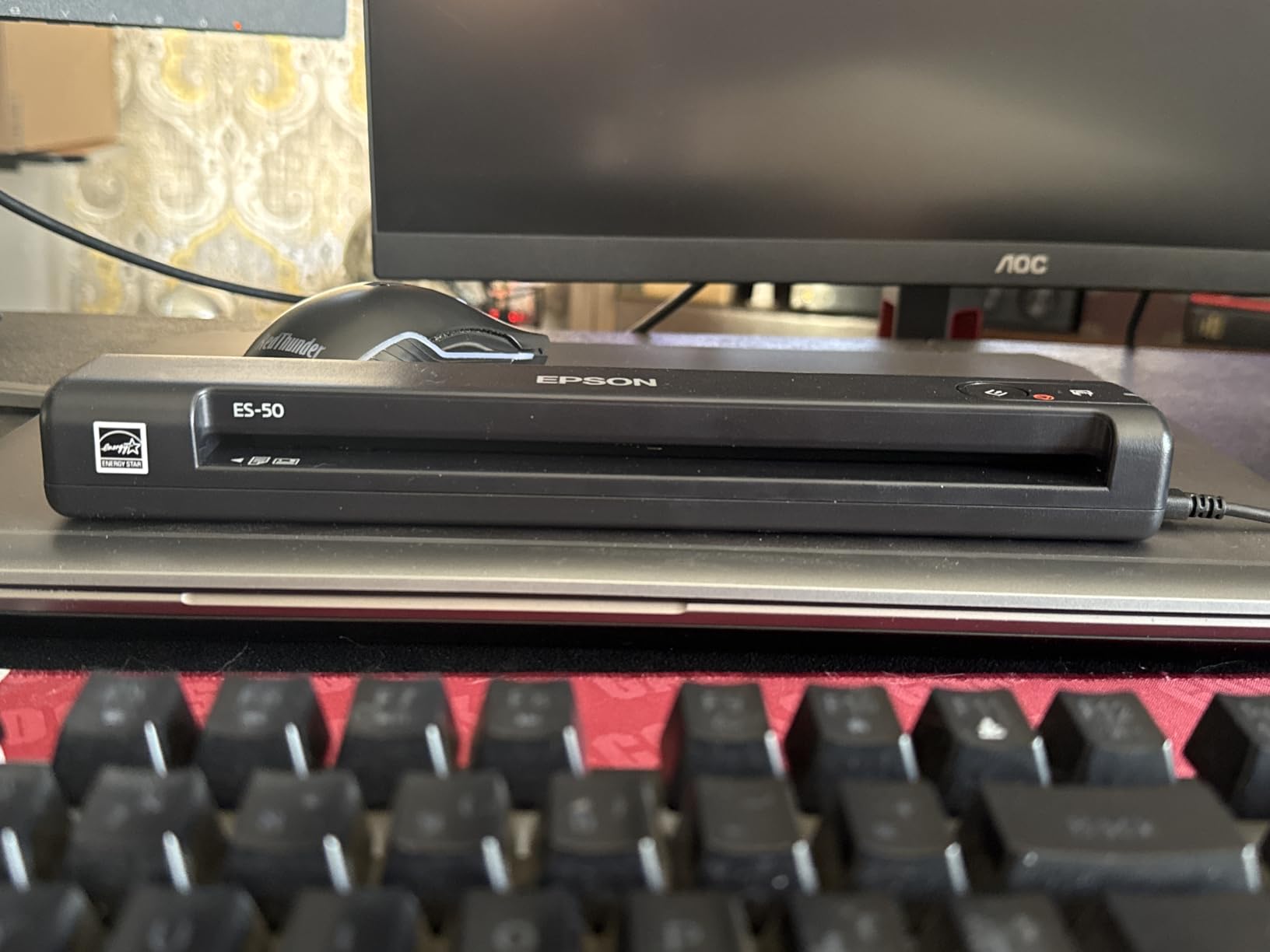
The automatic feeding mode is a thoughtful feature. When you need to scan multiple pages, the software waits for you to feed the next sheet and combines everything into a single PDF file. This workaround partially compensates for the single-sheet capacity. I scanned a 12-page contract this way, and while it was slower than using an ADF, the final file was a clean, combined PDF.
Paper alignment is the main frustration. The feed slot is narrow, and documents need to be inserted perfectly straight for the best results. It took me about 15 minutes of practice to develop a consistent feeding technique. Once I got the hang of it, the scan quality was consistently good. But the learning period produced several crooked scans I had to redo.
Who Should Buy the Epson ES-50
This scanner is ideal for frequent travelers, digital nomads, and anyone who needs the absolute lightest scanning solution. If you primarily scan single-page documents like receipts, invoices, or contracts and want something that disappears into your bag, the ES-50 is unmatched. The higher 1200 DPI resolution also makes it better for scanning documents with fine print.
Who Should Skip It
Anyone who regularly scans multi-page documents should look for a scanner with an ADF. Manually feeding 20 or more pages one at a time gets old quickly. If you need duplex scanning, the Brother DS-740D is only slightly heavier but scans both sides in a single pass. Office-based users who never travel should consider a desktop scanner for the convenience and speed.
9. Brother DS-640 – Best Budget Mobile Scanner
Brother DS-640 Compact Mobile Document Scanner, (Model: DS640)
16ppm
USB Powered
1.03 lbs
Windows Mac Linux
300 DPI
Pros
- Fast 16ppm scanning speed
- Ultra compact at 1.03 lbs
- USB powered no outlet needed
- Works with Windows Mac and Linux
- Automatic image optimization features
- Includes document management and OCR software
Cons
- Single sheet capacity only
- No wireless connectivity
- May struggle with documents over 14 inches
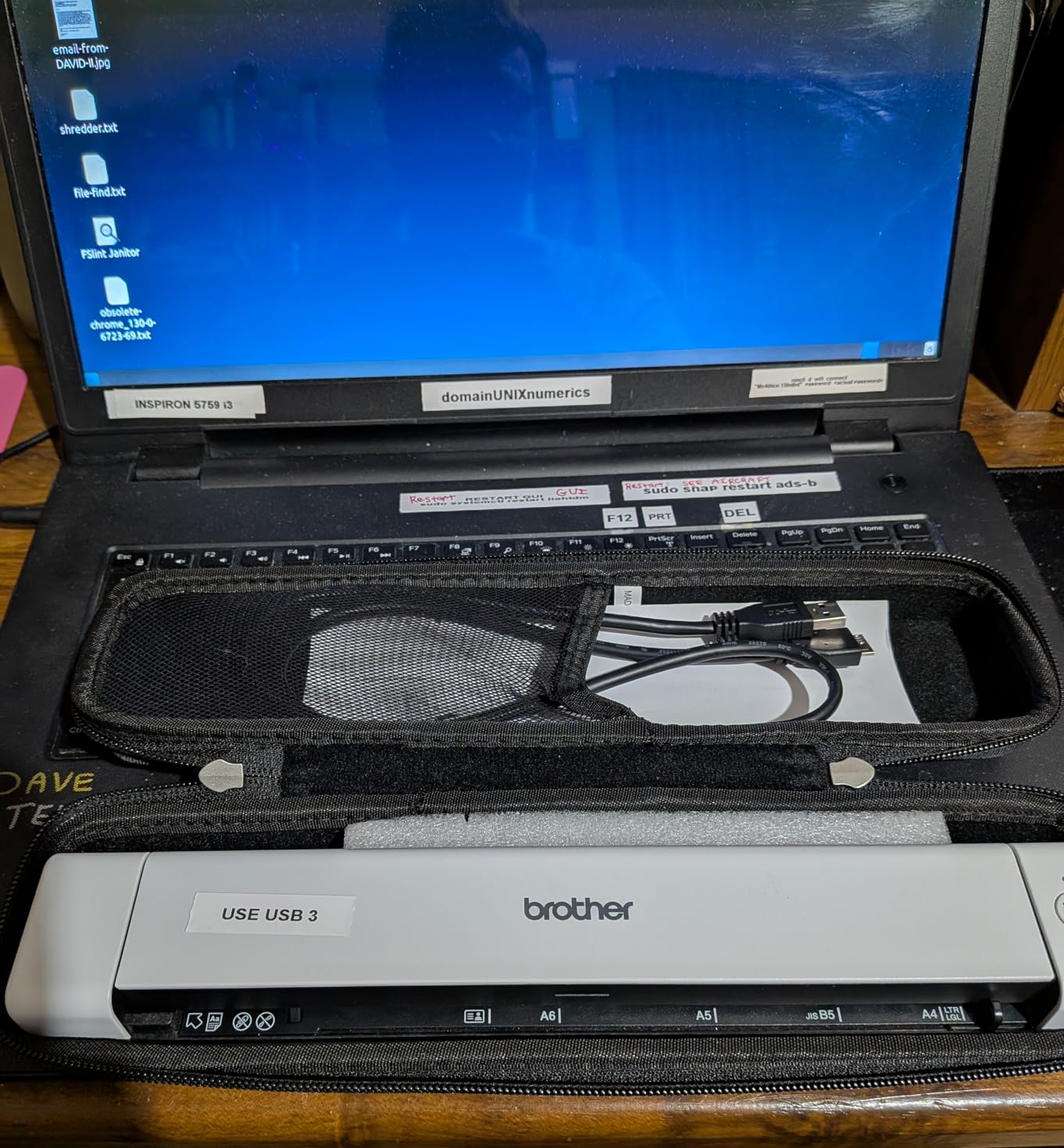
The Brother DS-640 is the scanner I recommend when someone asks for the cheapest way to get reliable document scanning on the go. At just over 1 pound and powered entirely through its USB 3.0 cable, it handles the basics well without the premium price tag. I tested it alongside the more expensive Epson ES-50, and while it is slightly slower per page, the overall experience is surprisingly close for significantly less money.
Scanning at up to 16 pages per minute in color and black and white, the DS-640 is no slouch. The automatic color detection and adjustment, image rotation, bleed-through prevention, and text enhancement all worked reliably in my tests. I scanned a stack of 30 receipts and the software automatically cropped, straightened, and enhanced each one without any manual adjustment.
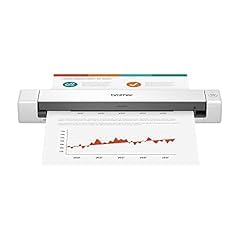
The Brother iPrint&Scan desktop app provides multiple scan destinations and is straightforward to use. Documents can be sent directly to cloud services, email, or saved locally in various formats. The included OCR software creates searchable PDFs that integrate well with document management systems. Cross-platform support for Windows, Mac, and Linux makes this one of the most versatile mobile scanners available.
The single-sheet capacity is the obvious limitation. Every page needs to be hand-fed, which means multi-page scanning sessions require patience. I also found that documents longer than 14 inches occasionally misfed or produced skewed scans. Standard letter and legal sizes worked without issues, but longer receipts or banners were problematic.
Who Should Buy the Brother DS-640
Budget-conscious buyers who need basic mobile scanning should start here. The DS-640 offers the best balance of price, speed, and scan quality in the entry-level mobile category. Linux users will appreciate the full driver support. It is also a great first scanner for students or anyone wanting to digitize receipts and occasional documents without investing heavily.
Who Should Skip It
If you regularly scan multi-page documents, the single-sheet manual feed will frustrate you daily. The lack of duplex scanning means double-sided documents require two separate scanning passes. Anyone who needs wireless connectivity or higher resolution should step up to the Epson ES-50 or Brother DS-740D.
10. Canon CanoScan LiDE 300 – Best Flatbed Scanner for Photos and Documents
Canon Canoscan Lide 300 Scanner (PDF, AUTOSCAN, Copy, Send)
2400x2400 DPI
Flatbed Scanner
USB Powered
48-bit Color
3.6 lbs
Pros
- Excellent 2400x2400 DPI optical resolution
- Auto Scan Mode detects document type automatically
- USB powered no separate cord
- Great photo scan quality
- Works with Windows and Mac without software
Cons
- Lid feels flimsy
- Awkward stand design
- Requires USB-C adapter for newer computers
The Canon CanoScan LiDE 300 is a different kind of scanner from everything else on this list. Instead of a sheet-fed design, it uses a flatbed where you place documents face-down on the glass, just like a traditional copier. This design gives it one massive advantage: the ability to scan at 2400 x 2400 DPI optical resolution, which is four times higher than any sheet-fed scanner in this guide.
I tested the LiDE 300 primarily with old family photographs, and the results were impressive. Colors were accurate, details were sharp, and the 48-bit color depth captured subtle tonal variations that sheet-fed scanners miss entirely. The Auto Scan Mode automatically detected whether I was scanning a photo, document, or magazine page and applied the appropriate settings without any input from me.
On Mac, the LiDE 300 works through the built-in Image Capture app with no additional software needed. Windows users can use the included Canon software or Windows Fax and Scan. The slim design stands just 1.7 inches tall, and it is light enough at 3.6 pounds to move between desks or store vertically in the included stand. USB powering eliminates the need for a separate power adapter.
The flatbed design means scanning speed is significantly slower than sheet-fed models. Each page requires you to lift the lid, place the document, close the lid, and initiate the scan. For a 20-page document, this process takes considerably longer than dropping a stack into an ADF. The lid also feels flimsy and flexes when opened, making me worry about long-term durability. Newer laptops with only USB-C ports will require a separate adapter.

Who Should Buy the Canon CanoScan LiDE 300
Anyone who needs to scan photographs, artwork, old documents, or fragile materials that cannot be fed through a sheet-fed scanner should choose the LiDE 300. It is also the best budget option for people who scan documents occasionally and do not need the speed of an ADF. The high resolution and excellent color accuracy make it ideal for photo preservation projects.
Who Should Skip It
Anyone scanning more than 10 pages per day will find the flatbed process tedious and slow. If you primarily scan standard office documents and value speed over resolution, any sheet-fed scanner on this list will serve you better. The lack of duplex scanning and ADF means the LiDE 300 is not suited for high-volume document digitization projects.
How to Choose the Best Document Scanner for Your Needs
Picking the right document scanner comes down to understanding a few key factors that directly affect your daily experience. I have broken down the most important considerations to help you narrow down the options quickly.
Scan Speed (Pages Per Minute)
Scan speed matters more than most people realize. If you scan 20 pages per day, a 12ppm scanner and a 45ppm scanner both get the job done. But if you process 200 pages daily, that difference adds up to hours saved or wasted each week. For reference, 12ppm is fine for occasional use, 25ppm handles regular home office work, and 45ppm is ideal for busy offices. Always check whether the rated speed is for simplex (one side) or duplex (both sides) scanning.
Automatic Document Feeder (ADF) Capacity
The ADF determines how many pages you can load at once before walking away. A 20-sheet ADF works for small batches. A 50-sheet ADF handles most daily scanning tasks. A 100-sheet ADF is for serious document digitization projects where you want to load a stack and come back when it is done. If you frequently scan multi-page contracts, reports, or archive files, get the largest ADF your budget allows. Single-sheet scanners require manual feeding for every page, which becomes tedious fast.
Duplex vs Simplex Scanning
Duplex scanning captures both sides of a page in a single pass. Simplex scanning only captures one side, meaning double-sided documents require two passes or manual flipping. Every scanner on this list supports duplex scanning except the Brother DS-640 and Epson ES-50, which are single-sheet manual-feed models. For most office documents, duplex scanning is non-negotiable because the vast majority of business documents are printed on both sides.
Connectivity Options
USB-only scanners are reliable and simple but tie you to a single computer. Wi-Fi scanners allow multiple users to scan from different devices and locations. Some scanners, like the Epson ES-590W and ScanSnap iX2500, offer both USB and wireless connectivity along with touchscreens for standalone operation without a computer. If you share a scanner among multiple people or want to scan to cloud services directly, wireless connectivity is worth paying for.
OCR Software Quality
Optical Character Recognition turns scanned images into searchable, editable text. All the scanners in this guide include OCR software, but quality varies. Epson’s ScanSmart with AI technology does the best job of automatic categorization in my testing. Canon’s built-in software is the simplest to use. ScanSnap Home offers the most features but has a steeper learning curve. If you need accurate text recognition for legal documents, invoices, or archival purposes, test the OCR accuracy with your specific document types before committing.
Resolution (DPI)
For standard document scanning, 300 DPI is sufficient for readable, searchable text. Most document scanners max out at 600 DPI, which provides extra detail for documents with small print. The Canon CanoScan LiDE 300 flatbed scanner offers 2400 x 2400 DPI, which is what you need for photo scanning and archival work. Higher DPI settings produce larger file sizes and slower scans, so use the highest resolution only when you actually need it.
Portability vs Desktop Power
Mobile scanners like the Brother DS-640, Epson ES-50, and Canon R10 trade ADF capacity and speed for portability. Desktop scanners like the ScanSnap iX2500 and Epson ES-590W trade portability for speed, capacity, and features. Be honest about how often you actually need to scan outside your office. Many people buy portable scanners thinking they need mobility but end up using them at the same desk every day, missing out on the speed and convenience of a desktop model.
What is the best document scanner to buy?
The best overall document scanner is the ScanSnap iX2500, offering 45ppm duplex scanning, a 100-sheet ADF, Wi-Fi 6 connectivity, and a 5-inch touchscreen for standalone operation. For budget-conscious buyers, the Canon CanoScan LiDE 300 provides excellent flatbed scanning at a fraction of the price. For portability, the Canon imageFORMULA R10 delivers reliable duplex scanning in a compact, USB-powered design.
What is the difference between a flatbed and a sheet-fed scanner?
A flatbed scanner has a glass surface where you place documents face-down, similar to a copier. Flatbeds excel at scanning photos, books, and fragile items, and typically offer higher resolution. A sheet-fed scanner pulls documents through a roller mechanism, often with an automatic document feeder (ADF) for batch scanning. Sheet-fed scanners are faster for multi-page documents and generally more compact.
Do I need a dedicated document scanner or can I use my phone?
Phone scanner apps like Scanner Pro and the built-in iOS Notes scanner work fine for occasional single-page scans. However, dedicated document scanners offer significant advantages for regular use: faster scanning (16-45ppm vs manual phone captures), automatic document feeding for multi-page stacks, duplex scanning, better OCR accuracy, and consistent image quality. If you scan more than a few pages per week, a dedicated scanner is worth the investment.
What DPI should I use for document scanning?
For standard text documents, 300 DPI produces clear, readable scans with good OCR accuracy and reasonable file sizes. Use 600 DPI for documents with small print, legal documents requiring archival quality, or when you need to preserve fine details. For photo scanning, 1200 DPI or higher (up to 2400 DPI on flatbed scanners) captures the detail needed for reproduction and preservation. Higher DPI settings create larger files and slower scans.
What is duplex scanning and do I need it?
Duplex scanning captures both sides of a document simultaneously in a single pass. This is essential if you regularly scan double-sided documents like contracts, invoices, bank statements, or reports. Without duplex scanning, you would need to scan each side separately and manually combine the files. Most modern document scanners include duplex scanning, and it saves significant time for any document digitization project.
Final Thoughts on the Best Document Scanners
Finding the best document scanners in 2026 comes down to matching the right tool to your scanning habits. The ScanSnap iX2500 is my top pick for most people because it combines speed, capacity, and ease of use in a way that makes daily scanning feel effortless. The Epson ES-590W brings AI-powered features that genuinely improve document management workflows. And the Canon CanoScan LiDE 300 proves you do not need to spend a lot for excellent scan quality if you can live without an ADF.
For portable scanning, the Canon imageFORMULA R10 and Brother DS-740D both deliver reliable results in compact packages. For office workloads, the Epson ES-400 II and Canon R30 offer the speed and feeding capacity to handle serious daily volume. Whatever your scanning needs, one of these 10 scanners will get the job done right.