
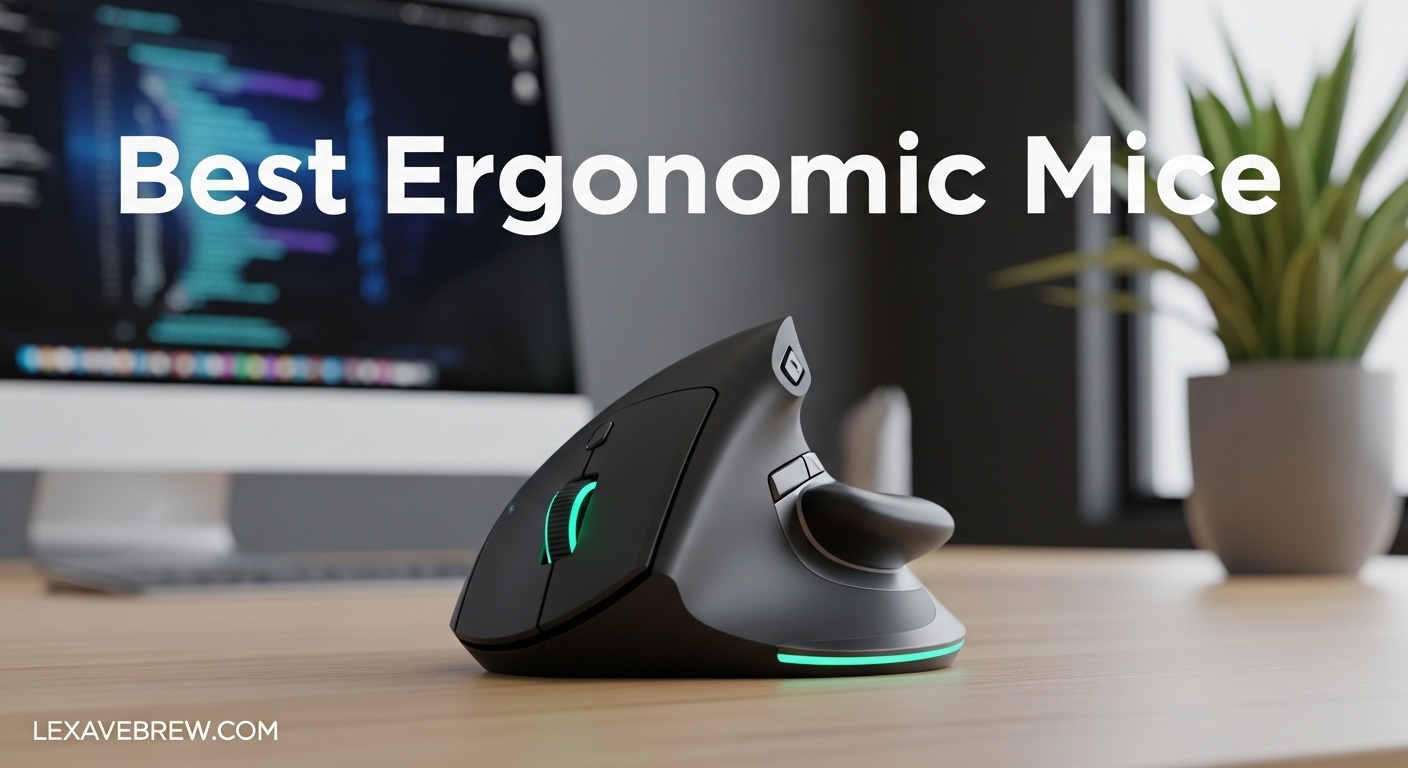
If you spend most of your workday gripping a mouse, your wrist has probably already told you it is not happy about it. I spent years ignoring the dull ache in my forearm until it turned into a sharp pain that made typing uncomfortable. That is when I started testing ergonomic mice, and honestly, the difference was immediate once I found the right one.
The best ergonomic mice are designed to place your hand in a more natural position, usually something closer to a handshake grip rather than the flat, pronated posture a standard mouse forces on you. Whether you are dealing with carpal tunnel symptoms, general wrist strain, or just want to prevent problems before they start, switching to an ergonomic mouse is one of the simplest changes you can make for your daily comfort.
Our team tested 10 ergonomic mice over several weeks, covering vertical mice, trackballs, and sculpted conventional designs. We looked at comfort during long work sessions, build quality, battery life, connectivity options, and overall value. This guide breaks down everything we found so you can pick the right one for your hand size, budget, and work style.
Top 3 Picks for Best Ergonomic Mice
Best Ergonomic Mice in 2026
| Product | Specifications | Action |
|---|---|---|
 Logitech MX Master 4
|
|
Check Latest Price |
 Logitech MX Ergo S
|
|
Check Latest Price |
 Logitech MX Vertical
|
|
Check Latest Price |
 Logitech Lift Vertical
|
|
Check Latest Price |
 Logitech Ergo M575S
|
|
Check Latest Price |
 Nulea M501
|
|
Check Latest Price |
 Anker 2.4G Vertical
|
|
Check Latest Price |
 Lekvey Vertical Wireless
|
|
Check Latest Price |
 ProtoArc EM11 NL
|
|
Check Latest Price |
 UGREEN Vertical Mouse
|
|
Check Latest Price |
1. Logitech MX Master 4 – Best Premium Ergonomic Mouse
Logitech MX Master 4, Ergonomic Wireless Mouse with Advanced Performance Haptic Feedback, Ultra-Fast Scrolling, USB-C Charging, Bluetooth, Windows, MacOS - Graphite
8000 DPI Sensor
70-Day Battery
7 Buttons
USB-C Charging
Bluetooth and Dongle
Pros
- Haptic feedback scroll wheel
- Exceptional 70-day battery life
- Whisper-quiet clicks (90% less noise)
- Works on glass surfaces
- 8k DPI sensor
Cons
- Premium price point
- Haptic pad triggers when lifting
- No charging cable included
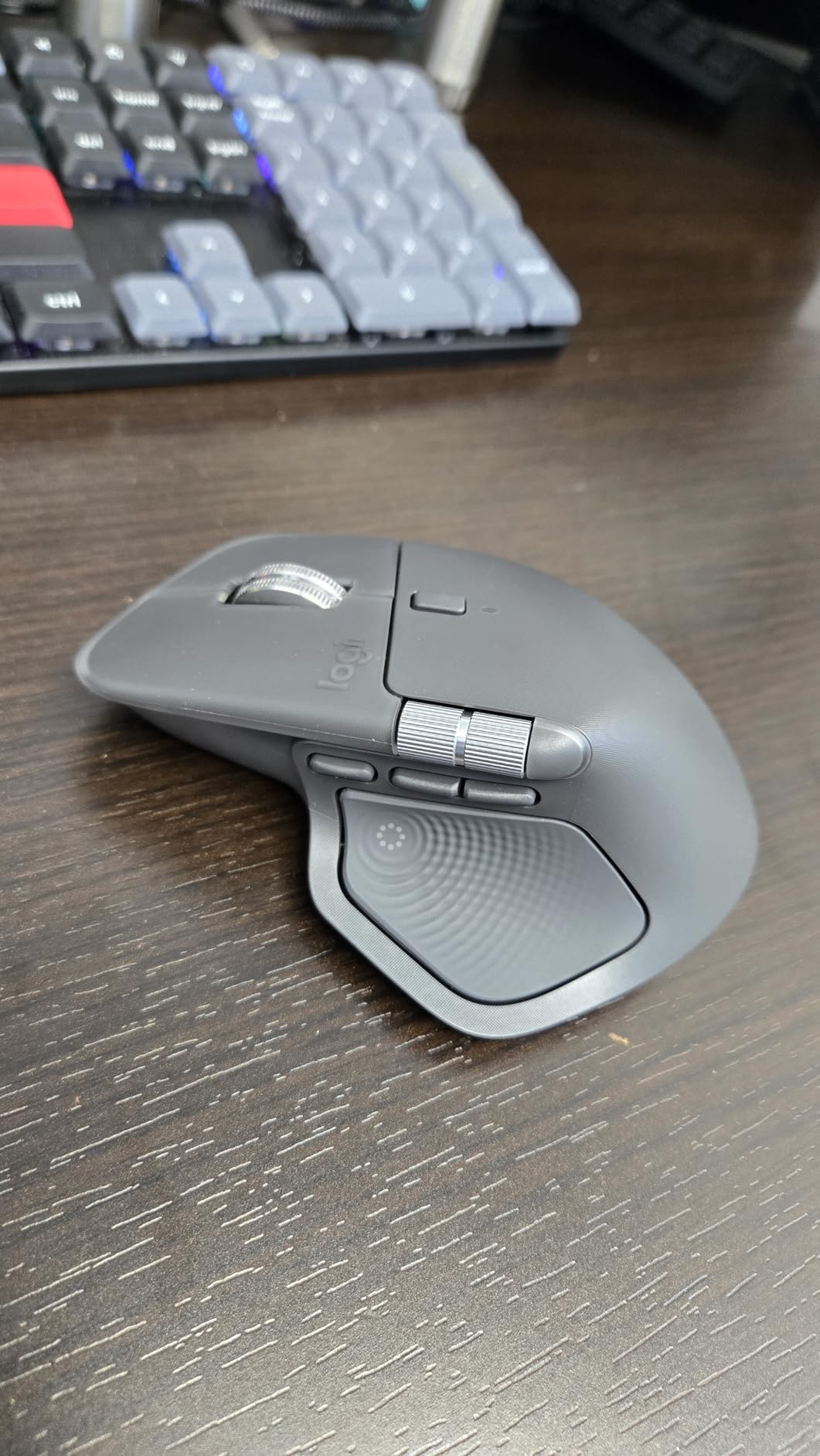
I used the MX Master 4 as my daily driver for about three weeks, and it quickly became clear why this series has such a loyal following. The sculpted shape cradles your hand naturally, with a slight tilt that takes pressure off your wrist without going full vertical. The new haptic feedback scroll wheel is a genuine upgrade over the already-great MagSpeed wheel on previous models. Scrolling through long spreadsheets feels precise and controlled.
The battery life is outstanding. I charged it once when I unboxed it and did not think about charging again during the entire test period. Logitech claims 70 days on a full charge, and based on my experience that feels accurate for typical office use. The quick-charge feature is also handy when you do need power, giving you about 3 hours of use from just a one-minute charge.
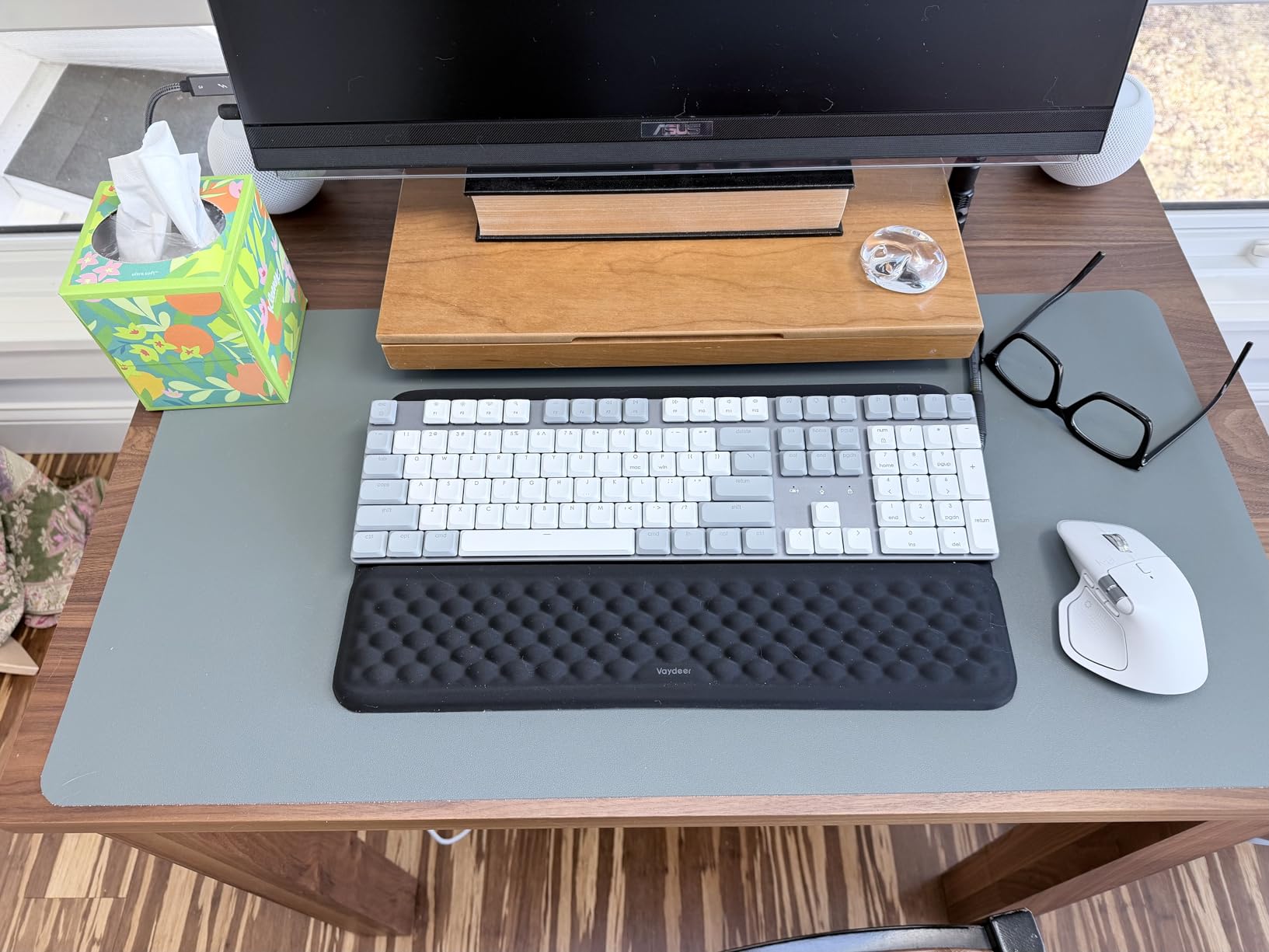
Where the MX Master 4 really sets itself apart is the software integration. The Logi Options+ app lets you customize every button, set up app-specific profiles, and even use the Actions Ring for contextual shortcuts. I mapped the thumb button to copy-paste in my browser and to undo in Photoshop, and it saved me genuine time throughout the workday.
The main downside is that pointed shape near the front. After extended sessions, I noticed the edge pressing into my hand just below the index finger knuckle. It was not painful, but it was noticeable enough that I had to adjust my grip slightly. Also, at this price, not including a charging cable feels like an odd omission.
Who Should Buy the MX Master 4
This mouse is ideal for power users who spend 6 or more hours a day at their computer and want a premium ergonomic experience with deep customization. If you work across multiple devices, the Easy-Switch feature lets you toggle between three connected computers seamlessly. It is also a strong pick for creative professionals who want app-specific button profiles.
Who Should Look Elsewhere
If you have very small hands, the MX Master 4 may feel too large to grip comfortably. Gamers looking for a lightweight mouse with low click latency should also consider a dedicated gaming mouse instead. And if you specifically want a vertical handshake grip to address wrist pronation, the MX Vertical or Lift would be better ergonomic choices for that particular concern.
2. Logitech MX Ergo S – Best Premium Trackball
Logitech MX Ergo S Advanced Wireless Trackball Mouse, USB-C Rechargeable Wireless Ergonomic Mouse with Bluetooth and Encrypted Dongle, 6 Programmable Buttons, for PC/Mac - Graphite
Thumb Trackball
120-Day Battery
6 Programmable Buttons
20-Degree Tilt
USB-C Charging
Pros
- Ergonomist-certified design
- 120-day battery life
- 27% less muscle strain
- 80% quieter clicks than predecessor
- Magnetic cleaning plate
Cons
- May be too big for smaller hands
- No USB-C cable included
- No dongle storage slot
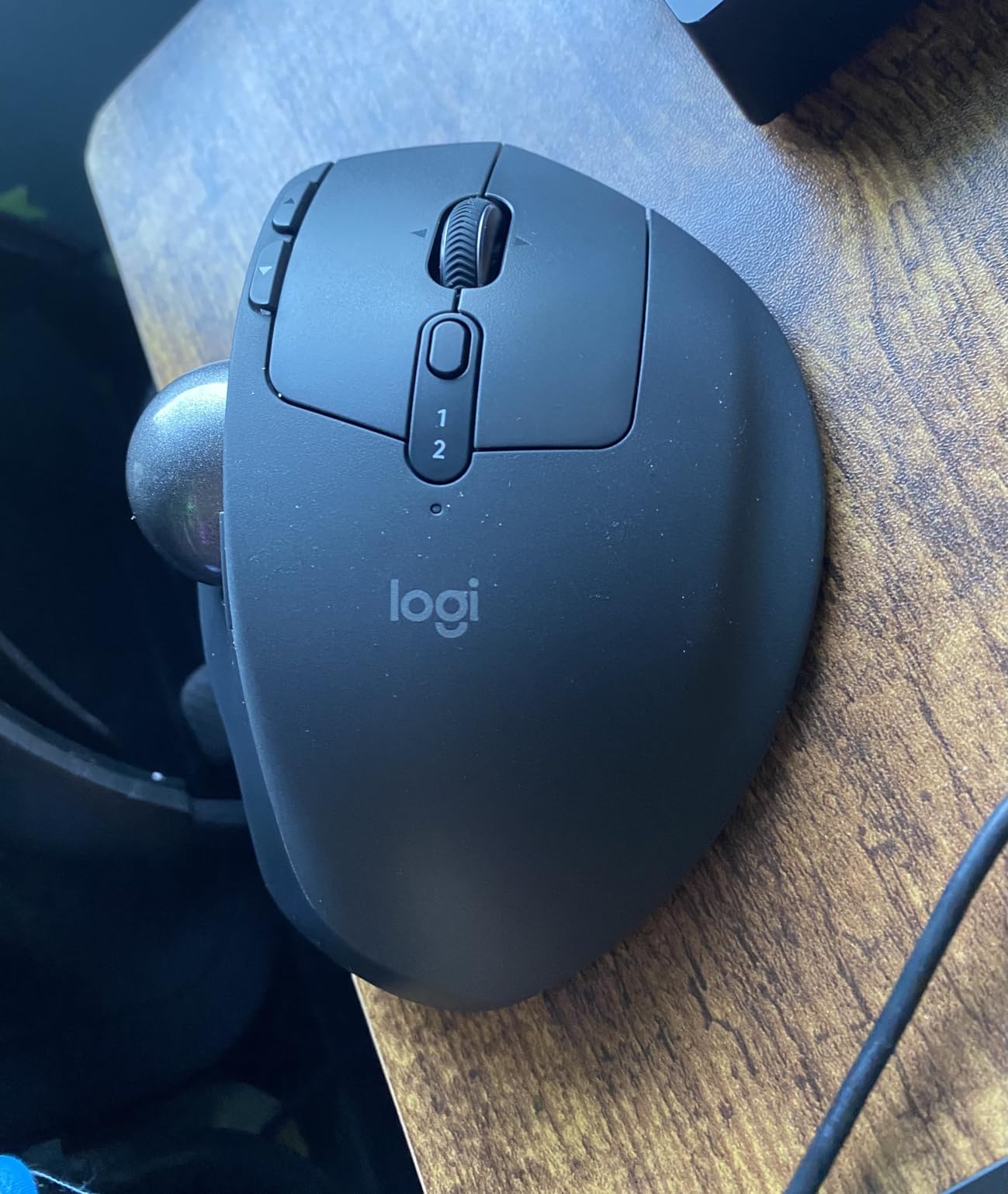
The MX Ergo S takes a completely different approach to ergonomics by eliminating wrist movement entirely. Instead of sliding the mouse across your desk, you control the cursor with your thumb on a precision trackball. I was skeptical at first, but after about four days of adjustment, my wrist pain dropped noticeably because I was no longer making those small lateral movements that aggravate the tendons.
The 20-degree tilt angle is ergonomist-certified and reduces muscle strain by a measured 27 percent compared to a flat mouse. The sculpted shape keeps your hand in a relaxed, natural position for hours. I tested it during a full week of deadline-driven work, logging 8 to 10 hours a day, and my forearm felt significantly better at the end of each day compared to using a standard mouse.
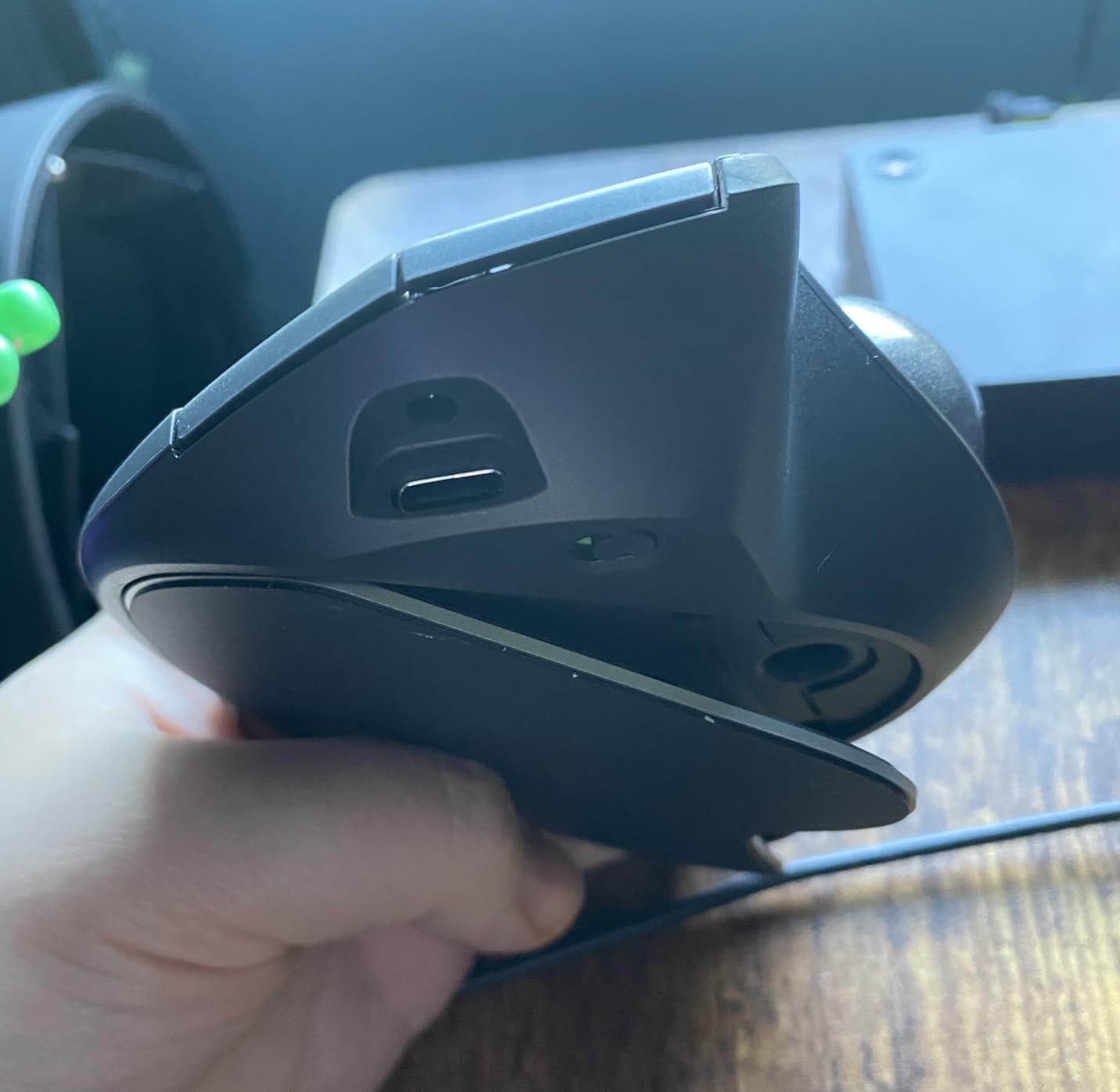
Battery life is exceptional at up to 120 days on a single charge. Like the MX Master 4, it supports quick charging with about 24 hours of use from a one-minute charge. The clicks are 80 percent quieter than the previous MX Ergo model, which is a welcome improvement if you work in a shared office or quiet environment.
The trackball mechanism uses a magnetic bottom plate that makes cleaning surprisingly easy. You just pop the plate off, remove the ball, and wipe everything down. The silicone surface coating does attract some dust over time, so plan to clean it every couple of weeks to keep tracking smooth.
Who Should Buy the MX Ergo S
This trackball is the best choice for anyone dealing with wrist, forearm, or shoulder strain who wants to minimize hand movement entirely. It is also ideal for people with limited desk space since the mouse stays stationary. If you have tried vertical mice and still experience discomfort, the trackball approach may be the solution you need.
Who Should Look Elsewhere
If you have smaller hands, the Ergo S may feel oversized and limit your thumb range on the trackball. Users who need pixel-perfect precision for graphic design or CAD work may also find the thumb-based control less accurate than a traditional optical sensor. And if you game regularly, a trackball is generally not the best fit for fast-paced titles.
3. Logitech MX Vertical – Best for Wrist Pain Relief
Logitech MX Vertical Wireless Mouse – Ergonomic Design Reduces Muscle Strain, Move Content Between 3 Windows and Apple Computers, Rechargeable, Graphite
57-Degree Vertical Angle
4000 DPI
4-Month Battery
Connects to 3 Devices
USB-C Rechargeable
Pros
- Reduces muscular activity by 10%
- Ergonomist-approved handshake position
- 14k+ reviews with strong ratings
- Works on virtually any surface
- Durable build quality
Cons
- Can tip over during adjustment period
- No infinite scroll
- Coating may wear after 2+ years
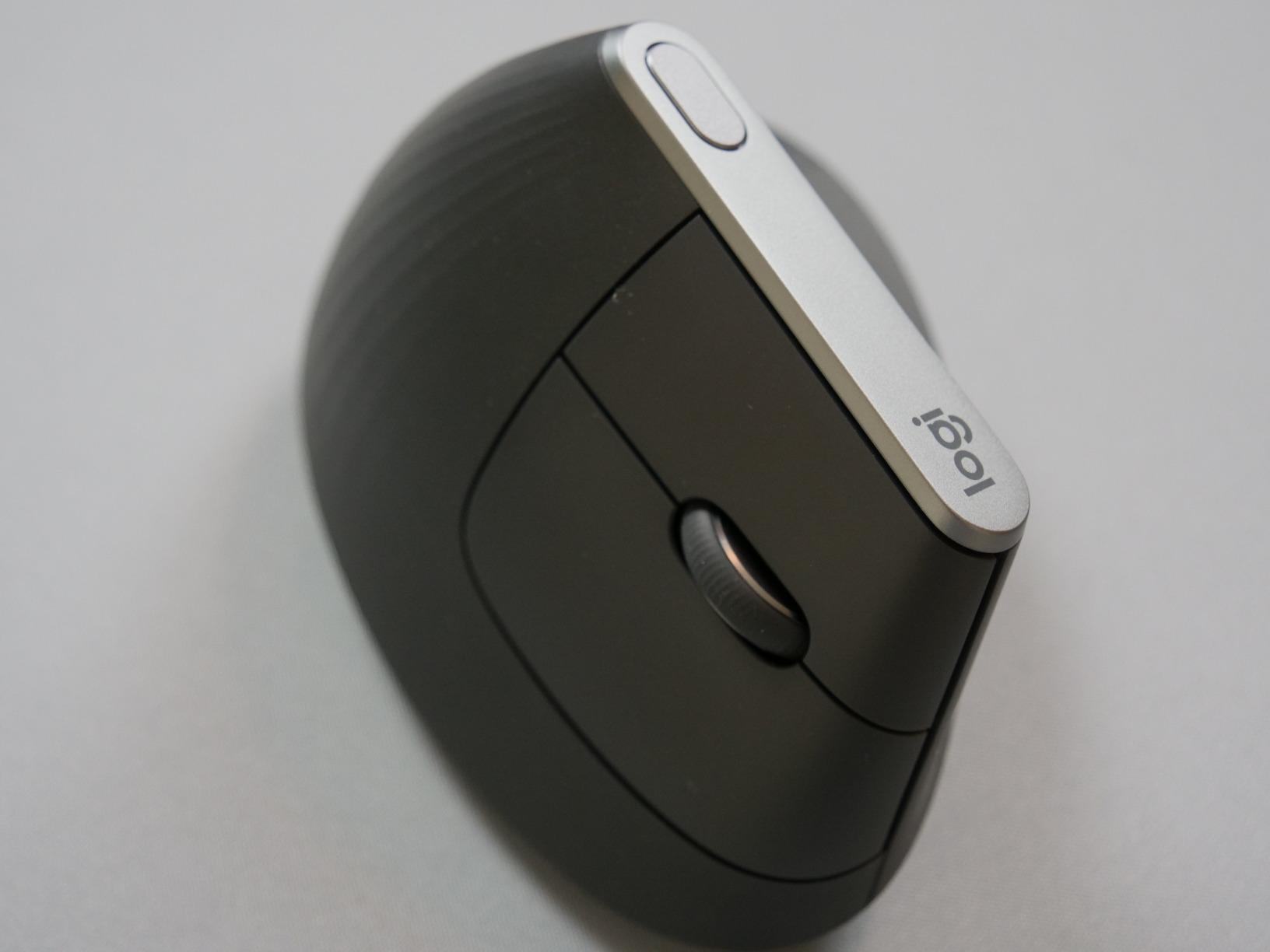
The Logitech MX Vertical is the mouse that popularized the vertical ergonomic design, and after testing it extensively, I understand why it has over 14,000 reviews with a 4.4-star average. The 57-degree angle places your hand in a natural handshake position, which immediately takes the twist out of your forearm. Within the first two days, I noticed the persistent ache in my wrist had quieted down significantly.
The textured rubber surface provides a secure grip without feeling sticky. At just over half a pound, it has enough heft to feel substantial without causing fatigue during extended use. The 4000 DPI sensor is accurate enough that you can reduce your hand movement by about four times compared to a standard mouse, which further minimizes strain on your wrist.
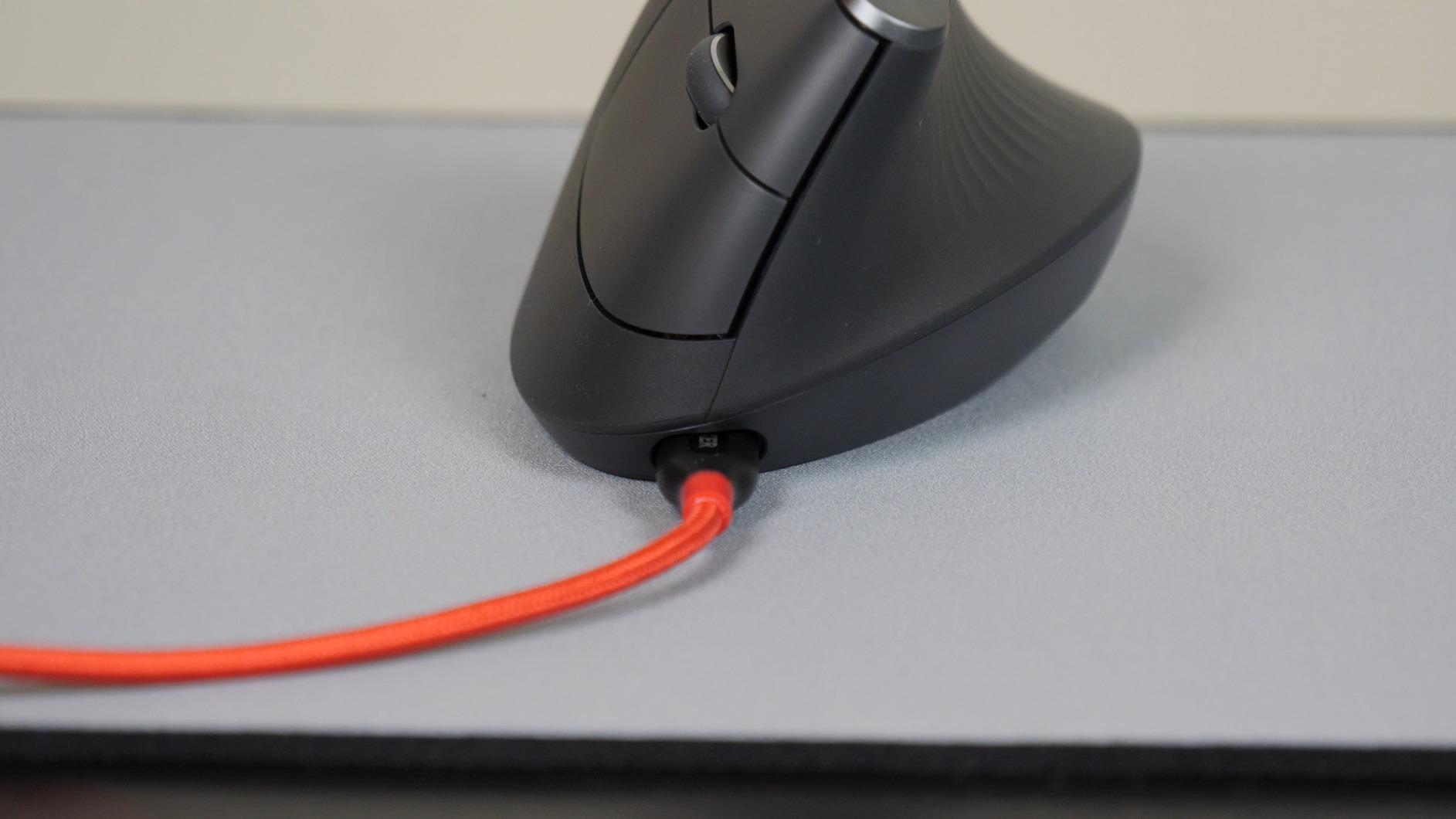
Battery life is rated at four months on a full charge, and in my testing that estimate held up well with typical daily use. The Easy-Switch button lets you connect to three different devices and toggle between them instantly, which is convenient if you use both a desktop and a laptop throughout the day.
The main thing to be aware of is the adjustment period. During my first week, I knocked the mouse over several times because the tall vertical profile takes getting used to. By week two, that stopped happening entirely. The coating on the thumb and pinky areas can wear down after a couple of years of heavy use, but the internals hold up well over the long term based on user reports.
Who Should Buy the MX Vertical
This is the best ergonomic mouse for anyone specifically dealing with wrist pain from pronation. The 57-degree angle directly addresses the root cause of most mouse-related wrist strain. It is also a strong pick for people who work across multiple computers and need the Easy-Switch functionality.
Who Should Look Elsewhere
If you need infinite scroll for navigating long documents, the MX Vertical does not offer that feature. Users with very small hands may find the grip a bit of a stretch. And if you want something lighter and more portable, the Logitech Lift is a smaller alternative with a similar vertical angle.
4. Logitech Lift Vertical – Best for Small to Medium Hands
Logitech Lift Vertical Ergonomic Mouse, Wireless, Bluetooth or Logi Bolt USB Receiver, Quiet clicks, 6 Buttons, Compatible with Windows/macOS/iPadOS, Laptop, PC - Graphite
57-Degree Vertical Angle
4000 DPI
2-Year Battery
6 Customizable Buttons
Quiet Clicks
Pros
- Perfect for small to medium hands
- Up to 2-year battery life
- Whisper-quiet clicks
- Ergo-certified design
- Available in left-hand version
Cons
- Not ideal for larger hands
- Rubberized grip traps heat
- No infinite scroll feature
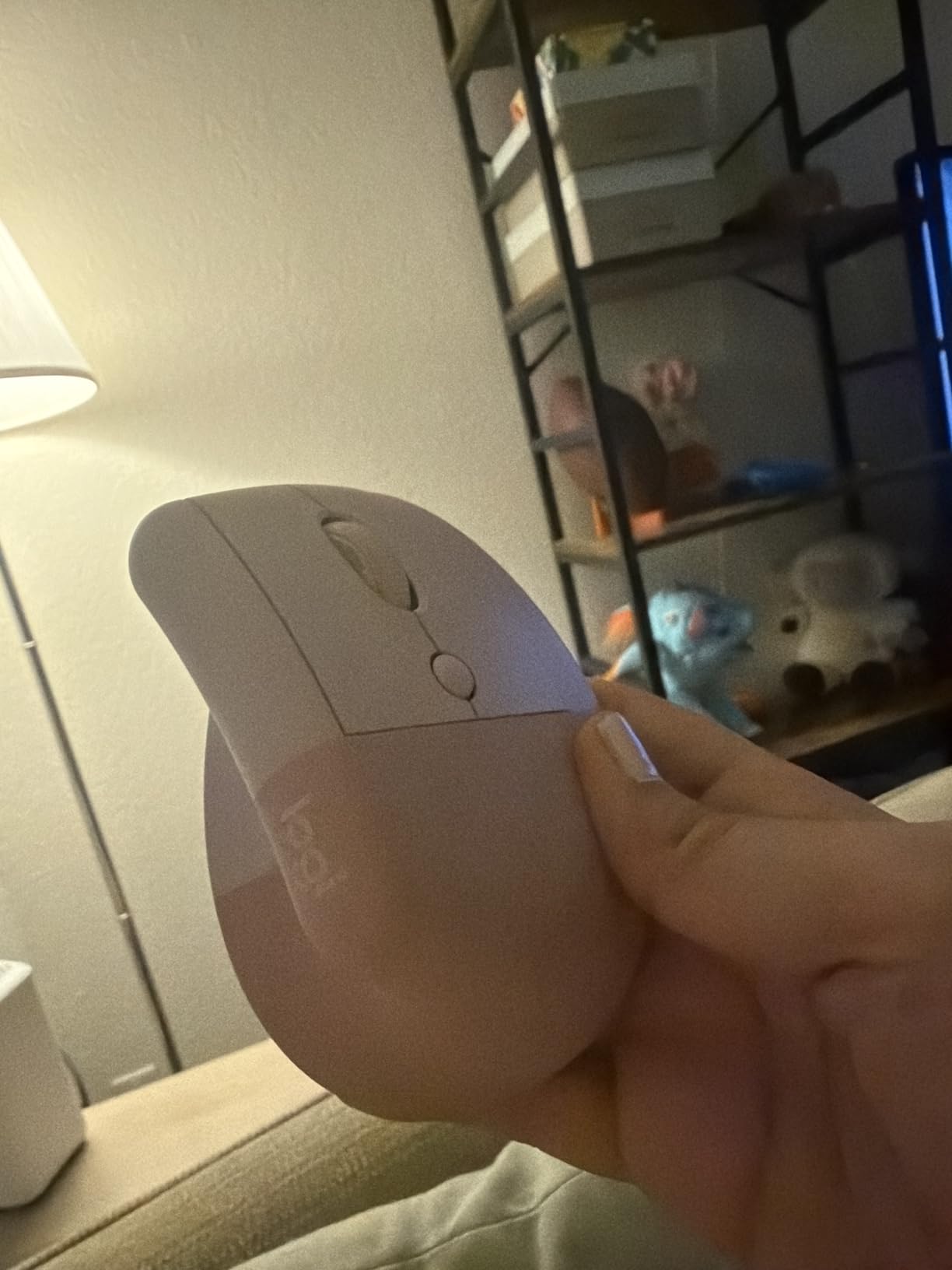
The Logitech Lift shares the same 57-degree vertical angle as the MX Vertical but comes in a significantly smaller and lighter package at just 125 grams. For context, the MX Vertical weighs about 227 grams. That size difference makes the Lift far more comfortable if you have small to medium hands. My hands measure about 7 inches from wrist to middle fingertip, and the Lift felt like it was molded specifically for my grip.
The quiet clicks are a real standout feature. In a shared office environment, the near-silent operation means you can click away without driving your coworkers crazy. The SmartWheel scrolls smoothly and precisely, though it does lack the infinite scroll mode that the MX Master series offers.
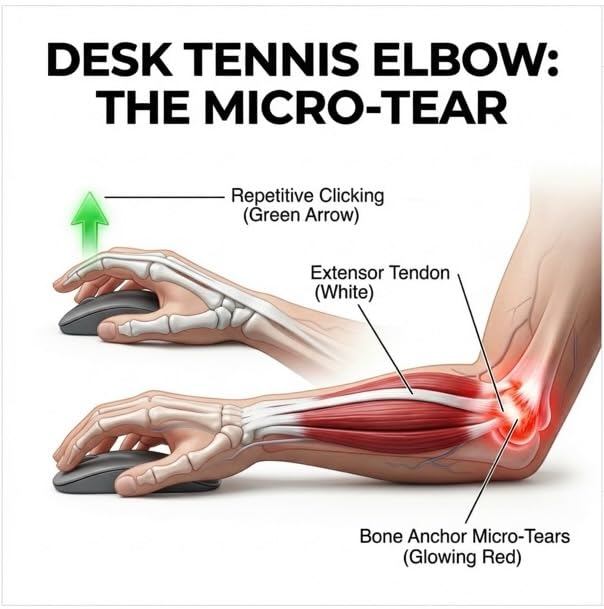
Battery life is rated at up to two years on a single AA battery, which is genuinely impressive. I did not need to change the battery during my entire testing period. The dual connectivity with both Bluetooth and the Logi Bolt USB receiver gives you flexibility depending on your setup. The six customizable buttons through Logi Options+ let you set up time-saving shortcuts and Smart Actions.
One important note for left-handed users: the Lift is one of the few ergonomic mice available in a dedicated left-hand version. This is a significant advantage since most ergonomic mice are right-hand only. If you are a lefty who has been struggling to find a comfortable mouse, the Lift should be at the top of your list.
Who Should Buy the Logitech Lift
If you have small to medium hands and want wrist pain relief without the bulk of larger ergonomic mice, the Lift is your best option. It is also the best ergonomic mouse for left-handed users since it comes in a dedicated left-hand model. The combination of comfort, quiet operation, and two-year battery life makes it a great all-around value.
Who Should Look Elsewhere
Users with larger hands will likely find the Lift too small, with fingers extending past the buttons in an uncomfortable way. The rubberized grip material can trap heat and cause some palm sweating during extended sessions in warm environments. If you need advanced features like infinite scroll or haptic feedback, you will need to step up to the MX Master or MX Vertical series.
5. Logitech Ergo M575S – Best Budget Trackball
Logitech Ergo M575S Wireless Trackball Mouse, Wireless Ergonomic Mouse with Bluetooth and Encrypted Dongle, Comfortable Thumb Control, Precise and Smooth Tracking, for PC/Mac - Graphite Blue Ball
Thumb Trackball
18-Month Battery
25% Less Muscle Strain
Bluetooth and USB
3 Buttons
Pros
- 25% less forearm muscle strain
- Works on any surface
- 18-month battery life
- Quiet clicks
- Space-saving stationary design
Cons
- Thumb control learning curve
- Trackball needs periodic cleaning
- No infinite scroll
The Ergo M575S offers the same core trackball concept as the premium MX Ergo S but at a much more accessible price point. After testing both, I can say the M575S delivers about 80 percent of the MX Ergo S experience for roughly a third of the cost. The sculpted shape keeps your hand relaxed, and the thumb-operated trackball eliminates the wrist movements that cause strain.
Logitech’s testing shows this mouse reduces forearm muscle strain by 25 percent compared to a standard mouse, and that matches my experience. Within a week of switching, the tightness in my forearm had eased noticeably. The stationary design also means you can use it on any surface, including glass, cluttered desks, or even your lap.
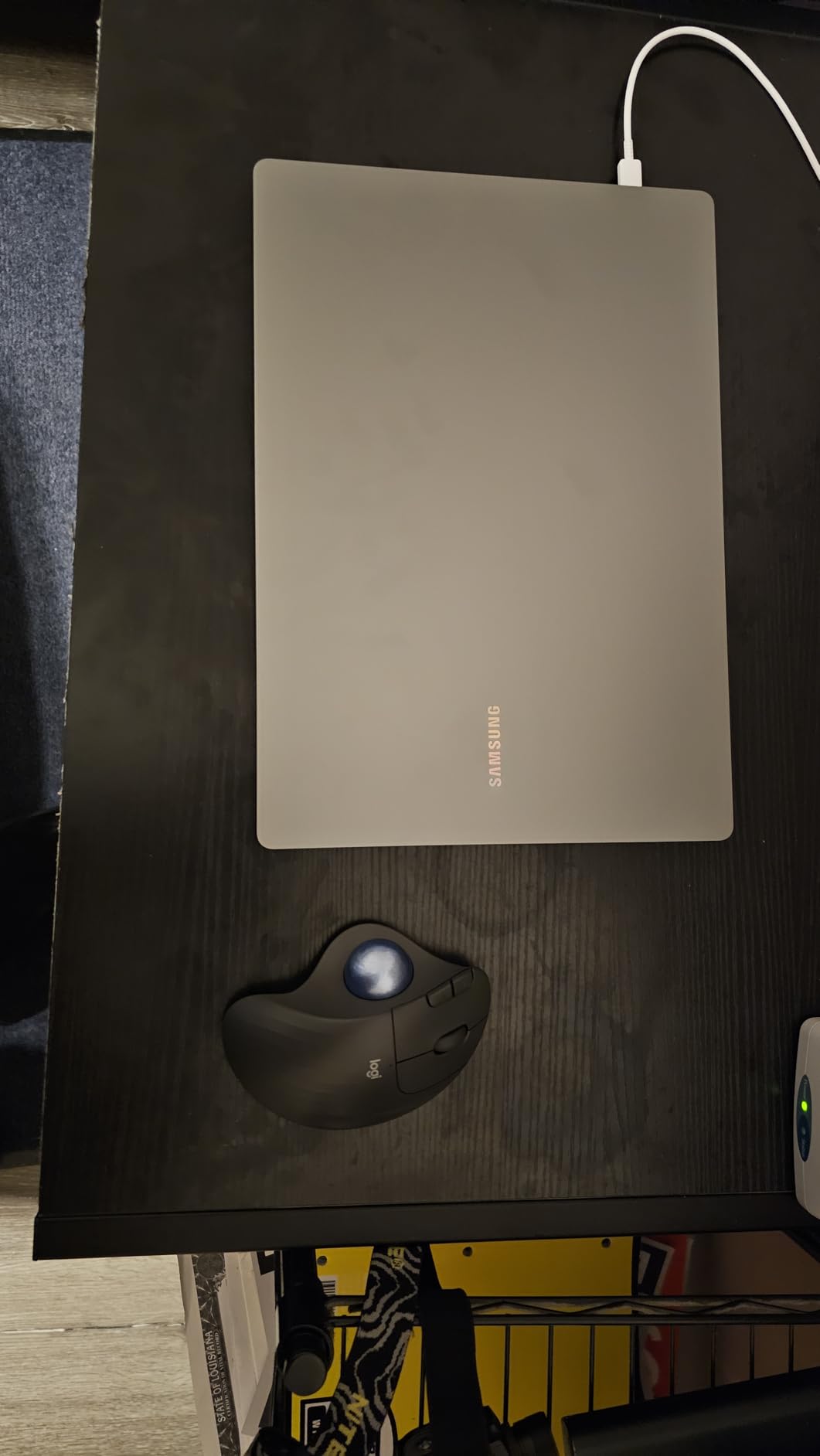
Battery life is rated at up to 18 months on a single AA battery, which is included in the box. The dual connectivity with both Bluetooth and the Logi Bolt USB receiver gives you options. Three customizable buttons through Logi Options+ let you set up basic shortcuts, though the button count is modest compared to the MX Ergo S.
The trackball does require occasional cleaning to maintain smooth tracking. I found that wiping the ball and the contact points every two weeks kept everything running perfectly. The learning curve for thumb-based cursor control was about three to four days for me, after which it felt completely natural.
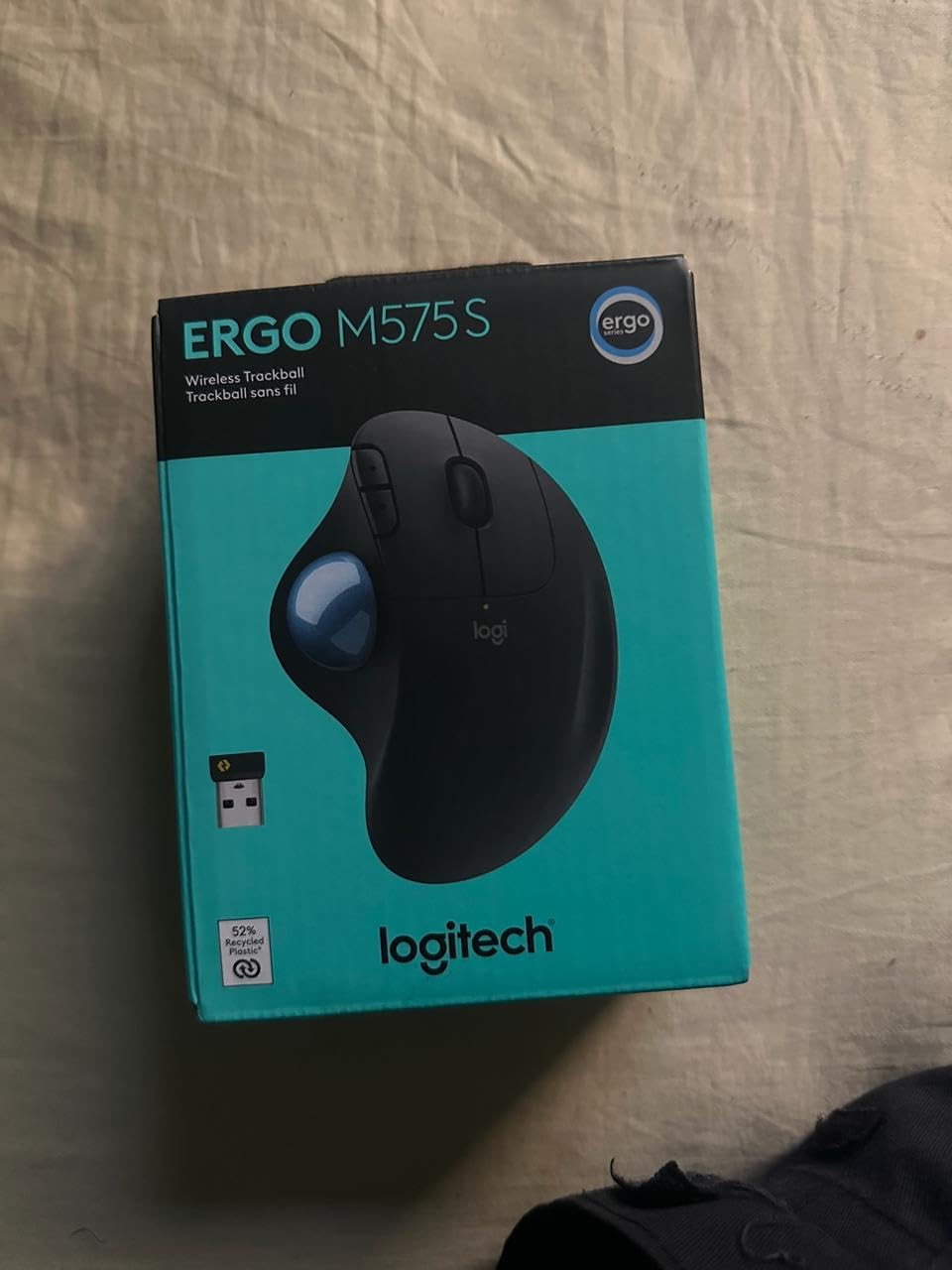
Who Should Buy the Ergo M575S
This is the best budget entry point for anyone curious about trackball mice. It delivers genuine ergonomic benefits at a price that makes it easy to try without commitment. It is also ideal for people with limited desk space since the mouse stays completely stationary during use.
Who Should Look Elsewhere
If you want more programmable buttons and advanced software features, the MX Ergo S offers a more customizable experience. Users who need adjustable DPI settings on the fly will have to use the software rather than a dedicated button. And if you dislike the idea of cleaning a trackball periodically, a vertical mouse might be a better fit.
6. Nulea M501 – Best Budget Trackball Alternative
Nulea M501 Wireless Trackball Mouse, Rechargeable Ergonomic, Easy Thumb Control, Precise & Smooth Tracking, 3 Device Connection (Bluetooth or USB Receiver), Compatible for PC, Laptop, Mac, Windows.
Thumb Trackball
Rechargeable Battery
6 Buttons
3 Device Connection
Adjustable DPI
Pros
- Rechargeable battery included
- Connects to 3 devices
- Comfortable for extended use
- Smooth trackball control
- 12k+ reviews
Cons
- Auto sleep can be inconvenient
- Device switch button on bottom
- BT issues with some PCs
The Nulea M501 takes the trackball concept and makes it even more affordable while adding some features that even premium options skip. The built-in rechargeable battery means you never need to buy replacement AAs. During my testing, a full charge lasted about two weeks of daily use, which is solid for a rechargeable trackball at this price.
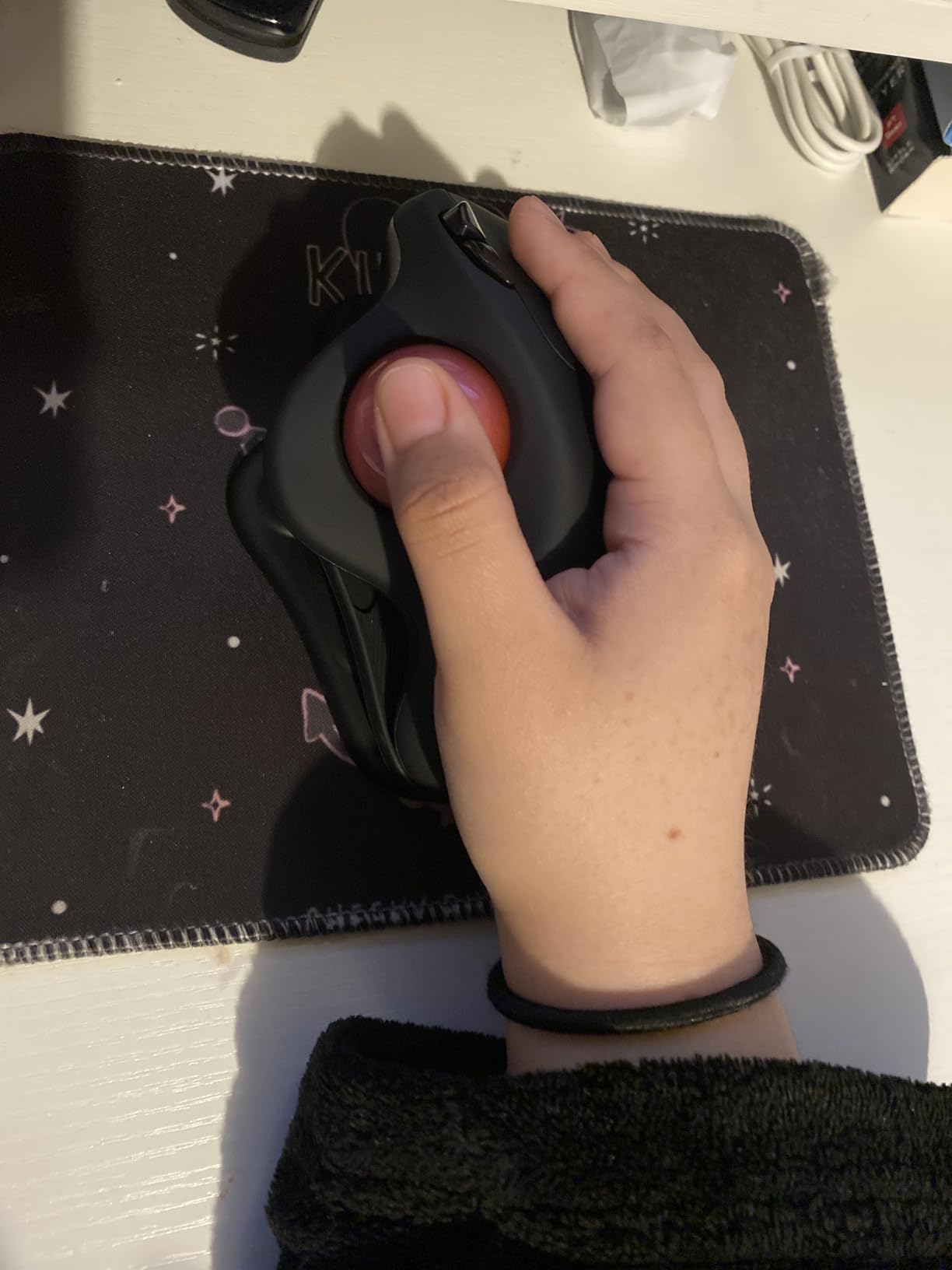
The ergonomic shape is comfortable and keeps your hand at a natural angle. I used it for full workdays over a two-week period and found the thumb control responsive and accurate once I got past the initial learning curve. The six buttons give you more customization than the M575S, with dedicated forward and back buttons for browsing.
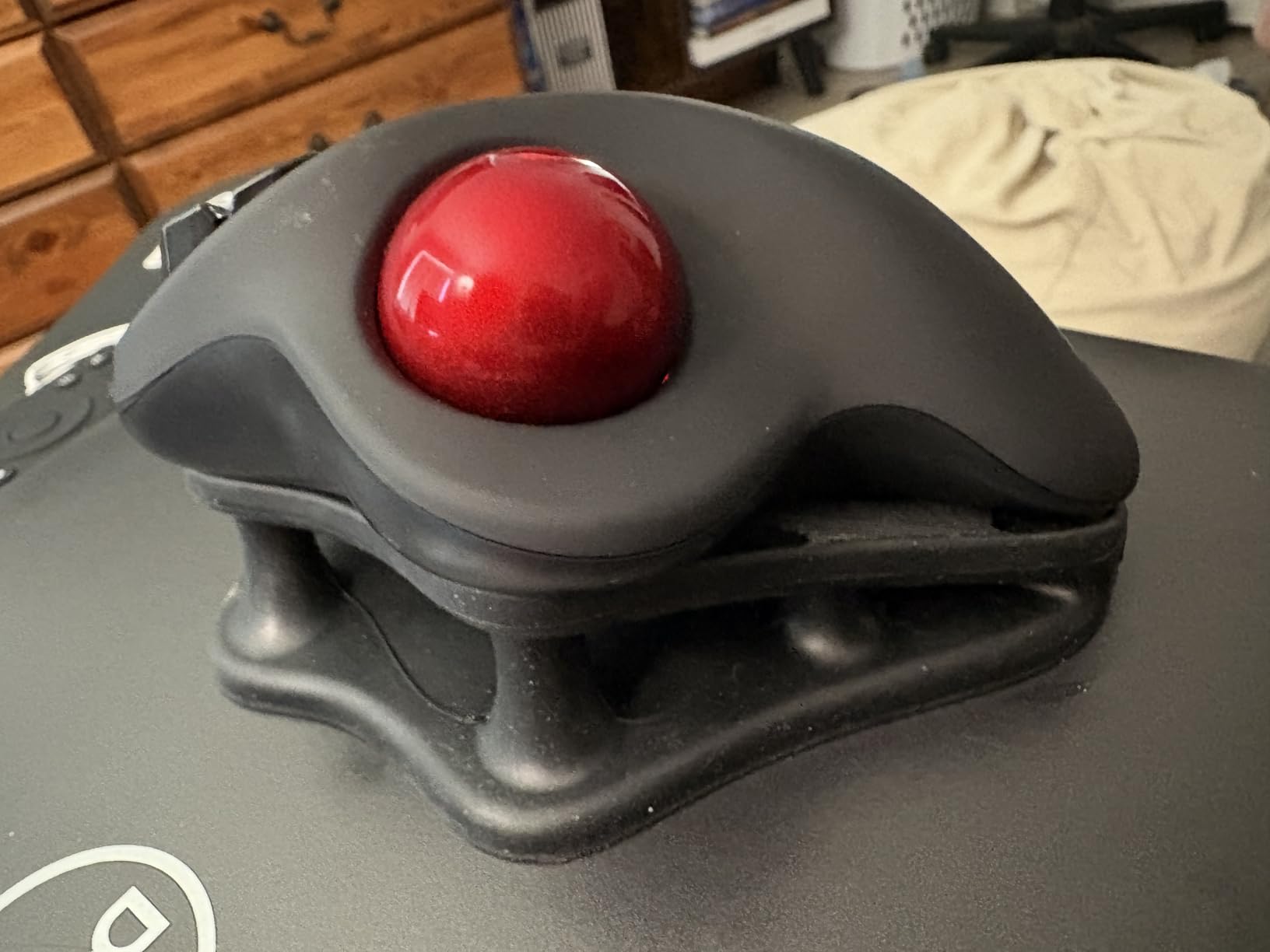
Connecting to three devices via either Bluetooth or the included USB dongle is a nice feature at this price. I switched between my work laptop and personal desktop without any issues once both were paired. The adjustable DPI settings let you fine-tune cursor speed to your preference.
The main annoyance I encountered was the auto-sleep mode, which kicks in after a period of inactivity and takes a second or two to wake up. It is a minor inconvenience, but noticeable when you are in the middle of focused work. The device-switch button being on the bottom of the mouse also means you have to flip it over to change connections, which is an odd design choice.
Who Should Buy the Nulea M501
This is a great pick for budget-conscious buyers who want a trackball with rechargeable convenience and multi-device support. The 12,000+ reviews speak to its popularity and reliability. If you want the trackball experience without paying Logitech prices, the M501 delivers excellent value.
Who Should Look Elsewhere
If you need flawless Bluetooth reliability across all devices, the connection management can be inconsistent on some systems. Users who want a premium build feel with metal components and software ecosystem integration should look at the Logitech options instead. The auto-sleep delay may also frustrate users who switch between tasks frequently.
7. Anker 2.4G Wireless Vertical – Best Value Vertical Mouse
Anker 2.4G Wireless Vertical Ergonomic Optical Mouse for Work, Multi-Device Connectivity, 800/1200 /1600 DPI, 5 Buttons for Laptop, Desktop, PC - Black
1600 DPI
6 Buttons
2.4G Wireless
800/1200/1600 DPI
Right Hand
Pros
- Excellent value for the price
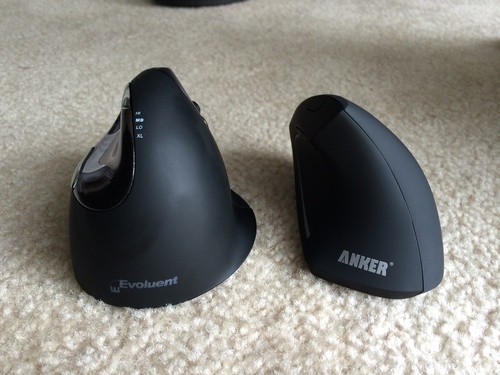
- Comfortable handshake position
- 3 DPI levels
- Five thousand+ reviews
- Browse navigation buttons
Cons
- Battery drains quickly for some
- No Bluetooth connectivity
- Scroll wheel durability issues
The Anker vertical mouse has been one of the most popular budget ergonomic mice for years, and with over 53,000 reviews, it is clearly doing something right. I tested it to see how it holds up against newer competition, and the core ergonomic design is still effective. The vertical handshake position provides genuine wrist relief at a fraction of what premium brands charge.
The three DPI settings (800, 1200, and 1600) give you enough flexibility for both general browsing and more precise work. The forward and back buttons on the side are convenient for web browsing, though they are not programmable. The 2.4G wireless connection with the USB dongle is reliable within the stated range.
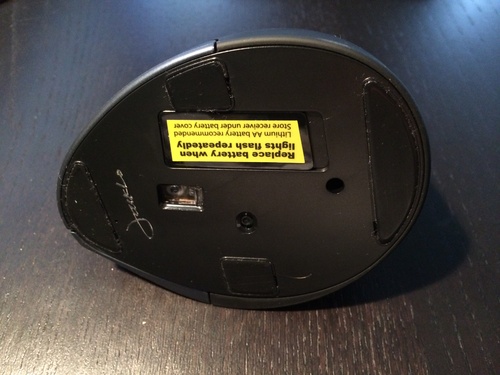
Where the Anker shows its age is in the details. It requires two AAA batteries that are not included, and battery life varies significantly between users. Some report months of use while others find the batteries drain within weeks. There is also no Bluetooth option, so you need a free USB-A port for the dongle.
The scroll wheel is the most commonly reported failure point. After extended use, typically measured in many months or years depending on usage intensity, the wheel can develop scrolling issues. For the price, this is somewhat expected, but it is worth knowing going in.
Who Should Buy the Anker Vertical Mouse
If you want to try a vertical ergonomic mouse without spending much, the Anker is the lowest-risk entry point. The 53,000+ reviews provide a large sample size of real user experiences. It is a practical choice for anyone curious about whether a vertical grip will help their wrist pain before investing in a premium model.
Who Should Look Elsewhere
If you need Bluetooth connectivity or multi-device support, the Anker only offers 2.4G wireless via USB dongle. Users who want a rechargeable battery should look at the Lekvey or ProtoArc instead. And if you want something built to last for years without any scroll wheel issues, the Logitech options offer better long-term durability.
8. Lekvey Vertical Wireless Mouse – Best Rechargeable Budget Pick
Ergonomic Mouse, LEKVEY Vertical Wireless Mouse - Rechargeable 2.4G Optical Vertical Mice : 3 Adjustable DPI 800/1200/1600 Levels 6 Buttons, for Laptop, Mac, PC, Computer, Desktop, Notebook etc, Black
1600 DPI
Rechargeable Battery
6 Buttons
3 DPI Levels
150 Hours Per Charge
Pros
- Built-in rechargeable battery
- 150 hours per charge
- 36-month warranty
- Comfortable grip
- Plug and play
Cons
- May be too large for small hands
- Learning curve for new users
- Scroll wheel durability over years
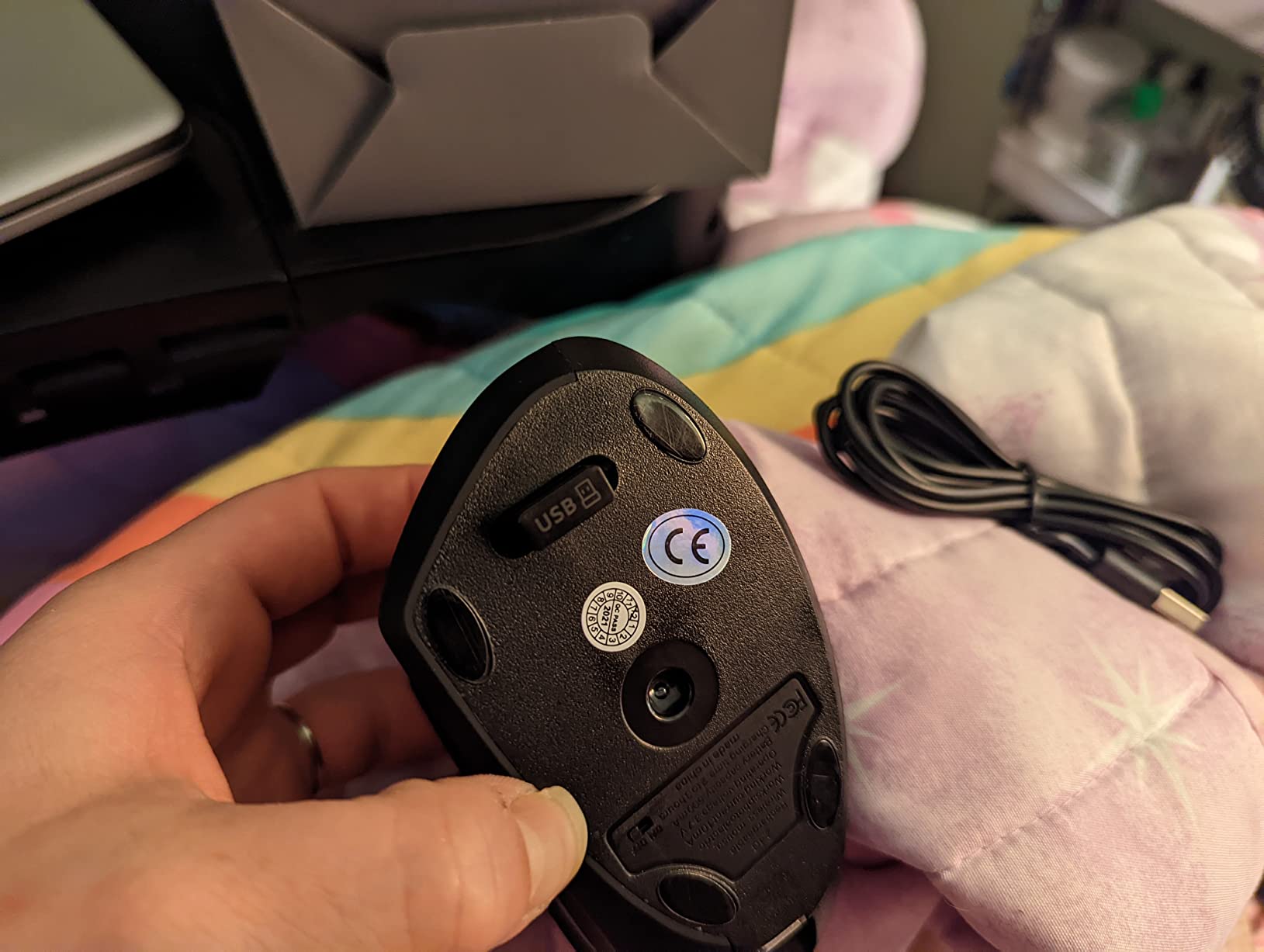
The Lekvey vertical mouse addresses one of the biggest complaints about the Anker by including a built-in rechargeable battery. A full charge gives you about 150 hours of continuous use, which translates to roughly two to three weeks of typical office use. I found the charging convenient and appreciated not having to keep spare AAA batteries around.
The ergonomic design puts your hand in a comfortable handshake position similar to the Anker. The six buttons include forward and back navigation, plus a DPI toggle button. At just 0.21 pounds, it is one of the lightest vertical mice I tested, which some users will love and others may find a bit too insubstantial.
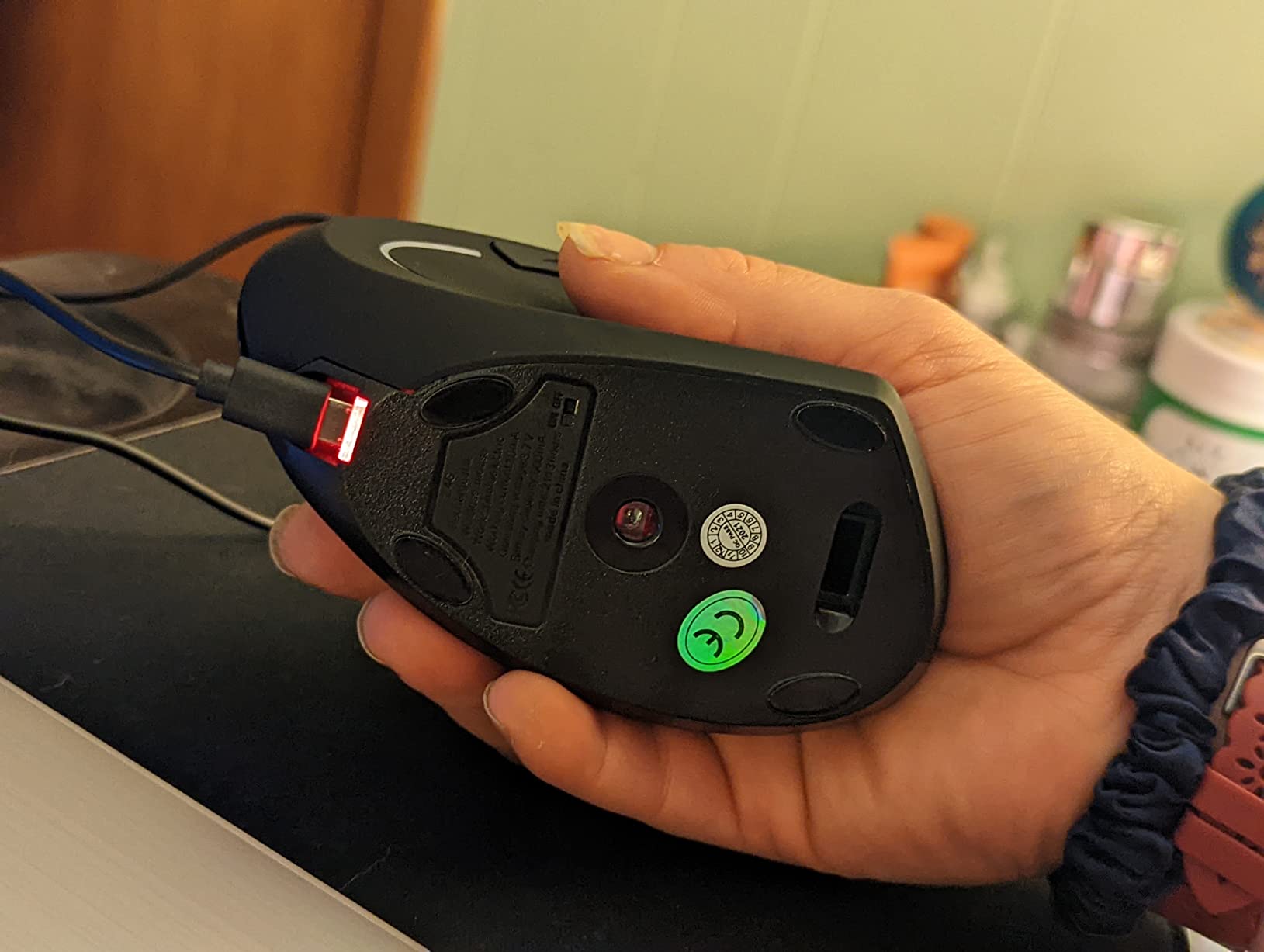
One feature worth highlighting is the 36-month warranty, which is longer than most competitors at this price range. Lekvey’s customer support gets positive mentions in reviews for being responsive when issues arise. That kind of backing adds peace of mind to a budget purchase.
The adjustment period was about three to five days for me, similar to other vertical mice. Some users with smaller hands found the Lekvey a bit too large for comfortable gripping. The scroll wheel, like the Anker, can develop issues after two or more years of heavy use, which is a common trade-off at this price tier.
Who Should Buy the Lekvey Vertical
This is the best budget vertical mouse for anyone who wants rechargeable convenience without paying premium prices. The 36-month warranty adds real value, and the lightweight design is comfortable for extended use. If you are switching from a standard mouse and want an affordable vertical option with a built-in battery, the Lekvey is a strong pick.
Who Should Look Elsewhere
Users with smaller hands may find the grip too wide and tall for comfortable daily use. If you need Bluetooth or multi-device connectivity, the Lekvey only supports 2.4G wireless via USB dongle. And if you want software customization for button mapping, there is no companion app included with this mouse.
9. ProtoArc EM11 NL – Best Compact Ergonomic Mouse
ProtoArc Ergonomic Mouse, EM11 NL Bluetooth Rechargeable Wireless Vertical Mouse, 3 Multi-Device Connectivity for Computer/PC/Laptop, 2.4GHz USB-A Optical Mice for Windows, Mac OS, Black
2400 DPI
Bluetooth 5.0 and USB
7 Buttons
3 Device Connection
Rechargeable
Pros
- 3 device connectivity
- Compact size for smaller hands
- 2400 DPI precision
- Quiet click operation
- Great value for money
Cons
- May be too small for large hands
- Forward and back not Mac compatible
- Glossy plastic lacks grip texture
The ProtoArc EM11 NL sits in a sweet spot between budget and mid-range, offering features like Bluetooth 5.0 and multi-device connectivity that you typically find on more expensive mice. Its compact vertical design makes it one of the best ergonomic mice for people with small to medium hands who found other vertical options too bulky.
I tested the three-device connectivity by pairing it with my work laptop over Bluetooth, my personal desktop via the USB dongle, and a secondary Bluetooth connection to my tablet. Switching between them was seamless using the dedicated button on the bottom. The 2400 DPI max sensitivity is higher than most budget competitors, giving you more cursor speed range.
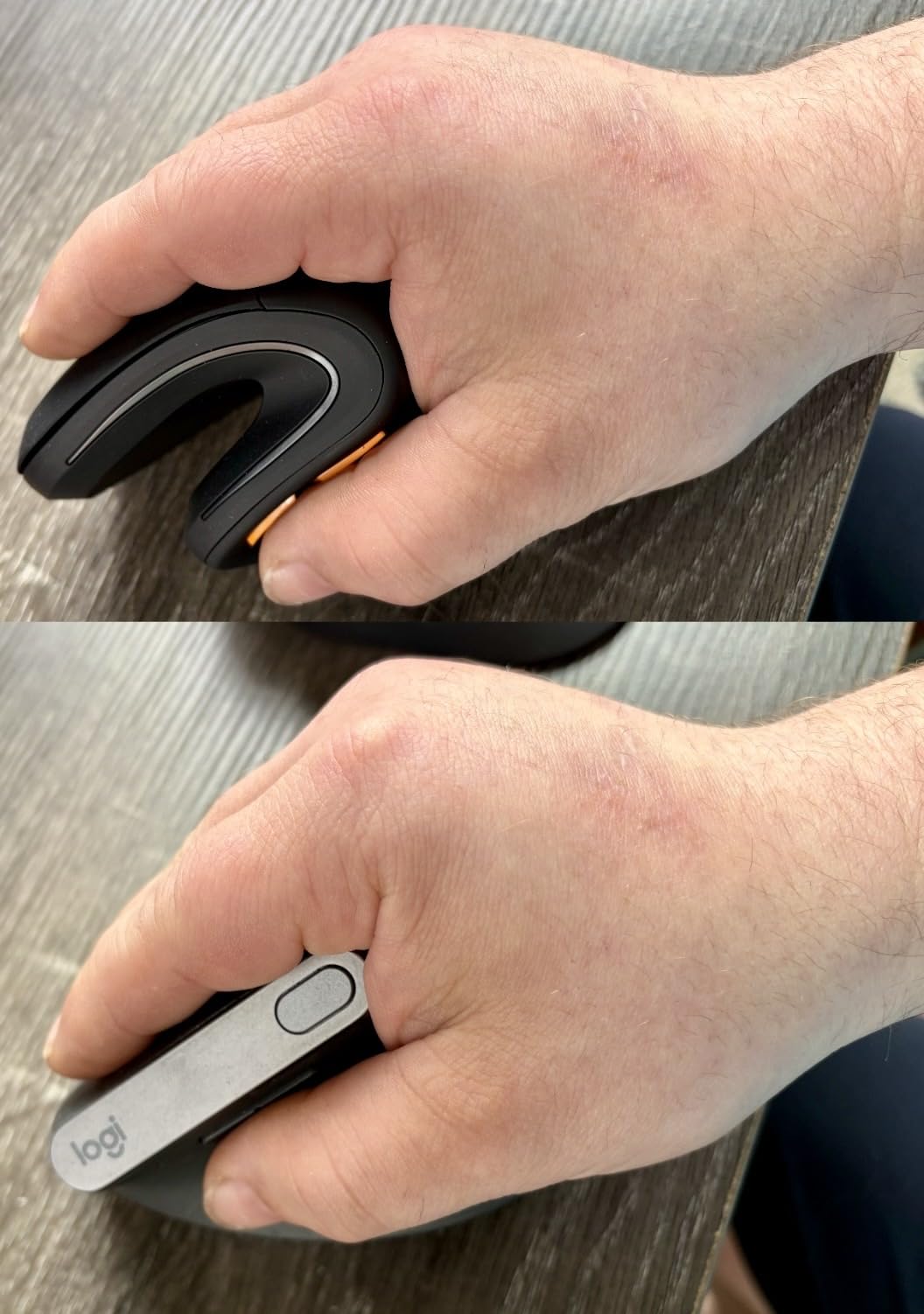
The quiet click buttons are genuinely silent, making this a great option for shared workspaces or late-night sessions. The rechargeable battery lasts about a month per charge in my testing, which is reasonable. Seven buttons give you more customization than most competitors at this price, though there is no companion software for advanced programming.
The main drawback is the glossy plastic finish, which does not provide the same secure grip as the textured rubber surfaces on Logitech models. My hand occasionally slid slightly during fast movements. Also, the forward and back side buttons are not compatible with macOS, which is a notable limitation for Mac users.
Who Should Buy the ProtoArc EM11 NL
This is the best compact ergonomic mouse for users with smaller hands who want multi-device support and Bluetooth connectivity without paying premium prices. The combination of 2400 DPI, quiet clicks, and three-device switching makes it surprisingly capable for the price. It is also a solid travel companion thanks to its compact size.
Who Should Look Elsewhere
If you have larger hands, the compact dimensions will feel cramped and uncomfortable. Mac users who rely on forward and back browser buttons will find those controls non-functional on their system. And if you prefer a textured grip surface, the glossy plastic may feel too smooth for extended use.
10. UGREEN Vertical Mouse – Best Under $20
UGREEN Vertical Mouse, Wireless Bluetooth Ergonomic Mouse, Dual-Mode (BT 5.4 & USB 2.4G), Quiet Clicks, 4 Adjustable DPI (1000/1600/2000/4000), Compatible with Windows/Mac/Linux/Android/ChromeOS
4000 DPI
Bluetooth 5.4 and 2.4G USB
6 Buttons
4 DPI Levels
PTFE Glide Feet
Pros
- Highest DPI in budget class at 4000
- Latest Bluetooth 5.4
- Versatile dual-mode connectivity
- Very affordable
- Wide system compatibility
Cons
- AA battery not included
- Battery adds weight
- Tracking issues for precise work
- Vertical mouse learning curve
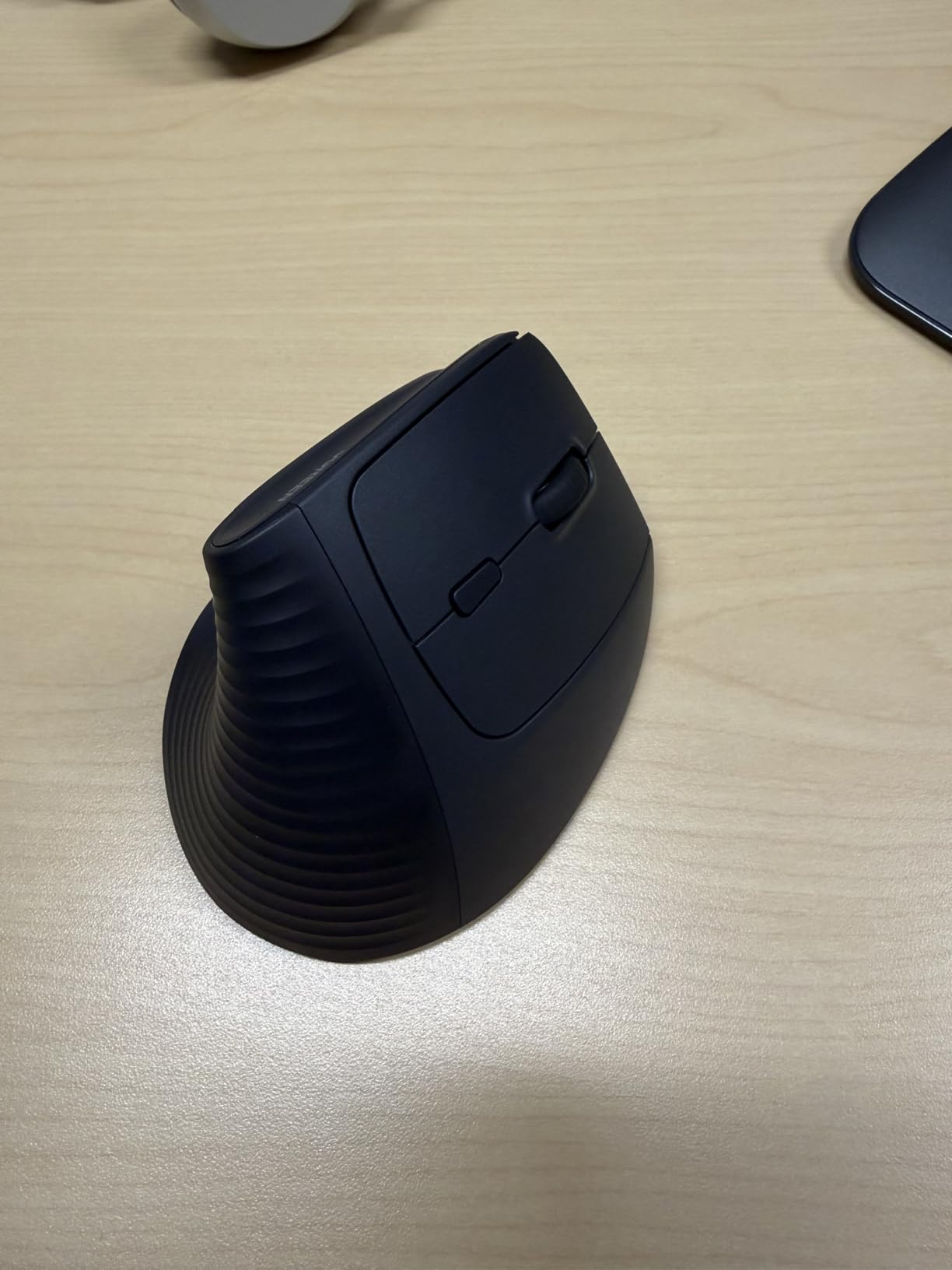
The UGREEN vertical mouse is the most affordable option in our lineup, and it punches well above its weight class. With Bluetooth 5.4 support and a 4000 DPI maximum, it has specs that match or exceed mice costing three to four times as much. I was genuinely surprised by how capable it felt during my testing for this price.
The dual-mode connectivity supporting both Bluetooth 5.4 and 2.4G USB gives you modern wireless flexibility that most budget vertical mice skip. The four DPI levels (1000, 1600, 2000, and 4000) provide a wide range of cursor speeds. The PTFE glide feet also help with smooth tracking on most surfaces.
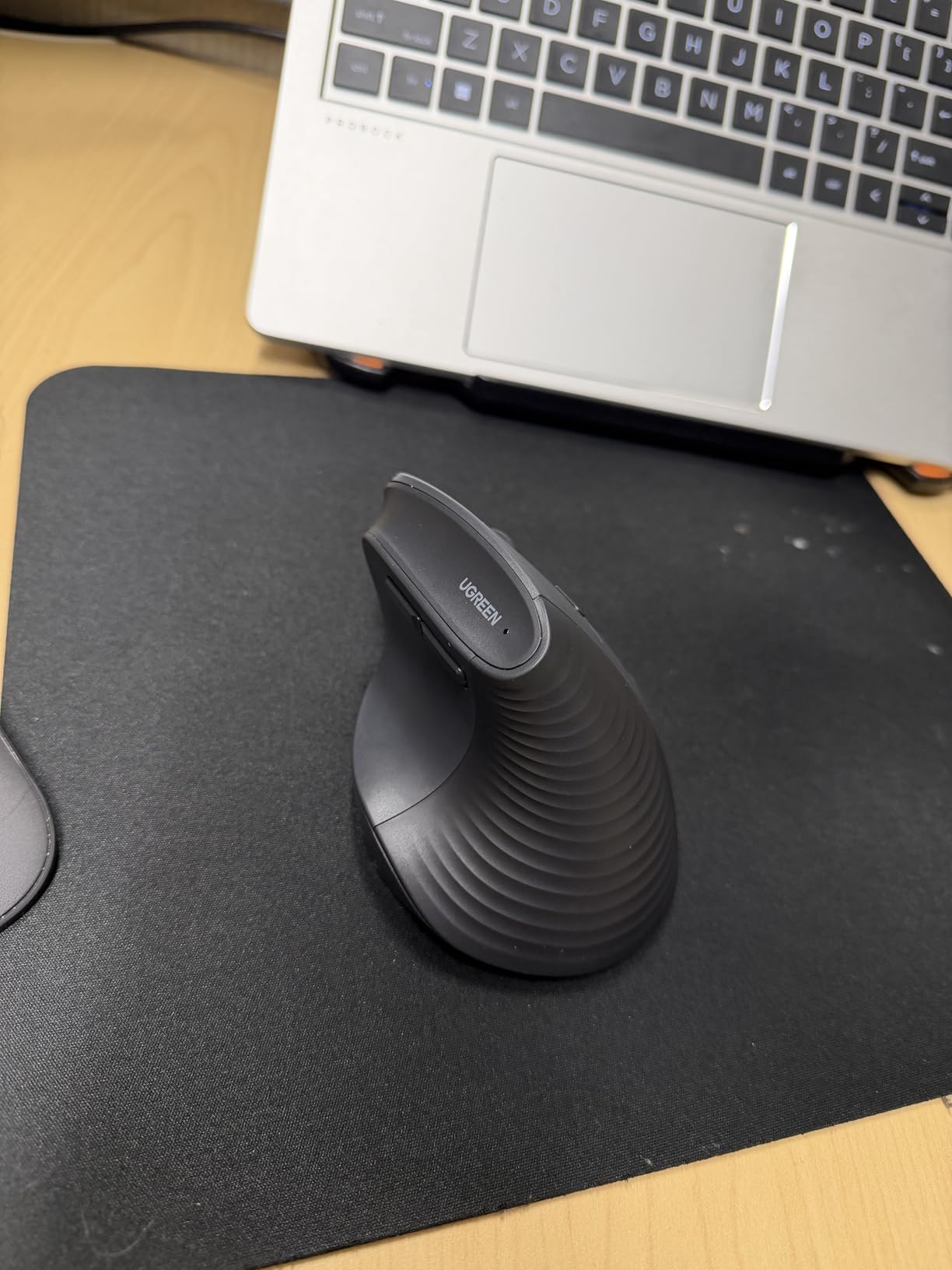
The vertical handshake design follows the same ergonomic principle as the Logitech MX Vertical but at a fraction of the cost. Several users with carpal tunnel syndrome reported significant pain relief after switching to this mouse. The learning curve is comparable to other vertical mice, typically about a week to feel fully comfortable.
The trade-offs are predictable for the price. The mouse requires a single AA battery that is not included, and the added battery weight makes it heavier than rechargeable alternatives. Some users also reported minor tracking inconsistencies during precise graphic work. The overall build quality is adequate but does not have the premium feel of Logitech products.
Who Should Buy the UGREEN Vertical Mouse
If you are on a strict budget and want the best possible specs for your money, the UGREEN is hard to beat. The 4000 DPI sensor, Bluetooth 5.4, and dual-mode connectivity make it the most feature-rich mouse in the under-$20 category. It is also a smart choice if you want to try a vertical mouse before committing to a more expensive model.
Who Should Look Elsewhere
If you do precision work like photo editing or CAD where tracking accuracy is critical, the occasional inconsistencies may frustrate you. Users who want a rechargeable battery should look at the Lekvey or ProtoArc instead. And if you want the best possible build quality and software ecosystem, the Logitech options remain the gold standard.
How to Choose the Best Ergonomic Mouse for Your Needs
Picking the right ergonomic mouse comes down to understanding your specific pain points, hand size, and how you use your computer. Here is what matters most when making your decision.
Vertical Mouse vs Trackball vs Conventional
Vertical mice place your hand in a handshake position, typically at a 57-degree angle, which reduces the forearm pronation that causes strain. They are the most popular ergonomic design and work well for general productivity, browsing, and light creative work. The adjustment period is usually about one to two weeks.
Trackball mice keep your hand stationary while you control the cursor with your thumb. This eliminates wrist movement entirely, making them ideal for people with severe wrist pain or limited desk space. The learning curve is slightly longer than vertical mice, typically two to three weeks for full comfort.
Conventional ergonomic mice like the MX Master 4 use a sculpted shape with a natural tilt to reduce strain without the dramatic posture change of a vertical mouse. They offer the most familiar experience and the shortest adjustment period, but the ergonomic benefits are less pronounced than vertical or trackball designs.
Hand Size Matters More Than You Think
Using a mouse that does not fit your hand properly can actually cause more strain than using a standard mouse. If your hand measures less than 7 inches from wrist to middle fingertip, look at compact options like the Logitech Lift or ProtoArc EM11 NL. For hands over 8 inches, the MX Master 4 or MX Vertical provide better coverage and support.
The best way to check fit is to rest your hand on the mouse naturally. Your fingers should drape over the buttons without stretching, and your palm should make full contact with the body. If your fingers hang over the front or your palm leaves a gap, the mouse is the wrong size.
Connectivity Options
Bluetooth connectivity lets you connect without using a USB port and often supports multiple devices. USB dongle connections tend to be slightly more responsive and reliable. The best ergonomic mice offer both, giving you flexibility depending on your setup. Budget options often only include USB dongle connectivity, which is fine for desktop use but limits laptop portability.
Battery Life and Charging
Battery life ranges wildly among ergonomic mice. The Logitech Lift leads with up to two years on a single AA battery. Rechargeable models like the MX Master 4 and MX Ergo S offer 70 to 120 days per charge with quick-charge features. Budget rechargeable mice typically last two to four weeks per charge. Consider how often you are willing to recharge or replace batteries when making your choice.
Left-Handed Users
Most ergonomic mice are designed exclusively for right-handed use because the sculpted shapes and button layouts are directional. The Logitech Lift is one of the few quality options available in a dedicated left-hand version. Trackball mice can work for left-handed users since the thumb control is adaptable. The UGREEN vertical mouse lists ambidextrous design, though the side buttons are positioned for right-hand use.
Adjustment Period Tips
Plan for a one to three week adjustment period when switching to any ergonomic mouse, especially vertical or trackball designs. Start by using it for just a few hours a day alongside your old mouse. Gradually increase the time as your hand gets comfortable with the new grip. Most users report that once they adapt, going back to a standard mouse feels awkward and uncomfortable, which is a good sign that the ergonomic design is working.
Frequently Asked Questions About Ergonomic Mice
Do ergonomic mice actually help with wrist pain?
Yes, ergonomic mice can significantly reduce wrist pain for most users. They work by placing your hand in a more natural position that reduces forearm pronation and wrist deviation. Studies and user reports consistently show pain reduction within one to two weeks of switching. Vertical mice and trackball designs tend to provide the most relief because they minimize the specific movements that cause strain.
What is the best ergonomic mouse for gaming?
For gaming, look for an ergonomic mouse with low click latency, a high polling rate, and a lightweight design. Traditional ergonomic shapes like the Logitech MX Master series work well for casual and strategy games but lack the speed competitive gamers need. If you want both ergonomics and gaming performance, consider a conventionally shaped ergonomic mouse with a comfortable sculpted design rather than a vertical model, since vertical mice are harder to use for fast-paced gaming.
How long does it take to adjust to a vertical mouse?
Most people adjust to a vertical mouse within one to two weeks of consistent use. During the first few days, you may feel clumsy and occasionally knock the mouse over. By the end of week one, basic tasks like clicking and scrolling feel natural. By week two, most users report full comfort and often prefer the vertical grip over their old mouse. Starting with a few hours a day and gradually increasing usage helps speed up the transition.
Which is better for carpal tunnel: a vertical mouse or a trackball?
Both designs help with carpal tunnel symptoms, but they work differently. A vertical mouse reduces wrist pronation by placing your hand in a handshake position, which addresses the root cause of strain. A trackball eliminates wrist movement entirely by using thumb-controlled cursor tracking. For mild to moderate carpal tunnel, a vertical mouse is usually sufficient and easier to adapt to. For severe cases where any wrist movement causes pain, a trackball may provide more complete relief because your wrist stays completely still during use.
What DPI should I look for in an ergonomic mouse?
For general office work and browsing, 1000 to 1600 DPI is plenty. If you work with large monitors or high-resolution displays, look for 2000 to 4000 DPI so you can cover more screen area with less hand movement, which further reduces strain. Gamers and creative professionals may want 4000 DPI or higher. The most important thing is that the mouse offers adjustable DPI so you can find the sensitivity that feels comfortable for your specific setup.
Final Thoughts on the Best Ergonomic Mice
Finding the right ergonomic mouse can genuinely change your daily comfort level, especially if you spend six or more hours at a computer. The Logitech MX Vertical remains our top pick for wrist pain relief thanks to its proven 57-degree handshake angle and years of positive user feedback. The Logitech Lift is the best choice for smaller hands and left-handed users. And if you want to try the trackball approach, the Logitech Ergo M575S offers genuine ergonomic benefits at a price that makes it easy to take the leap.
Whichever ergonomic mouse you choose, give it at least two weeks before making a judgment. Your hand needs time to adapt to the new grip, and most users report that once they adjust, they never want to go back to a standard mouse. Your wrists will thank you for making the switch.