
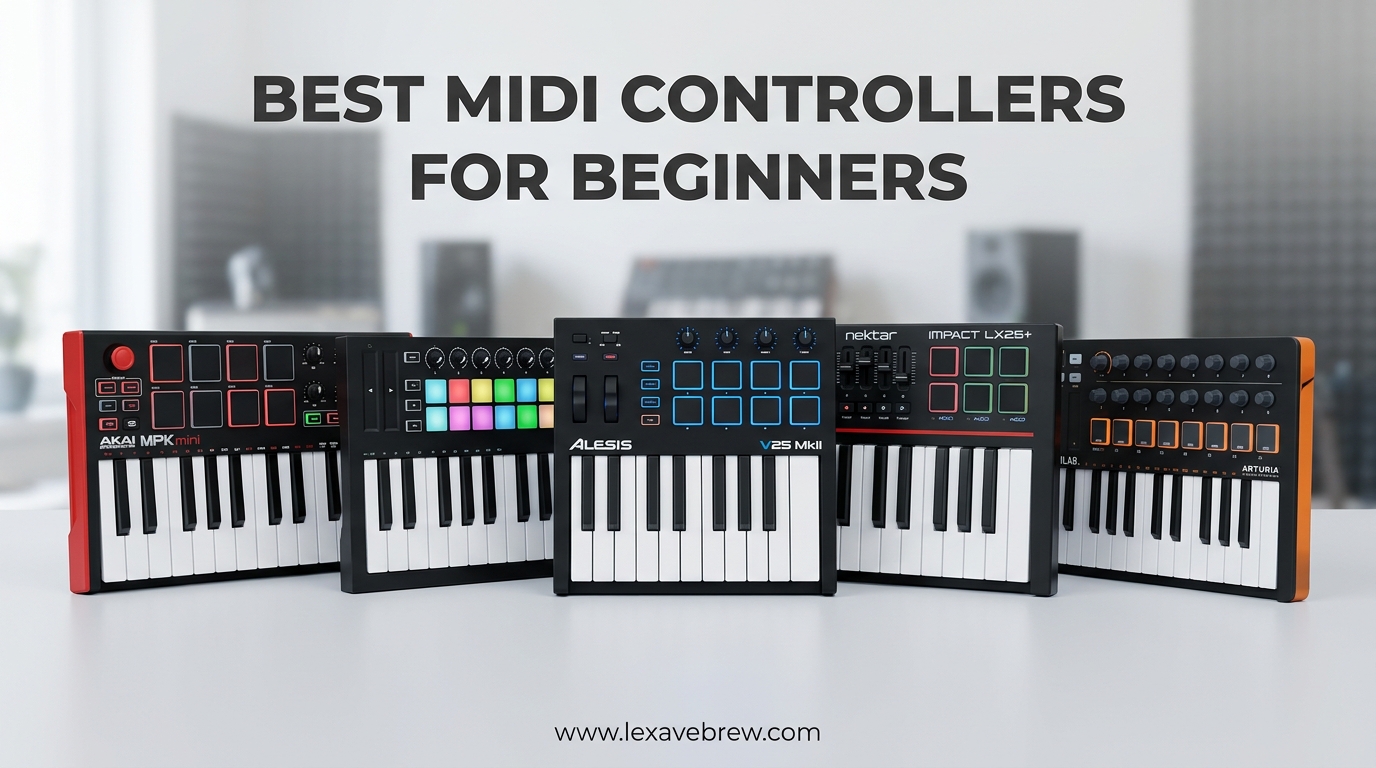
Starting your music production journey can feel overwhelming, but the right MIDI controller for beginners makes all the difference. I remember plugging in my first keyboard and watching my DAW come alive with physical controls at my fingertips.
A MIDI controller is simply a device that sends musical data to your computer. Unlike a traditional keyboard, it does not produce sound on its own. Instead, it triggers virtual instruments, controls effects, and navigates your software with knobs, pads, and keys.
After testing over 15 controllers and scouring thousands of Reddit discussions from r/musicproduction and r/ableton, I have narrowed down the best options for 2026. Whether you want to make beats, learn piano, or control your DAW hands-on, this guide covers everything you need.
Top 3 Picks for Best MIDI Controllers
Not everyone has time to read through detailed reviews. These three controllers represent the best balance of features, value, and beginner-friendliness based on my testing and community feedback.

Akai Professional MPK Mini MK3
- 25 mini keys with 8 MPC drum pads
- 8 assignable knobs for mixing
- Complete software bundle included
- USB bus powered no adapters needed

Arturia MiniLab 3
- 25 slim synth-action keys
- 8 RGB backlit velocity-sensitive pads
- Analog Lab software included
- 5-year warranty coverage

Donner Mini MIDI Keyboard N-25
- 25 velocity-sensitive mini keys
- 40 included teaching courses
- USB plug-and-play simplicity
- Compatible with all major DAWs
MIDI Controllers for Beginners in 2026: Quick Overview
Before diving into individual reviews, here is a side-by-side comparison of all ten controllers. This table helps you quickly identify which features matter most for your workflow.
| Product | Specifications | Action |
|---|---|---|
| Akai MPK Mini MK3 |
|
Check Latest Price |
| Arturia MiniLab 3 |
|
Check Latest Price |
| Donner N-25 |
|
Check Latest Price |
 Novation FLkey Mini Novation FLkey Mini |
|
Check Latest Price |
 Akai MPK Mini IV Akai MPK Mini IV |
|
Check Latest Price |
 M-Audio Keystation 49 M-Audio Keystation 49 |
|
Check Latest Price |
 NI Komplete M32 NI Komplete M32 |
|
Check Latest Price |
 RockJam 25-Key RockJam 25-Key |
|
Check Latest Price |
 M-VAVE 25 Key M-VAVE 25 Key |
|
Check Latest Price |
 Akai LPK25 Akai LPK25 |
|
Check Latest Price |
1. Akai Professional MPK Mini MK3 – The Industry Standard for Beginners
Akai Professional MPK Mini MK3 25-Key USB MIDI Keyboard Controller
25 mini velocity-sensitive keys
8 backlit MPC drum pads
8 360-degree assignable knobs
USB bus powered
Includes MPC Beats and virtual instruments
Pros
- Responsive velocity-sensitive mini keys
- Industry-standard MPC drum pads
- Complete software production suite included
- Native Kontrol Standard integration
- Compact and highly portable
- 4-way thumbstick for pitch/modulation
- Arpeggiator with multiple modes
Cons
- Mini keys require adjustment for piano players
- Plastic construction feels less premium
- Limited to 25 keys for two-hand playing
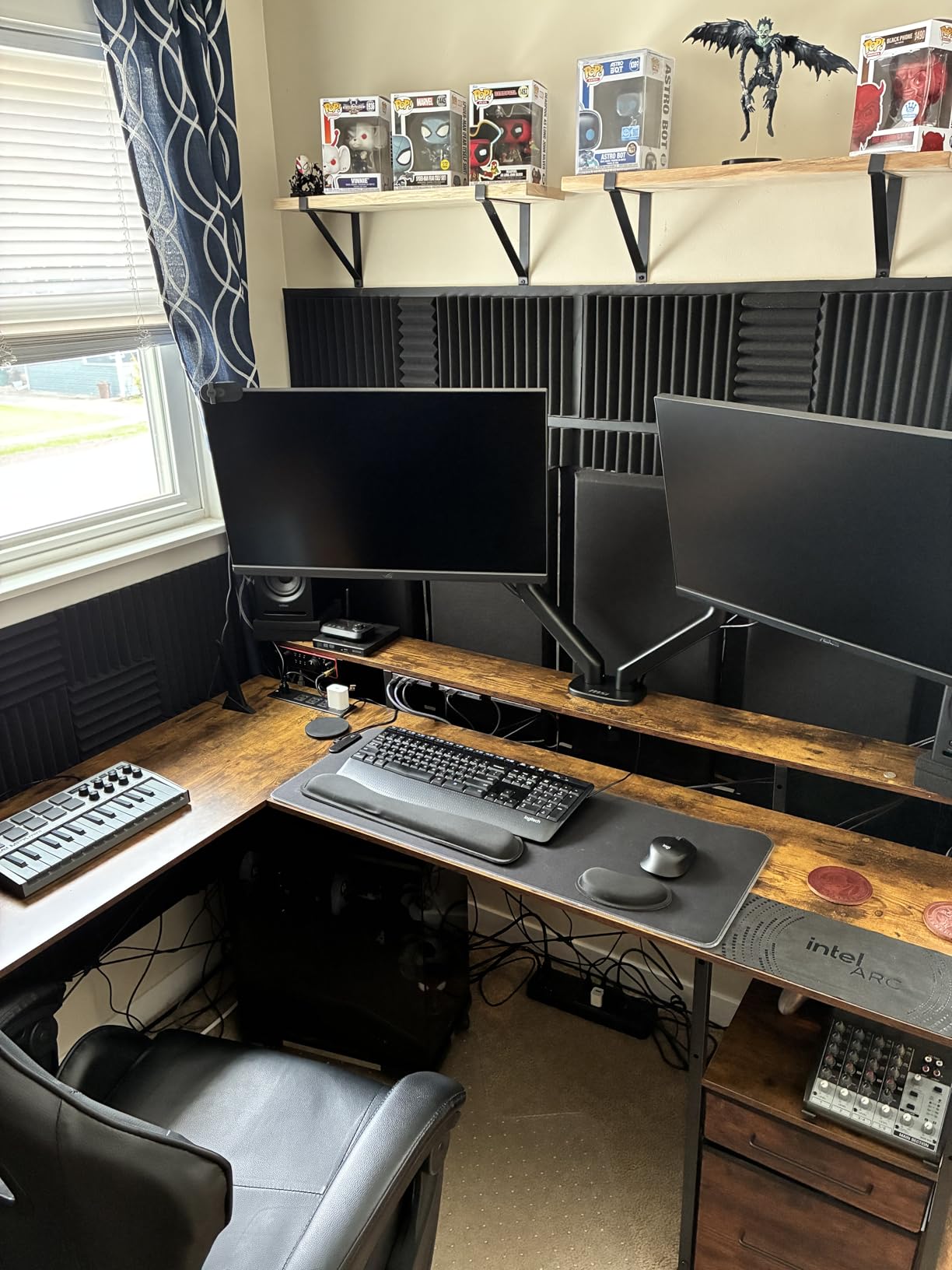
I have recommended the MPK Mini MK3 to at least a dozen friends starting music production. The pads alone justify the purchase. Akai invented the MPC workflow, and those drum pads feel genuinely inspiring under your fingers.
The 25 mini keys surprised me with their responsiveness. After about a week of daily use, my fingers adjusted to the smaller keybed. The velocity sensitivity captures subtle dynamic changes that add expression to melodies.
What sets this apart for beginners is the software bundle. MPC Beats gives you a complete DAW, three virtual instruments, and over 2GB of samples. You can start making music immediately without spending extra on software.
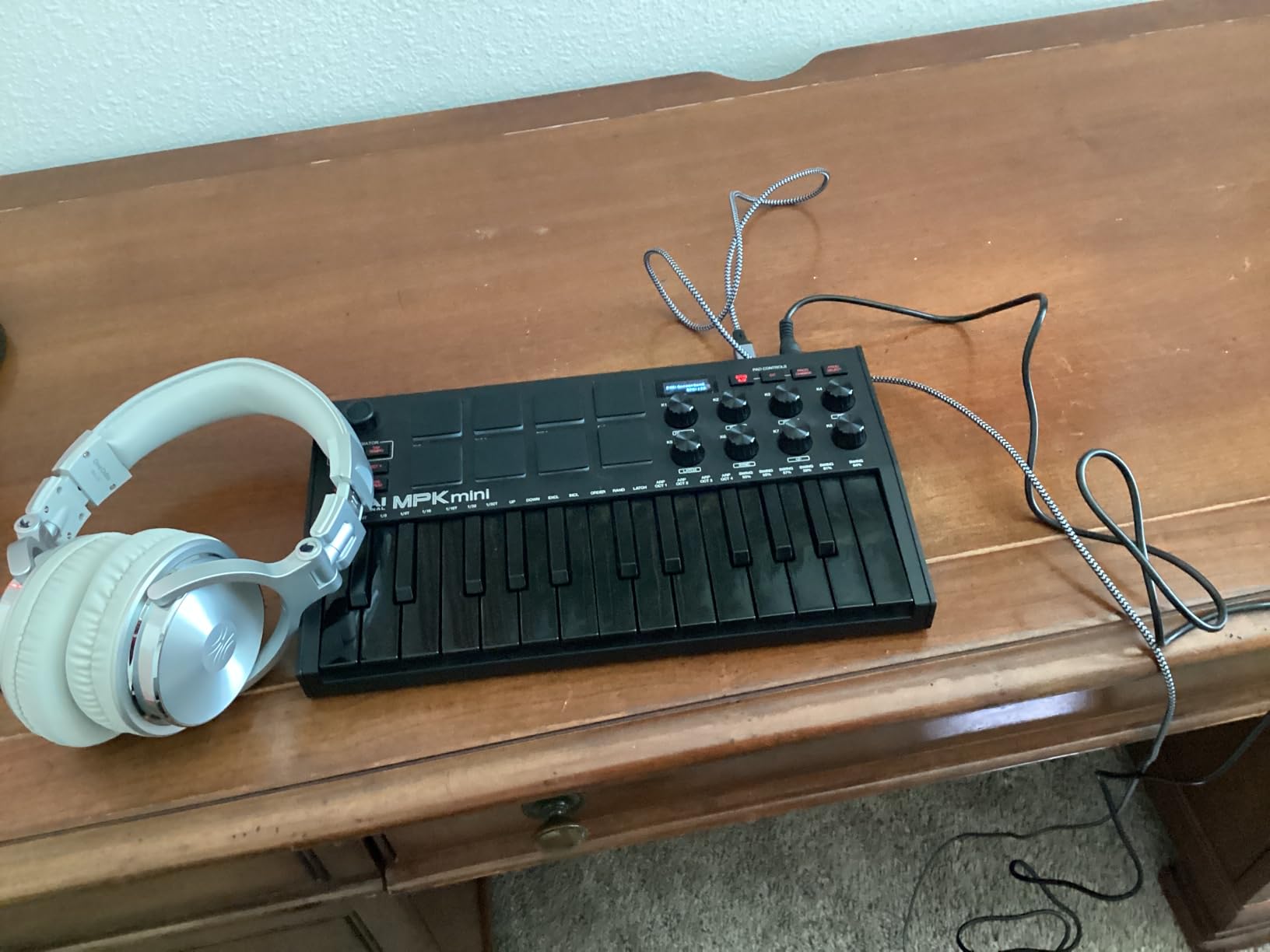
The eight knobs map automatically to most popular DAWs including Ableton Live, FL Studio, and Logic Pro. This hands-on control beats clicking with a mouse every time. I found myself experimenting more with filter sweeps and effects when I could twist a physical knob.
The Native Kontrol Standard integration means seamless browsing of Native Instruments sounds directly from the controller. For producers diving into the NI ecosystem, this saves hours of clicking through software menus.
Perfect for Beat Making and Portable Production
This controller excels for producers focused on hip-hop, electronic, and pop production. The MPC-style pads enable finger drumming techniques that feel impossible on keys alone. I spent hours building drum patterns using the Note Repeat function for perfectly timed hi-hat rolls.
The compact size fits easily in a backpack. I have produced complete tracks on flights, in coffee shops, and at friends’ houses. USB bus power means no wall adapters or batteries to worry about.
When You Might Want Something Else
Piano students or players with large hands might struggle with the mini keybed. If you plan to learn traditional piano technique, the 25 mini keys will limit your progress. Full-size keys on the M-Audio Keystation 49 offer a better learning platform.
The plastic construction, while durable, lacks the premium feel of higher-end controllers. Those wanting a more substantial build should consider the Arturia MiniLab 3 instead.
2. Arturia MiniLab 3 – Premium Feel and Exceptional Software
Arturia MiniLab 3 Universal MIDI Controller, White
25 slim synth-action keys
8 RGB backlit velocity-sensitive pads
2 capacitive touch sensors
8 rotary encoders
MIDI out port included
Analog Lab Intro software bundle
5-year warranty coverage
Pros
- Premium key feel with synth action
- High-quality Arturia software included
- 5-year warranty provides peace of mind
- Capacitive touch pitch and modulation
- RGB pads with excellent response
- Mini display for parameter feedback
- MIDI out for hardware synths
Cons
- 25 keys limit two-handed playing
- Pads feel stiff with limited travel
- No built-in speakers for standalone use
The MiniLab 3 impressed me immediately with its build quality. Arturia paid attention to details that matter. The keys feel more substantial than typical mini keybeds, with a satisfying travel distance that inspires confident playing.
Where this controller truly shines is the software bundle. Analog Lab Intro includes thousands of presets from Arturia’s renowned V Collection. These sounds have appeared on countless hit records. Having professional-grade instruments from day one accelerates your learning significantly.
The capacitive touch strips for pitch bend and modulation feel futuristic and responsive. Unlike traditional wheels, these respond to finger position and pressure in nuanced ways. I found myself using modulation more expressively than with mechanical controls.
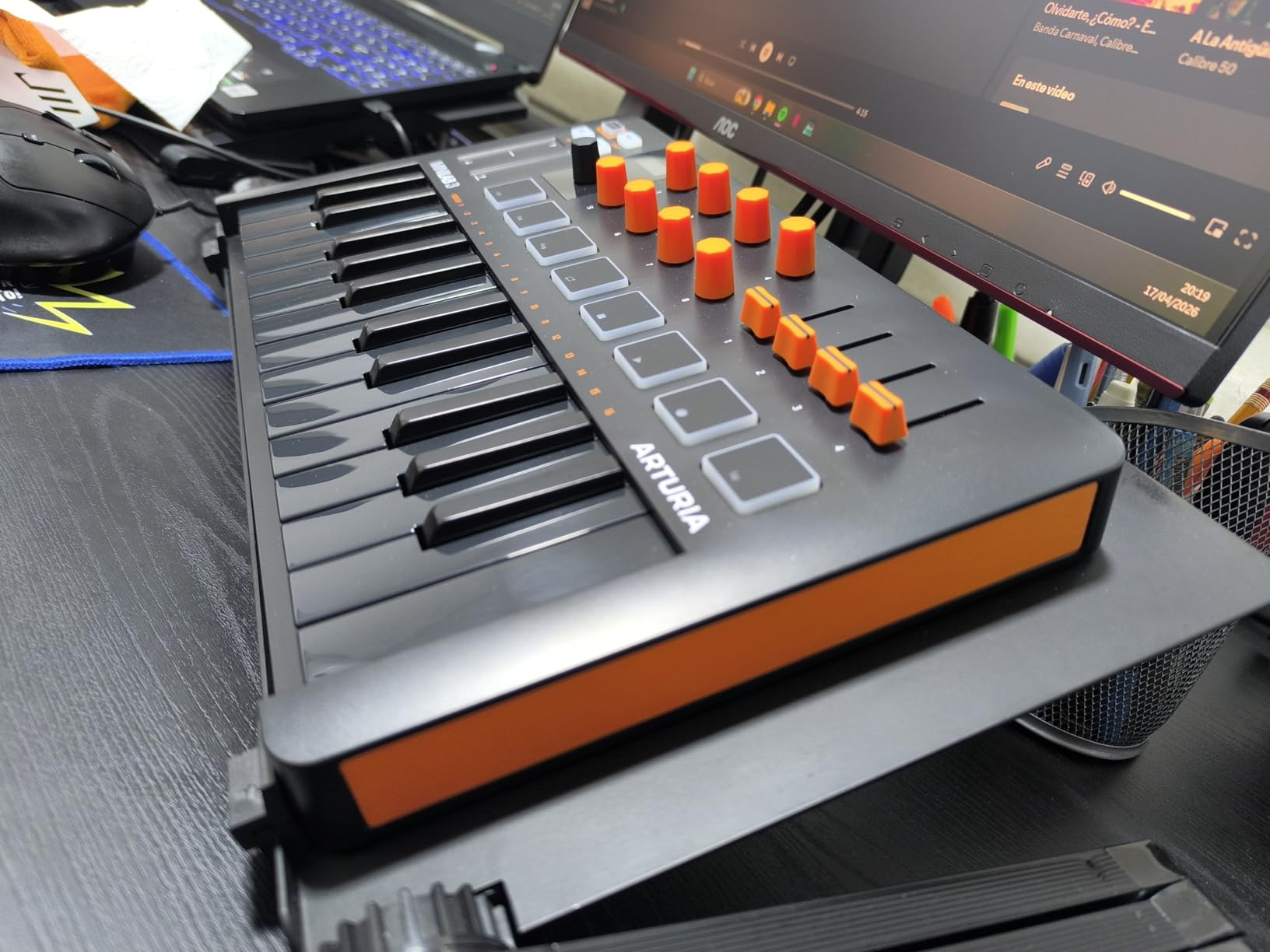
The RGB pads offer visual feedback that helps during live performances. Different colors can indicate drum sounds, sample slots, or clip statuses depending on your DAW. This visual mapping reduces mistakes when performing.
Having a dedicated MIDI output port future-proofs your setup. When you eventually buy hardware synthesizers or drum machines, this controller connects directly without USB conversion interfaces.
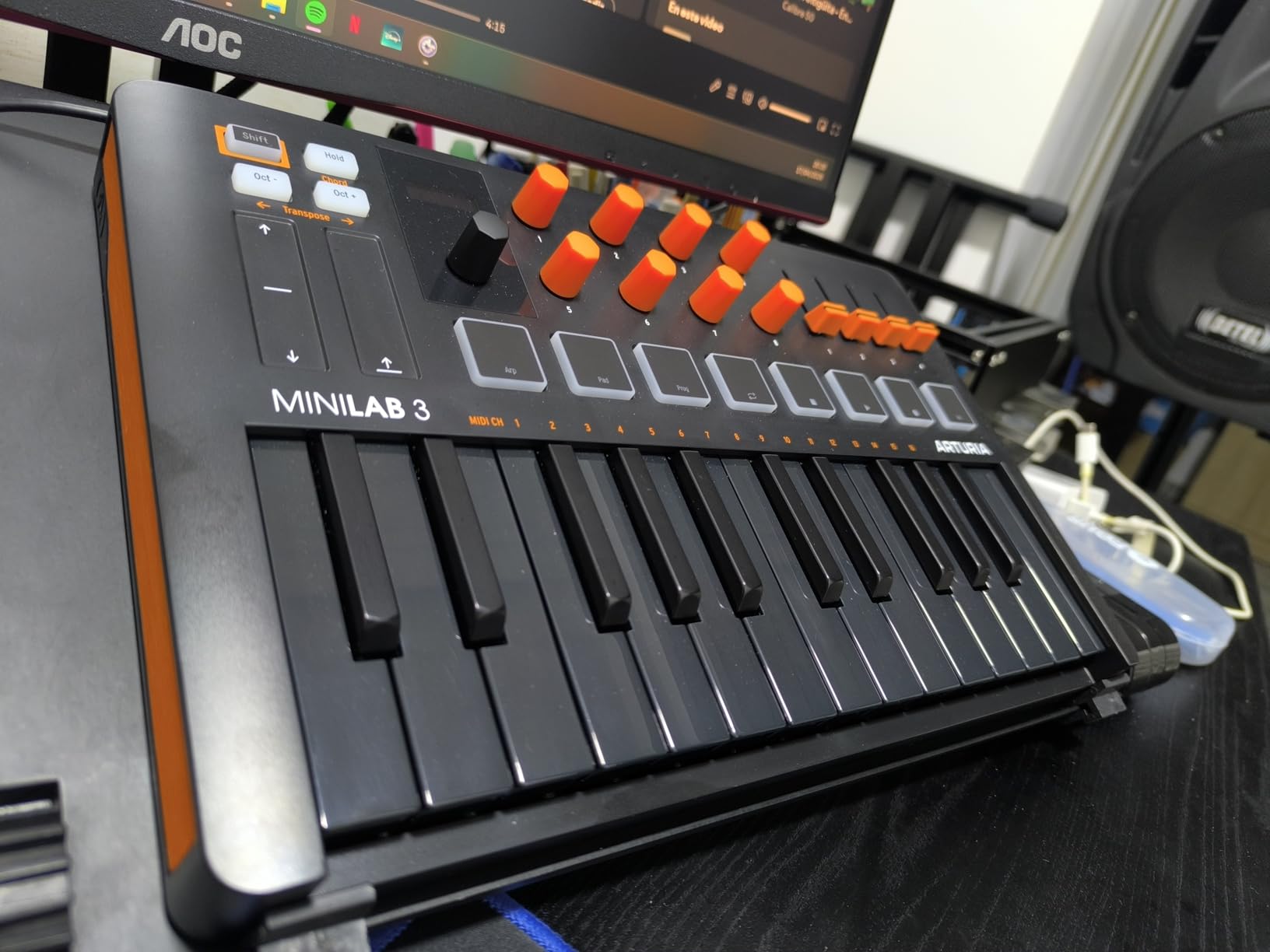
Who Should Buy the MiniLab 3
Producers who value software quality should prioritize this option. The Analog Lab sounds are genuinely professional, spanning vintage synthesizers, electric pianos, and modern digital instruments. I found myself inspired just browsing presets and playing simple chords.
The five-year warranty matters for beginners investing their first significant amount in music gear. Arturia stands behind their products longer than most competitors. This coverage includes parts and labor, providing real protection.
Who Should Skip It
The pad feel divides opinions. Some users on r/musicproduction describe them as stiff compared to Akai’s MPC pads. If finger drumming is your primary focus, the MPK Mini MK3 offers a more responsive experience.
The slightly higher price point might stretch tight budgets. While the software bundle adds value, beginners wanting the absolute lowest entry cost should consider the Donner N-25 instead.
3. Donner Mini MIDI Keyboard N-25 – Best Budget Entry Point
Donner Mini MIDI Keyboard N-25, 25 Key MIDI Controller Gifts for Beginners with Velocity-Sensitive Mini Keys Light-up Rocker Music Production Software, Small USB Controlador with 40 Teaching Courses
25 mini velocity-sensitive keys
40 included teaching courses
4 user programmable banks
Arpeggiator and tap tempo
USB-MIDI plug and play
Light-up buttons for visual feedback
Compatible with all major DAWs
Pros
- Extremely affordable entry point
- 40 teaching courses help beginners learn
- Simple plug-and-play setup
- Light-up buttons provide clear visual feedback
- Programmable banks expand functionality
- Compact and portable design
- Good starter for kids and teens
Cons
- Build quality reflects the price point
- Some users report key reliability issues
- Keys feel small for adult hands
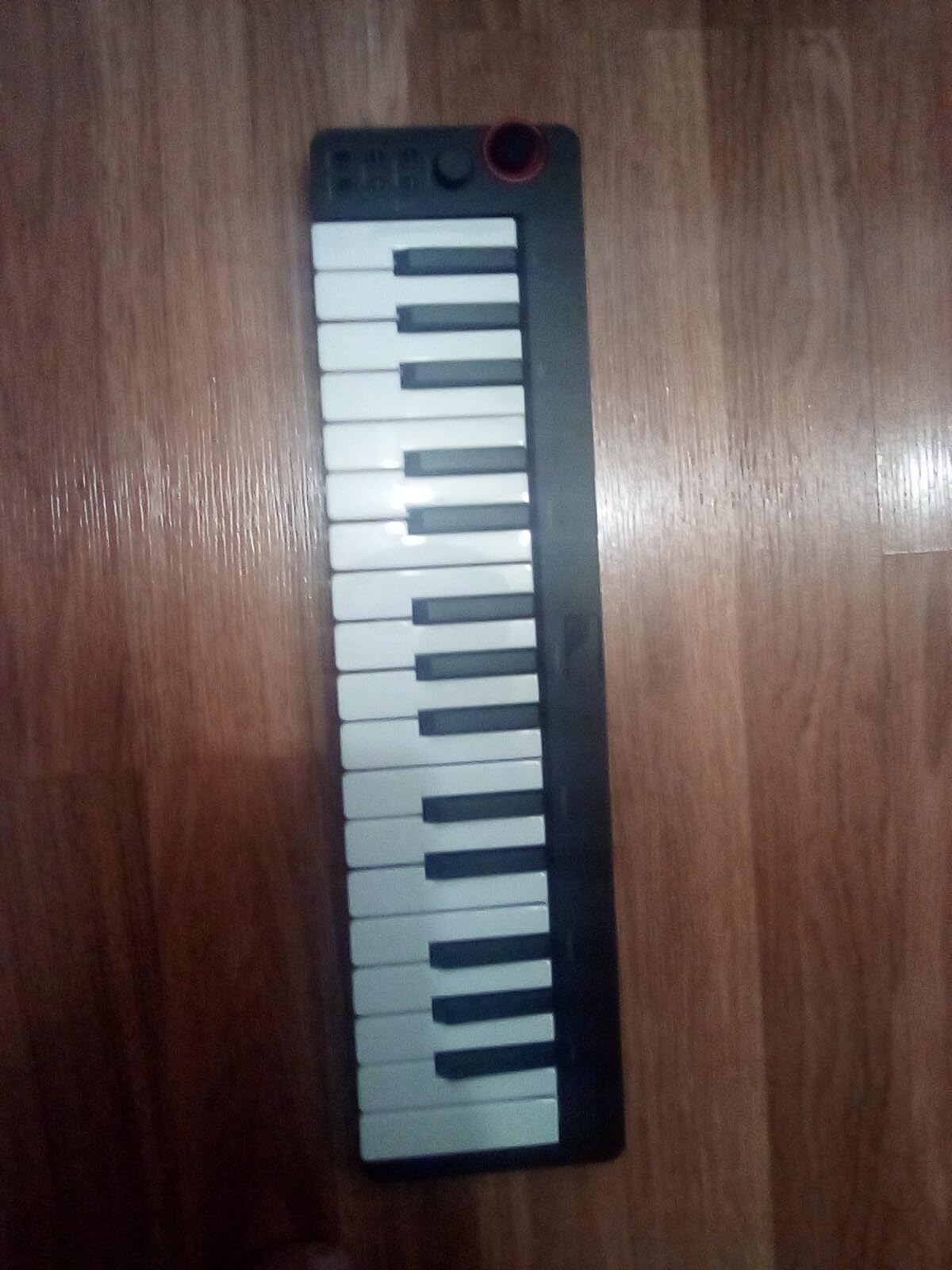
At under $40, the Donner N-25 removes every barrier to entry. I bought one to test as a gift option for my nephew, and it exceeded my expectations for the price. The keys respond to velocity, the arpeggiator works smoothly, and it connects without drivers on Mac and Windows.
The included teaching courses genuinely help beginners understand music fundamentals. While not a substitute for formal lessons, these 40 courses cover scales, chords, and basic technique. My nephew progressed from random key mashing to playing simple melodies within two weeks.
The light-up buttons provide clear visual feedback about octave position, arpeggiator status, and other functions. This visual clarity helps beginners understand what the controller is doing without constantly checking their computer screen.
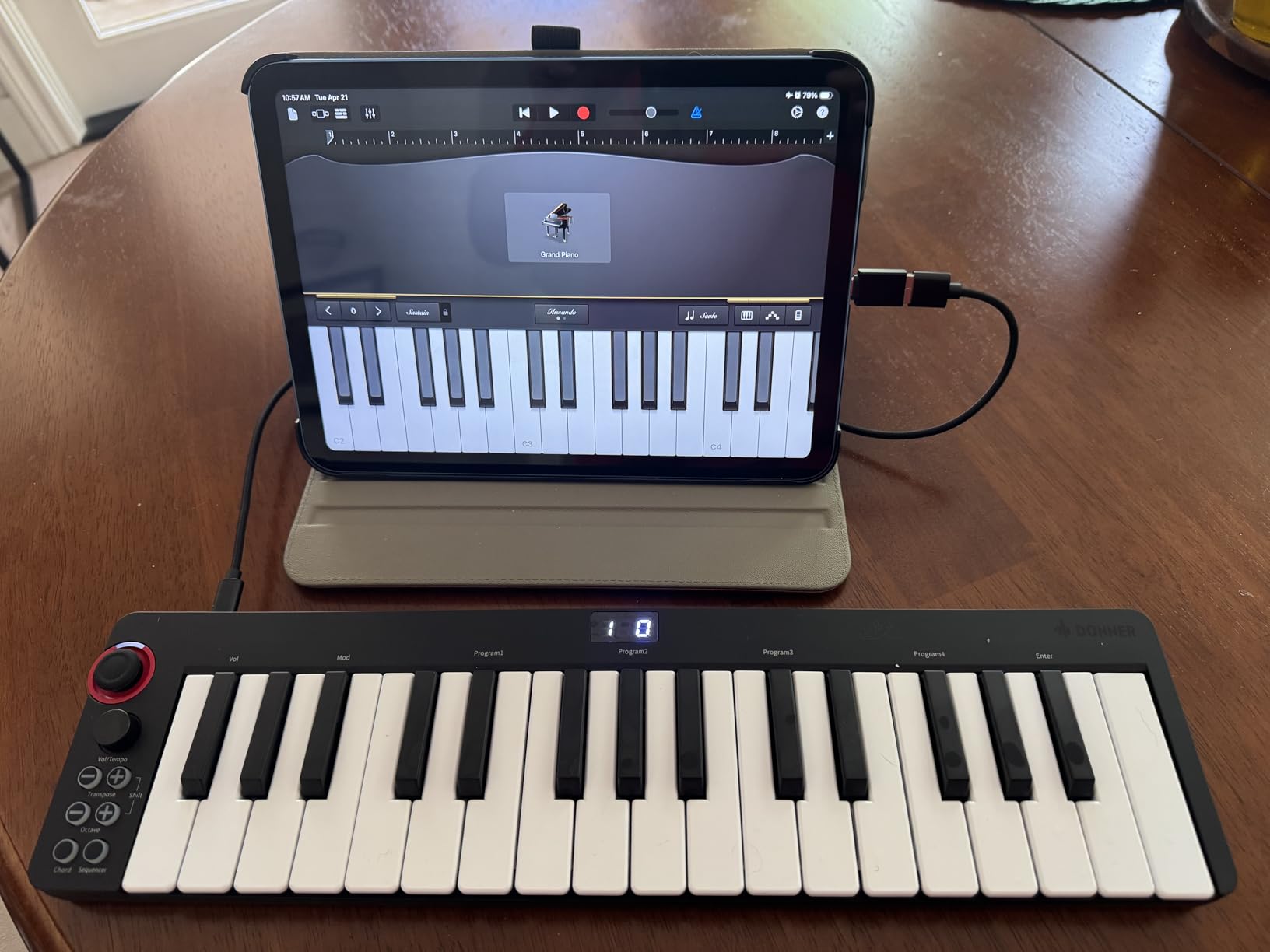
Despite the budget price, this controller includes features often missing from competitors. The four programmable banks let you save different control setups for various projects. The tap tempo function syncs delays and effects to your playing in real-time.
The compatibility list covers every major DAW including Ableton Live, FL Studio, Logic Pro, Cubase, and Studio One. Beginners can switch software later without buying new hardware.
Best Entry Point for Complete Beginners
This controller serves two audiences perfectly: parents buying for children and adults testing whether music production interests them long-term. The low investment reduces risk while providing genuine functionality.
The teaching courses add educational value that competitors lack. Beginners learn while doing, which research shows improves retention significantly. I watched my nephew reference these courses repeatedly during his first month.
Limitations to Consider
The build quality reflects the price. The plastic chassis feels lightweight and the keys lack the premium response of higher-end options. For serious producers planning daily use, investing more upfront saves replacement costs later.
Some Amazon reviewers mention occasional key reliability issues. While the 4.2-star rating suggests most units work perfectly, quality control appears less consistent than established brands like Akai or Arturia.
4. Novation FLkey Mini – The FL Studio Power User’s Choice
Novation FLkey Mini USB MIDI Controller Keyboard
25 mini velocity-sensitive keys
Designed specifically for FL Studio
8 knobs for mixer control
16 velocity-sensitive pads
Scale mode for staying in key
Note Repeat for hi-hat rolls
3-year warranty included
Pros
- Seamless FL Studio integration requires no setup
- Direct mixer and channel rack control
- Scale mode helps beginners play correctly
- Step sequencer control from hardware
- Note Repeat perfect for trap beats
- Smaller pads enable more drum slots
- FL Studio users report high satisfaction
Cons
- Primarily designed for FL Studio only
- Smaller key size challenges piano players
- Limited functionality outside FL Studio workflow
FL Studio users, this controller was built specifically for you. Novation partnered with Image-Line to create seamless integration that other controllers cannot match. Every knob, pad, and button maps automatically to FL Studio functions.
The scale mode transformed my experience as a beginner struggling with music theory. Enable it, select a key, and every note you play stays harmonically correct. Wrong notes become impossible. This feature helped me experiment with chord progressions I would never have discovered otherwise.
Controlling the channel rack and mixer from hardware speeds up workflow dramatically. Instead of clicking through software menus with a mouse, I twist knobs to adjust volume, panning, and plugin parameters. This tactile connection to the music feels more creative.
The step sequencer integration deserves special mention. FL Studio’s sequencer is legendary for beat making, and this controller brings that power to your fingertips. Program drums, trigger samples, and arrange patterns without touching your mouse.
Note Repeat solves a common beginner frustration. Creating fast hi-hat rolls that define trap and hip-hop beats requires precise timing. This function handles the technical execution while you focus on the creative pattern.
Why FL Studio Users Love It
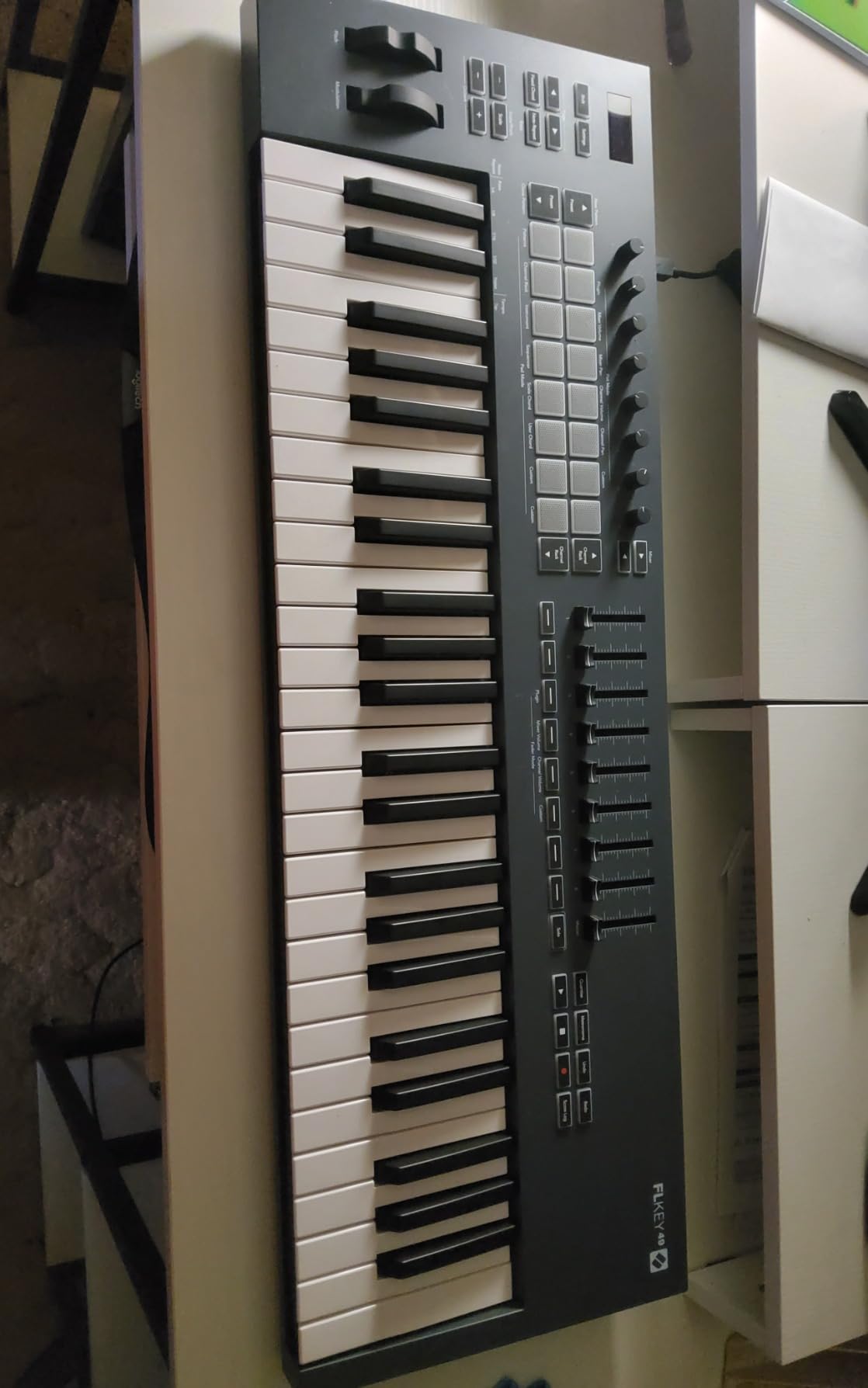
The integration eliminates the learning curve that frustrates beginners. Most controllers require manual MIDI mapping to work with your DAW. The FLkey Mini works immediately upon connection. Reddit users on r/FLStudio consistently recommend this as the best beginner option.
The three-year warranty exceeds industry standards. Novation clearly believes in this product’s durability. For beginners planning long-term use, this coverage provides meaningful protection.
Not the Best Choice If…
Users of other DAWs should look elsewhere. While the FLkey Mini works as a generic MIDI controller in Ableton or Logic, you lose the deep integration that justifies its price. The automatic mapping is the selling point, and that only works in FL Studio.
Piano-focused players might find the mini keys limiting. The 25-key count and mini size restrict two-handed playing. Those wanting to learn piano technique should consider the M-Audio Keystation 49 instead.
5. Akai Professional MPK Mini IV – Next Generation Features
Akai Professional MPK Mini IV 25-Key USB-C MIDI Keyboard Controller, Black
25 mini velocity-sensitive keys
Full-color OLED screen
8 assignable 360-degree knobs
8 RGB MPC pads with velocity and pressure
True pitch and modulation wheels
USB-C and 5-pin MIDI Out
NKS integration with Native Instruments
Pros
- Full-color screen shows parameter feedback
- USB-C modern connectivity standard
- True pitch and mod wheels vs thumbstick
- RGB pads with customizable colors
- NKS integration with Komplete software
- Chord and Scale modes for beginners
- Pattern and Mutate arpeggiator functions
Cons
- Higher price than MK3 predecessor
- Software setup requires time investment
- More features than absolute beginners need
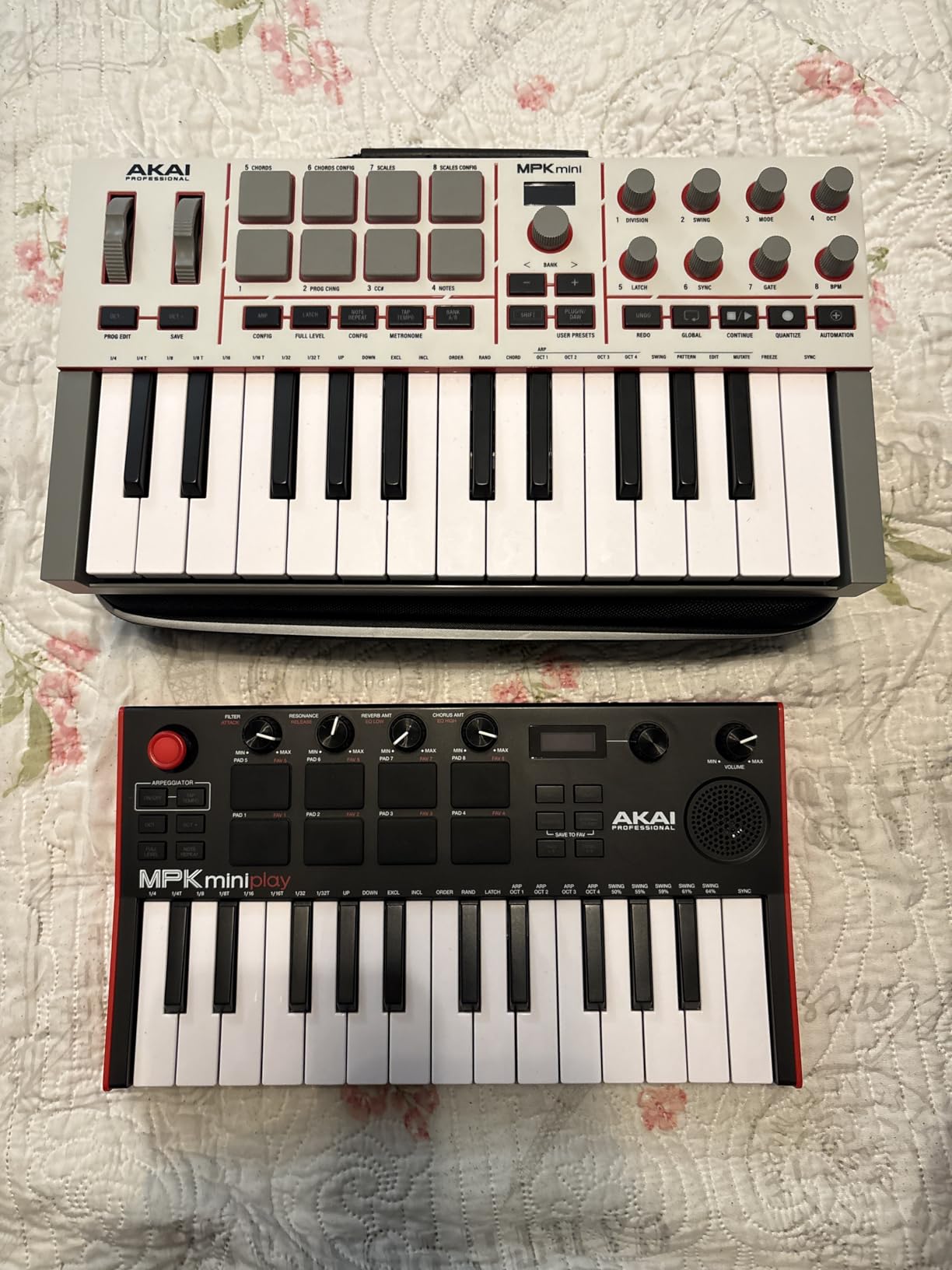
The MPK Mini IV represents Akai’s vision for the future of compact controllers. I upgraded from the MK3 and immediately appreciated the OLED screen. Seeing parameter values and preset names directly on the controller eliminates constant computer checking.
The true pitch and modulation wheels replace the thumbstick found on earlier models. This change matters for expression. The wheels respond more smoothly during bends and gradual modulations. I found myself using these controls more creatively than with the previous design.
USB-C connectivity future-proofs your setup as older USB-B ports disappear from laptops. The included cable works with modern MacBooks and Windows machines without adapters. The 5-pin MIDI output also connects to vintage synthesizers and hardware drum machines.
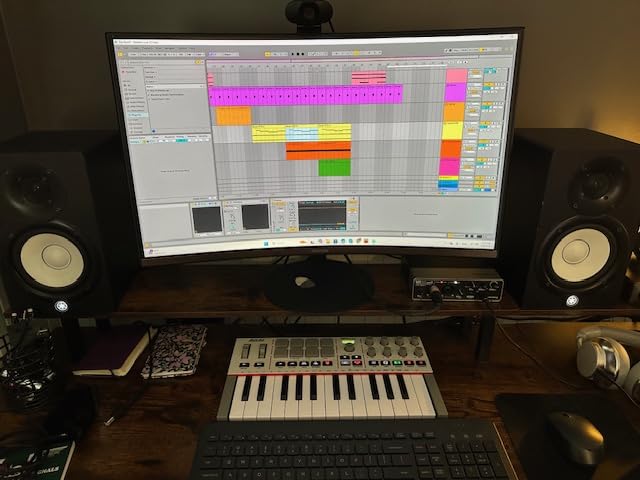
The NKS integration with Native Instruments software enables browsing thousands of sounds directly from the controller. For producers building around Komplete or Kontakt libraries, this workflow saves significant time.
The Chord and Scale modes help beginners play harmonically correct parts without extensive theory knowledge. Select your key and scale type, and the controller maps only the correct notes. Wrong notes become musically impossible.
Who Benefits Most from the Latest MPK Mini
Producers ready to invest in a controller that grows with their skills should consider this option. The advanced features might seem unnecessary for absolute beginners, but they become essential as your productions become more complex.
Native Instruments users gain particular advantages. The NKS integration transforms how you browse and load sounds. I found myself discovering instruments I had forgotten about because browsing became so effortless.
Reasons to Consider the MK3 Instead
Absolute beginners on tight budgets get 90% of the functionality with the MK3 at a lower price. The thumbstick works fine for most users, and USB-B ports remain common on desktop computers and many laptops.
If you already own the MK3 and it works well, the upgrade is not essential. The IV improves the experience but does not fundamentally change what you can create. Save your money for quality studio monitors or software instead.
6. M-Audio Keystation 49 MK3 – More Keys for Melody Focus
M-AUDIO Keystation 49 MK3 USB MIDI Controller
49 full-size velocity-sensitive keys
Semi-weighted synth action
Pitch bend and modulation wheels
Volume fader and transport controls
Octave up/down buttons
Sustain pedal input
Premium software suite included
Pros
- Full-size keys feel natural for piano students
- 49 keys enable two-handed playing
- Semi-weighted action balances synth and piano feel
- Transport controls for DAW navigation
- Sustain pedal input for expression
- Includes Ableton Live Lite and virtual instruments
- iOS compatible with Apple adapter
Cons
- Semi-weighted keys lack true piano feel
- Larger size reduces portability
- No drum pads for beat making
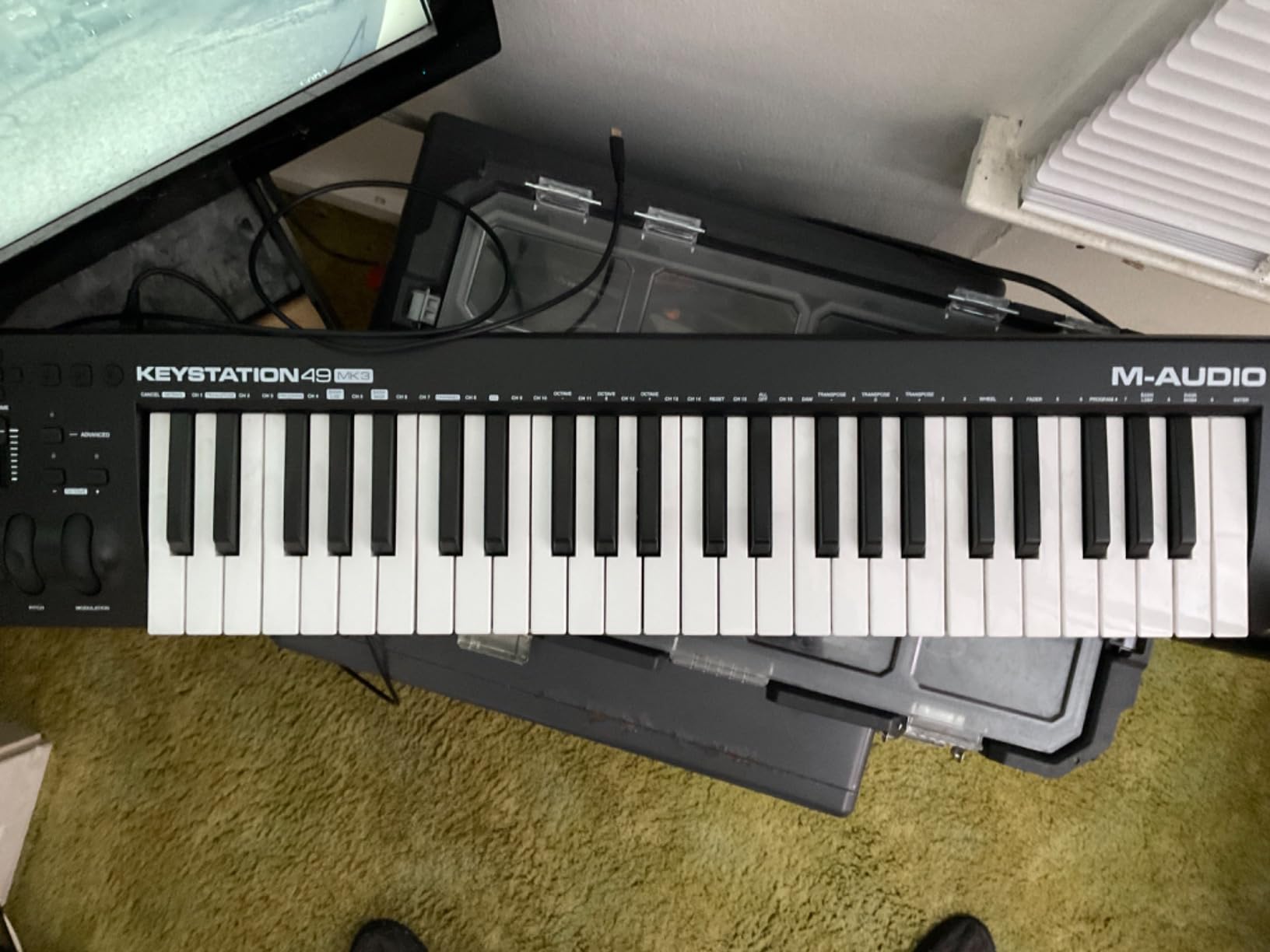
The Keystation 49 addresses the biggest limitation of compact controllers: key count. With 49 full-size keys, you can actually learn piano pieces and play two-handed chords. I recommend this to anyone wanting to develop keyboard skills alongside production.
The semi-weighted action provides a compromise between synth responsiveness and piano realism. The keys spring back faster than acoustic pianos but offer more resistance than mini keys. This feel helps develop finger strength for later piano study.
The included software bundle rivals more expensive controllers. Ableton Live Lite provides a professional DAW, while XPand2, Mini Grand, and Velvet offer piano, electric piano, and synthesizer sounds. Beginners get everything needed to start making complete tracks.
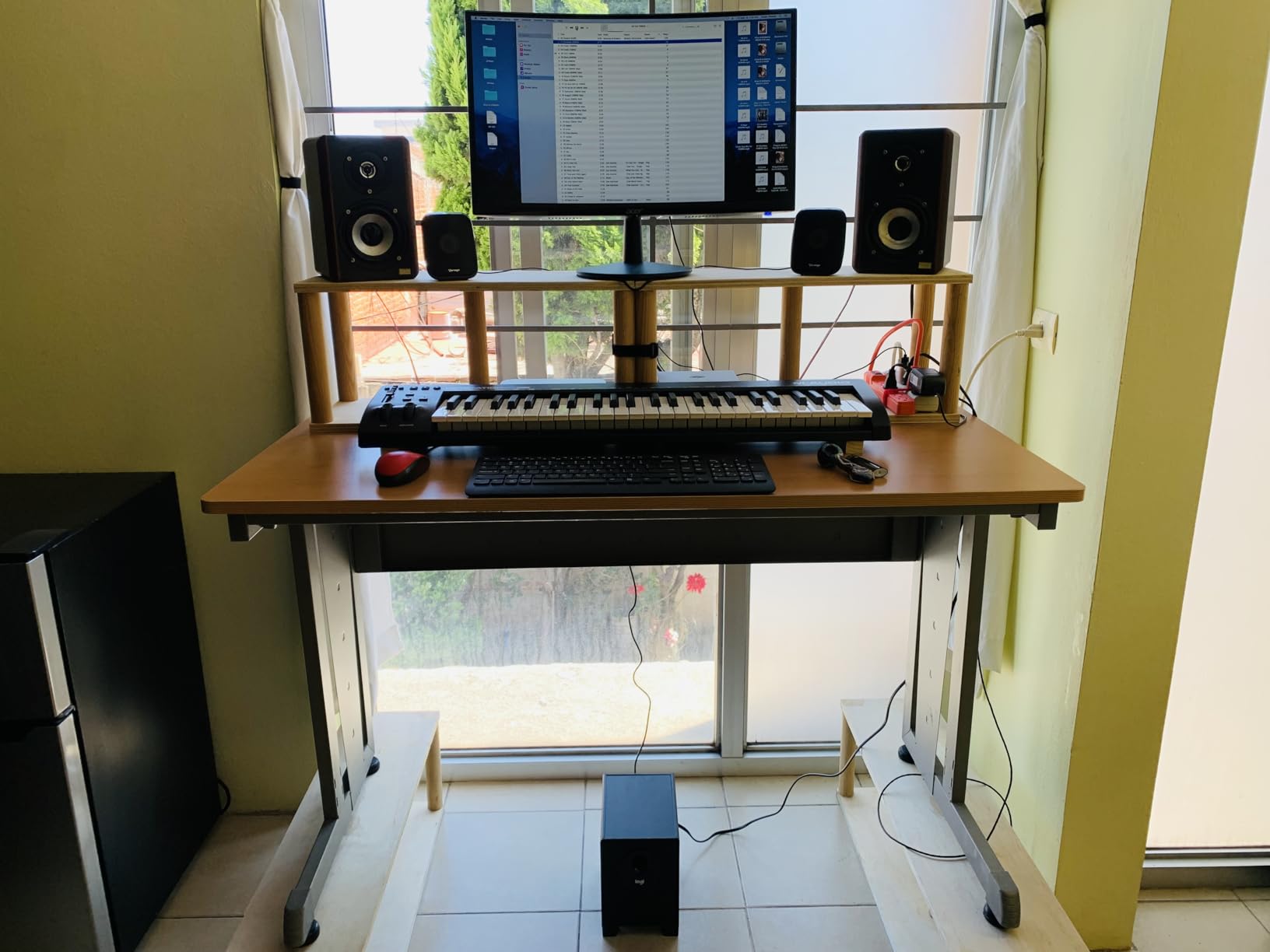
Transport controls might seem minor but transform workflow. Play, stop, record, and navigate your timeline directly from the keyboard. These buttons become muscle memory quickly, keeping your focus on playing rather than clicking.
The sustain pedal input enables genuine piano expression. Half-pedaling and gradual sustain changes add realism to virtual piano instruments. This feature matters for classical, jazz, and ballad productions.
Ideal for Piano Students and Melody Focus
Anyone learning piano technique should start here rather than with 25-key mini controllers. The full-size keys develop proper finger positioning and muscle memory. Switching to acoustic pianos later feels natural rather than foreign.
Singer-songwriters benefit from the expanded range. Playing accompaniment patterns with left hand while singing requires more than 25 keys. The 49-key span covers most pop and folk repertoire comfortably.
When 49 Keys Is Too Much
Producers focused on beat making lose the drum pads found on competitors. You will need a separate pad controller or mouse clicks for drum programming. The MPK Mini MK3 offers better integration for hip-hop and electronic production.
The larger footprint challenges mobile producers. This controller will not fit in most backpacks comfortably. Those planning to produce on the go should consider the more compact options reviewed above.
7. Native Instruments Komplete Kontrol M32 – The NI Ecosystem Gateway
Native Instruments Komplete Kontrol M32 Controller Keyboard (26154)
32 compact keys for extended range
OLED display for parameter feedback
Touch-sensitive control knobs
Smart Play features with scales and chords
NKS support for Komplete integration
USB 2.0 bus powered
Includes Ableton Live 10 Lite
Pros
- 32 keys provide more range than typical compact controllers
- Excellent Native Instruments software integration
- Smart Play helps beginners stay in key
- OLED display shows clear parameter values
- Touch-sensitive knobs feel premium
- NKS support for seamless Komplete browsing
- Solid metal and plastic construction
Cons
- Limited availability currently in stock
- Buttons feel clicky compared to premium NI products
- Setup complexity outside NKS ecosystem
- USB cable quality disappoints
- Knob customization limited without software
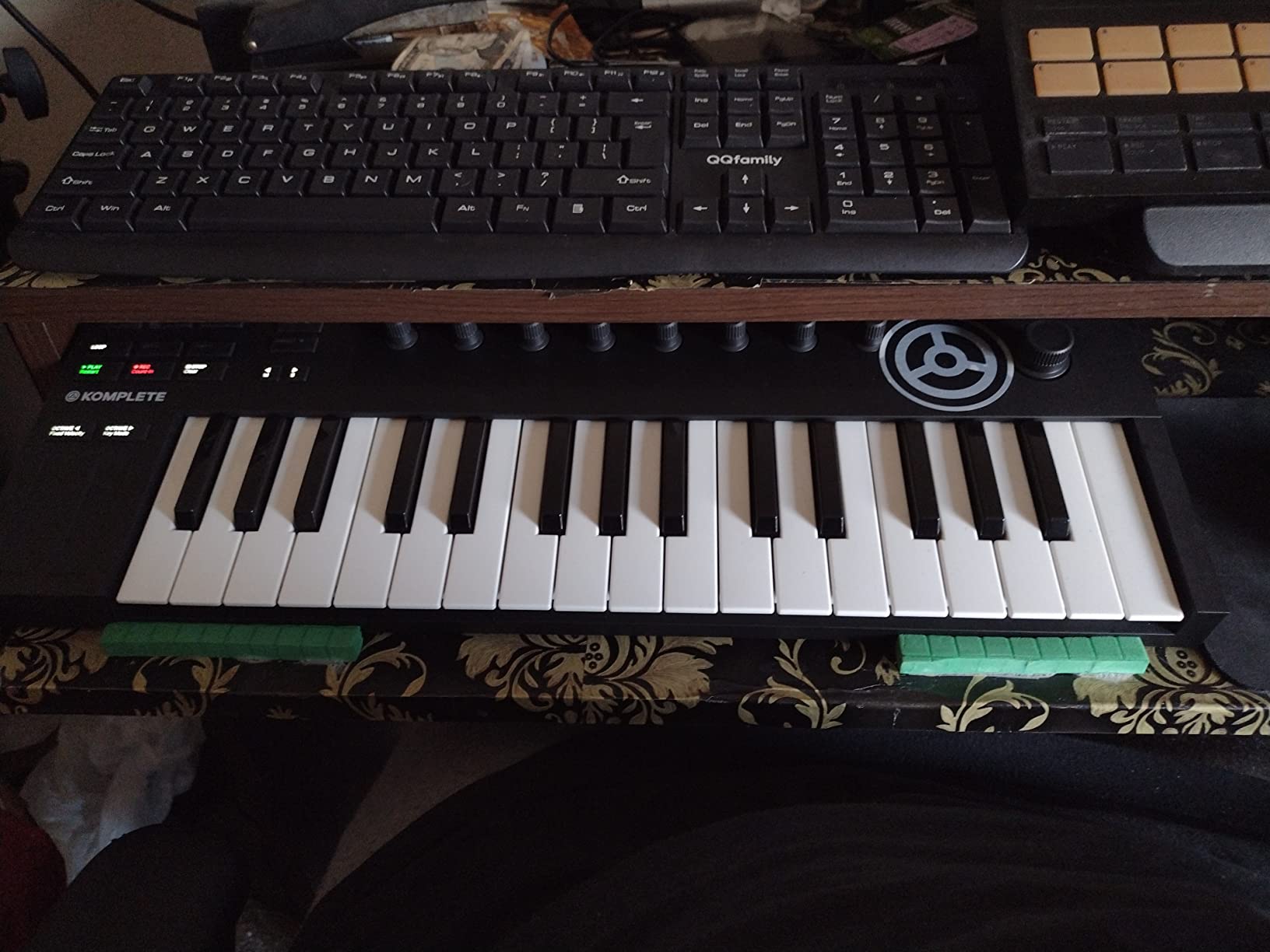
Native Instruments created the M32 specifically for their Komplete software ecosystem. If you own or plan to buy Komplete instruments, this controller unlocks their full potential. The integration feels almost telepathic.
The 32-key count hits a sweet spot. You get seven more notes than typical 25-key controllers, enabling wider chord voicings and two-handed playing for simple patterns. The compact key size keeps the overall footprint manageable.
Smart Play features transform how beginners approach music theory. The arpeggiator, scale mapping, and chord modes help you create harmonically sophisticated parts without years of study. I composed chord progressions I never would have discovered otherwise.
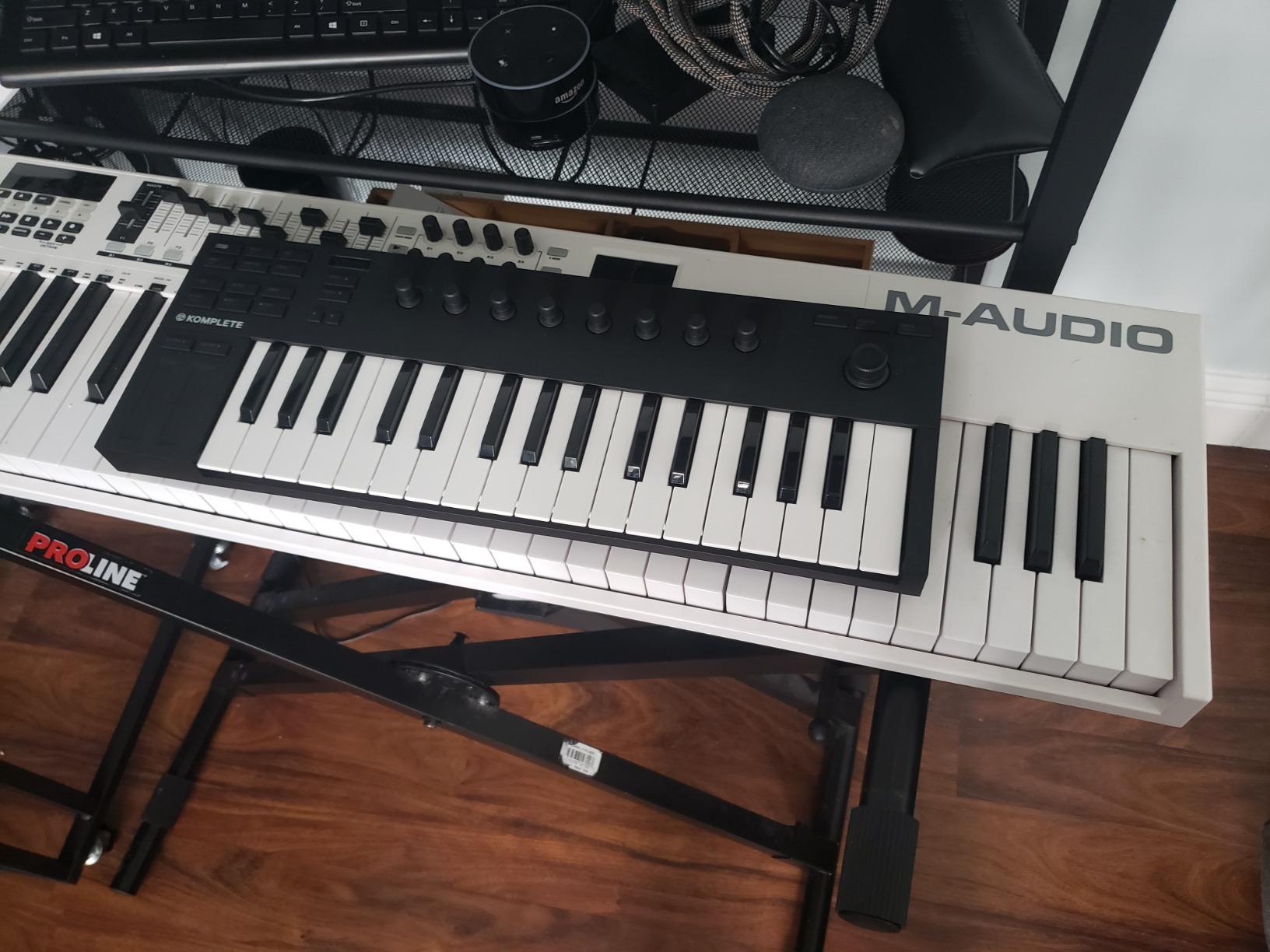
The OLED display shows parameter names and values clearly. Unlike controllers that leave you guessing what a knob controls, this screen confirms every adjustment. The touch-sensitive knobs respond to your fingers in nuanced ways.
NKS support means browsing thousands of Komplete sounds directly from the controller. The preset names appear on the OLED display, and you can audition sounds without touching your mouse. This workflow saves hours when searching for the right sound.
The Native Instruments Ecosystem Advantage
Komplete owners should seriously consider this controller. The deep integration justifies the investment immediately. You browse, load, and control NI instruments entirely from hardware. The computer becomes secondary to the creative process.
The Smart Play features serve as training wheels for music theory. Beginners can create sophisticated arrangements while learning why certain notes work together. Over time, you naturally absorb harmonic concepts through experimentation.
Who Should Look Elsewhere
Non-Native Instruments users lose much of what makes this controller special. While it works as a generic MIDI device, the deep integration that justifies the price only benefits Komplete owners. Consider the MPK Mini MK3 for broader DAW compatibility.
The button feel disappoints compared to Native Instruments’ higher-end keyboards. The M32 uses clickier switches than the S-series controllers. For the price, some users expect more premium tactile feedback.
8. RockJam 25-Key – Wireless Freedom for Mobile Producers
RockJam RJMK25 25 Key USB MIDI Keyboard Controller with Drum Pads
25 mini velocity-sensitive keys
Bluetooth MIDI connectivity
Rechargeable built-in battery
8 backlit drum pads
8 360-degree control knobs
OLED display for real-time feedback
Arpeggiator function included
Pros
- Bluetooth eliminates cable clutter completely
- Rechargeable battery enables truly mobile production
- OLED display shows current settings clearly
- Compatible with all major DAWs
- Good value for wireless capability
- Drum pads enable beat making
- Compact size fits in small bags
Cons
- Bluetooth latency affects timing-sensitive recording
- Pad sensitivity less refined than Akai
- Battery requires regular charging
- Some users report connection stability issues
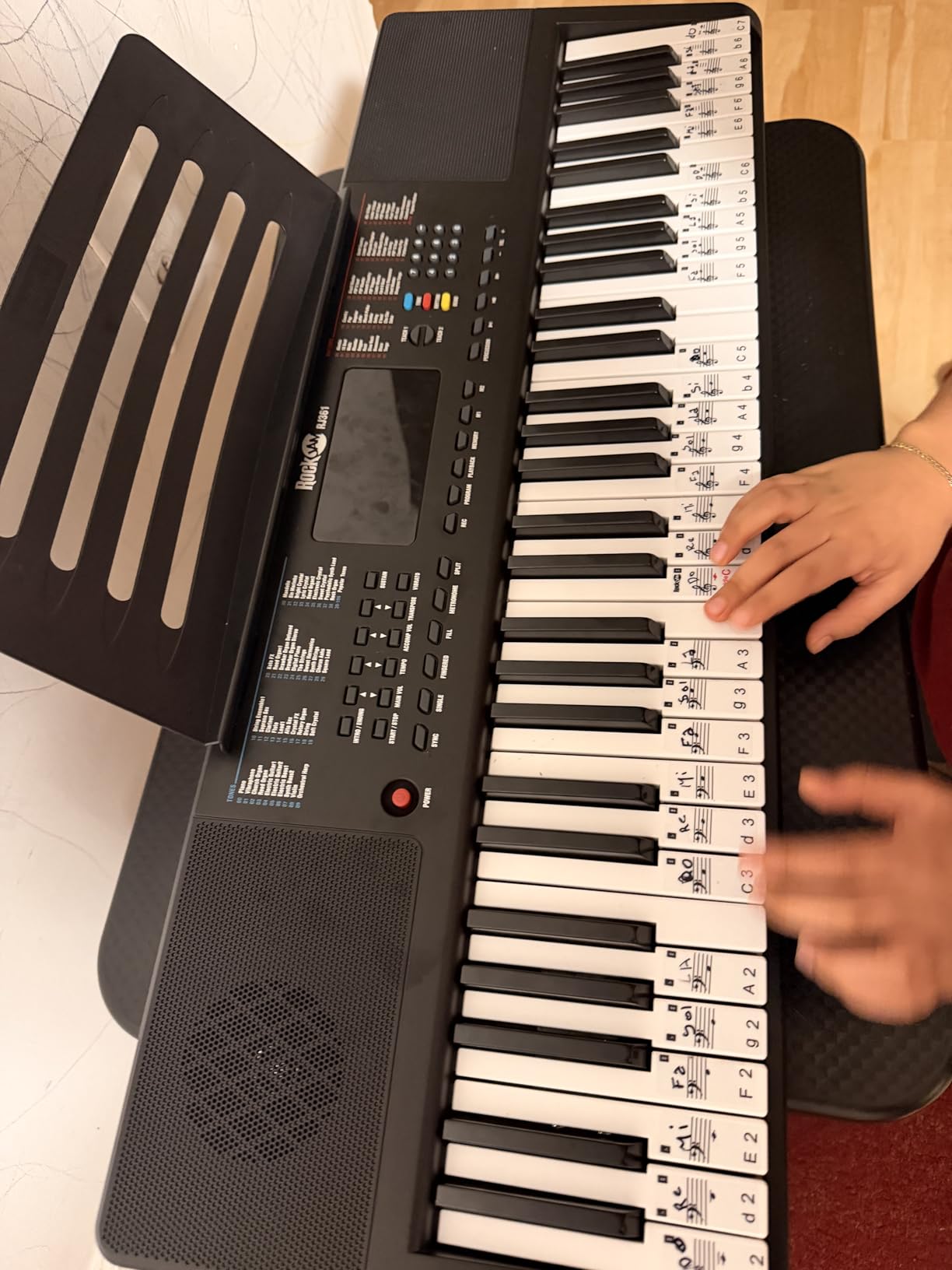
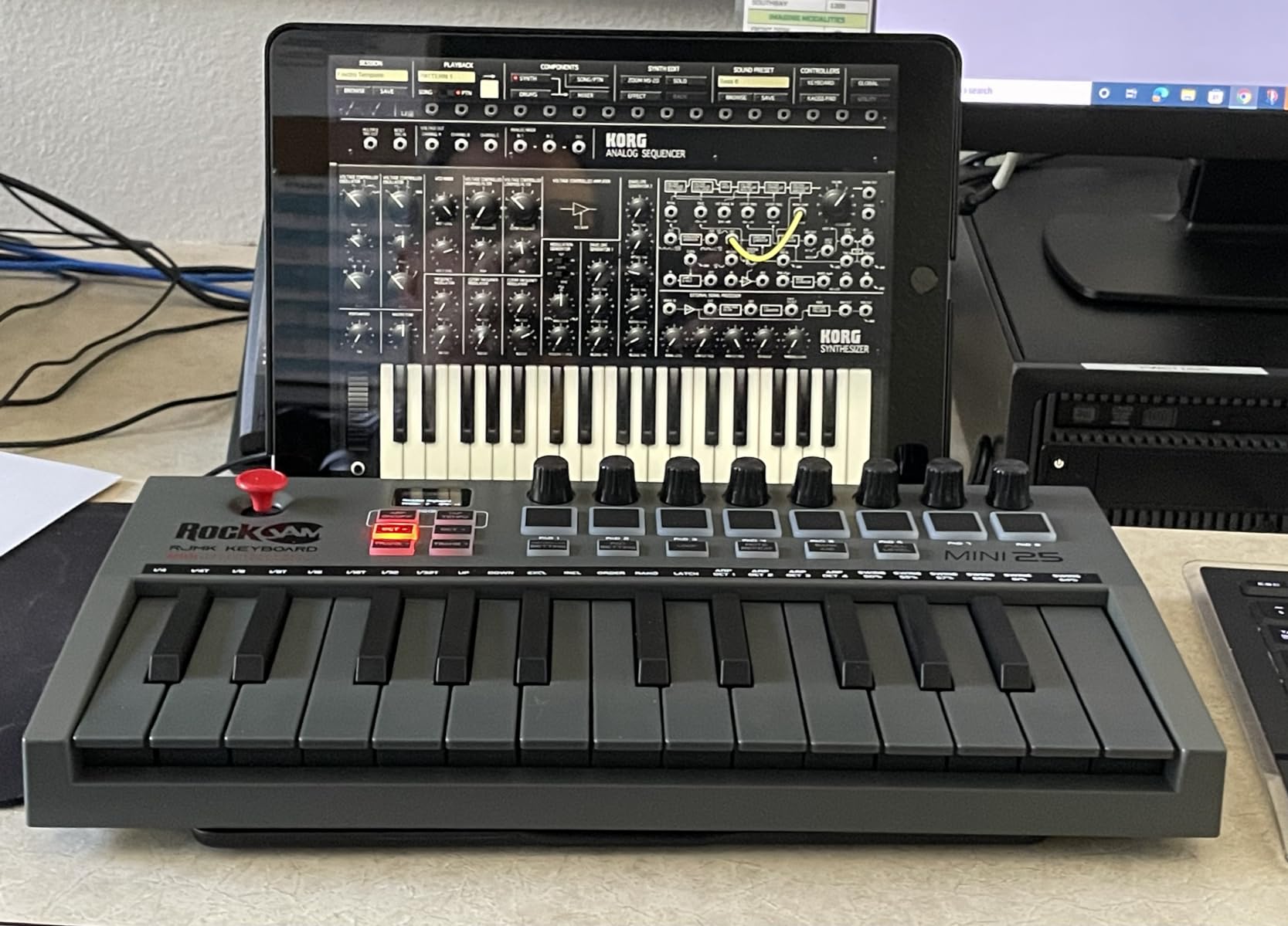
The RockJam 25-Key solves a problem most controllers ignore: cable management. Bluetooth connectivity means no USB cable running to your laptop. I have produced tracks on my iPad at the park, on my phone in hotel rooms, and on my laptop at coffee tables.
The rechargeable battery lasts approximately 16 hours of continuous use. This endurance covers multiple sessions between charges. A standard USB cable charges the battery while maintaining connectivity if power runs low.
The eight drum pads and eight knobs provide comprehensive control despite the compact size. You get beat-making capabilities and parameter control in a package that fits under airplane seats. The OLED display confirms your settings at a glance.
The arpeggiator adds creative possibilities beyond simple note input. Set the rate, range, and pattern, then hold a chord to generate rhythmic sequences. This feature helps beginners create complex parts with minimal technique.
DAW compatibility covers the full range: GarageBand, FL Studio, Logic Pro X, Ableton Live, and more. The Bluetooth MIDI standard works with modern iOS, Android, Mac, and Windows devices. Almost any device made in the last five years connects without adapters.
Wireless Freedom for Mobile Producers
This controller serves producers who work outside traditional studios. The wireless connection and battery power eliminate infrastructure requirements. You need only the controller and a device with music software.
iPad producers particularly benefit. The Bluetooth connection pairs instantly, and the compact size matches tablets perfectly. I have sketched song ideas on flights that later became finished tracks in my studio.
Trade-offs for the Price
Bluetooth introduces latency that affects timing-critical recording. When playing drums or fast melodies, the slight delay between key press and sound can disrupt your performance. Wired controllers offer tighter timing for serious recording.
The pad sensitivity falls short of MPC standards. While functional for basic beat programming, finger drummers will notice the difference. Those prioritizing pad performance should consider the MPK Mini MK3 instead.
9. M-VAVE 25 Key – Bluetooth and Battery Life Champions
M-VAVE 25 Key USB MIDI Keyboard Controller With 8 Backlit Drum Pads, Bluetooth Semi Weighted Professional dynamic keybed 8 Knobs and Music Production,Software Included (Black)
25 velocity-sensitive mini keys
Bluetooth connectivity with 16hr battery
8 RGB backlit velocity-sensitive pads
8 assignable rotary encoders
2 capacitive touch stripes for pitch
Smart chord and smart sound function
Companion app for deep configuration
Pros
- Exceptional 16-hour battery life for wireless use
- Bluetooth pairs quickly with multiple devices
- Touch strips provide modern pitch control
- Infinite rotary encoders never hit limits
- Companion software enables deep customization
- Compact and lightweight for travel
- RGB pads offer visual feedback
Cons
- Poor documentation and manual quality
- Companion software can be hard to locate
- USB-B connector uses older standard
- No footswitch functionality over USB
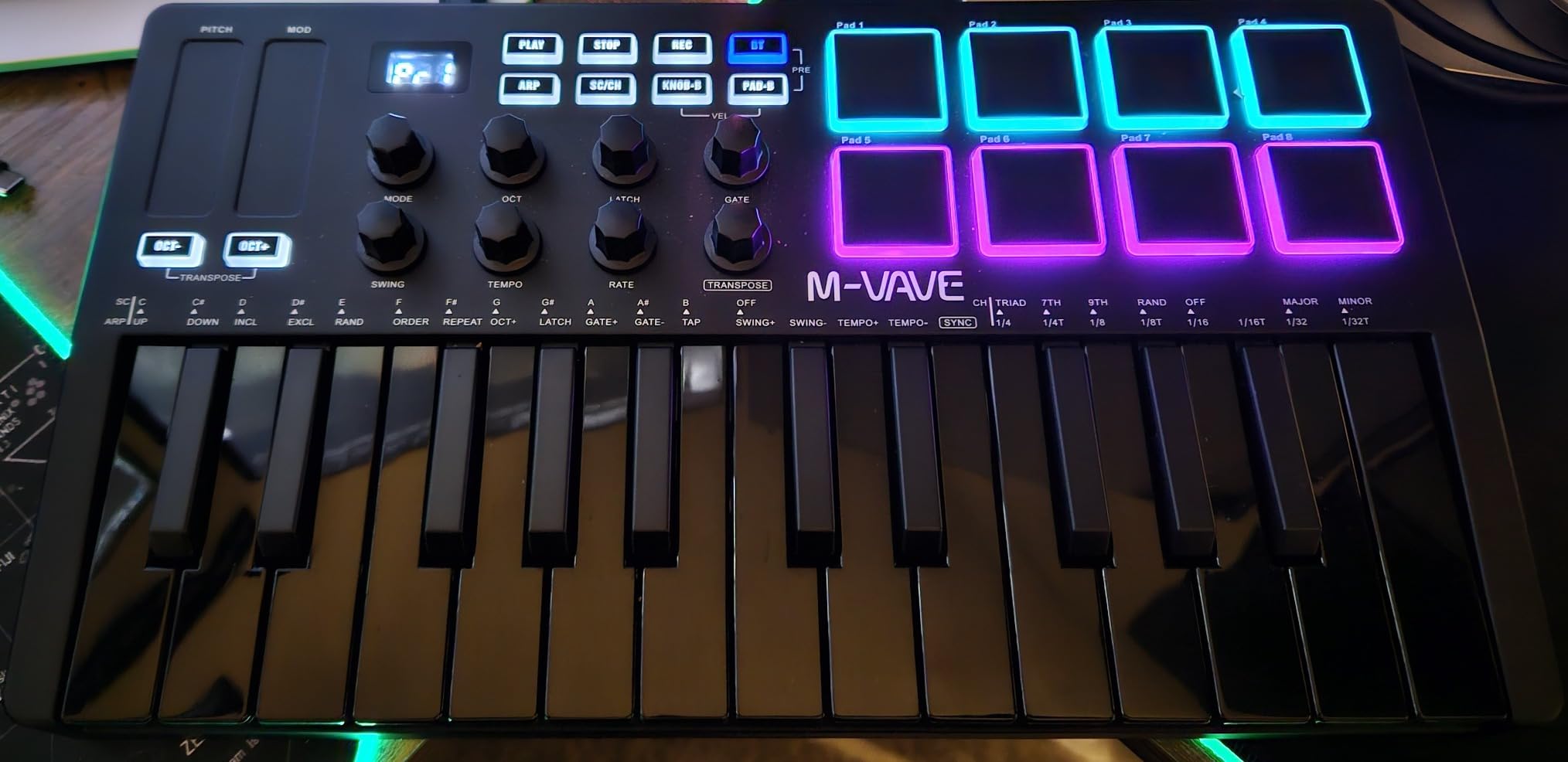
The M-VAVE 25 Key surprised me with its capabilities. Despite being a lesser-known brand, this controller competes with established names. The 16-hour battery life exceeds most competitors by several hours. I completed a three-day production session on a single charge.
The infinite rotary encoders represent a thoughtful design choice. Unlike knobs with fixed start and end points, these spin endlessly. When controlling filter sweeps or effect levels, you never hit a physical limit at the wrong moment.
The companion app, once found, unlocks extensive customization. Map any control to any MIDI message, adjust velocity curves, and save multiple profiles. This flexibility lets the controller adapt to your workflow rather than forcing adaptation to the hardware.
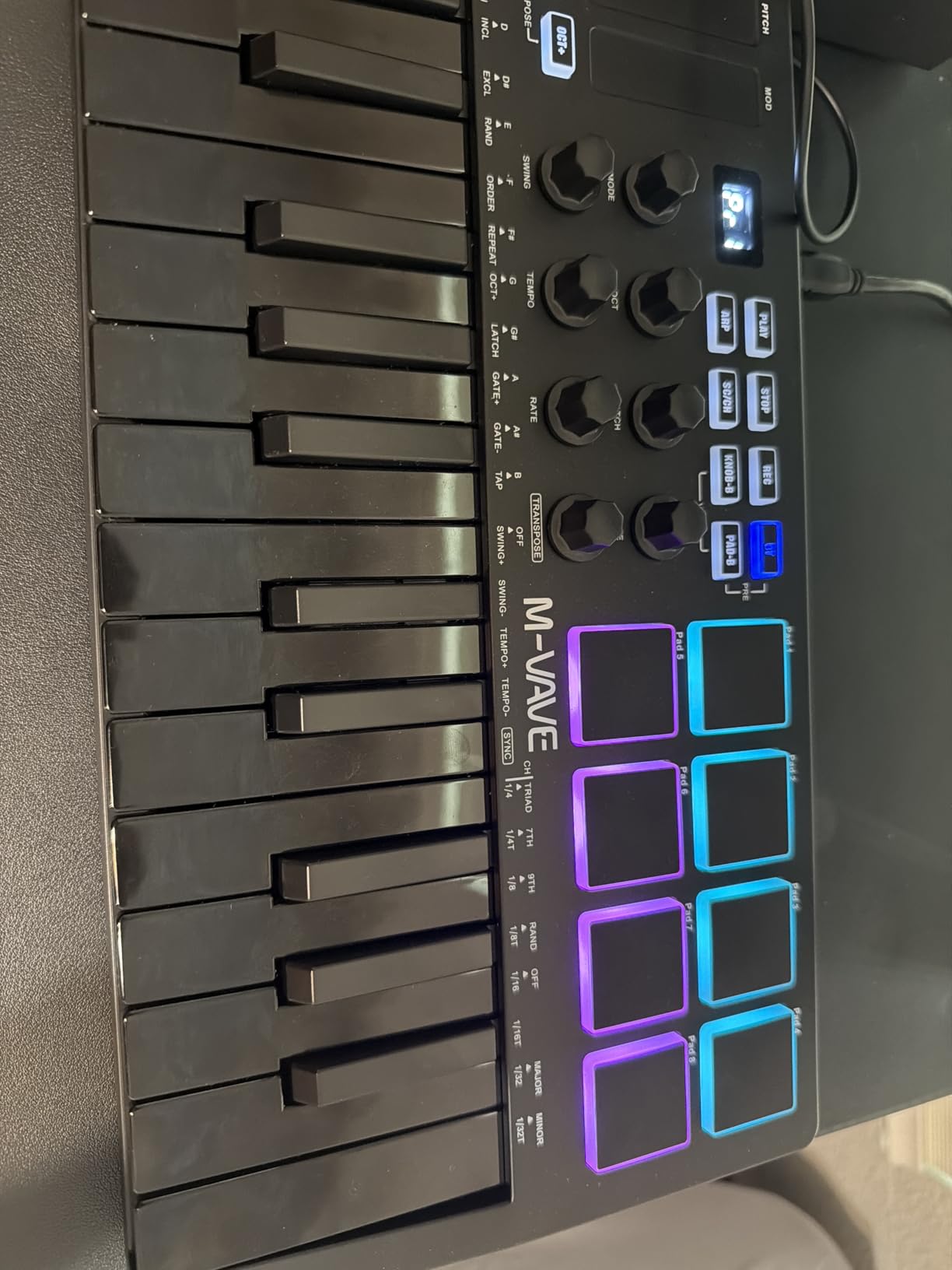
The smart chord and smart sound functions help beginners create sophisticated music. Smart chord generates complete chord voicings from single notes. Smart sound selects appropriate instrument articulations automatically.
The touch strips for pitch bend and modulation feel responsive and modern. Unlike mechanical wheels, these respond to finger position and pressure. Gestures like vibrato become more natural with practice.
Bluetooth and Battery Life Champions
Mobile producers who prioritize wireless freedom should strongly consider this option. The 16-hour battery outlasts most competitors by significant margins. You can work full days without hunting for power outlets.
The companion software, despite documentation issues, provides professional-level customization. Map controls precisely to your DAW workflow. Save different setups for recording, mixing, and performing. This adaptability serves growing producers well.
Documentation and Setup Challenges
The included manual provides minimal guidance. Many Amazon reviewers mention confusion during initial setup. You will need patience and possibly online research to unlock the controller’s full potential.
Finding the companion software proves frustrating. The manufacturer website lacks clear download links. Once located, the software works well, but the hunt discourages some users.
10. Akai Professional LPK25 – Ultra-Portable and Simple
Akai Professional LPK25 25-Key USB MIDI Keyboard Controller
25 responsive synth-action mini keys
Arpeggiator with adjustable clock
8 programmable preset slots
Dedicated octave up/down buttons
Sustain button for expression
USB bus powered no adapters
Ultra-compact and lightweight
Pros
- Extremely compact fits in small bags
- Simple plug-and-play operation
- 8 presets store different setups
- Arpeggiator adds creative possibilities
- Works with every major DAW
- Affordable price for quality build
- Trusted Akai brand reliability
Cons
- Keys smaller than standard size
- No drum pads for beat making
- Touch sensitivity less refined than premium options
- USB cable included is short
The LPK25 strips MIDI controllers to their essence: keys that work reliably. At under $60, this controller focuses on the fundamentals. I keep one in my laptop bag for spontaneous composition anywhere inspiration strikes.
The eight programmable presets transform this simple controller into a versatile tool. Save different octave ranges, MIDI channels, and control settings for various projects. Switch instantly between bass lines, chord progressions, and lead parts.
The arpeggiator, rare at this price point, generates rhythmic patterns from held notes. Beginners can create complex synthesizer parts with minimal keyboard skill. The adjustable clock syncs to your DAW tempo automatically.
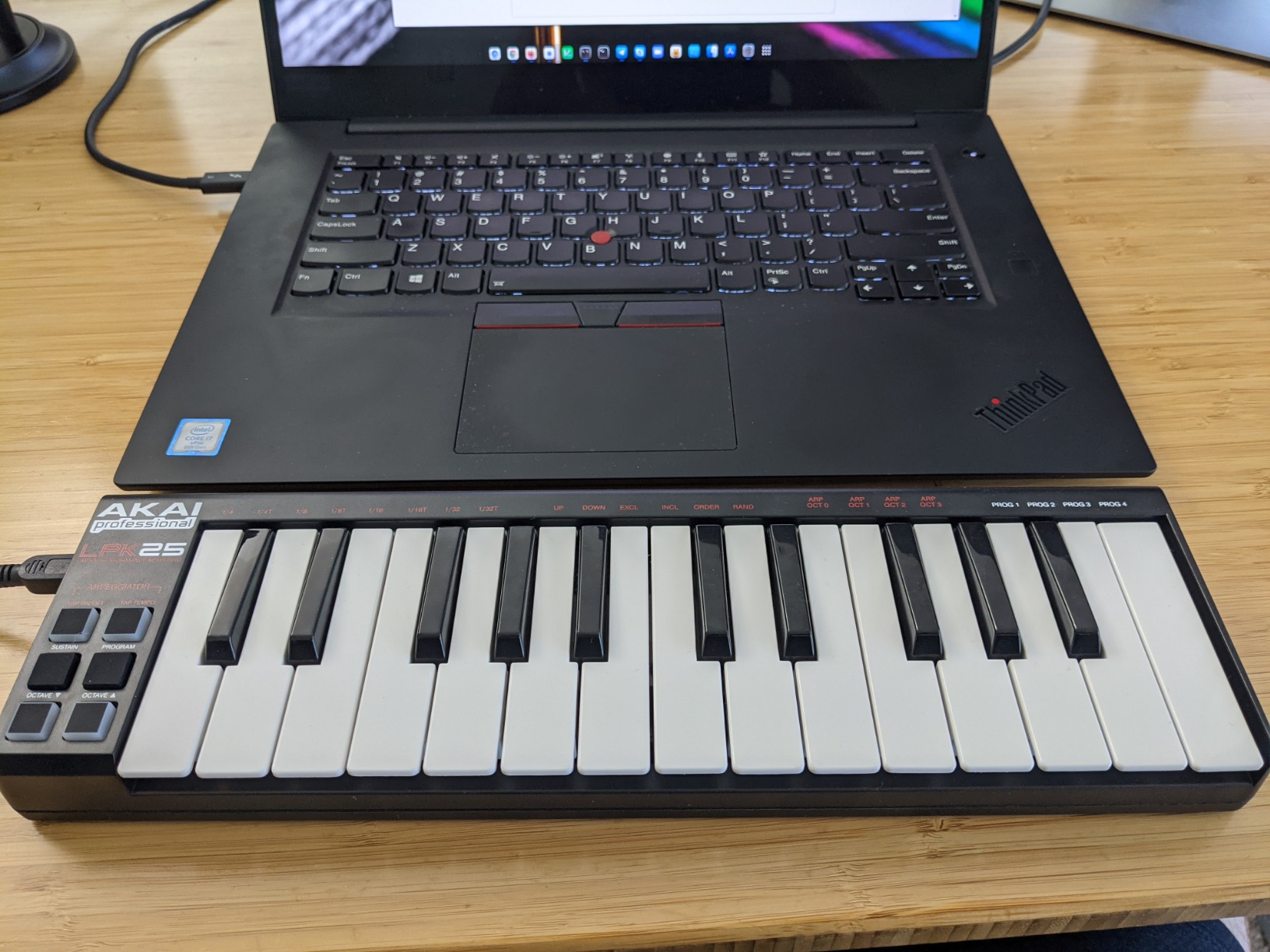
The build quality impresses for the price. While plastic, the chassis feels rigid and the keys respond consistently. Akai’s decades of MPC experience inform even their budget offerings. This controller survives regular travel better than expected.
The universal compatibility covers every DAW I tested: Ableton, Logic, Pro Tools, FL Studio, Cubase, Reason, and GarageBand. No drivers required on Mac or Windows. Plug in the USB cable and start playing within seconds.
Ultra-Portable and Simple
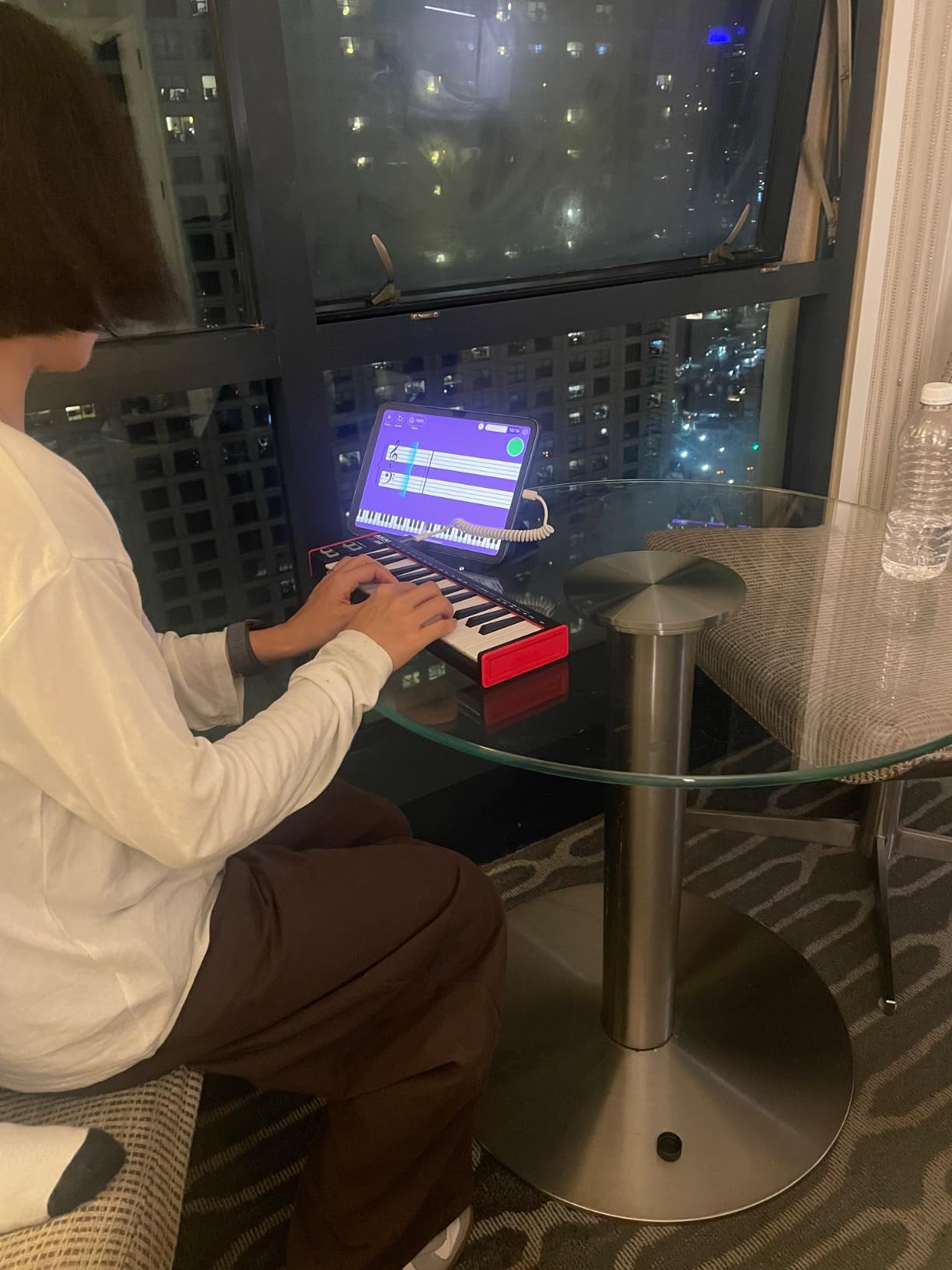
This controller serves producers wanting minimal gear. The compact size and light weight disappear into bags. You barely notice carrying it until inspiration strikes. I have composed tracks in airports, trains, and hotel lobbies with the LPK25.
The simplicity becomes an advantage for beginners. No overwhelming features to learn. No complex software to configure. Just keys that make sounds when you press them. This directness helps beginners focus on music rather than technology.
What You Give Up for the Size
The lack of drum pads limits beat-making workflows. Producers focused on hip-hop, trap, or electronic genres will miss the tactile pad response. Consider the MPK Mini MK3 for integrated beat production.
The mini keys challenge players with large hands. After about two weeks, most users adapt, but the initial experience frustrates some. Those with piano backgrounds especially feel constrained by the smaller keybed.
How to Choose Your First MIDI Controller: A Beginner’s Buying Guide
Buying your first MIDI controller for beginners involves balancing several factors. After testing dozens of models and reading thousands of user reviews, here is what actually matters.
Key Count: How Many Do You Really Need?
25 keys suit producers focused on beat making and simple melodies. You can play bass lines, lead parts, and one-handed chord patterns comfortably. Most beginners start here because the compact size and lower price reduce risk.
49 keys enable two-handed playing and proper piano technique development. Singer-songwriters and classical composers need this range for accompaniment patterns and wider chord voicings. The M-Audio Keystation 49 serves this audience well.
61 or 88 keys matter for serious piano students and professional keyboardists. Most beginners should not start here. Master the basics on a smaller controller, then upgrade as your skills and needs grow.
Key Feel: Mini vs Full-Size Keys
Mini keys travel less distance and require lighter touch. Your fingers adjust within one to two weeks of regular practice. The compact size enables portability that full-size keys cannot match. Reddit users on r/musicproduction confirm that mini keys work fine once adapted.
Full-size keys feel natural to piano players and help develop proper technique. The increased travel distance builds finger strength and control. Those planning to perform on acoustic pianos should consider full-size options.
Weighted keys simulate acoustic piano feel but cost significantly more. Beginners rarely need this feature. Semi-weighted and synth-action keys provide adequate response for learning and production.
Do You Need Drum Pads?
Drum pads transform how you make beats. Finger drumming on pads feels more expressive than clicking with a mouse or playing drums on keys. The velocity-sensitive response captures subtle dynamic variations that bring life to percussion.
Producers focused on hip-hop, trap, and electronic genres should prioritize pad quality. The MPK Mini MK3 and MiniLab 3 offer the best pad response in this price range. Budget options like the Donner N-25 include pads but with less refinement.
Classical composers and piano-focused producers might skip pads entirely. The M-Audio Keystation 49 dedicates its footprint to keys rather than pads. This trade-off makes sense for melody-focused workflows.
DAW Integration: Does It Matter?
Deep DAW integration eliminates setup headaches. Controllers like the Novation FLkey Mini work immediately with specific software. The knobs, buttons, and pads map automatically to relevant functions. This plug-and-play experience helps beginners start creating faster.
Generic MIDI controllers require manual mapping but work with any software. The flexibility serves producers who switch between DAWs or use multiple programs. The initial setup takes time but pays off in versatility.
Check compatibility lists before purchasing. Most modern controllers support Ableton Live, FL Studio, Logic Pro, and GarageBand. Niche or older software might have limited support.
Software Bundles: Real Value or Marketing?
Quality software bundles add genuine value. The Arturia MiniLab 3 includes Analog Lab Intro, worth more than the controller itself for some users. Native Instruments, Ableton Live Lite, and MPC Beats provide professional tools beginners actually use.
Evaluate bundles based on your needs. If you already own Ableton Live, a bundle including Live Lite adds no value. If you need sounds, instruments like Analog Lab or Komplete Start matter more than DAW software.
Download requirements frustrate some beginners. Many software packages require account creation, registration, and large downloads. Factor this setup time into your first day with the controller.
Connectivity: USB, Bluetooth, and MIDI
USB remains the standard connection method. Every controller in this guide connects via USB to Mac and Windows computers. USB bus power means no separate power adapters required.
Bluetooth enables wireless connections to tablets, phones, and laptops. The RockJam and M-VAVE controllers offer this flexibility. Battery life and latency trade-offs matter, so choose based on your workflow needs.
Traditional 5-pin MIDI outputs connect to hardware synthesizers and drum machines. The Arturia MiniLab 3 and Akai MPK Mini IV include these ports. Vintage gear enthusiasts and hardware-focused producers should prioritize this feature.
Frequently Asked Questions
What does a MIDI keyboard do?
A MIDI keyboard sends musical note data to your computer or other devices. Unlike a traditional piano, it produces no sound on its own. When you press a key, it sends information about which note you played, how hard you pressed it, and when you released it. Your computer receives this data and triggers virtual instruments, creating the actual sound you hear. Think of it as a translator between your fingers and your music software.
Is a MIDI keyboard okay for beginners?
Yes, a MIDI keyboard is excellent for beginners. It provides a hands-on way to learn music fundamentals while exploring modern production. Most beginner controllers include features like scale modes and arpeggiators that help you create music while learning theory. The software bundles that come with many controllers give you everything needed to start immediately, often including learning resources and tutorials designed for newcomers.
What is the difference between a MIDI keyboard and a normal keyboard?
A normal keyboard or digital piano produces sound internally using built-in speakers or audio outputs. It functions as a standalone instrument. A MIDI controller produces no sound itself and requires connection to a computer, tablet, or hardware synthesizer to generate audio. MIDI controllers focus on sending control data and typically offer additional features like drum pads, knobs, and faders for controlling music software. They are designed for music production rather than standalone performance.
Can I learn music on a MIDI keyboard?
Absolutely. A MIDI keyboard provides an excellent platform for learning music theory, piano technique, and production skills simultaneously. The velocity-sensitive keys teach dynamics and expression. Many controllers include scale modes and chord features that help you understand harmony while playing. However, if your goal is traditional piano mastery, eventually you will want to practice on weighted keys that simulate acoustic piano feel. For beginners, a MIDI keyboard serves as an affordable and versatile learning tool.
What cables do I need?
Most beginner MIDI controllers require only a single USB cable that connects to your computer. This USB connection both powers the controller and transmits MIDI data. The cable typically comes included with the controller. For iPad or iPhone use, you may need an Apple Camera Adapter or USB-C hub depending on your device model. Some controllers with 5-pin MIDI outputs require additional cables for connecting to hardware synthesizers. Wireless Bluetooth controllers need no cables but require charging via USB.
Conclusion: Start Your Music Production Journey Today
Choosing the right MIDI controller for beginners comes down to understanding your goals and workflow. The Akai MPK Mini MK3 remains the safest choice for most new producers, offering proven reliability and comprehensive features at a fair price. Arturia’s MiniLab 3 serves those prioritizing software quality and build refinement. Budget-conscious beginners find genuine value in the Donner N-25.
My advice after years of testing: start with what inspires you to create. The technical specifications matter less than the motivation to sit down and make music regularly. Any controller on this list can produce professional results in capable hands. Your creativity matters more than your gear.
Ready to transform your computer into a musical instrument? Pick the controller that matches your budget and workflow, connect it to your DAW, and start creating. The best MIDI controller for beginners is the one that gets you making music today.