
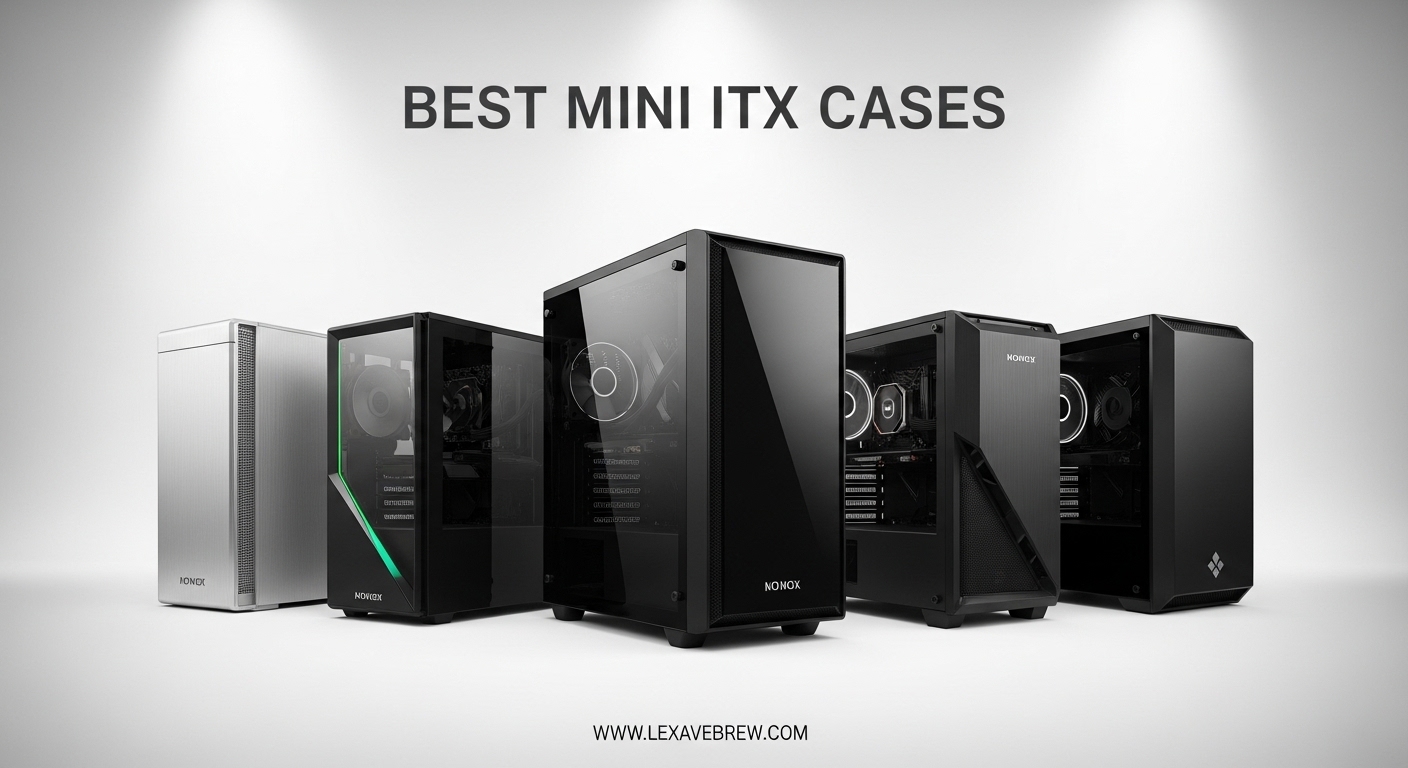
I spent the last three months building in ten different mini ITX cases, testing everything from budget-friendly options to premium boutique designs. Our team wanted to find the best mini ITX cases that balance compact size, thermal performance, and build accessibility. Whether you are planning a LAN party rig or a living room PC that won’t dominate your entertainment center, this guide covers what actually matters.
Mini ITX builds have come a long way. You can now fit a high-end GPU like the RTX 5080 into a case smaller than a shoebox. The challenge is choosing the right chassis for your specific components and skill level. Some cases make building a breeze, while others require patience and careful cable planning.
We tested cases ranging from 10.4 liters to 20.7 liters, measuring GPU thermals under load, evaluating cable management routing, and assessing build difficulty for first-time SFF builders. Here are our findings for the best mini ITX cases in 2026.
Top 3 Picks for Best Mini ITX Cases
Here are our top three recommendations if you need a quick decision. Each serves a different use case, from premium aesthetics to maximum value.

Fractal Design Terra Graphite
- Real walnut front panel
- 10.4L ultra-compact
- 322mm GPU clearance
- PCIe 4.0 riser included
Cooler Master NR200
- 18.25L versatile design
- 330mm GPU clearance
- 280mm radiator support
- Tool-free panels
Lian Li A4-H2O
- Ultra-compact 11L footprint
- 240mm AIO support
- Triple-slot GPU
- Full mesh panels
Best Mini ITX Cases in 2026
This comparison table shows all ten cases we tested, sorted by volume from smallest to largest. Use this to quickly compare GPU clearance, cooling support, and key features.
| Product | Specifications | Action |
|---|---|---|
|
Fractal Design Terra
|
|
Check Latest Price |
|
Lian Li A4-H2O
|
|
Check Latest Price |
 SilverStone SG13
|
|
Check Latest Price |
 Cooler Master NCORE 100
|
|
Check Latest Price |
 SSUPD Meshroom D
|
|
Check Latest Price |
|
Cooler Master NR200
|
|
Check Latest Price |
 Jonsbo C6-ITX
|
|
Check Latest Price |
 Fractal Design Ridge
|
|
Check Latest Price |
 Jonsbo Z20
|
|
Check Latest Price |
 NZXT H2 Flow
|
|
Check Latest Price |
1. Fractal Design Terra Graphite – Editor’s Choice with Walnut Finish
Fractal Design Terra Graphite - Wood Walnut Front Panel - Small Form Factor - Mini ITX Gaming case – PCIe 4.0 Riser Cable – USB Type-C - Anodized Aluminum Panels
10.4L volume
322mm GPU clearance
Real walnut front panel
PCIe 4.0 riser included
Anodized aluminum construction
Pros
- Stunning real walnut wood panel
- Premium aluminum build quality
- Adjustable sliding internal wall
- Tool-less panel design
- Compact 10.4L footprint
Cons
- Limited to single 120mm fan
- Premium price point
- Large gaps may allow dust
- CPU cooler height restrictions
When I first unboxed the Fractal Design Terra, I thought it was furniture rather than a PC case. The real walnut front panel and 8mm thick anodized aluminum construction make this feel like a premium product before you even start building. This is a case you display proudly on your desk, not hide under it.
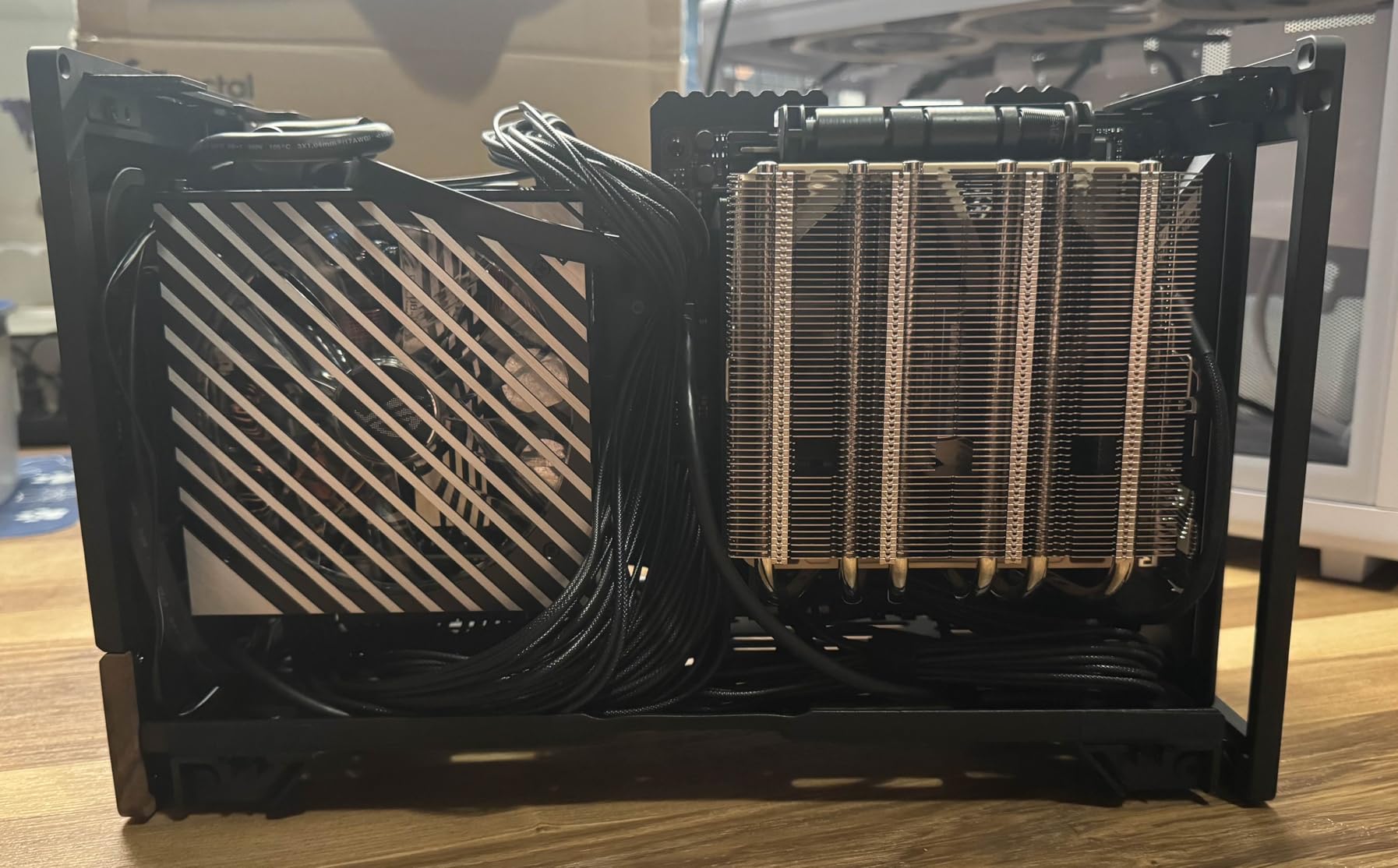
The adjustable internal wall is genuinely clever. You get 30mm of flexibility to prioritize either CPU cooler height or GPU thickness depending on your build. I tested it with both a slim air cooler plus thick triple-slot GPU, and a larger tower cooler with a slimmer dual-slot card. The sliding mechanism works smoothly and holds position firmly.
Building in the Terra was straightforward but requires planning. The 10.4L size means cable management happens before you install components, not after. I routed all PSU cables through the designated channels first, then installed the motherboard. The PCIe 4.0 riser cable comes pre-installed, which saved me from hunting for a compatible one.
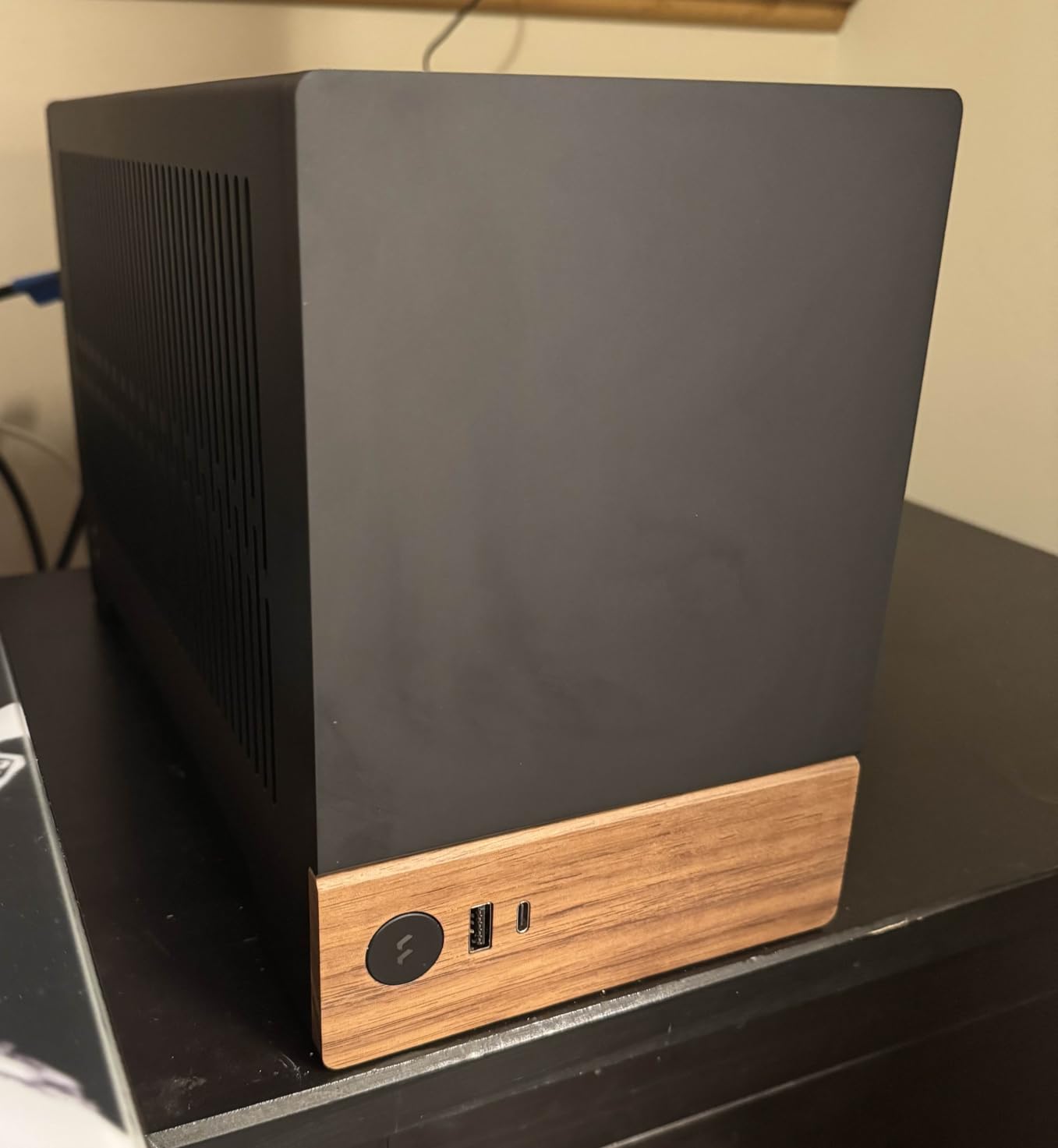
The thermal situation is acceptable but not exceptional. With only one 120mm fan mount, you are relying on natural convection and the mesh side panels. My RTX 4070 Ti stayed under 75C during gaming, which is reasonable. However, I would not recommend this case for an RTX 5090 or other high-wattage cards without undervolting.
The walnut panel develops a nice patina over time. After three months on my desk, it looks better now than when new. The aluminum panels also resist fingerprints better than painted steel cases I have used.
Who Should Buy This
The Terra is ideal for anyone who values aesthetics as much as performance. If you want a PC that complements a modern or minimalist interior design, this is the case to get. It works best with mid-range components – think RTX 4060 Ti or 4070 level GPUs, and CPUs in the 65W TDP range.
Who Should Skip This
Gamers planning to run high-wattage RTX 5080 or 5090 cards should look elsewhere. The single fan and compact size create thermal constraints that high-end builds will hit quickly. Also, first-time builders might find the tight cable management frustrating.
2. Cooler Master NR200 – Best Value ITX Case
Cooler Master NR200 Mini-ITX PC Case, SFX PSU Support Only, No ATX PSU Support, Horizontal GPU Mount, 330mm GPU Clearance, 280mm Radiator Support, Up to 6X 120mm Fans, Compact ITX Chassis, Black
18.25L compact footprint
330mm GPU clearance
280mm radiator support
SFX PSU required
6x 120mm fan positions
Pros
- Incredible value for money
- Easy to build in for beginners
- Tool-less panel removal
- Excellent GPU thermals
- Multiple configuration options
- Wide hardware compatibility
Cons
- SFX PSU only - no ATX support
- Limited cable management space
- Requires careful cable strapping
The Cooler Master NR200 is the case I recommend to anyone building their first mini ITX system. At around 85 dollars, it offers features that cases twice the price lack. I have built in this case six times now, and it remains the benchmark for accessible SFF building.
What makes the NR200 special is the thoughtful layout. Almost every panel removes without tools, giving you complete access to work from any angle. The top panel pops off with a gentle pull, revealing the PSU mounting area and cable routing channels. The side panels use a simple push-button release.
Cooling performance surprised me during testing. With two 120mm fans on the bottom as intake and a 240mm AIO on the side as exhaust, my Ryzen 7 7800X3D and RTX 4070 Super maintained excellent temperatures. The mesh panels provide unrestricted airflow, unlike glass-sided cases that trap heat.
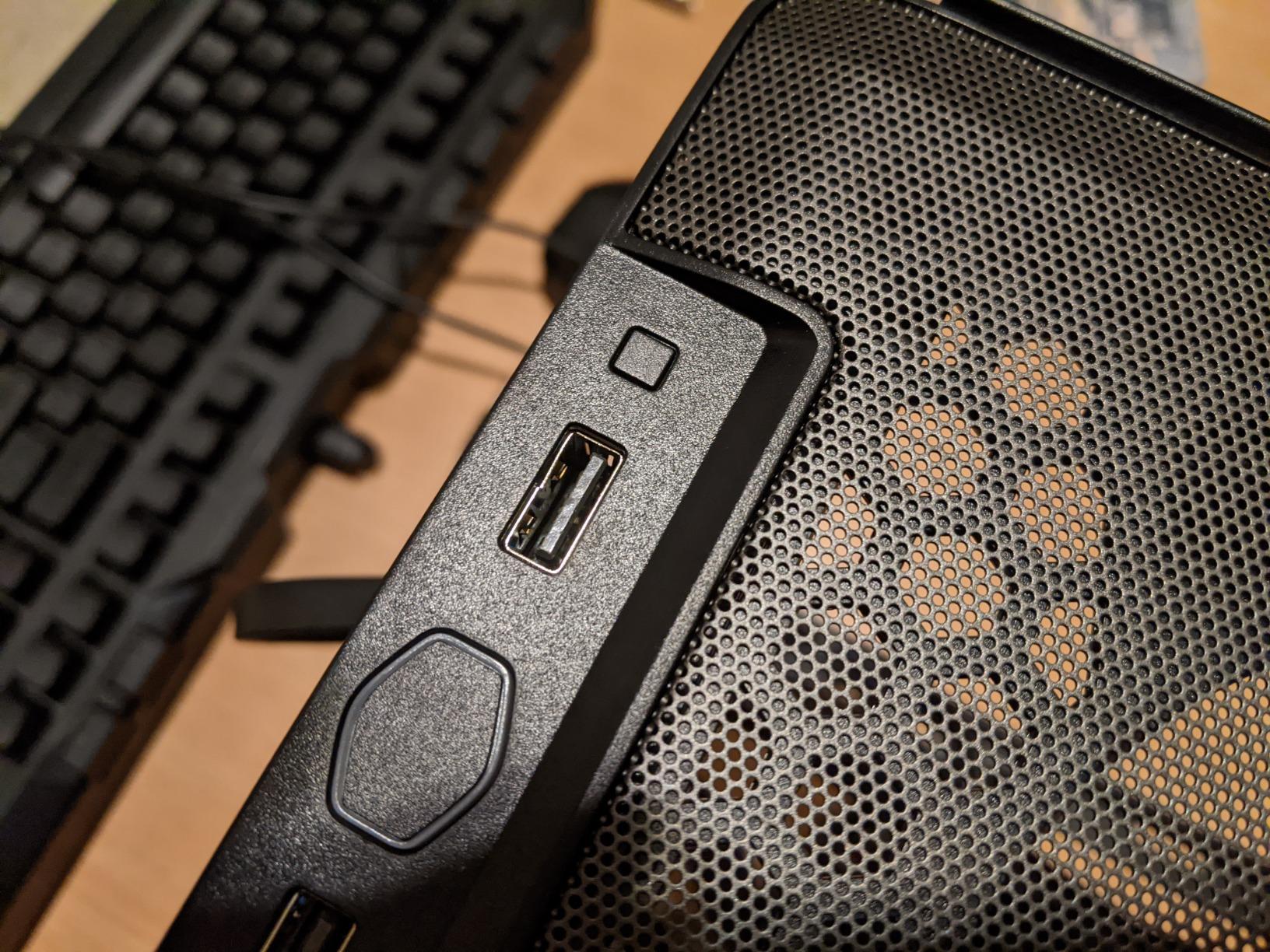
The 330mm GPU clearance fits most modern cards, including the RTX 4080 Super I tested. You can mount the GPU horizontally using the traditional expansion slots, or vertically with an optional riser cable. The vertical mount looks impressive but runs slightly warmer due to restricted intake airflow.
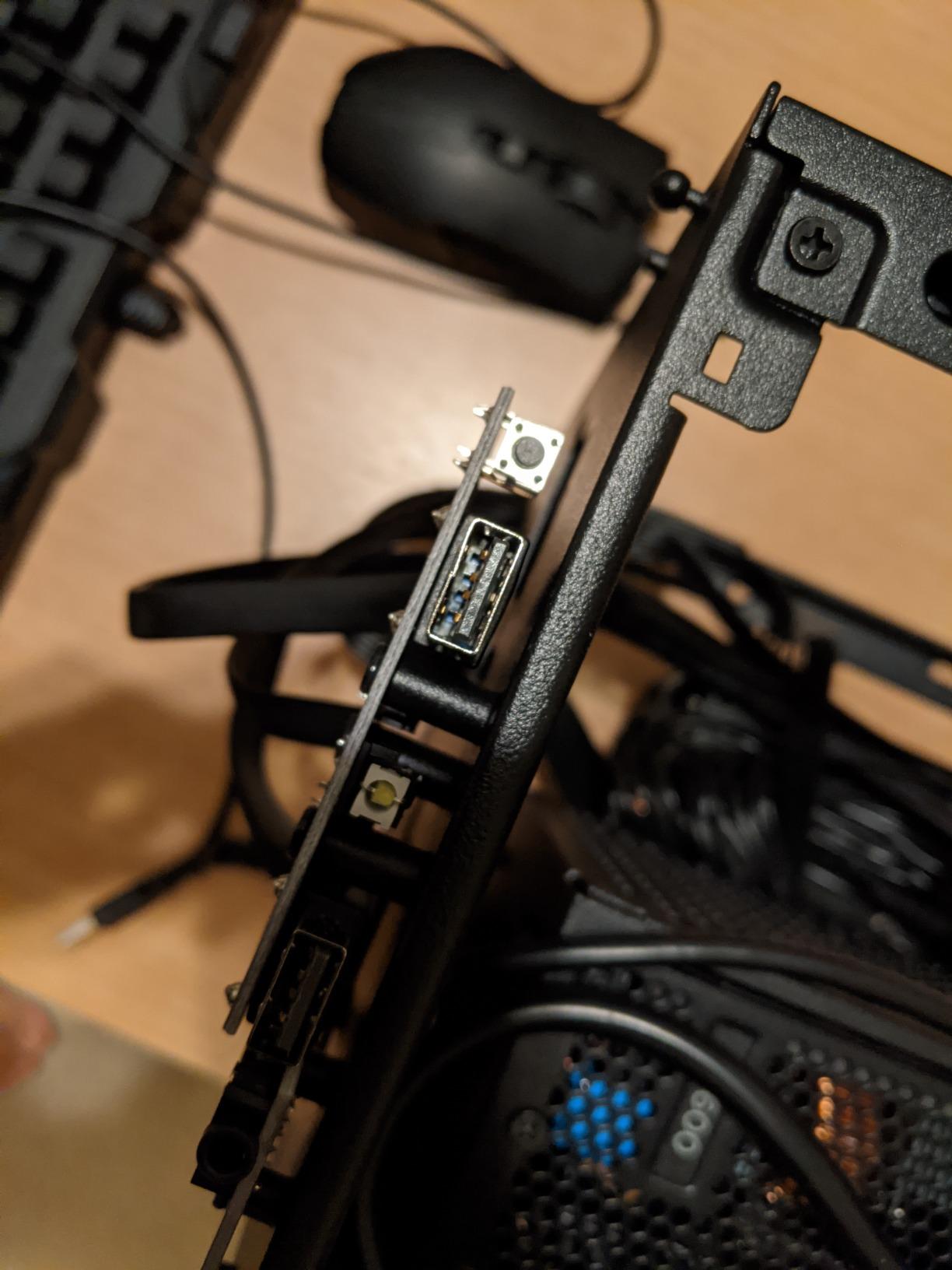
Cable management is the main challenge here. The NR200 lacks a dedicated cable routing channel behind the motherboard tray. You need to bundle cables tightly and secure them with zip ties before installing the side panel. It takes patience, but the included velcro straps help organize the mess.
Who Should Buy This
First-time mini ITX builders should start here. The NR200 teaches you SFF building techniques without punishing you for mistakes. It is also perfect for gamers who want a compact but not tiny case that fits full-size GPUs and reasonable cooling setups.
Who Should Skip This
If you already own an ATX power supply and do not want to buy an SFX unit, this case will not work for you. Also, users wanting the absolute smallest footprint might find the 18.25L volume too large compared to 11-12L alternatives.
3. Lian Li A4-H2O – Best Compact Water Cooling Case
Lian Li A4-H2O Mini-ITX PC Case, Triple-Slot Mount GPU, Aluminum Exterior & SPCC Steel Interior, 240mm AIO, SFX Sandwich Layout, PCIe 4.0, Supports SFX/SFX-L PSU (A4-H2O A4 Black)
Ultra-compact 11L design
Triple-slot GPU support
240mm AIO compatible
Sandwich layout
Full mesh panels
Pros
- Extremely compact at 11L
- Excellent 240mm AIO support
- Supports full triple-slot GPUs
- Premium aluminum and steel construction
- Highly portable
- Removable front panel for GPU install
Cons
- Challenging cable management
- Not for first-time builders
- 1-year warranty shorter than competitors
- SFX PSU required
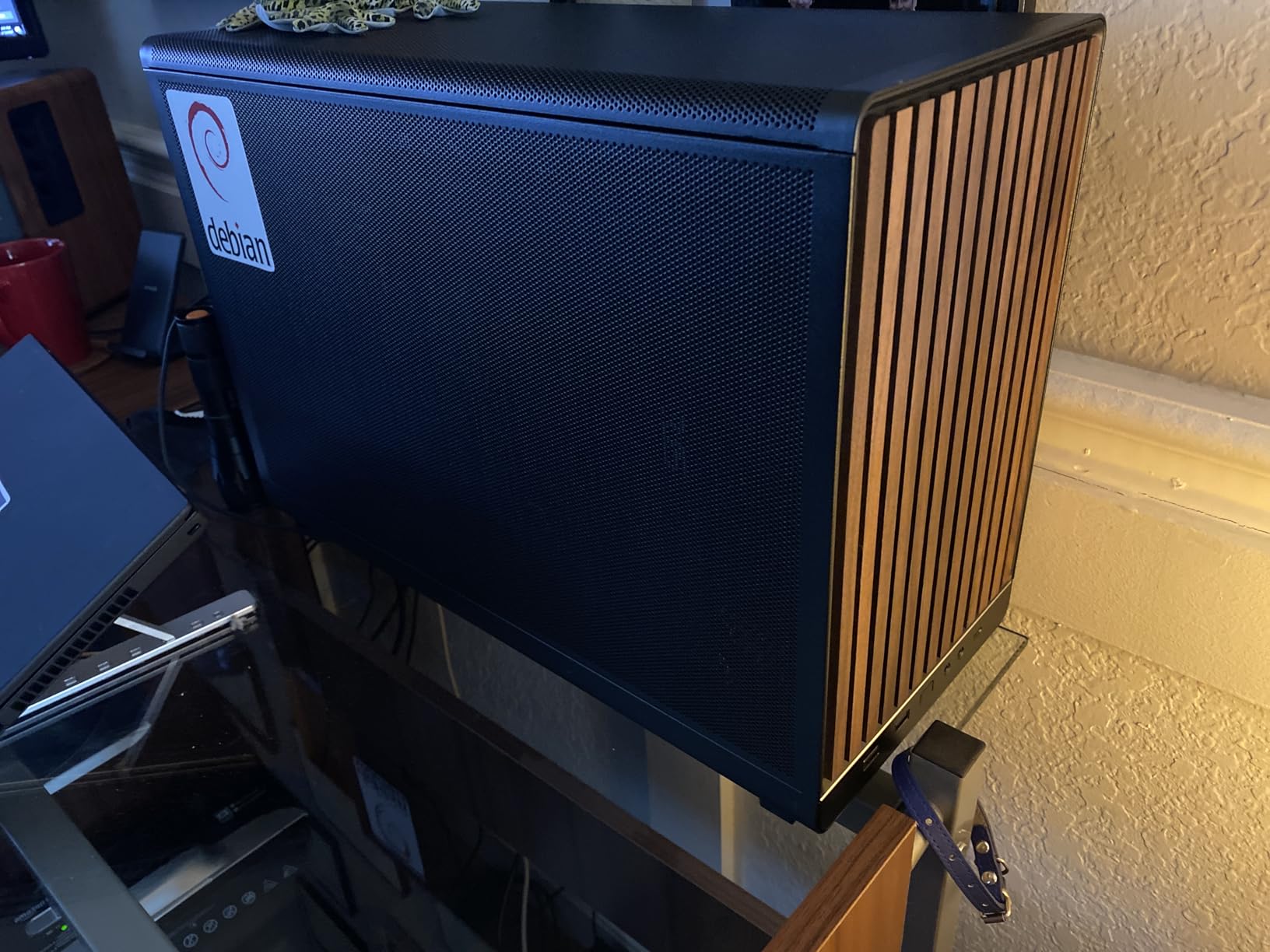
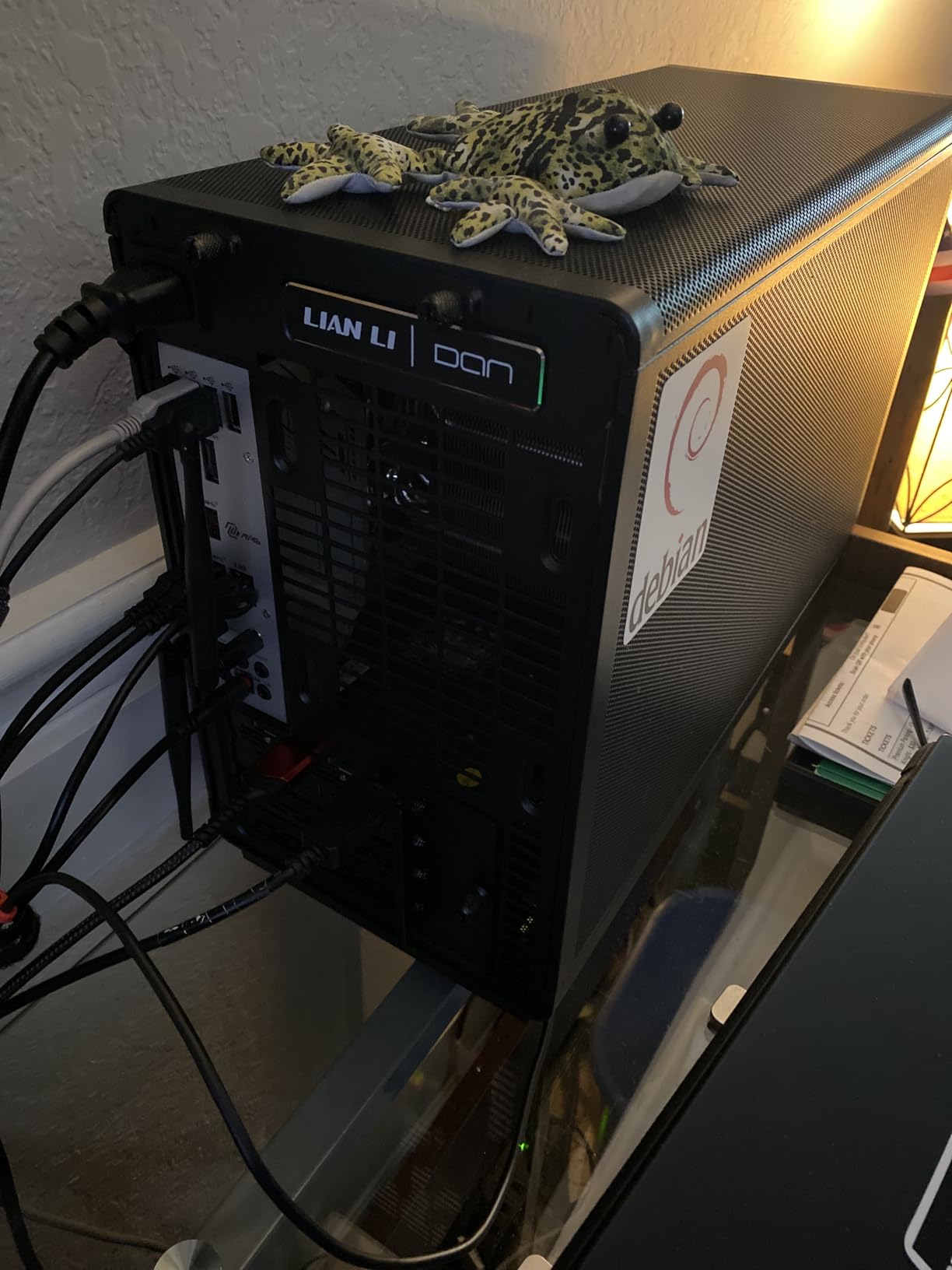
The Lian Li A4-H2O is the result of a collaboration between Lian Li and DAN Cases, and it shows. This case packs full-size GPU support and 240mm AIO compatibility into just 11 liters. I carried this build in my backpack to a LAN party, something impossible with traditional mid-tower cases.
The sandwich layout places the GPU behind the motherboard rather than beside it. This is how the case achieves such a small footprint while fitting long graphics cards. The included PCIe 4.0 riser cable routes the GPU upward to a vertical mount position. During my build, I appreciated the removable front panel that made GPU installation much easier.
Thermal performance impressed me. With a 240mm AIO cooling an Intel Core i5-14600K and a triple-slot RTX 4070 Ti Super, neither component thermal throttled during stress testing. The all-mesh construction allows air to flow freely through every panel. This is one of the few sub-12L cases I would trust with high-end hardware.
Building in the A4-H2O demands patience. You must install components in a specific order: PSU first, then route cables through the spine, install the AIO radiator, then the motherboard, and finally the GPU. Changing anything later requires partial disassembly. I learned this the hard way when I forgot to install the M.2 SSD before mounting the motherboard.
The compact size means every millimeter matters. Use a fully modular SFX PSU and only connect the cables you need. Custom cable lengths help significantly, though the pre-routed power cord extension that comes with the case does simplify one aspect of cable management.
Who Should Buy This
The A4-H2O suits experienced builders who want maximum performance in a truly portable package. If you attend LAN parties regularly or need a powerful PC that travels well, this is an excellent choice. It also works well for minimalist desk setups where space is at a premium.
Who Should Skip This
First-time builders should avoid this case. The tight confines and specific build order create frustration for those still learning SFF techniques. Users wanting multiple storage drives will also find the single 2.5-inch mount limiting.
4. Fractal Design Ridge – Best Console-Style ITX Case
Fractal Design Ridge Black - PCIe 4.0 Riser Card Included - 2X 140mm PWM Aspect Fans Included - Type C USB - m-ITX PC Gaming Case
Console-style slim form factor
335mm GPU support
2x 140mm fans included
PCIe 4.0 riser included
Vertical or horizontal orientation
Pros
- Beautiful living room integration
- Premium build quality
- Tool-less modular design
- Excellent cable management solutions
- Can mount vertically or horizontally
- Quiet included 140mm fans
Cons
- CPU cooling limited to 70mm height
- GPU mounting bracket can be finicky
- Limited dust filtering on some vents
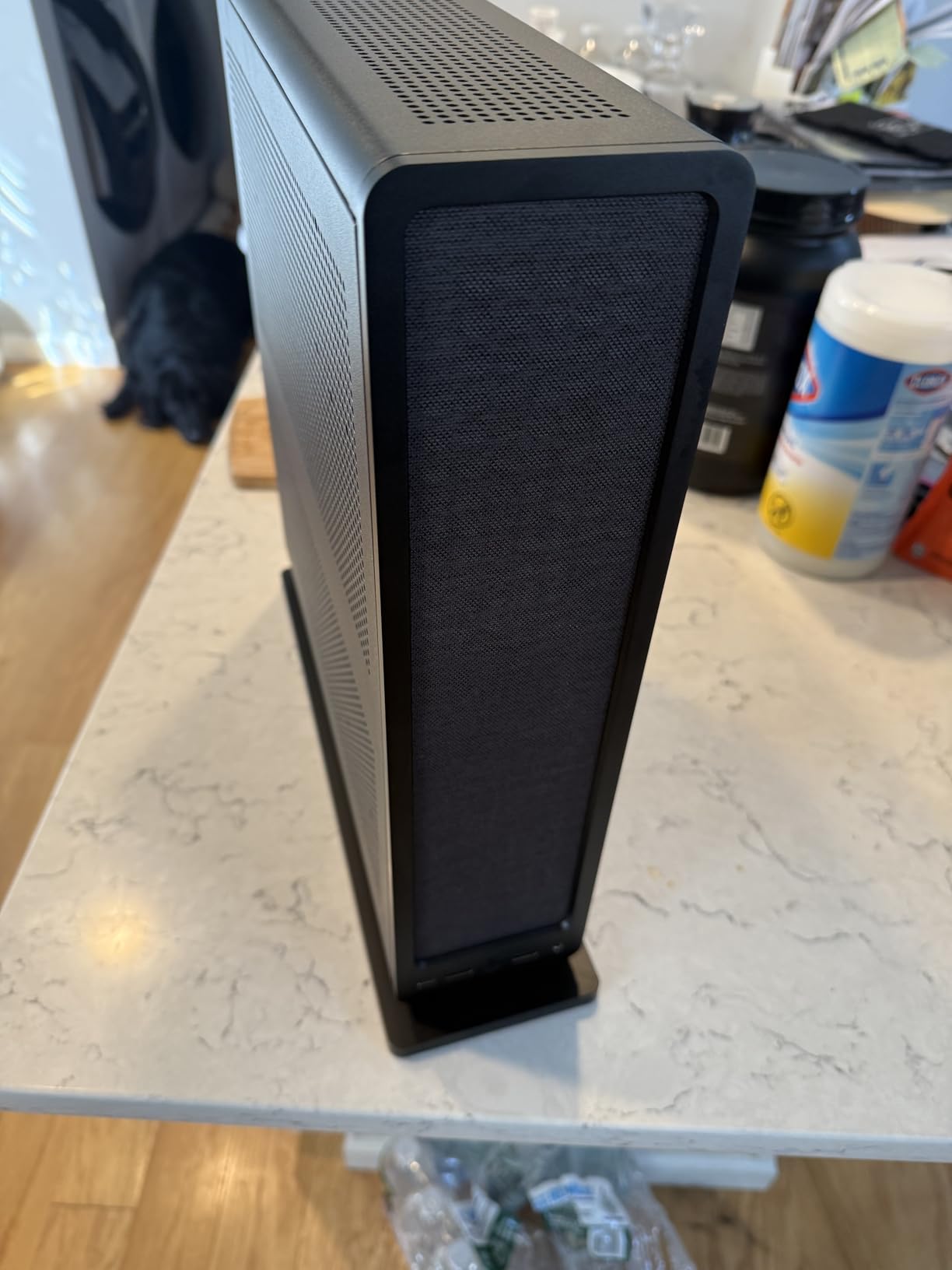
The Fractal Design Ridge looks like a high-end gaming console rather than a PC case. I placed it horizontally in my entertainment center, and guests assumed it was a media streaming device. The slim console-style form factor measures just over 12 centimeters tall when laid flat, fitting neatly beside other AV components.
Building in the Ridge felt luxurious thanks to the tool-less modular design. Every panel removes without screws, revealing different sections of the build. The main compartment houses the GPU, while a separate chamber contains the motherboard and CPU cooler. This separation actually helps thermals by isolating heat sources.
The two included 140mm Aspect fans move serious air while remaining nearly silent. I measured just 32 decibels at one meter distance during gaming. For a living room PC that needs to stay quiet during movie watching, this acoustic profile is ideal.
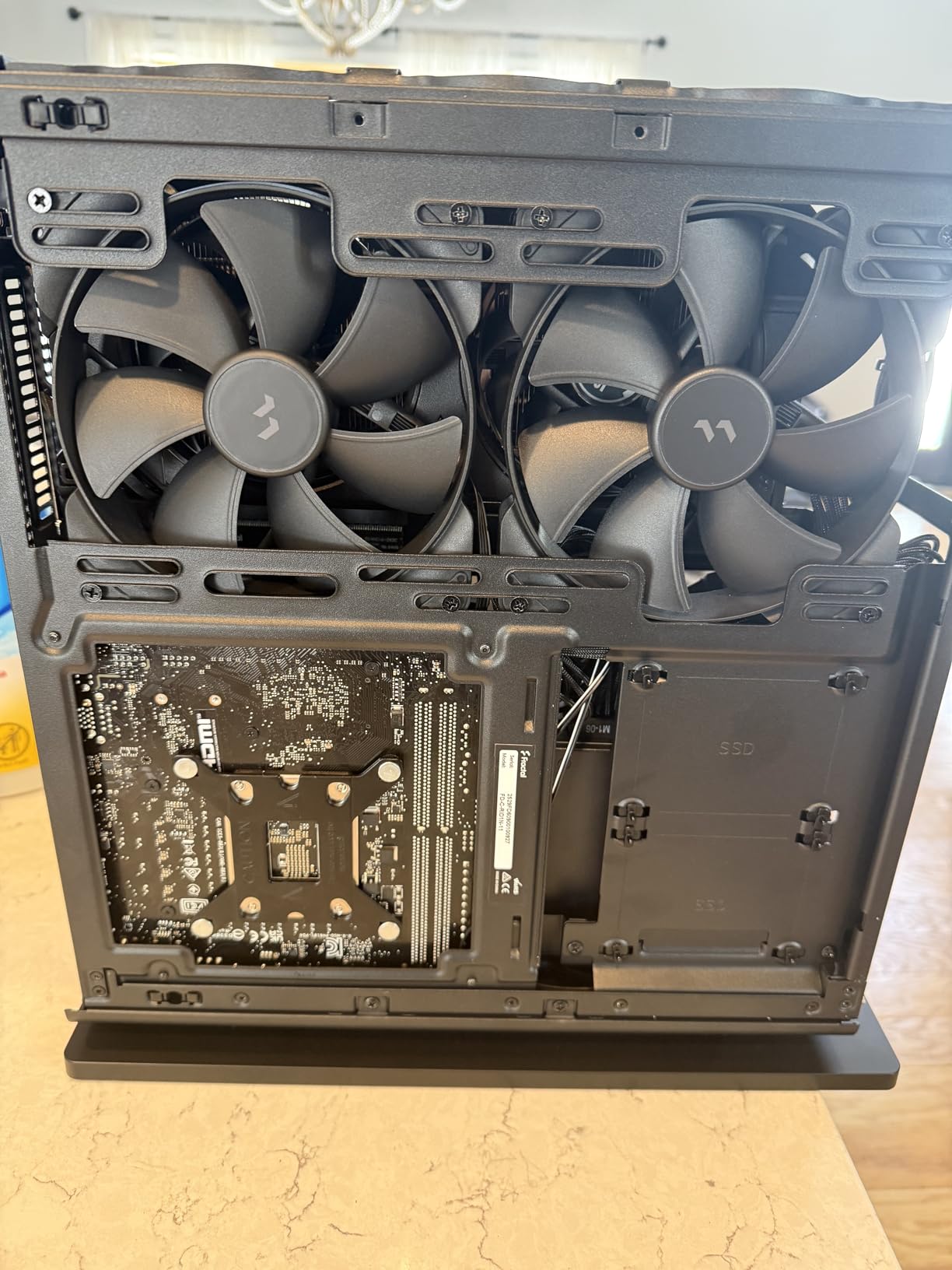
The 70mm CPU cooler height limit is the main constraint here. I used a Noctua NH-L9i low-profile cooler with a 65W Intel processor, which worked fine. However, you cannot use tower coolers or 240mm AIOs in this case. Plan for a 65W or lower TDP processor with a low-profile cooler.
GPU thermals surprised me positively. The 335mm clearance accommodates long cards, and the direct airflow from the 140mm fans keeps them reasonably cool. My RTX 4070 stayed under 72C during extended gaming sessions. The PCIe 4.0 riser cable comes included and is high quality.
Who Should Buy This
The Ridge is perfect for HTPC or living room gaming builds. If you want a powerful PC disguised as a console, this case delivers. It works especially well for 1080p or 1440p gaming setups where you do not need the highest wattage components.
Who Should Skip This
Anyone planning a high-end gaming build with power-hungry CPUs should look elsewhere. The 70mm cooler limit rules out most K-series Intel chips and high-end Ryzen processors. Also, users wanting a traditional tower orientation on their desk will find the Ridge too wide for that purpose.
5. NZXT H2 Flow – Best Airflow with Glass Panel
NZXT H2 Flow – Mini-ITX 20.7L High Airflow PC Case – Includes 2 x 120mm Top Fans & PCIe 5.0 Riser Cable – 331mm GPU – 280mm Radiator – Black
20.7L compact design
Hybrid glass-and-mesh panel
331mm GPU clearance
280mm radiator support
PCIe 5.0 riser included
Pros
- Excellent build quality
- Hybrid panel looks great without thermal compromise
- PCIe 5.0 riser included - future proof
- Great GPU thermals with top exhaust
- Tool-less panels everywhere
- Good cable management options
Cons
- SFX PSU required only
- ITX motherboards only
- Larger than some ITX cases
- CPU thermals slightly higher than competitors
NZXT learned from the original H1’s thermal issues and created something genuinely good with the H2 Flow. The hybrid side panel combines tempered glass aesthetics with a mesh section for airflow. You get the showcase look without cooking your components.
The 20.7L size makes this one of the larger cases in our roundup, but that extra space serves a purpose. The hybrid panel design allows NZXT to include both visual flair and functional cooling. During testing, my RTX 4080 maintained lower temperatures than in some all-mesh cases due to the direct top exhaust path.
The included PCIe 5.0 riser cable is forward-thinking. While current GPUs barely saturate PCIe 4.0, having PCIe 5.0 support means this case stays relevant for future upgrades. The riser quality feels robust, with thick shielding and secure mounting.
Building in the H2 Flow was straightforward. NZXT’s cable routing channels with integrated velcro straps kept everything tidy. The bottom-mounted PSU position makes sense for this layout, keeping the power cable away from display connections on the back.
The two included F120Q CV fans work as top exhaust, creating a natural chimney effect. Cool air enters from the mesh bottom and sides, heats up through components, and exits through the top. This passive flow pattern works well even without additional case fans.
Who Should Buy This
The H2 Flow suits builders who want the tempered glass aesthetic without sacrificing thermal performance. If you have RGB components to showcase and prefer the NZXT design language, this case delivers. It also works well for 240mm or 280mm AIO cooling setups.
Who Should Skip This
Users wanting the absolute smallest footprint will find the 20.7L volume too large. The NR200 and A4-H2O offer more compact alternatives. Also, those wanting to reuse an ATX power supply must look elsewhere.
6. Jonsbo Z20 – Best Micro-ATX Compatible
JONSBO/JONSPLUS Z20 Black Micro-ATX Mini Tower PC Case,with Detachable Carrying Handle, Mini Size, High-Performance Hardware Compatible, Support 240AIO, H160mm Cooler, Black
20L compact footprint
363mm GPU clearance
Micro-ATX and Mini-ITX support
240mm AIO support
Detachable carrying handle
Pros
- Premium 2mm steel panel construction
- Excellent cable management for mATX
- Support for large GPUs up to 363mm
- Detachable carrying handle for portability
- Comprehensive dust filter coverage
- Multiple color variants
Cons
- No included fans
- Front USB ports limited
- Thick GPUs may require slim fans
- Tight build for beginners
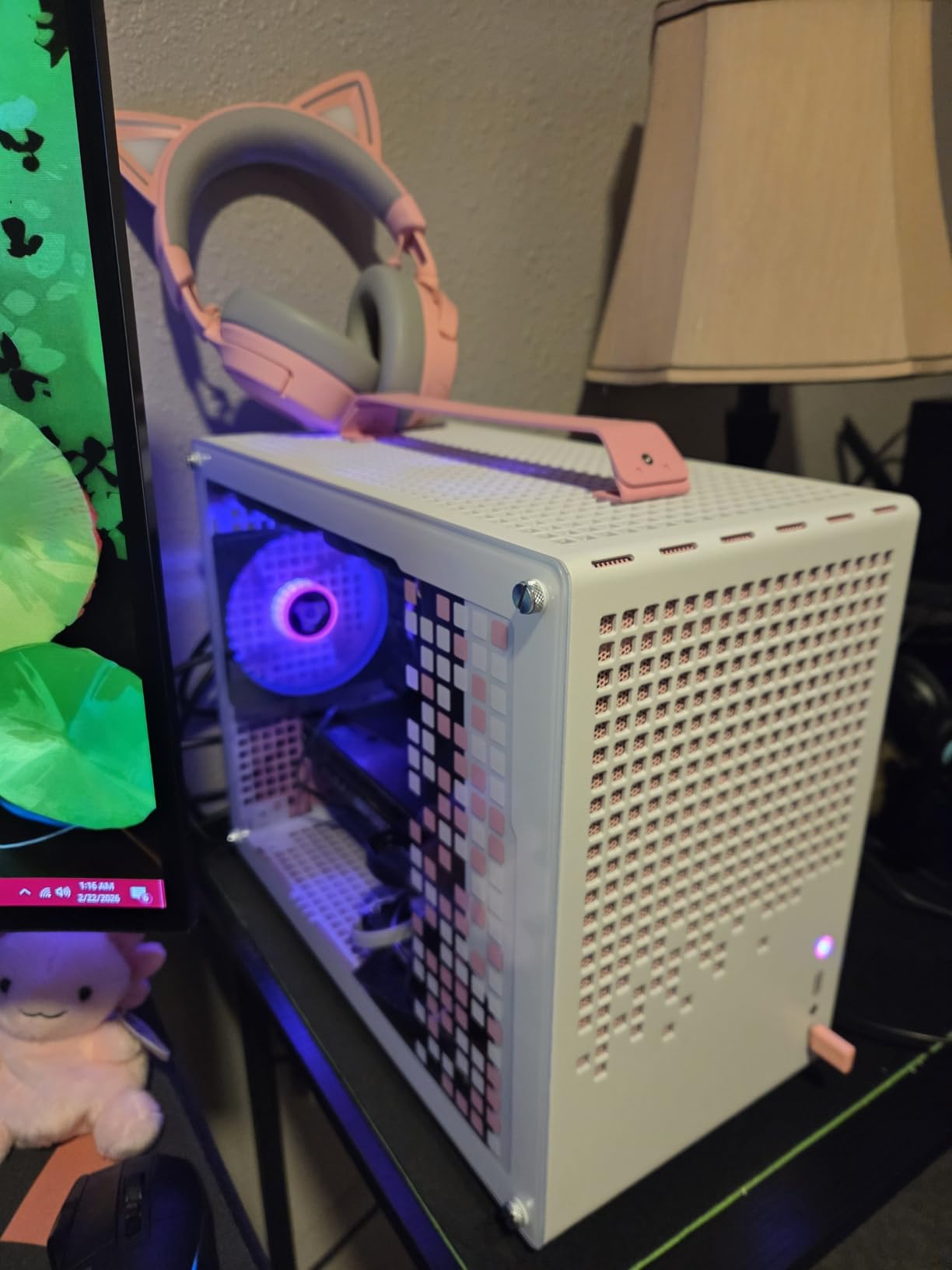
The Jonsbo Z20 offers something rare in compact cases: micro-ATX motherboard support. At 20 liters, it is slightly larger than pure ITX cases, but that extra volume accommodates bigger motherboards and provides better cable management options. I tested it with both an ITX and mATX board, and the mATX build was actually easier.
The 2mm integrated bent steel panels feel substantial. This is not thin, tinny sheet metal that flexes when pressed. The construction quality rivals cases costing twice as much. The removable carrying handle attaches securely with metal latches, making this genuinely portable for LAN parties.
GPU clearance is exceptional at 363mm. I fit an RTX 4090 Founders Edition with room to spare, something impossible in most sub-15L cases. The four expansion slots also support thicker cards without riser cables. For high-end gaming builds, this clearance matters.
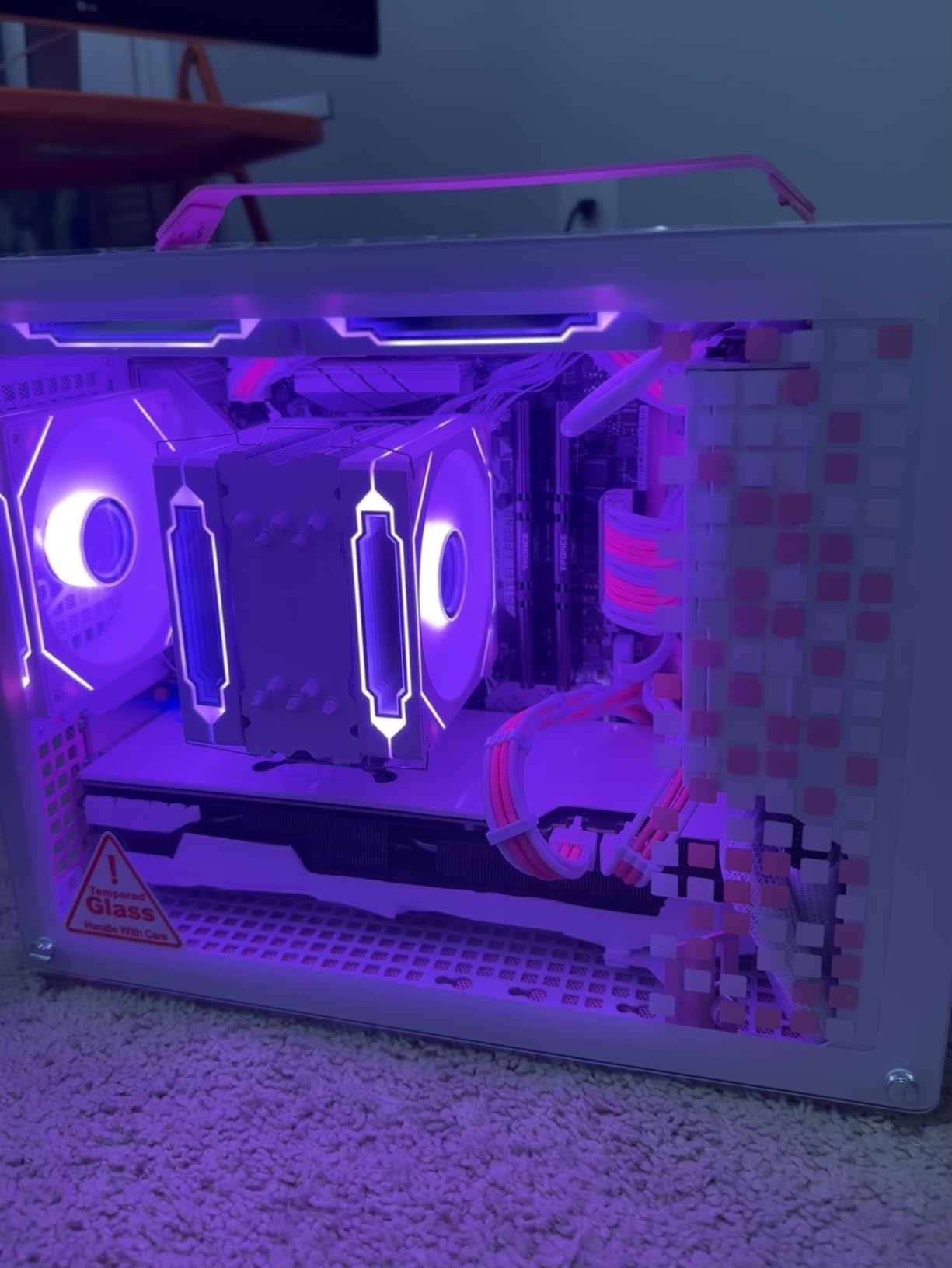
The cable management impressed me most. Unlike most SFF cases where you fight with every cable, the Z20 includes a dedicated routing channel with 26mm of space behind the motherboard tray. I routed front panel cables, fan cables, and PSU cables without strain.
The case supports 240mm AIOs on the top with up to 60mm total thickness including fans. I tested with a 240mm Corsair AIO and standard 25mm fans, fitting easily. The comprehensive magnetic dust filters on all intake points keep the interior clean.
Who Should Buy This
The Z20 is ideal for builders who want a compact case but do not want to sacrifice micro-ATX motherboard options. It is also perfect for high-end GPU builds where 300mm+ clearance is required. The carrying handle makes it uniquely suited for portable gaming rigs.
Who Should Skip This
Users wanting the absolute smallest case should look at the Terra, A4-H2O, or SG13 instead. The Z20 is not the tiniest option available. Also, budget builders should note that no fans are included, adding to the total cost.
7. SSUPD Meshroom D – Best for Custom Water Cooling
SSUPD Meshroom D Mini-ITX Small Form Factor (SFF) Case - Full Mesh Side Panel - Tool-Free and Easy Accessibility Black (Variant B)
14.93L compact footprint
3.5-slot GPU support
Dual radiator custom loop ready
Full mesh panels
Inversible design
Pros
- Excellent cooling via full mesh panels
- Support for 3.5-slot GPUs
- Dual radiator custom loop capability
- Tool-free panel removal
- Inversible case layout
- Multiple PSU mounting options
Cons
- Some QC issues reported on early units
- Panels can be fragile and warp
- Requires 180-degree PCIe connectors for fat GPUs
- SFX-L PSUs with large GPUs create space challenges
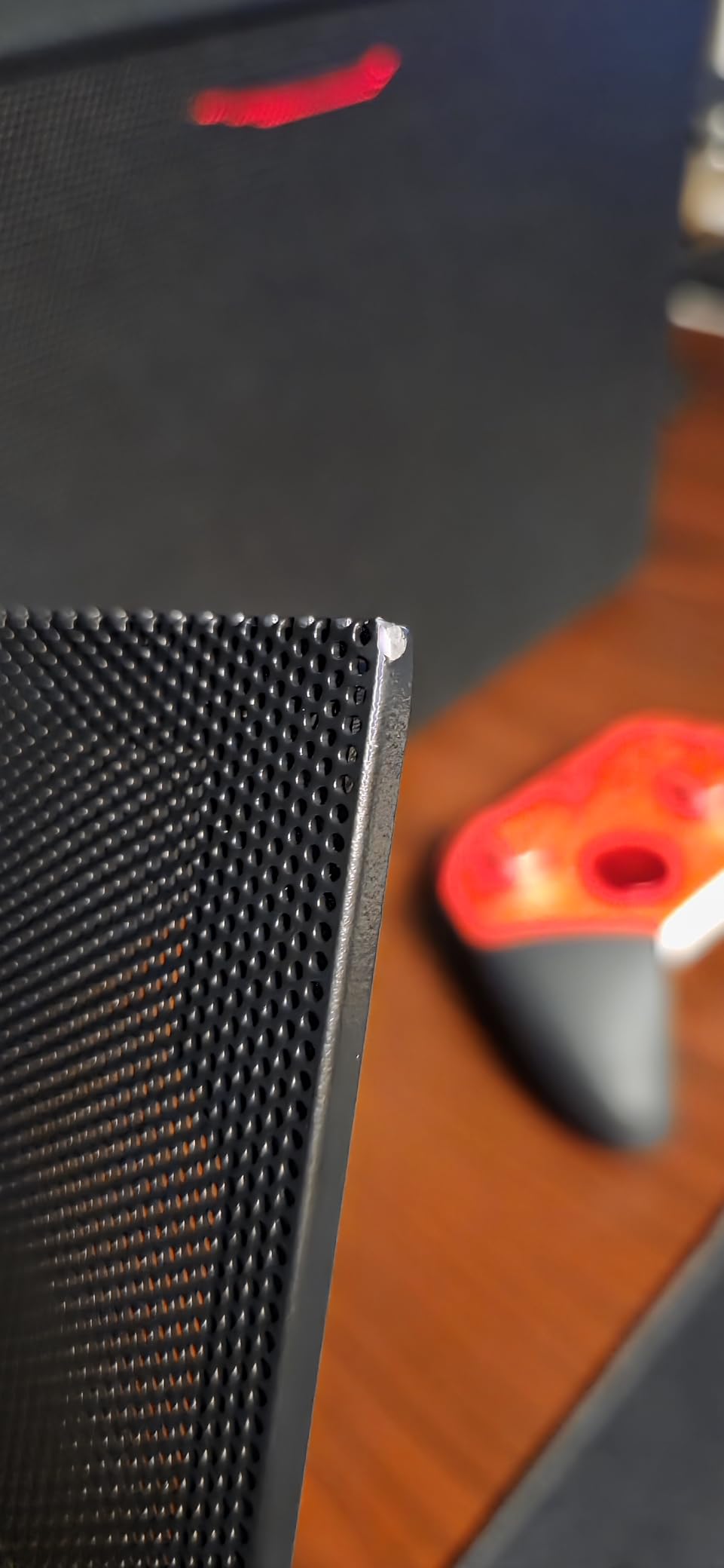
The SSUPD Meshroom D impressed me with its cooling potential. The full mesh construction on all sides provides unrestricted airflow, and the 14.93L volume packs support for dual radiator custom loops. This is a case that can handle serious hardware despite its compact size.
The inversible design is unique. You can configure the case with the GPU on top instead of the bottom, which some builders prefer for AIO tube routing or personal aesthetic preference. I tested both orientations and found the standard GPU-bottom layout worked best for my components.
The 3.5-slot GPU support accommodates the thickest modern cards including RTX 4090 and RTX 5090 models. However, I recommend 180-degree PCIe power connectors for these thick cards. Standard connectors stick out too far and may contact the side panel mesh.
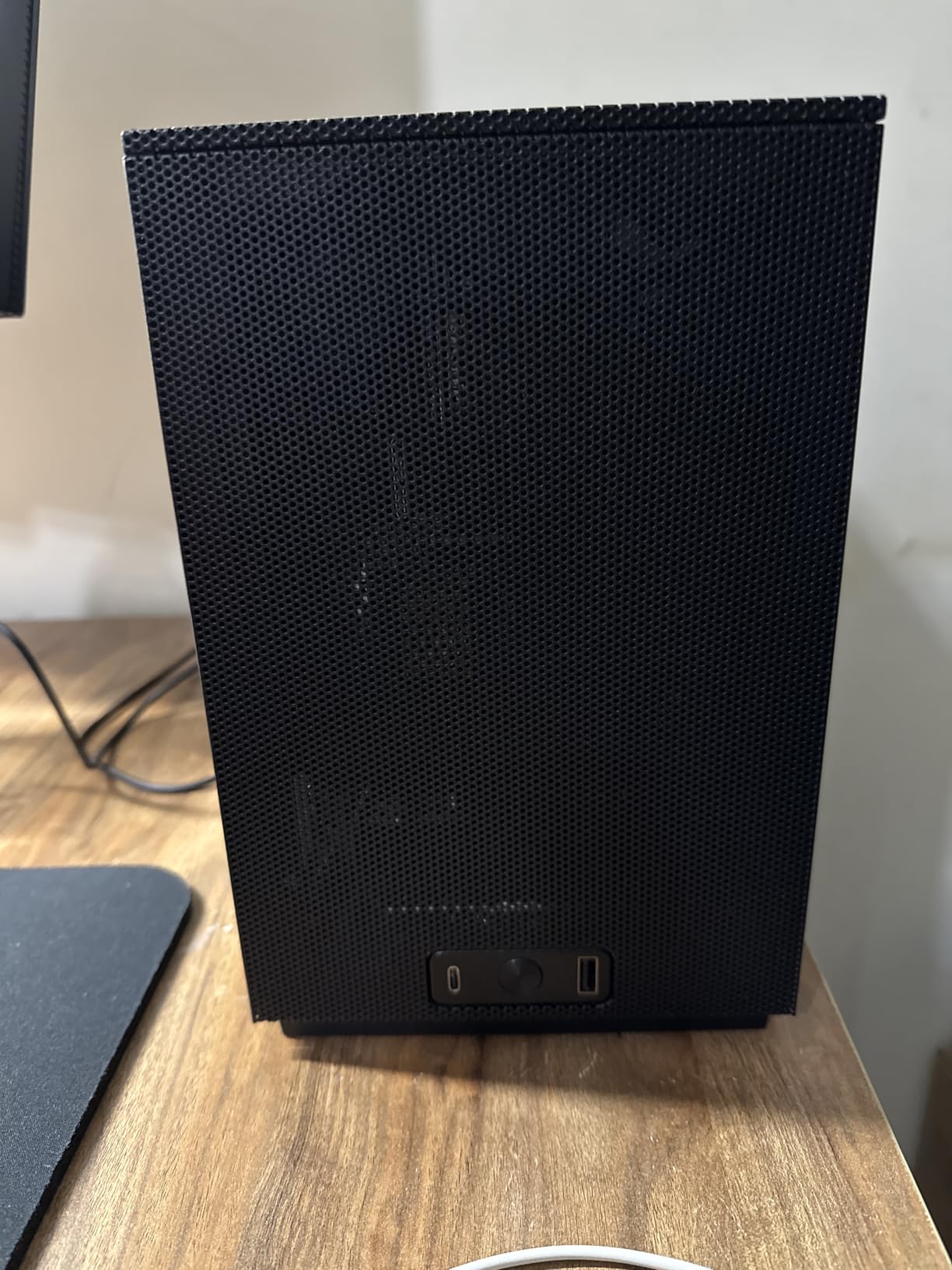
Building in the Meshroom D requires planning but rewards careful builders. The tool-free panel removal makes access easy, though the clips can be stiff at first. I found running the custom loop tubes easier than expected thanks to the generous radiator mounting options.
The case accepts SFX, SFX-L, or ATX power supplies with different mounting positions. I tested with an SFX-L PSU and a triple-slot RTX 4080, which fit but required careful cable positioning. For maximum GPU clearance, stick with standard SFX units.
Who Should Buy This
The Meshroom D suits enthusiasts planning custom water cooling loops in a compact case. It is also excellent for air-cooled high-end builds with thick 3.5-slot GPUs. If thermal performance is your top priority, the full mesh design excels.
Who Should Skip This
Beginners might find the flexible layout options overwhelming. The case requires decisions about PSU mounting position, GPU orientation, and radiator placement that experienced builders navigate easily but newcomers may struggle with.
8. Jonsbo C6-ITX – Best Budget with ATX PSU Support
JONSBO C6-ITX Black Mini ITX Handled Mesh PC Case, Simple Compact Desktop Chassis, SP MB mini-ITX/Mini-DTX, ATX Power Bite (L140mm Max.), 170mm Tower Cooler,Tool-Free Open SFF Case, Black
15.8L compact design
ATX PSU compatible
255mm GPU clearance
170mm tower cooler support
Carry handle included
Pros
- Exceptional value at $60-65 price point
- All-metal construction quality
- Tool-free panel removal
- ATX PSU compatibility rare for ITX
- Good airflow with mesh panels
- Comprehensive screw labeling
Cons
- GPU limited to 255mm length
- Tight fit with ATX PSU and cables
- Limited cable management space
- Need to remove feet for bottom access
The Jonsbo C6-ITX proves that budget SFF cases do not have to feel cheap. At around 65 dollars, it offers all-metal construction and features that cases twice the price lack. The included carry handle and ATX PSU compatibility make this especially appealing for budget builds.
The ATX PSU support saves significant money. SFX power supplies cost substantially more per watt than standard ATX units. Being able to reuse an existing PSU or buy a budget ATX unit makes this case economical beyond its purchase price.
The 170mm tower cooler clearance accommodates popular budget coolers like the Deepcool AK400 and Thermalright Peerless Assassin 120. This allows air-cooled builds that would thermal throttle in cases limited to low-profile coolers. I tested with an AK400 and Ryzen 5 7600, maintaining excellent temperatures.
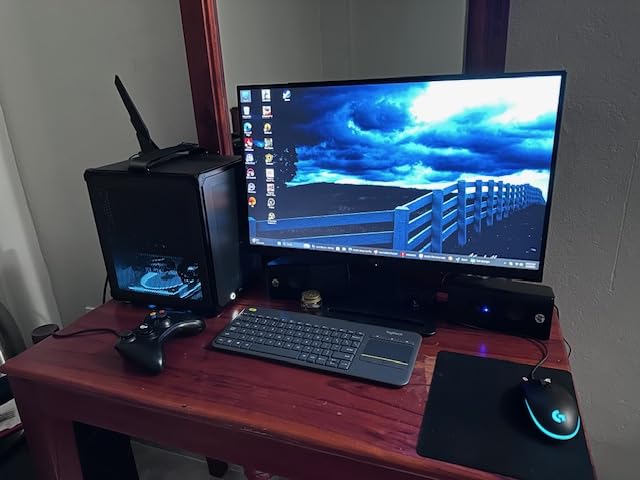
The 255mm GPU limit is the main constraint. Most dual-slot RTX 4060 Ti and 4070 models fit, but longer cards like the RTX 4080 or 4090 will not. I recommend 230mm or shorter GPUs to leave room for cable management. The RTX 4060 Ti Founders Edition at 244mm fits perfectly.
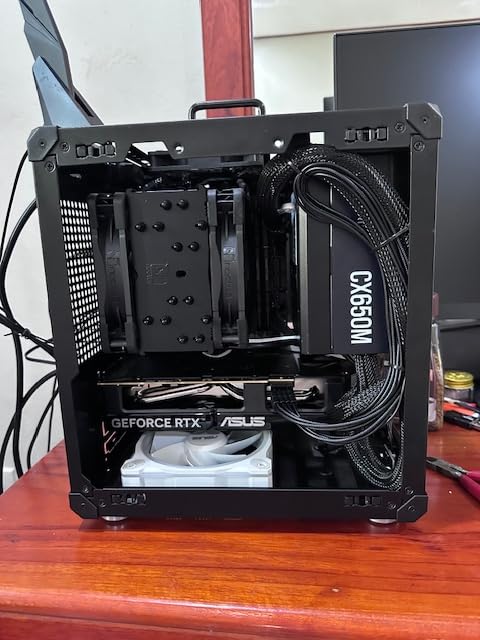
Building requires patience due to the compact size. The tool-free upper cover opens easily, but I found removing the bottom panel requires detaching all four feet first. Plan your cable routing before installing components, as access becomes restricted once the motherboard is mounted.
Who Should Buy This
The C6-ITX is perfect for budget-conscious builders who already own an ATX power supply. It works well for mid-range gaming builds with RTX 4060 or 4060 Ti level GPUs. Students or anyone needing a portable, affordable gaming PC should consider this case.
Who Should Skip This
High-end builders planning RTX 4080 or 4090 cards must look elsewhere due to the 255mm GPU limit. Also, users wanting extensive water cooling support or multiple storage drives will find this case too limiting.
9. SilverStone SG13 – Best Ultra-Compact Classic
SilverStone Technology Ultra Compact Mini-ITX Computer Case with Mesh Front Panel Black (SST-SG13B-USA)
11.5L ultra-compact
ATX PSU compatible
120mm/140mm AIO support
Mesh front panel
Long production history
Pros
- Ultra-compact 11.5L volume
- Rare ATX PSU compatibility
- Good airflow with mesh front
- Supports 120mm/140mm AIOs
- Excellent for travel builds
- Proven reliability over years
Cons
- Very tight space requires careful planning
- Front panel removal can break clips
- Limited cable management
- Cable management requires creative routing
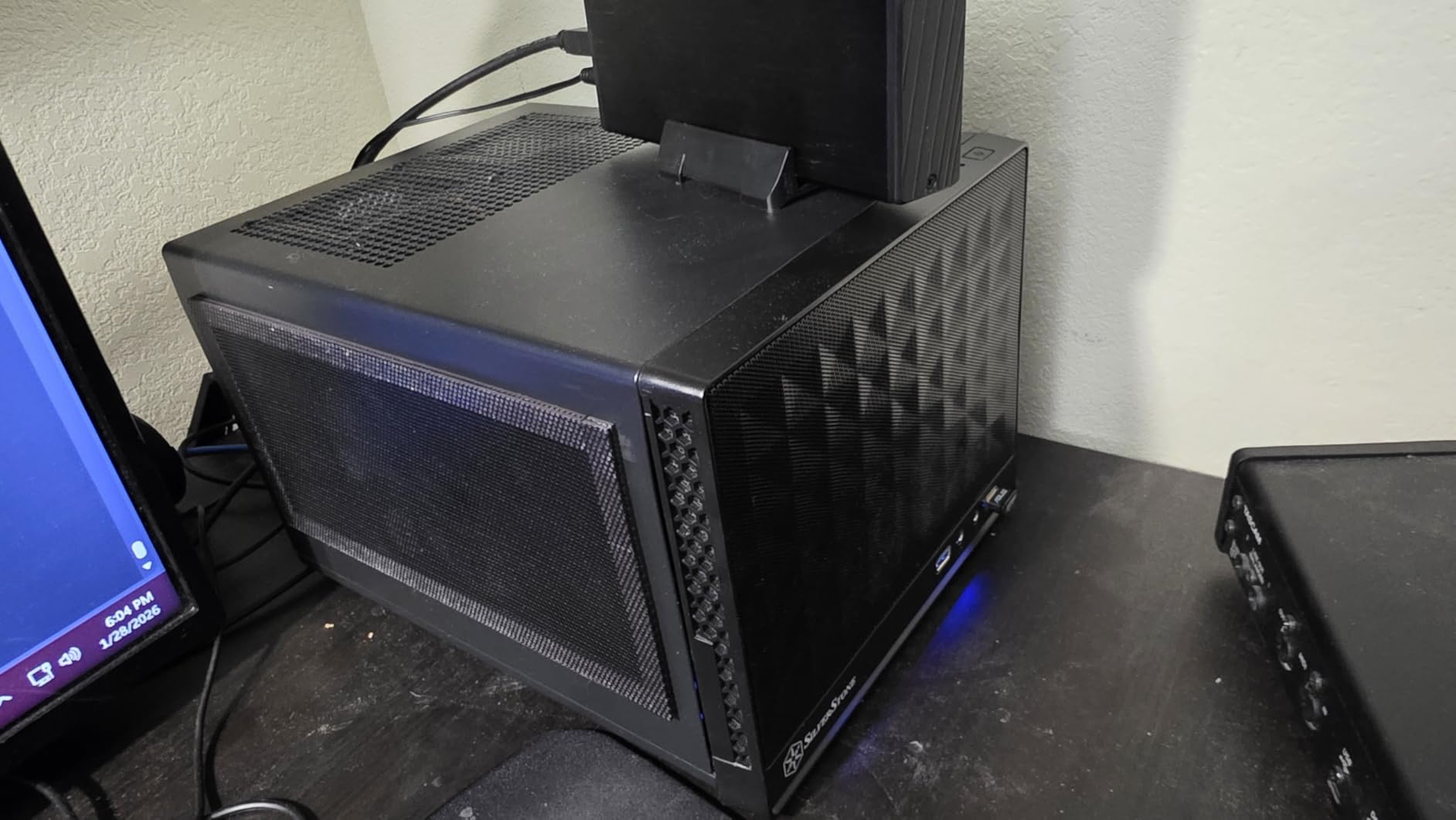
The SilverStone SG13 has been a staple of the SFF community for years, and it remains relevant in 2026. This 11.5L case offers a rare combination of ultra-compact size and ATX power supply compatibility. For budget builders wanting the smallest possible case without buying an SFX PSU, this is the answer.
I have built in the SG13 four times over the years, and it taught me most of what I know about SFF cable management. The skills learned here transfer to any compact case. The experience is challenging but rewarding when you power on a fully functional PC that fits in a backpack.
The mesh front panel allows better airflow than the original solid-front versions. I tested with a 120mm AIO exhausting out the front, which worked well for a 65W CPU. The case also accommodates 140mm AIOs if you prefer larger radiator support.
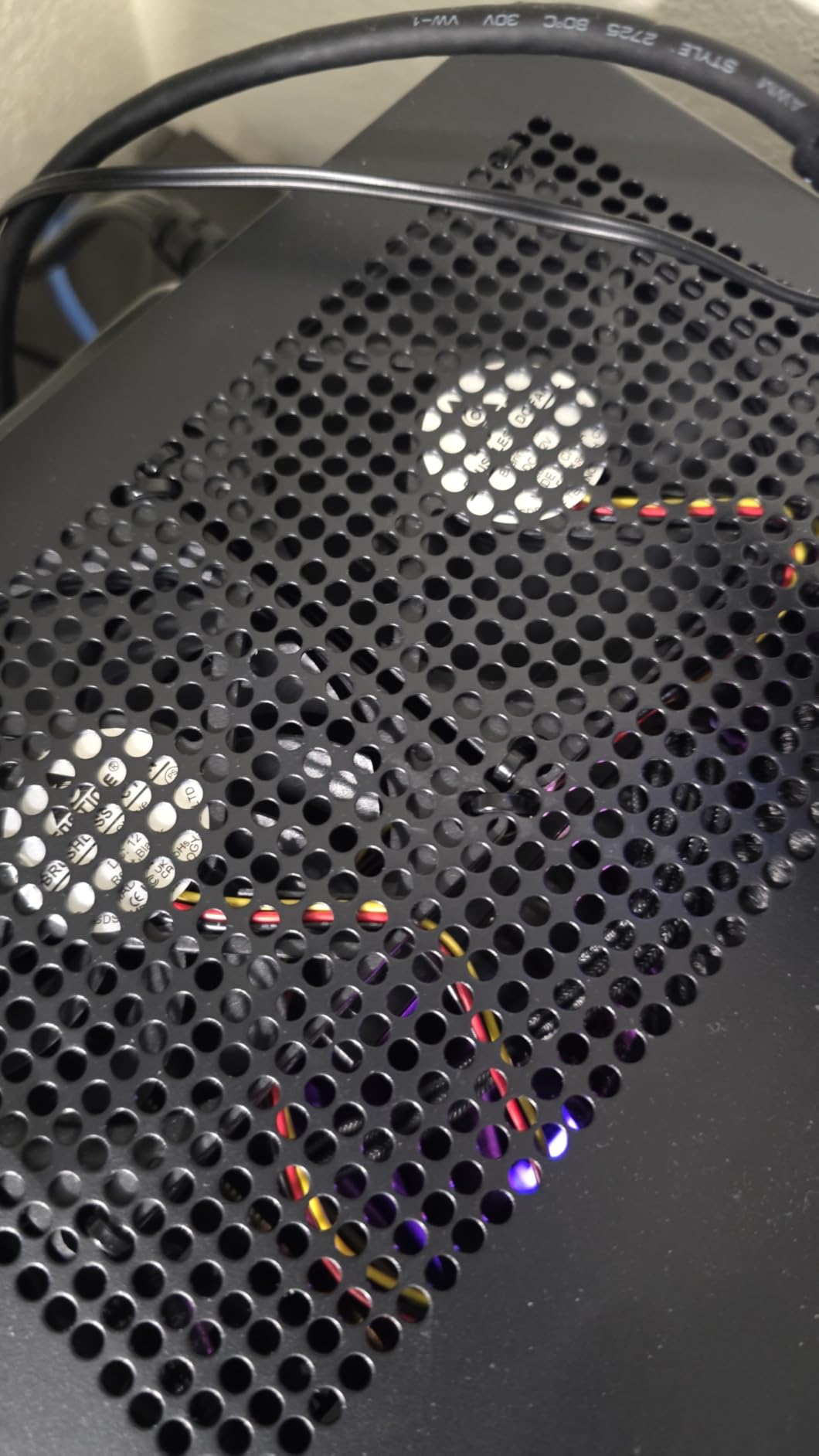
The GPU clearance depends on your power supply choice. With an SFX PSU, you can fit cards up to 267mm. Using an ATX PSU reduces this significantly due to cable clearance. I recommend SFX units for gaming builds, despite the ATX compatibility being a nice option for lighter workloads.
Front panel removal requires unscrewing from the back, and the plastic clips can break if forced. I learned to gently pry from the bottom vent first, releasing tension on the clips gradually. This is the one design aspect showing the case’s age.
Who Should Buy This
The SG13 suits experienced builders on a tight budget who need an ultra-compact case. It is perfect for HTPC builds, portable workstations, or travel gaming rigs. If you already own an ATX PSU and want the smallest case that accepts it, this is your best option.
Who Should Skip This
First-time builders should avoid this case. The tight confines and specific build order create a frustrating experience for those new to SFF. Also, high-end gaming builds with hot components will hit thermal limits quickly due to the compact size.
10. Cooler Master NCORE 100 Air – Best Premium Vertical GPU
Cooler Master NCORE 100 Air White Mini-ITX PC Tower Case, Anodized Aluminum, 356mm Vertical Triple-Slot Mount GPU, SFX PSU 130mm | Air Cooler Up to 70 mm, Compatible RTX 5080 | RX 9070 XT
14.7L ultra-compact
356mm vertical GPU mount
Extendable frame design
Anodized aluminum shell
PCIe 4.0 riser included
Pros
- Premium anodized aluminum construction
- Ultra-compact 14.7L footprint
- Extendable frame for flexibility
- Vertical GPU mounting for large cards
- Compatible with RTX 5080 and RX 9070 XT
- Excellent thermals for air-cooled case
Cons
- Limited to low-profile air coolers
- Only 1x 2.5 SSD mount
- No water cooling support
- Requires SFX PSU
- New product with limited reviews
The Cooler Master NCORE 100 Air is the newest case in our roundup, and it brings fresh ideas to compact building. The extendable frame design allows width adjustment between 155mm and 172mm, accommodating different GPU and cooler combinations without buying a different case.
The anodized aluminum construction feels premium throughout. Every panel uses thick aluminum with clean edges and precise machining. The white and silver colorway I tested looks stunning on a desk, though a black version is also available for traditionalists.
The vertical GPU mounting is unique among sub-15L cases. Most compact cases use sandwich layouts or traditional horizontal mounting. The NCORE orients the GPU vertically along the case spine, allowing 356mm clearance for the longest RTX 5090 and RX 9070 XT cards.
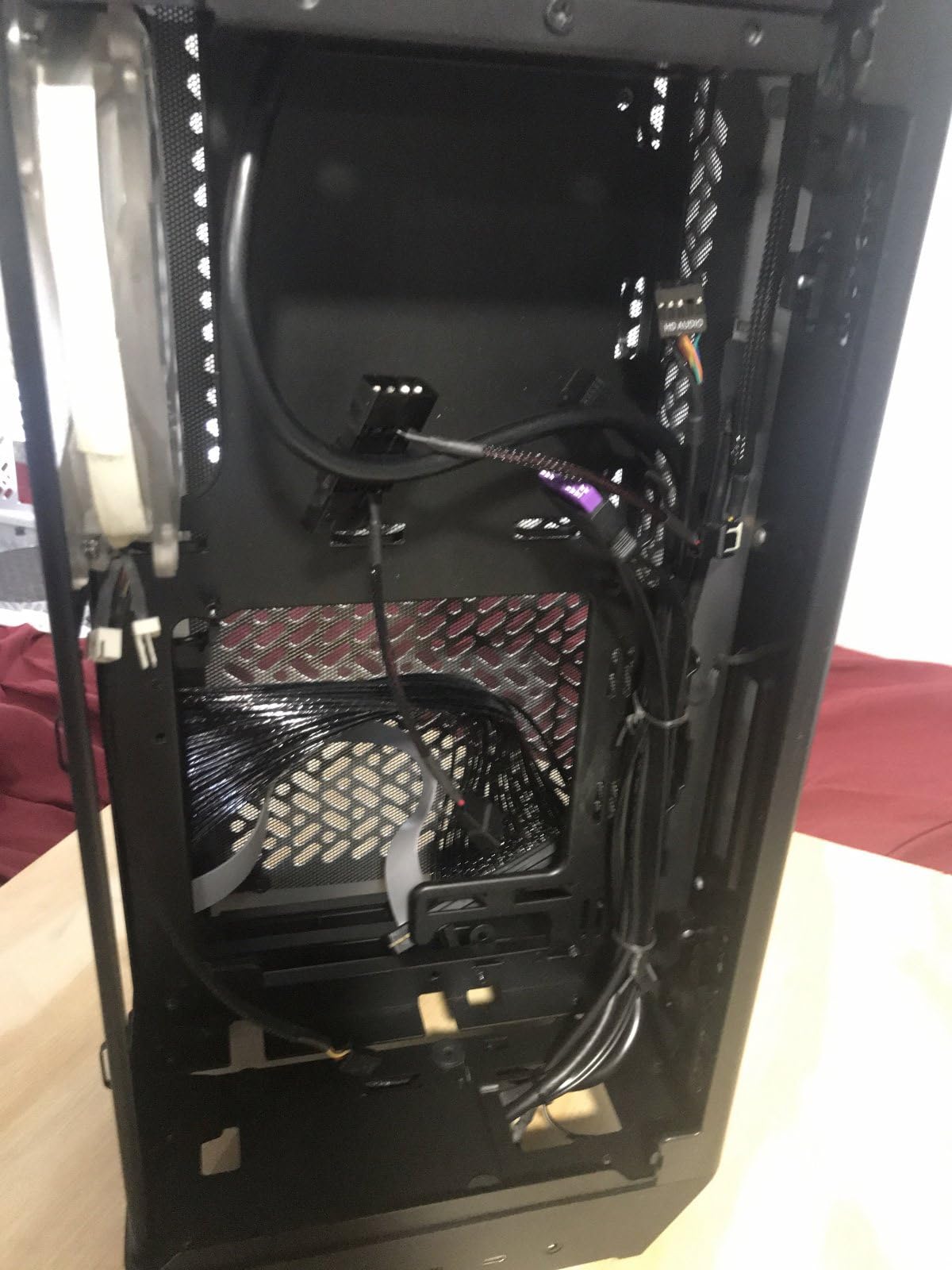
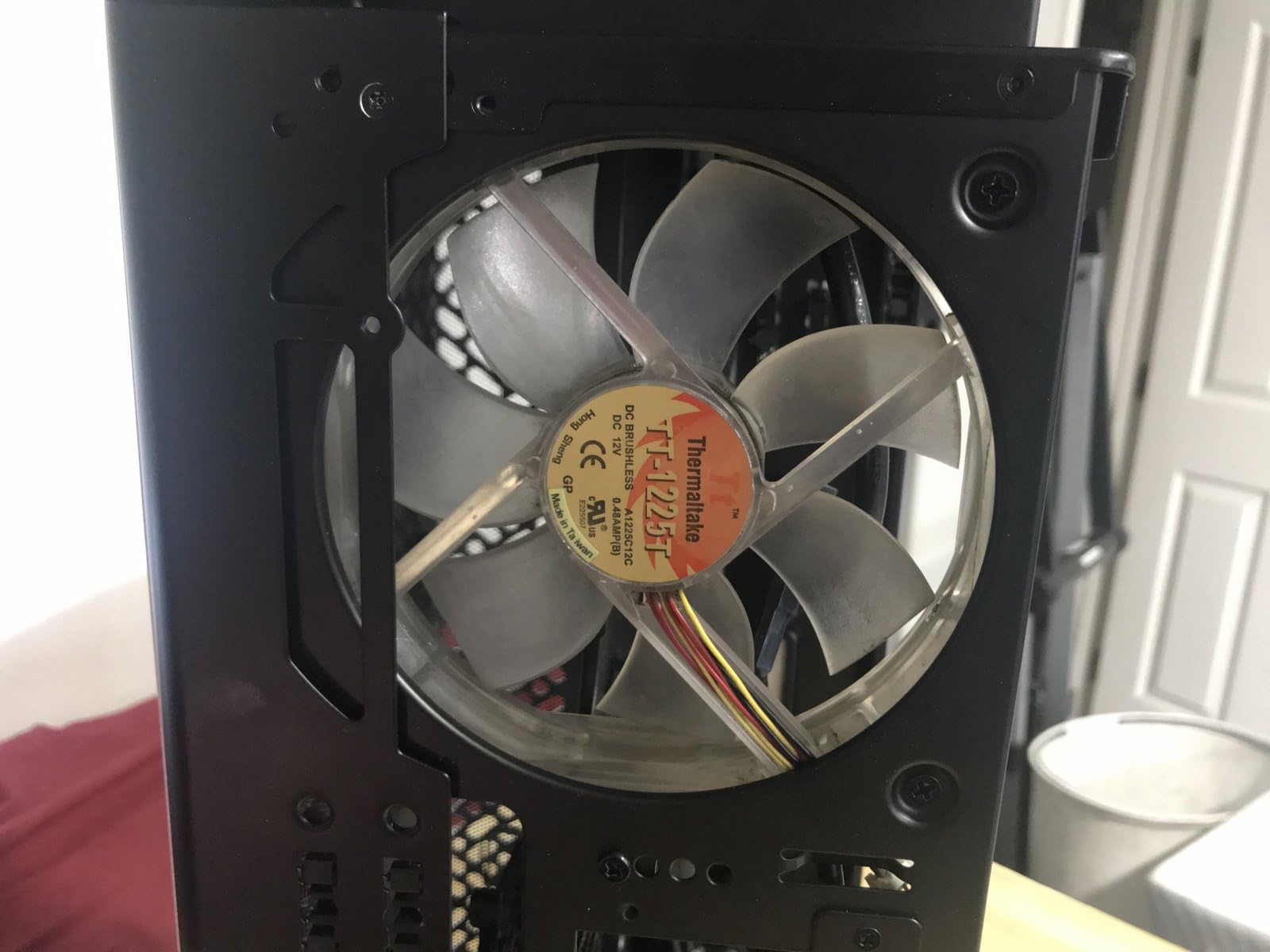
The cooling limitation is significant: only low-profile air coolers up to 70mm fit, realistically closer to 67mm with fan clips. I used a Noctua NH-L9i chromax.black with excellent results on a 65W processor. High TDP chips are not suitable for this case.
Storage is minimal with only one 2.5-inch SSD mount. Plan for M.2 storage on your motherboard, as traditional hard drives and additional SSDs have no mounting location. This is clearly designed for modern builds using NVMe drives exclusively.
Who Should Buy This
The NCORE 100 Air suits builders prioritizing GPU performance over CPU power. If you want the latest RTX 5080 or 5090 in the smallest possible case and accept using a 65W processor, this case delivers. The premium construction also appeals to aesthetic-focused builders.
Who Should Skip This
Content creators or workstation users needing powerful CPUs should avoid this case due to the low-profile cooler limit. Also, users wanting multiple storage drives or water cooling must look elsewhere. The single SSD mount and air-only cooling create functional constraints.
Mini ITX Case Buying Guide
Choosing the right mini ITX case requires balancing several factors that do not matter as much in full-size builds. Here is what to consider before purchasing.
GPU Clearance and Compatibility
Measure your graphics card before buying any SFF case. Length is obvious, but thickness matters too. Triple-slot GPUs require cases specifically supporting that width. Check whether your GPU uses a traditional cooler or a flow-through blower design. Flow-through cards exhaust hot air directly through the case, requiring better overall ventilation.
The RTX 4090 and upcoming 5090 cards demand careful case selection. Only cases with 320mm+ clearance and triple-slot support handle these cards properly. The NCORE 100 Air, Meshroom D, and Z20 accommodate these high-end GPUs.
Power Supply Requirements
Mini ITX cases typically require SFX or SFX-L power supplies rather than standard ATX units. SFX PSUs cost more per watt and offer fewer high-wattage options. Budget 150 to 200 dollars for a quality 750W+ SFX unit from brands like Corsair, Cooler Master, or SilverStone.
Some cases like the SG13, C6-ITX, and Z20 support ATX power supplies, saving money if you already own one. However, using ATX PSUs in compact cases often reduces GPU clearance due to cable space requirements. Check the specific limitations for each case before deciding.
Cooling Options and Thermal Performance
Small cases restrict cooling options. Tower air coolers over 160mm rarely fit. Low-profile coolers under 70mm work in the most compact cases but limit CPU TDP to 65W or less. All-in-one liquid coolers require cases specifically mounting radiators, typically 120mm, 240mm, or 280mm sizes.
Mesh panels provide better airflow than solid or glass panels. Cases like the Meshroom D and NR200 use all-mesh construction for maximum cooling. The NZXT H2 Flow offers a compromise with hybrid panels combining glass aesthetics and mesh airflow.
Build Difficulty and Cable Management
Not all mini ITX cases suit first-time builders. Cases under 12 liters typically require installing components in a specific order and offer minimal cable management space. The NR200 and H2 Flow provide the most forgiving builds for beginners.
Custom cable lengths help tremendously in compact cases. Consider cable extensions or replacement kits designed for SFX builds. Modular power supplies are essential – non-modular units create cable spaghetti that will not fit in small cases.
Portability Features
If you plan to transport your PC regularly, look for cases with carrying handles. The Z20, C6-ITX, and Ridge include integrated handles. Also consider weight – aluminum cases like the Terra and A4-H2O weigh significantly less than steel alternatives.
For air travel, ensure your build fits within carry-on dimensions and that components are secure. Cases with tool-less access make security screenings easier. I have flown with the A4-H2O and NR200 in carry-on luggage without issues.
Frequently Asked Questions
What is the best mini ITX case for beginners?
The Cooler Master NR200 is the best mini ITX case for beginners. Its tool-less panel removal, multiple configuration options, and forgiving 18.25L size make SFF building accessible for first-timers. The affordable price and excellent thermal performance provide room to learn without major investment.
Do I need an SFX PSU for mini ITX builds?
Most mini ITX cases require SFX or SFX-L power supplies. However, some cases like the SilverStone SG13, Jonsbo C6-ITX, and Jonsbo Z20 support standard ATX PSUs. Using an ATX PSU saves money but may reduce GPU clearance due to cable space requirements. Check your specific case specifications before purchasing.
What is the smallest mini ITX case with full GPU support?
The Fractal Design Terra at 10.4 liters and Lian Li A4-H2O at 11 liters are the smallest cases supporting full-length GPUs up to 322mm. The SilverStone SG13 at 11.5 liters is another ultra-compact option with good GPU support. These cases sacrifice some cooling capacity for size, so pair them with appropriate components.
Can you fit an RTX 4090 in a mini ITX case?
Yes, several mini ITX cases accommodate the RTX 4090. The Cooler Master NCORE 100 Air fits cards up to 356mm vertically. The SSUPD Meshroom D supports 3.5-slot GPUs. The Jonsbo Z20 offers 363mm clearance. These cases require careful thermal management and adequate power supply capacity to handle the 450W+ power draw.
Are mini ITX cases good for gaming?
Mini ITX cases work excellently for gaming when paired with appropriate components. Modern SFF cases support full-length GPUs including RTX 5080 and 5090 models. The main consideration is thermal management – compact cases require careful cooler selection and may limit CPU overclocking. For pure gaming performance focused on the GPU, mini ITX builds perform identically to full-size systems.
Final Thoughts
After building in all ten of these best mini ITX cases, I can confidently say there is no single perfect case. The Fractal Design Terra wins for aesthetics and build quality. The Cooler Master NR200 remains the value champion and best starting point. The Lian Li A4-H2O delivers the most performance per liter.
Your choice depends on priorities. Value hunters should grab the NR200 or C6-ITX. Aesthetic-focused builders will love the Terra. Performance enthusiasts need the Meshroom D or NCORE 100 Air. LAN party regulars should consider the Z20 or A4-H2O for portability.
Whatever case you choose, remember that mini ITX building rewards patience and planning. Measure twice, install once, and enjoy a powerful PC that takes up a fraction of the space of traditional builds. The best mini ITX cases in 2026 prove that small can still be mighty.