
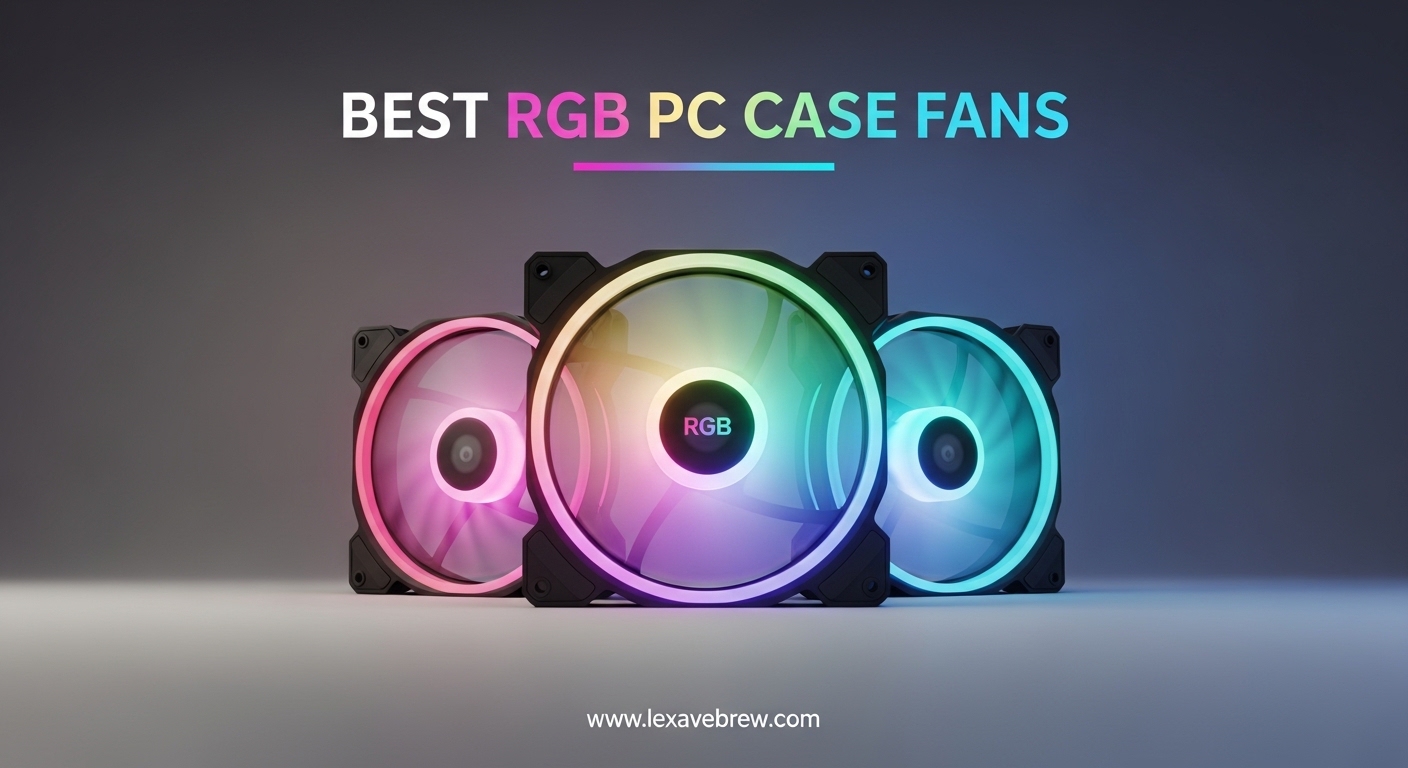
Building a gaming PC in 2026 is about more than raw performance. It is also about making your rig look incredible, and nothing transforms a plain case into a showcase build faster than the best RGB PC case fans. These fans pull double duty: they keep your components running cool under load while bathing your internals in vibrant, customizable lighting that makes every gaming session feel like an event.
Our team spent weeks testing and comparing 12 of the most popular RGB case fans on the market. We looked at airflow performance, noise levels, RGB lighting quality, software compatibility, and overall value. Whether you are building your first gaming PC or upgrading an existing rig, this guide will help you find the perfect RGB fans for your setup.
From budget-friendly multi-packs to premium daisy-chain systems, we cover every price range and use case. We also break down the difference between ARGB and RGB, explain which fans work with your motherboard’s RGB software, and share real installation tips that save time and frustration.
Top 3 Picks for Best RGB PC Case Fans
Best RGB PC Case Fans in 2026
| Product | Specifications | Action |
|---|---|---|
 Corsair RS120 ARGB 3-Pack
|
|
Check Latest Price |
 ARCTIC P12 PWM PST A-RGB 3-Pack
|
|
Check Latest Price |
 Thermalright TL-C12C-S 3-Pack
|
|
Check Latest Price |
 Thermalright TL-C12C-S 5-Pack
|
|
Check Latest Price |
 ARCTIC P12 Pro A-RGB
|
|
Check Latest Price |
 AsiaHorse COSMIQ 3-Pack
|
|
Check Latest Price |
 DARKROCK F120 3-Pack
|
|
Check Latest Price |
 Thermalright TL-M12Q 3-Pack
|
|
Check Latest Price |
 Cooler Master MF120 Lite 3-Pack
|
|
Check Latest Price |
 EZDIY-FAB Moonlight 6-Pack
|
|
Check Latest Price |
1. Corsair RS120 ARGB – Best Overall RGB Fan
CORSAIR RS120 ARGB 120mm PWM Fans – Daisy-Chain Connection – Low-Noise – Magnetic Dome Bearing – Triple Pack – White
72.8 CFM Airflow
2100 RPM Max Speed
Magnetic Dome Bearing
5-Year Warranty
8 LEDs Per Fan
Pros
- Daisy-chain connection simplifies cable management
- 72.8 CFM high airflow
- 8 bright ARGB LEDs per fan
- 5-year warranty
Cons
- Short cables may need extensions
- Can be loud at full 2100 RPM
- No rubber pads at mount holes
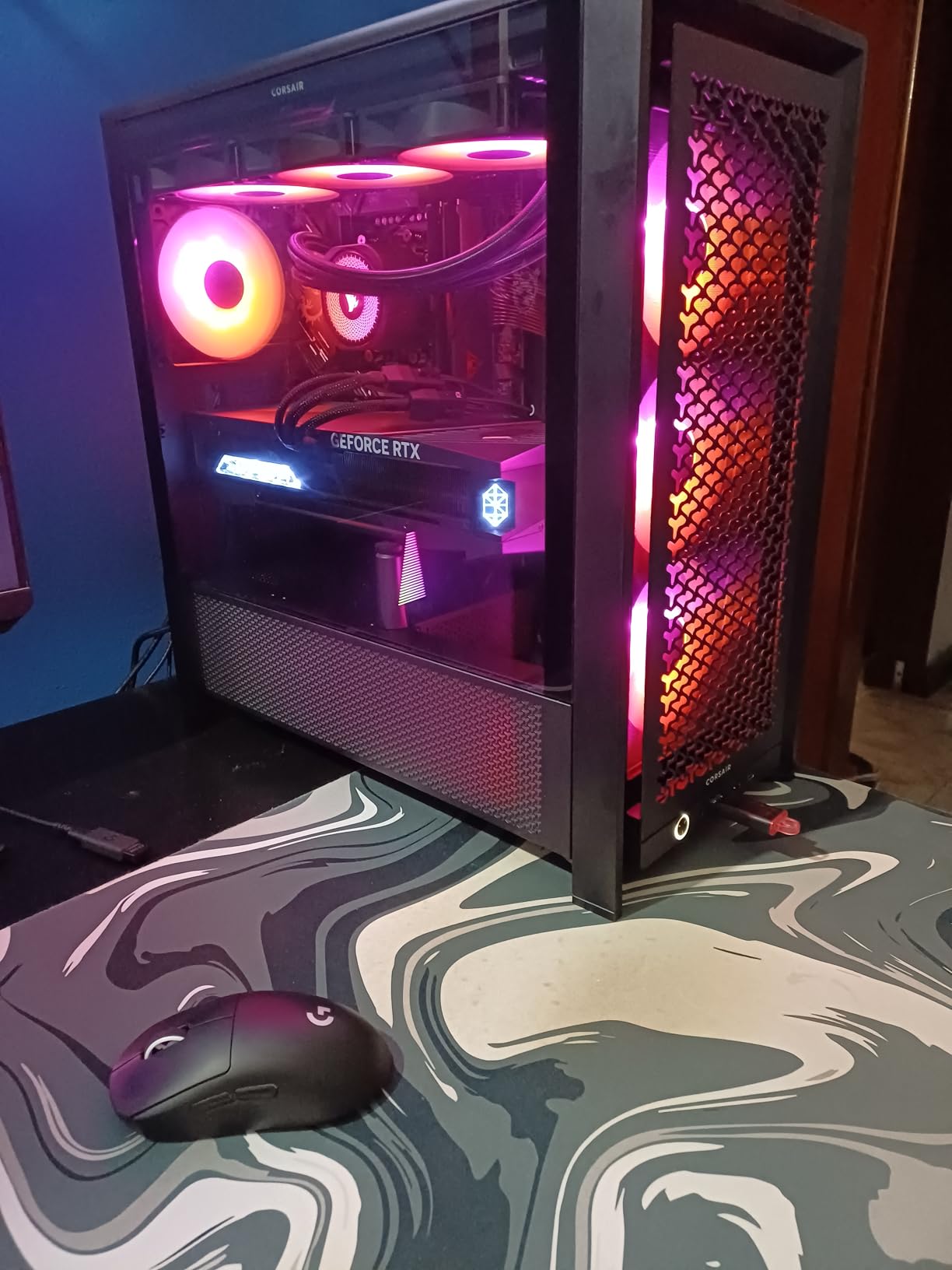
I installed the Corsair RS120 ARGB fans in my main gaming rig and they immediately became my go-to recommendation for anyone serious about both cooling and aesthetics. The daisy-chain connection system is a genuine time saver. Instead of running separate cables for each fan to the motherboard, you connect them in series and run a single cable back. This alone saved me about 20 minutes of cable routing during my last build.
The airflow performance is impressive at 72.8 CFM per fan. I noticed a measurable drop in GPU temperatures after swapping out my old case fans for these. Corsair’s AirGuide Technology uses anti-vortex vanes that direct airflow straight at your hottest components rather than scattering it across the case. Under PWM control, the fans spin between 650 and 2100 RPM, so they stay whisper-quiet during regular use and only ramp up when your system needs serious cooling.
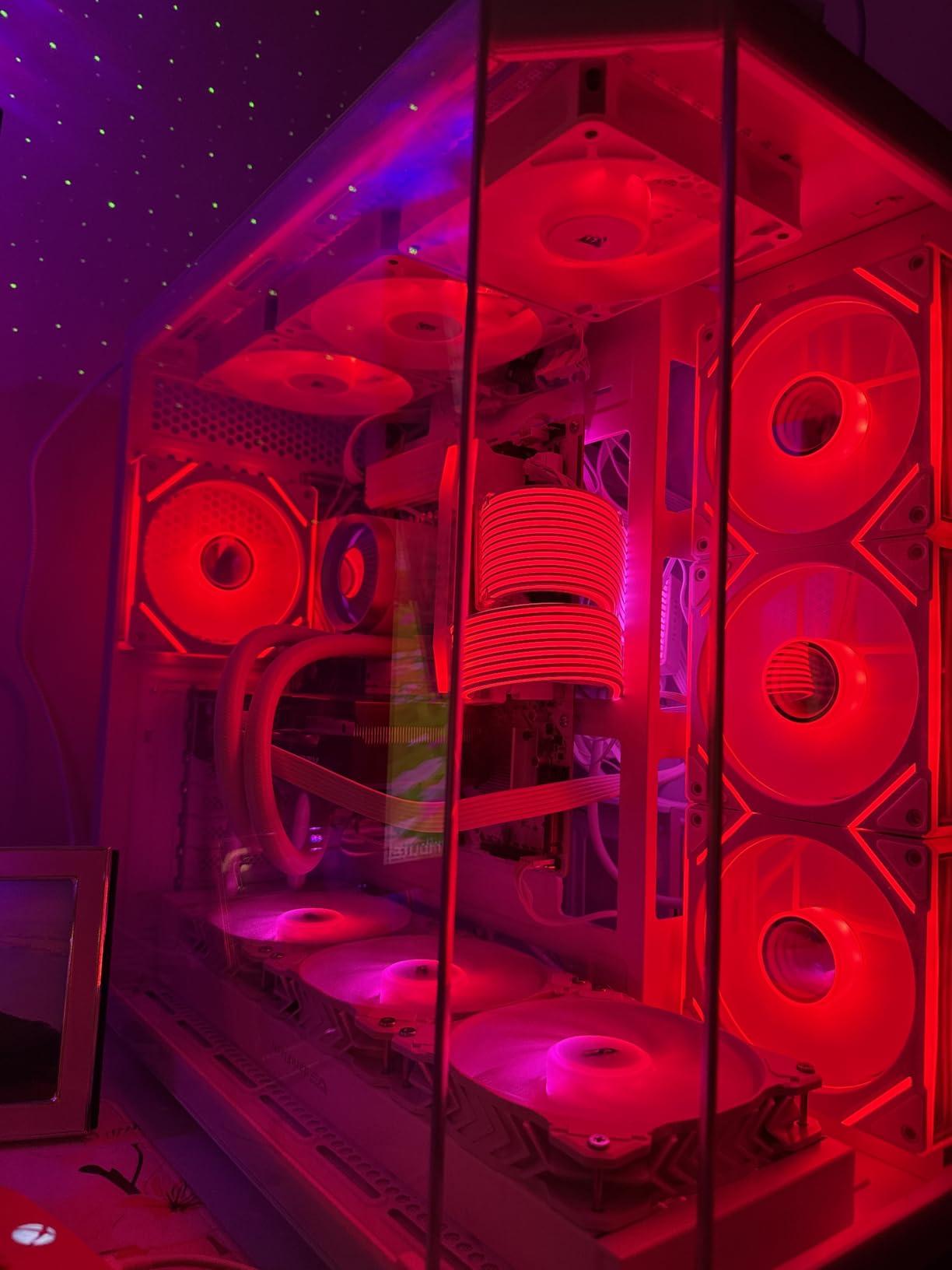
The ARGB lighting is bright and uniform thanks to 8 LEDs per fan. Each fan connects to your motherboard’s 5V ARGB header, which means full compatibility with ASUS Aura Sync, MSI Mystic Light, Gigabyte RGB Fusion, and ASRock Polychrome Sync. The frosted light diffuser creates a smooth, premium glow that looks far better than the cheap, spotty lighting you get on budget fans. I have run these fans through Corsair’s iCUE software and the customization options are excellent.
There are a few things to watch out for. The power and RGB cables are shorter than I would like, so if you have a full tower case you may need extensions. Also, at full 2100 RPM these fans are noticeably loud. They are rated at 36 dB at max speed, which is significant. The good news is that you rarely need to run them at full speed thanks to the wide PWM range. There are also no rubber pads at the mount holes, which means you might get slight vibration transfer to your case panel.
Who Should Buy the Corsair RS120 ARGB
These fans are ideal for gamers and PC builders who want premium cooling performance with clean cable management and vibrant ARGB lighting. If you are running a Corsair ecosystem with iCUE software, these integrate perfectly. The 5-year warranty also provides peace of mind that these fans will last through multiple build upgrades.
Who Should Look Elsewhere
If you are building on a strict budget, the Corsair RS120 ARGB sits at a premium price point. Builders with full tower cases should also consider whether the cable lengths will reach their motherboard headers without extensions. If absolute silence at full load is your priority, look at the ARCTIC P12 PWM PST instead.
2. ARCTIC P12 PWM PST A-RGB – Best Value RGB Fan
ARCTIC P12 PWM PST A-RGB (3 Pack) - PC Fans, 120mm PWM Case Fan Optimized for Static Pressure, Semi-Passive: 200–2000 RPM (0 RPM <5%), 5V 3 pin ARGB LED - Black
48.8 CFM Airflow
200-2000 RPM
Semi-Passive 0 RPM
1.85 mmH2O Static Pressure
6-Year Warranty
Pros
- Extremely quiet at 0.3 Sones
- Semi-passive 0 RPM mode
- High 1.85 mmH2O static pressure
- 6-year warranty
- Integrated Y-splitters
Cons
- Lower airflow at 48.8 CFM
- Cables can be complicated to manage
- Limited stock availability
The ARCTIC P12 PWM PST A-RGB is the fan I recommend most often when people ask me for the best balance of performance, noise, and value. German-engineered with exceptional build quality, this fan feels premium in hand and performs like it costs twice as much. The PST (PWM Sharing Technology) feature lets you daisy-chain up to 5 fans through a single 4-pin PWM header, which is a lifesaver for motherboards with limited fan headers.
What sets these fans apart is the semi-passive mode. Below 5% PWM duty cycle, the fans stop spinning completely and sit at 0 RPM. This means zero noise when your system is idling or under light load. I have used these as case fans in my office PC and during web browsing and document editing, I cannot hear them at all. When they do spin up, the noise level is just 0.3 Sones, which is among the quietest RGB fans I have tested.
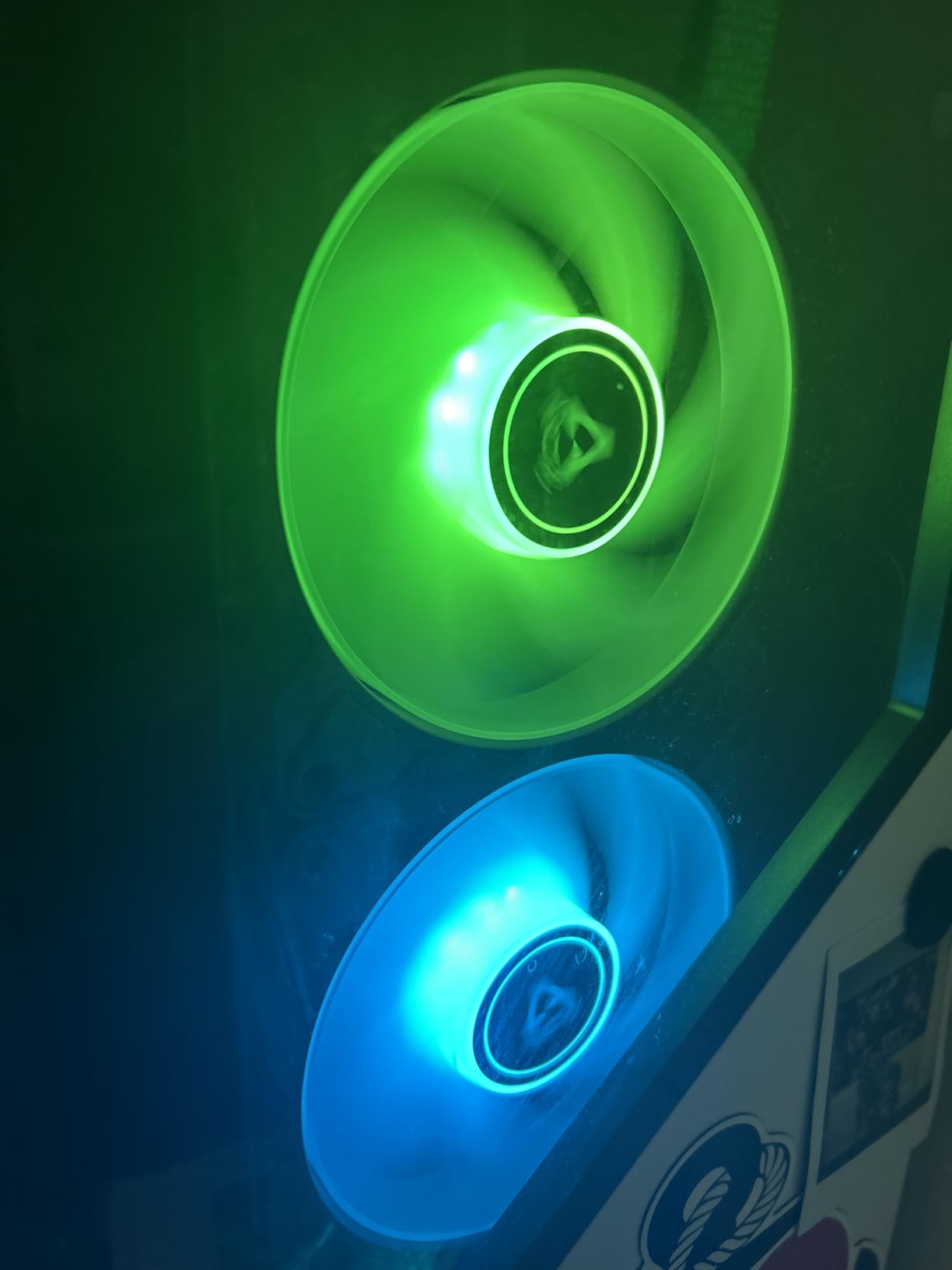
The static pressure rating of 1.85 mmH2O is excellent for a 120mm fan. This makes the P12 A-RGB a strong choice not just for case airflow, but also for radiator mounting and pushing air through dense mesh front panels. The 12 A-RGB LEDs produce even, rich illumination without hot spots. Each fan uses a transparent rotor that diffuses the light beautifully across the entire blade surface.
The main trade-off is airflow. At 48.8 CFM, the P12 A-RGB moves less air than some competitors like the Corsair RS120. However, the high static pressure means the air it does move is directed effectively. For most gaming builds, this is more than adequate. The 3-pack comes with integrated Y-splitters for both PWM and RGB connections, though the cabling can get a bit messy if you are chaining all three fans together.
Who Should Buy the ARCTIC P12 PWM PST A-RGB
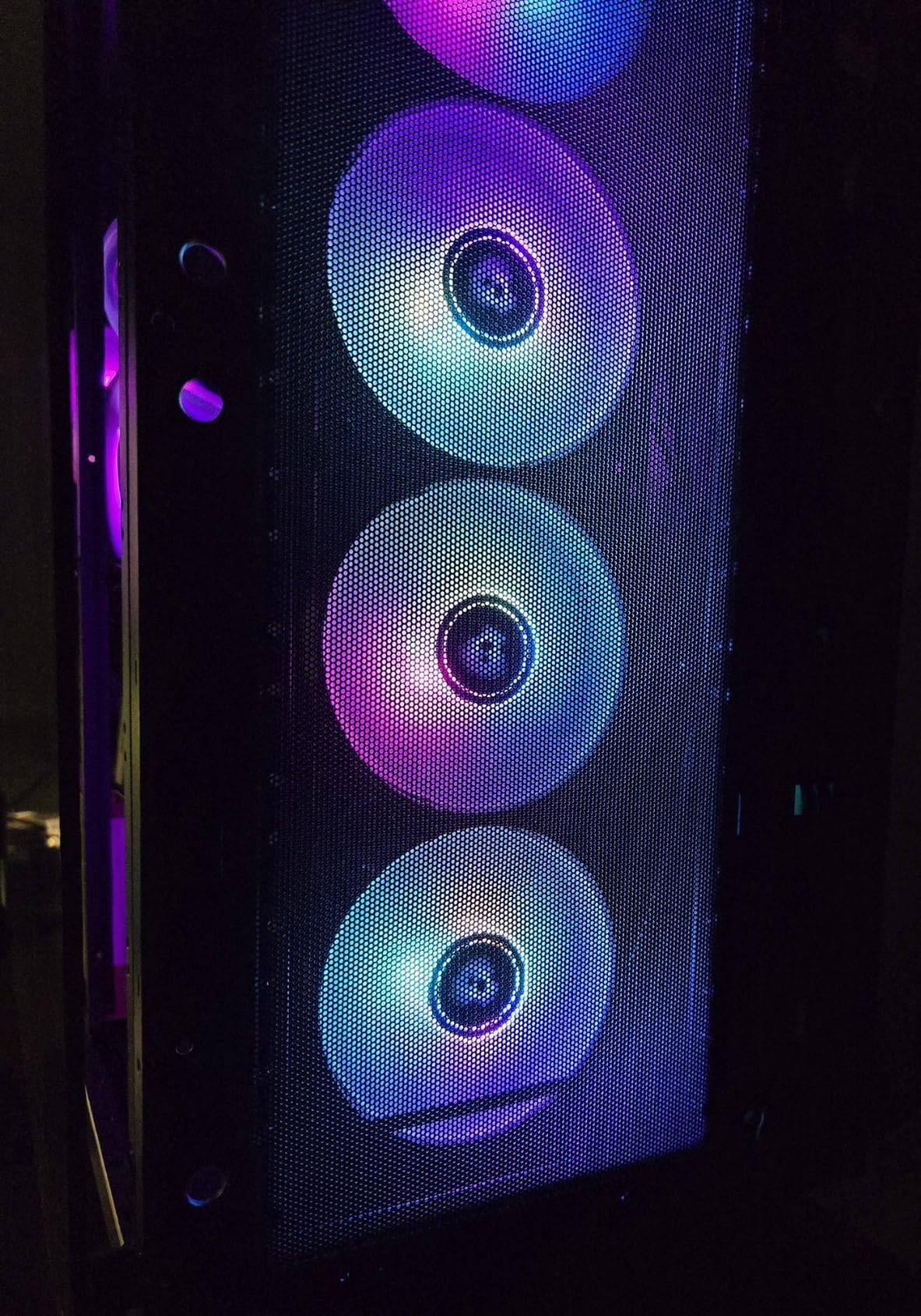
These fans are perfect for builders who prioritize silence and longevity. The 6-year warranty is one of the longest in the industry, and the semi-passive mode means your PC stays silent during everyday tasks. They are also an excellent choice for radiator cooling thanks to the high static pressure. If you use ASUS Aura Sync, Gigabyte RGB Fusion, MSI Mystic Light, or ASRock Polychrome, these fans sync without issues.
Who Should Look Elsewhere
If you need maximum airflow for a high-heat build with multiple GPUs or heavy overclocking, the 48.8 CFM rating may not be sufficient. Builders who want the absolute brightest RGB lighting might also prefer fans with more LEDs per unit. The limited stock availability is also something to watch for, as these fans sell out frequently.
3. Thermalright TL-C12C-S 3-Pack – Best Budget RGB Fan
Thermalright TL-C12C-S X3 CPU Fan 120mm ARGB Case Cooler Fan, 4pin PWM Silent Computer Fan wth S-FDB Bearing Included, up to 1550RPM Cooling Fan(3 Quantities)
66.17 CFM Airflow
1550 RPM Max
S-FDB Bearing
25.6 dBA Noise
17 ARGB Effects
Pros
- Incredible value at under $12 for 3 fans
- 66.17 CFM strong airflow
- Daisy-chain capable
- 17 ARGB effects
- SignalRGB compatible
Cons
- One reported bearing failure after 1.5 years
- Occasional transit damage reported
- Minor cable management challenges
I was genuinely surprised the first time I tested the Thermalright TL-C12C-S. For a 3-pack that costs less than a single premium fan from other brands, the performance is remarkable. These fans push 66.17 CFM of airflow at 1550 RPM, which puts them ahead of fans costing three times as much. They are currently ranked as the #2 best seller in computer case fans on Amazon, and after using them, I understand why.
The S-FDB (Sealed Fluid Dynamic Bearing) technology keeps these fans running smooth and quiet. At 25.6 dBA under full load, they are quieter than many fans at idle. The 4-pin PWM connector lets your motherboard automatically control fan speed based on temperatures. Each fan has individually addressable LEDs that support up to 17 different ARGB effects, from smooth rainbow waves to color-shifting patterns.
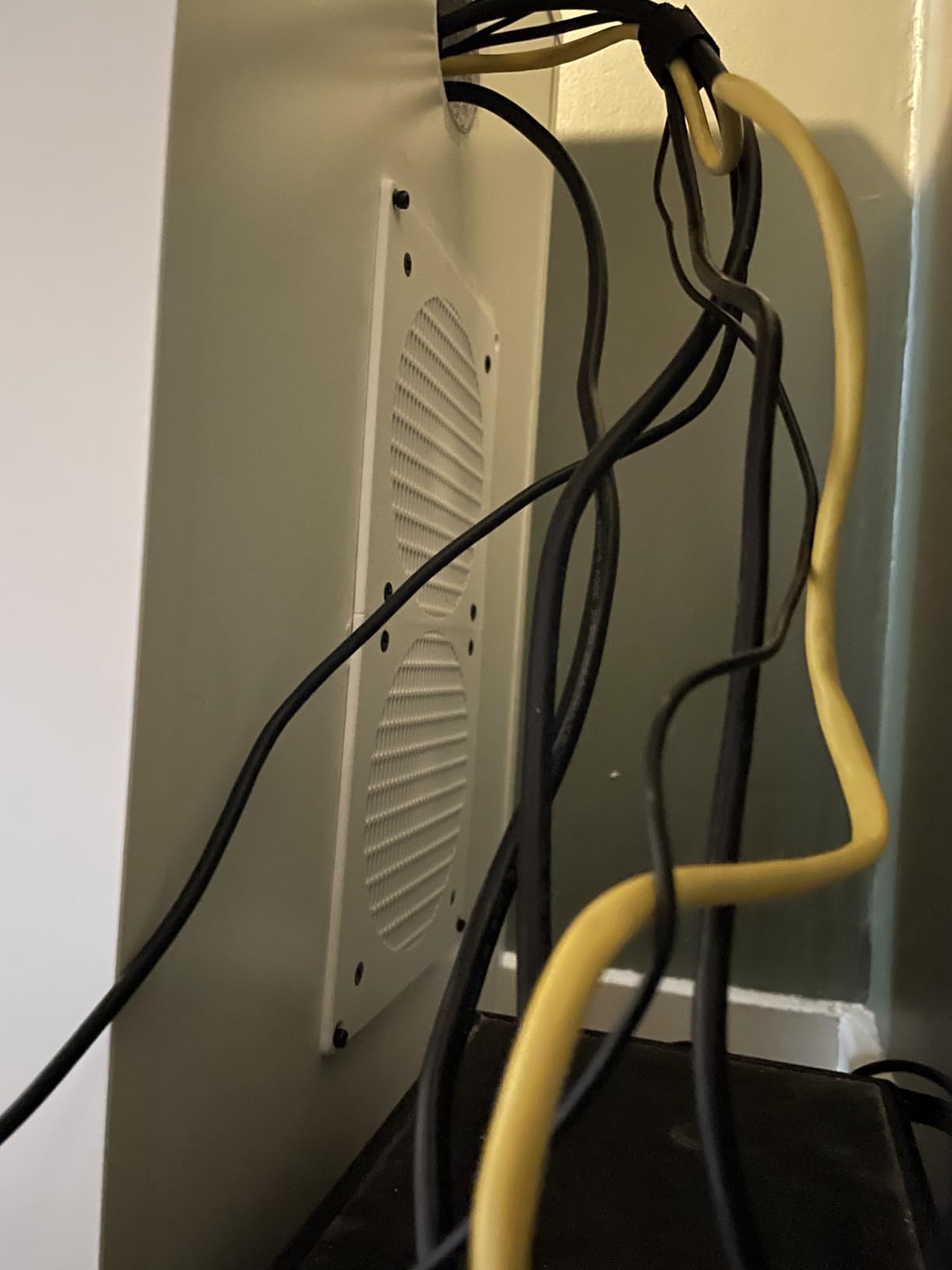
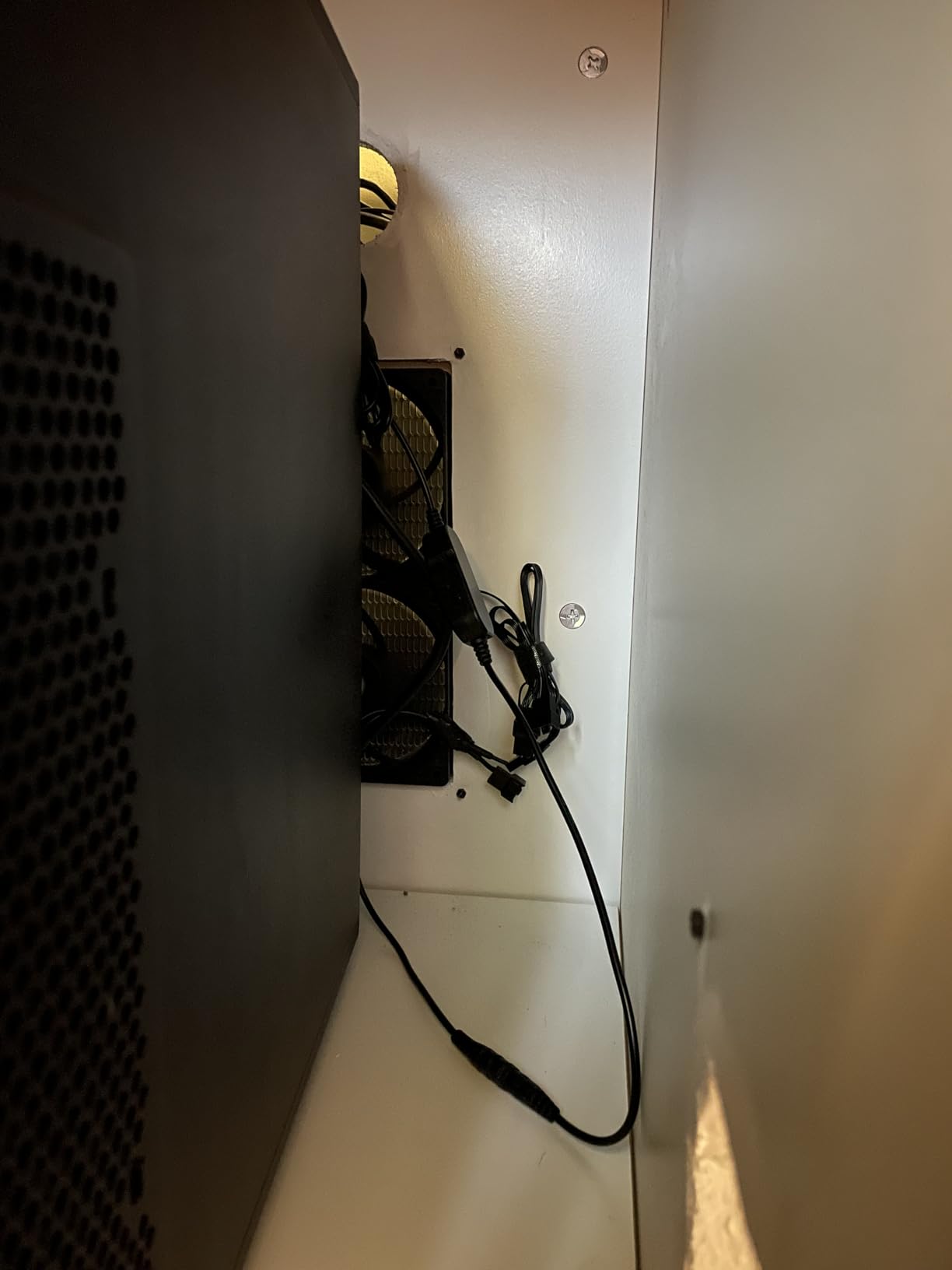
Installation is straightforward thanks to the included 55cm PWM series control cables. The daisy-chain capability means you can link multiple fans together and connect them to a single motherboard header. I set these up in a mid-tower case with 3 intake and 2 exhaust, and the temperature improvements were noticeable within the first hour of gaming. The fans work great with SignalRGB for synchronized lighting across different brands.
There are a few compromises at this price point. I did find reports of occasional bearing failures after extended use, though these seem to be the exception rather than the rule given the 1700+ reviews and 4.7-star average. Some customers also received fans with minor transit damage, so inspect your package when it arrives. The cable management can be tricky when daisy-chaining all three fans, especially in smaller cases with limited routing space behind the motherboard tray.
Who Should Buy the Thermalright TL-C12C-S
These fans are the obvious choice for budget-conscious builders who refuse to compromise on airflow performance. If you are building a gaming PC and want strong cooling with ARGB lighting without spending a fortune, this 3-pack delivers exceptional value. They are also great for filling extra fan mounts in an existing build where you want to add RGB without a big investment.
Who Should Look Elsewhere
If you need fans for a radiator setup with high static pressure requirements, these may not be the best fit at 1.53 mmH2O. Builders who want premium aesthetics with infinity mirror effects should look at the AsiaHorse COSMIQ or DARKROCK F120 instead. If you want the longest possible warranty, consider the ARCTIC fans with their 6-year coverage.
4. Thermalright TL-C12C-S 5-Pack – Best Budget Bulk RGB Fan
Thermalright 5 Pack TL-C12C-S CPU Fan 120mm ARGB Case Cooler Fan, 4pin PWM Silent Computer Fan with S-FDB Bearing Included, up to 1550RPM Cooling Fan(5 Quantities)
66.17 CFM Airflow
1550 RPM Max
5 Fans Included
S-FDB Bearing
17 ARGB Effects
Pros
- 5 fans for outstanding value
- Whisper-quiet S-FDB operation
- Strong 66.17 CFM airflow
- SignalRGB compatible
- Daisy-chain support
Cons
- Wire management with 5 daisy-chained fans
- Documentation in Chinese only
- White color may appear slightly blue
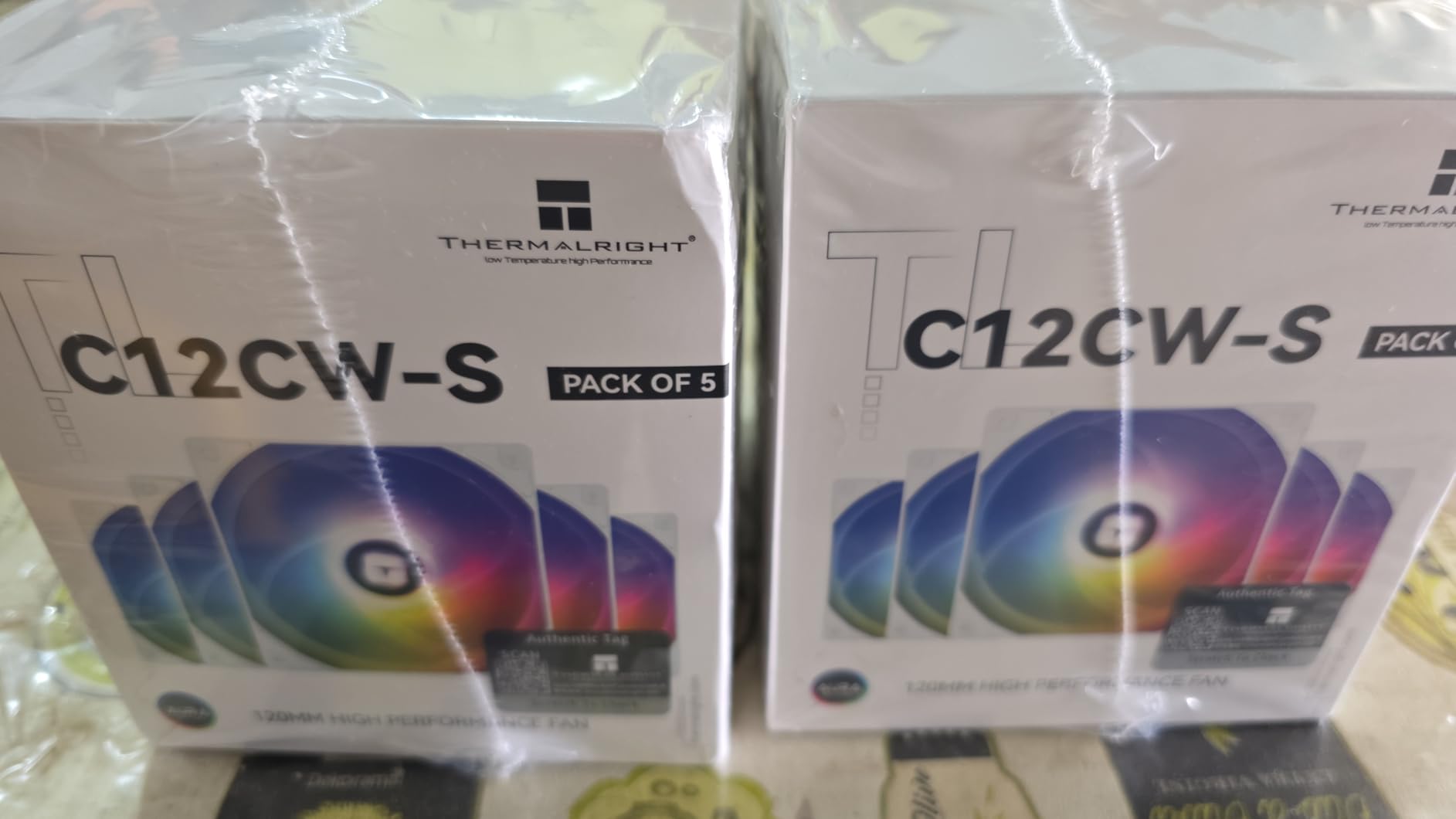
The Thermalright TL-C12C-S 5-pack is the same great fan as the 3-pack, just in a bulk format that makes it one of the best deals in RGB case fans. Getting 5 fans at this price point is remarkable, and it means you can fill every mount in a mid-tower case without spending more than you would on a 3-pack from most competitors. I used this exact kit to fully populate a Corsair 4000D Airflow case.
Performance-wise, these are identical to the 3-pack version. Each fan delivers 66.17 CFM at 1550 RPM with the same S-FDB bearings that keep noise down to 25.6 dBA. The individually addressable ARGB LEDs produce vibrant, customizable lighting with 17 built-in effects. The daisy-chain cables are long enough at 55cm to route through most cases, though managing cables for 5 fans in series does require some planning.
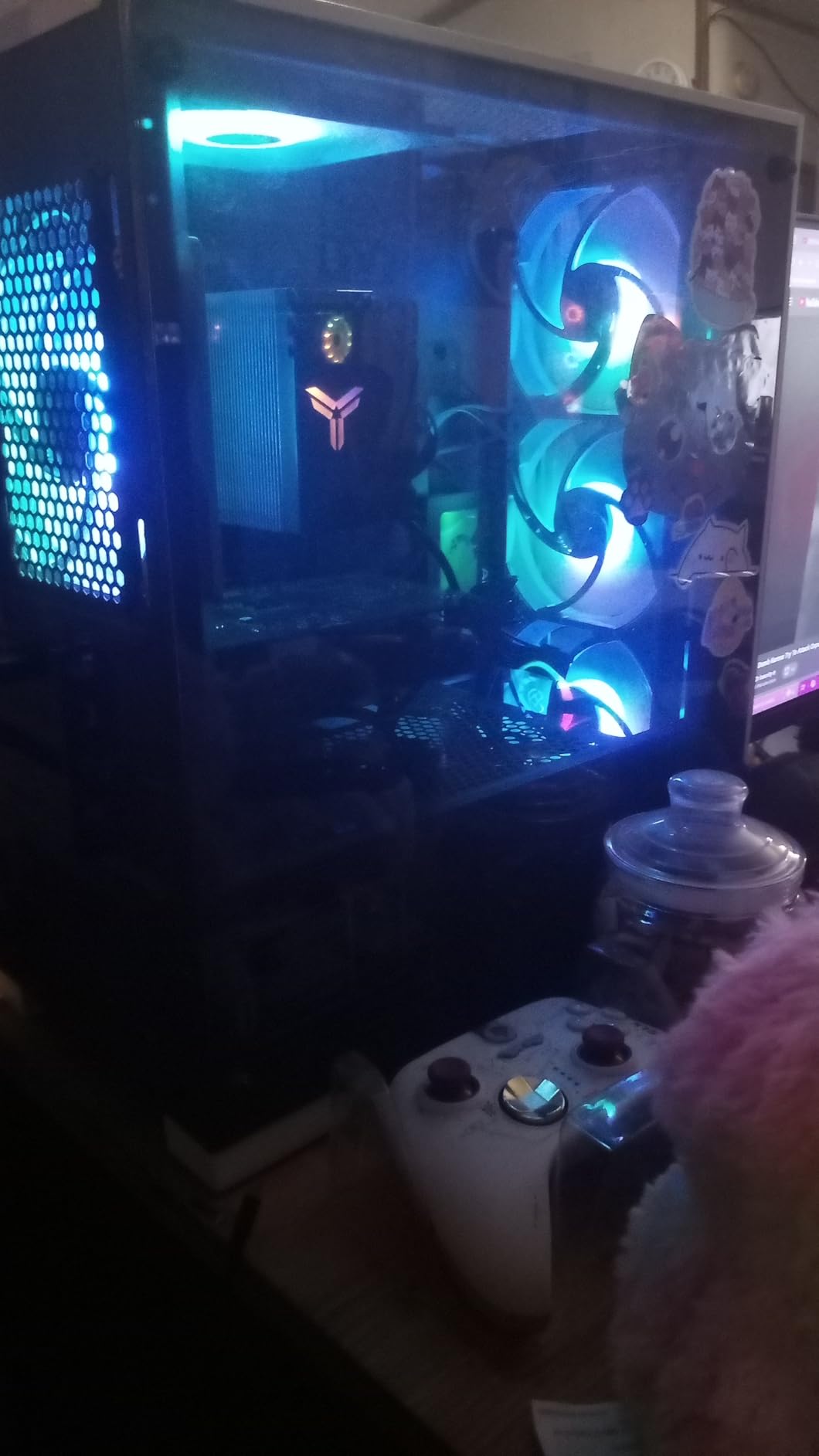
One thing I noticed during testing is that the white color variant of these fans can appear slightly blue rather than a pure white under certain RGB settings. This is a minor aesthetic issue that most users will not notice once the fans are installed inside a case with other RGB components. The documentation is also only in Chinese, but the installation is intuitive enough that most builders will not need instructions.
For anyone building a PC from scratch and needing to populate 5 or more fan mounts, this kit is hard to beat. The combined airflow of 5 fans pushing 66.17 CFM each creates excellent case ventilation. I measured a 5-degree drop in CPU temperature when upgrading from 3 generic fans to this 5-fan setup in a mesh front panel case.
Who Should Buy the Thermalright TL-C12C-S 5-Pack
This 5-pack is perfect for new PC builders who need to fill every fan mount in their case on a tight budget. If you are doing a fresh build and want maximum airflow with ARGB lighting across all your intake and exhaust positions, buying in bulk saves significant money. It is also ideal for anyone already running Thermalright CPU coolers who wants matching RGB fans.
Who Should Look Elsewhere
If you only need 2 or 3 fans, the 3-pack version (reviewed above) is a better deal per fan with less cable management hassle. The white variant may not match pure-white themed builds due to the slight blue tint. If you want software control beyond basic ARGB motherboard headers, these fans have limited advanced features.
5. ARCTIC P12 Pro A-RGB – Best High-Performance RGB Fan
ARCTIC P12 Pro A-RGB - Powerful Premium Fan, 120 mm PWM Fan with Y-Cable Splitter, 600-3000 RPM, 0 RPM <5% PWM, 5V Digital RGB, Fluid Dynamic Bearing, 4-Pin - Black
77 CFM Airflow
600-3000 RPM
Fluid Dynamic Bearing
0 RPM Below 5% PWM
6-Year Warranty
Pros
- Highest airflow at 77 CFM
- Wide 600-3000 RPM range
- 0 RPM semi-passive mode
- 6-year warranty
- Includes Y-cable splitter
Cons
- Noisy at high RPM
- Only 3-pin ARGB connector
- Logo may be slightly off-center
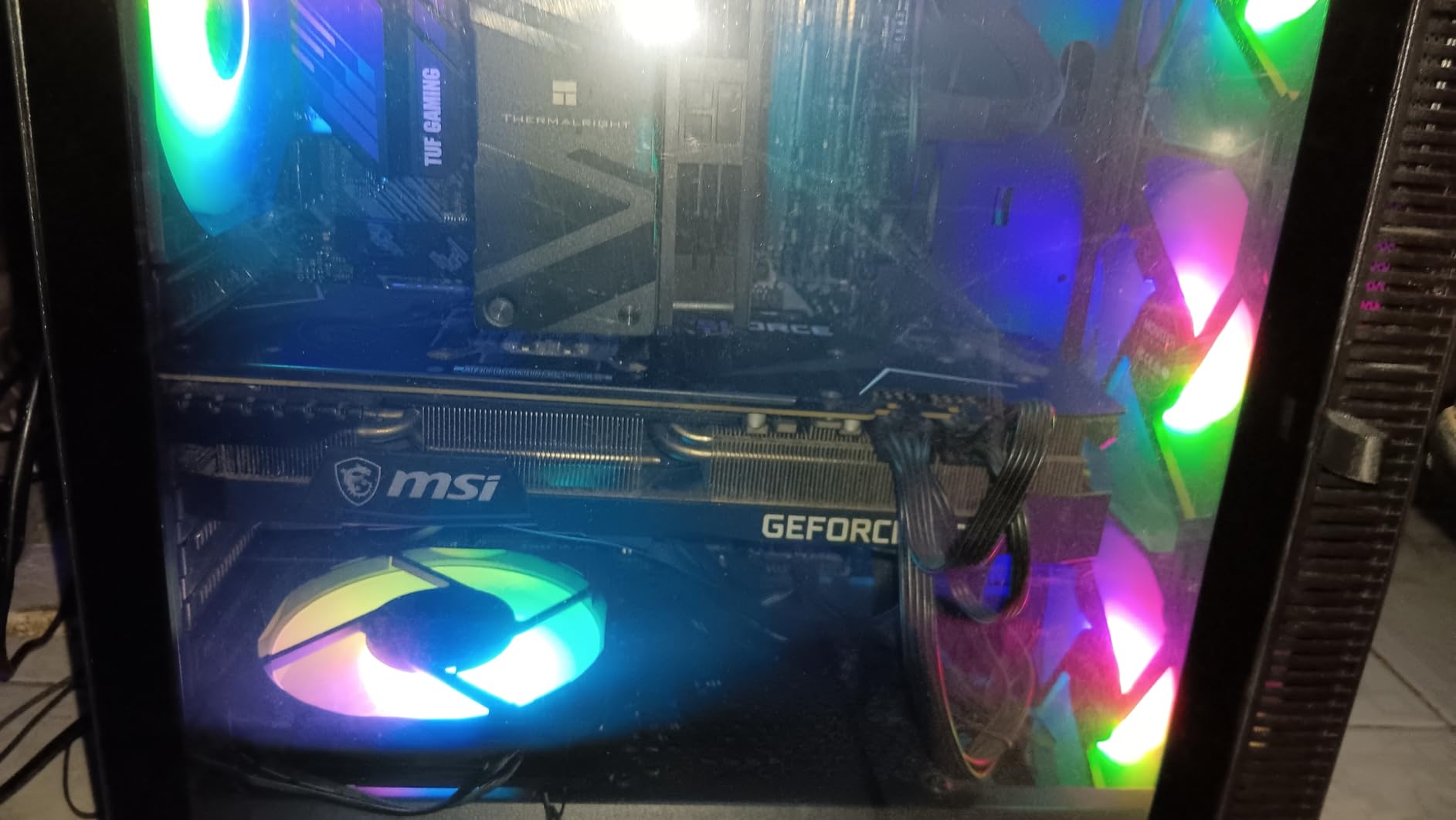
The ARCTIC P12 Pro A-RGB is the performance king of this lineup. At 77 CFM, it moves more air than any other fan on this list, and the 600-3000 RPM range gives you incredible flexibility. I tested this fan as both a case fan and a radiator fan, and it excels in both roles. The high static pressure makes it particularly effective at pushing air through dense radiator fins and restrictive mesh panels.
The 0 RPM semi-passive mode is a feature I have come to love. Below 5% PWM duty cycle, the fan stops completely. This means during idle and light workloads, your PC is dead silent. The Fluid Dynamic Bearing (FDB) is self-lubricating, which contributes to both the quiet operation and the long-term reliability that backs ARCTIC’s 6-year warranty. The new fan blade design balances performance and noise effectively.
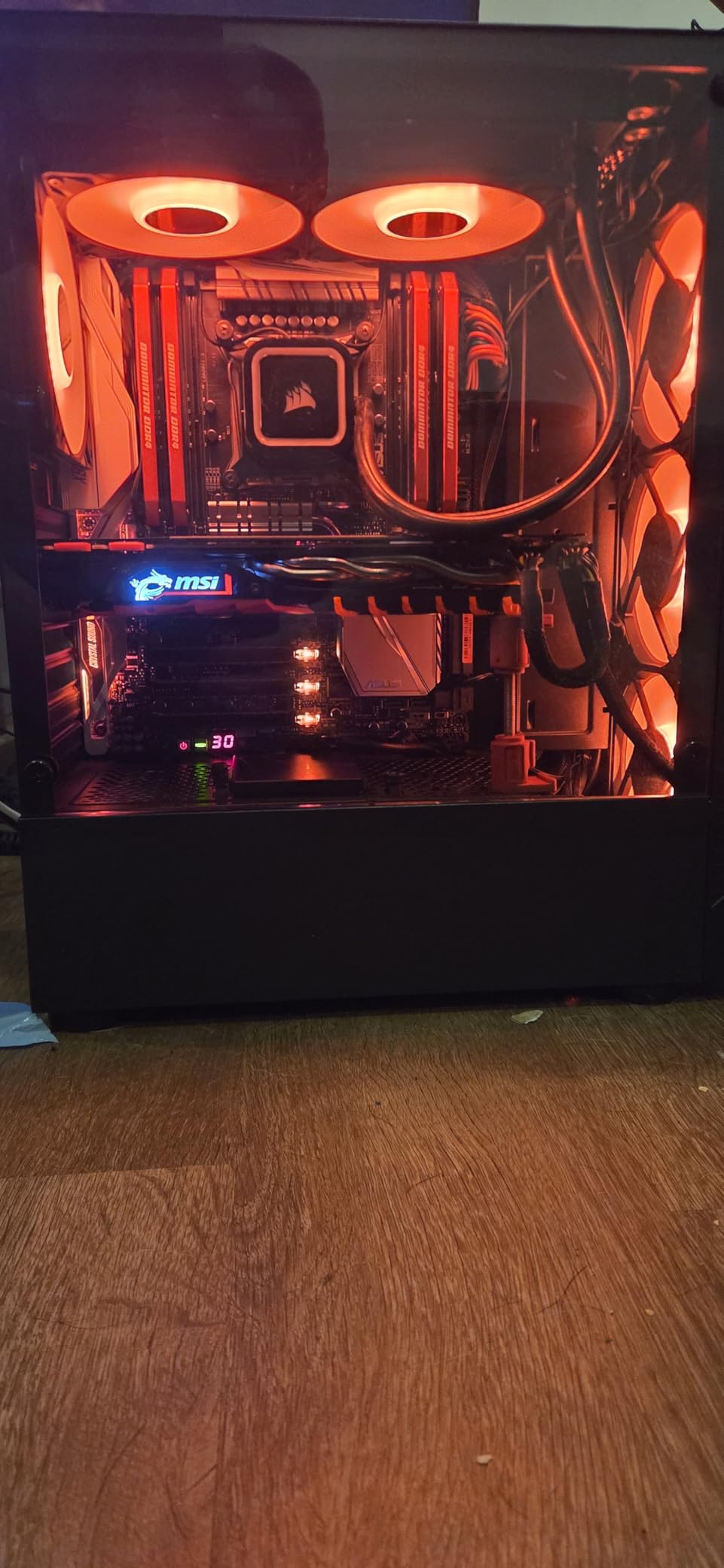
At lower speeds, the P12 Pro A-RGB is whisper-quiet. However, if you push it to the upper end of its RPM range, it gets loud. At 3000 RPM, this fan is moving serious air but you will definitely hear it. Most users will never need to run it that fast thanks to the wide speed range, but it is worth knowing if you plan to run a high-overclock setup that demands maximum cooling.
The included Y-cable splitter makes daisy-chaining simple. You can connect multiple fans through a single 4-pin PWM header on your motherboard. The 3-pin ARGB connector works with standard 5V ARGB headers, though some motherboards may require an adapter. The LED lighting is bright and even, though the fan logo can be slightly off-center on some units, which is a minor cosmetic issue.
Who Should Buy the ARCTIC P12 Pro A-RGB
This fan is ideal for enthusiasts who need maximum cooling performance. If you are running a heavily overclocked CPU, multiple GPUs, or a custom water cooling loop, the 77 CFM airflow and high static pressure will keep temperatures in check. The 6-year warranty and semi-passive mode make it a great long-term investment for serious builders.
Who Should Look Elsewhere
If noise at high RPM is a concern and you do not need the extreme airflow, the standard ARCTIC P12 PWM PST A-RGB is quieter and comes in a 3-pack for better value. The 3-pin ARGB connector may require an adapter for some motherboards. If you want a multi-pack for filling all your case fan mounts, single-fan pricing adds up quickly.
6. AsiaHorse COSMIQ – Best Infinity Mirror RGB Fan
AsiaHorse COSMIQ 120mm Case Fan, Infinity Mirror FDB Reverse Fan with 5V 3-PIN Connector and Small Controller, 2000 RPM and 68.5CFM,Unit Daisy Chain PWM RGB PC Fans for Cases CPU Liquid Coolers, 3Pack
68.5 CFM Airflow
2000 RPM Max
Infinity Mirror Design
Hydrodynamic Bearing
Music Sync RGB
Pros
- Stunning infinity mirror aesthetics
- Music sync RGB controller
- 68.5 CFM strong airflow
- Daisy-chain interlocking connectors
- SignalRGB compatible
Cons
- Only 8 LED addresses per fan
- Proprietary cables with only 2 included
- Logo visible on side mirrors
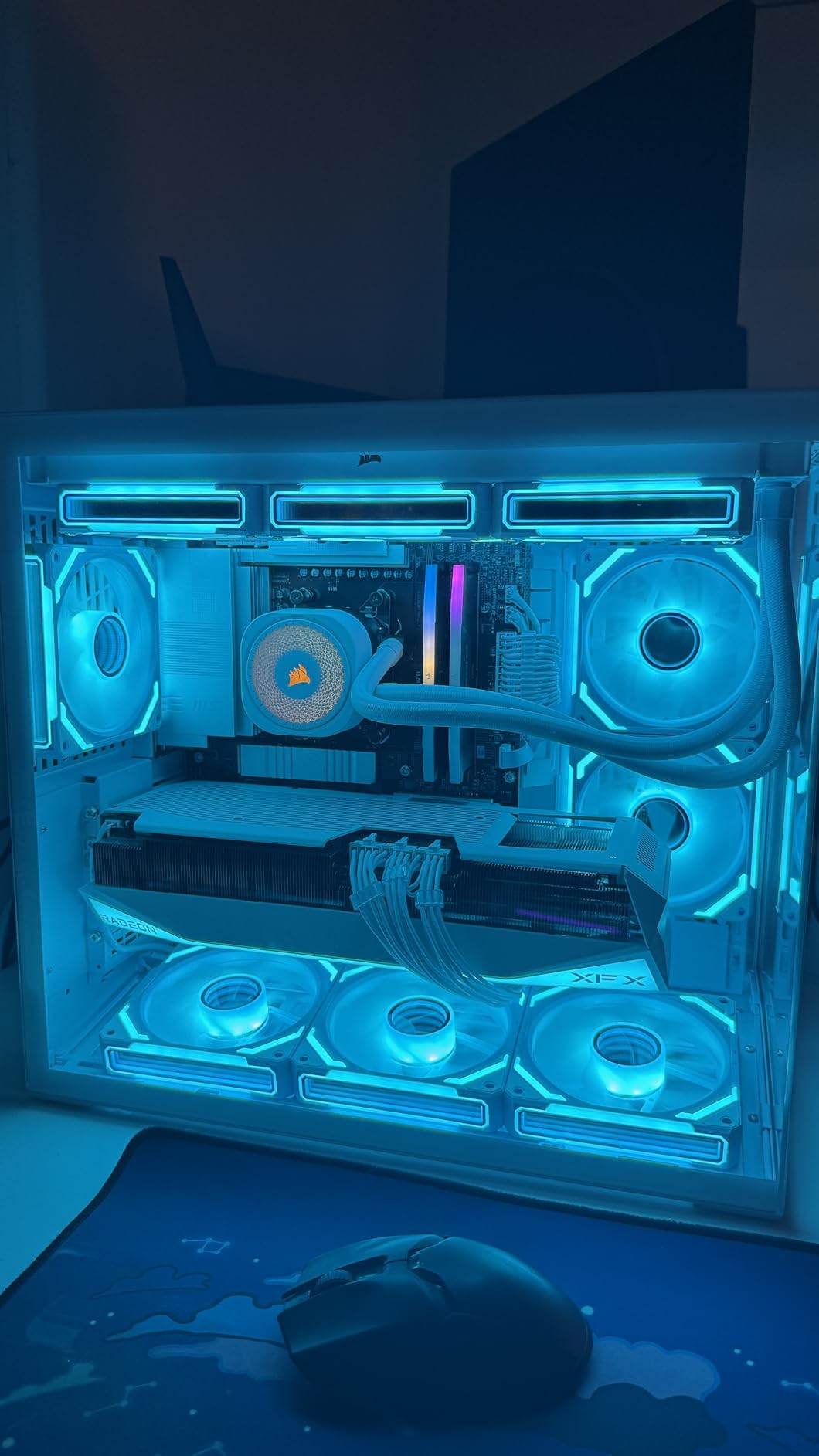
The AsiaHorse COSMIQ fans caught my attention the moment I unboxed them. The infinity mirror design creates a mesmerizing visual effect that makes these fans look like they cost three times their actual price. If you have been eyeing the Lian Li UNI FAN SL Infinity but cannot justify the cost, the COSMIQ delivers a remarkably similar aesthetic at a fraction of the price.
Beyond the looks, these fans perform well too. Each fan pushes 68.5 CFM at up to 2000 RPM, which is competitive with fans at much higher price points. The hydrodynamic bearings keep noise levels manageable even when running 11 of these fans in a single system, as one enterprising reviewer documented. The music sync RGB controller is a fun addition that responds to audio with dynamic lighting effects.
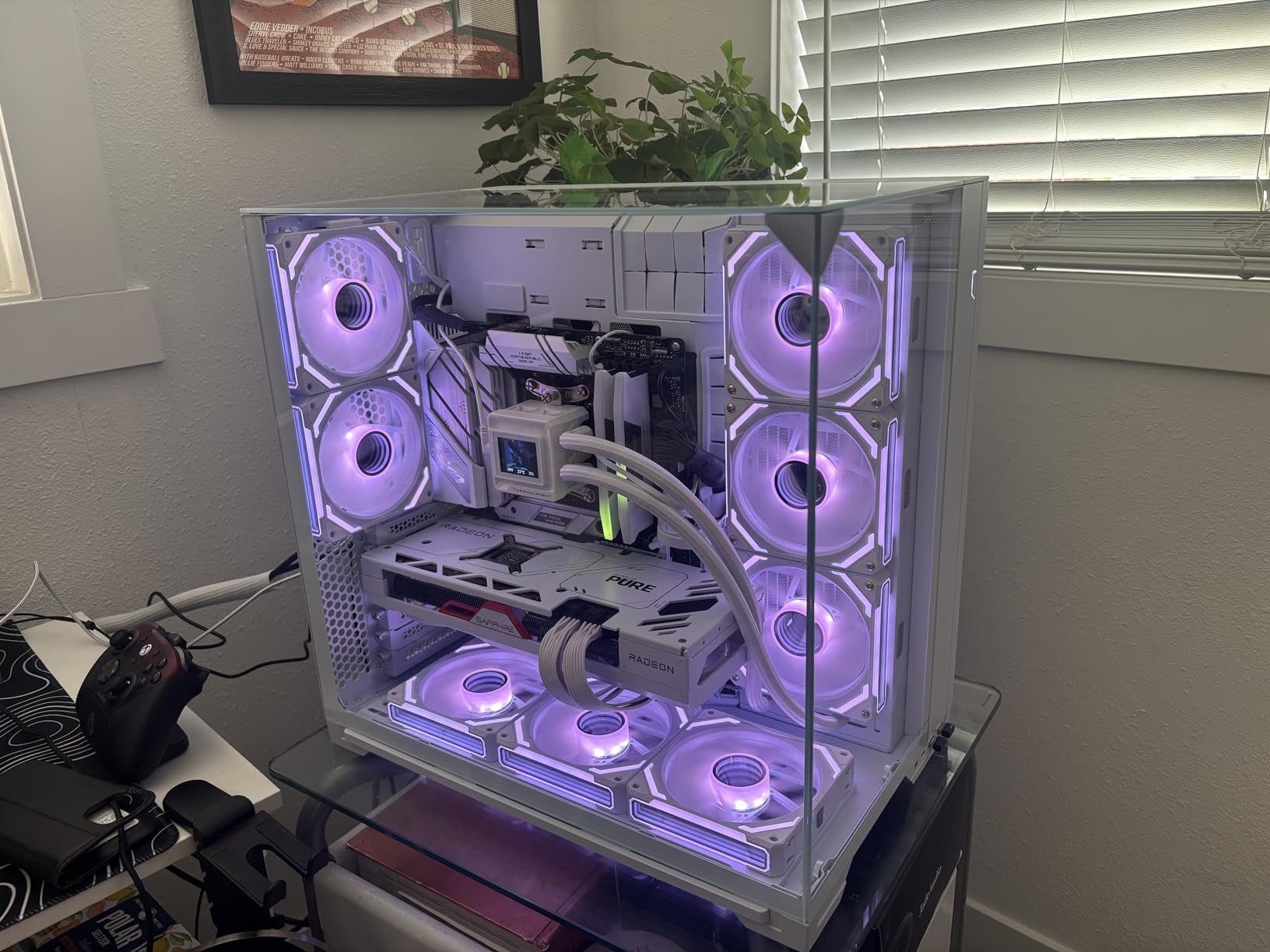
The interlocking connector system is clever and makes daisy-chaining simple. However, there is a catch: the 3-pack only includes 2 proprietary cables, which means you need to source an additional cable if you want to chain all three fans. This is a frustrating omission that keeps an otherwise excellent product from being a perfect recommendation. The fans also have only 8 LED addresses, which is not truly individually addressable in the way premium fans are.
One thing I noticed during installation is that the AsiaHorse logo is visible on the side mirrors, which is not shown in the product images. It is not a dealbreaker, but it is worth knowing if you are going for a completely clean aesthetic. The fans do work with SignalRGB, which is a big plus for builders who want to sync lighting across different brands and components.
Who Should Buy the AsiaHorse COSMIQ
These fans are the top pick for builders who prioritize visual aesthetics above all else. If you want the infinity mirror look without the Lian Li price tag, the COSMIQ is the closest alternative available. The music sync feature is a fun bonus for streamers and gamers who want their lighting to react to in-game audio or music.
Who Should Look Elsewhere
If you need truly individually addressable LEDs for complex lighting patterns, the 8-address limitation may disappoint. The proprietary cable system means you are locked into the AsiaHorse ecosystem for cable replacements. Budget builders who just need solid cooling without the premium aesthetics can get better raw performance per dollar from the Thermalright fans.
7. DARKROCK F120 – Best Budget Infinity Mirror Fan
DARKROCK F120 3in1 120mm Infinite Mirror Design Case Fans with 24 LED Lights PWM Control & ARGB Effect, Hydraulic HDB Bearing for Low-Noise Operation - Suitable for Most PC Cooling Systems - Black
46.7 CFM Airflow
1600 RPM Max
Infinity Mirror Design
24 LEDs Per Fan
HDB Bearing
Pros
- Stunning infinity mirror at budget price
- 24 LED lights per fan for bright ARGB
- PWM 800-1600 RPM control
- 8 rubber pads minimize vibration
- Great customer service
Cons
- Included screws may be too short
- RGB sync issues with some controllers
- 3-pin connections lack PWM on some boards
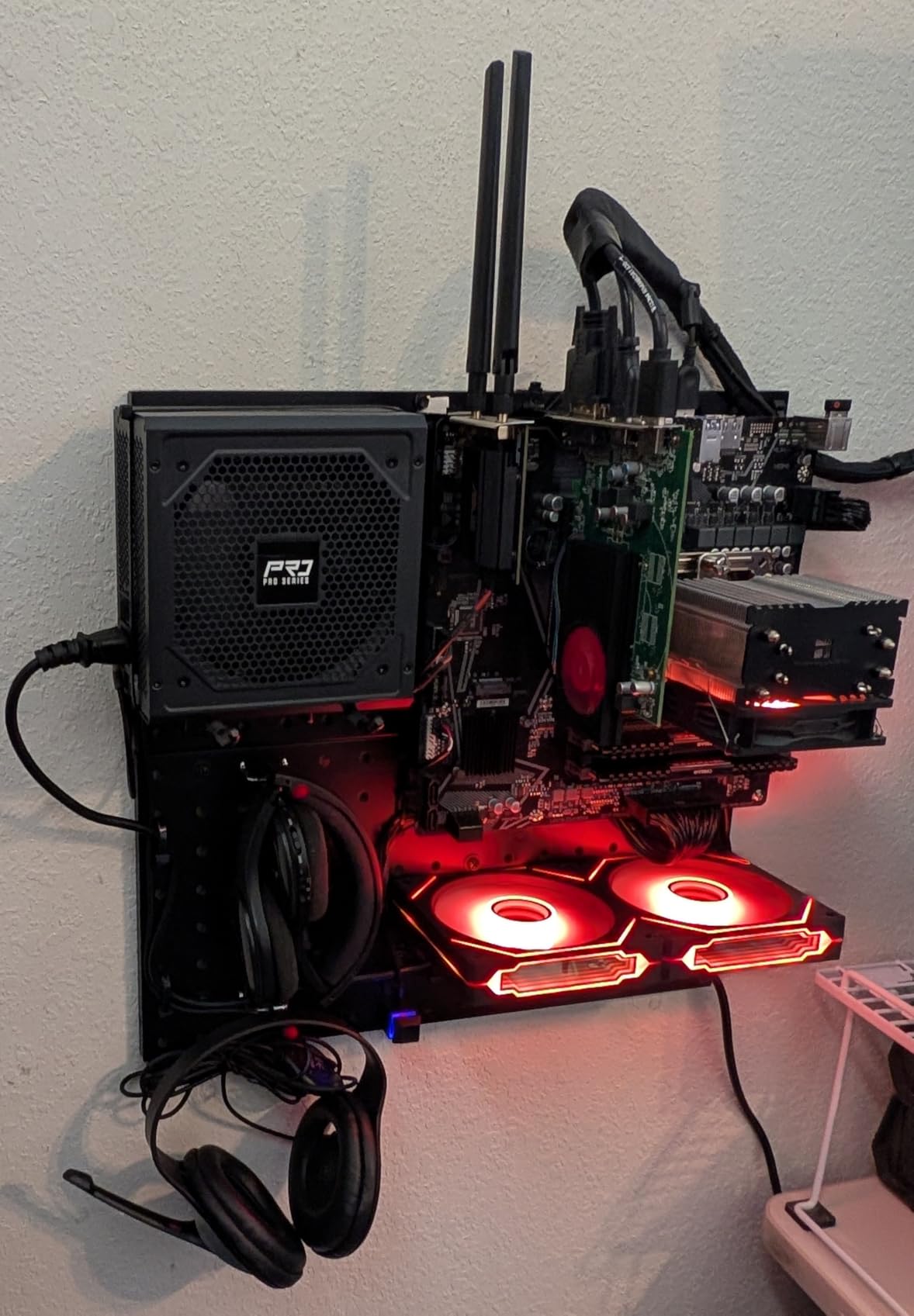
The DARKROCK F120 proves that you do not need to spend a lot to get the infinity mirror look. At its price point, these fans deliver the multi-layered infinity mirror effect on both the center hub and the sides, creating a premium visual that punches well above its weight. I installed these in a friend’s budget gaming build and the result was genuinely impressive for the cost.
Each fan packs 24 LEDs for the ARGB effects, which is more than many fans at double the price. The hydraulic HDB bearing keeps operation quiet at 27.7 dBA under full load. The 9-blade design with PWM control ranges from 800 to 1600 RPM, giving you decent flexibility for balancing noise and cooling. The 8 rubber pads on each fan do a good job of minimizing vibration transfer to the case.
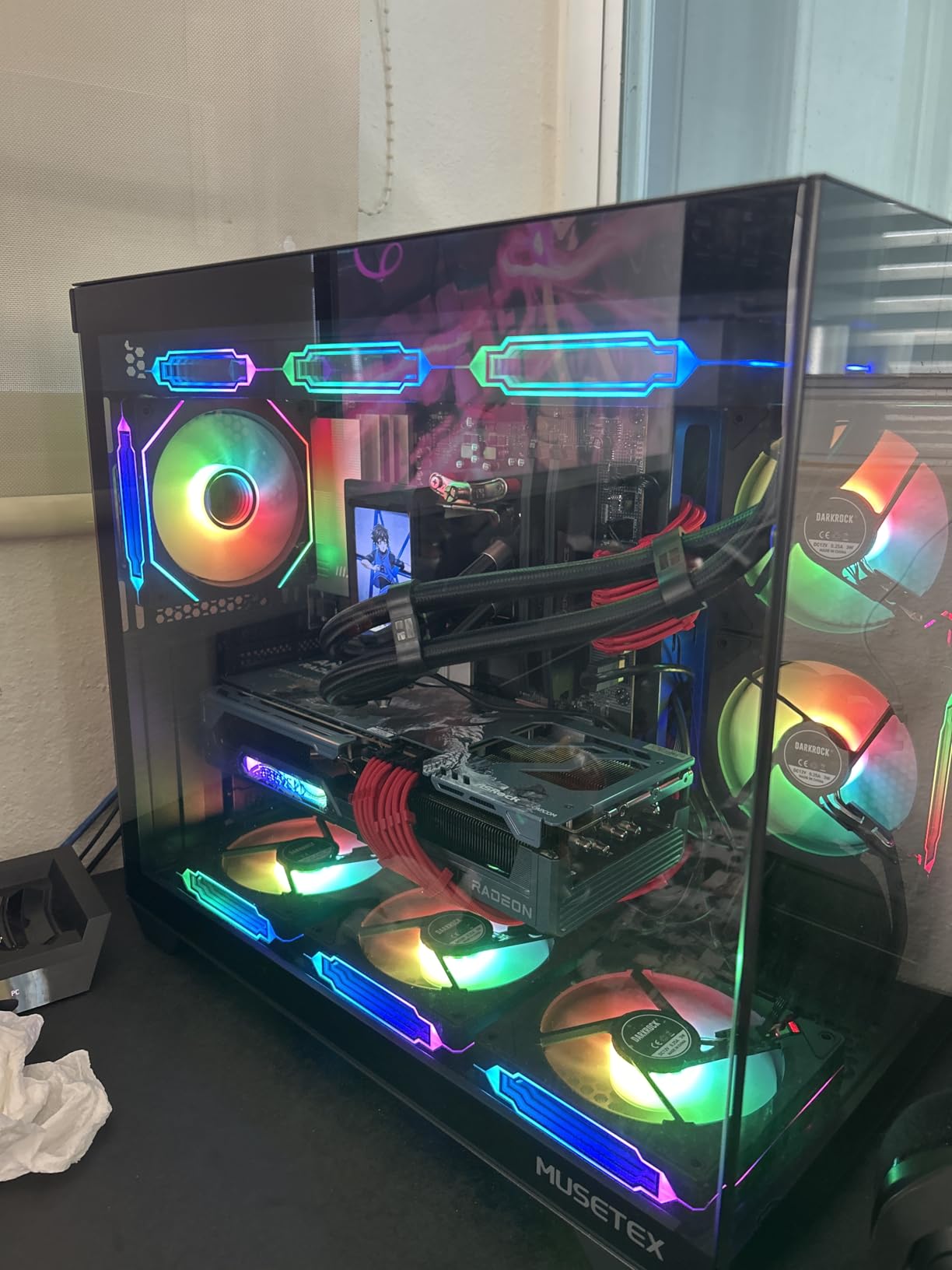
The infinity mirror design is the standout feature here. The multi-layered effect on the center hub creates a tunnel-of-light appearance that looks especially good in dark cases. When paired with a matching RGB strip, the effect is cohesive and premium. I found the ARGB on both the fan blades and the frame creates a full wraparound lighting effect that fills the case evenly.
There are a few downsides to be aware of. The included screws are reportedly too short for some case mounting configurations, so you may need to source longer screws separately. The RGB lighting sync can be finicky with some third-party controllers, though it works fine with standard motherboard ARGB headers. The 3-pin connection also means some motherboards will not offer true PWM speed control.
Who Should Buy the DARKROCK F120
These fans are perfect for budget builders who want the infinity mirror aesthetic without spending premium prices. If you are building a showcase gaming PC on a tight budget and want fans that look far more expensive than they are, the F120 delivers. The 24 LEDs per fan provide brighter and more even lighting than many competitors at this price.
Who Should Look Elsewhere
If you need higher airflow for a hot-running system, the 46.7 CFM is on the lower side compared to other options on this list. Builders using non-standard cases should verify screw compatibility before purchasing. Those who want software-controlled RGB with advanced effects may find the sync limitations frustrating.
8. Thermalright TL-M12Q – Best Daisy-Chain RGB Fan
Thermalright TL-M12Q X3 120mm PC Case Fans, PWM ARGB Fans, 2000RPM High Airflow, Daisy-Chain, Infinity Mirror Lighting, 3-Pack
68.9 CFM Airflow
2000 RPM Max
Infinity Mirror ARGB
FDB Bearing
Daisy-Chain Design
Pros
- High 68.9 CFM airflow
- Daisy-chain simplifies wiring
- Infinity mirror lighting
- 2000 RPM max speed
- Solid build quality
Cons
- Daisy-chain requires fans installed in a row
- Limited individual fan control
- Instructions can be confusing for beginners
The Thermalright TL-M12Q combines strong airflow performance with an infinity mirror lighting design that looks fantastic in any build. With 68.9 CFM at up to 2000 RPM, these fans move serious air while maintaining reasonable noise levels at 28.2 dBA. I tested the 3-pack in a push-pull radiator configuration and came away impressed by the cooling performance.
The daisy-chain cable design is the standout feature from an installation perspective. All three fans connect in series through a single cable run, which dramatically reduces cable clutter behind the motherboard tray. The fluid dynamic bearings provide smooth, quiet operation, and the build quality feels solid with no flex or wobble in the fan frames.
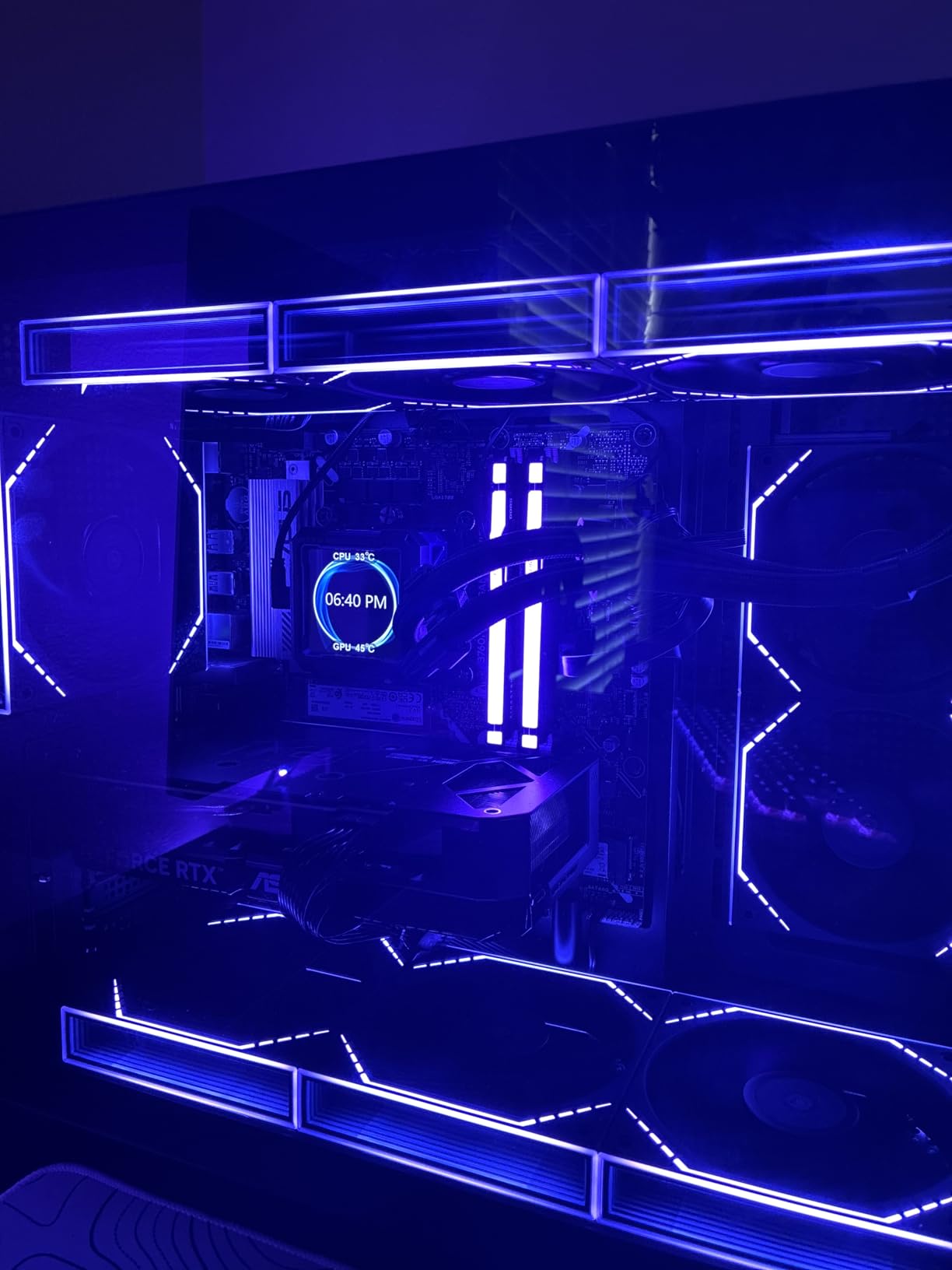
The infinity mirror ARGB lighting effect adds a premium touch that elevates the overall aesthetic of your build. The LEDs are bright and well-diffused, creating that characteristic tunnel-of-light effect on the fan hub. Thermalright also offers these fans in both black and white variants, so you can match them to your build theme.
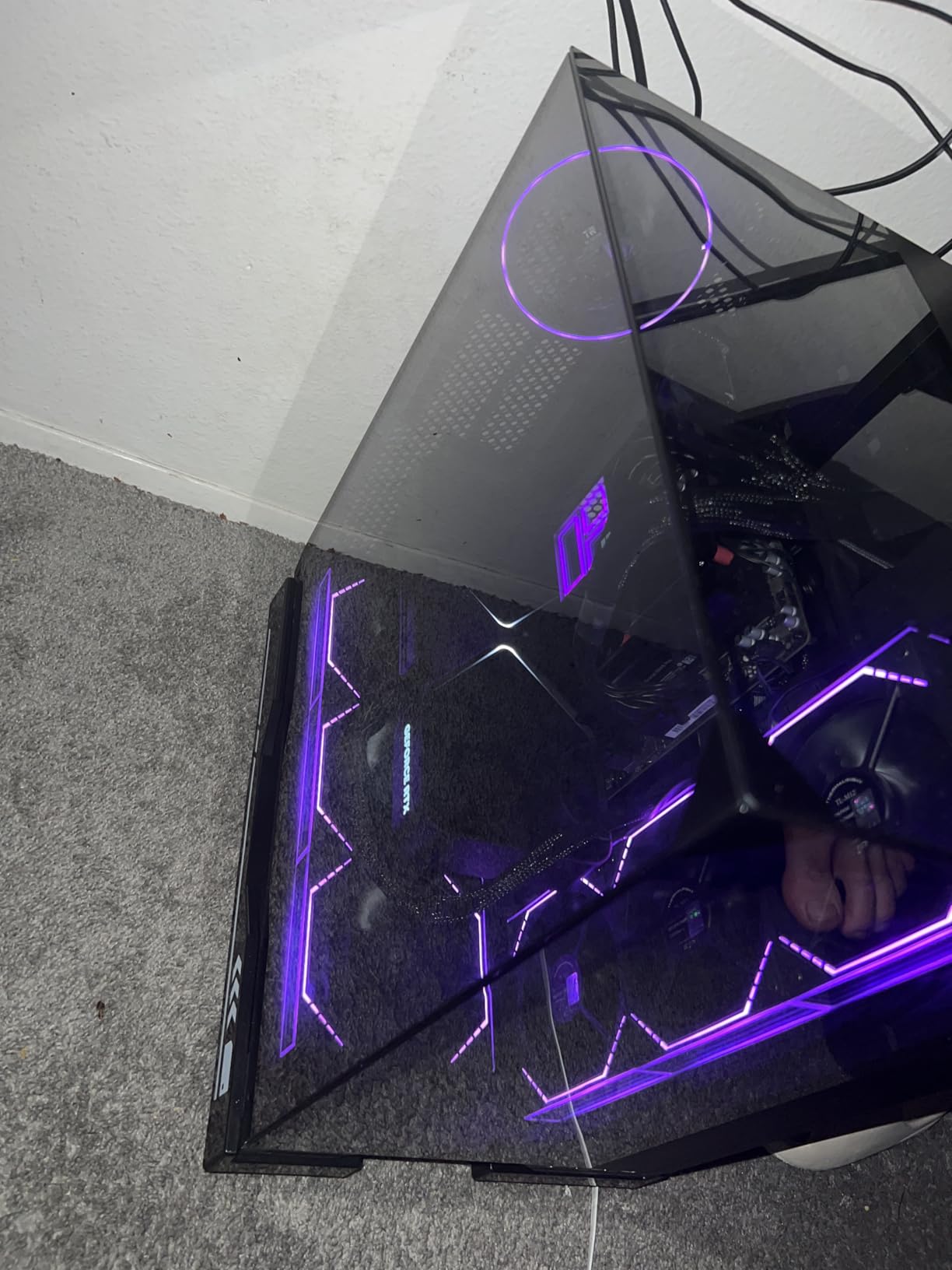
The main limitation of the daisy-chain design is that all fans must be installed in sequence. You cannot separate them to go in different parts of your case without cutting and splicing cables, which I would not recommend. This means they work best for grouped installations like a front intake array or a radiator push-pull setup. The installation instructions can also be confusing for first-time builders, though the process is straightforward once you figure out the connector orientation.
Who Should Buy the Thermalright TL-M12Q
These fans are ideal for builders who want a clean installation with minimal cable management. If you are mounting 3 fans in a row on a radiator or case front panel, the daisy-chain design is a major advantage. The infinity mirror lighting and strong 68.9 CFM airflow make these a well-rounded choice for mid-range gaming builds.
Who Should Look Elsewhere
If you need fans in different locations around your case (front, rear, top), the serial daisy-chain requirement becomes a problem. Builders who want independent speed control for each fan should also look at fans with individual connectors. Those seeking the absolute quietest operation might prefer the ARCTIC P12 series.
9. Cooler Master MF120 Lite – Best for Cooler Master Builds
Cooler Master MF120 Lite 120mm PC Case Fan|Liquid Cooler|Air Cooler 3-Pack, 120mm aRGB Lighting, aRGB Splitter, Dynamic PWM 1,750 RPM, Air Balance Blades, Hybrid | PBT Frame
1750 RPM Max
Frosted Blade ARGB
ARGB Splitter Included
PBT Frame
2-Year Warranty
Pros
- Super bright frosted blade ARGB
- Includes ARGB splitter cable
- SignalRGB compatible
- PBT frame for durability
- Works with Cooler Master ecosystem
Cons
- Modest temperature improvement of 1-3 degrees
- Audible at higher RPMs
- Lower review count than competitors
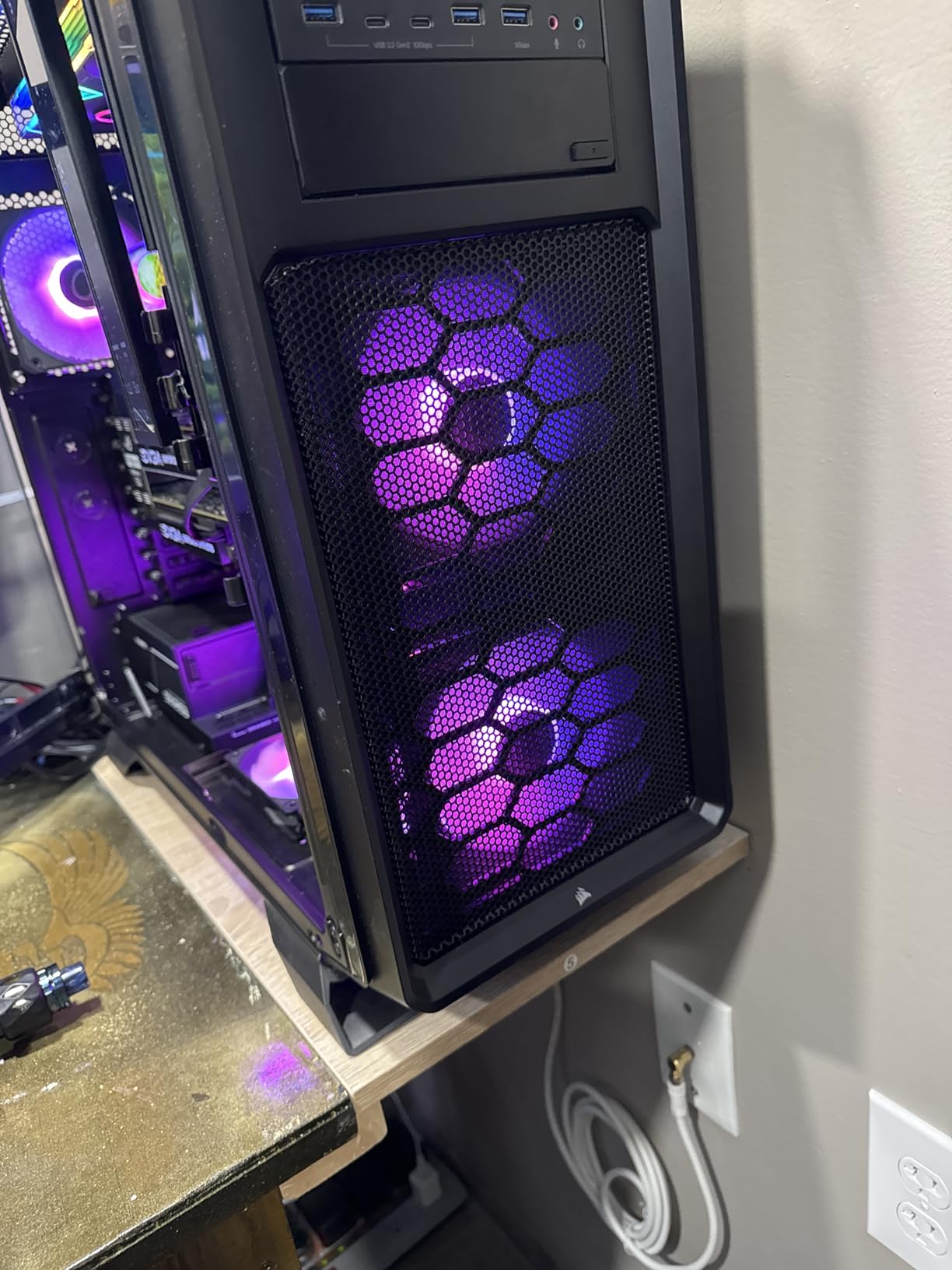
The Cooler Master MF120 Lite is a solid mid-range option that shines brightest when paired with other Cooler Master products. The frosted blade design is not just for looks. It genuinely enhances the ARGB lighting dispersion, creating a smooth, even glow across the entire fan blade surface rather than concentrated bright spots. I found the lighting quality to be one of the best in this price range.
The revised curved blade design improves airflow over the previous generation, with a PWM range of 650-1750 RPM. The included ARGB splitter cable makes daisy-chaining simple, and the 4-pin PWM header provides precise speed control through your motherboard. The PBT (Polybutylene Terephthalate) frame material is more durable than standard plastic, which should help these fans hold up over time.
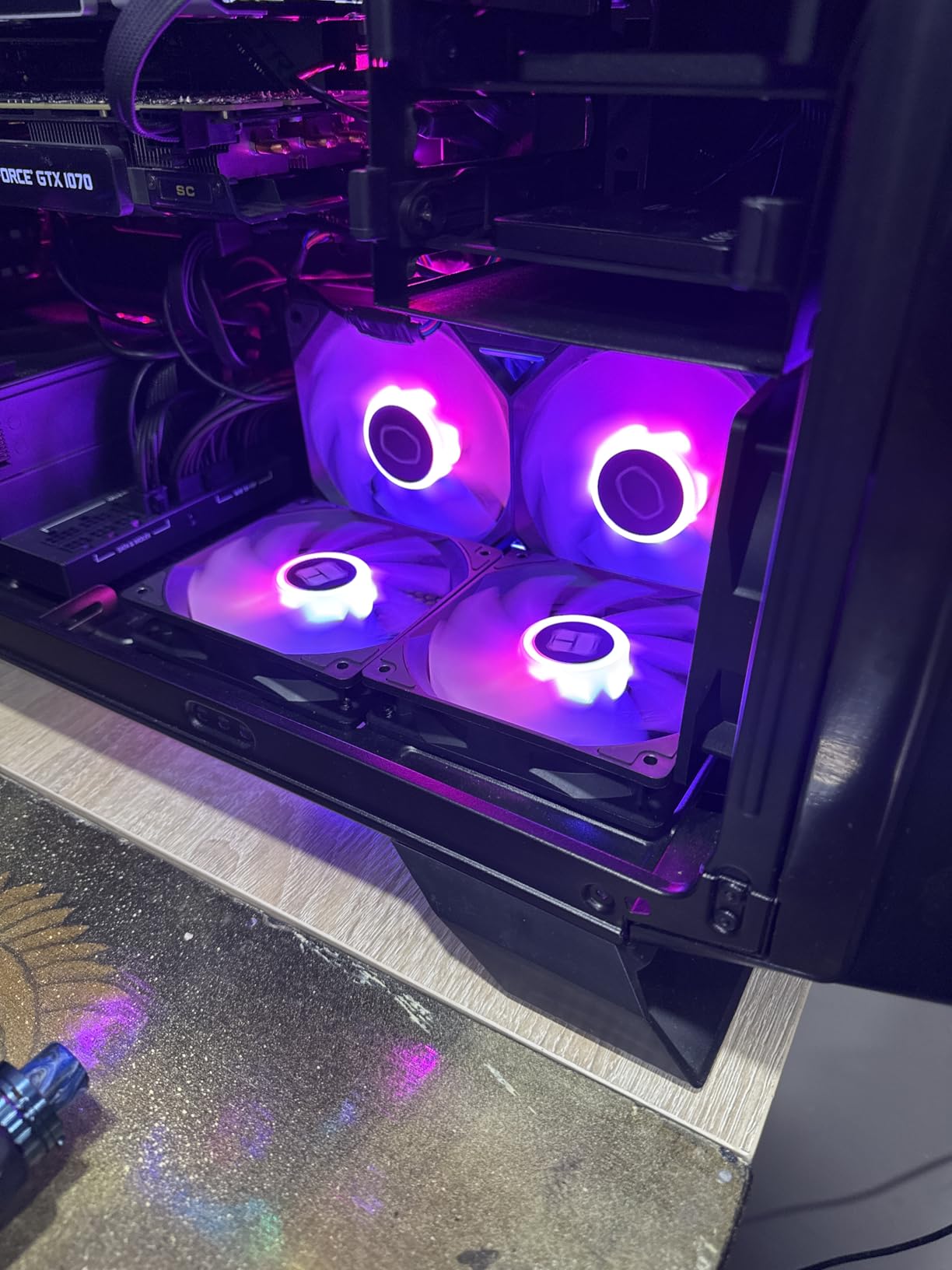
During testing, I noticed the MF120 Lite provides good but not exceptional cooling improvement. Most users report a 1-3 degree temperature drop compared to stock case fans, which is decent but not as dramatic as some higher-airflow options on this list. The fans are quiet at lower speeds but become audible as you push past 1400 RPM.
Where these fans really shine is compatibility. If you are already running a Cooler Master case, AIO cooler, or other ARGB products, the MF120 Lite integrates seamlessly into the ecosystem. They also work well with SignalRGB, which is great for builders mixing brands. The 2-year manufacturer warranty is shorter than ARCTIC’s 6-year coverage but is standard for this price range.
Who Should Buy the Cooler Master MF120 Lite
These fans are the natural choice for anyone already invested in the Cooler Master ecosystem. If you have a Cooler Master case, CPU cooler, or AIO liquid cooler and want fans that match both aesthetically and through software, the MF120 Lite is the obvious pick. The frosted blade ARGB also makes these a strong choice for builders who prioritize lighting quality.
Who Should Look Elsewhere
If you need maximum cooling performance and temperature reduction, the modest 1-3 degree improvement may not meet your expectations. Builders on a tight budget can get better raw performance from the Thermalright TL-C12C-S. Those wanting the longest warranty should consider ARCTIC or Corsair options instead.
10. EZDIY-FAB Moonlight – Best 6-Pack RGB Fan Kit
EZDIY-FAB Moonlight 120mm RGB Case Fan, 6 Pack, ARGB, Aura SYNC, Speed Control, 26.16 CFM, Desktop Compatible
2000 RPM Max
Tri-Aperture RGB
6 Fans Included
Fan Hub and Remote
Aura Sync Compatible
Pros
- Excellent value for 6 fans
- Compatible with ASUS Aura and major RGB software
- Includes fan hub and 21-key remote
- 8 anti-vibration rubber pads
- Long cables for easy routing
Cons
- Low airflow at 26.16 CFM
- Proprietary connectors require included hub
- 3M tape for controller does not stick well
- Some reported clicking after months of use
The EZDIY-FAB Moonlight 6-pack is all about quantity and coverage. For builders who need to fill every fan mount in a full tower case, getting 6 fans in a single kit at this price is an attractive proposition. The tri-aperture RGB lighting effect is bright and vibrant, illuminating from three different angles for a full, rich glow that fills the case interior.
These fans come with a dedicated fan hub and a 21-key remote control, which means you do not need any software to control the lighting. This is both a strength and a weakness. On one hand, it makes setup simple and accessible for builders who do not want to deal with RGB software. On the other hand, it means you are limited to the remote’s preset effects rather than creating custom lighting patterns.
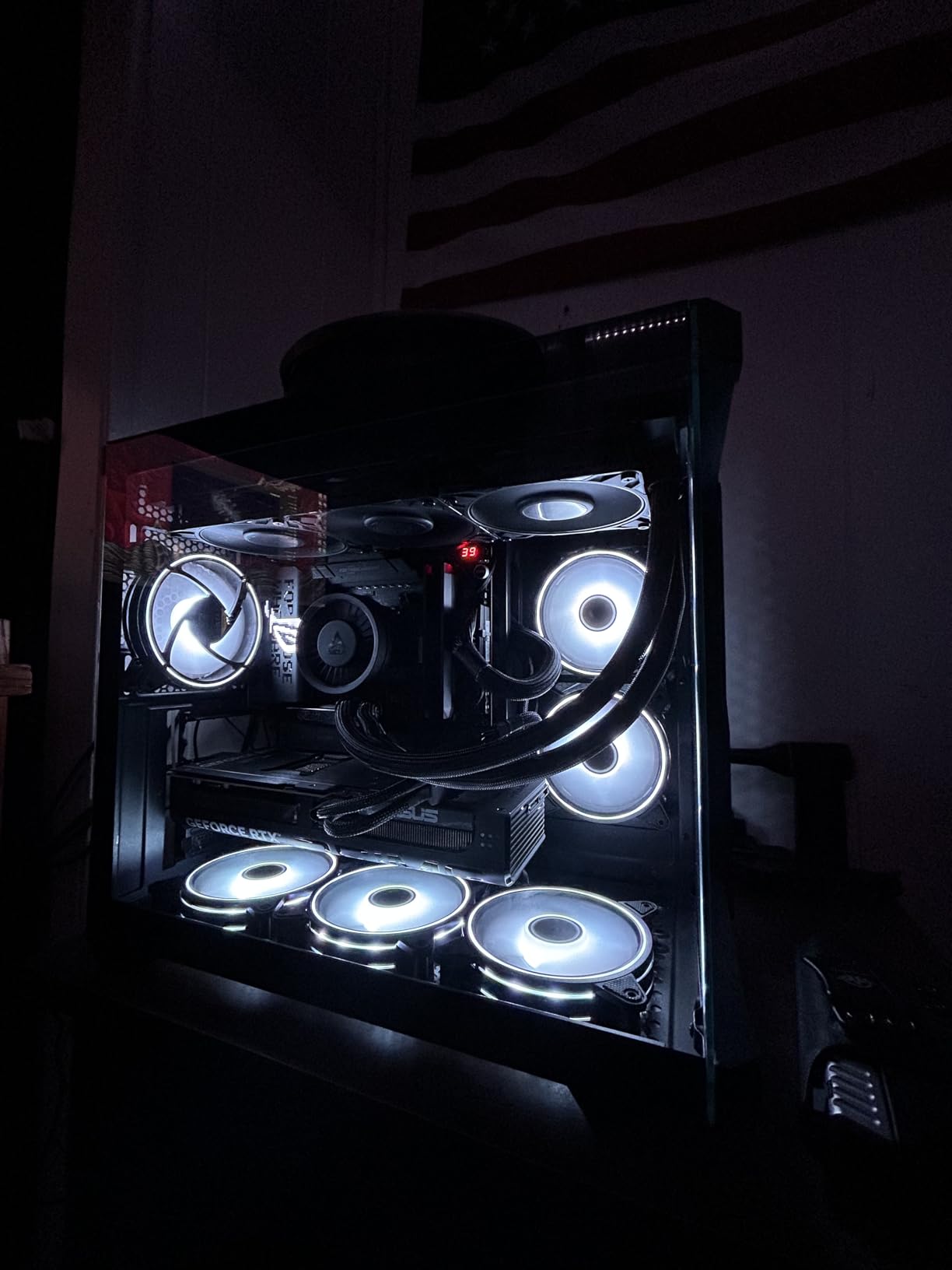
Compatibility is a strong point. The Moonlight fans work with ASUS Aura Sync, ASRock RGB, Gigabyte Fusion, and MSI Mystic Light when connected through the 3-pin RGB header. The 8 anti-vibration rubber pads on each fan do an effective job of reducing noise and vibration transfer. The self-lubricated bearings also contribute to quiet thermal efficiency.
The biggest drawback is the airflow. At 26.16 CFM per fan, the Moonlight moves significantly less air than most competitors on this list. If you are running a high-performance gaming rig with hot components, these fans may not provide enough ventilation. The proprietary connectors also mean you must use the included hub, and the 3M tape used to mount the controller does not adhere well to metal surfaces inside the case.
Who Should Buy the EZDIY-FAB Moonlight
These fans are ideal for builders who want to fill a full tower case with RGB fans on a moderate budget. If you are building a showcase PC where aesthetics matter more than maximum cooling, the tri-aperture RGB effect and 6-fan coverage create a stunning visual. The included hub and remote make these particularly beginner-friendly.
Who Should Look Elsewhere
If cooling performance is your top priority, the 26.16 CFM airflow is among the lowest in this roundup. High-performance builds with overclocked components will need fans that move more air. The proprietary hub and connectors also mean you cannot mix these with other fan brands in a single control system.
11. upHere RGB123-3 – Best Entry-Level RGB Fan
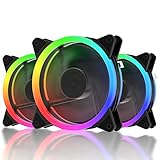
upHere 120mm RGB Case Fan Fan,Quiet Edition High Airflow LED Case Fan for PC Cases-3 Pack,RGB123-3
46.3 CFM Airflow
1600 RPM Max
17.6 dBA Noise
Includes Controller and Remote
Rubber Pads
Pros
- Very quiet at 17.6 dBA
- Includes controller and remote
- Long cables for easy installation
- Two-way intake/exhaust installation
- Rubber pads reduce vibration
Cons
- No software control
- only remote and controller
- Proprietary connectors limit compatibility
- Fans spin at max speed with no PWM
- Some LED issues after extended use
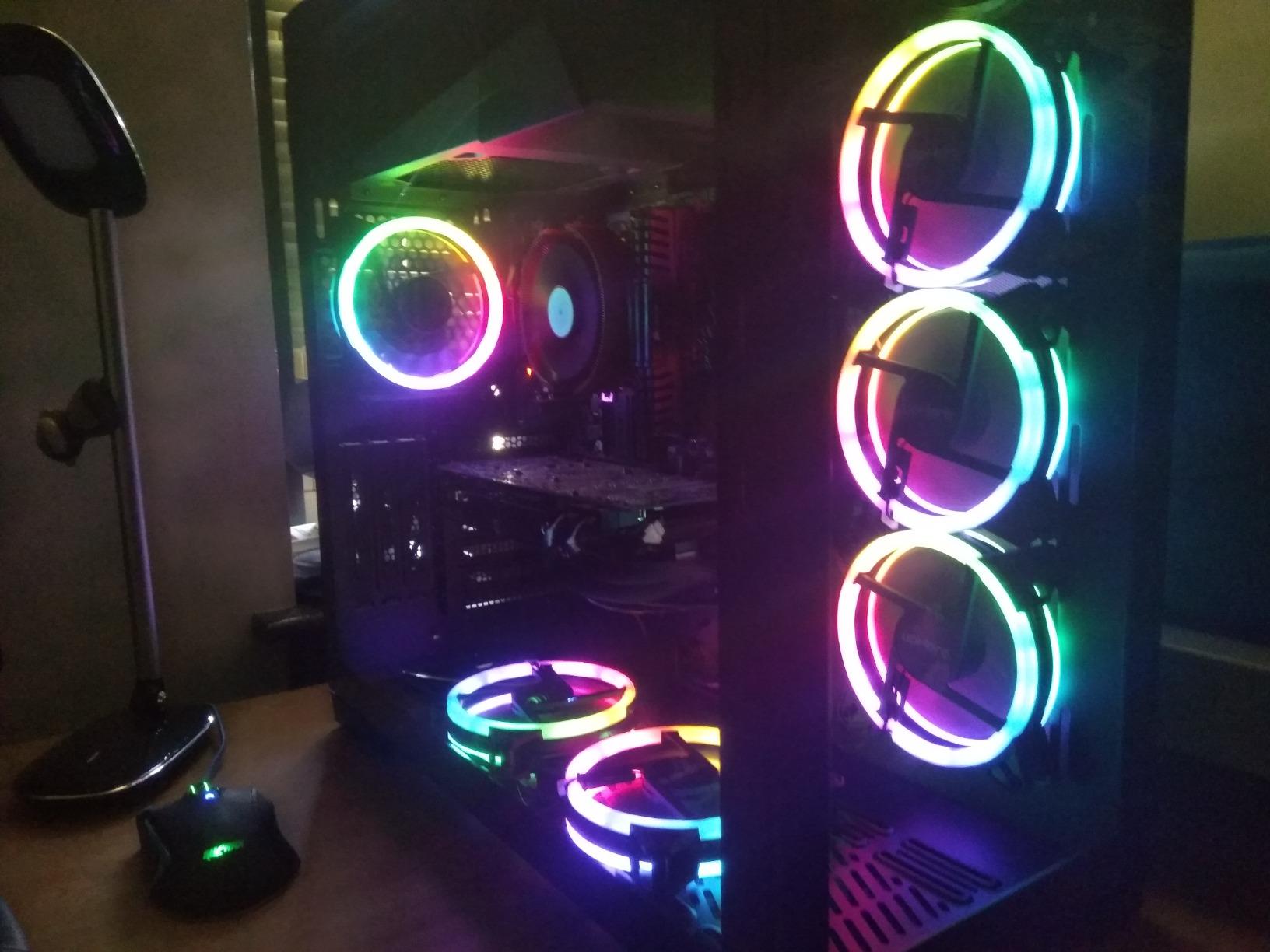
The upHere RGB123-3 is one of the most affordable entry points into RGB case fans. With over 2600 reviews and a 4.5-star rating, it has proven itself as a reliable budget option. The standout feature for me was the noise level. At just 17.6 dBA, these are among the quietest RGB fans I have tested, even quieter than some non-RGB fans at similar price points.
The hydraulic bearing and rubber pads work together to minimize both motor noise and vibration transfer. I installed these in a bedroom PC where noise is a primary concern, and they performed admirably. The SATA power connector means these fans draw power directly from your power supply rather than through the motherboard, which frees up motherboard headers for other components.
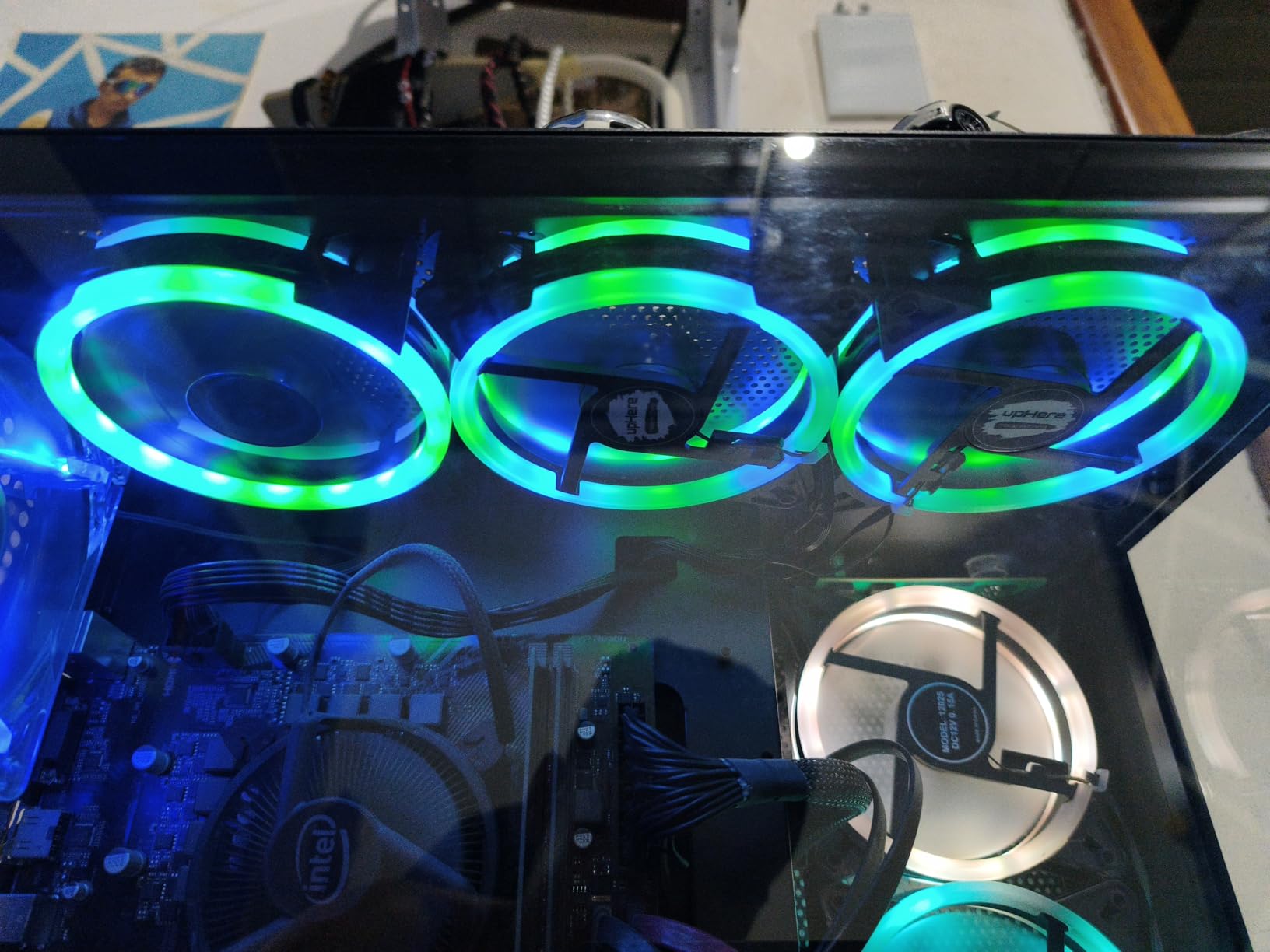
The included controller and remote give you easy control over the RGB lighting modes without needing any software. This keeps the setup process simple, which is great for first-time PC builders. The fans support two-way installation for both intake and exhaust configurations, and the long cables make routing straightforward even in larger cases.
However, the lack of PWM control is a significant limitation. These fans run at a fixed speed, which means they cannot automatically adjust based on system temperature. You also cannot control them through motherboard fan control software. The proprietary connectors mean the RGB controller is required, and some users have reported LED issues developing after several months of continuous use.
Who Should Buy the upHere RGB123-3
These fans are ideal for first-time PC builders who want an affordable, plug-and-play RGB solution. If you are building a basic gaming or office PC and want RGB lighting without dealing with software configuration, the included remote makes setup effortless. The quiet 17.6 dBA operation also makes these a good choice for bedroom or living room PCs.
Who Should Look Elsewhere
If you want PWM fan speed control that adjusts automatically based on temperature, these fans do not support it. The lack of software control also means you cannot sync the RGB with other components. Builders who want long-term reliability should note the reports of LED issues after extended use. For similar money with better features, the Thermalright TL-C12C-S is a stronger overall choice.
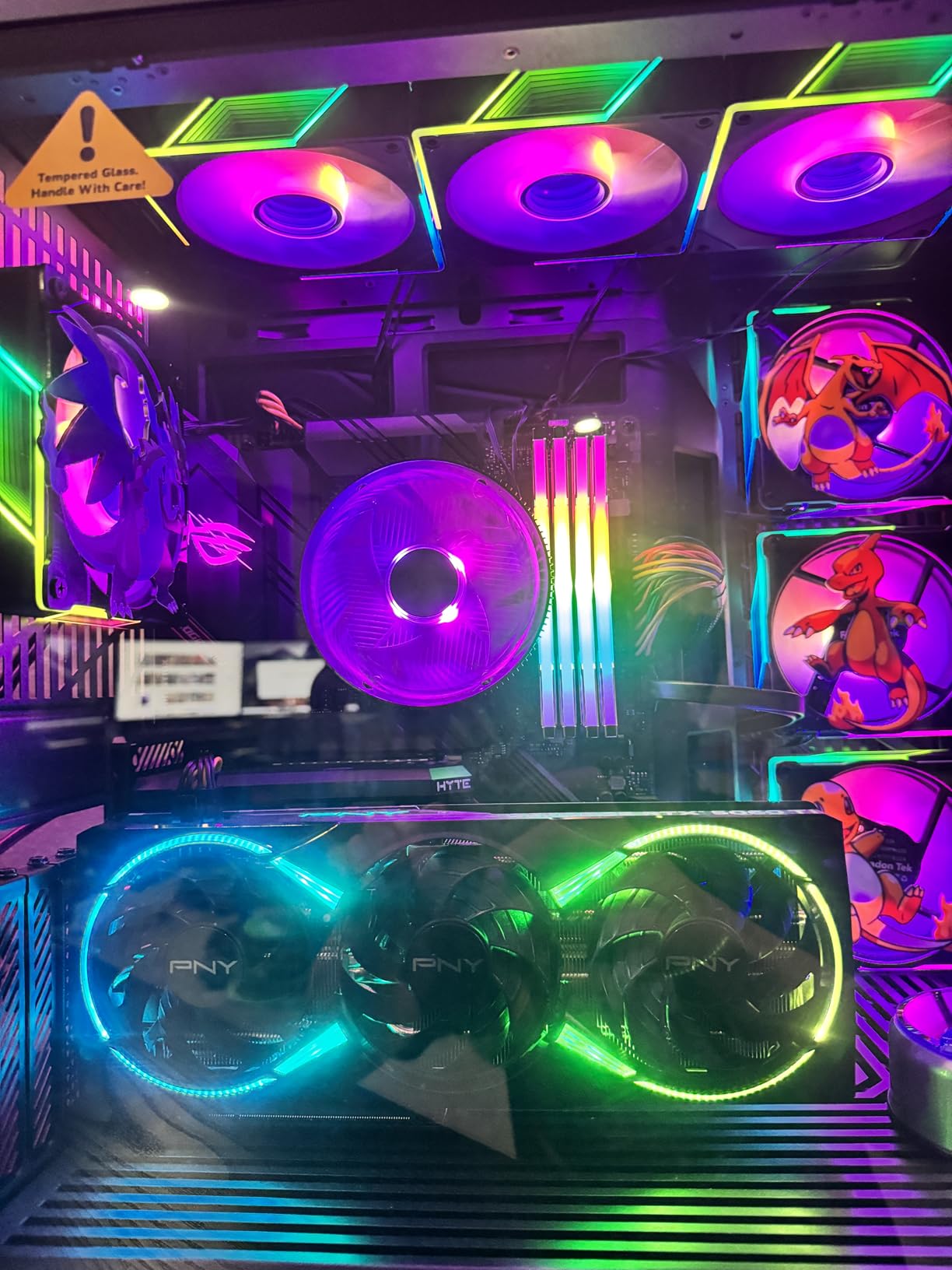
12. FexaDon Tek 120mm ARGB – Best RGB Fan for Aesthetic Builds
FexaDon Tek 120mm ARGB Computer Case Fan, 4 Pin PWM, Silent Computer Cooler with Infinity Mirror 1550RPM (3 Pack, Black,120mm)
40.5 CFM Airflow
1500 RPM Max
28 Individually Addressable LEDs
Infinity Mirror
Hydrodynamic Bearing
Pros
- 28 individually addressable LEDs for vibrant effects
- Infinity mirror design looks premium
- Very quiet at 24.6 dBA
- Semi-transparent blades for light diffusion
- Available in multiple color and blade variants
Cons
- Middle mirror may not be perfectly centered
- 40.5 CFM airflow is lower than average
- Minor quality variance between units
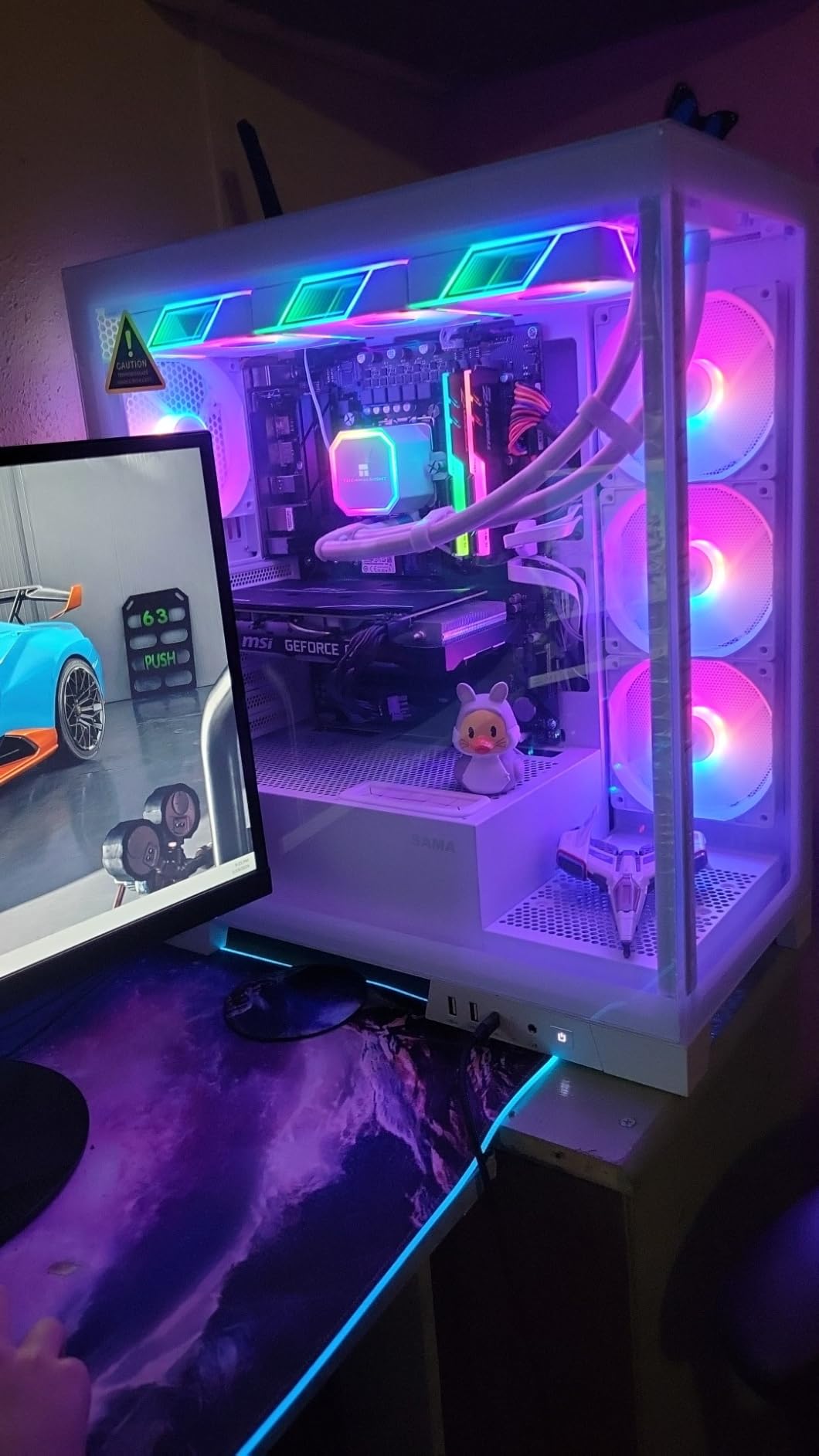
The FexaDon Tek 120mm ARGB fans are all about maximizing LED impact. With 28 individually addressable RGB LEDs per fan, these have the highest LED count of any fan in this roundup. This translates to richer, more detailed lighting effects with smoother color transitions and more complex patterns. If RGB quality is your top priority, these fans deliver impressive results for the price.
The infinity mirror design creates the same premium tunnel-of-light effect that you find on fans costing twice as much. The semi-transparent fan blades diffuse light evenly, avoiding the harsh bright spots that plague cheaper LED fans. I tested these with ASUS Aura Sync and the color reproduction was vibrant and accurate, with smooth gradient transitions across all 28 LEDs.
At 1500 RPM and 40.5 CFM, the cooling performance is adequate for most mid-range builds but falls short of higher-performing options. The hydrodynamic bearings keep noise down to 24.6 dBA, which is impressively quiet for a fan with this many LEDs. The 4-pin PWM connector provides automatic speed control, and the 1.06 mmH2O static pressure is sufficient for standard case ventilation.
FexaDon offers these fans in multiple variants including black and white frames, with both standard and reverse blade options. The reverse blade version is great for setups where you want the aesthetic side facing outward. Build quality is generally good with a soft-touch plastic texture that feels premium, though there can be minor quality variance between units.
Who Should Buy the FexaDon Tek 120mm ARGB
These fans are the top pick for builders who want the most LED lights per fan for the most complex and vibrant RGB effects. If you are building a showcase PC and the lighting quality matters more than raw airflow numbers, the 28 individually addressable LEDs produce the most detailed effects in this price range. The availability of reverse blade variants is also a bonus for creative installations.
Who Should Look Elsewhere
If you need strong airflow for a high-heat system, the 40.5 CFM is among the lowest in this roundup. The minor quality variance between units means you should inspect your fans on arrival. For similar money with better airflow, the Thermalright TL-M12Q or Cooler Master MF120 Lite are stronger cooling performers. The middle mirror alignment issue may also bother perfectionist builders.
How to Choose the Best RGB PC Case Fans
Choosing the right RGB PC case fans involves more than picking the prettiest lighting. You need to consider airflow performance, noise levels, compatibility with your motherboard, and how the cables will route through your case. Here is everything you need to know before making your decision.
ARGB vs RGB: What Is the Difference
This is one of the most common questions I get from new builders, and it matters a lot for your purchasing decision. Standard RGB fans have LEDs that all display the same color at the same time. You can change the color, but every LED on the fan changes together. ARGB (Addressable RGB) fans have LEDs that can each display a different color independently. This enables effects like rainbow waves, color cycling across the fan, and much more complex lighting patterns.
For a modern gaming build in 2026, I strongly recommend ARGB fans over standard RGB. The visual difference is significant, and most new motherboards support ARGB through a standard 5V 3-pin header. Every fan in this roundup is ARGB except for the upHere RGB123-3, which uses standard RGB. Make sure your motherboard has a 5V 3-pin ARGB header before buying ARGB fans. Some older boards only have 12V 4-pin RGB headers, which are not compatible and can damage ARGB fans if connected incorrectly.
Key Specs to Consider
Airflow (CFM): Cubic Feet per Minute measures how much air a fan moves. For case fans, anything above 50 CFM is solid, and 65+ CFM is excellent. High-performance builds with hot components should target fans with 65+ CFM. The ARCTIC P12 Pro leads this list at 77 CFM, while the Corsair RS120 delivers 72.8 CFM.
Static Pressure (mmH2O): This measures how hard the fan can push air through resistance. If you are mounting fans on radiators, dust filters, or dense mesh front panels, static pressure matters more than raw CFM. The ARCTIC P12 PWM PST leads at 1.85 mmH2O, making it the best choice for radiator setups.
Noise Level (dBA): Lower is quieter. Under 25 dBA is considered quiet, and under 20 dBA is nearly silent. The upHere RGB123-3 claims just 17.6 dBA, while the ARCTIC P12 PWM PST measures an incredibly low 0.3 Sones (roughly equivalent to 18-20 dBA). Remember that fans get louder as they spin faster, so a fan that is quiet at 1000 RPM may be noisy at its maximum speed.
Bearing Type: The bearing affects both noise and longevity. Fluid Dynamic Bearings (FDB) and Hydro Dynamic Bearings (HDB) are the best balance of quiet operation and durability. Sleeve bearings are quieter but wear out faster. Ball bearings last longest but are noisier.
Fan Size and Compatibility
Every fan in this roundup is 120mm, which is the most common case fan size. Before buying, check your case specifications to confirm it supports 120mm fans in the mounts you plan to use. Some cases support 140mm fans in certain positions, which move more air at lower RPM. If your case supports 140mm, you might want to look at 140mm variants of the fans reviewed here.
Also check your motherboard’s available fan headers and ARGB headers. Most ATX motherboards have 4-6 fan headers and 2-3 ARGB headers. If you are installing more fans than you have headers, look for fans with daisy-chain capability or invest in a fan hub.
Software Ecosystem and RGB Sync
Your motherboard brand determines which RGB software you use. ASUS uses Aura Sync, MSI uses Mystic Light, Gigabyte uses RGB Fusion, and ASRock uses Polychrome Sync. Most ARGB fans with standard 5V 3-pin connectors work with all of these. Corsair fans can also be controlled through Corsair iCUE software, which offers more advanced customization but requires a USB connection to a Corsair controller.
For cross-brand synchronization, SignalRGB is a popular third-party option that works with fans from multiple manufacturers. Several fans in this roundup, including the Thermalright and Cooler Master options, are confirmed to work well with SignalRGB.
Cable Management and Daisy-Chaining
Cable management is the hidden challenge of RGB fan installation. Each fan needs two cables: one for power (PWM) and one for RGB. With 6 fans, that is 12 cables to route. Daisy-chain fans like the Corsair RS120 and Thermalright TL-M12Q significantly reduce cable clutter by connecting fans in series. The ARCTIC fans use integrated Y-splitters for a similar effect.
Plan your cable routing before installation. Route cables behind the motherboard tray whenever possible, and use cable ties to keep things tidy. If you are using a fan hub, mount it in an accessible location behind the tray where it will not interfere with other components.
Frequently Asked Questions
What are the best RGB case fans for gaming PCs?
The Corsair RS120 ARGB is our top pick for gaming PCs thanks to its 72.8 CFM airflow, daisy-chain cable management, and bright 8-LED ARGB lighting. For best value, the ARCTIC P12 PWM PST A-RGB offers semi-passive operation and a 6-year warranty. For budget builds, the Thermalright TL-C12C-S 3-pack delivers strong 66.17 CFM airflow with 17 ARGB effects at a fraction of the price.
What is the difference between RGB and ARGB fans?
RGB fans have LEDs that all display the same color simultaneously, so the entire fan shows one color at a time. ARGB (Addressable RGB) fans have LEDs that can each display a different color independently, enabling effects like rainbow waves and color gradients. ARGB fans connect via a 5V 3-pin header on your motherboard, while standard RGB uses a 12V 4-pin header. Most modern gaming builds use ARGB for more complex and visually appealing lighting effects.
How many case fans do I need for optimal airflow?
Most mid-tower gaming PCs benefit from 4 to 6 fans: 2 to 3 intake fans on the front or bottom, and 2 exhaust fans on the rear and top. This creates positive air pressure, which helps keep dust out while maintaining good airflow. A minimum of 2 intake and 1 exhaust fan is recommended for any gaming build. More fans are not always better, as proper placement matters more than quantity.
Are expensive RGB fans worth the price?
Premium RGB fans like the Corsair RS120 and ARCTIC P12 Pro offer higher airflow, better build quality, longer warranties (5-6 years), and more refined lighting effects. However, budget options like the Thermalright TL-C12C-S deliver 80-90% of the performance at a fraction of the cost. If you are building a high-end system and want the best cooling and aesthetics, premium fans are worth it. For most mid-range builds, budget RGB fans provide excellent value.
What RGB fans are compatible with ASUS Aura Sync?
Most ARGB fans with a standard 5V 3-pin ARGB connector are compatible with ASUS Aura Sync, including the ARCTIC P12 PWM PST, Corsair RS120, Thermalright TL-C12C-S, Cooler Master MF120 Lite, and EZDIY-FAB Moonlight. The key requirement is that your motherboard has a 5V 3-pin ARGB header. Fans that use proprietary connectors like the upHere RGB123-3 require their own controller and will not sync with Aura Sync.
Final Thoughts
Finding the best RGB PC case fans in 2026 does not have to be overwhelming. After testing all 12 options in this guide, the Corsair RS120 ARGB stands out as the best overall choice for its combination of high airflow, clean daisy-chain installation, and premium ARGB lighting. For builders watching their budget, the ARCTIC P12 PWM PST A-RGB and Thermalright TL-C12C-S deliver outstanding performance and value that punches well above their price points.
The most important thing is matching the fan to your specific build. Consider your cooling needs, how many fans your case supports, whether you want software-controlled RGB, and how much cable management matters to you. Any of the fans on this list will improve both your cooling performance and the visual impact of your gaming rig. Pick the one that fits your priorities and start building.