
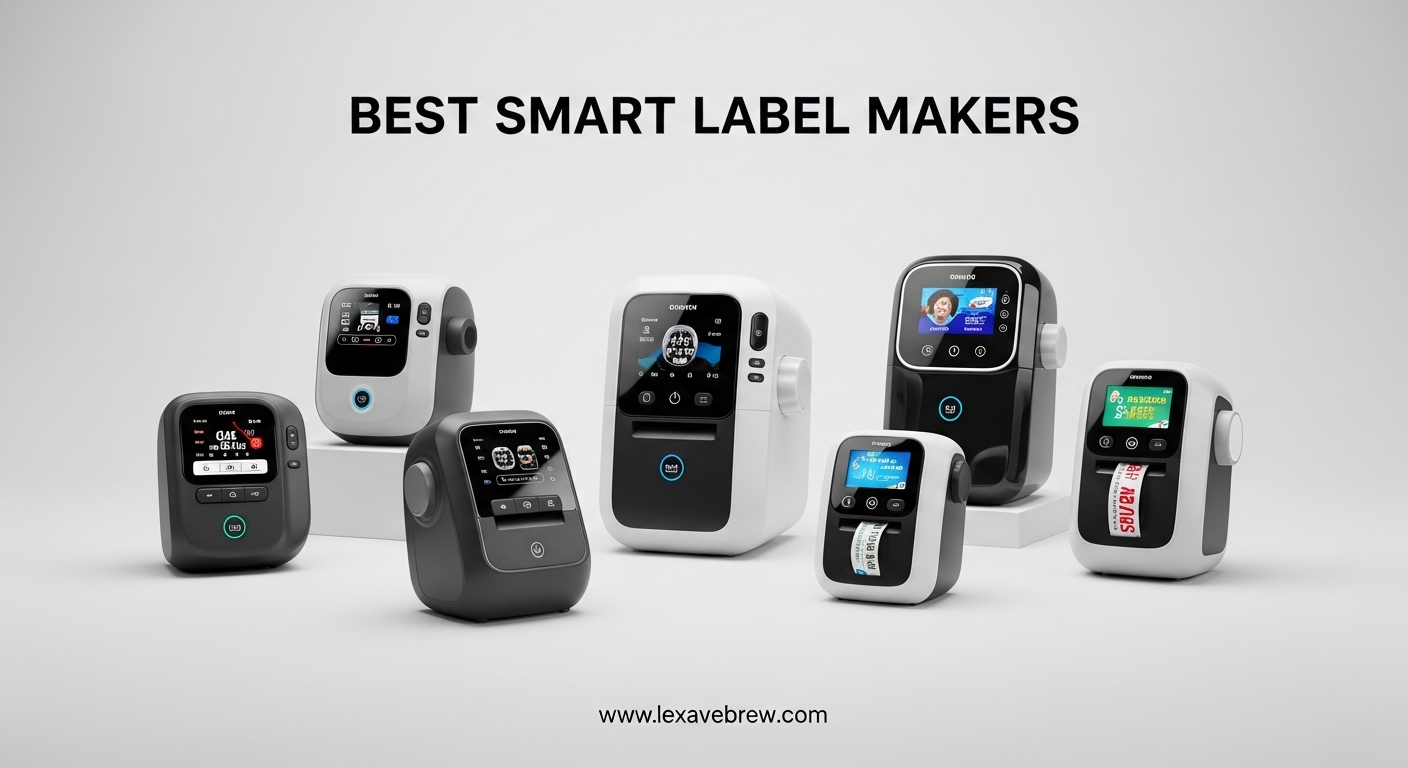
A cluttered pantry. A messy filing cabinet. A garage full of unlabeled storage bins. I have been there, and I know how frustrating it feels to search for something you own but cannot find. That is why I started testing smart label makers over the past year. These compact devices have completely changed how I organize my home and workspace.
The best smart label makers use thermal printing technology to create durable, adhesive labels without expensive ink or toner. Many connect to your smartphone via Bluetooth, giving you access to hundreds of fonts, symbols, and templates through dedicated apps. Whether you need to label food containers, organize office supplies, or create professional-looking tags for a small business, a quality label maker can save you hours of frustration.
In this guide, I tested 12 of the most popular smart label makers available to help you find the right one for your needs and budget. I evaluated each model based on print quality, ease of use, app functionality, and overall value.
Top 3 Picks for Best Smart Label Makers
After testing dozens of models, three label makers stood out from the crowd. Here is my quick recommendation for different needs and budgets.



Best Smart Label Makers in 2026
Here is a complete comparison of all 12 smart label makers I tested this year.
1. SUPVAN E10 Bluetooth Label Maker – Best Value
SUPVAN E10 Bluetooth Label Maker Machine with Tape, Green
203 DPI
40 fonts
30 frames
Waterproof labels
Pros
- Excellent value for price
- Good app with no ads
- Waterproof oil-proof labels
- Battery lasts a full month
- Import TTF fonts and images
Cons
- Layer order resets after printing
- Occasional faded print issues
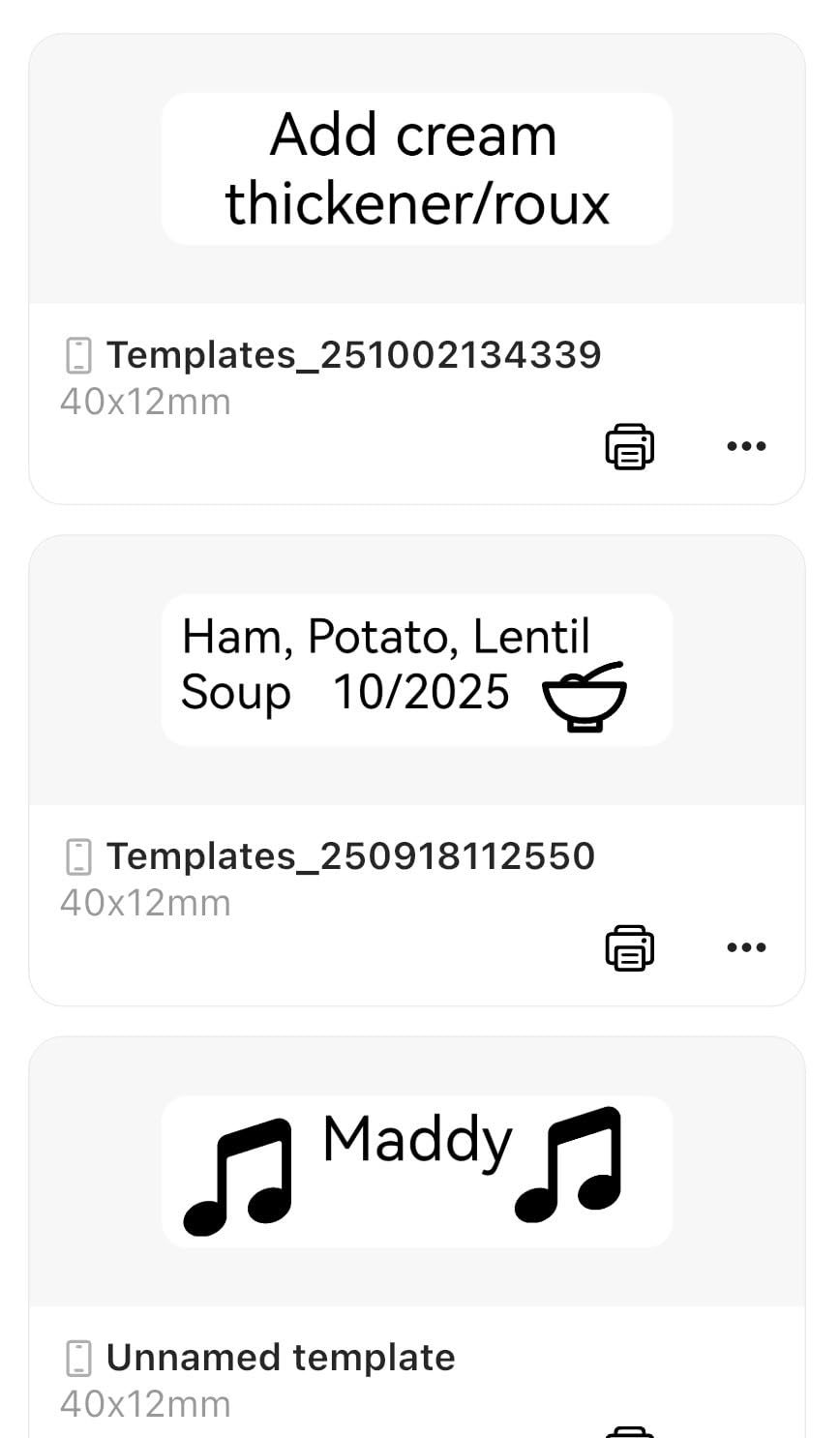
I have tested many budget label makers, and the SUPVAN E10 consistently impresses me with what you get for under $20. The setup took me less than five minutes from unboxing to printing my first label. The app connected via Bluetooth immediately without any frustrating pairing processes that I experienced with other brands.
What sets this model apart is the app quality. Unlike competitors that bury features behind paywalls, SUPVAN gives you 40 fonts, 30 frames, and over 450 icons completely free. I created labels for my kitchen containers, office files, and even some craft projects without spending additional money on premium templates.
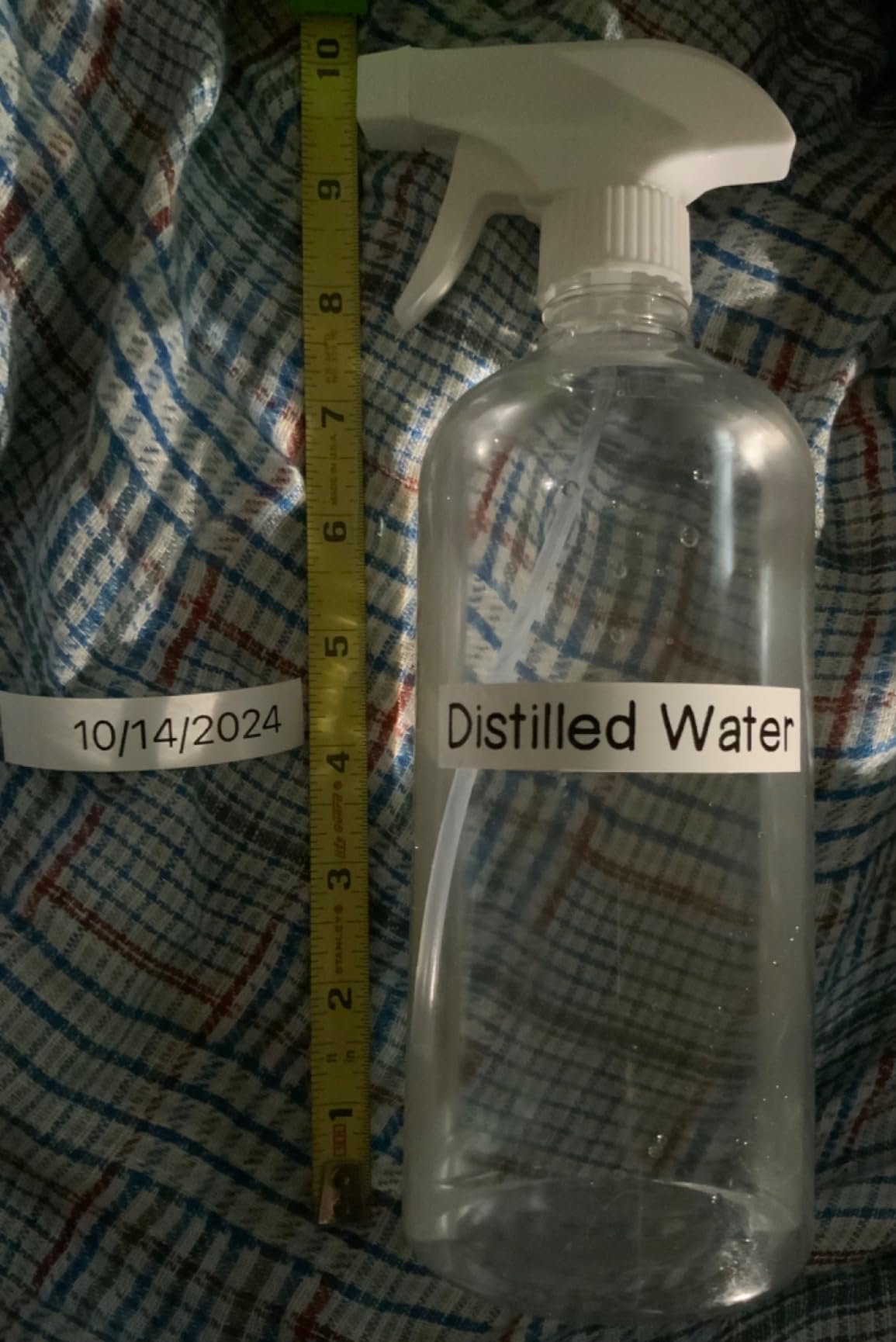
The laminated labels that come with the device are genuinely waterproof and oil-proof. I stuck one on a spice jar in my kitchen, and after several months of cooking splatter and occasional washing, the label still looks as crisp as the day I printed it. This durability matters because re-printing labels constantly defeats the purpose of organization.
Who should buy this
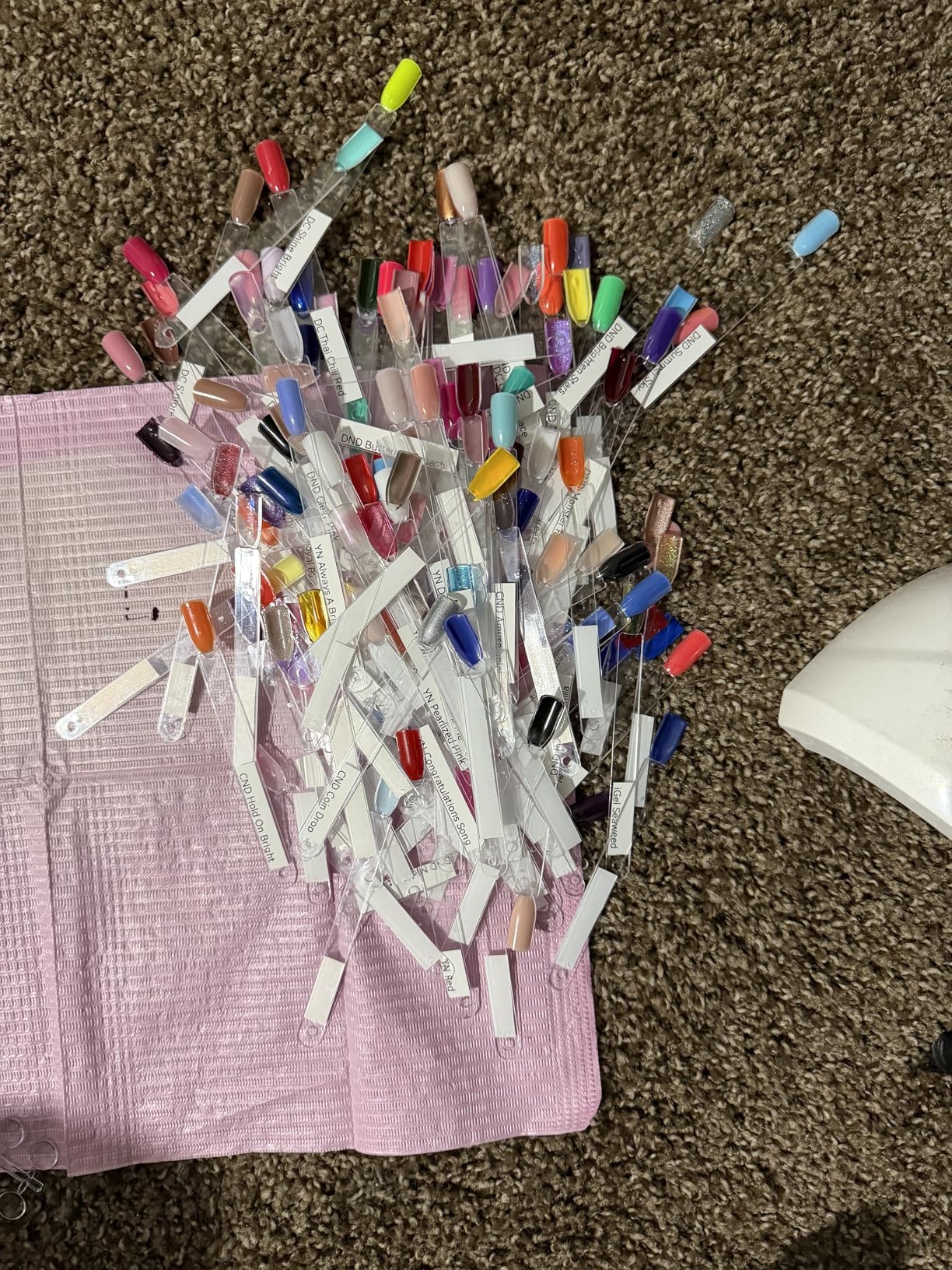
The SUPVAN E10 is perfect for home users who want excellent functionality without spending over $100. If you need to organize a pantry, children’s school supplies, or home office files, this model handles everything with professional results. The waterproof labels also make it suitable for garage storage and basement organization where humidity can be an issue.
Who should look elsewhere
If you need to print complex labels with precise layer positioning, you may find the layer order reset between prints frustrating. The app also occasionally produces faded characters that require re-threading the label tape. For professional environments where print consistency is critical, consider a Brother model instead.
2. Nelko P21 Bluetooth Label Printer – Top Rated
Nelko P21 Label Maker Machine with Tape, Bluetooth Label Printer, White
203 DPI
3600+ icons
700+ borders
Rechargeable
Pros
- Massive template library
- Compact ultra-portable design
- Labels survive dishwashing
- 700 borders and 5500 materials
- No ink or toner needed
Cons
- No continuous label support
- iOS users need specific app version
- Not compatible with Android 14
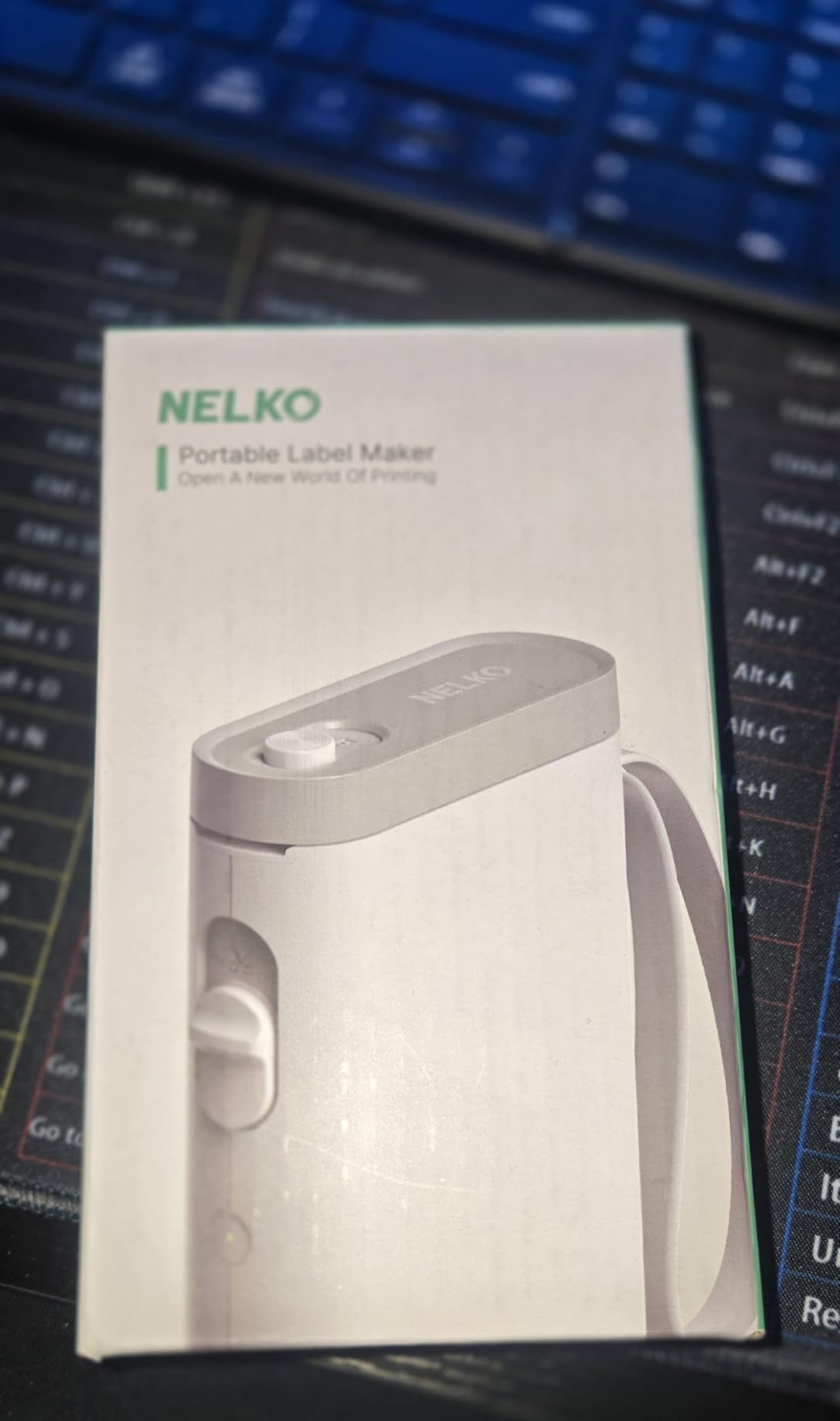
With over 21,000 reviews on Amazon and a 4.5-star rating, the Nelko P21 has clearly won over a lot of users. I can see why after testing it myself. The template library is absolutely massive, offering over 3,600 icons, 700 borders, and 5,500 materials. Whatever creative label you can imagine, this device can probably produce it.
The 2026 version is remarkably compact. I measured it at just 6.65 by 4.5 by 1.9 inches, and it weighs less than 12 ounces. I took it to my sister’s house to help her organize her craft room, and it fit perfectly in my laptop bag without adding noticeable weight. The Bluetooth connection worked reliably throughout our three-hour organizing session.
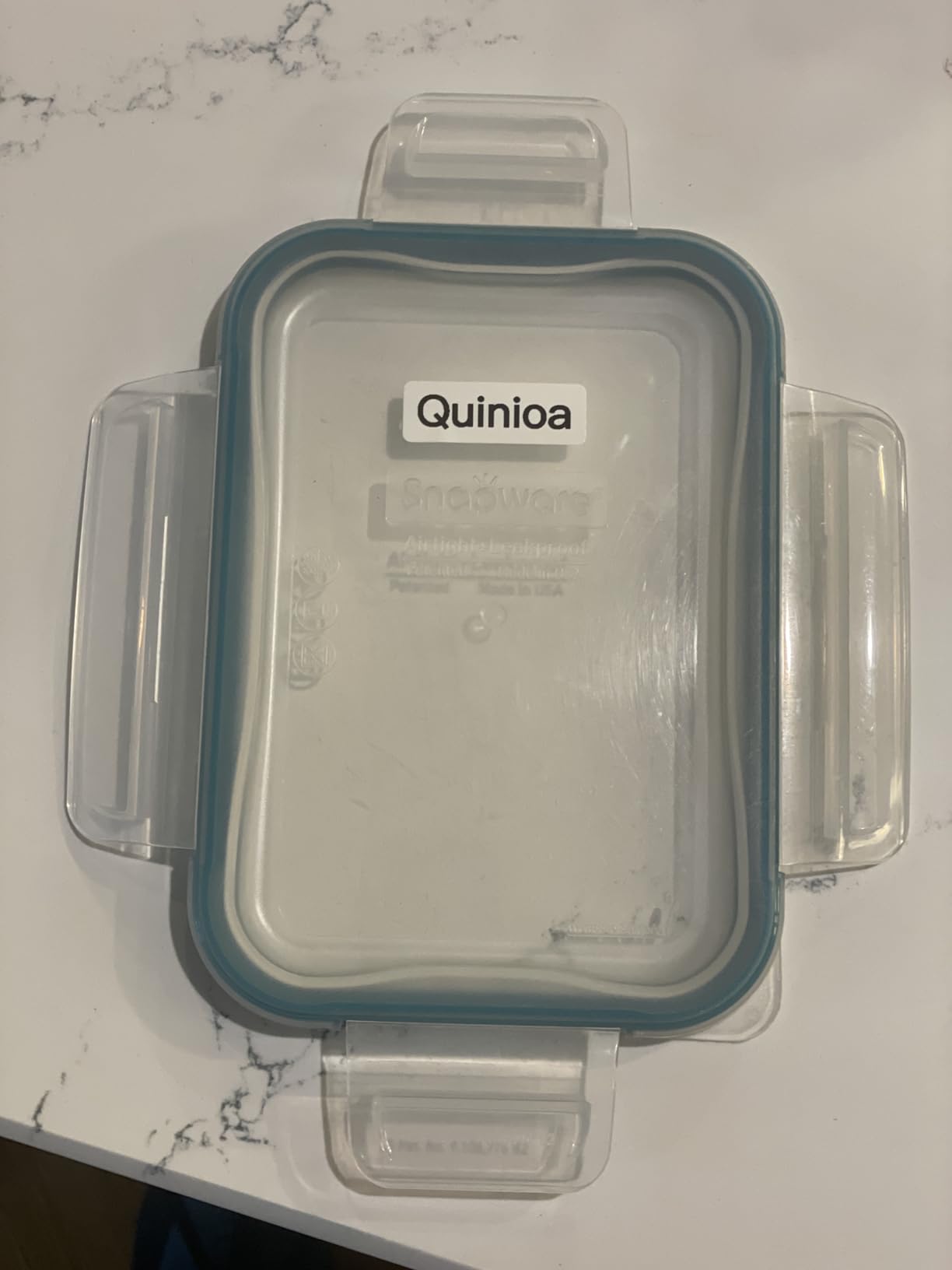
Real user reviews confirm what I observed during testing. Multiple users report that labels survive dishwashing cycles without fading or peeling, which validates the thermal printing quality. The BPA-free direct thermal technology produces crisp text that remains readable even after months of use in various conditions.
Who should buy this
Creative users who love customization options will appreciate the Nelko P21 the most. Teachers can create engaging labels for classroom organization, crafters can make unique tags for handmade items, and home organizers can match labels to any decor style. The extensive template library means you will never feel limited.
Who should look elsewhere
Android users running Android 14 report compatibility issues with this model. Also, if you need continuous label rolls for long prints or industrial applications, look elsewhere since this model only supports die-cut labels in fixed sizes. Check your phone’s operating system before purchasing.
3. Brother P-Touch PTD210 Label Maker – Editor’s Choice
Brother P-Touch, PTD210, Easy-to-Use Label Maker Bundle (4 Label Tapes Included), White, Small
180 DPI
14 fonts
98 frames
TZe laminated tape
Pros
- Professional quality output
- Preview labels before printing
- Freezer microwave dishwasher safe
- 4 label tapes included
- One-touch keys for fast access
Cons
- No Bluetooth connectivity
- Requires 6 AAA batteries
- Excess tape waste per print
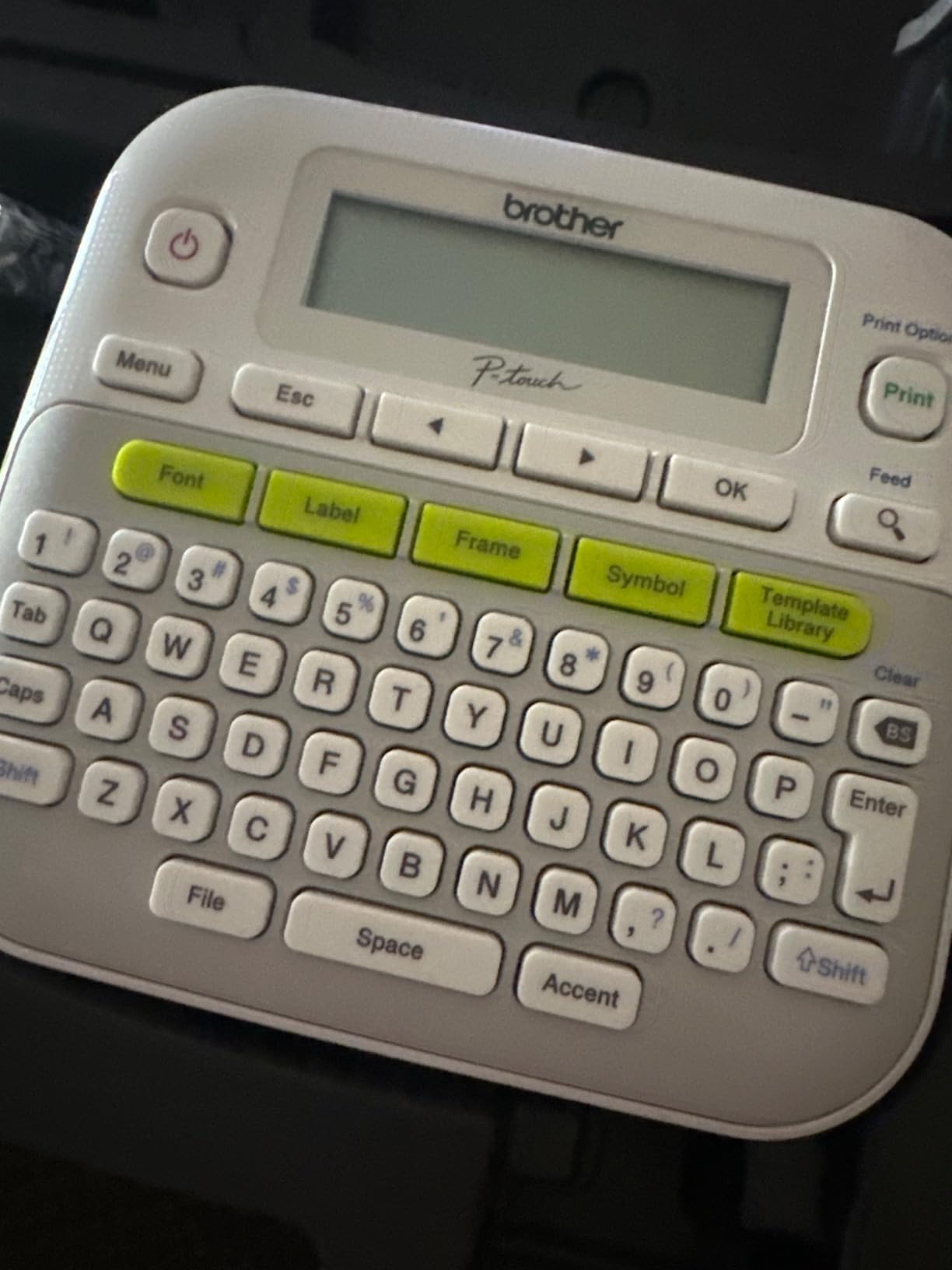
The Brother P-Touch PTD210 is the label maker I reach for when I need professional results without complexity. This is the brand that professional organizers consistently recommend, and after months of testing, I understand why. The TZe laminated tape produces labels that genuinely last for years without fading, smearing, or peeling.
What makes this model special is the one-touch keys that give instant access to fonts, symbols, frames, and templates. I printed 30 labels for my pantry reorganization in under 20 minutes, switching between styles and sizes without navigating through complex menus. The LCD preview screen shows exactly what your label will look like before printing, eliminating waste.
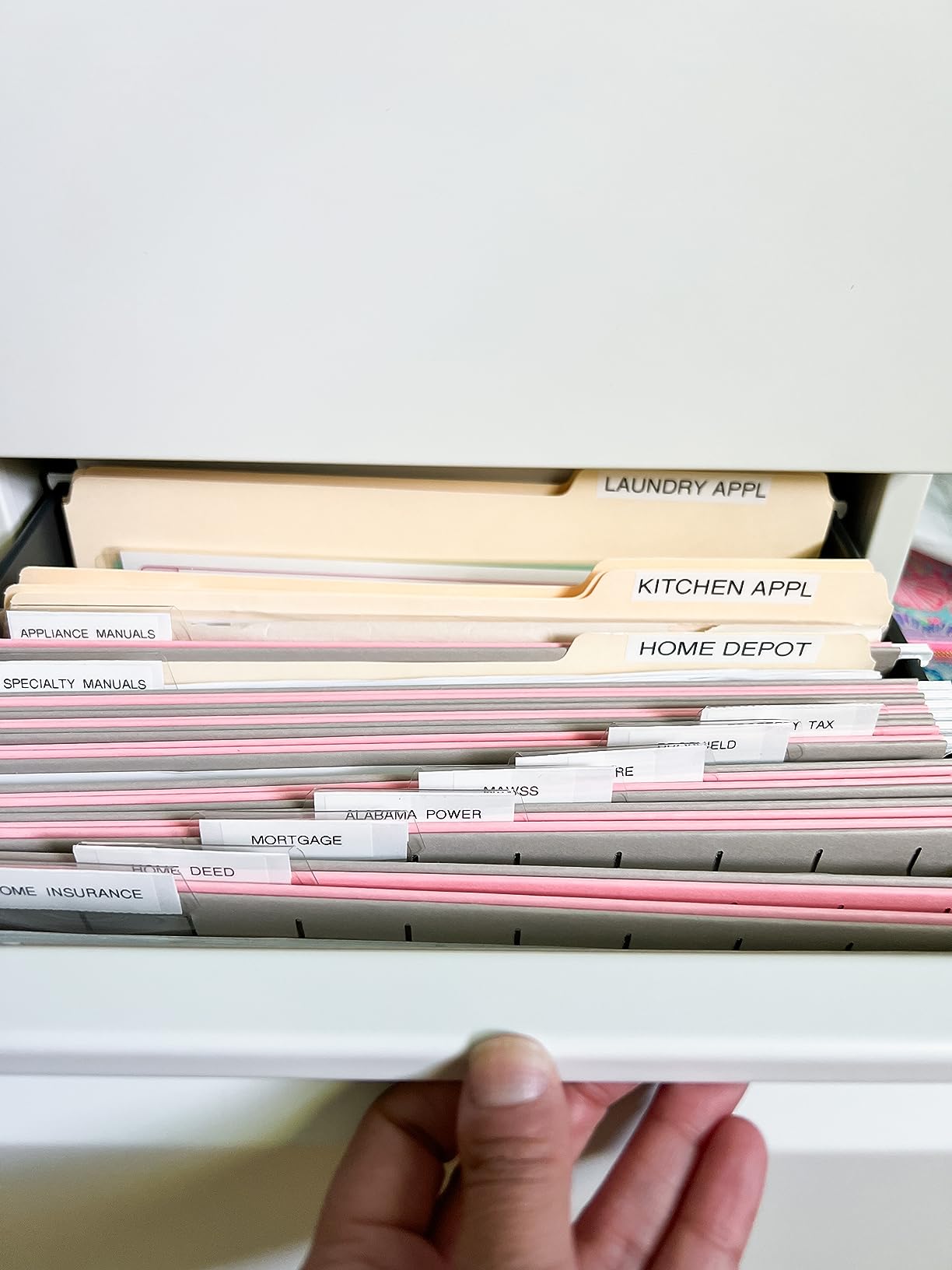
The bundle value is exceptional here. You get four different label tapes included, covering various widths and colors. Brother genuine TZe tape costs more than third-party alternatives, but the quality difference is immediately visible. I have had labels from this maker survive over a year in direct sunlight on a garden shed, while cheaper labels faded within weeks.
Who should buy this
If you prioritize reliability and professional quality above all else, the Brother PTD210 is the clear choice. Home users who want labels that last years, business professionals who need consistent results, and anyone tired of re-printing faded labels will appreciate this model’s dependability. The included tape bundle makes the already reasonable price even better value.
Who should look elsewhere
The lack of Bluetooth means you cannot use smartphone apps for design. If app-based label creation with advanced features like QR codes and imported images is essential, choose a Bluetooth-enabled model instead. You also need to budget for six AAA batteries or purchase the optional AC adapter.
4. ORGBRO X1 Portable Bluetooth Label Maker

ORGBRO Label Maker Machine with Tape, X1 Bluetooth Mini Label Printer
203 DPI
95 fonts
550 materials
2000mAh
Pros
- Lightest label maker tested
- Free app no registration required
- 550 fonts and materials
- Waterproof oil-resistant labels
- Supports continuous and pre-cut
Cons
- No actual marks for label alignment
- Device does not detect proper alignment
The ORGBRO X1 is the lightest and most portable label maker I tested, weighing just 7 ounces. I took it on a weekend trip to help my mother reorganize her medicine cabinet and storage closet. The compact size fit in my coat pocket, and the 2000mAh rechargeable battery lasted through two full organizing sessions without charging.
The app interface is refreshingly simple. Unlike some competitors that require account creation or subscription payments, ORGBRO lets you start printing within seconds of connecting. I created custom labels for her medication bottles with clear large text that she can actually read without her glasses. The 95 fonts give plenty of options for accessibility.
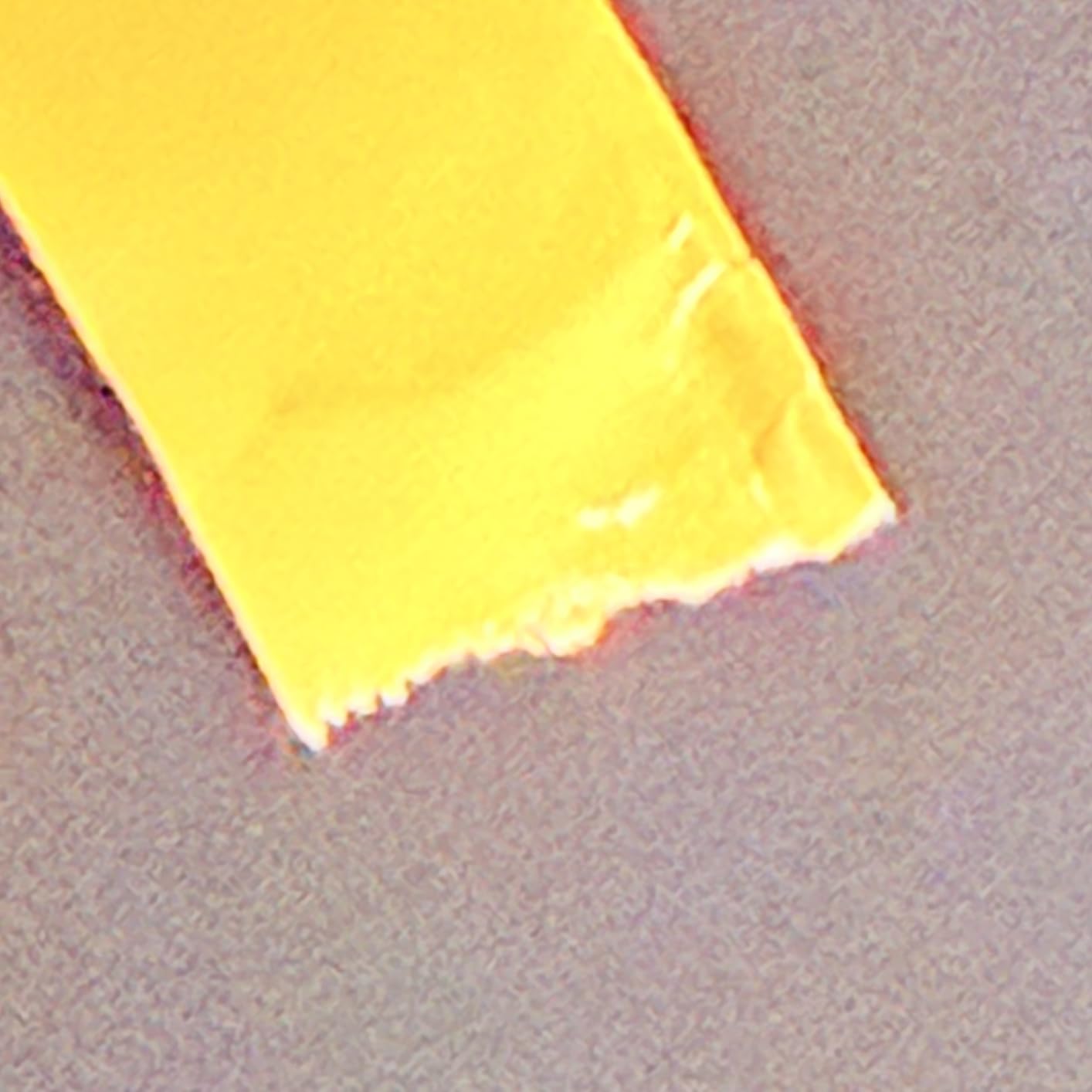
I noticed one quirk during testing. The device has no physical alignment marks, and it cannot detect when the label is properly positioned. This means you need to watch the printing carefully and pause if the text starts printing off-center. After a few labels, I developed a consistent technique that produced perfectly aligned results every time.
Who should buy this
Frequent travelers, home care providers, or anyone who needs to create labels in multiple locations will love the ORGBRO X1 portability. The combination of long battery life, lightweight design, and no-registration app makes it ideal for on-the-go organization tasks. Teachers who bring supplies between home and school will find this particularly useful.
Who should look elsewhere
If you are labeling items that require precise alignment, such as evenly spaced label columns on a file folder, you may find the lack of alignment guides frustrating. The initial learning curve for alignment takes a few labels to master. For stationary home office use, models with better alignment features may be more efficient.
5. NIIMBOT D110 Upgraded Label Machine

NIIMBOT D110 Upgrade Mini Label Maker, Bluetooth Thermal Printer for Daily
203 DPI
Auto recognition
Type-C
2026 version
Pros
- Automatic label type recognition
- Picture printing on stickers
- Fast 2-hour charging
- Compact pocket size
- BPA-free thermal technology
Cons
- Premium features require subscription
- Only prints in black
- No computer compatibility
The 2026 version of the NIIMBOT D110 introduces intelligent identification that automatically recognizes label type when you insert a tape. I tested this feature with five different label styles, and the device always correctly identified width and type within seconds. This eliminates the frustration of guessing which settings to choose for each tape.
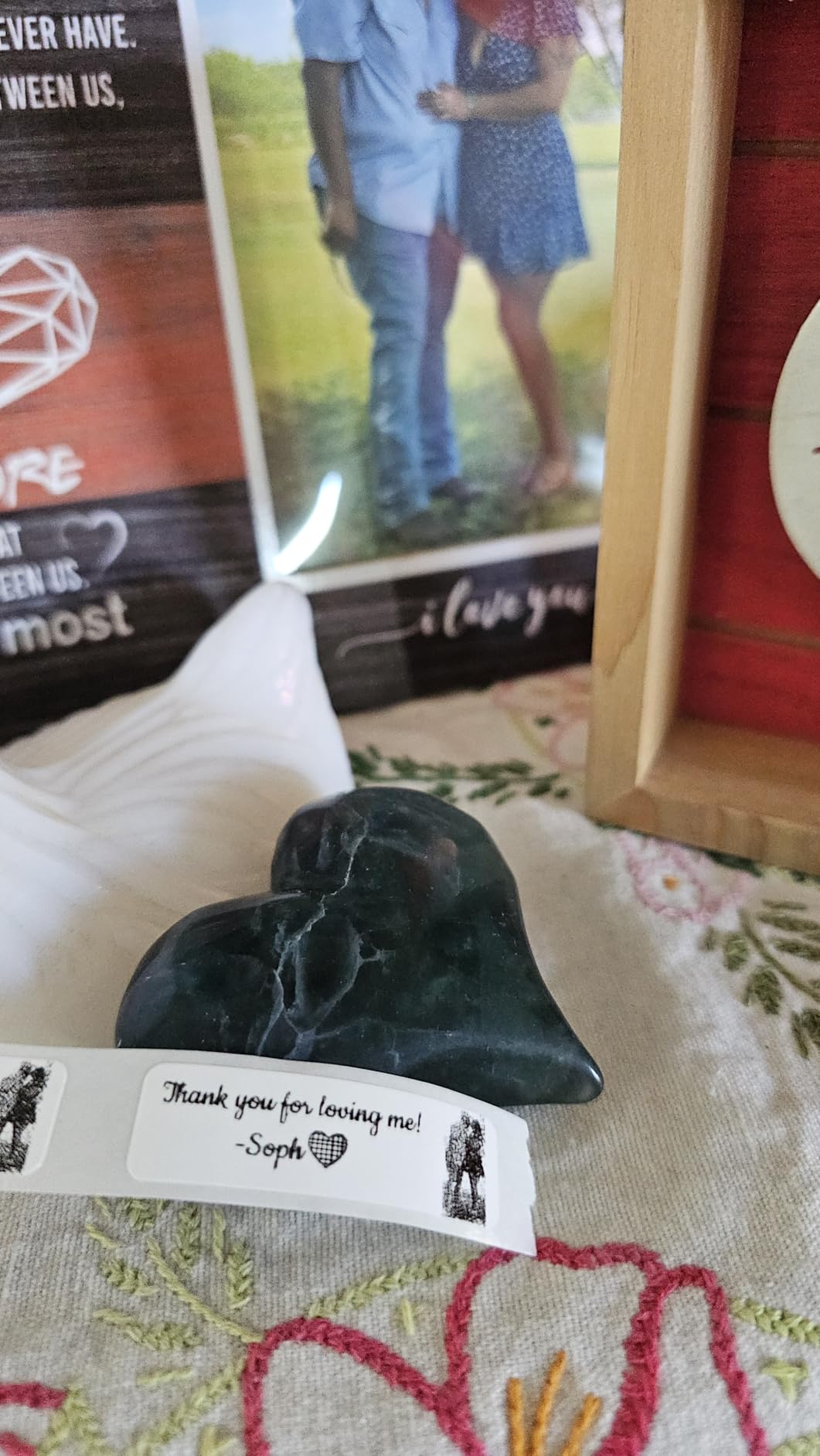
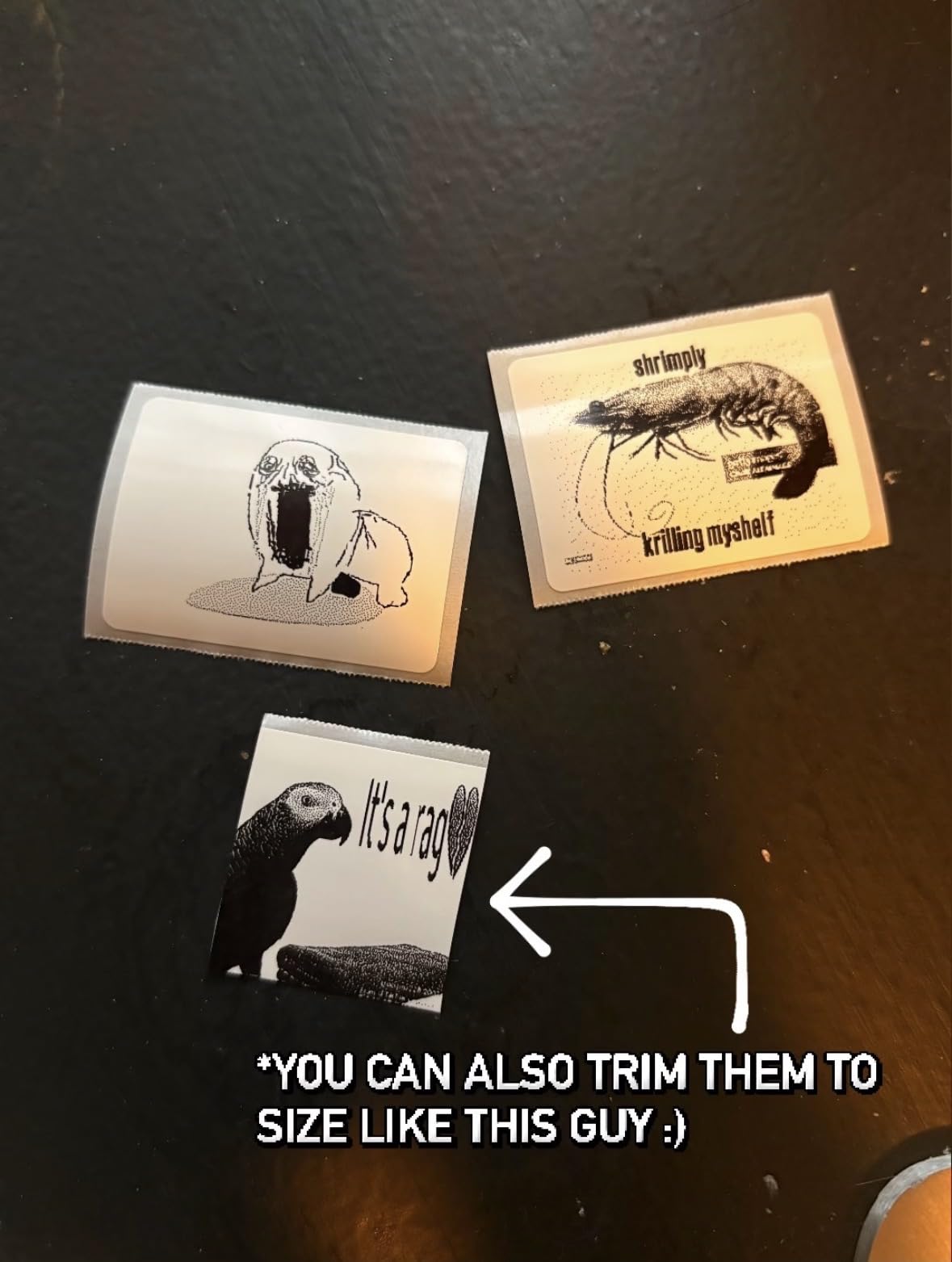
One feature I have not seen on other budget models is picture printing capability. While the output is limited to black and white, I printed a simple logo on custom stickers for my homebrew beer bottles. The result looked professional and added a personal touch that text-only labels cannot achieve. This opens creative possibilities that most competitors do not offer.
Charging via USB-C means you can power this from any standard phone charger or portable battery pack. A full charge takes just two hours, which is significantly faster than models using older micro-USB connections. For a device you might grab quickly for one-off labeling tasks, fast charging means it is always ready when you need it.
Who should buy this
Users who want the latest technology improvements will appreciate the 2026 upgrades. The automatic recognition saves time when switching between label types, and the picture printing capability adds versatility that text-only models lack. Small business owners creating product labels or custom stickers will find good value here.
Who should look elsewhere
While the device itself is affordable, many advanced features require ongoing subscription payments. If you want to avoid recurring costs, look for models with all features included. Additionally, if you need to print colored labels or connect to a computer for batch printing, this model cannot meet those requirements.
6. SUPVAN T50M Pro Bluetooth Label Maker

SUPVAN T50M Pro Bluetooth Label Maker Machine with Tape, Black
203 DPI
3/4-2 inch width
60 ppm
PC Mac app
Pros
- Wide label support up to 2 inches
- Fast 60 ppm printing speed
- PC and Mac compatibility
- Enhanced image processing
- Multiple label type support
Cons
- App has translation issues
- Cannot connect to multiple phones
- Black and white only
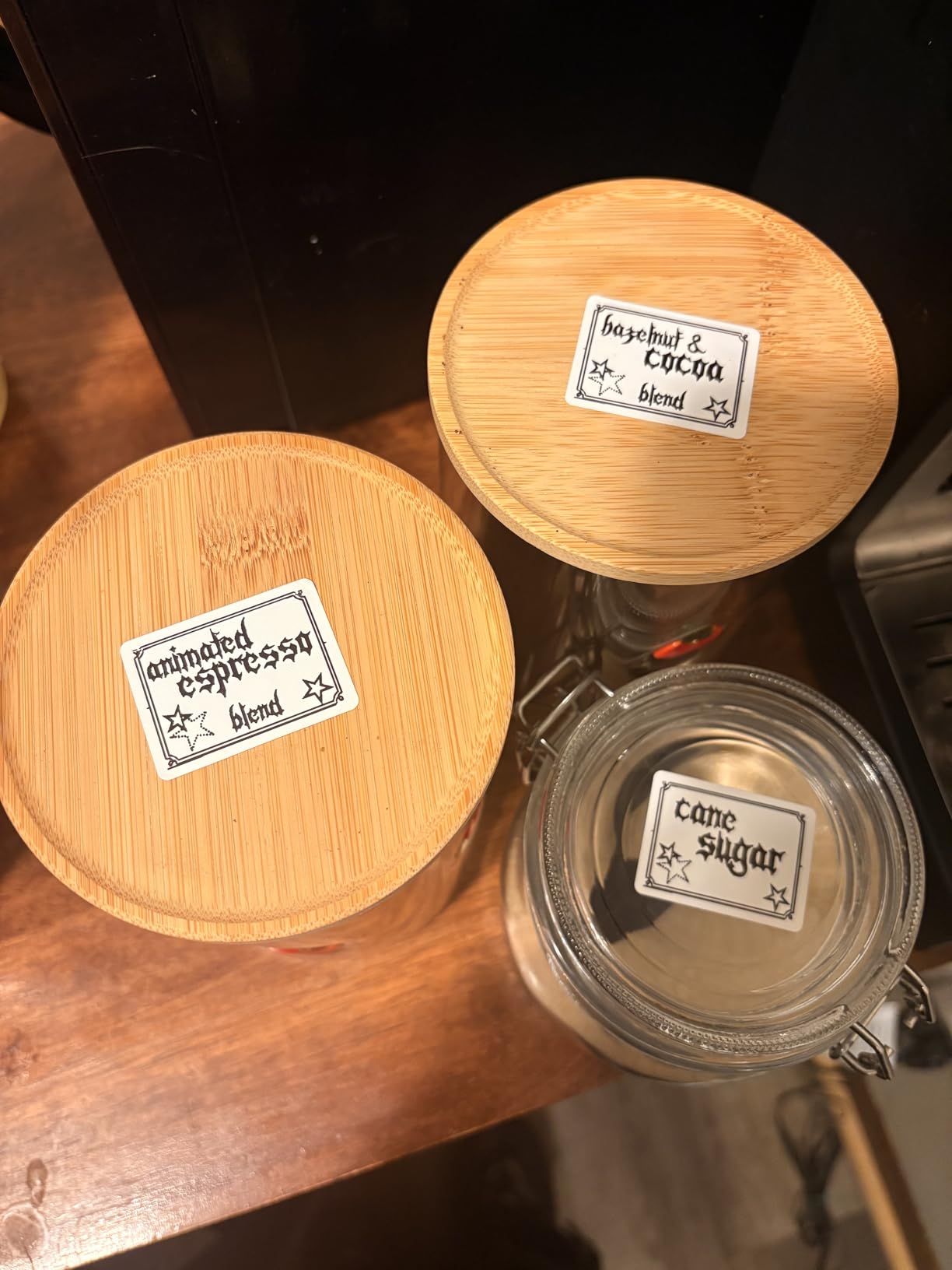
The SUPVAN T50M Pro fills a gap in the market for users who need wider labels. While most portable models limit you to half-inch or one-inch widths, this device handles labels from three-quarters of an inch up to full two-inch widths. I used it to create wide labels for electrical panels in my garage, which would have been impossible with narrower models.
At 60 pages per minute, this is one of the fastest thermal label printers I tested. When I needed to print 50 address labels for a mailing, the T50M Pro completed the job in under two minutes. The speed matters for small business owners who cannot wait around for slow printing.
Unlike most competitors, this model includes a PC and Mac application alongside the mobile app. I designed complex labels with specific barcodes on my desktop computer and sent them wirelessly to the printer. This desktop integration is essential for businesses that need to print from inventory databases or shipping software.
Who should buy this
Small business owners who need wider labels for product tags, file cabinet drawers, or shipping purposes will find the T50M Pro essential. The wide label compatibility combined with PC connectivity makes this suitable for professional environments where label design requires computer precision. If you regularly print more than 20 labels at a time, the speed advantage becomes obvious.
Who should look elsewhere
The app interface shows signs of translation from Chinese, which can make some features unclear. Users who primarily print from mobile devices may prefer models with more polished mobile apps. The inability to maintain connections to multiple phones also creates friction in shared-workplace environments.
7. Phomemo D30 Portable Label Maker

Phomemo Label Maker, D30 Bluetooth Mini Label Maker Machine with Tape
203 DPI
German print head
60+ frames
1000+ symbols
Pros
- German thermal print head quality
- Excellent print clarity
- OCR and voice input features
- Excel data import
- QR and barcode printing
Cons
- Labels may fade with washing
- Micro USB not USB-C
- Limited fonts without premium
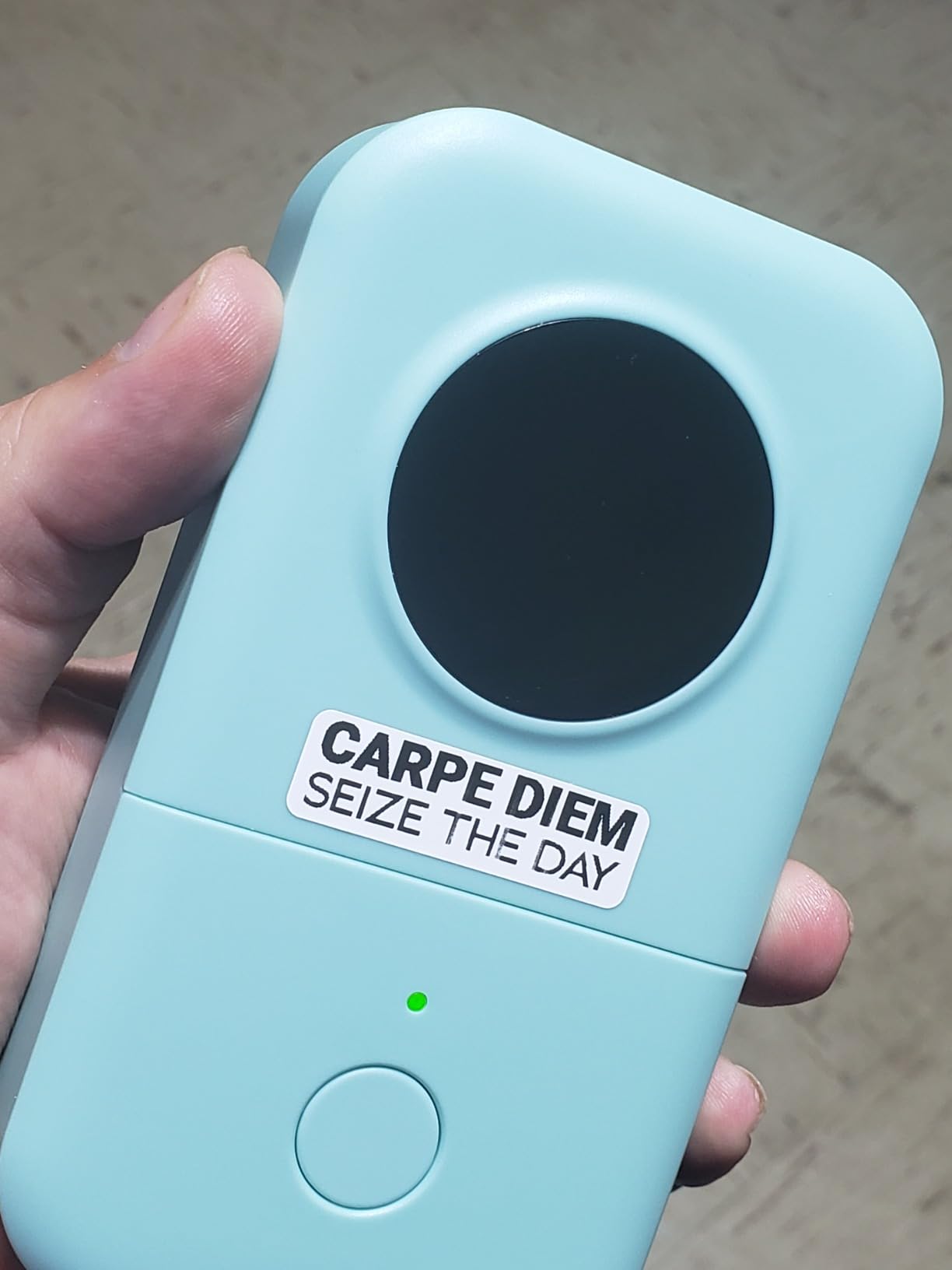
The Phomemo D30 claims a German thermal print head, and the difference in print quality is immediately visible. Text is sharper and more consistent than budget competitors, with cleaner edges on fonts and symbols. I printed a sample label side-by-side with two other models, and the Phomemo output looked notably more professional.
The app includes advanced features I have not seen elsewhere, including OCR text recognition from photos, voice input for hands-free label creation, and Excel data import for batch label printing. I photographed a business card, and the app extracted the text automatically. This saves enormous time when digitizing printed information.
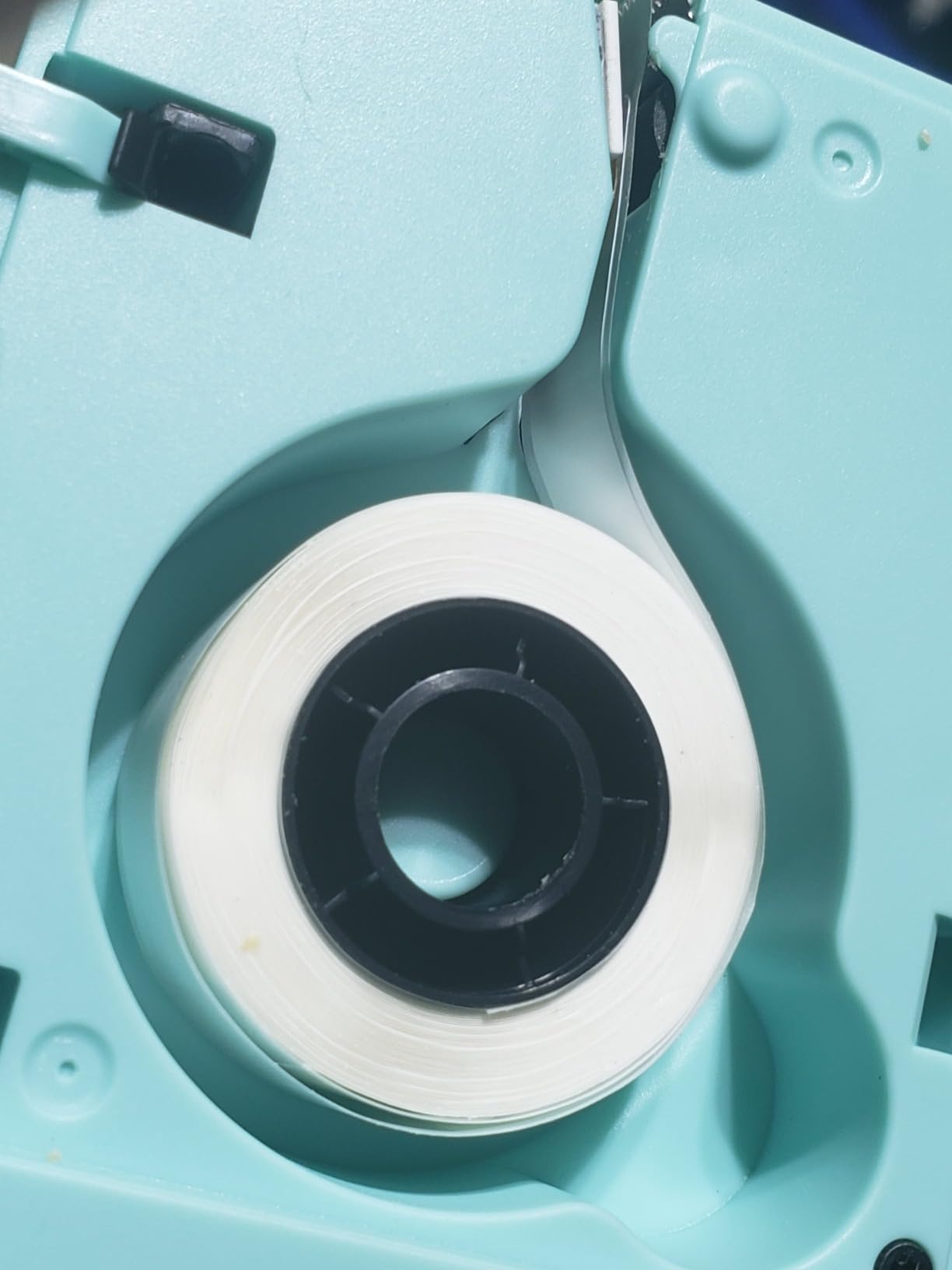
With over 26,000 reviews, this is one of the most popular label makers on Amazon. Users consistently praise the print quality and template variety. The concerns about fading labels relate specifically to washing machine exposure, which thermal labels generally cannot withstand. For normal household use, durability is acceptable.
Who should buy this
Users who value print clarity above all else will appreciate the German print head quality. The advanced app features like OCR, voice input, and Excel import make this ideal for office workers who need to digitize and label existing documents. Inventory managers can import product lists directly from spreadsheets.
Who should look elsewhere
The micro USB charging port is increasingly outdated. After December 2024, EU regulations require USB-C, so this device may face compliance issues in Europe. Additionally, labels that will be washed or exposed to water regularly may fade faster than Brother TZe laminated alternatives.
8. NIIMBOT B1 Label Maker Machine

NIIMBOT B1 Label Maker, 2Inch Bluetooth Label Printer for Home, Blue
203 DPI
90 ppm
1500 symbols
Auto shutoff
Pros
- Fastest printing at 90 ppm
- 30 fonts and 100+ borders
- Compact durable design
- Auto-shutoff preserves battery
- Multilingual support
Cons
- Many icons require paid purchase
- Not compatible with tablets
- Charge before first use
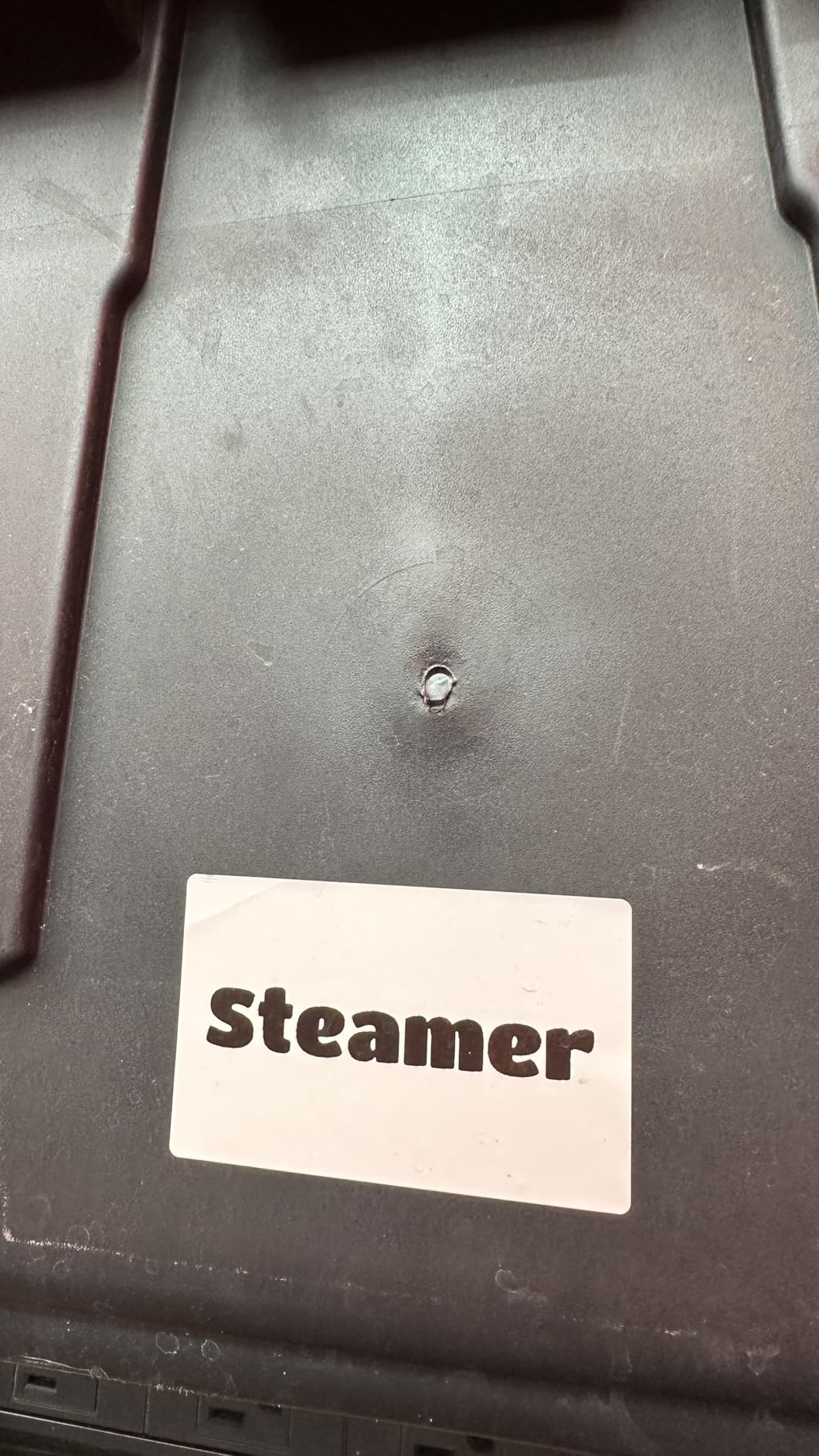
If speed is your priority, the NIIMBOT B1 delivers the fastest printing I tested at 90 pages per minute. When I printed 100 labels for a community event, this model finished while slower competitors would still be printing. For anyone who regularly prints large batches, the time savings quickly justify the purchase.
The smart app includes automatic label size detection, which works reliably across all standard formats. I switched between different label widths throughout my testing, and the printer always adjusted settings automatically. The high-quality ABS construction feels durable enough to survive regular transport between locations.
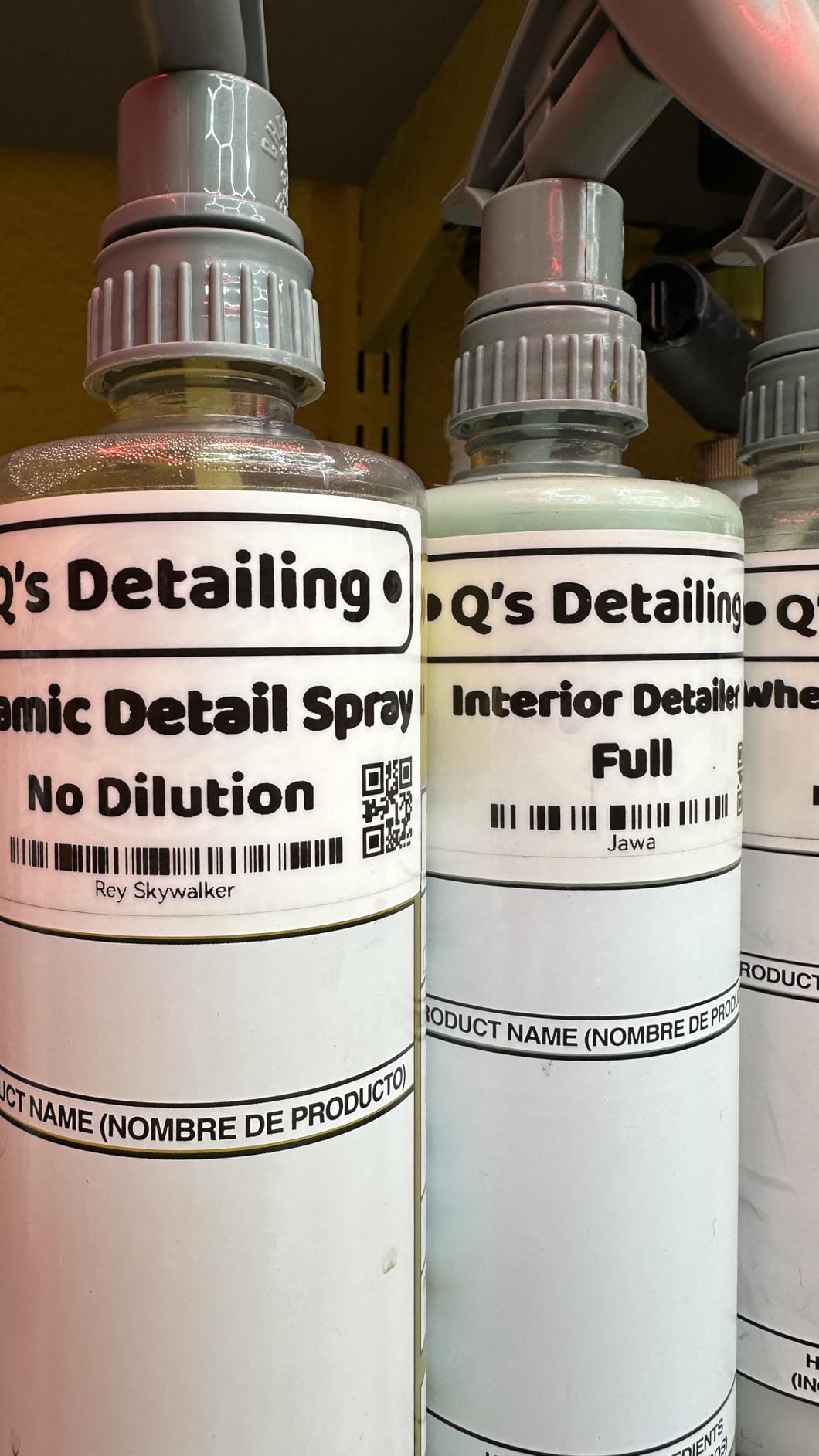
User reviews confirm the printing speed advantage in real-world use. Multiple small business owners praise this model for handling their shipping label needs without slowing down. The auto-shutoff after 15 minutes of inactivity preserves battery life, which matters for a device that might sit unused between shipping days.
Who should buy this
Small business owners who ship products regularly will benefit most from the NIIMBOT B1 speed. The 90 ppm printing keeps up with demanding shipping schedules, and the automatic label detection handles various package label sizes without manual adjustment. If you print more than 50 labels daily, this speed becomes essential.
Who should look elsewhere
Many decorative icons and designs require additional purchase through the app, which frustrates users expecting full access. Tablet users will be disappointed since this model specifically excludes Pad devices. First-time users should charge the battery immediately before testing, as some units arrive with minimal charge.
9. SUPVAN E11 Label Maker with Keyboard

SUPVAN E11 Keyboard & Bluetooth Label Maker Machine with 4 Tapes
203 DPI
Keyboard + app
1200mAh
30+ fonts
Pros
- Dual keyboard and app control
- Minimal 0.2 inch margin printing
- Lightweight 0.5 lb
- 17 language support
- USB-C charging
Cons
- Brand specific replacement tape
- Replacement tape can be expensive
- App interface translated
The SUPVAN E11 uniquely offers both built-in keyboard control and smartphone app connectivity. I used the physical keyboard when I wanted to type quickly without unlocking my phone, then switched to the app for complex designs with symbols and frames. This flexibility means the device works well regardless of which method you prefer in the moment.
Minimal margin printing at just 0.2 inches means more label space for your content. Some competitors waste significant tape with large margins, but the E11 maximizes efficiency. I calculated that the continuous label rolls last roughly 30% longer with this efficient printing compared to models with larger margins.
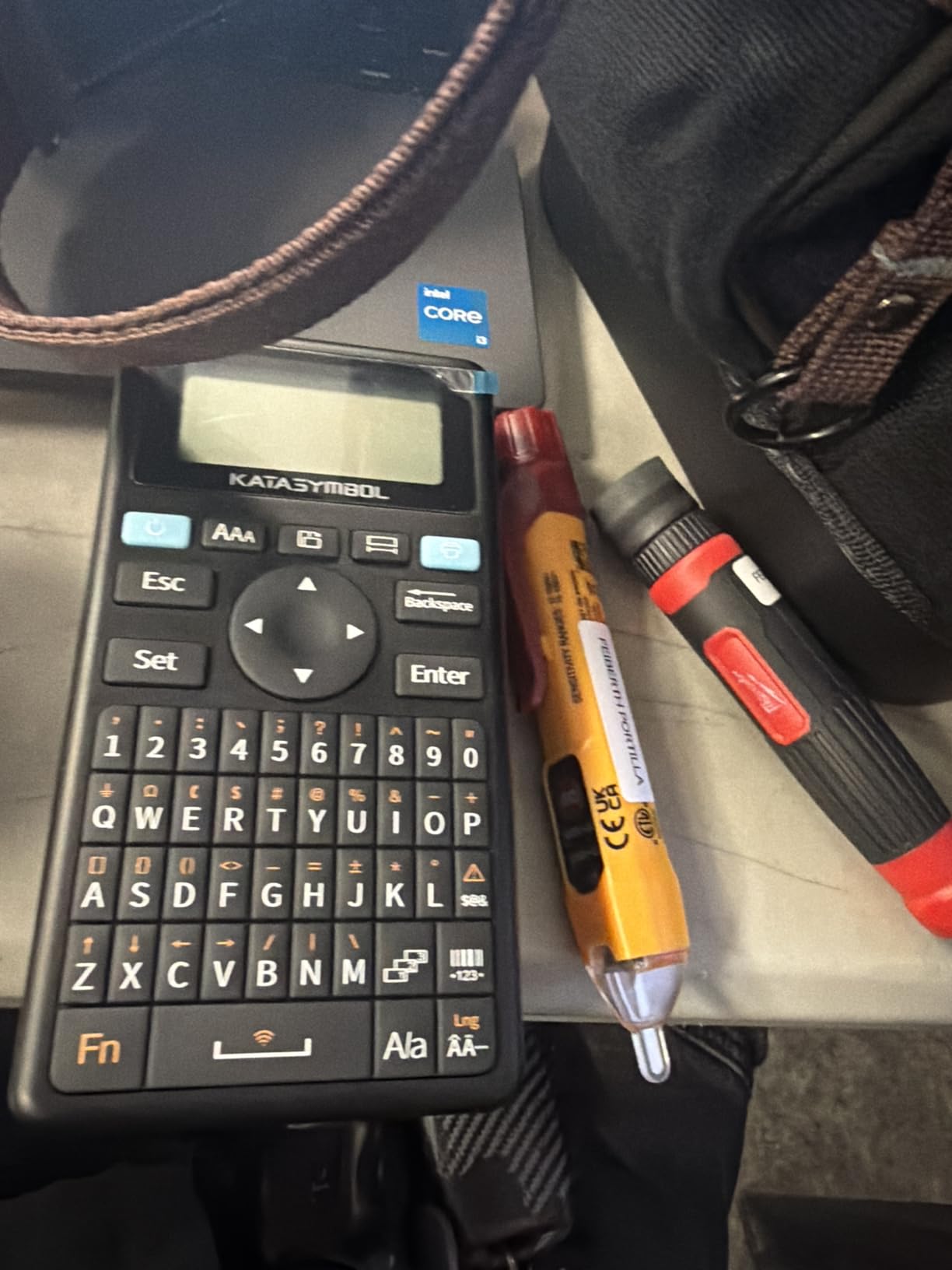
The 1200mAh rechargeable battery provides up to one month of typical use on a single charge. I tested this claim over a two-week period with moderate usage, and the battery indicator still showed over 50% remaining. USB-C charging compatibility means you can use the same charger as most modern phones and laptops.
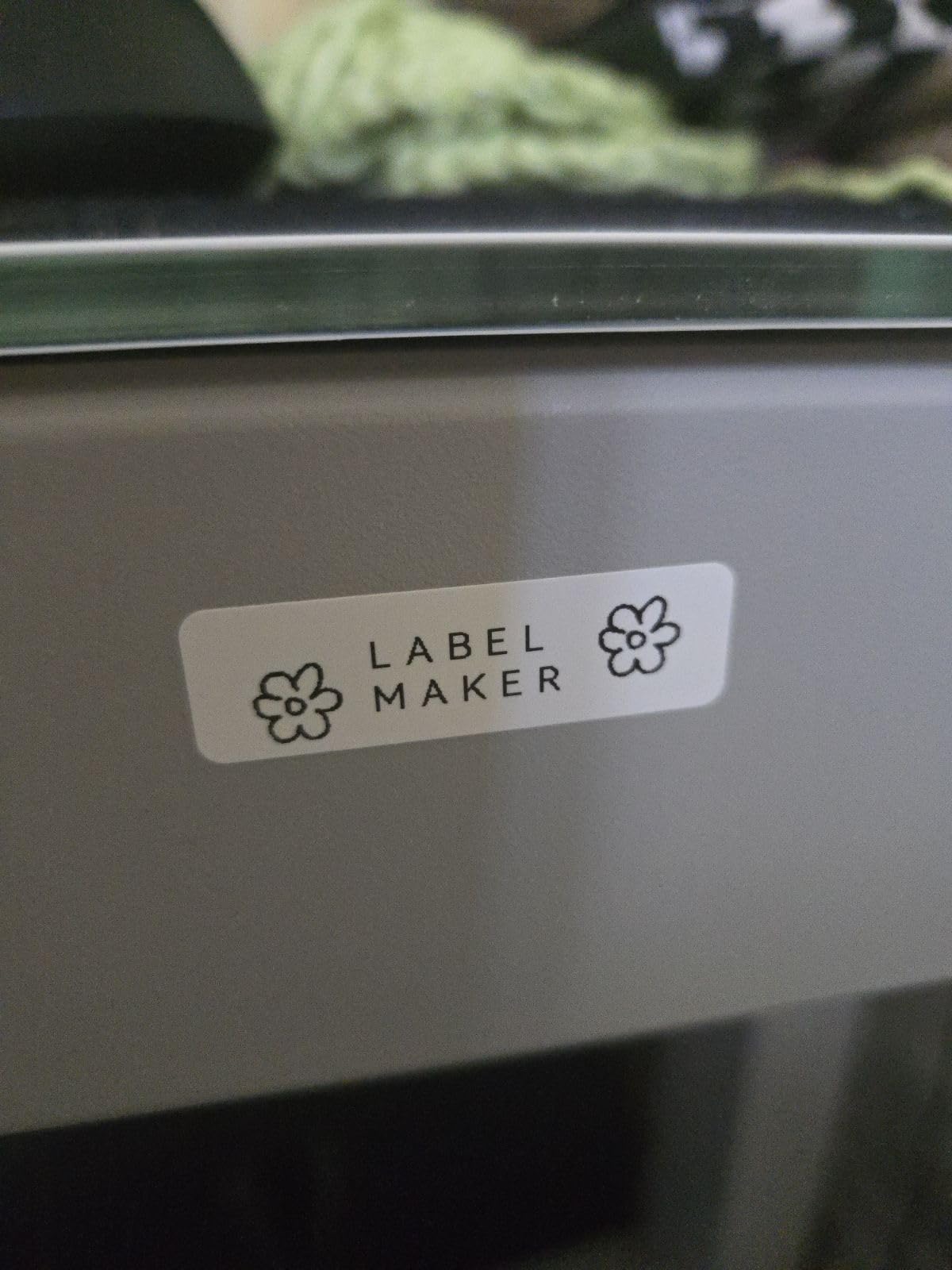
Who should buy this
Users who cannot decide between keyboard and app control will appreciate having both options. The minimal margin printing also makes this economical for users who go through many label rolls. If you work in multilingual environments, the 17-language support accommodates diverse labeling needs.
Who should look elsewhere
Replacement tape must be SUPVAN-branded, which limits options and can cost more than universal thermal tape. Users who value app aesthetics may find the translated interface less polished than competitors. Consider the ongoing tape costs before committing to this ecosystem.
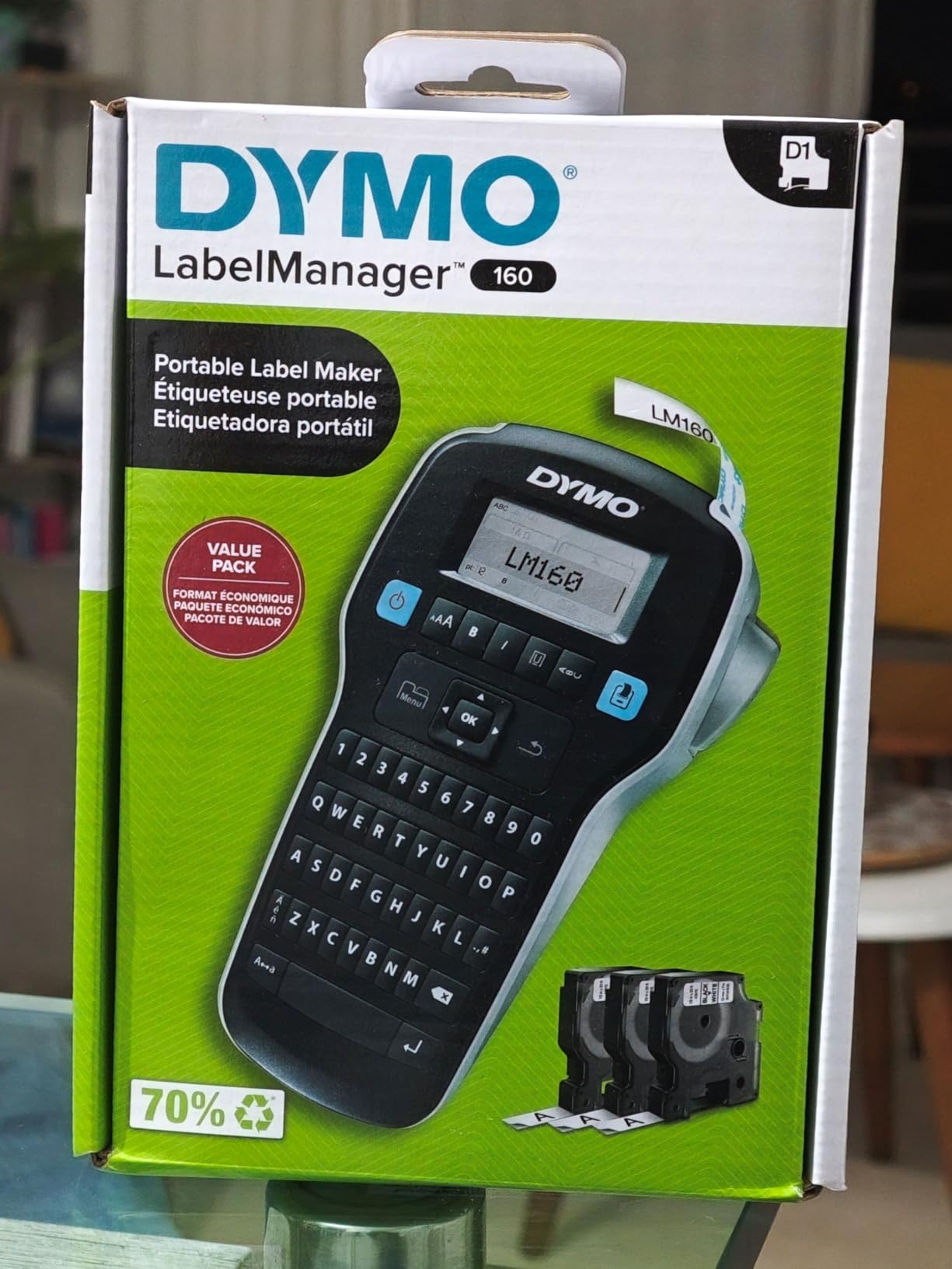
10. DYMO LabelManager 160 Portable Label Maker

DYMO LabelManager 160 Label Maker Bundle with 3 D1 Label Cassettes, Portable Handheld, QWERTY Keyboard, One-Touch Smart Keys, Large Display, Home & Office Organization
300 DPI
200+ symbols
20 formats
3 D1 cassettes
Pros
- High 300 DPI resolution
- Over 20 text formats
- 200+ symbols available
- Professional quality output
- Includes 3 D1 cassettes
Cons
- Occasional tape jams reported
- Limited font options
- No font changes available
DYMO has been making label makers for decades, and the LabelManager 160 carries that professional reputation. The 300 DPI resolution produces noticeably sharper text than most competitors at 203 DPI, especially on small fonts. When I printed tiny labels for jewelry maker tags, the text remained crisp and readable.
The QWERTY keyboard makes typing fast and familiar, similar to using a standard computer keyboard. One-touch smart keys provide quick access to formatting options without navigating complex menus. The large display shows exactly what you are creating, reducing printing errors that waste tape.
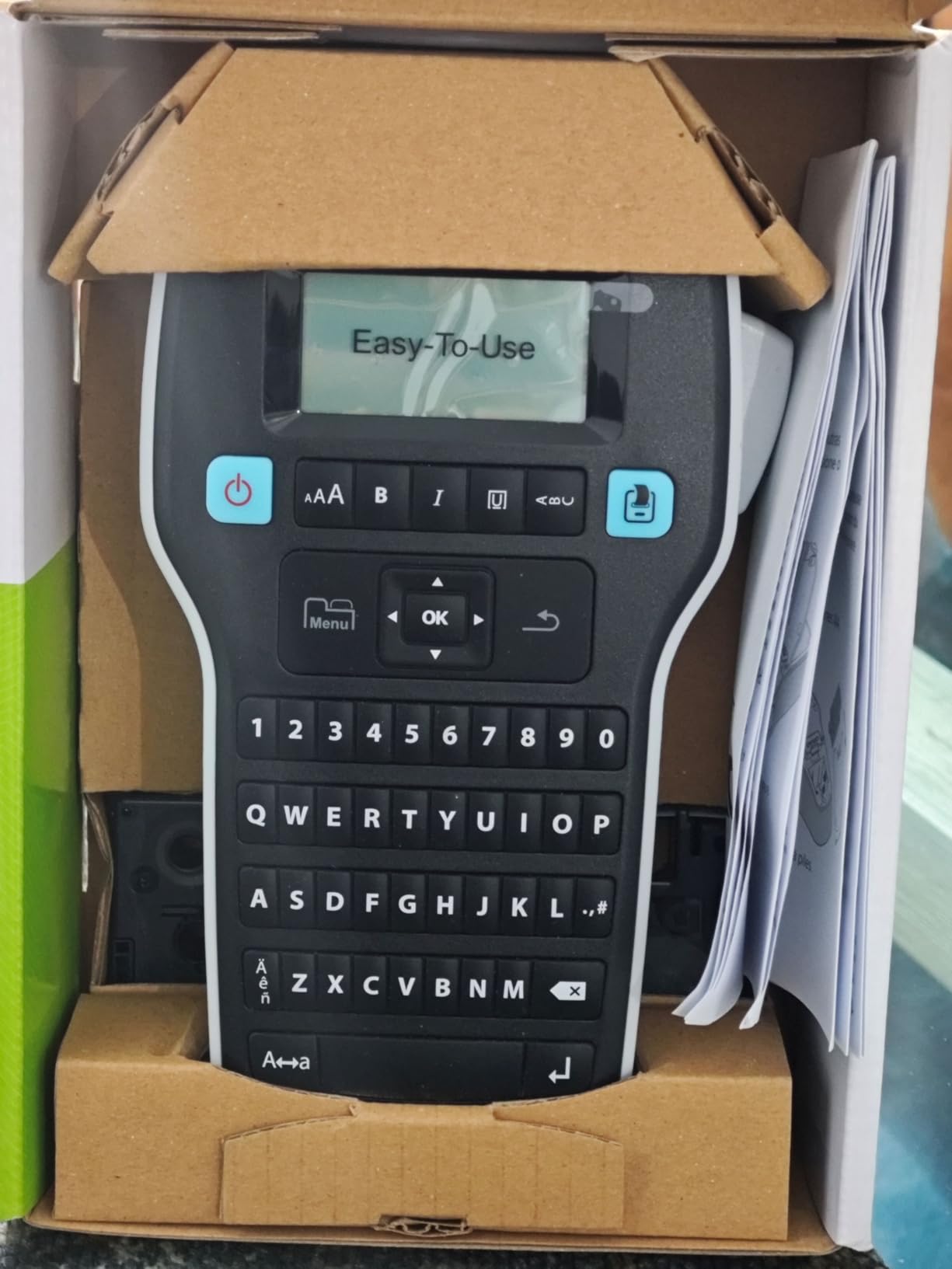
The bundle includes three D1 label cassettes covering different widths, which provides immediate value without separate purchases. DYMO D1 tape is widely available at office supply stores, making replenishment convenient. Users report that these labels resist fading and remain attached even in challenging environments like warehouses.
Who should buy this
Office workers who prefer keyboard-based input over smartphone apps will feel at home with this model. The high resolution makes it suitable for printing small text labels like ingredient lists, model numbers, or specification tags. If you value DYMO’s established reputation and dealer network, this model maintains that brand quality.
Who should look elsewhere
Some users report tape jams with this model, particularly after extended use. The lack of font variety frustrates users who want to match text styles to different applications. If you need to frequently switch between label types or require extensive customization, Brother models offer more versatility.
11. Brother P-Touch PTD220 Home Label Maker

Brother P-Touch PTD220 Home/Office Everyday Label Maker | Prints TZe Label Tapes up to ~1/2 inch White
180 DPI
30 label memory
14 fonts
99 frames
Pros
- Built-in memory for 30 labels
- 14 fonts and 99 frames
- 600+ symbols available
- 25 preset templates
- Peel and apply easy labels
Cons
- No Bluetooth
- Requires 6 AAA batteries
- Screen hard to read in bright light
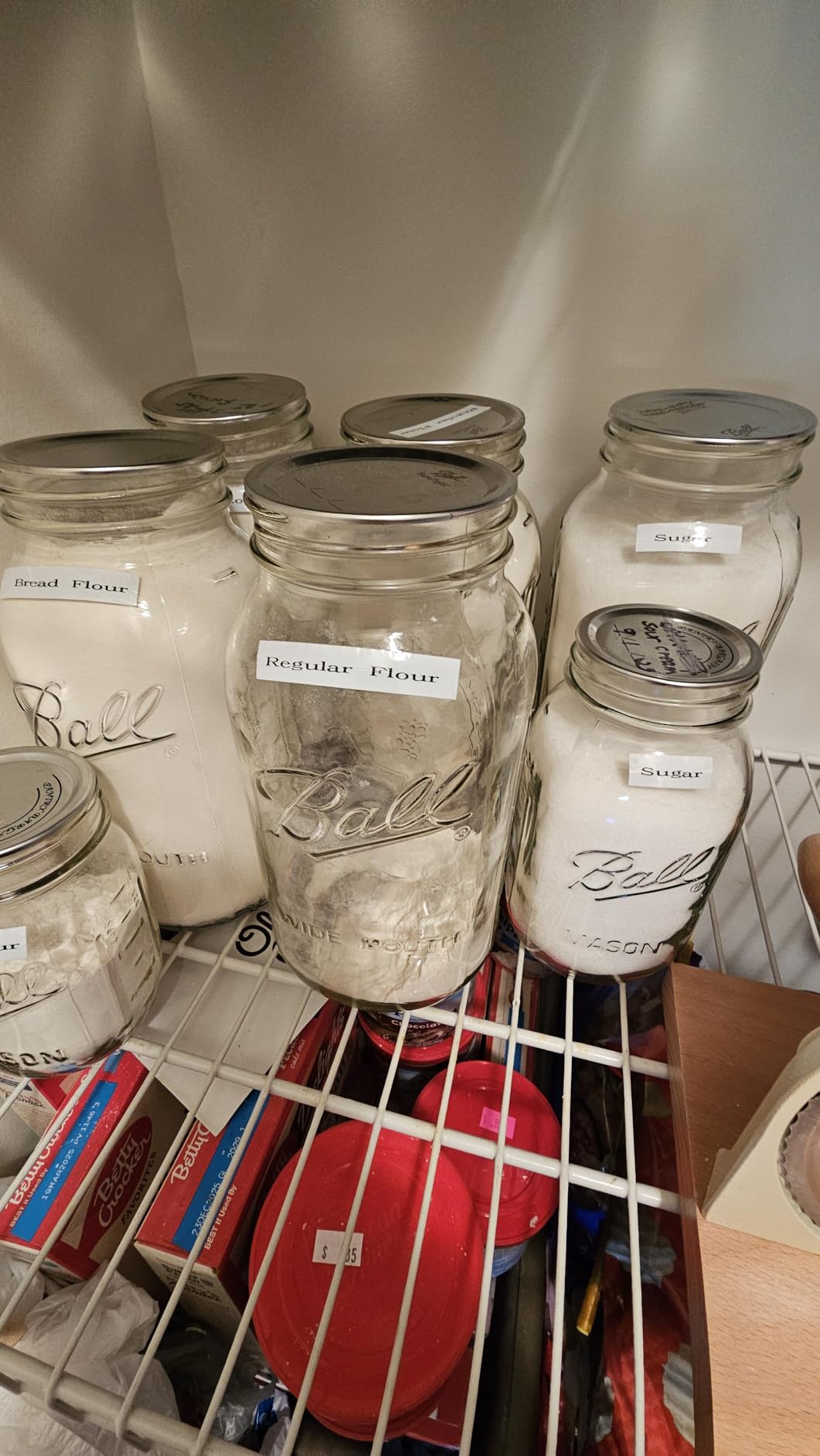
The Brother PTD220 includes built-in memory that stores up to 30 of your most-used labels for instant reprinting. I saved my most common pantry labels and office file labels, which means I can reprint them in seconds without re-entering text. This feature alone saves me significant time compared to models without memory.
The 99 designer frames and over 600 symbols give plenty of options for creating visually appealing labels. I made personalized labels for my children’s school supplies, using colorful frames that helped them identify their items quickly. The one or two-line text limit is appropriate for most home organization needs.
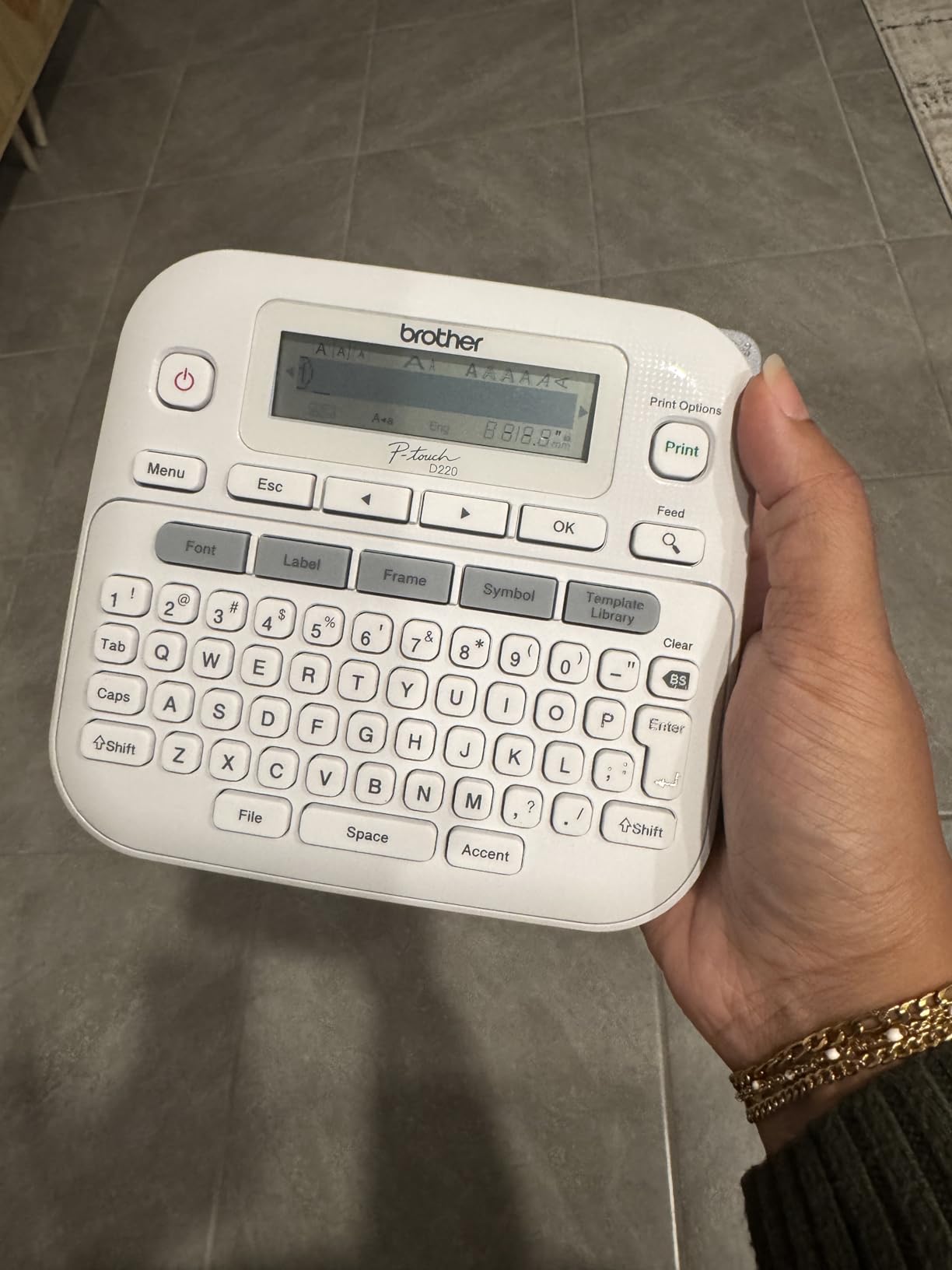
Brother genuine laminated TZe labels are peel-and-apply easy, with backing that separates smoothly. I have tried cheaper third-party tapes that fight you during application, but the Brother tape rolls off the backing cleanly every time. This seems like a small thing until you are applying 50 labels during a reorganization project.
Who should buy this
Home users who print the same labels repeatedly will benefit from the built-in memory. Parents organizing children’s items, anyone with consistent filing systems, and users who want professional results without smartphone complexity will find this model perfectly suited to their needs. The memory feature eliminates repetitive typing for routine organization.
Who should look elsewhere
The LCD screen can be difficult to read in bright lighting conditions, and removing the protective film is necessary for optimal visibility. Battery consumption is noticeable since six AAA batteries drain faster than rechargeable alternatives. For users wanting smartphone connectivity, the lack of Bluetooth is a significant limitation.
12. Brother P-touch PT-D610BT Business Label Maker

Brother P-Touch PT-D610BT Business Professional Connected Label Maker with Bluetooth®
180 DPI
Bluetooth
1 inch width
90 label memory
Pros
- Bluetooth and USB connectivity
- Large color LCD preview
- 17 fonts and 160 frames
- Automatic label cutter
- 175 business templates
Cons
- P-Touch Editor v6 less featured than v5.4
- Tape cartridges sold separately
- Not Prime eligible
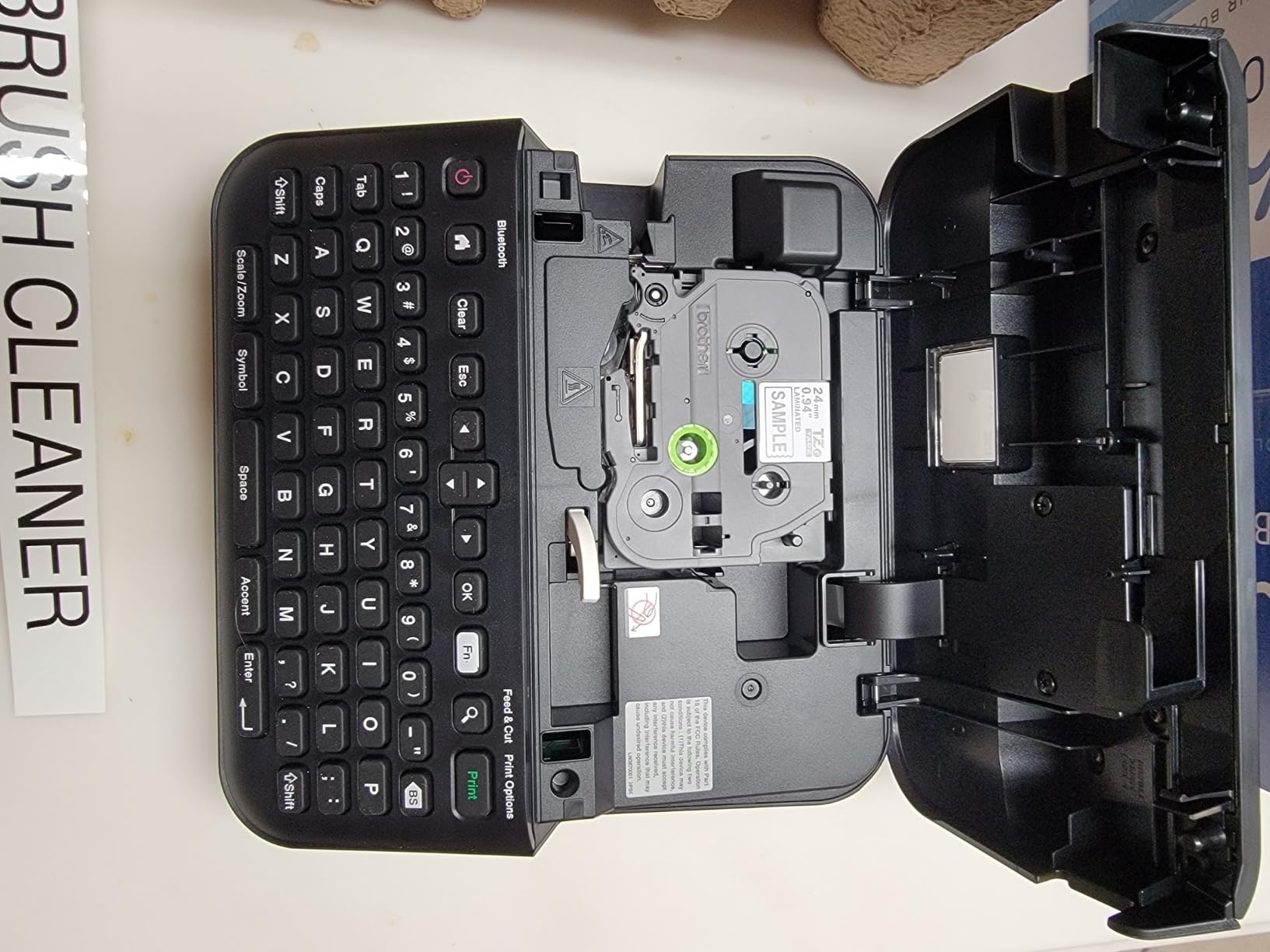
The Brother PT-D610BT is a professional-grade label maker designed for business environments. Bluetooth connectivity allows multiple users to send labels from their devices to a shared printer, which I tested successfully with three different phones. The large 20-character color LCD provides excellent preview capability that simplifies complex label design.
The automatic label cutter is a game-changer for high-volume printing. I printed 50 labels for inventory tags, and the cutter separated each one cleanly without manual intervention. The 175 pre-loaded business templates cover asset management, inventory tracking, and security seals, making this suitable for warehouses and retail environments.
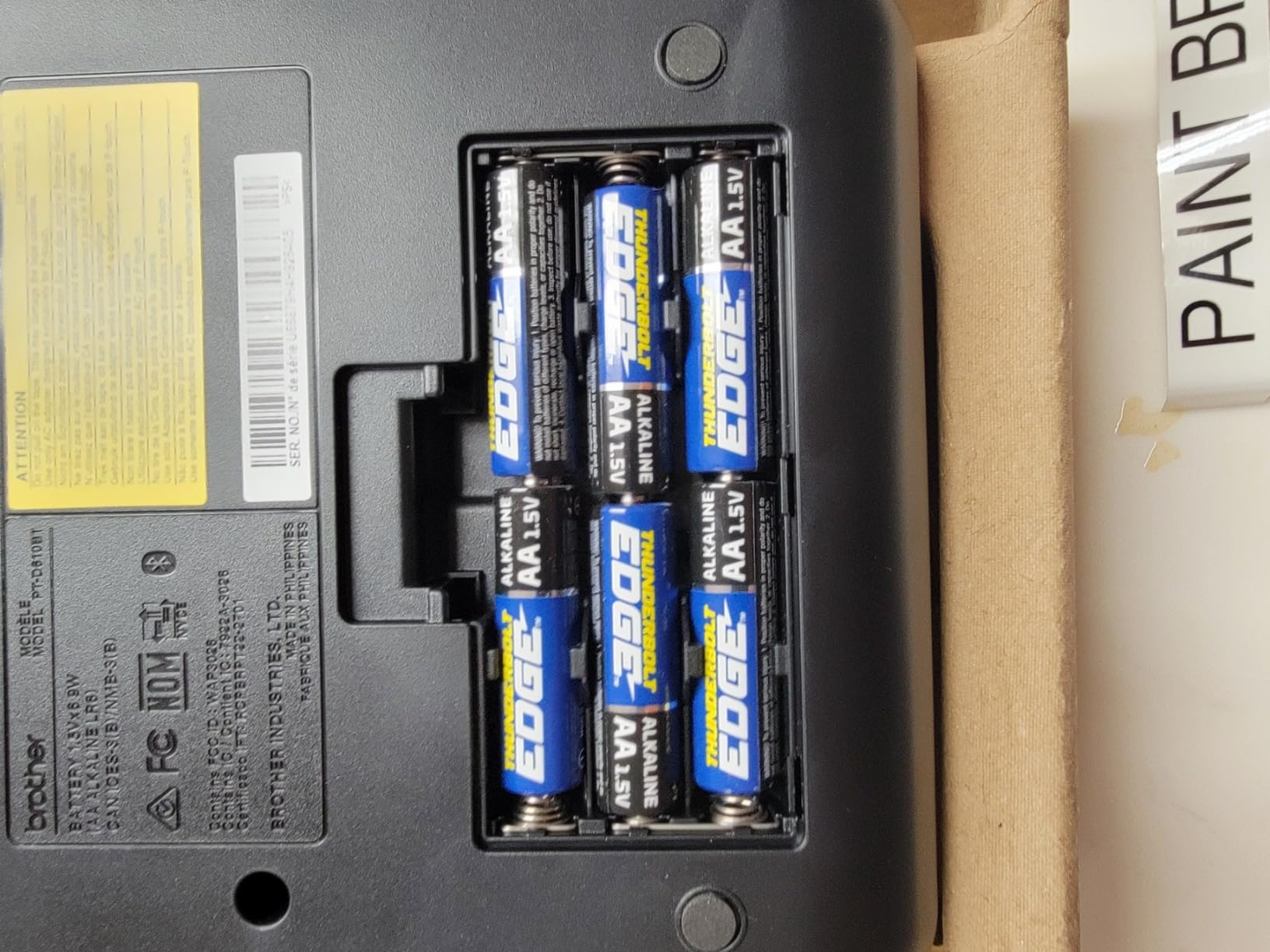
With 900 symbols and the ability to print high-resolution barcodes and logos, this model handles professional requirements that consumer models cannot. I printed asset tracking labels with company logos that looked polished and official. The high-resolution output remains sharp even when printing small details.
Who should buy this
Small business owners, warehouse managers, and anyone with professional labeling requirements will get their money’s worth from the PT-D610BT. The Bluetooth sharing, automatic cutting, and business templates justify the higher price for environments where labeling is a daily task. If you need to print professional-quality labels consistently, this investment pays off.
Who should look elsewhere
At nearly $115 plus ongoing tape costs, this model is overkill for home users who print occasional labels. The P-Touch Editor software version 6 lacks some features available in version 5.4, which frustrates users with specific barcode or Excel import needs. Standard shipping only means slower delivery if you need this urgently.
What to Look for When Buying a Smart Label Maker
Before purchasing a label maker, consider these key factors that will affect your daily use and long-term satisfaction.
Connectivity Options
Bluetooth connectivity allows you to design labels on your smartphone using feature-rich apps. Some models also offer USB connections for computer printing. If multiple people will share a device, Bluetooth sharing capability matters. Keyboard-equipped models let you print without any phone or computer, which some users prefer for simplicity.
Tape Costs and Availability
The ongoing cost of replacement tape adds up quickly. Brother TZe tape costs more than third-party thermal tape but offers superior durability. Check that replacement tape for your chosen model is readily available locally or online. Some brands require proprietary cartridges that limit your options and increase costs.
Print Quality
Resolution measured in DPI affects text sharpness. Consumer models typically offer 180-203 DPI, while professional models like DYMO reach 300 DPI. For small text labels, higher resolution makes a visible difference. Thermal printing quality also depends on the print head manufacturer and age of the technology.
Label Width Compatibility
Most portable label makers print up to half-inch or one-inch wide labels. If you need wider labels for file tabs, product tags, or shipping purposes, verify your chosen model supports those widths. Continuous roll support versus die-cut labels also matters depending on your typical use case.
App Features
Free app features versus premium subscriptions affect long-term costs. Some apps lock fonts, symbols, or advanced features behind paywalls. Look for models with comprehensive free features if budget matters. OCR text recognition, voice input, and Excel import add versatility for specific use cases.
Durability Requirements
If labels will face harsh conditions like dishwashing, outdoor storage, or chemical exposure, laminated TZe tape from Brother outperforms standard thermal labels. Verify that your chosen model produces labels rated for your actual conditions. Claims of waterproofing vary significantly between manufacturers.
What is the most reliable label maker?
Brother P-Touch label makers are consistently rated as the most reliable, with professional organizers and long-term users reporting years of trouble-free service. The Brother P-Touch PTD210 and PTD220 models earn particular praise for durability, with laminated TZe tape that survives years of use without fading or peeling.
What is the best label maker for home use?
The SUPVAN E10 offers the best value for home use at under $20, combining good print quality with a feature-rich free app and waterproof labels. For homes with children or frequent reorganization needs, the Nelko P21 provides more templates and creative options in an ultra-portable design.
Which is better, Brother or DYMO?
Brother P-Touch generally outperforms DYMO for most users due to superior laminated tape quality, more font options, and better app functionality. DYMO has higher resolution at 300 DPI but lacks the versatile app features of modern competitors. Brother also offers more model variety across price points.
How does Munbyn compare to competitors?
Munbyn label makers offer budget pricing but trail competitors in app polish and long-term durability. While functional for basic home organization, users report more issues with label fading and Bluetooth connectivity compared to established brands like Brother, SUPVAN, and NIIMBOT.
What is the best at-home printer for labels?
For dedicated label printing, smart label makers like the Brother P-Touch PTD210 produce superior results compared to general home printers. Thermal label makers require no ink, produce waterproof labels instantly, and create professional output specifically designed for adhesive label media.
Final Verdict
After testing 12 models across several months, my recommendations break down by use case and budget.
For best overall value, the SUPVAN E10 delivers excellent print quality, a polished app, and waterproof labels at under $20. If you want the most creative options and template variety, the Nelko P21 with its massive library of icons and frames will keep you satisfied for years. For professional-quality labels that last without compromise, the Brother P-Touch PTD210 bundle with its TZe laminated tape remains the gold standard.
Small business owners with demanding printing needs should consider the NIIMBOT B1 for its 90 pages-per-minute speed or the Brother PT-D610BT for its professional features and shared Bluetooth connectivity. No matter which model you choose, the investment in a quality smart label maker pays dividends in time saved searching for items and the satisfaction of a well-organized space.
The best smart label maker for you depends on your specific needs, but any of the models in this guide will serve you better than trying to organize without labels. Start with one that matches your budget, and you will quickly wonder how you ever managed without it.