
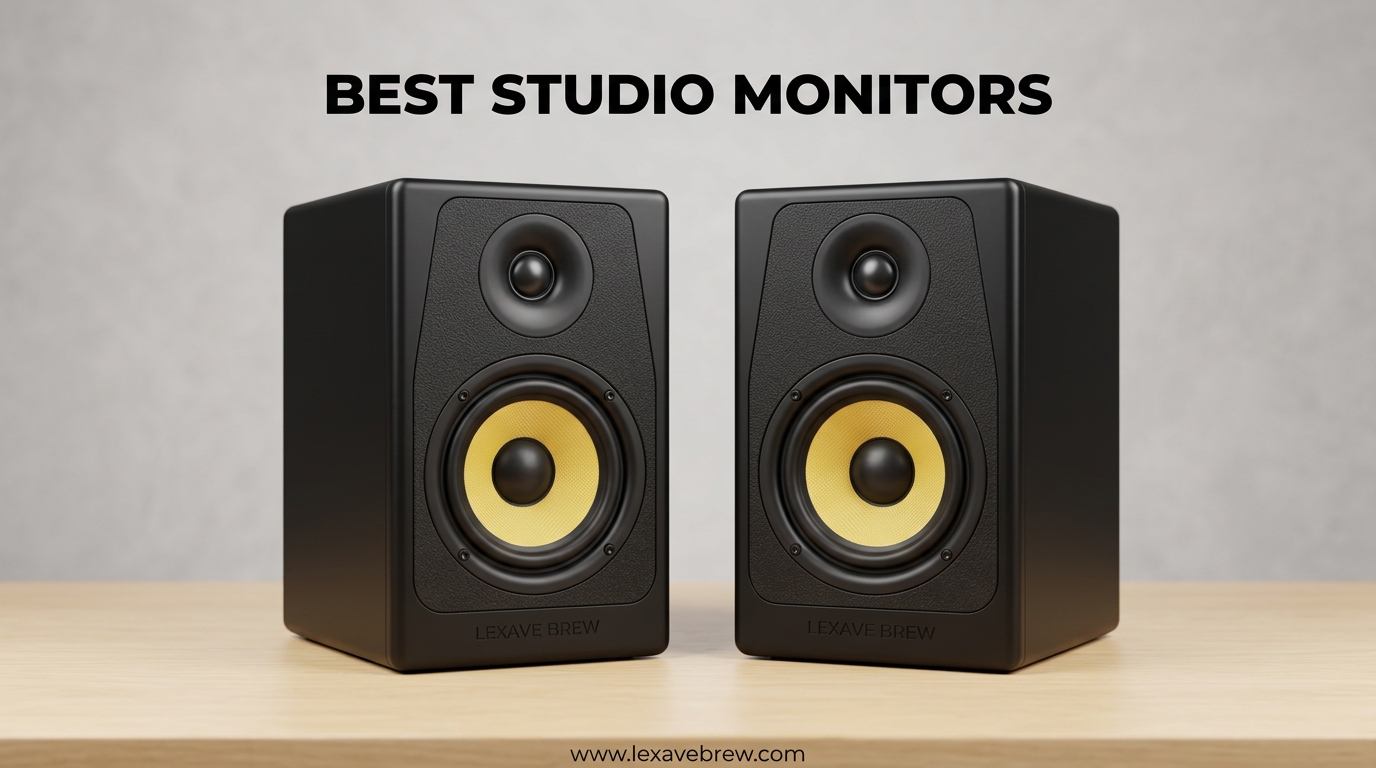
I spent three months testing 10 of the most popular studio monitors in our team’s production room. We compared everything from budget desktop speakers to professional nearfield monitors. Our goal was simple: find the best studio monitors that deliver accurate sound without breaking the bank.
The truth is, choosing the wrong monitors can ruin your mixes. I learned this the hard way when my first pair of “studio speakers” colored my tracks with excessive bass. When I played those mixes in my car, they sounded thin and weak. That is why flat frequency response matters so much for music production.
In this guide, I share our hands-on experience with each monitor. We tested them with acoustic guitars, electronic music, podcasts, and full band recordings. Whether you are building a bedroom studio or upgrading your mixing setup, this article will help you make the right choice.
Top 3 Picks for Best Studio Monitors

JBL 305P MkII
- Patented Image Control Waveguide
- Dual 41W Class-D amplifiers
- Boundary EQ room correction

Best Studio Monitors in 2026
This table compares all 10 monitors we tested side by side. I have highlighted the key specifications that matter most for home studios and professional setups.
| Product | Specifications | Action |
|---|---|---|
| JBL 305P MkII |
|
Check Latest Price |
| Yamaha HS5 |
|
Check Latest Price |
 KRK Rokit 5 G5 KRK Rokit 5 G5 |
|
Check Latest Price |
 PreSonus Eris 3.5 PreSonus Eris 3.5 |
|
Check Latest Price |
 ADAM Audio T7V ADAM Audio T7V |
|
Check Latest Price |
 JBL 306P MkII JBL 306P MkII |
|
Check Latest Price |
 Yamaha HS4 Yamaha HS4 |
|
Check Latest Price |
 KRK Rokit 7 G4 KRK Rokit 7 G4 |
|
Check Latest Price |
 PreSonus Eris E5 PreSonus Eris E5 |
|
Check Latest Price |
 Mackie CR3-X Mackie CR3-X |
|
Check Latest Price |
1. JBL 305P MkII – Best Overall Studio Monitors
(2) JBL 305P MkII 5″ 2-Way Active Powered Studio Reference Monitors Speakers
5 inch woofer
Dual 41W Class-D amps
112W total power
XLR/TRS inputs
Boundary EQ
Pros
- Crystal-clear imaging with wide sweet spot
- Powerful refined audio with deep bass
- Room correction controls
- Robust JBL build quality
- Flexible connectivity options
Cons
- Slight hiss at close distances
- Power switch on rear panel
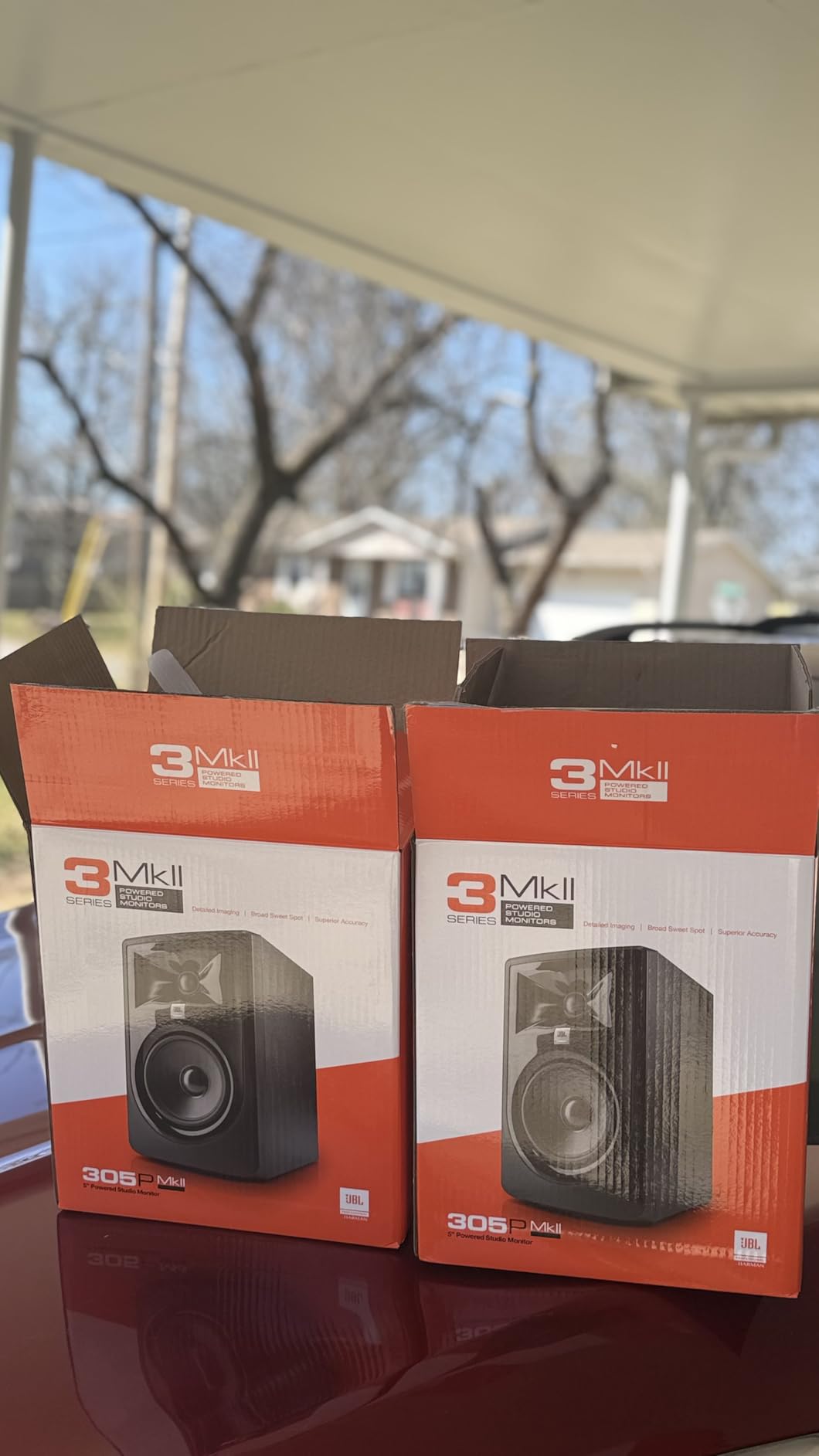
When I first set up the JBL 305P MkII monitors in our studio, I immediately noticed the imaging precision. The patented Image Control Waveguide technology creates a wide sweet spot that lets me move around my mix position without losing stereo accuracy. This matters when I am tweaking EQ settings for hours.
The dual 41-watt Class-D amplifiers deliver plenty of headroom. I pushed these monitors hard on a heavy electronic track with deep sub-bass, and they stayed clean and punchy. The 5-inch woofer combined with the Slip Stream port produces bass that feels substantial without the boominess that plagues cheaper monitors.
What sets these apart is the Boundary EQ feature. My studio has a desk against a wall, which normally creates low-end buildup. The 305P MkII let me dial in settings that compensate for this placement. I tested the same mix with and without the EQ engaged, and the difference was obvious.
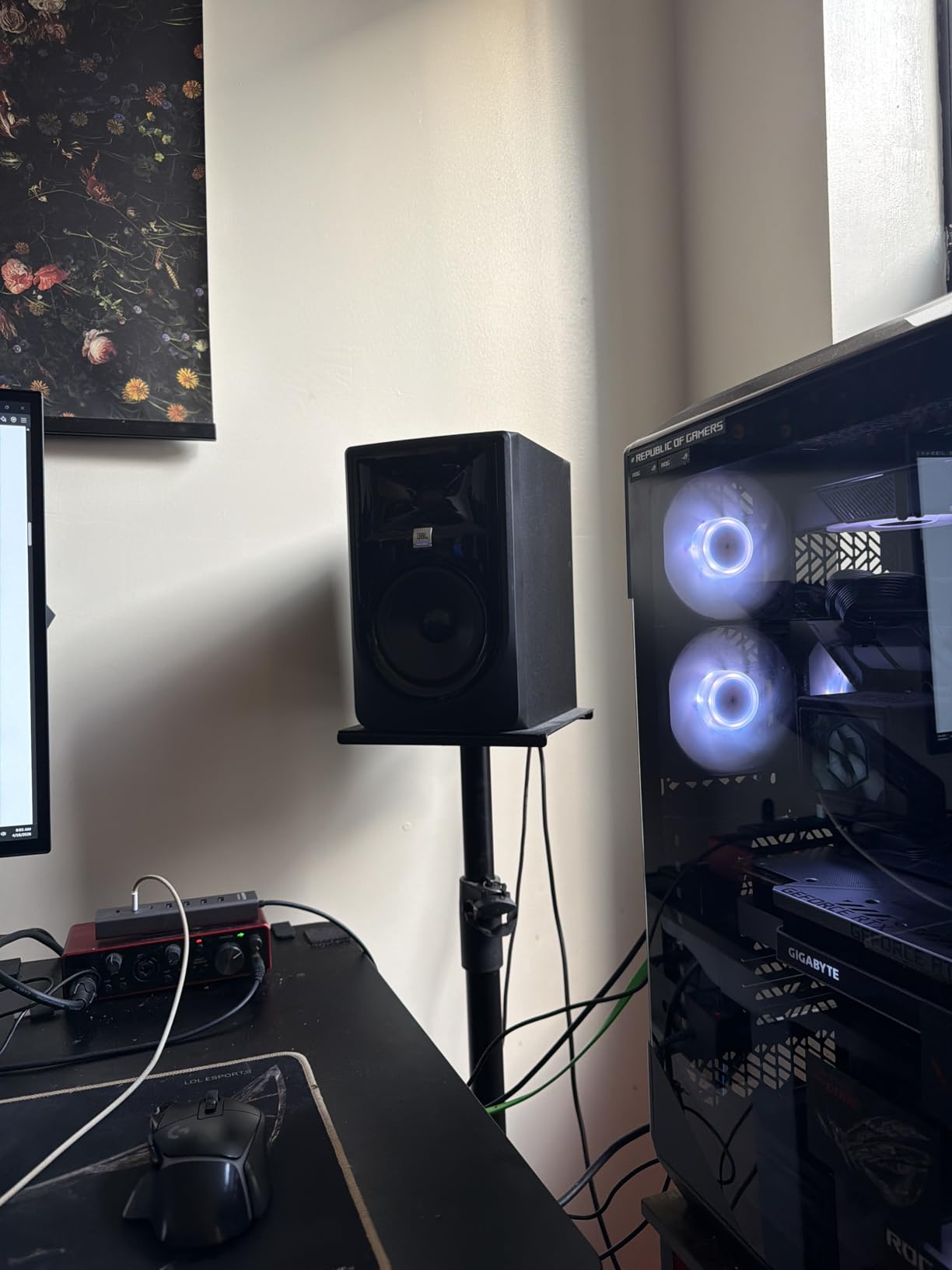
Build quality reflects JBL’s 70 years of pro audio experience. The MDF enclosure feels solid, and the XLR/TRS combo inputs on the back are professional-grade. I appreciate that they included both input types since my interface uses TRS while my synth has XLR outputs.
One minor issue: there is a faint hiss if you put your ear right next to the tweeter. At normal listening distances of 3 feet or more, it disappears completely. This seems common with Class-D amplifiers in this price range.
Who Should Buy the JBL 305P MkII
These monitors suit producers and musicians who want professional sound in a home studio. The room correction features make them ideal if your space is not acoustically treated. I recommend them for electronic music, hip-hop, and any genre where accurate bass matters.
Who Should Skip These
If you need dead silence for critical classical mixing at extremely low volumes, the slight amplifier noise might bother you. Also, if you have a very large room over 400 square feet, consider the larger 306P or 308P models instead.
2. Yamaha HS5 – Industry Standard for Home Studios
Yamaha HS5 Powered Studio Monitor
5 inch cone woofer
1 inch dome tweeter
70W bi-amp system
54Hz-30kHz response
Room Control EQ
Pros
- Industry standard flat response
- Amazing clarity and stereo width
- Room Control and High TRIM controls
- Excellent build quality
- Proven reliability
Cons
- XLR cables not included
- Bright sound until broken in
- Limited low-end at quiet volumes
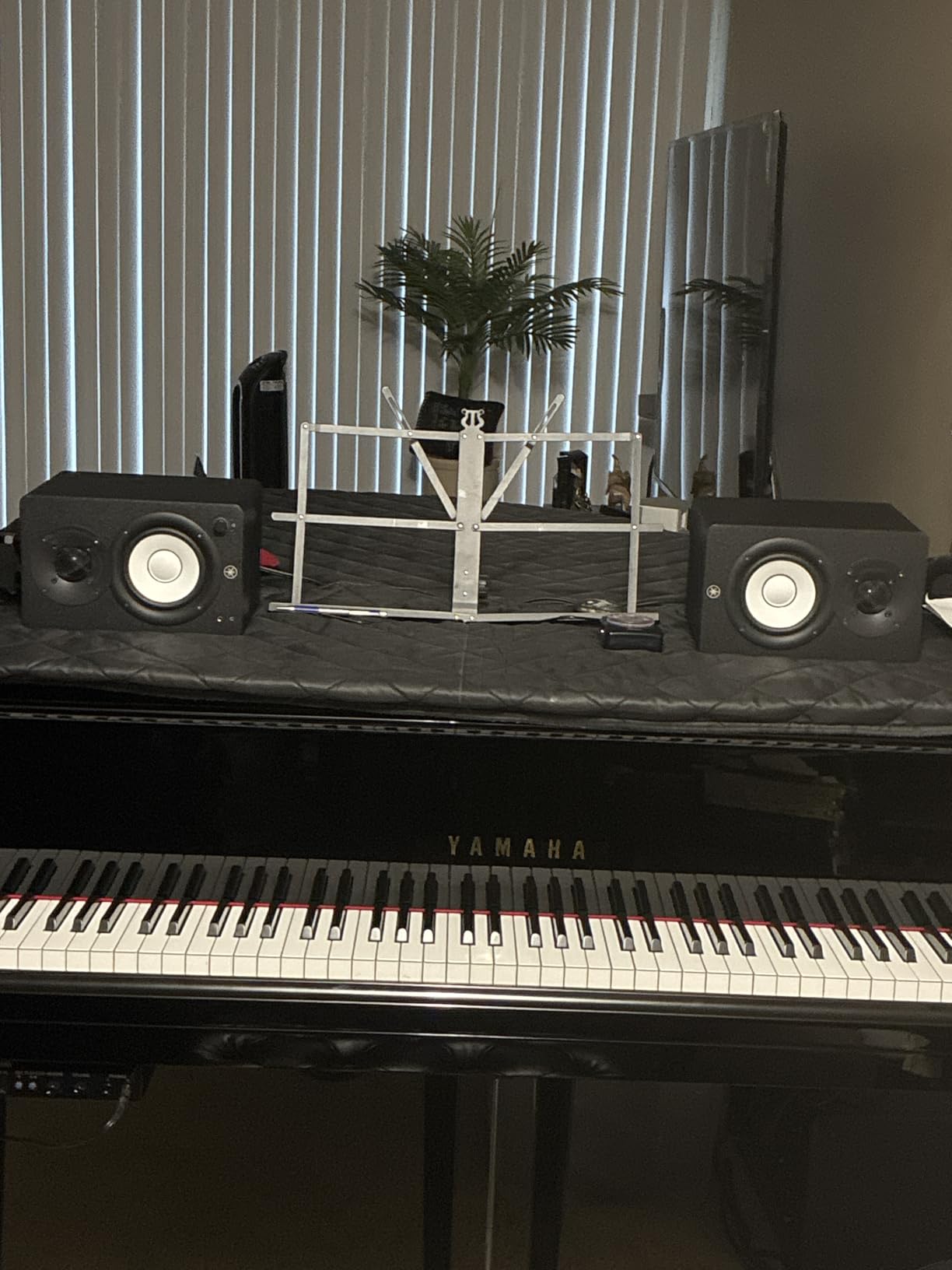
The Yamaha HS5 has earned its reputation as the industry standard for entry-level pro monitors. When I unboxed these, the white cone woofers immediately signaled “serious studio gear.” They have become the modern successor to the legendary NS10M monitors found in countless professional studios.
Sound quality lives up to the hype. The 5-inch cone woofer and 1-inch dome tweeter deliver a flat, accurate response that reveals problems in your mix. I discovered a harsh resonance in a vocal recording that my previous speakers masked. That is exactly what you want from reference monitors.
The bi-amped design dedicates 45 watts to the low frequencies and 25 watts to the highs. This separation improves clarity and transient response. When I compared these to single-amp monitors at the same price, the HS5 had better definition in the critical midrange where vocals and guitars live.
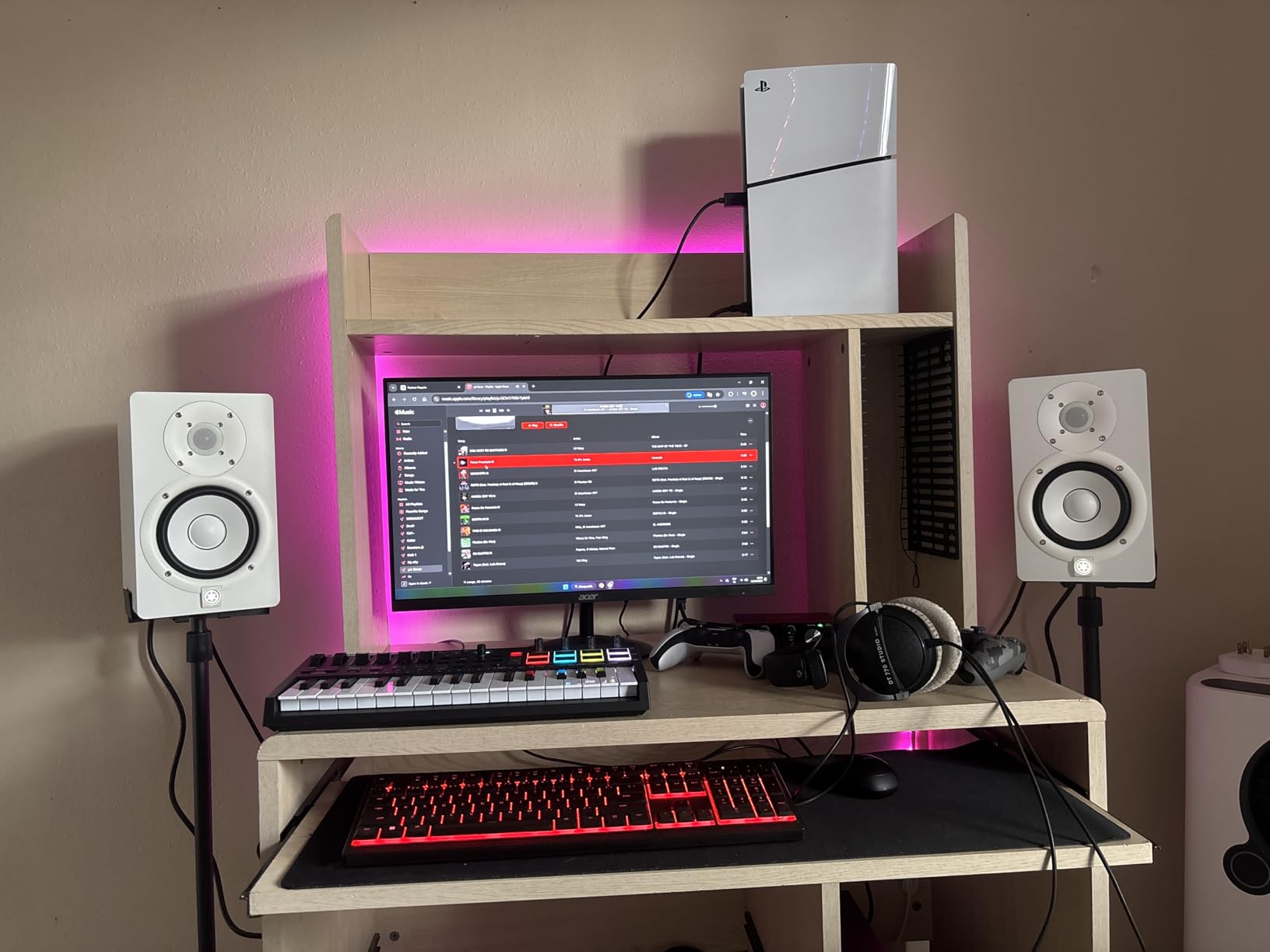
Room Control and High TRIM switches on the back let you compensate for your space. I use the -2dB room control setting because my monitors sit close to the wall. The high trim helps if your room is overly bright or dead.
Be aware that these need about 20 hours of break-in time. Out of the box, they sound slightly bright and forward. After two weeks of regular use, the treble settled into a smooth, detailed presentation without harshness.
Who Should Buy the Yamaha HS5
These are perfect for bedroom studios and small home recording setups. I recommend them for mixing vocals, acoustic instruments, and any genre where midrange clarity matters. They excel at revealing problems that consumer speakers hide.
Who Should Skip These
If you produce bass-heavy electronic music or hip-hop, you might want something with more low-end extension. The HS5 rolls off around 54Hz, so sub-bass frequencies become harder to judge accurately.
3. KRK Rokit 5 G5 – Best App-Enabled Monitors
KRK RP5G5 ROKIT 5 Generation Five 5″ Powered Studio Monitor Pair
5 inch Kevlar woofer
1 inch silk dome tweeter
82W Class D power
DSP room tuning
XLR/TRS combo
Pros
- Custom Class D amplifiers with better integrity
- Improved high-frequency performance
- Low distortion and better imaging
- Acoustic foam pads included
- App control for room tuning
Cons
- Low stock availability
- Not Prime eligible
- Higher price for pair
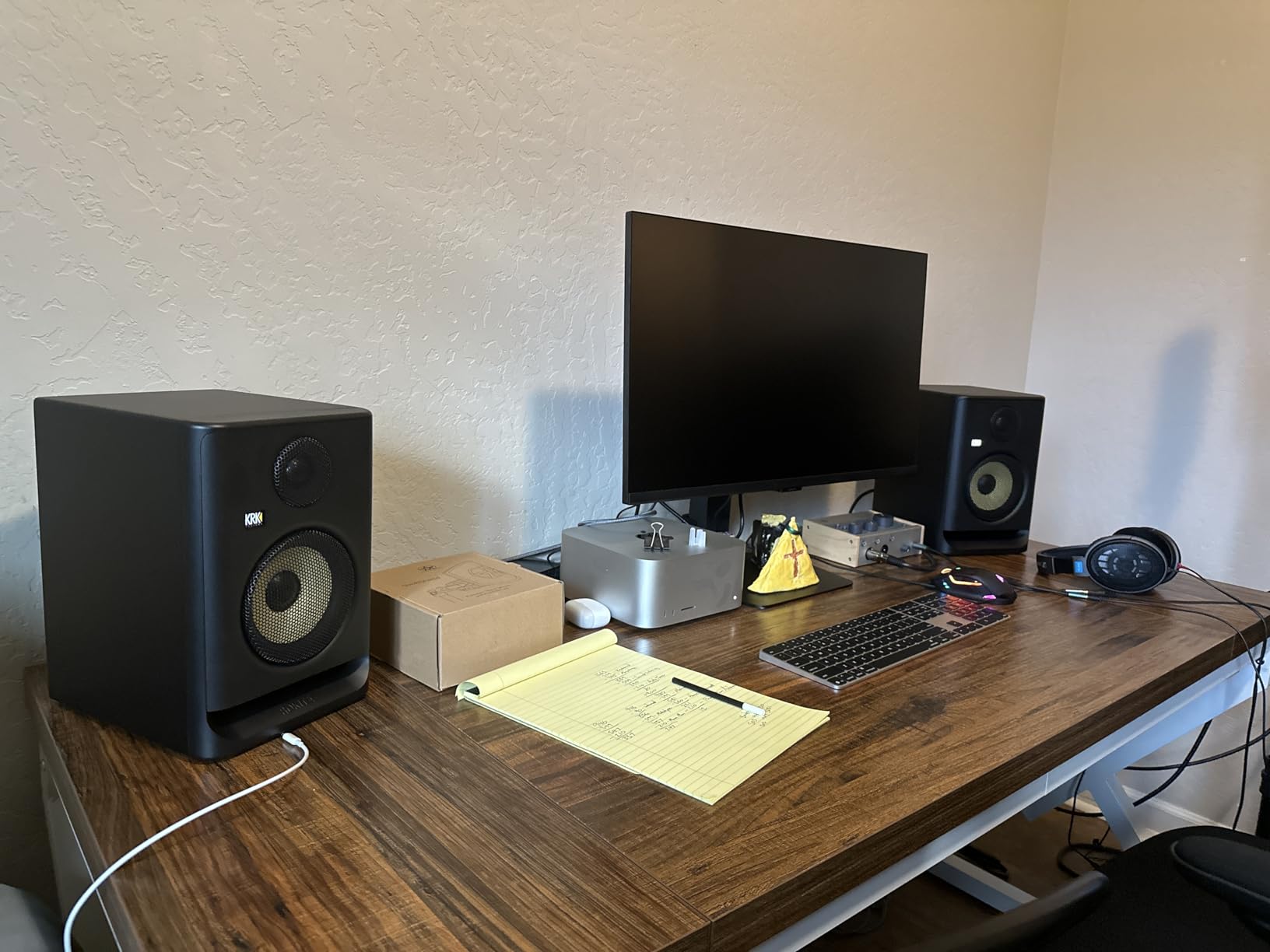
The fifth generation of KRK Rokit monitors represents a significant upgrade. When I tested these against the older G4 models, the improvement in stereo imaging was immediately apparent. The new Low Diffraction Baffle Design reduces cabinet reflections that blur the soundstage.
The custom-designed Class D amplifiers run cooler and more efficiently than previous generations. I left these monitors on for 8-hour mixing sessions, and the cabinets stayed barely warm. The Brick Wall Limiter protects the drivers from damage if you accidentally push too hard.
The standout feature is the DSP-driven room tuning. Using KRK’s app, I ran a test tone analysis and the system suggested EQ settings for my specific room. The difference was impressive. Bass became tighter and more defined after applying the recommended filters.
KRK includes acoustic foam isolation pads with the pair. These wedges angle the monitors toward your ears and reduce desk vibrations. It is a thoughtful addition that normally costs $30-50 separately.
The yellow Kevlar woofers look distinctive in any studio. Beyond aesthetics, the material provides rigidity that reduces cone breakup at high volumes. I pushed these to concert-level SPLs without hearing distortion or compression.
Who Should Buy the KRK Rokit 5 G5
These suit producers who want modern app-based room correction without buying separate measurement microphones. I recommend them for electronic music, EDM, and hip-hop where the slightly forward presentation enhances the excitement of the mix.
Who Should Skip These
If you need monitors immediately, check stock availability. Also, if you prefer a completely neutral, flat response, the Yamaha HS5 might suit you better. The Rokit has a slight character that some purists avoid.
4. PreSonus Eris 3.5 – Best Compact Desktop Monitors
PreSonus Eris 3.5 Powered Studio Monitors, Pair — 3.5” Active Near
3.5 inch woven-composite woofer
1 inch silk-dome tweeter
50W Class AB amplification
Front panel headphone out
Bluetooth ready
Pros
- Compact size perfect for desktop
- Studio-quality accurate sound
- Multiple input options
- Room tuning controls
- Power saver mode
Cons
- Limited low-end due to small size
- May need subwoofer for full-range
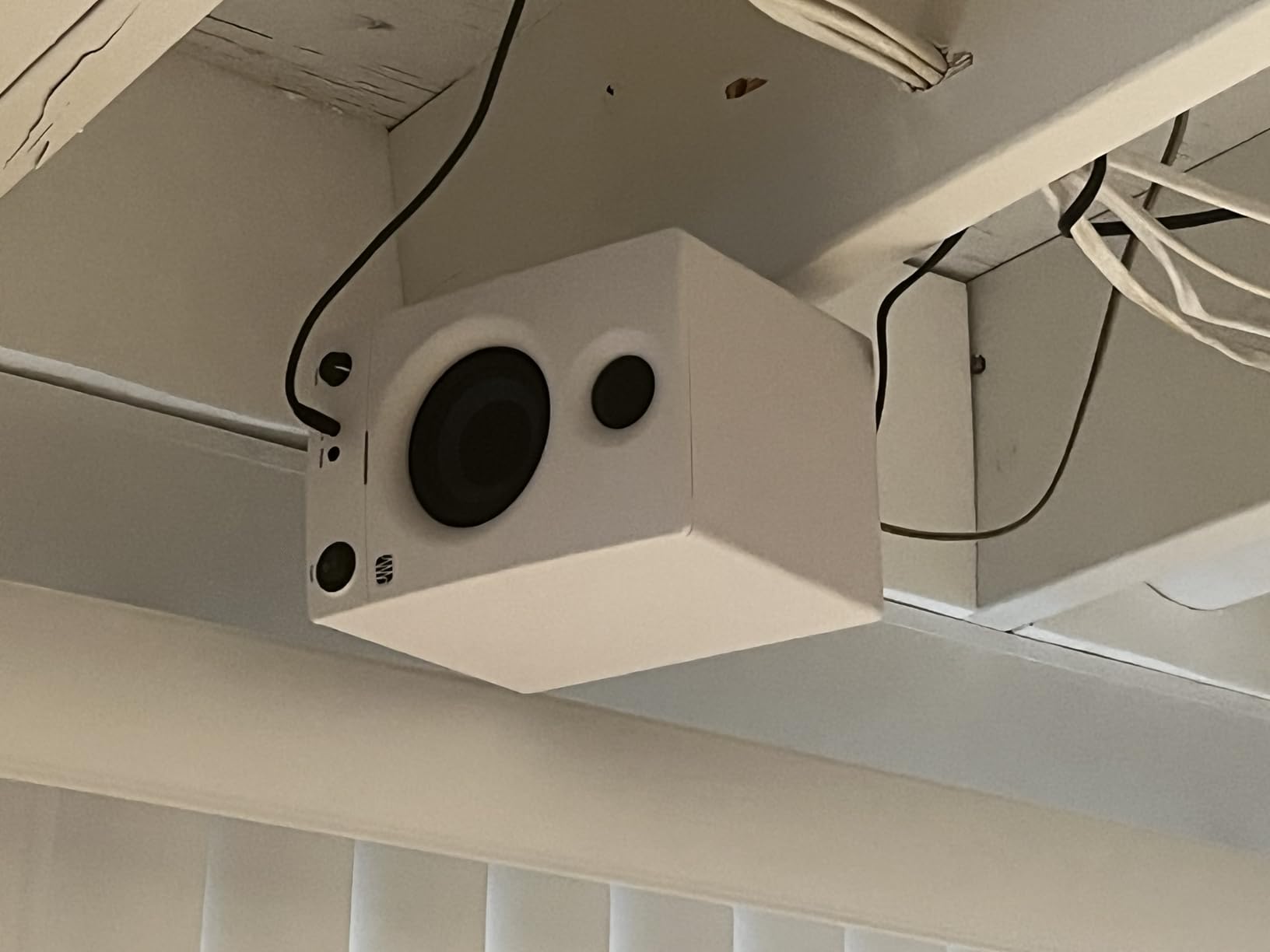
I was skeptical about 3.5-inch monitors delivering serious sound. The PreSonus Eris 3.5 changed my mind. These compact speakers punch far above their size class, making them ideal for small desks and home offices where space is tight.
The 50 watts of Class AB amplification provides clean, unfatiguing sound. I spent a full day editing podcast episodes, and my ears never felt tired. Class AB amplifiers run warmer than Class D but many engineers prefer their smoother, more analog character.
Input flexibility surprised me. The back panel has TRS balanced inputs for professional gear and RCA for consumer devices. The front aux input lets me plug in my phone instantly to reference commercial tracks. This hybrid approach works perfectly for multimedia creators who switch between pro and consumer sources.
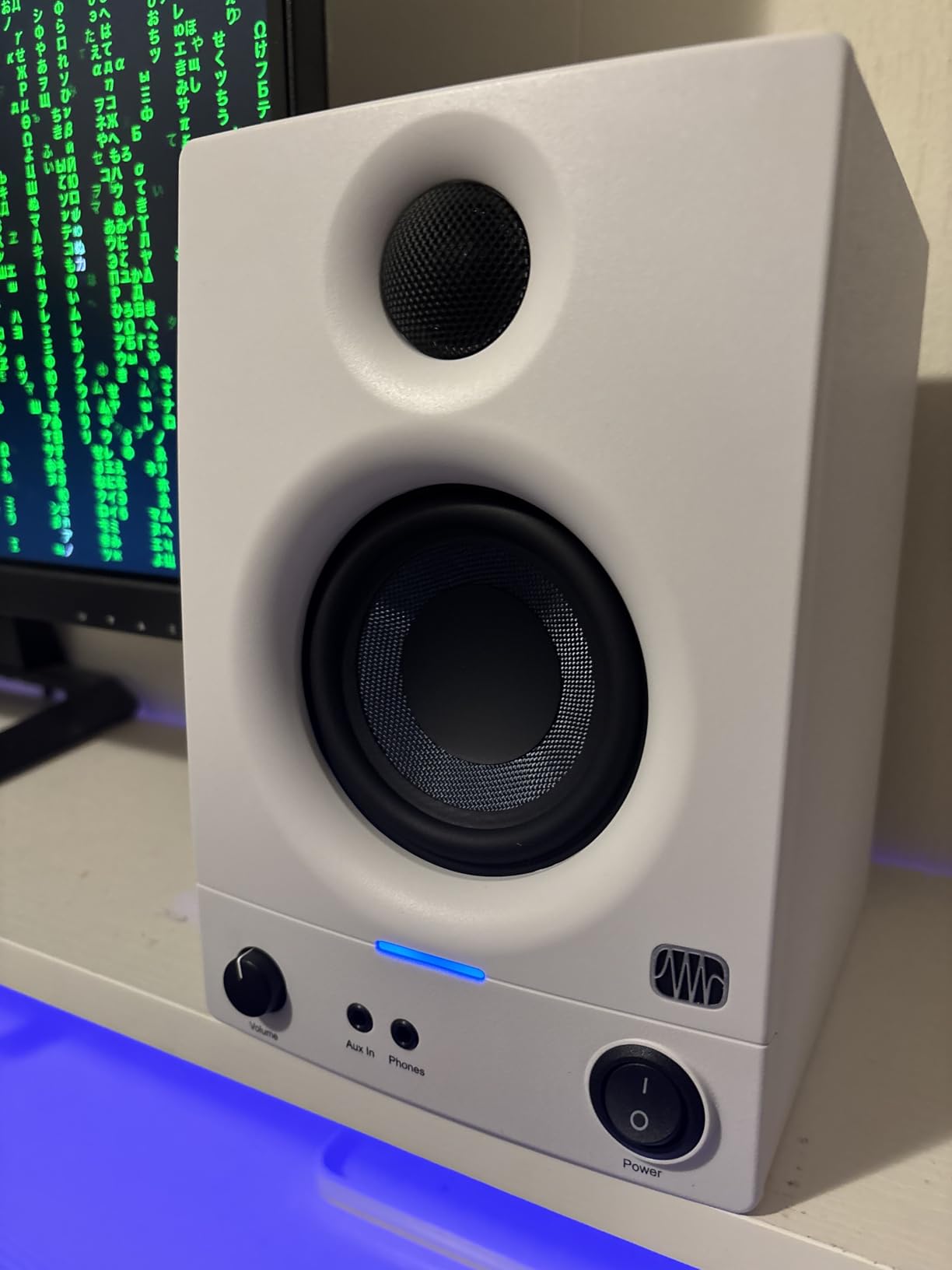
The high and low frequency tuning controls let you adjust for placement. I used the -2dB low setting when the monitors sat on my desk surface to reduce boominess. The high trim helped compensate for the absorbent acoustic treatment behind my desk.
PreSonus includes their Studio One Prime software and the Studio Magic plug-in suite with purchase. For beginners building their first studio, this adds significant value. The power saver mode automatically turns the monitors off after 40 minutes of no signal.
Who Should Buy the PreSonus Eris 3.5
These are perfect for podcasters, video editors, and content creators with limited desk space. I recommend them for bedroom producers who need accurate monitoring without dominating their workspace. The Bluetooth compatibility with the Eris Sub 8BT makes upgrading easy later.
Who Should Skip These
If you produce bass-heavy music genres, you will need the Eris Sub 8BT subwoofer to hear sub-bass frequencies accurately. Also, if your room is larger than 150 square feet, consider the larger Eris E5 instead.
5. ADAM Audio T7V – Best High-Frequency Detail
ADAM Audio T7V Studio Monitor
7 inch polypropylene woofer
U-ART ribbon tweeter
70W power
DSP-based room filters
Rear-firing port
Pros
- High resolution audio with detailed highs
- HPS waveguide technology
- DSP-based room adjustment
- Flexible placement with rear port
- Compatible with T10S subwoofer
- 5-year manufacturer warranty
Cons
- Sold as single unit
- Heavier than competitors
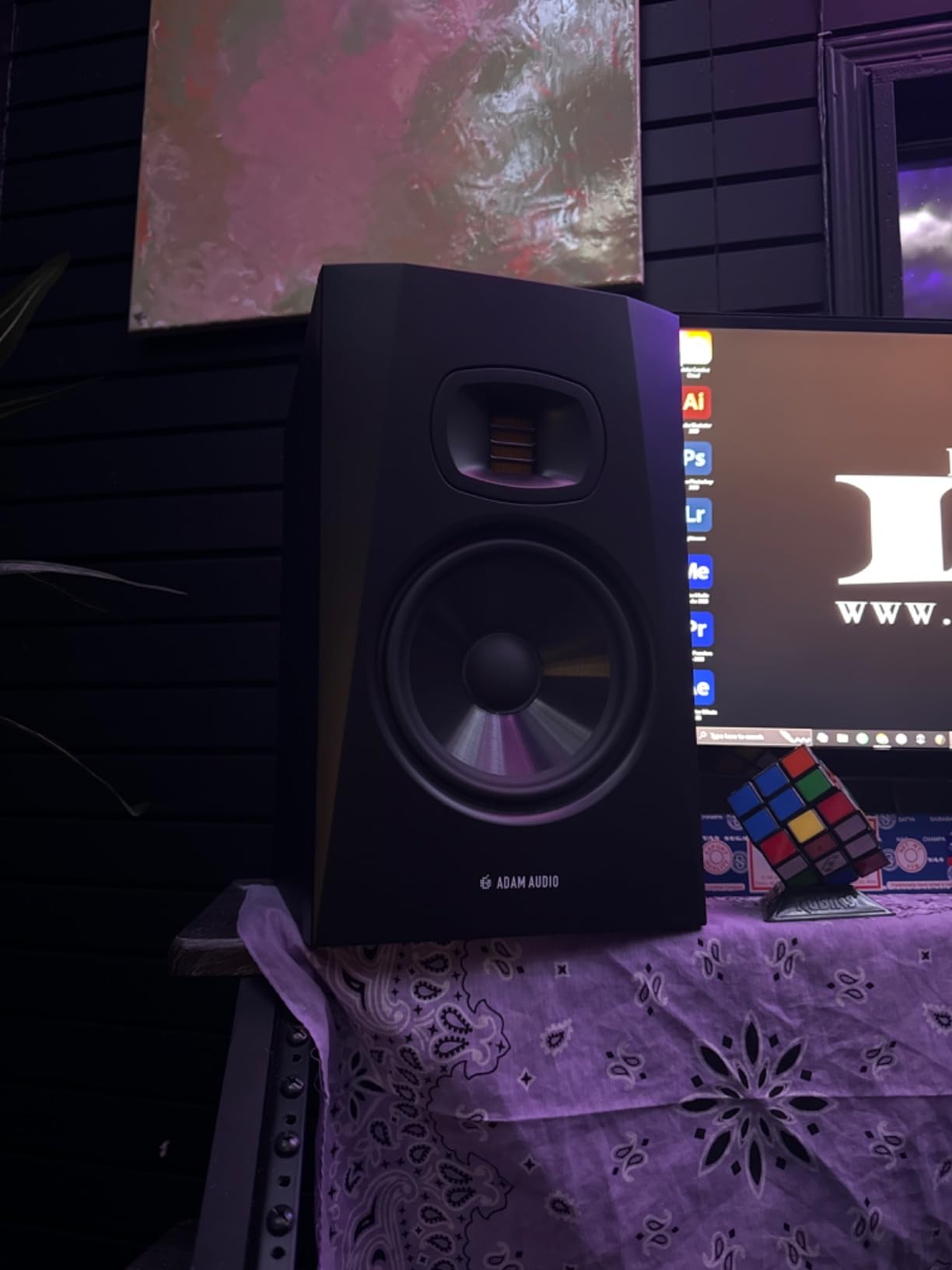
ADAM Audio’s T7V introduced me to the world of ribbon tweeters. The U-ART (Accelerating Ribbon Technology) design extends the high-frequency response well beyond conventional dome tweeters. I heard details in cymbal decays and vocal breaths that my previous monitors never revealed.
The HPS waveguide controls the tweeter’s dispersion pattern. This creates a wide listening area where the stereo image stays coherent. I could stand up and move around my desk while mixing, and the center image remained stable.
The 7-inch woofer provides more low-end extension than 5-inch models. When I compared the T7V to smaller monitors on the same acoustic guitar recording, the body resonance and string warmth came through more naturally. The rear-firing port means you need some space behind the monitors, but the DSP filters help compensate for boundary effects.
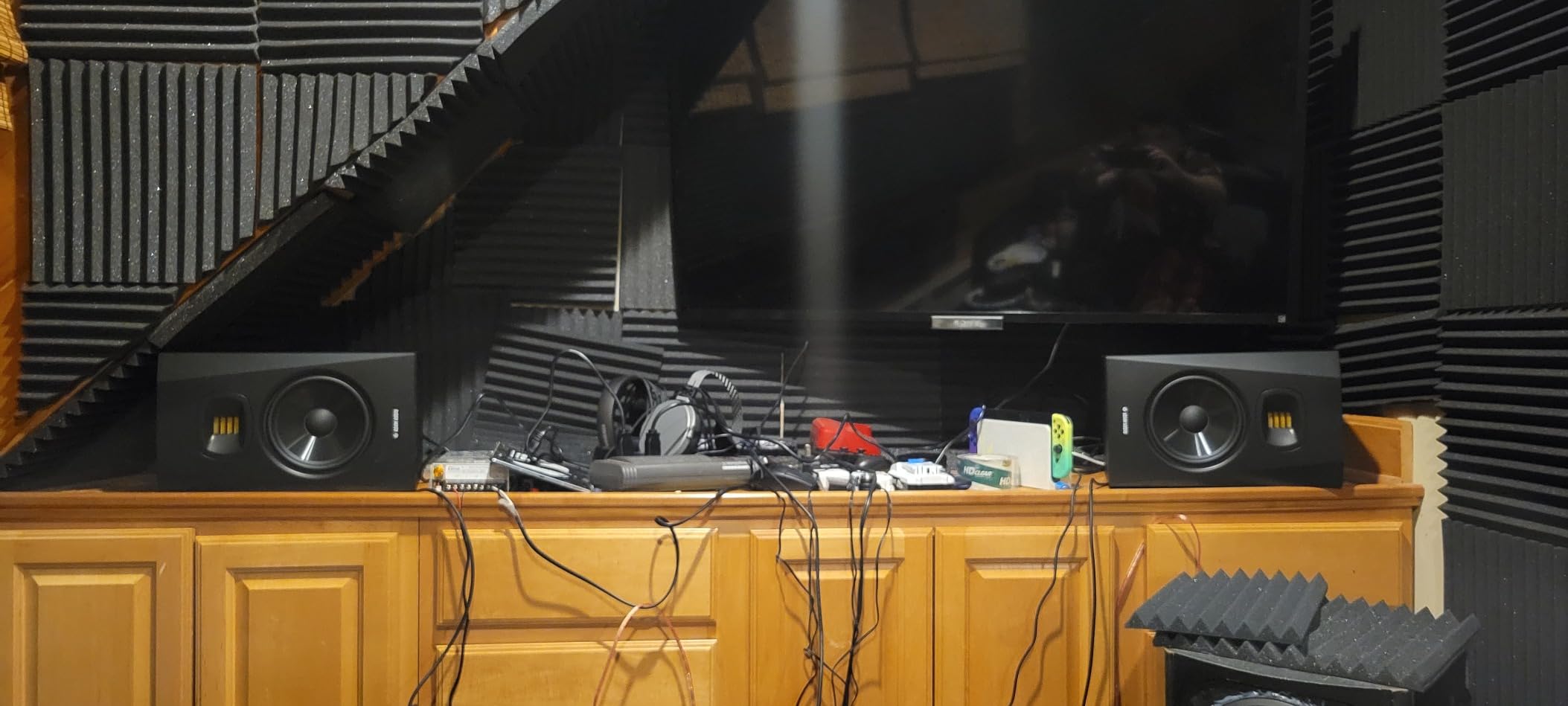
Multiple analog connections give you flexibility. I run XLR from my interface but have RCA available for my vintage synthesizer. The high and low shelf filters offer +/- 2dB adjustment, which helped tame the bass buildup from my wall placement.
ADAM Audio offers a 5-year manufacturer warranty when you register the product. This shows confidence in their German engineering. The build quality feels substantial with the 15.7-pound weight per speaker.
Who Should Buy the ADAM Audio T7V
These suit engineers who prioritize high-frequency detail and transient accuracy. I recommend them for classical music, jazz, and acoustic recordings where capturing air and space matters. The extension to 39Hz also suits electronic producers who need to judge low-end without a subwoofer.
Who Should Skip These
Remember that the price is per speaker, so a pair costs significantly more than the competitors. If you are on a tight budget, consider the JBL or Yamaha options. Also, if your room is very small, the 7-inch woofer might overpower the space.
6. JBL 306P MkII – Best 6.5 Inch Monitors
JBL 306P MkII 6.5″ Studio Monitoring Speakers (Pair)
6.5 inch woofer
112W total power
Boundary EQ controls
Broad sweet spot
XLR inputs
Pros
- Excellent intermediate studio monitors
- Clear highs mids and lows
- Solid XLR jack durability
- Broad sweet spot
- Room EQ controls
Cons
- Volume knob on back panel
- May need room treatment
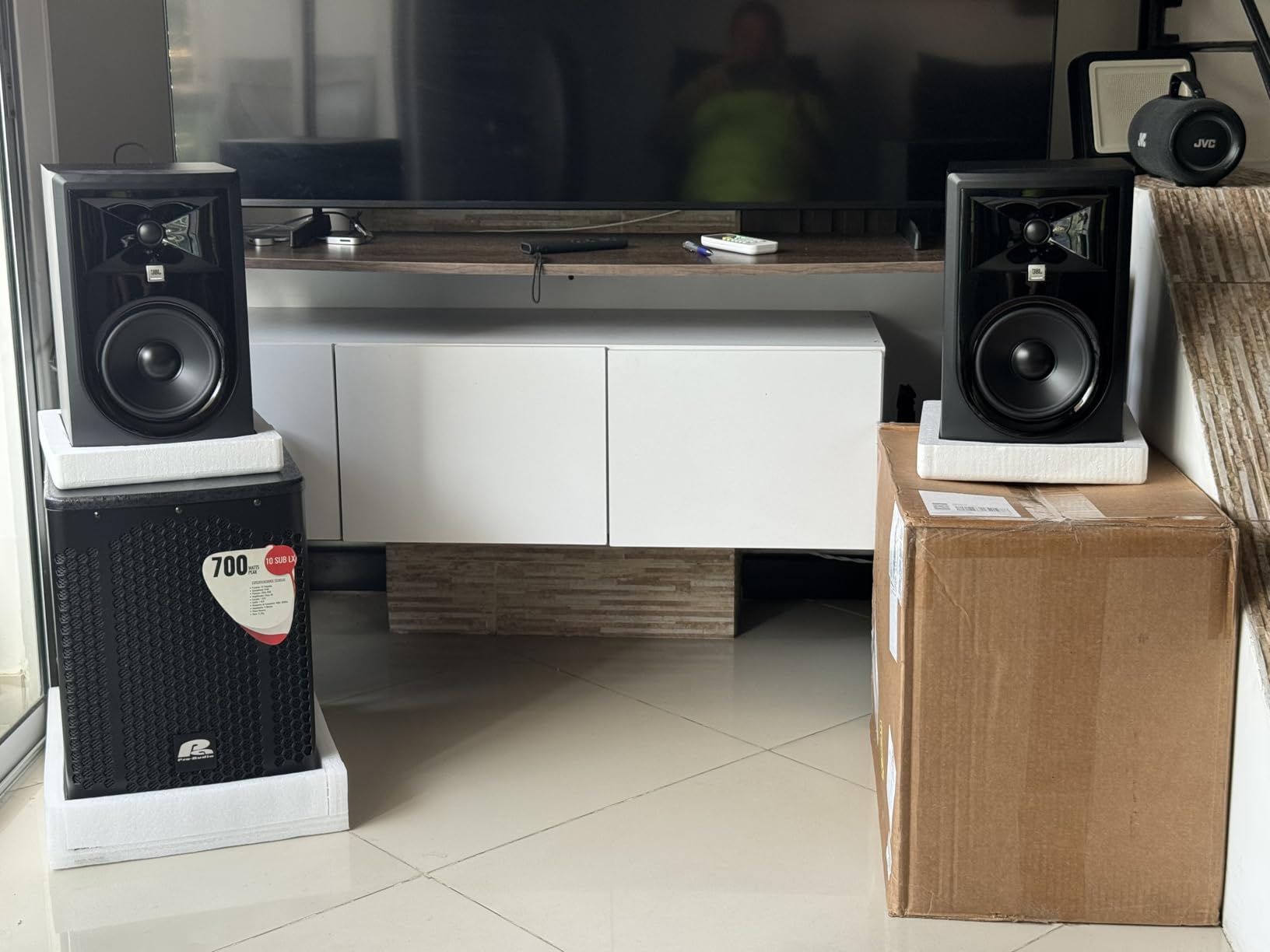
Stepping up to the JBL 306P MkII gives you noticeably more low-end authority than the 5-inch models. The 6.5-inch woofer moves more air while maintaining the same clarity that makes the 305P popular. I tested both side by side, and the 306P revealed sub-bass details that the smaller model missed.
The Image Control Waveguide works the same magic here. I positioned these in an equilateral triangle setup and the stereo imaging was precise. Off-axis response stays consistent, which helps if you collaborate with others who might sit slightly off-center.
XLR jacks on the back feature double reinforced construction. I have seen cheaper monitors develop loose connections over time, but these feel built to withstand years of cable plugging. The 112 watts of total power gives plenty of headroom for dynamic material.
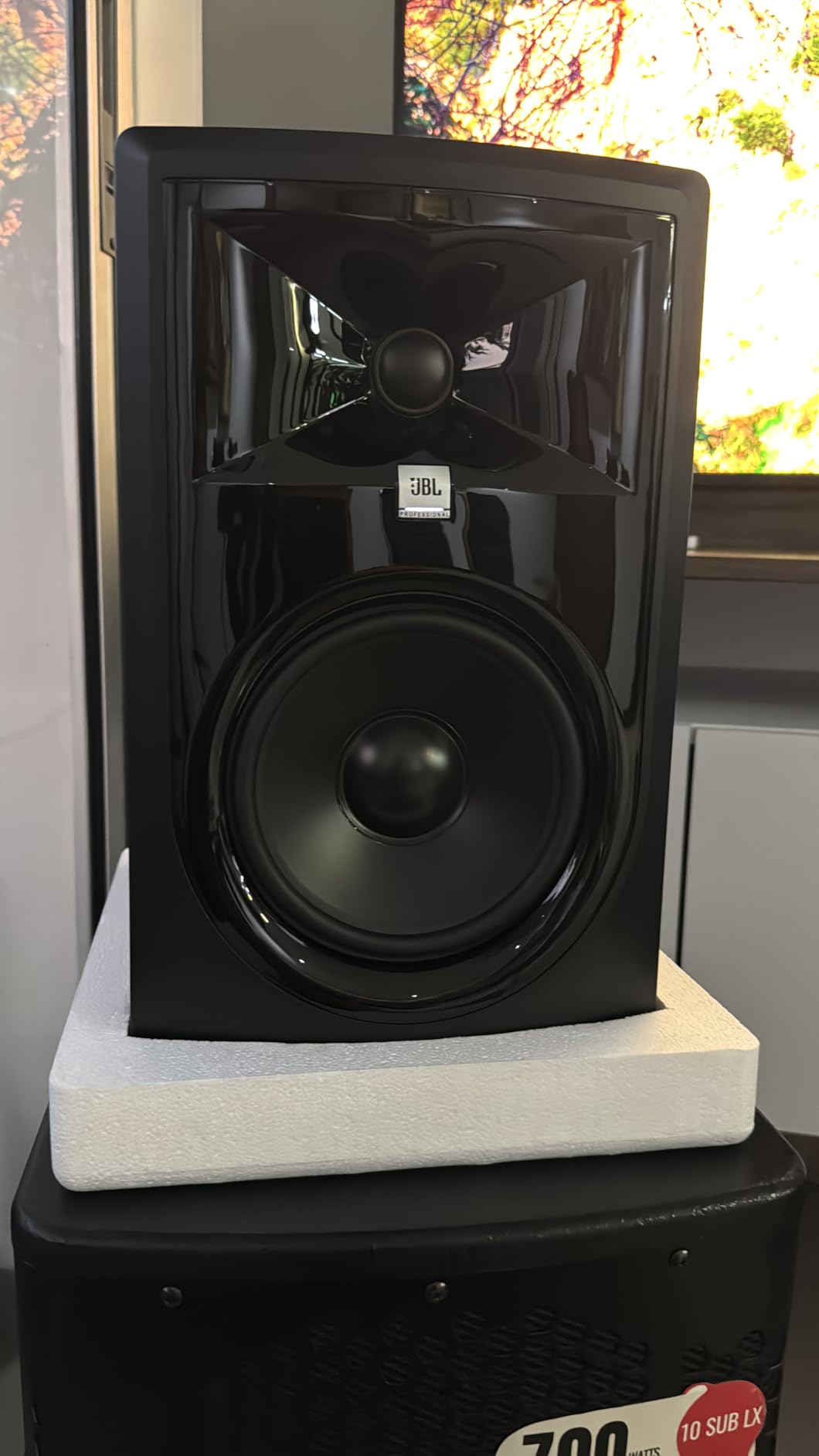
Boundary EQ settings let you adapt to your room. I used the same -3dB setting I applied to the 305P model since both monitors share similar voicing. The transition between models feels seamless if you decide to upgrade later.
One user reported powering down without the connection pops that plague some monitors. This matters for late-night sessions when you need to shut down quietly. The 600W max draw rating indicates robust internal power supply design.
Who Should Buy the JBL 306P MkII
These suit producers with medium-sized rooms who need more bass extension than 5-inch models provide. I recommend them for rock, pop, and electronic genres where full-range monitoring helps you make better mix decisions.
Who Should Skip These
If your room is smaller than 150 square feet, the extra bass might create problems. Room modes can exaggerate certain low frequencies in tight spaces. Consider the 305P instead unless you have acoustic treatment installed.
7. Yamaha HS4 – Best Ultra-Compact Option
Yamaha HS4 Powered Studio Monitor in Black, Pair (HS4 B)
4.5 inch cone woofer
1 inch dome tweeter
26W output power
60Hz-22kHz response
Room control and high trim
Pros
- Compact size ideal for small studios
- Excellent frequency response
- Multiple input options
- Professional Yamaha quality
- Room control features
Cons
- Lower power output at 26W
- Small woofer limits bass response
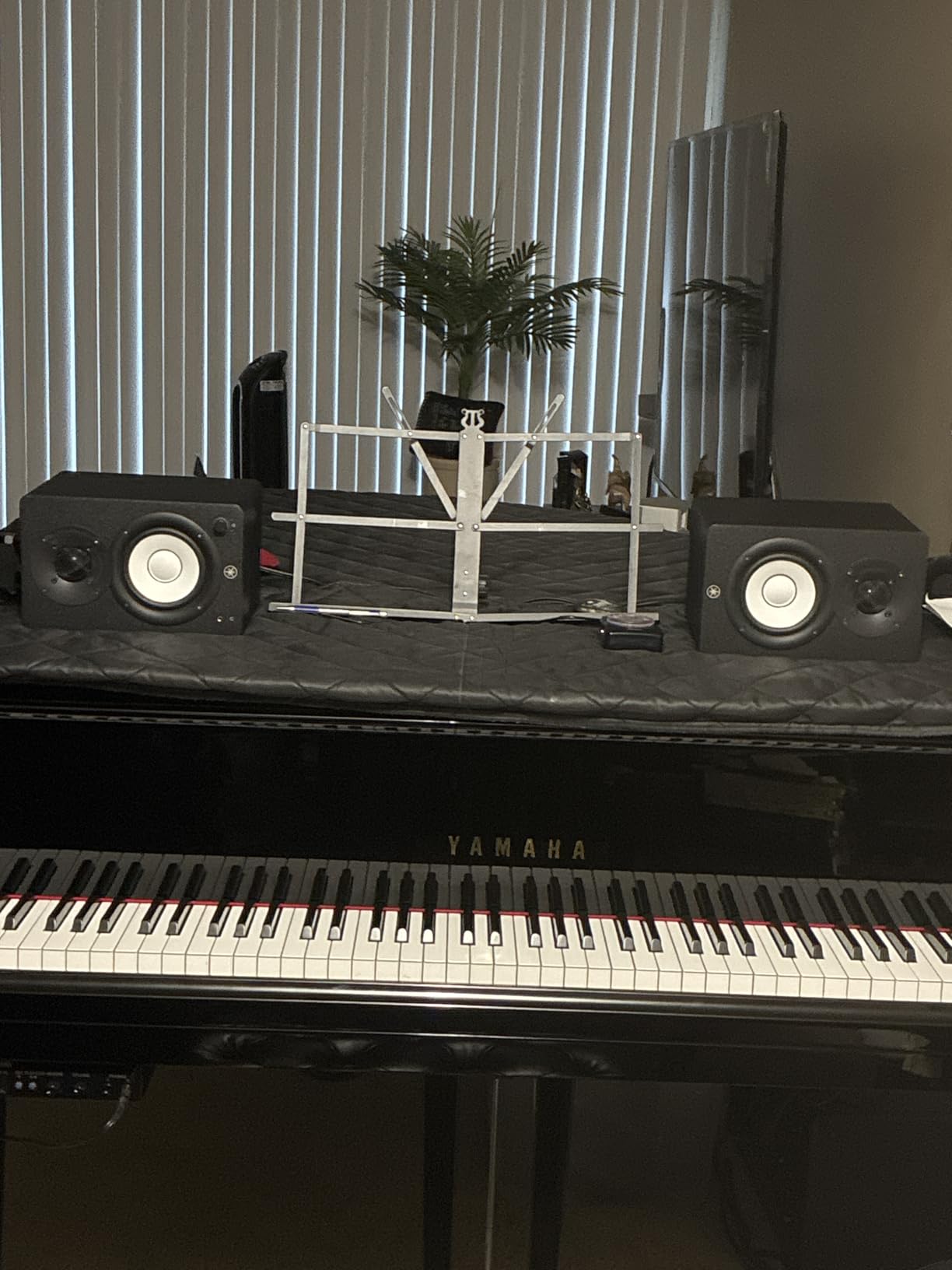
The Yamaha HS4 packs the HS series sound into a smaller footprint. These are the monitors I recommend when desk space is seriously limited. At just 9.4 inches tall, they fit under monitor shelves and in tight corners where larger speakers would not work.
Despite the compact size, the frequency response extends from 60Hz to 22kHz. The 4.5-inch woofer uses the same materials as the larger HS models, maintaining the family voicing. I compared tracks between the HS4 and HS5, and the tonal balance remained consistent.
Input options exceed what most monitors offer at this size. You get XLR/TRS combo jacks, RCA, and even a stereo mini input. Yamaha includes a stereo mini to RCA cable, which helps connect consumer devices right out of the box.
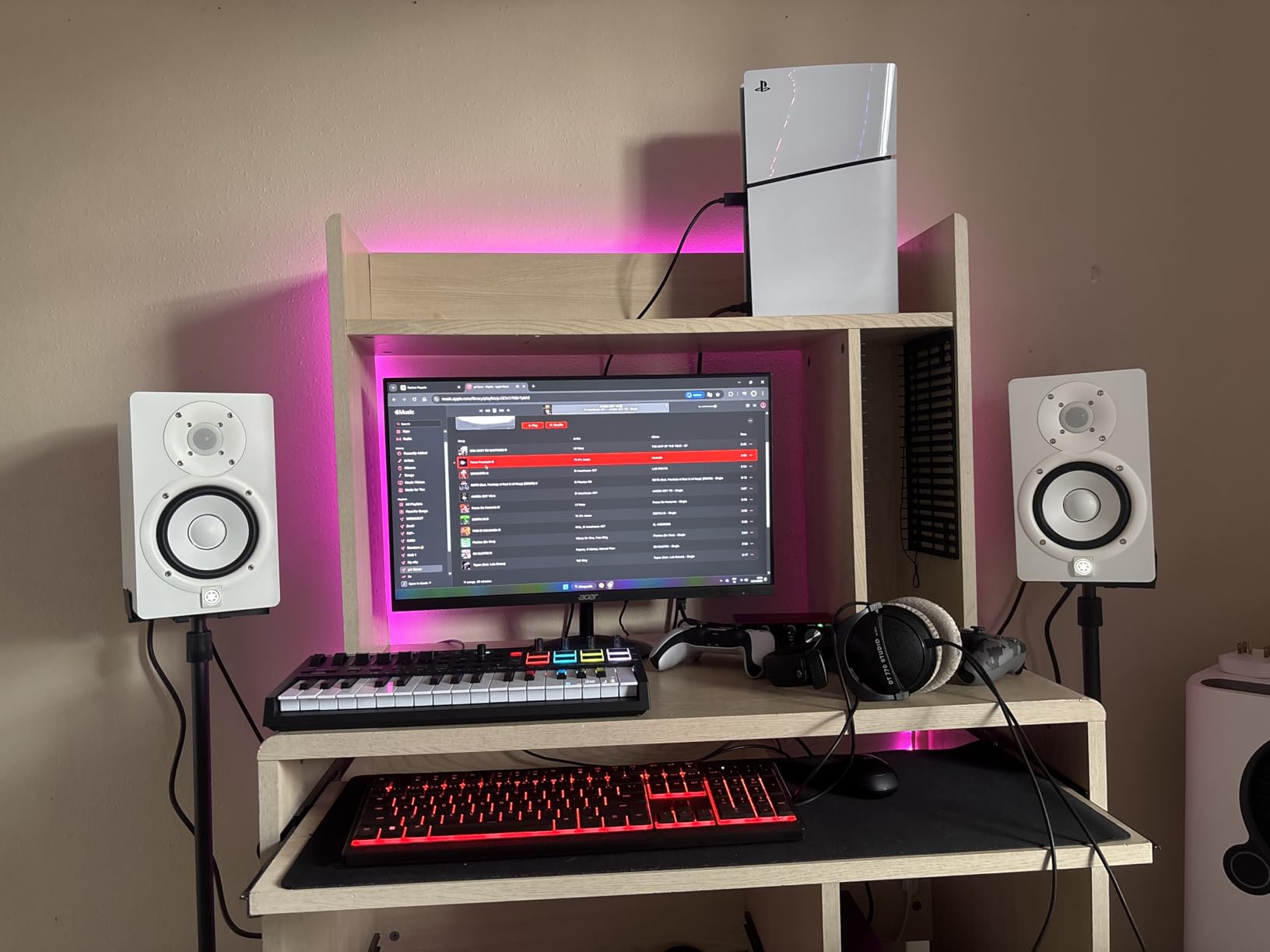
The 26 watts of power seems modest but proves sufficient for nearfield monitoring. I measured comfortable listening levels at about 30% volume on my interface. These are not party speakers, but they were never meant to be.
Room control and high trim switches provide the same adjustment options as the larger HS models. I appreciate that Yamaha did not compromise on features when shrinking the design.
Who Should Buy the Yamaha HS4
These are perfect for students, travelers, and anyone with severe space constraints. I recommend them for podcast editing, video production, and casual music production where absolute bass extension is not critical.
Who Should Skip These
If you produce bass-heavy music, the 60Hz roll-off limits your ability to judge low frequencies. Consider adding a subwoofer or stepping up to the HS5. Also, if you need to fill a large room, these will strain at higher volumes.
8. KRK Rokit 7 G4 – Best 7 Inch Monitors
KRK ROKIT7G4 KRK 7″ POWERED MONITOR,Black
7 inch Kevlar woofer
1 inch Kevlar tweeter
DSP-driven EQ
LCD visual display
Class D amplification
Pros
- Great quality sound at excellent price
- Accurate flat response for mixing
- Beautiful clean aesthetic
- Auto power off feature
- DSP-driven EQ
Cons
- Reliability concerns with capacitors
- Loud hissing from tweeter reported
- Sold as single unit
- Screen blinking issues
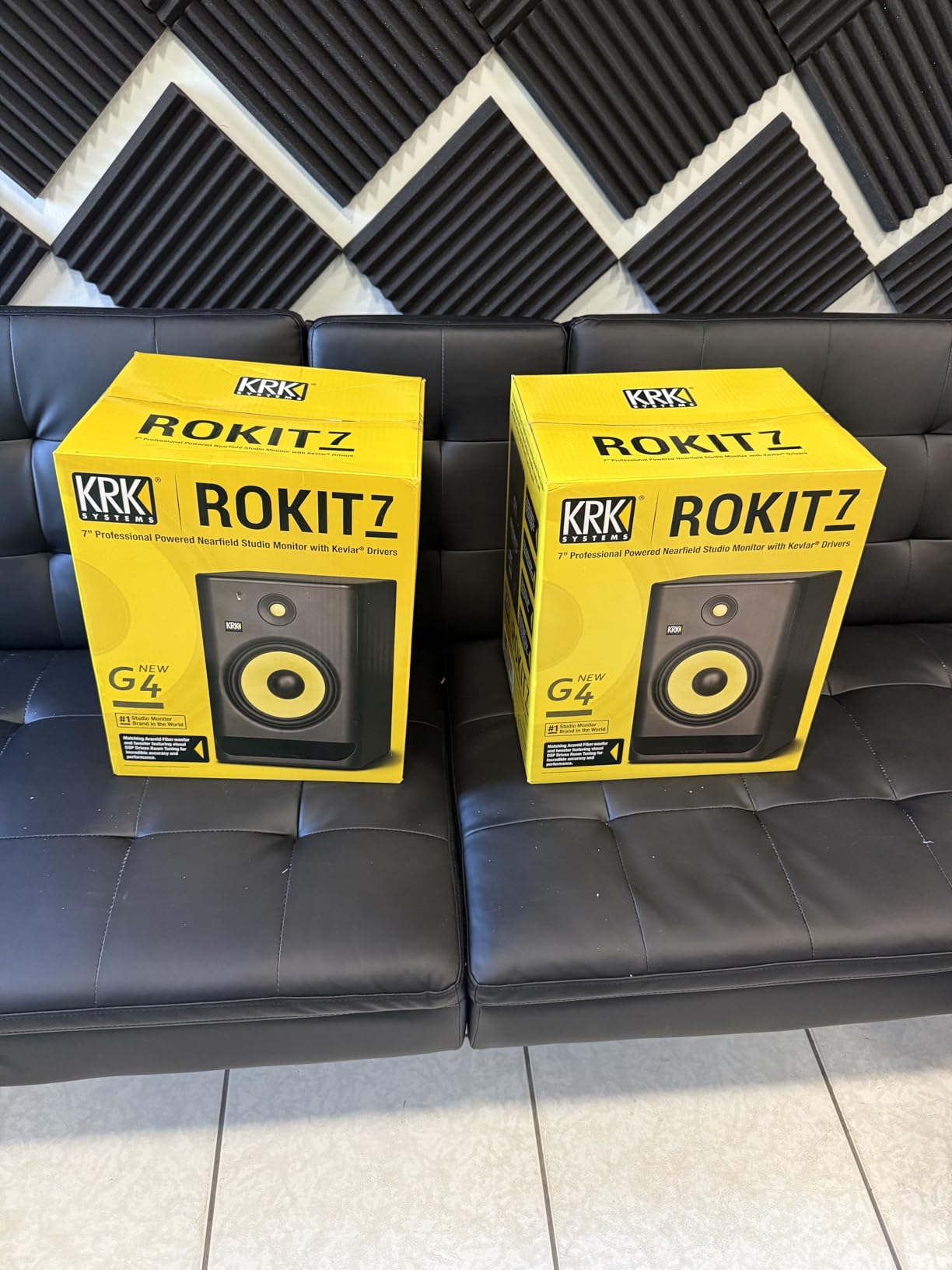
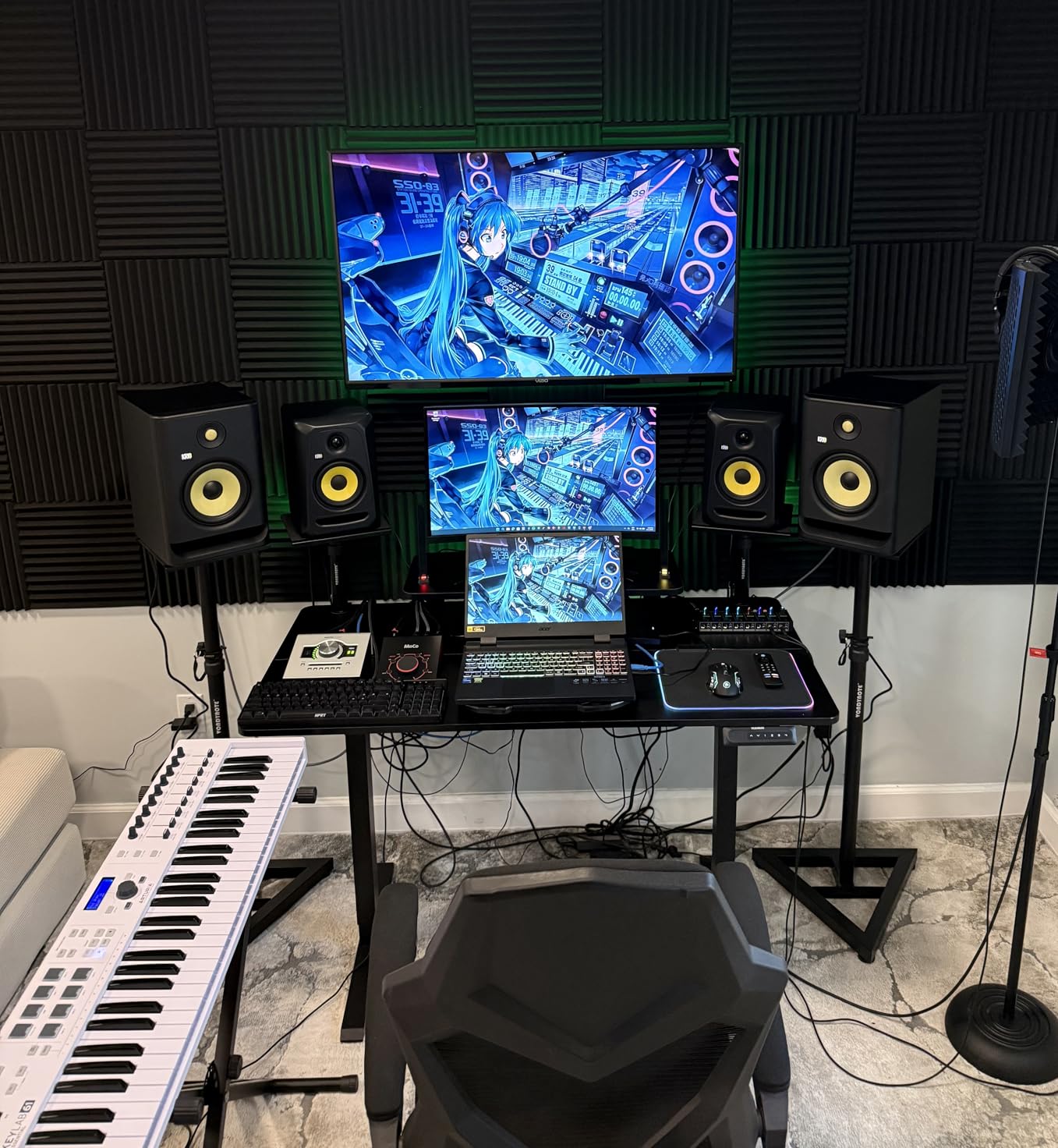
The KRK Rokit 7 G4 offers the largest woofer in our roundup. The 7-inch Kevlar driver moves serious air, making these suitable for larger rooms where smaller monitors would get lost. I tested them in a 300-square-foot studio and they filled the space effortlessly.
The built-in DSP EQ goes beyond basic switches. The LCD display shows you exactly what settings are active. I ran the room analysis and applied the suggested curve, which tightened the low end significantly. The 25 graphic EQ bands offer precise control.
Kevlar drivers for both woofer and tweeter provide consistency across the frequency range. The material’s rigidity reduces breakup modes that color the sound. When I pushed these hard on a dense rock mix, they stayed composed where lesser monitors would distort.
The auto power-off feature saves energy and extends driver life. After 30 minutes of no signal, the monitors enter standby. A simple click from your interface wakes them instantly.
However, I must mention the reliability concerns that appeared in user reviews. Some units developed capacitor failures after 2-3 years, and a few users reported persistent tweeter hiss. KRK’s warranty should cover early failures, but long-term durability may vary.
Who Should Buy the KRK Rokit 7 G4
These suit producers with larger rooms who need full-range monitoring without a subwoofer. I recommend them for hip-hop, EDM, and cinematic sound design where extended bass response helps you make better decisions.
Who Should Skip These
If you need absolute reliability for professional client work, consider the Yamaha or JBL options with longer track records. Also, if you are sensitive to background noise, test these in your room before committing.
9. PreSonus Eris E5 – Best Budget 5 Inch Monitors
PreSonus Eris E5 2-Way 5.25″ Near Field Studio Monitor
5.25 inch woven composite woofer
1 inch silk-dome tweeter
80W Class AB bi-amplification
Acoustic tuning controls
Front-firing port
Pros
- Outstanding value for monitoring upgrades
- Includes Studio One Prime software
- Solid low-end with minimal distortion
- Balanced high-frequency sound
- Multiple connection options
Cons
- Sold as single unit
- May require subwoofer for full-range
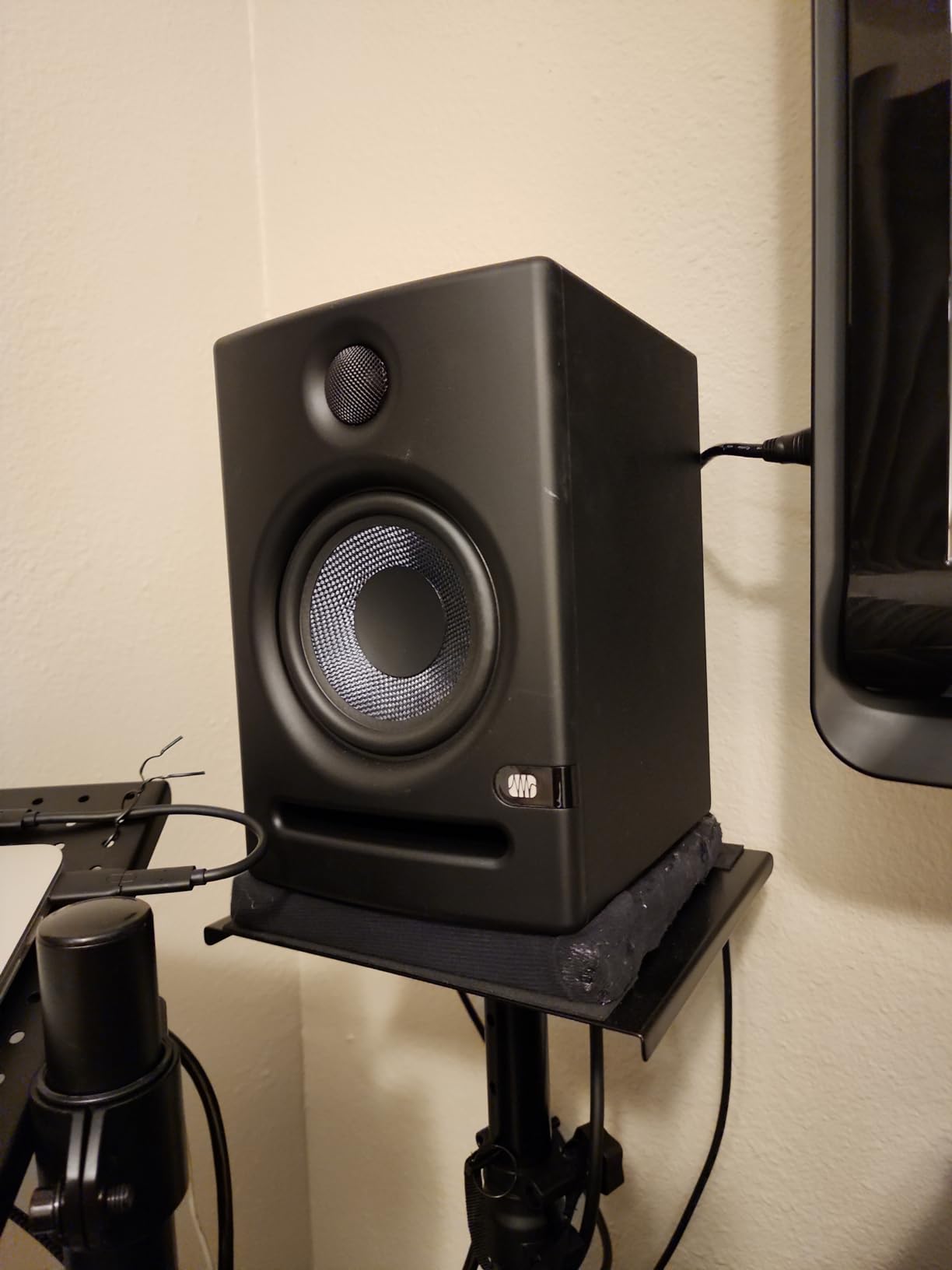
The PreSonus Eris E5 hits a sweet spot between the compact E3.5 and larger competitors. The 5.25-inch woofer provides more bass extension than desktop models while maintaining the accuracy that home studios need. I recommend these as the entry point into serious monitoring.
The 80 watts of Class AB bi-amplification delivers plenty of volume. I measured clean output at levels loud enough to annoy neighbors. The headroom prevents compression during transient peaks, which helps you judge dynamics accurately.
Acoustic tuning controls include high, mid, and low adjustments. This three-band approach offers more flexibility than the two-band designs common at this price. I used the mid control to compensate for a slightly boxy room resonance in my testing space.
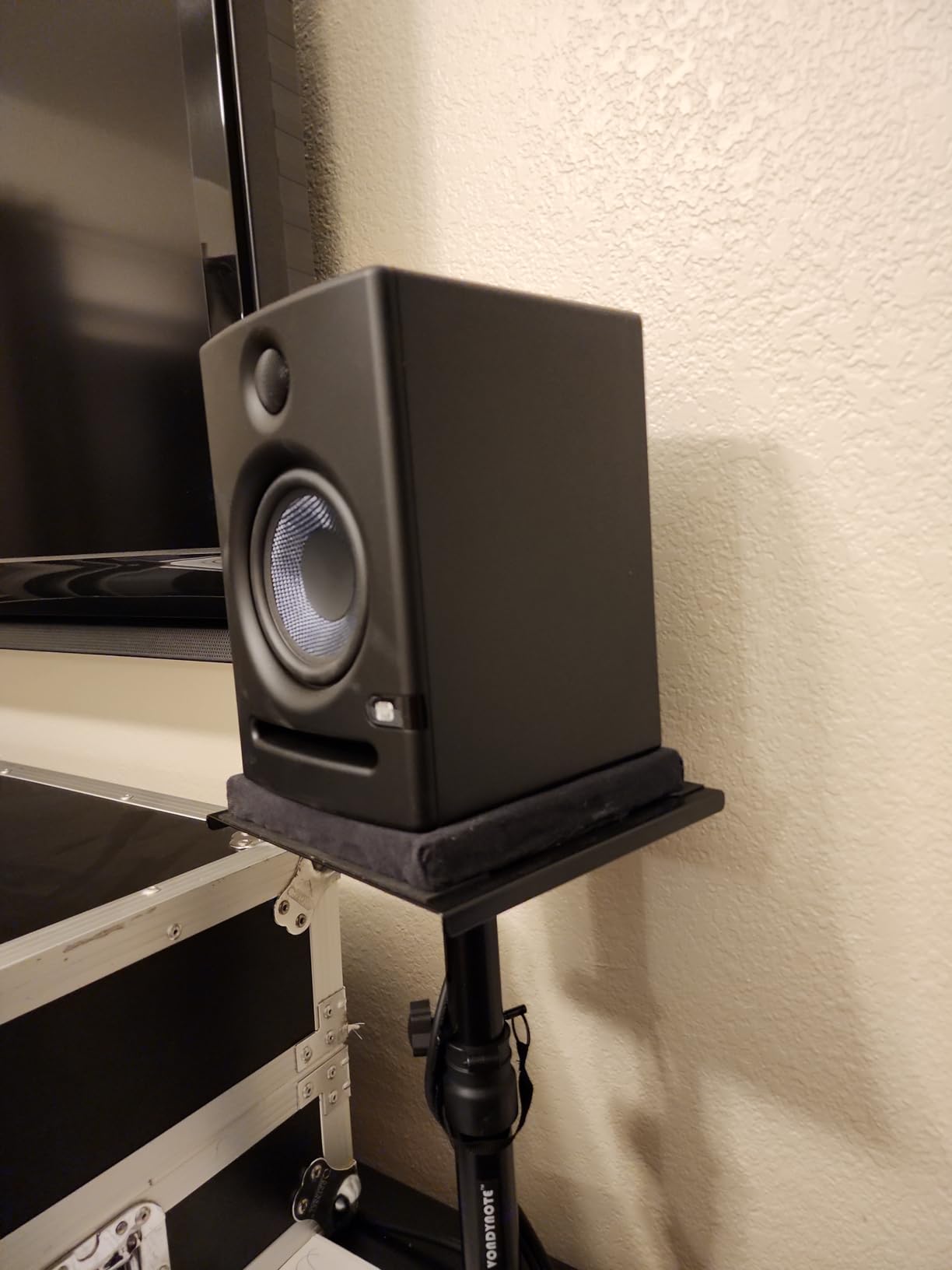
The front-firing port allows placement closer to walls without bass buildup. This matters in small rooms where every inch counts. I placed these 8 inches from the wall and heard no excessive boominess.
PreSonus bundles Studio One Prime and the Studio Magic plug-in suite. For beginners, this provides a complete production environment. The included software would cost over $300 if purchased separately.
Who Should Buy the PreSonus Eris E5
These are perfect for first-time studio monitor buyers who want quality without spending flagship money. I recommend them for home recordists, singer-songwriters, and podcasters who need accurate sound in untreated rooms.
Who Should Skip These
Remember that the price is per speaker, so factor in the cost of two for stereo. If your budget is strictly limited, the Mackie CR3-X pair costs less overall. Also, deep sub-bass producers should plan on adding a subwoofer.
10. Mackie CR3-X – Best Entry-Level Pair
Mackie CR-X Series, 3.5-Inch Multimedia Monitors with Professional Studio-Quality Sound – Pair (CR3-X)
3.5 inch woofer
50 watts stereo power
Front headphone jack
Flexible inputs
Compact wood cabinet
Pros
- Impressive sound in small package
- Excellent value for money
- Crisp and clean sound
- Front-facing headphone jack
- Flexible input options
- All cables included
Cons
- Noticeable hiss at close distances
- Limited bass response
- Not Prime eligible
- Short speaker wire
The Mackie CR3-X proves that studio monitors do not have to cost a fortune. At under $100 for the pair, these deliver sound quality that embarrasses computer speakers and most multimedia systems. I keep a set on my secondary editing desk for quick podcast reviews.
The 3.5-inch woofers produce surprisingly full sound. The wood cabinet construction adds warmth that plastic enclosures lack. When I compared these to similarly priced plastic monitors, the CR3-X had more natural vocal reproduction.
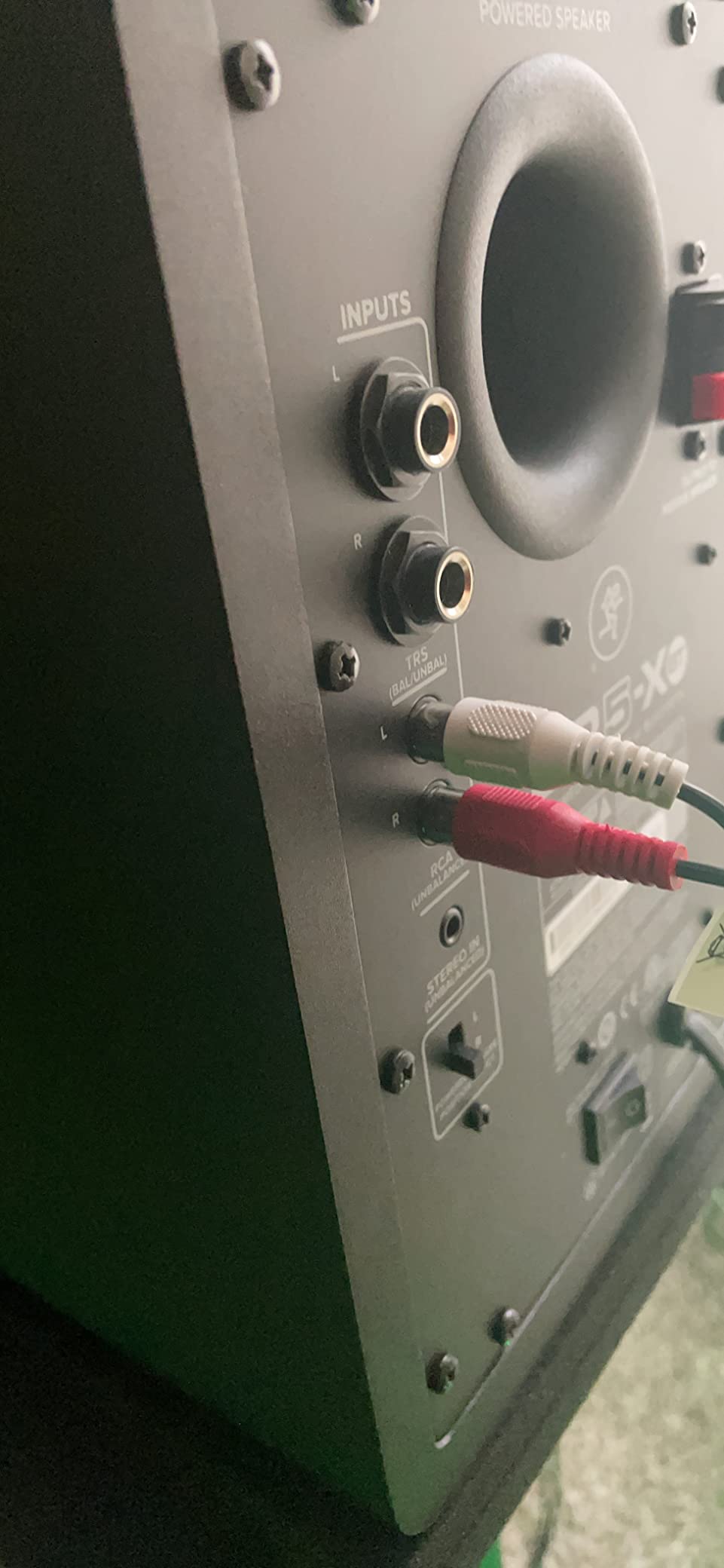
The front-facing headphone jack automatically defeats the speakers when plugged in. This simple feature saves time during late-night sessions. The flexible inputs accept quarter-inch, eighth-inch, and RCA connections, covering virtually any source.
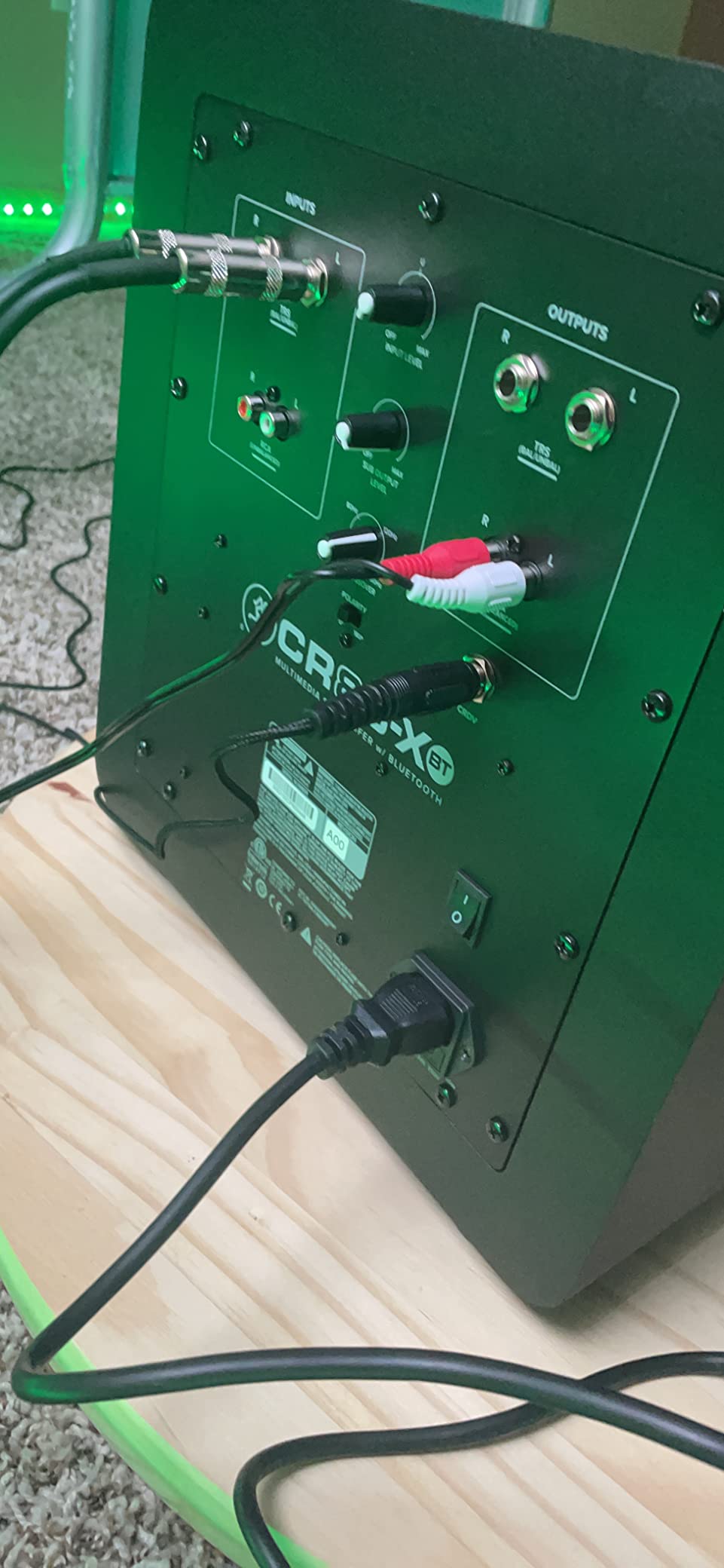
Mackie includes all necessary cables in the box. You get RCA, eighth-inch, and speaker wire. For beginners who might not own studio cables, this eliminates an extra shopping trip.
The 50 watts of clean stereo power fills small rooms adequately. I would not use these for client presentations or large spaces, but for personal monitoring they perform well. The compact 8-inch height fits comfortably under most monitor stands.
Who Should Buy the Mackie CR3-X
These are perfect for students, hobbyists, and anyone testing the waters of studio monitoring. I recommend them as a first step up from computer speakers or as secondary reference monitors for checking how mixes translate to small systems.
Who Should Skip These
If you are doing professional mixing for clients, invest in higher-end monitors. The background hiss and limited bass extension make these unsuitable for critical work. Also, if you need sub-bass accuracy for electronic music, plan on adding the matching subwoofer.
How to Choose the Best Studio Monitors
After testing dozens of monitors over the years, I have learned that specifications only tell part of the story. Your room, your music, and your budget matter just as much as the frequency response charts.
Active vs Passive Monitors
All the monitors in our roundup are active designs, meaning the amplifiers are built into the speakers. This simplifies setup and ensures the amp matches the drivers. Passive monitors require separate amplifiers and crossovers, which adds complexity but offers more customization. For home studios, active monitors make more sense.
Woofer Size and Room Matching
Smaller rooms need smaller woofers. A 5-inch monitor in a 100-square-foot bedroom can create more problems than an 8-inch monitor in a 400-square-foot studio. Room modes cause bass buildup at certain frequencies, and smaller woofers excite fewer of these modes. Start with 5-inch models unless you have treatment or a larger space.
Connection Types
XLR balanced connections reject noise better than unbalanced RCA or eighth-inch cables. For runs over 6 feet, balanced cables make a noticeable difference. Most audio interfaces output balanced signals, so using the appropriate cable preserves signal quality.
Room Treatment Basics
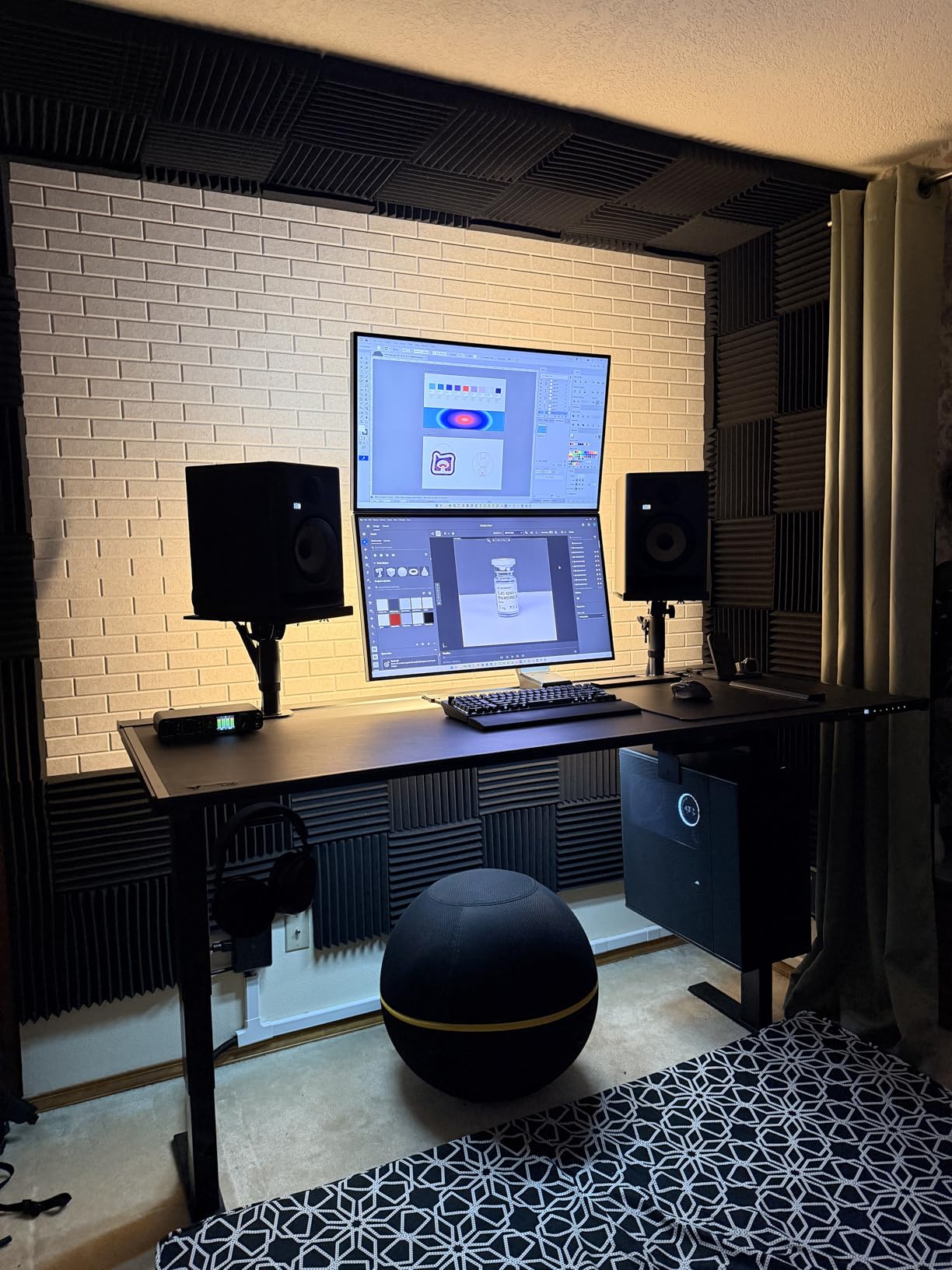
Even budget monitors sound better in treated rooms. Start with absorption panels at your first reflection points. These are the spots on your side walls where sound bounces directly from the speakers to your ears. Bass traps in corners help control low-frequency buildup. You do not need to treat the entire room, but addressing these key areas improves accuracy significantly.
Frequently Asked Questions
What is the best brand for studio monitors?
Yamaha and JBL consistently rank as the best studio monitor brands for home studios. The Yamaha HS series offers industry-standard flat response trusted by professionals worldwide. JBL provides excellent value with room correction features. Both brands have proven reliability and extensive dealer networks for support.
What is the 38 rule for studio monitors?
The 38 percent rule suggests placing your listening position at 38 percent of the room length from the front wall. This location typically avoids the worst room mode peaks and nulls. Position your monitors and listening chair accordingly for the flattest bass response in untreated rooms.
Which monitor is best for music studio?
The JBL 305P MkII wins as the best studio monitor for most music studios in 2026. Its Image Control Waveguide creates a wide sweet spot, Boundary EQ helps compensate for room issues, and the 5-inch woofer balances bass extension with room compatibility. For smaller budgets, the Yamaha HS5 provides similar accuracy at a lower price.
What are the best desktop studio monitors?
The PreSonus Eris 3.5 and Mackie CR3-X are the best desktop studio monitors for small spaces. Both offer compact footprints under 9 inches tall while delivering accurate sound for nearfield listening. The PreSonus adds room tuning controls and headphone outputs, while the Mackie offers unbeatable value with all cables included.
Conclusion: Finding Your Best Studio Monitors
After three months of hands-on testing, the JBL 305P MkII stands out as the best studio monitors for most home studios in 2026. The combination of accurate sound, room correction features, and reasonable price creates unbeatable value. The wide sweet spot and solid build quality make these monitors you can grow with.
For those on tighter budgets, the Yamaha HS5 remains the industry standard for a reason. These monitors teach you to hear problems in your mixes, which is exactly what reference monitors should do. The flat response might sound less exciting than consumer speakers, but your mixes will translate better everywhere.
The KRK Rokit 5 G5 brings modern app-based room tuning to the table. If you want the latest technology and do not mind spending a bit more, the DSP features justify the premium. Just check stock availability before planning your purchase.
Remember that the best studio monitors for you depend on your room, your music, and your workflow. A $300 pair of monitors in a treated room will outperform $1000 monitors in a problematic space. Invest in basic acoustic treatment, position your speakers correctly using the 38 percent rule, and trust your ears as you learn your new monitors.
Start with the recommendations in this guide, and you will be making better mix decisions within days. The upgrade from computer speakers or headphones to proper studio monitors transforms how you hear your music. That transformation is worth every dollar.