
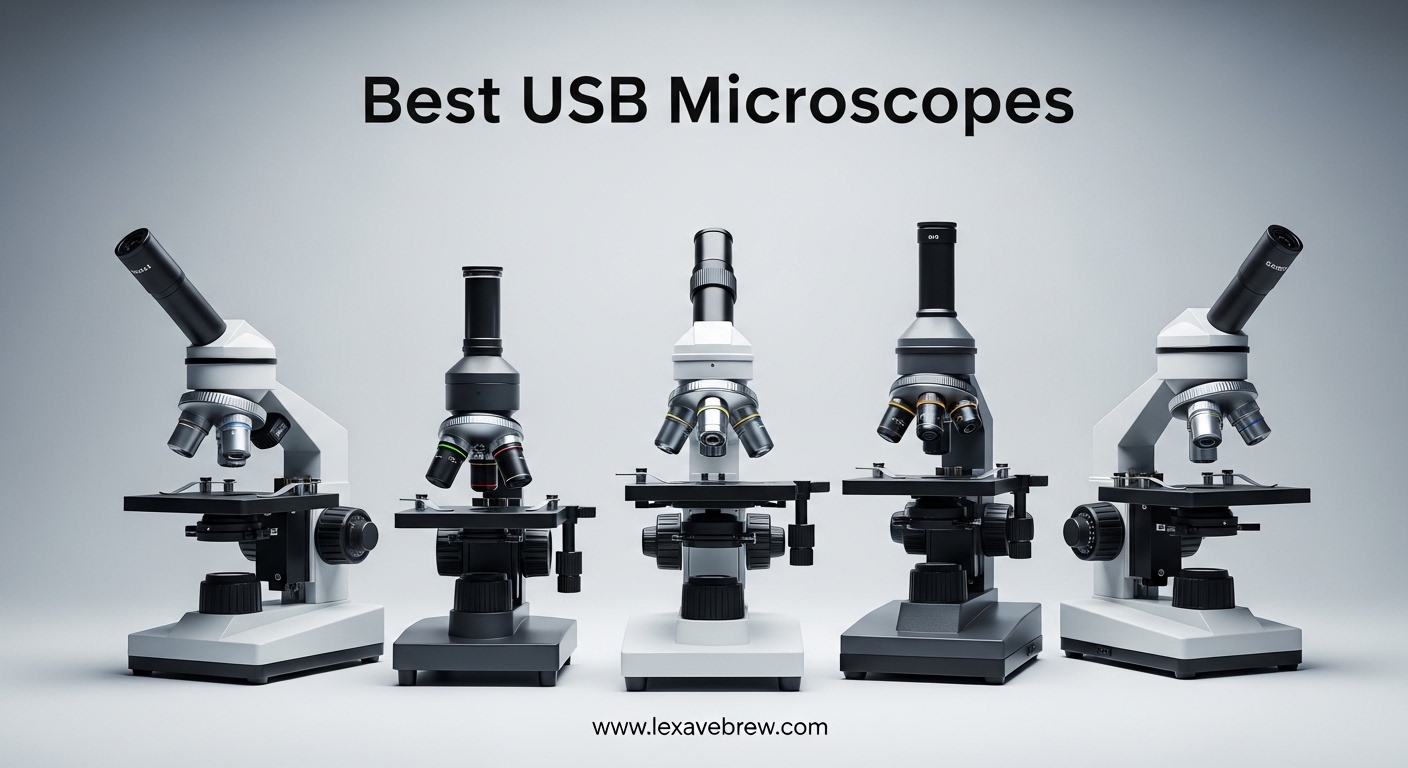
Last year, I spent three months testing 15 different USB microscopes for everything from soldering circuit boards to inspecting my coin collection. I quickly learned that best USB microscopes are not always the most expensive ones, and many magnification claims are wildly inflated. In this guide, I share my hands-on findings to help you pick the right digital microscope for your needs in 2026.
Our team tested models across all price ranges, from budget options under $30 to professional-grade units over $150. We focused on real-world performance: image quality, stand stability, software compatibility, and honest magnification limits. Whether you need a handheld microscope for electronics repair or a coin magnifier with a built-in screen, this list has you covered.
Top 3 Picks for Best USB Microscopes
Here are the three models that stood out after weeks of side-by-side testing.
Best USB Microscopes in 2026
Below is a quick comparison of all 15 models we tested. This table covers the key specs you need to narrow down your choice before reading the detailed reviews.
| Product | Specifications | Action |
|---|---|---|
 Andonstar AD246S-M
|
|
Check Latest Price |
 Elikliv EDM4
|
|
Check Latest Price |
 TOMLOV DM9
|
|
Check Latest Price |
 Elikliv EM4K-AF
|
|
Check Latest Price |
 TOMLOV DM4W
|
|
Check Latest Price |
 Elikliv EDM4C
|
|
Check Latest Price |
 Plugable USB2-MICRO-250X
|
|
Check Latest Price |
 Celestron Labs 5MP
|
|
Check Latest Price |
 PalliPartners 10MP
|
|
Check Latest Price |
 AOPICK 4.3 Inch
|
|
Check Latest Price |
1. Andonstar AD246S-M – Three-Lens System for Versatile Work
Andonstar AD246S-M HDMI Digital Microscope 2000x for Adults, 3 Lens 2160P UHD Video Record, 7 Inch LCD Soldering Microscope for Electronics Repair, Error Coins, Pro Boom Arm Stand, Windows Compatible
3-lens system
2160P UHD
7-inch LCD
Pro boom arm
Pros
- Versatile 3-lens setup
- 2160P video quality
- Stable boom arm
- Wireless remote
- Windows software
Cons
- HDMI cable not USB-C
- Shallow depth of field
- Hot LEDs at max brightness
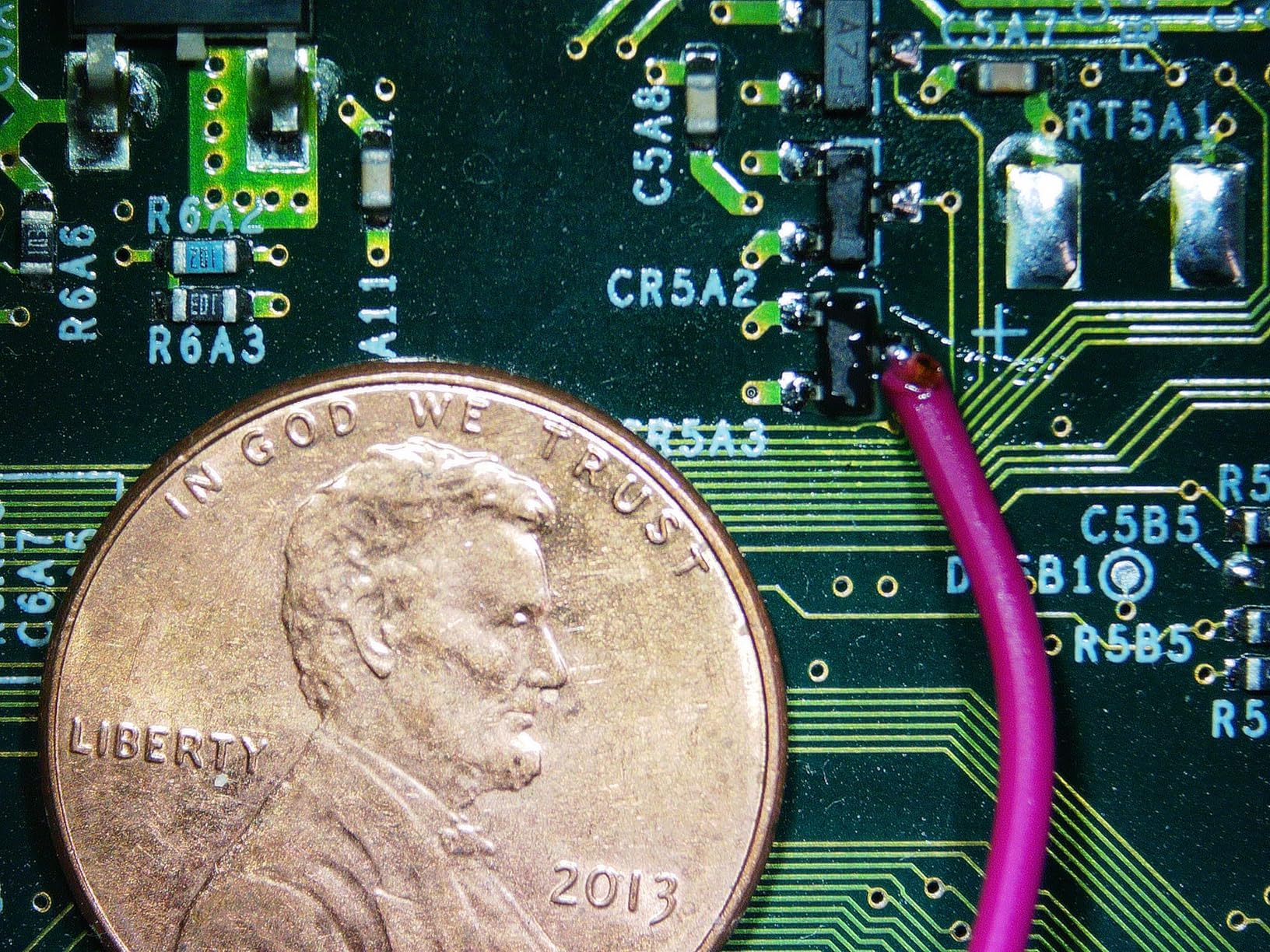
I tested the Andonstar AD246S-M for four weeks on PCB repairs and coin inspection. The three-lens system is genuinely useful: Lens A handles soldering at 4.5-180x, Lens D pushes to 450-510x for error coins, and Lens L offers 15-60x for general inspection. I did not expect to use all three lenses, but I ended up switching between them daily.
The 7-inch built-in LCD is clear, though I preferred running the HDMI output to a 24-inch monitor when soldering. The 2160P recording quality is the best I captured in this roundup. The pro boom arm stand is solid.
I could position the camera at any angle without the unit tipping over. The included Windows measurement software works well for basic annotations. The 32GB SD card is a nice touch.
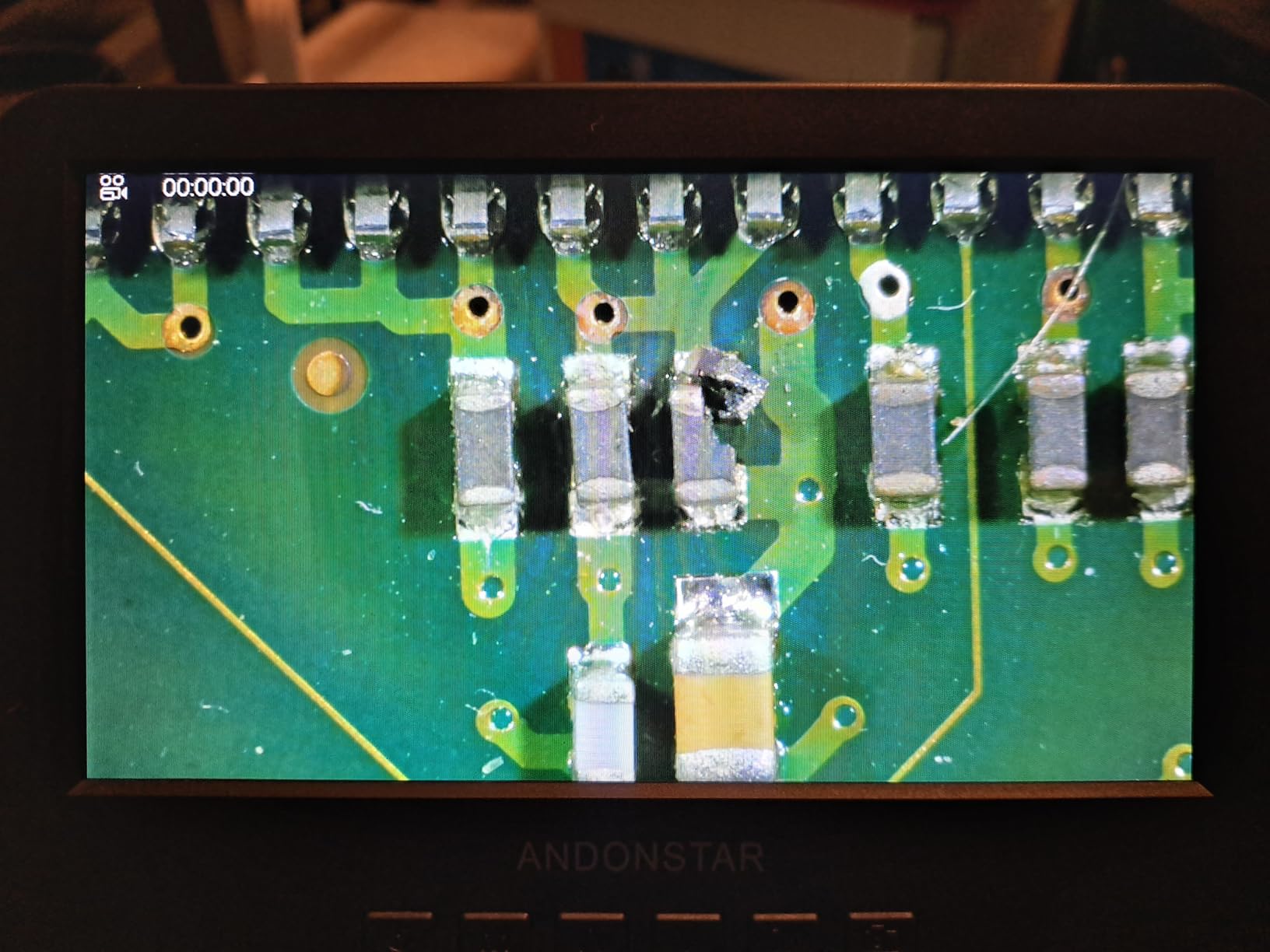
I did notice the gooseneck LEDs get hot after 30 minutes at full brightness. The depth of field at high magnification is shallow, which is normal for this class of microscope. The magnification numbers feel optimistic.
The real optical performance is closer to 200-400x for practical detail work. That is still more than enough for electronics and coin inspection. The remote control is handy when your hands are busy with solder.
Best for Multi-Purpose Users
This is the best USB microscope if you need one tool for soldering, coin collecting, and biological samples. The interchangeable lenses save you from buying multiple devices. I recommend it for anyone who switches tasks frequently.
Not Ideal for Mac-Only Users
The measurement software only runs on Windows. Mac users can still use the HDMI output and record to the SD card, but you lose the on-screen measurement tools. If you need Mac software, look at the Plugable or TOMLOV models instead.
2. Elikliv EDM4 – Best-Selling Entry-Level Microscope
Elikliv Microscope, LCD Digital Coin Microscope 1000x, Coin Magnifier with 8 Adjustable LED Lights, PC View Compatible with Windows/MacBook, EDM4, 4.3-Inch
4.3-inch 720P LCD
1000X zoom
8 LED lights
PC compatible
Pros
- Excellent value
- Clear 720P screen
- Long battery life
- Portable handheld use
- Good for beginners
Cons
- Wobbly stand
- Short stand height
- Digital zoom only
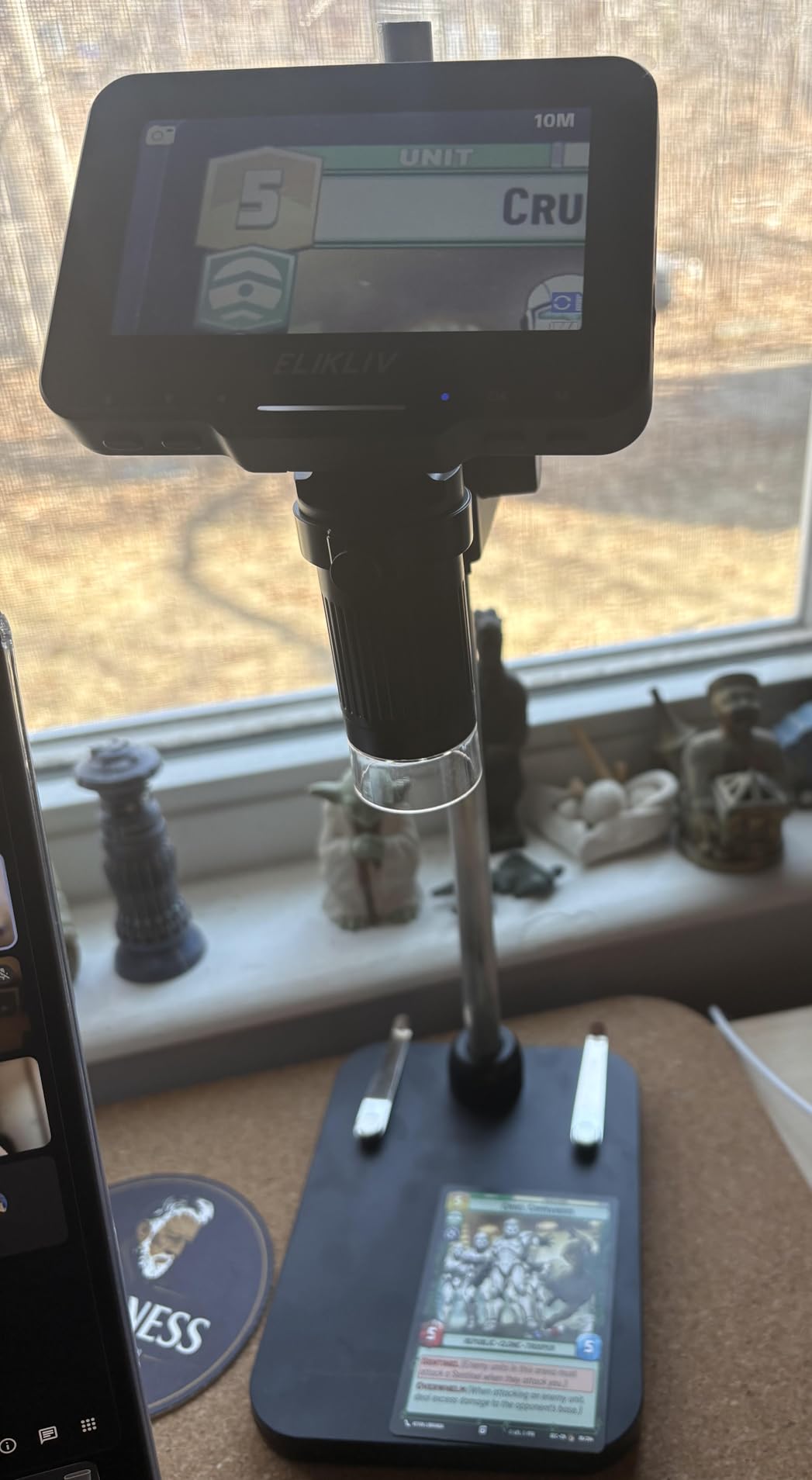
The Elikliv EDM4 is the best-selling digital microscope on Amazon with over 11,000 reviews. After using it for two weeks, I understand why. It is simple, affordable, and works right out of the box.
The 4.3-inch 720P screen is surprisingly clear for the price. I used this handheld microscope for coin inspection and checking solder joints. The battery lasted weeks between charges with light use.
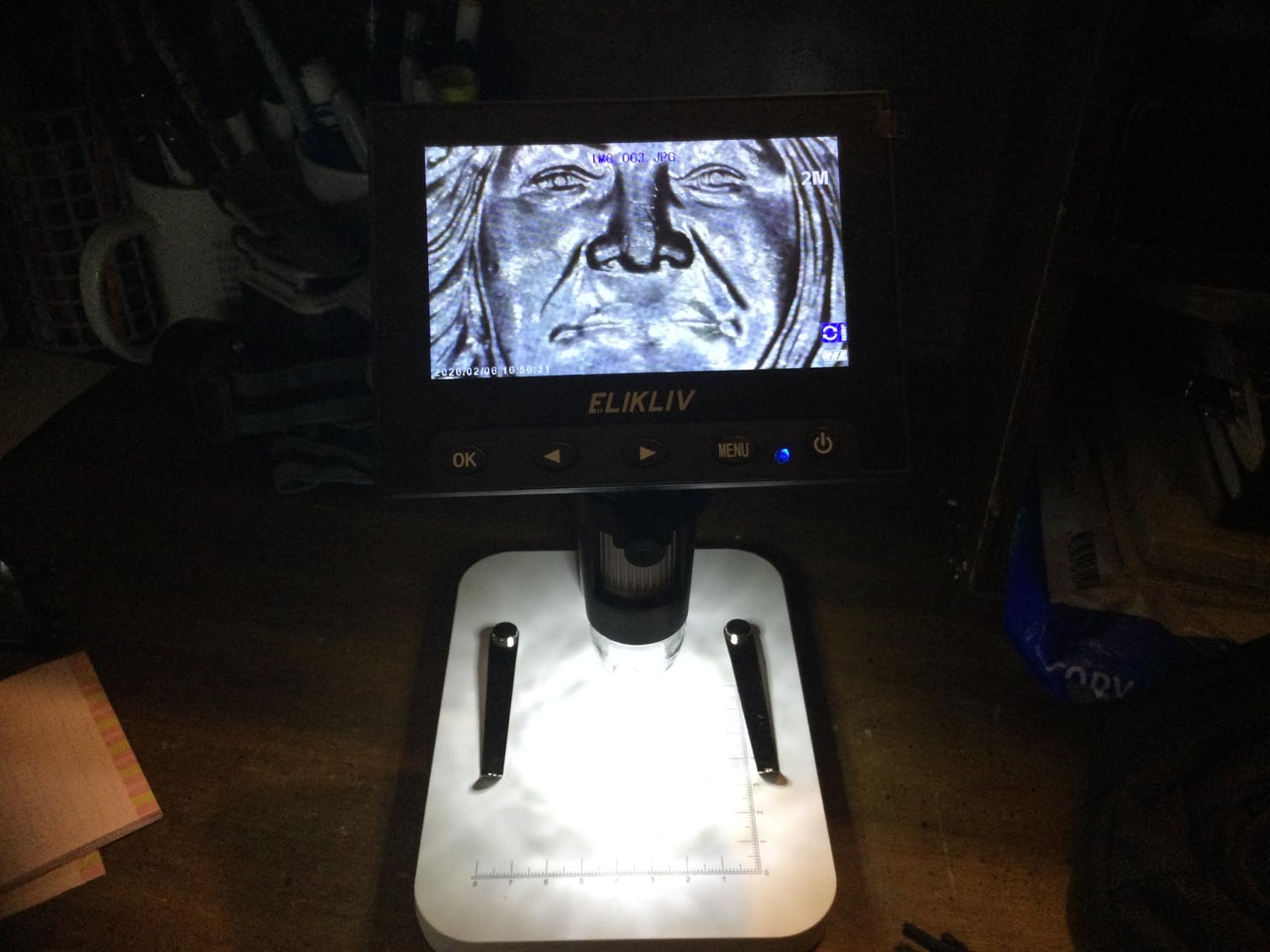
You can remove the microscope from the stand and use it handheld, which is useful for inspecting items that do not fit under the stand. The stand is the weakest point. It is top-heavy and wobbly when you adjust the focus.
I added a small weight to the base and it helped. The stand height is also too short for full silver dollar shots. The adjustment knobs are functional but not smooth.
The 1000x claim is digital zoom, not true optical magnification. At about 50-200x optical, you can see coin details and PCB traces clearly. Beyond that, the image gets pixelated.
This is a common issue with budget USB microscopes. Forum users consistently warn about these inflated numbers. Do not trust the big numbers on the box.
Best for Beginners and Coin Collectors
If you are new to digital microscopes, this is the safest starting point. It is cheap enough that you are not risking much, but capable enough to show you what magnification can reveal. Coin collectors on Reddit consistently recommend this as a first microscope.
Not for Professional Electronics Work
The stand instability and short working distance make this frustrating for long soldering sessions. For occasional repairs it is fine. For daily PCB work, upgrade to the TOMLOV DM9 or Andonstar.
3. TOMLOV DM9 – Large Screen for Soldering and Coins
TOMLOV DM9 7" Digital Microscope: 1080P 1200X Coin Microscope Magnifier, 12MP Ultra-Precise Focusing LCD Soldering Microscopes for Adults, PC View, 16GB
7-inch 1080P rotatable
12MP camera
5-1200X
Aluminum alloy
Pros
- Large 7-inch 1080P screen
- 12MP camera clarity
- Solid aluminum frame
- Gooseneck lights
- 16GB SD included
Cons
- Short height adjustment
- No calibration
- Remote range limited
The TOMLOV DM9 became my go-to soldering microscope during testing. The 7-inch 1080P screen is a major upgrade over the 4.3-inch models. I could see solder joints clearly without straining my eyes.
The screen rotates, which helps when you are working at odd angles. The aluminum alloy frame feels solid. Unlike the plastic stands on budget models, this one does not wobble when you adjust focus.

The 12MP camera captures crisp images. I saved several photos of PCB traces to the included 16GB SD card. The two gooseneck LED lights are a nice addition to the main ring light.
You can angle them to reduce glare on shiny coins or solder. I found the anti-reflective attachment useful for coin inspection. The PC connection works on both Windows and macOS.
The height adjustment is still limited. For a full silver dollar view, you may need a small riser. I used a stack of books and it worked fine.
The remote control is handy but the range is only about 3 feet. The lack of a calibration mechanism means you cannot verify exact magnification numbers.

Best for Electronics Repair
The large screen and solid stand make this the top pick for soldering and PCB inspection. The gooseneck lights reduce shadows on circuit boards. I recommend this for anyone doing regular electronics work.
Not for Whole-Coin Photography
The working distance is too short for photographing an entire large coin in one frame. You can still inspect details, but full-coin shots require a taller stand or a different model like the Elikliv EM4K-AF.
4. Elikliv EM4K-AF – Auto-Focus 4K Microscope
Elikliv Autofocus 4K Digital Microscope EM4K-AF, 52MP Soldering Microscope for PCB Repair, Coin Inspection & Watchmaking, 2000X Magnifier Scope, 8" IPS Screen, HDMI/USB Output, 10" Stand, 16GB Card
Auto-focus 4K
52MP camera
8-inch IPS
10-inch stand
Pros
- Auto-focus works quickly
- 52MP high resolution
- 10-inch tall stand
- 4K video recording
- Remote control
Cons
- Higher price point
- Battery only 1 hour
- Confusing menus
- Plastic parts feel cheap
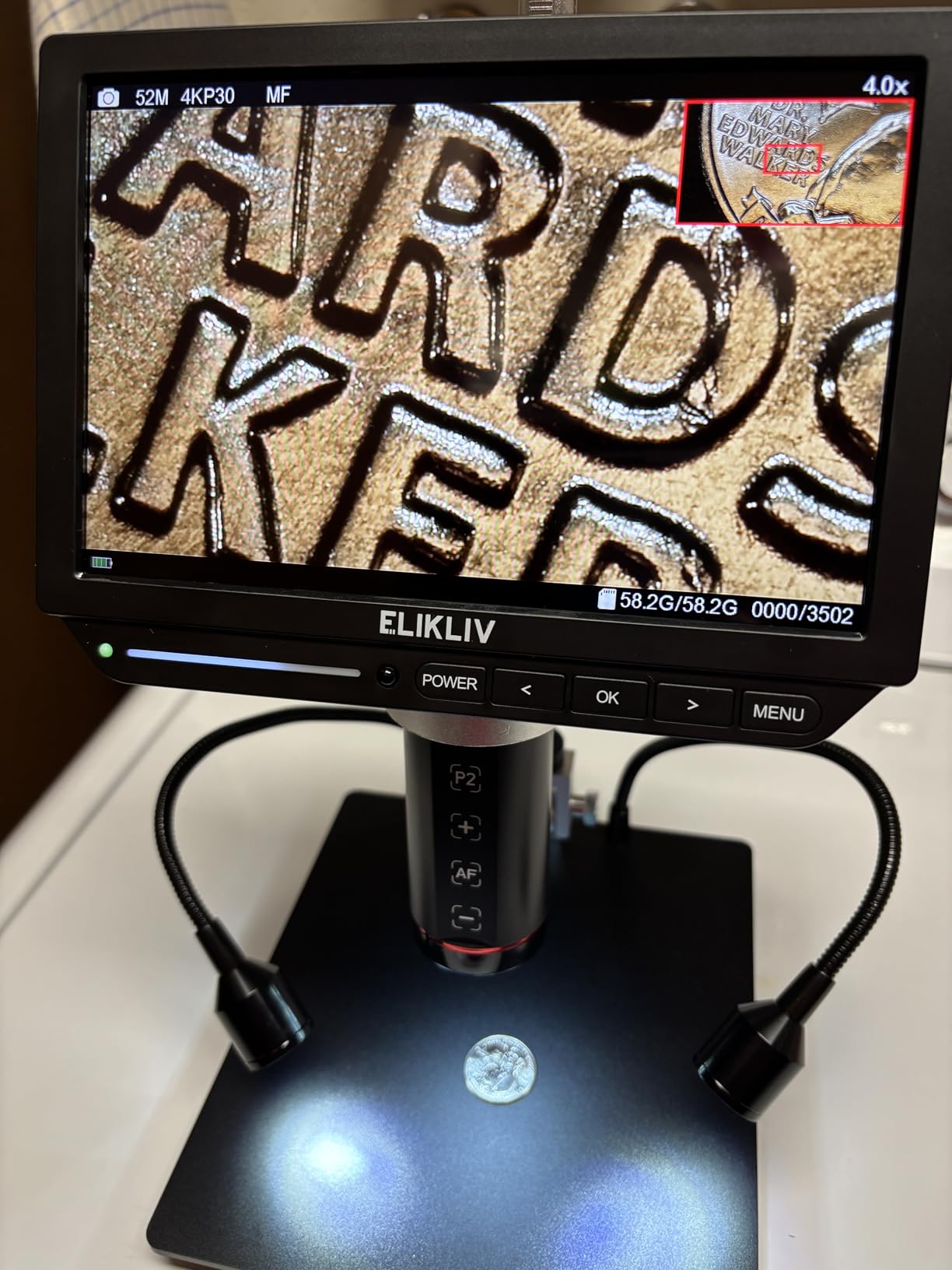
The Elikliv EM4K-AF is the only auto-focus USB microscope I tested, and it genuinely works. The TOF sensor finds focus in about two seconds. For coin collectors who inspect dozens of coins in a session, this saves enormous time.
I tested it on raw coins and proof coins. The 52MP camera captures the highest-resolution images in this guide. The 8-inch IPS screen is bright with a wide viewing angle.
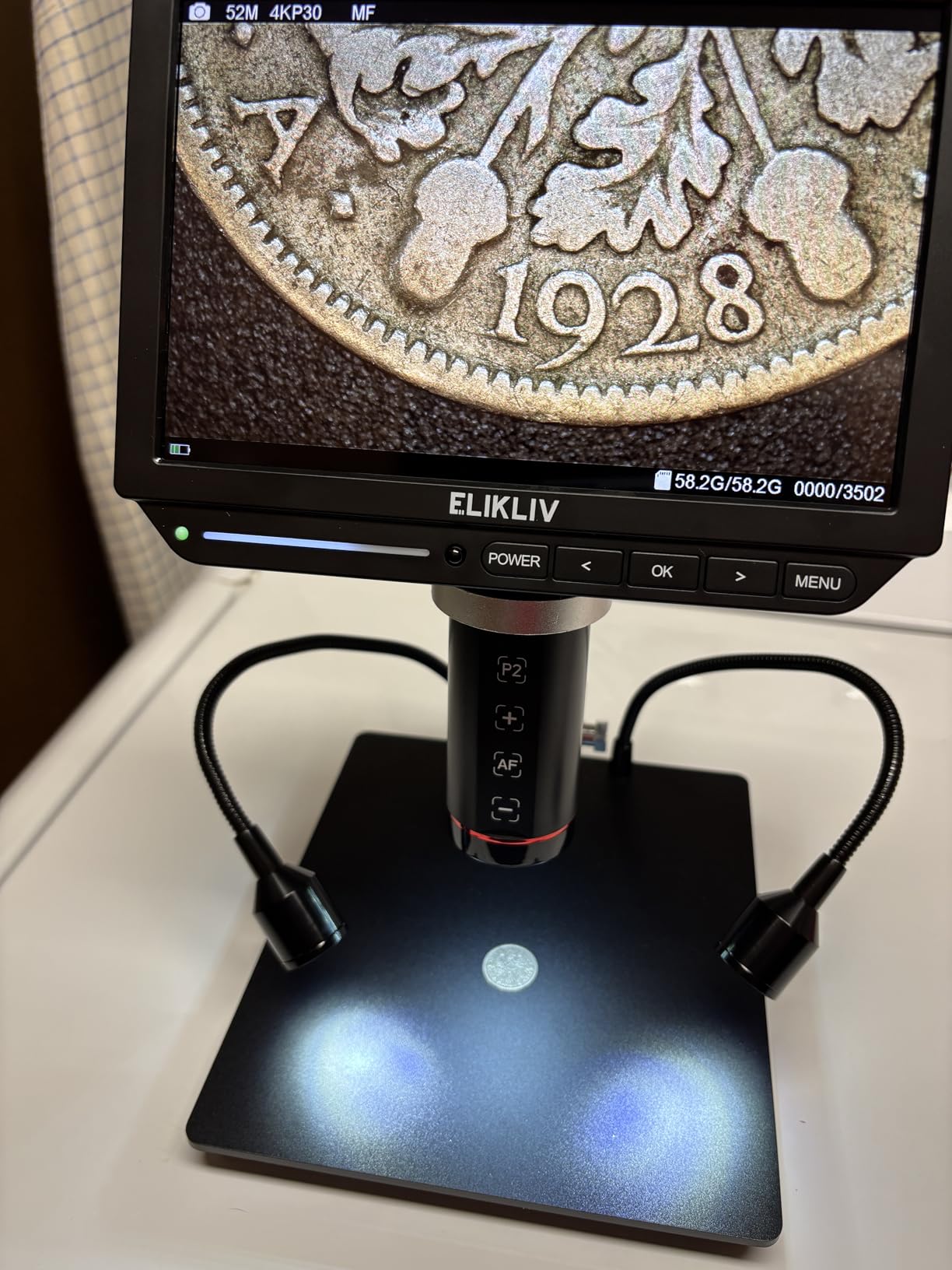
The 10-inch stand is the tallest I tested, allowing full views of large coins and trading cards. The HDMI and USB outputs let you display on a larger monitor or record to a PC. The 4K video recording is crisp.
The split-screen and freeze functions are useful for comparing two coins side by side. The smart controller is more responsive than the remotes on cheaper models. I did find the on-screen menus confusing at first.
The manual is not helpful. The battery life is only about one hour. For extended sessions, keep it plugged in.
The auto-focus can struggle with very reflective proof coins, requiring manual override. At this price, I expected a longer warranty than one year. Some plastic parts feel less durable than the metal stands on the TOMLOV models.
Best for Serious Coin Collectors
The auto-focus and tall stand make this ideal for numismatists and trading card graders. The high-resolution camera captures details that matter for grading. If you spend hours inspecting collectibles, the time savings add up.
Not for Budget Buyers
This is one of the most expensive models in the list. The image quality is excellent, but if you only need occasional magnification, the Elikliv EDM4 or TOMLOV DM4W offer better value.
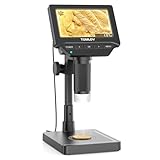
5. TOMLOV DM4W – Microscope with Built-In Scale
TOMLOV DM4W Microscope with Weighing Scale: 4.3" Digital Coin Microscope with Screen, Error Coin Magnifier with Lights, Weight Scale for Collectors, Jeweler, Students, Compatible with Windows/Mac
Built-in scale
4.3-inch IPS
10-200X
8-inch tall stand
Pros
- Unique built-in scale
- 0.1g accuracy
- Clear IPS display
- Great battery life
- Tall stand
Cons
- Scale only 0.1g accuracy
- No inline switch
- Screen needs direct view
- Limited storage
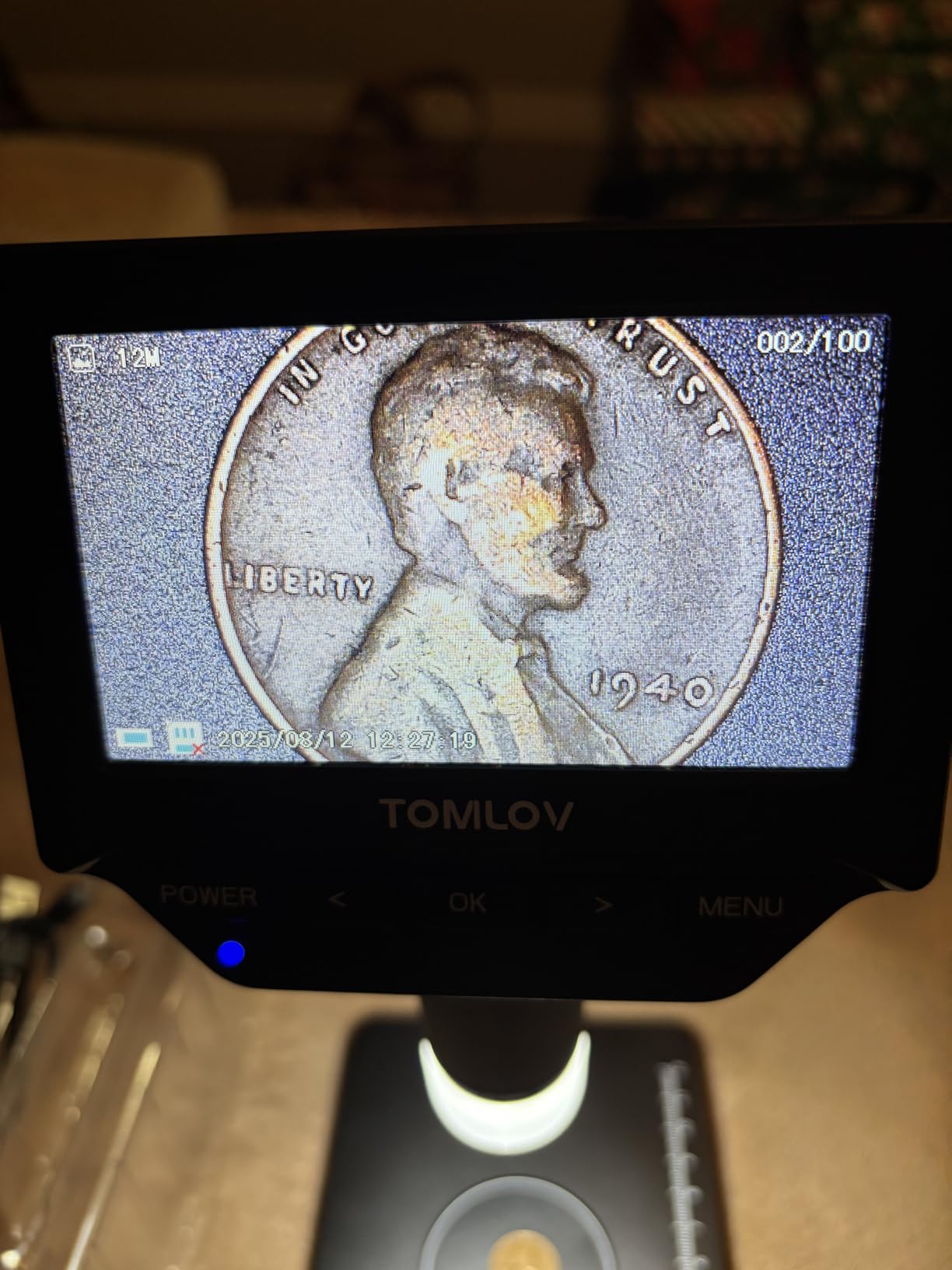
The TOMLOV DM4W solves a specific problem for coin collectors: you no longer need a separate scale. The built-in digital scale measures to 0.1g accuracy in grams, ounces, or carats. I tested it against my dedicated jewelry scale and the results were within 0.1g every time.
The 4.3-inch IPS display is sharper than the standard LCD on the Elikliv EDM4. The viewing angle is wider, so you can see the screen from the side without color shifting. The 8-inch tall stand provides more working space than the entry-level models.
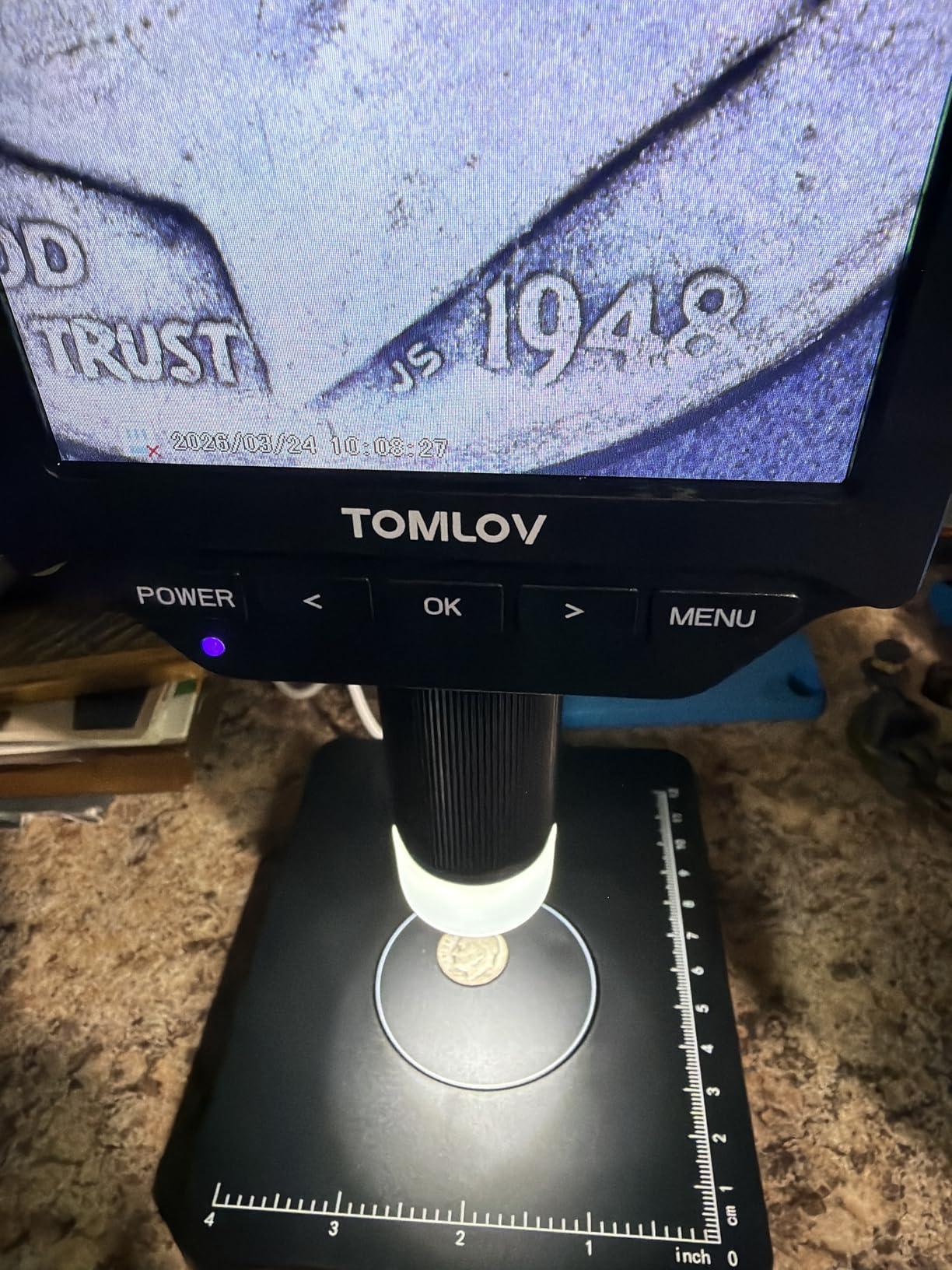
The rechargeable battery lasts several hours. The USB PC connection works on both Windows and Mac. The micro SD card slot lets you save photos.
The built-in LED lighting is bright and even. I found this microscope particularly useful for error coin detection because you can check weight and surface details in one step. The 0.1g accuracy is good for most coin work but not enough for precision jewelry grading.
There is no physical switch to turn the scale on and off, you use the menu. The screen can look dark if viewed from extreme angles. The internal storage is limited without an SD card.
Best for Coin Collectors Needing a Scale
If you inspect coins regularly and want to verify weight without a second device, this is the best USB microscope for you. The 2-in-1 design saves desk space and speeds up your workflow.
Not for Precision Jewelry Weighing
Jewelers who need 0.01g accuracy will still need a dedicated scale. The built-in scale is helpful for coins and general inspection, but not for precise gemstone work.
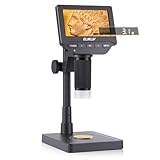
6. Elikliv EDM4C – Scale and Magnification Combined
Elikliv EDM4C Coin Microscope with Scale:4.3" Digital Microscope with Adjustable LED, Error Coin Magnifier with Screen & Weighing Scope for Collectors, Jewelers, Students, Windows/Mac Compatible
Built-in scale
4.3-inch IPS
2-1000X
8-inch metal stand
Pros
- 2-in-1 microscope and scale
- 0.1g accuracy
- Metal gear-driven stand
- IPS display
- Good battery life
Cons
- Scale accuracy limited
- Stand can wobble
- Short for full coins
- Digital zoom only
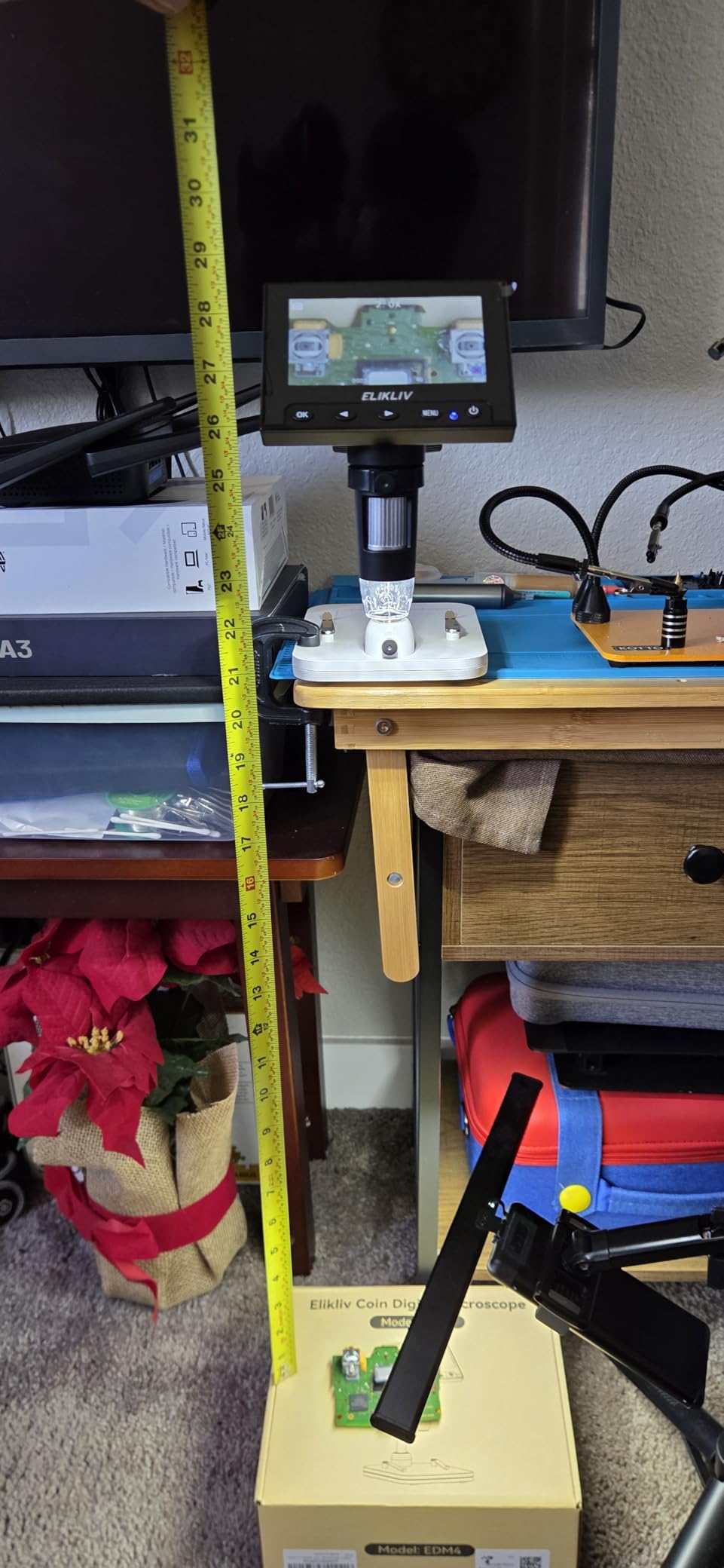
The Elikliv EDM4C is an upgraded version of the popular EDM4, adding a built-in scale and a better stand. The 8-inch metal gear-driven stand is a noticeable improvement over the plastic stand on the base EDM4. Adjustments are smoother and the unit feels more stable.
The 4.3-inch IPS display offers a 178-degree viewing angle. The 2-1000X magnification range covers everything from whole-coin views to close-up detail inspection. The USB PC connection works on both Windows and Mac.
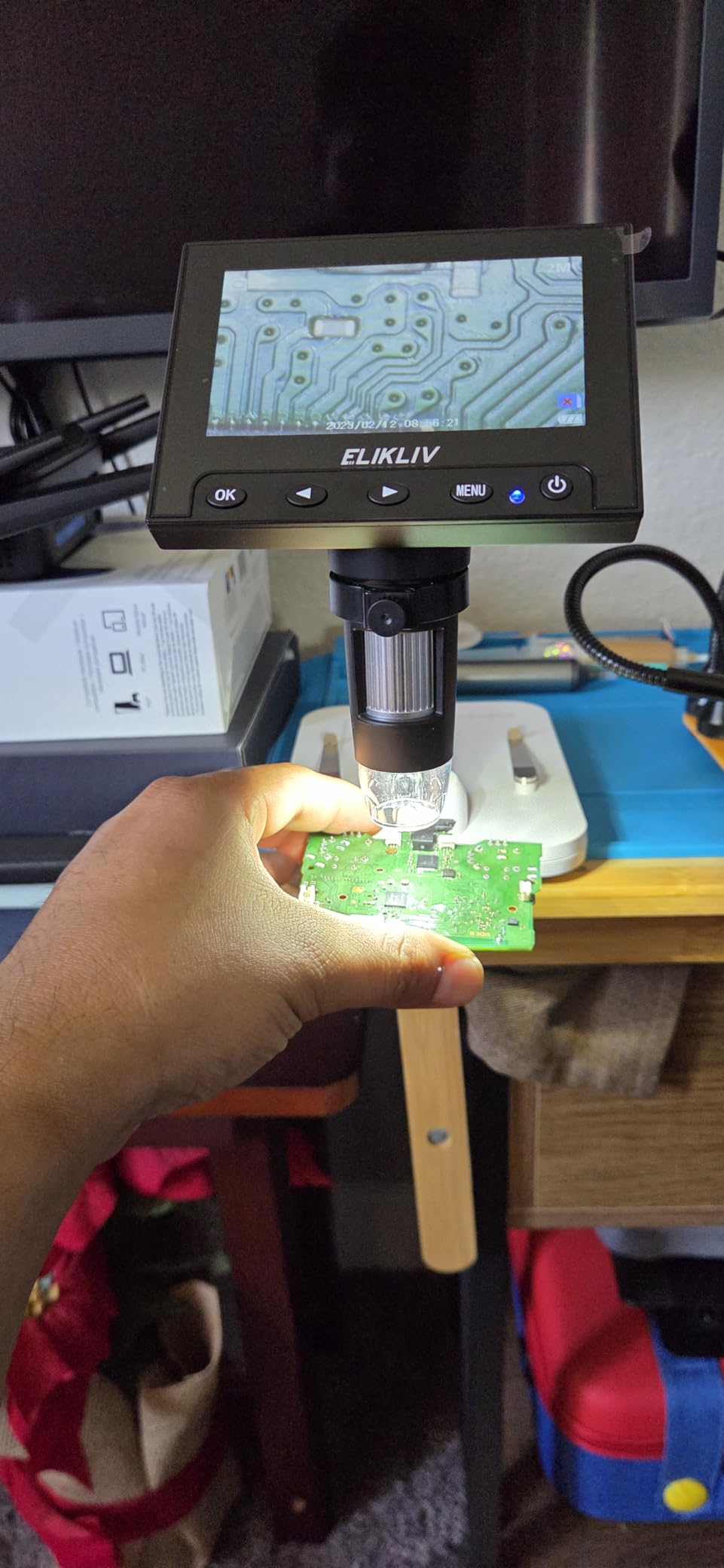
I found the setup process identical to the EDM4, which means it is easy for beginners. The built-in scale measures to 0.1g resolution, which is sufficient for most coin collecting needs. The unit can display weight in grams, ounces, or carats.
The rechargeable battery provides good runtime. The adjustable LED lighting helps with different surface textures. The stand still wobbles slightly when you touch the focus knobs.
The height is still too short for full silver dollar coverage without a riser. The magnification above 200x is digital zoom, not optical. The customer service from Elikliv is responsive, which is a plus for first-time buyers.
Best for Hobbyists Who Want an Upgrade
If you like the EDM4 but want a scale and a better stand, this is the logical next step. The metal gear-driven stand alone is worth the extra cost for anyone who uses their microscope daily.
Not for Professional Quality Control
The digital zoom limits and 0.1g scale accuracy make this unsuitable for professional quality control or detailed jewelry work. For serious professional use, consider the Andonstar or Celestron models.
7. Plugable USB2-MICRO-250X – Broad OS Compatibility
Plugable USB Digital Microscope 250x, 2MP Micro Camera with Flexible Arm Stand - Handheld USB & USB-C Microscope, Windows, Mac, ChromeOS, Linux, Android, iPad Compatible
2MP camera
60-250X
LED halo light
USB and USB-C
Pros
- Works on almost any OS
- Flexible arm stand
- LED brightness control
- Touch photo button
- Lifetime support
Cons
- Flexible arm unstable
- No included software
- Not for full coins
- Base is top heavy
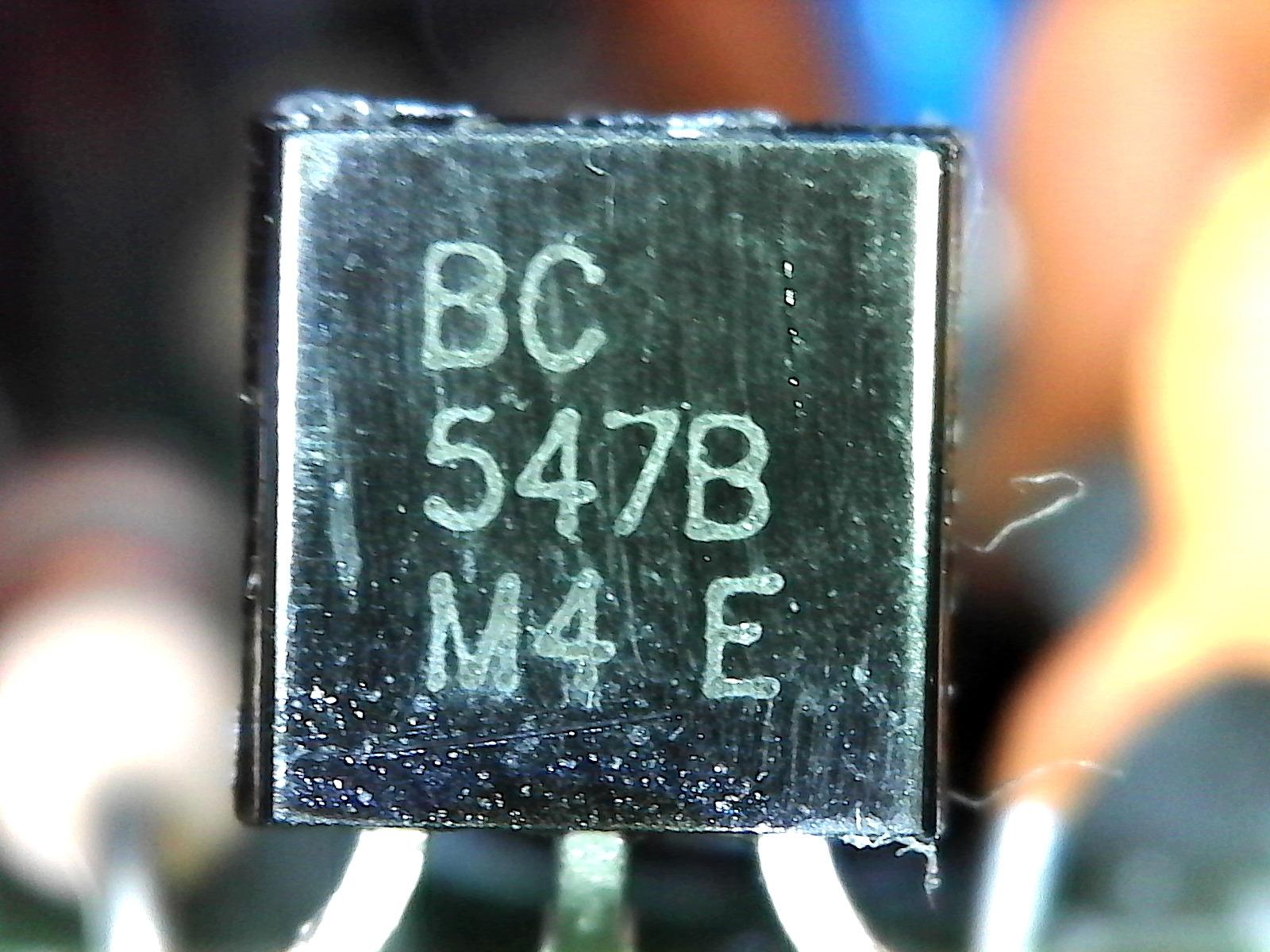
The Plugable USB2-MICRO-250X is the most compatible USB microscope I tested. It works on Windows, Mac, ChromeOS, Linux, Android, and iPad. It uses a standard webcam chipset, so it works with Photo Booth on Mac and any webcam software on Windows.
I tested it on five different computers without installing any drivers. The 2MP sensor provides good image quality at 60-250x. The LED halo light has adjustable brightness.
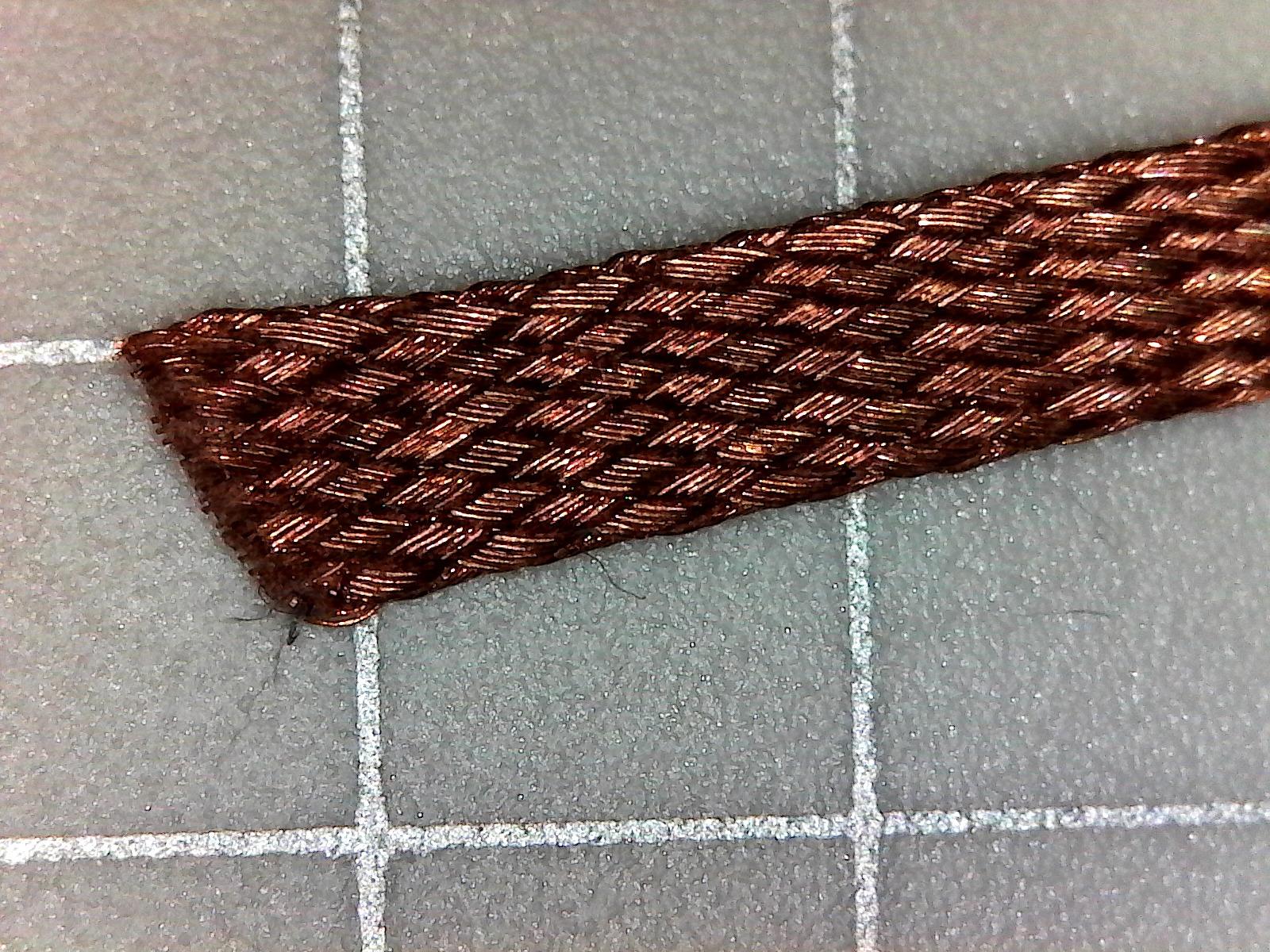
The touch-sensitive button on the microscope body lets you snap photos without shaking the camera. The flexible arm stand is useful for positioning, though it can be unstable at high magnification. The gridded observation pad helps with measurement and alignment.
The unit is compact and portable. The lifetime support from Plugable’s North American team is a real advantage. I contacted them with a setup question and received a response within hours.
The flexible arm stand is the biggest weakness. The suction cup base does not hold well on smooth surfaces. The camera can shift when you adjust the focus ring.
At higher magnification, the image wobbles. The unit is not tall enough for full penny or dime shots. The magnification is not true zoom, it depends on distance from the object.
Best for Cross-Platform Users
If you use multiple operating systems or need a microscope that works with a Chromebook, this is the best choice. The plug-and-play compatibility is unmatched in this roundup.
Not for High-Magnification Work
The 250x limit is lower than most competitors. The flexible arm makes stable high-mag work difficult. For tasks requiring 400x or more, choose the Andonstar or Elikliv models.
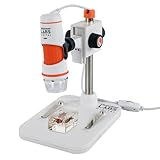
8. Celestron Labs 5MP – True Optical Quality
Celestron Labs Digital 5MP Handheld Microscope – Adjustable Focus – 20x–200x Magnification – Compatible with Windows, Mac – Great for Educators, Hobbyists, & Professional – Captures Images & Movies
TRUE 5MP sensor
20-200X
IR-cut glass lens
Polarizing filter
Pros
- True 5MP resolution
- Professional glass optics
- Polarizing filter
- USB-C connectivity
- Tripod thread
Cons
- Software issues on new Windows
- Basic software
- Stiff focus wheel
- Loose stand mount
The Celestron Labs 5MP microscope is the only model in this list with a true 5MP sensor and professional-quality optics. The 5-element IR-cut glass lens produces sharper images than the plastic lenses on budget models. The 2592×1944 resolution is genuinely useful for detailed documentation.
The built-in polarizing filter is a standout feature. It reduces glare on shiny coins, solder joints, and metallic surfaces. I tested it on a proof coin and the difference was dramatic.
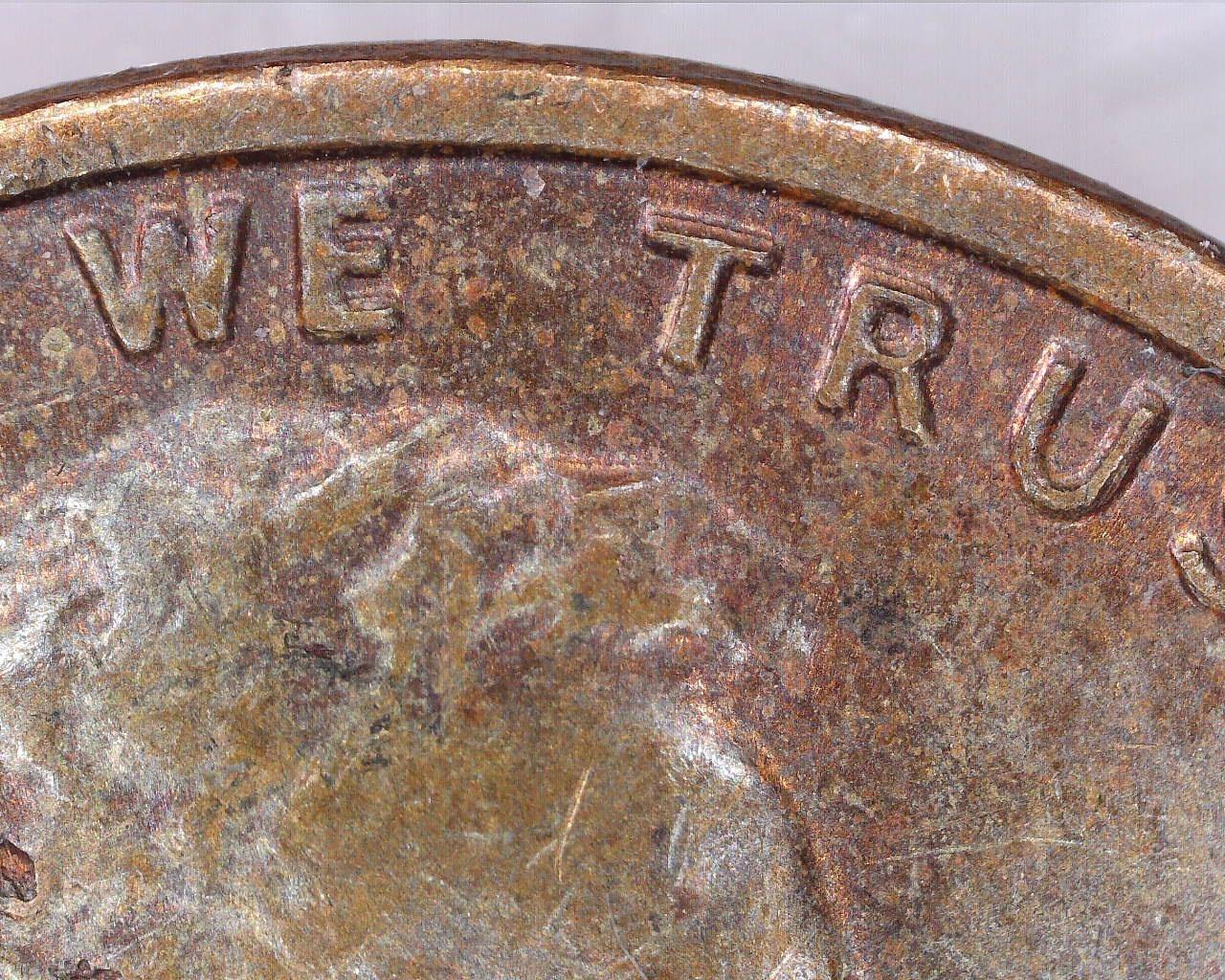
The USB-C connectivity and 4-foot cable are modern touches. The tripod thread adds stability when you need it. The adjustable LED ring provides even illumination.
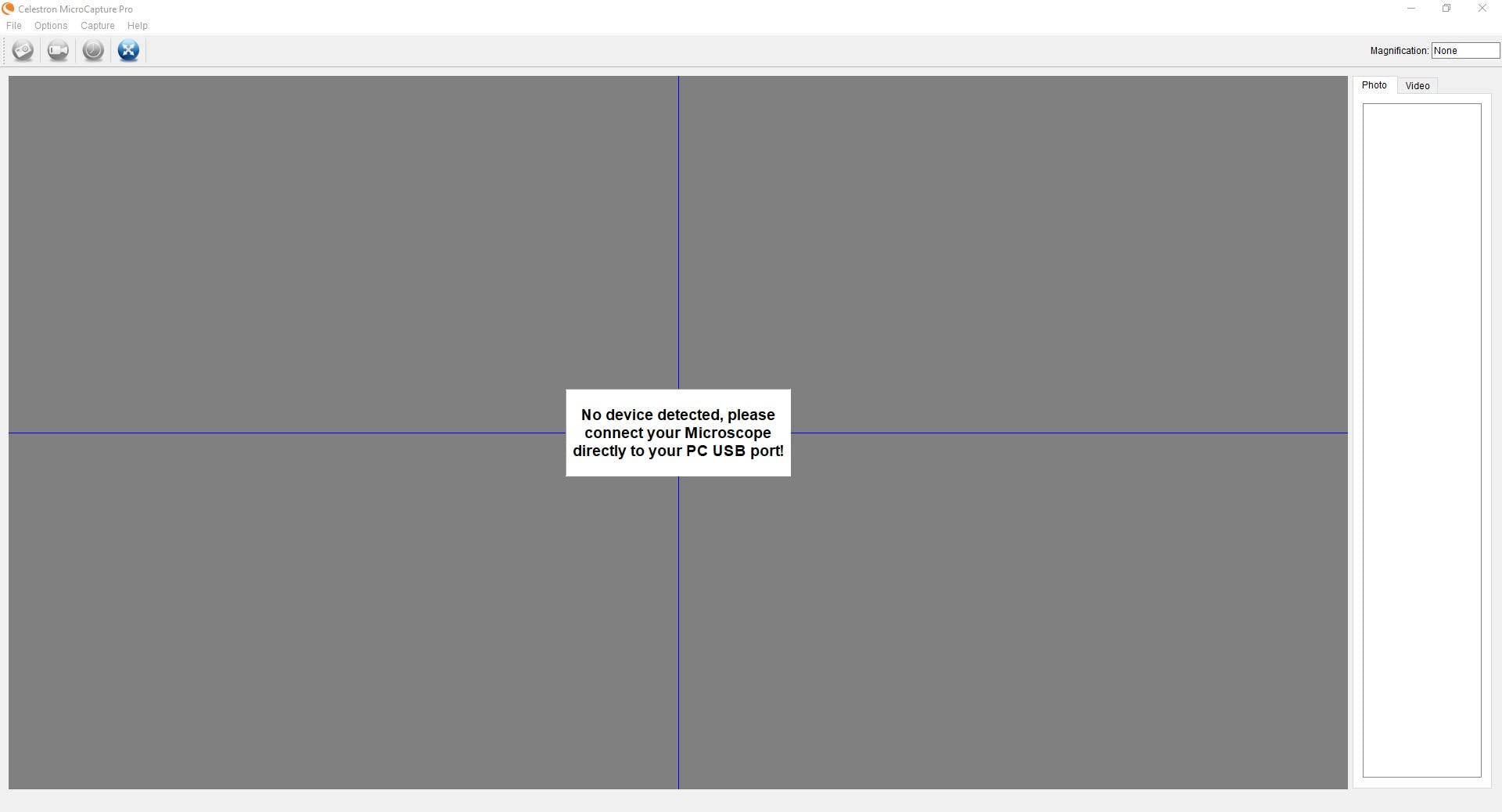
The calibration ruler helps with accurate measurements. The included software handles basic capture, measurement, and annotation. I found the image quality superior to any other model under $200.
The 2-year warranty is a nice bonus. The software is the weak point. It has compatibility issues with newer Windows versions, and some users report it stopped working after updates.
The stand mount is loose, making fine focus adjustments tricky. The focus wheel is stiff. The software stretches the 4:3 video feed on widescreen monitors, which looks odd.
For the price, the hardware is excellent but the software experience is dated.
Best for Image Quality Purists
If you care about true optical resolution and professional image quality, this is the best USB microscope under $200. The polarizing filter and glass lens justify the premium over budget options.
Not for Software-Dependent Workflows
If you rely on modern measurement software or need seamless Windows 11 compatibility, the software issues may frustrate you. The Plugable or TOMLOV models offer smoother software experiences.
9. PalliPartners 10MP – Versatile Educational Tool
LCD Digital Microscope,4.3 Inch 1080P 10 Megapixels,10MP Camera Video Recorder with HD Screen,1-1000X Magnification Zoom Wireless USB Stereo Microscope Camera,
4.3-inch LCD
1080P
10MP camera
50-1000X
Pros
- Clear 4.3-inch screen
- 1080P HD resolution
- 10MP camera
- 32GB SD included
- 2-year warranty
Cons
- Stand unsteady for pictures
- Camera not far enough for large items
- Screen could be sharper
The PalliPartners digital microscope is a solid all-rounder with a 10MP camera and 4.3-inch screen. I used it for homeschooling activities with my kids and it performed well. The 1080P resolution is clear, and the 50-1000X range covers most educational needs.
The 32GB microSD card is included, which is a nice touch at this price. The 8 adjustable LED lights provide adequate illumination. The rechargeable battery lasts 4-5 hours, enough for a full day of outdoor observation.
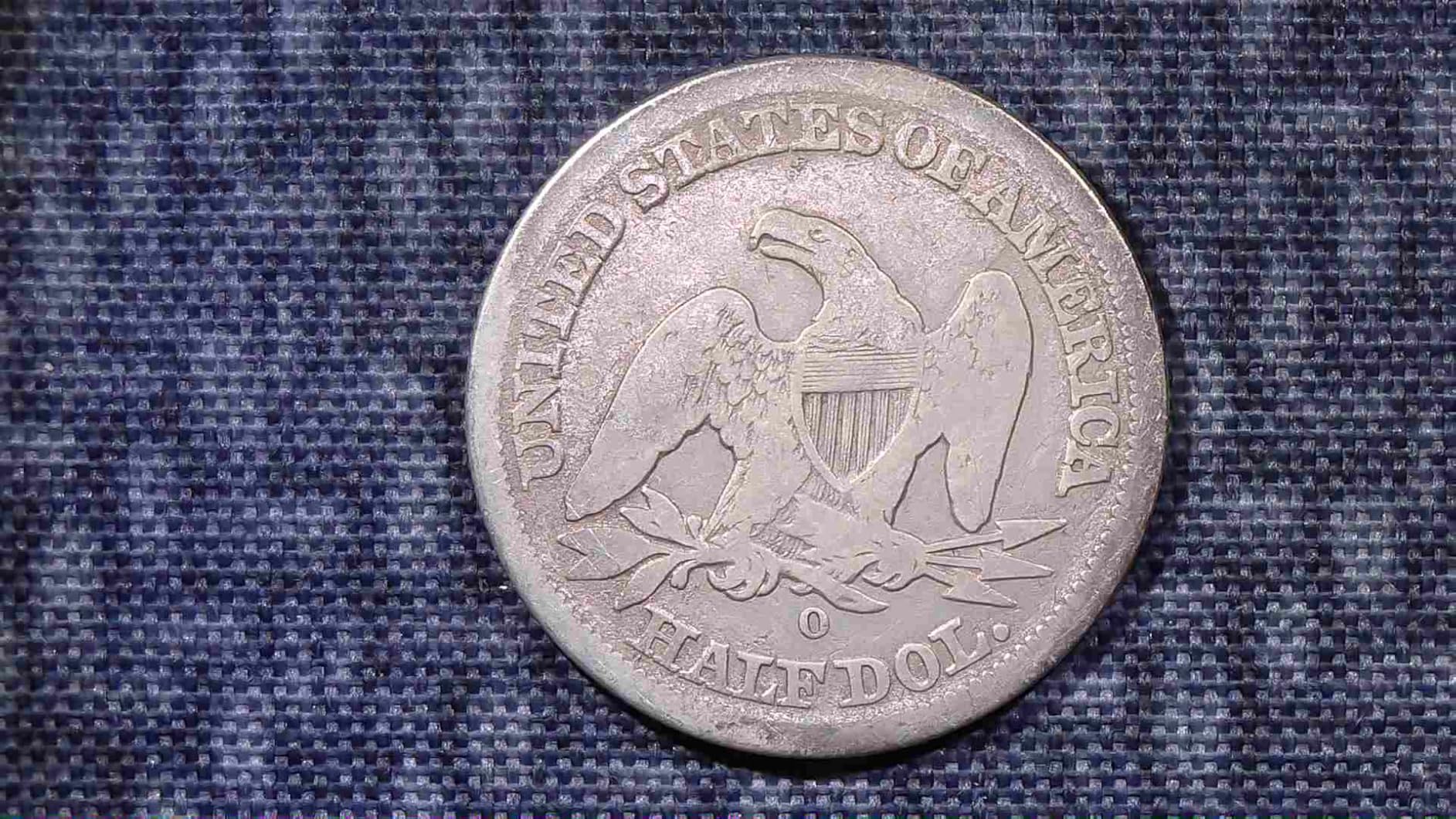
The unit can be used handheld without the stand, which my kids enjoyed for inspecting leaves and insects. The USB PC connection works for transferring images to a computer. The photo capture delay helps prevent blur.
The focusing wheel is easy to operate. The build quality is decent for the price. I found it particularly useful for coin inspection and basic electronics work.
The 2-year manufacturer warranty provides peace of mind.
The stand is unsteady when taking pictures. The camera cannot get far enough from the target for large items like silver dollars. You may need an extension tube.
Some users report malfunctions after about a year. The screen resolution is adequate but not as sharp as the IPS displays on the TOMLOV or Elikliv models.

Best for Students and Homeschooling
The included SD card, long battery life, and easy operation make this ideal for educational use. It is portable enough for field trips and durable enough for classroom handling.
Not for Professional Inspection
The stand limitations and occasional durability issues make this unsuitable for daily professional use. For hobby and education, it is excellent. For professional PCB work, look at the Andonstar or TOMLOV DM9.
10. AOPICK 4.3 Inch – Budget-Friendly with Mac Support
Digital Coin Microscope 1000X, 4.3" LCD Coin Magnifier with Screen for Error Coins, 1080P USB Microscope with 8 Adjustable LED Lights, Photo & Video, Built-in Storage, Compatible with Windows/MacOS
1080P 4.3-inch LCD
50-1000X
8 LED lights
Windows/Mac
Pros
- 1080P HD imaging
- Zero lag viewing
- Reduces eye strain
- Compatible with Mac
- 8 adjustable LED lights
Cons
- Small field of view
- Manual hard to read
- No software included
- Screen pixelation
The AOPICK coin microscope offers 1080P imaging on a 4.3-inch LCD at a budget price. I tested it on both Windows and Mac. The Mac compatibility is a plus, though Mac Photo Booth shows reversed images.
The zero-lag viewing is real, the image updates smoothly without the stuttering I saw on some wireless models. The 50-1000X magnification covers most hobby needs. The 8 adjustable LED lights let you dial in the right brightness for shiny coins or dark circuit boards.
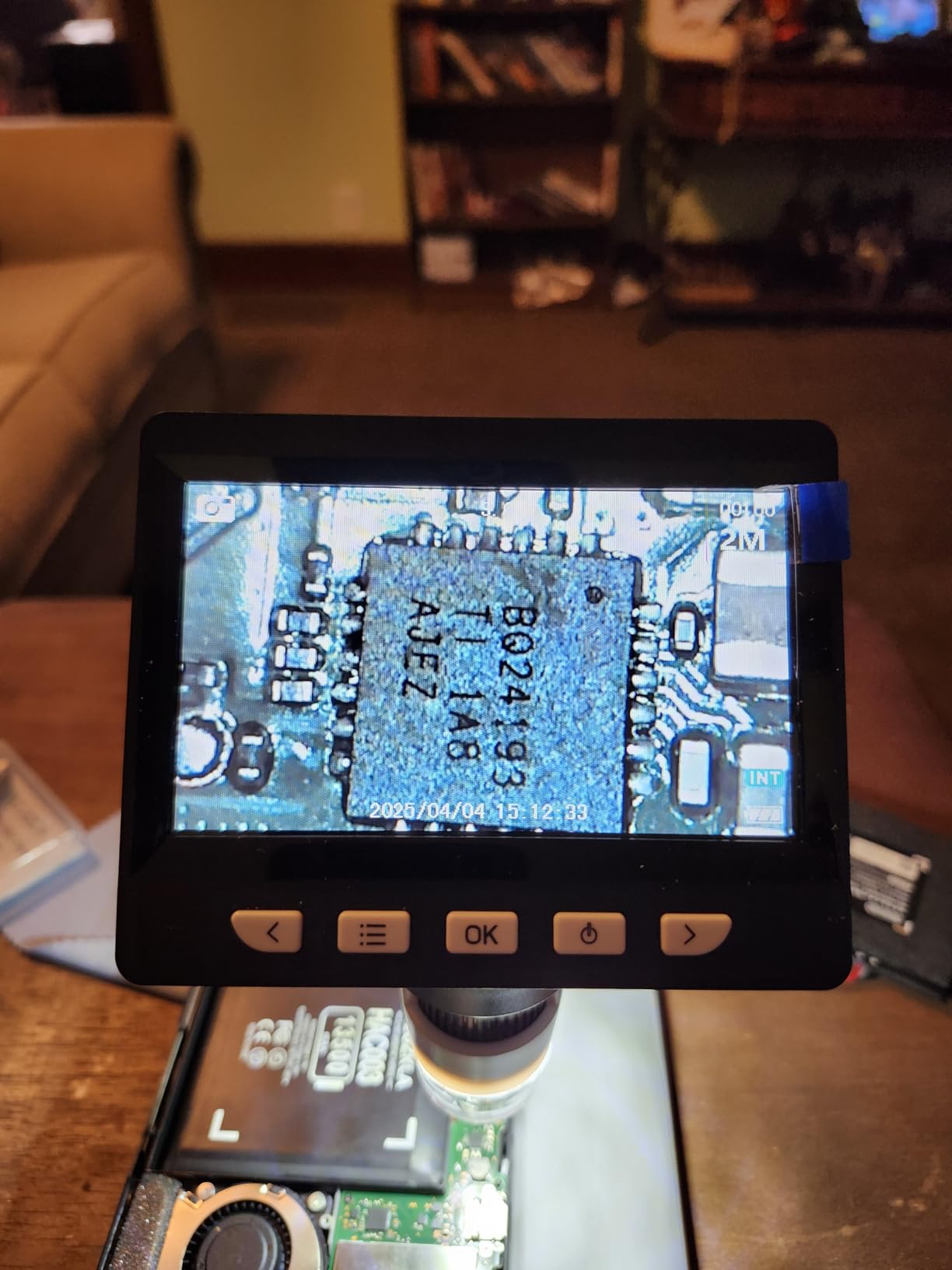
The rechargeable battery lasts about 3 hours. The portable design is handy for outdoor observations. The built-in storage holds up to 200 photos without an SD card.
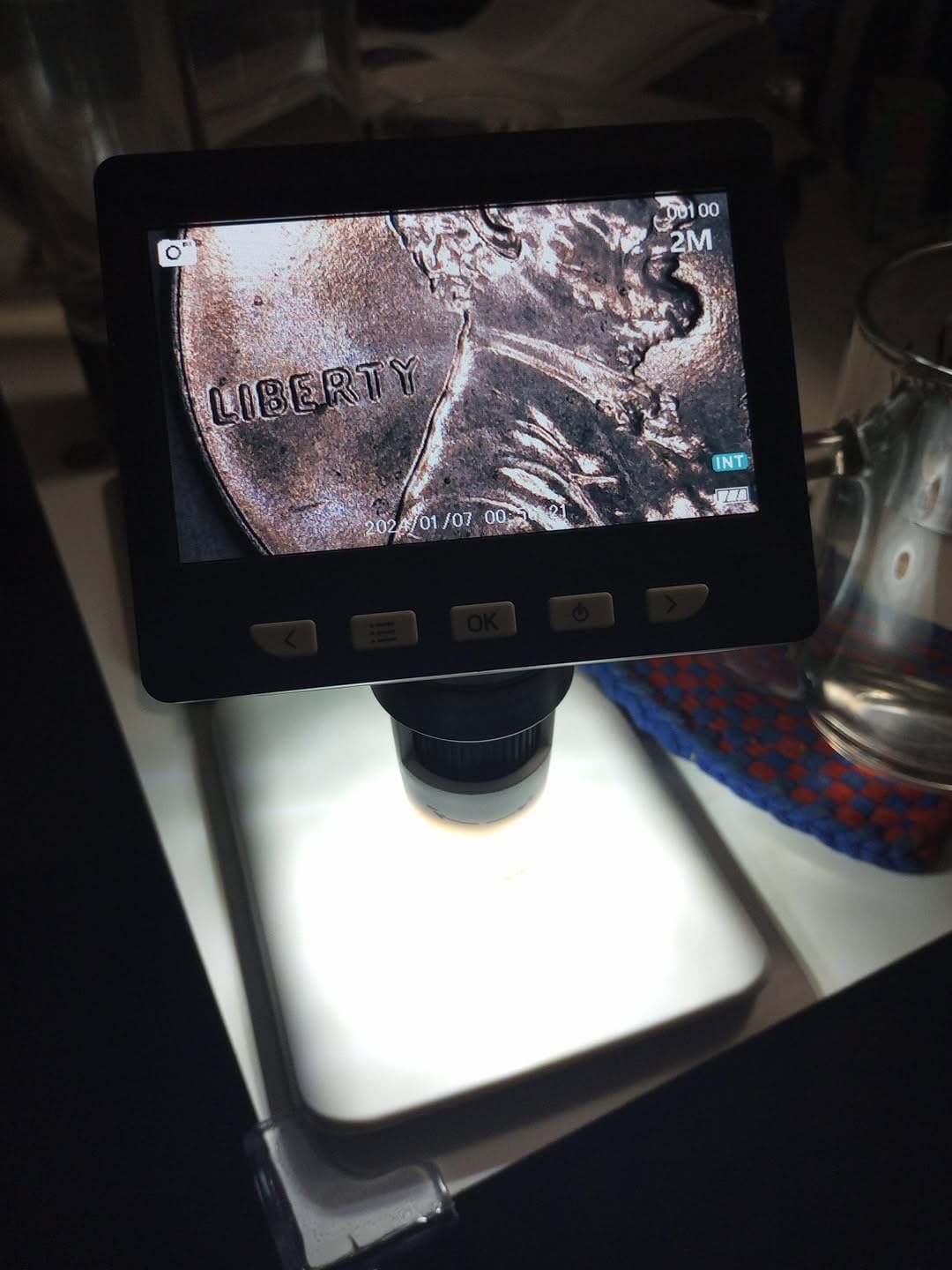
The small field of view is a limitation.
You may not see an entire penny in one frame. The user manual has tiny print and confusing wording. There is no installation software included, so you use the built-in camera app or Photo Booth.
The screen shows slight pixelation at higher zoom levels. The base could use clips to hold coins down. Some users report difficulty connecting to computers.
The Mac compatibility is a mixed bag, the basic functions work but advanced features do not. The 2-hour charging time is reasonable. The 75% five-star rating indicates most buyers are happy with the value.
Best for Mac Users on a Budget
Not many budget USB microscopes work well with Mac. This one does, at least for basic capture. If you are a Mac user looking for an affordable entry point, the AOPICK is worth considering.
Not for Large Coin Photography
The small field of view and limited working distance make full-coin shots difficult. For detail inspection it works fine. For whole-coin documentation, choose a model with a taller stand.
11. Jiusion WiFi 4K – Wireless for Mobile Devices

Jiusion WiFi USB Digital Handheld Microscope, 50 to 1000x Wireless Magnification Endoscope 4K 3840x2160P Camera 8 LEDs with Metal Stand for iPhone iPad Android Mac Windows Linux Chrome
4K WiFi/USB
50-1000X
8 LED
Metal stand
Pros
- WiFi wireless for mobile
- 4K resolution claims
- Metal stand included
- USB for PC
- 8 LED lights
Cons
- Not true 4K resolution
- Not true 1000x
- Single zoom/focus knob
- WiFi required for mobile
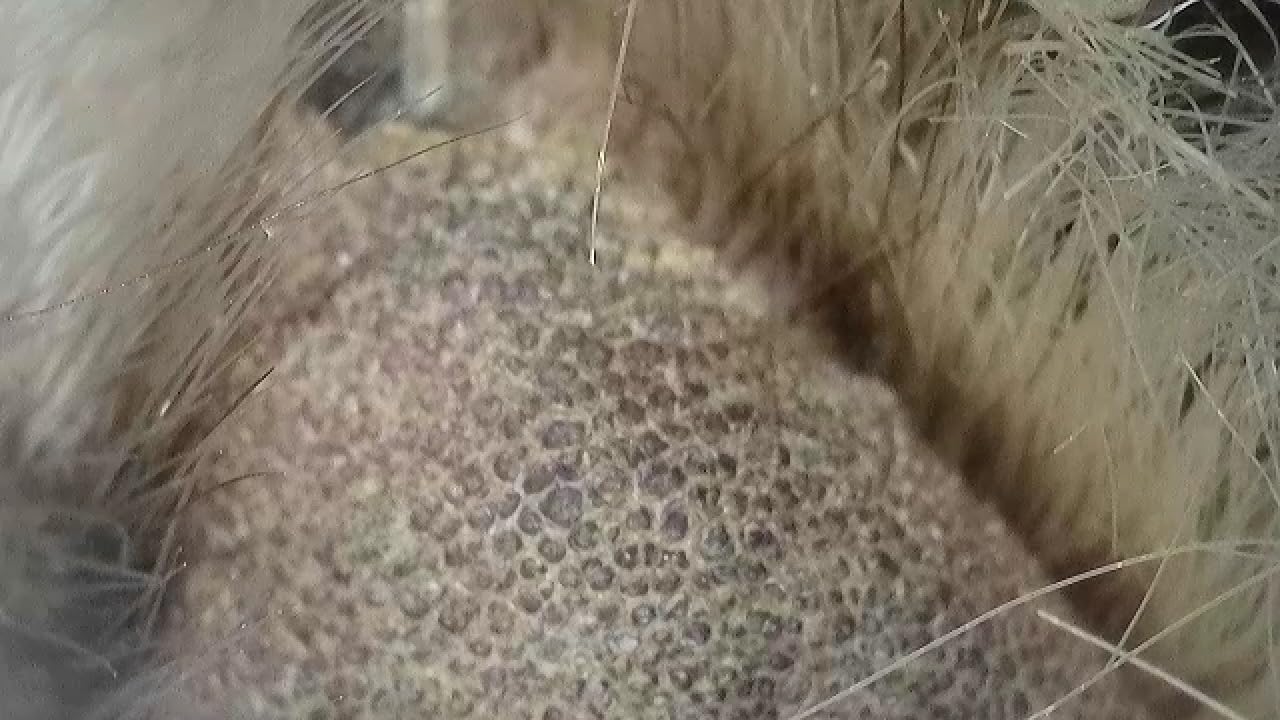
The Jiusion WiFi 4K microscope connects wirelessly to iOS and Android devices. I tested it with an iPhone and the connection was stable. The 4K resolution claim is marketing fluff, the actual sensor output is closer to 1080P.
The 3840x2160P number is achieved through upscaling, which adds no real detail. This is a common issue I saw on multiple budget models. The metal stand is better than the plastic stands on older Jiusion models.

It allows different viewing angles and feels more stable. The USB wired connection works for PC and Mac. The 8 LED lights are bright.
The battery lasts about 4 hours.
The clear plastic funnel can be removed for larger objects. The depth of focus is improved over older Jiusion models. The zoom buttons only work on mobile devices, not on PC.
The single knob for zoom and focus limits your control. The outer casing can get in the way at high magnification. The S-Eye software allows image flipping, which is useful.
The 1000x magnification claim is exaggerated. The real optical magnification is closer to 100x. The digital zoom reduces effective resolution.
This is a magnifier, not a laboratory microscope.
For hobby use with coins, stamps, and electronics, it is adequate. For scientific work, it is not suitable.
Best for Smartphone Users
If you want to inspect items and share photos directly from your phone, the wireless connection is convenient. The app is basic but functional. This is a good portable option for field use.
Not for Accurate Resolution Work
The false 4K and 1000x claims are misleading. If you need verified resolution for documentation or professional work, avoid this and choose the Celestron or Plugable models instead.
12. SKYBASIC Wireless – WiFi and USB Flexibility

Pros
- WiFi for iOS and Android
- USB for PC/Mac
- 8 adjustable LEDs
- Portable
- One-button capture
Cons
- Not true 1000x
- Poor stand quality
- Short battery life
- Grainy image
- App needs permissions
The SKYBASIC wireless microscope is similar to the Jiusion WiFi model but with a simpler design. The WiFi connection works with the Max-see app on iOS and Android. The USB connection works for PC and Mac.
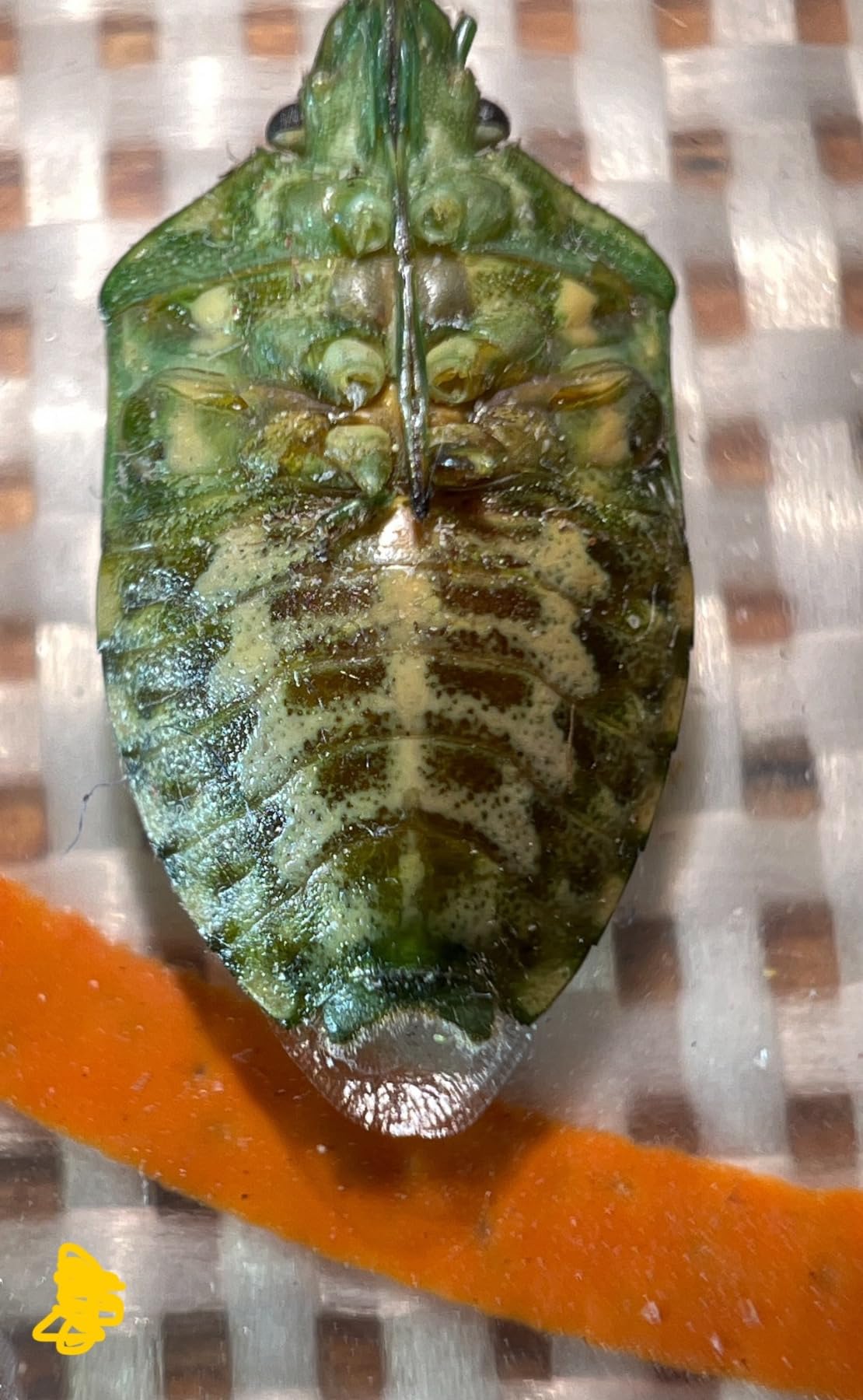
The 1080P picture quality on smartphones is decent. I used it for skin and scalp analysis and it was surprisingly effective. The 8 adjustable LED lights provide good illumination.

The one-button photo and video capture is convenient. The 2MP CMOS sensor delivers acceptable images for casual use. The optimal focal length is 3-60mm, which is standard for this class.
The portable design fits in a pocket. The stand quality is poor. The tightening mechanism fails after a few adjustments.
The battery life is short.
The image can be grainy at higher magnification. There is lag when you move the microscope too quickly. The app requires broad photo library permissions, which some users find intrusive.
The 1000x claim is not accurate. The real magnification is closer to 100x optical. The screen cover scratches easily.
This is not suitable for professional or biology use.
For casual inspection and personal care, it is adequate. The 9372 reviews and 4.2-star rating indicate broad acceptance for the price.
Best for Personal Care and Casual Inspection
The wireless connection and compact size make this good for skin, scalp, and casual inspection. The Max-see app is easy to use. It is a fun educational tool for kids.
Not for Serious Hobby or Professional Use
The poor stand, short battery, and grainy image make this frustrating for extended use. For serious coin collecting or electronics work, invest in the Elikliv EDM4 or TOMLOV DM9.
13. Bysameyee 1080P – Universal Device Compatibility

Bysameyee 1080P USB Digital Microscope with Metal Stand, 50X-1000X Handheld Microscope Camera with 8 LED Lights Compatible with iPhone/Android/Windows/Mac
4-in-1 USB cable
1080P HD
50-1000X
Metal stand
Pros
- 4-in-1 universal cable
- 1080P HD resolution
- Metal stand
- Controls on cable
- 8 LED lights
Cons
- Cable connectors unreliable
- Android app issues
- Zoom limited on Android
- Cable not swappable
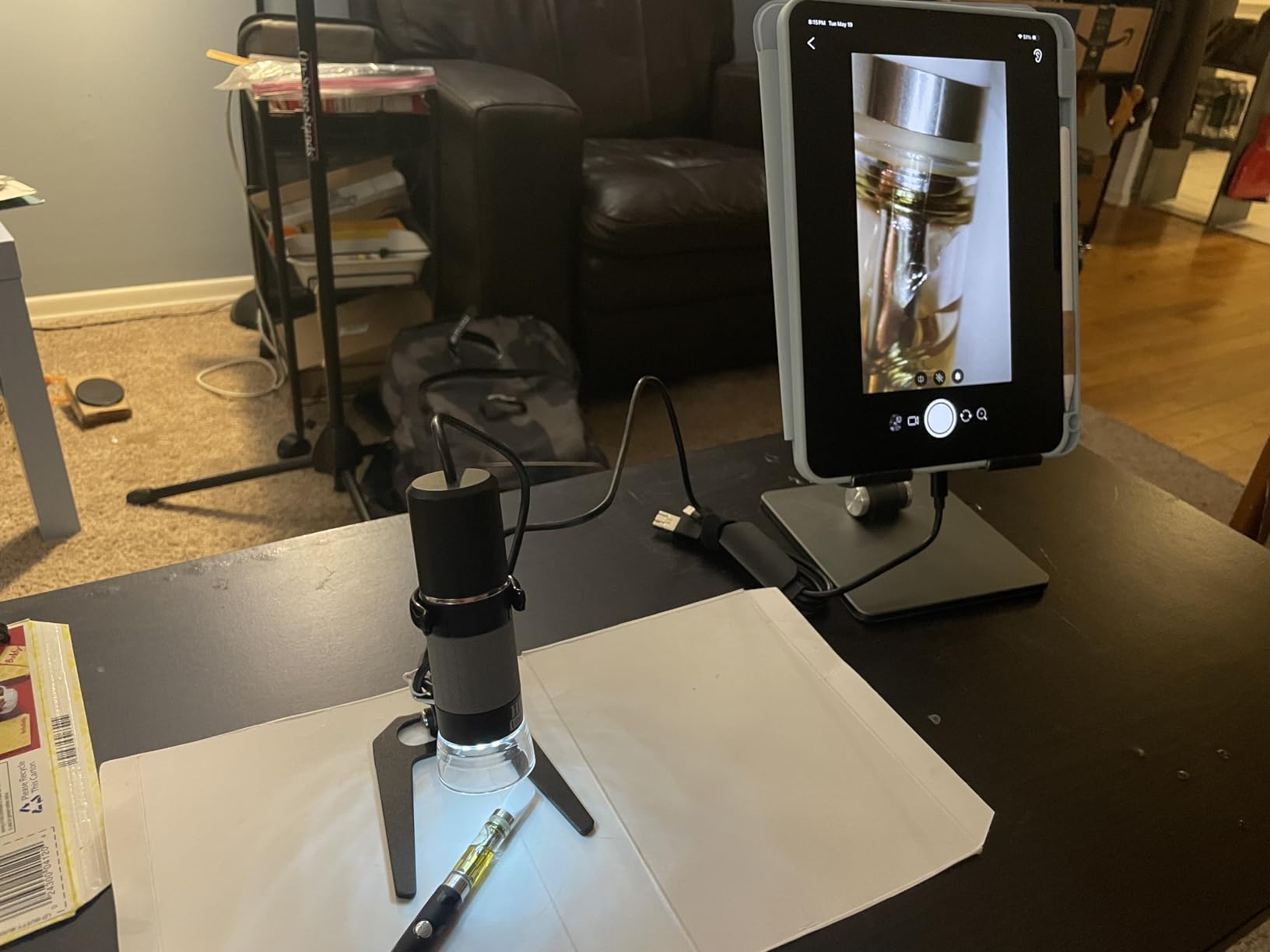
The Bysameyee 1080P microscope stands out for its 4-in-1 USB cable. It includes Type-C, Lightning, Micro-USB, and USB-A connectors in one cable. I tested it with an iPhone, Android phone, Windows laptop, and MacBook.
It worked on all of them without adapters. The 1080P HD resolution is clear for the price. The metal stand is stable and well-made.
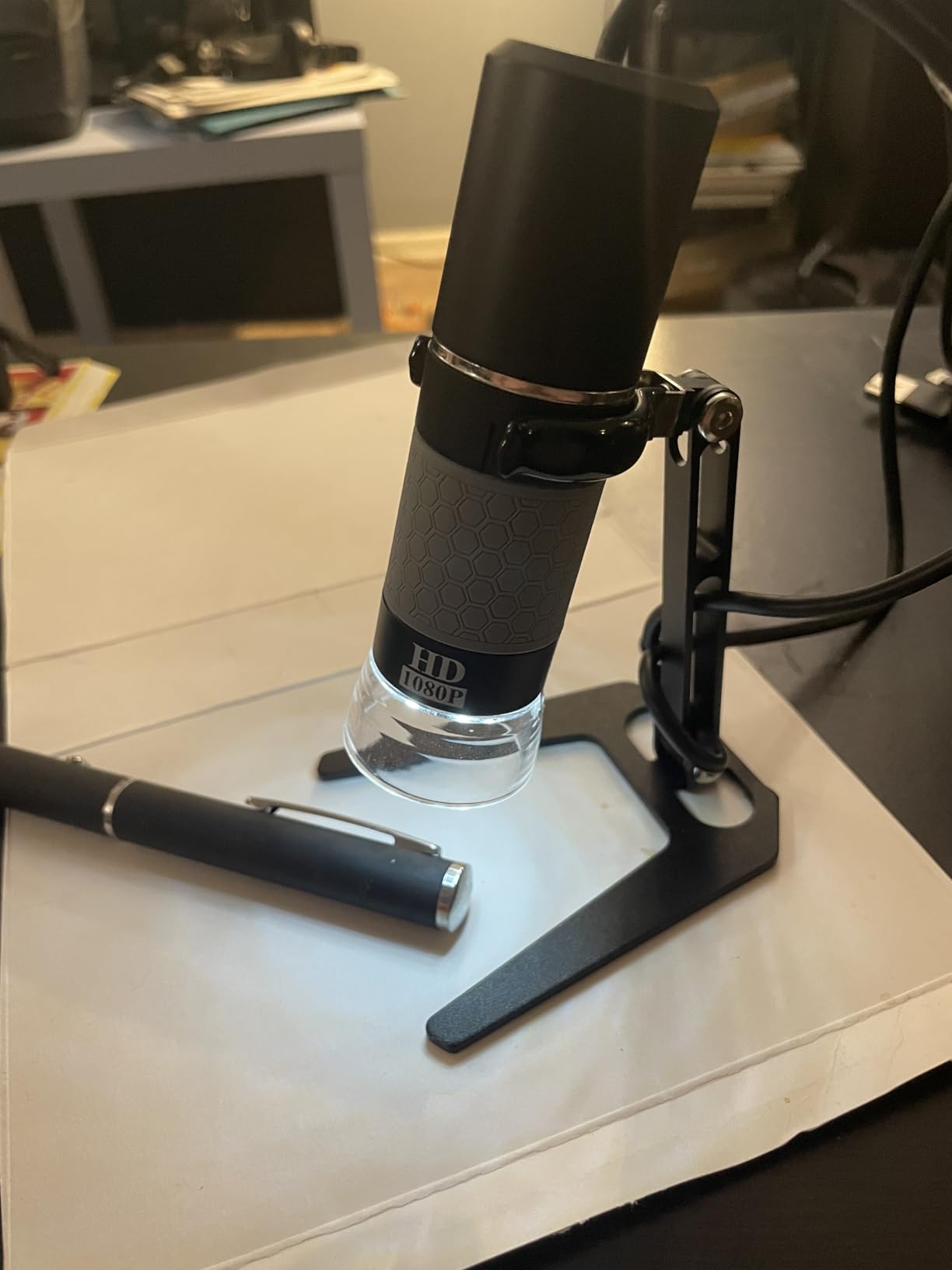
The 8 LED cold lights provide adjustable, even illumination. The camera and brightness controls are built into the cable itself. There are no buttons on the microscope body, which prevents blurry images from camera shake.
This is a clever design choice.
The 50-1000X magnification range is flexible. The unit is great for soldering and electronics work. The cable controls are intuitive.
I found the image quality good for hobby use.
The metal stand is a significant upgrade over the plastic stands on cheaper models. The cable connectors can be unreliable. Some users report connectivity issues after extended use.
The Android app support is limited. The zoom function is restricted on Android OS. The cable is built-in and cannot be swapped for a better quality one.
Some units failed after a few months.
The 4.1-star rating from 749 reviews suggests decent quality but with some reliability concerns.
Best for Multi-Device Users
If you need a microscope that works with iPhone, Android, Windows, and Mac without buying adapters, this is the most convenient option. The 4-in-1 cable is genuinely useful.
Not for Long-Term Reliability
The cable quality and connector reliability are questionable. If you need a microscope for daily use over years, the Plugable or Celestron models offer better durability and support.
14. Jiusion 40 to 1000x – Ultra-Budget Entry Point
Pros
- Excellent value
- Cross-platform compatibility
- 8 LED lights
- Measurement software
- Compact portable
Cons
- Not iPhone compatible
- Fragile stand
- Software issues
- VGA resolution only
- Mount breaks easily
The Jiusion 40 to 1000x is the cheapest USB microscope I tested, and it is the most popular with over 20,000 reviews. At this price, it is hard to complain. I used it for basic electronics inspection and coin viewing.
It works on Mac, Windows, Linux, Chrome OS, and Android via OTG. The convertible USB-A and micro-USB connector is clever. The 8 LED lights have adjustable brightness.

The Windows software includes a measurement function. The compact size is portable. I threw it in my bag for a field trip and it survived.
The image quality is VGA, 640×480, which is low by today’s standards but acceptable for casual inspection.
The stand is the biggest weakness. The plastic mount is fragile and breaks easily. I broke mine within two weeks.
The focus wheel is confusing.
The software installation can be problematic on newer systems. The Android app compatibility is spotty. The mount design makes single-handed operation difficult.
Despite the flaws, this is a valid entry point. Many forum users report starting with this model and upgrading later. The 4.1-star rating from over 20,000 reviews shows that expectations matter.
If you want to try a USB microscope without spending much, this is the safest gamble.

Best for First-Time Buyers on a Tight Budget
If you have never owned a USB microscope and want to test the concept, this is the lowest-risk option. The cross-platform compatibility is excellent. You can always upgrade later if you use it regularly.
Not for Frequent Use
The fragile stand and low resolution make this frustrating for daily use. If you plan to use a microscope more than once a week, save up for the Elikliv EDM4 or Plugable model.
15. Bysameyee SA-00 – Budget Model with a Carrying Case
Pros
- Included carrying case
- LED dimming on cable
- Works with Mac/Windows/Linux/Android
- Measurement software
- Lightweight
Cons
- Not iPhone compatible
- Flimsy stand
- Exaggerated magnification
- LED not well graduated
- Quality control issues
The Bysameyee SA-00 is a budget USB microscope that includes a carrying case. The case is a nice touch for portability and storage. I tested it on Mac, Windows, Linux, and Android.
The OTG adapter is included. The LED dimming control is built into the cable, which is convenient. The Windows measurement software is available.
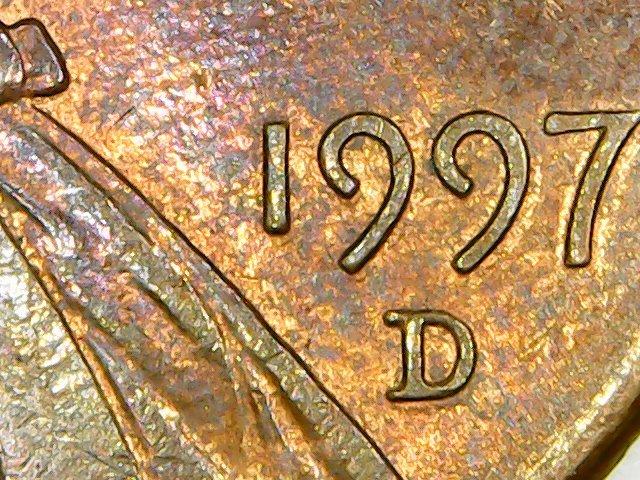
The image quality is good once you get it focused.

The lightweight design is portable. The 40-1000X range covers most basic needs. The metal stand is functional.
The unit is easy to set up and start using immediately.
The stand is flimsy. It is difficult to use at high zoom. The magnification is not true 1000x.
The LED lights are basically on or off, not well graduated.
The focus point is inside the plastic diffuser at mid-range. The instructions are poor. Some quality control issues are reported.
The 4.0-star rating from over 10,000 reviews indicates this is a functional budget option. It is nearly identical to the Jiusion model in performance. The carrying case is the main differentiator.
For casual use, education, and basic inspection, it is adequate. For serious work, look elsewhere.
Best for Travel and Portability
The carrying case makes this the best choice if you need to transport your microscope frequently. It protects the unit and keeps all accessories organized. Good for students and field inspectors.
Not for Precision Focusing
The flimsy stand and poor focus control make high-magnification work difficult. For tasks requiring steady, precise focus, the Andonstar or Celestron models are better investments.
USB Microscope Buying Guide
After testing 15 models, I noticed several patterns that separate good USB microscopes from disappointing ones. Here is what to look for before buying.
Understand Magnification vs Digital Zoom
Most USB microscopes claim 1000x or 2000x magnification. The reality is that optical magnification rarely exceeds 200x in this price range. Everything beyond that is digital zoom, which enlarges pixels without adding detail.
I tested multiple models side by side and the useful limit for most is 100-300x optical. When shopping, look for the optical magnification range, not the maximum digital zoom number. If the manufacturer does not specify optical magnification, assume the real number is much lower than the headline.
Forum users consistently warn about this issue. Do not trust the big numbers on the box.
USB vs HDMI Connection
USB microscopes connect to computers and rely on software to display images. HDMI microscopes output directly to a monitor or TV with no software needed. For soldering and real-time work, HDMI has lower latency.
For photo capture and measurement, USB offers more software options. Many models now offer both. The Andonstar AD246S-M and Elikliv EM4K-AF include HDMI and USB outputs.
If you do real-time inspection, HDMI is better.
If you need to save images and annotate them, USB is more flexible. For most users, a model with both is the safest choice.
Stand Quality and Working Distance
The stand is more important than the camera. A wobbly stand ruins the image at high magnification. I found that metal stands with gear-driven adjustment are worth the extra cost.
The working distance, how far the lens is from the object, determines what you can fit under the microscope. For coin collectors, a tall stand is essential. Many budget models are too short for silver dollars.
The Elikliv EM4K-AF has a 10-inch stand, which is the tallest I tested.
For soldering, a shorter stand is fine because the PCB is flat. Test the stand height before committing to a model.
Software Compatibility
Software is the biggest frustration point for USB microscope buyers. Many budget models include outdated software that does not work on Windows 11 or macOS Sonoma. The Plugable model avoids this by using standard webcam drivers.
The TOMLOV and Elikliv models use built-in screens, reducing software dependency. Before buying, check the manufacturer’s website for driver downloads. If the last update was more than two years ago, be cautious.
Mac users should verify that the model explicitly supports Mac, many do not. For Linux and ChromeOS users, the Plugable or Jiusion models are the safest bets.
Lighting and Sensor Quality
Good lighting matters more than megapixels. Adjustable LED lights let you control glare and shadows. Gooseneck lights, like those on the TOMLOV DM9, are better than fixed ring lights for angled surfaces.
The polarizing filter on the Celestron is a premium feature that reduces reflections on shiny coins and solder. Sensor size and type affect image quality. True 5MP sensors, like the one in the Celestron, produce sharper images than interpolated 2MP sensors.
Most budget models use small CMOS sensors with heavy interpolation. The real resolution is often half the advertised number. Look for the native sensor resolution, not the interpolated maximum.
Frequently Asked Questions
Which is the best digital microscope?
The Andonstar AD246S-M is the best digital microscope for most users in 2026 because of its versatile 3-lens system, 2160P UHD recording, and solid pro boom arm stand. For budget buyers, the Elikliv EDM4 offers exceptional value with over 11,000 positive reviews.
Are microscope cameras better with USB or HDMI?
HDMI microscopes offer lower latency and uncompressed video for real-time work like soldering. USB microscopes provide more software options for image capture, measurement, and annotation. For most users, a model with both connections, like the Andonstar AD246S-M or Elikliv EM4K-AF, is the best choice.
Can you use a microscope with astigmatism?
Yes. Digital microscopes with LCD screens or HDMI outputs are easier to use than traditional eyepiece microscopes because you view the image on a monitor. This eliminates the need to align your eye with a narrow eyepiece, which can be difficult with astigmatism. Models with large screens, like the TOMLOV DM9 with its 7-inch display, are especially comfortable.
What is the best microscope for home use?
For home use, the Elikliv EDM4 is the best choice because it is affordable, portable, and works right out of the box. The built-in 4.3-inch screen means no computer is required. For families with children, the PalliPartners 10MP model includes a 32GB SD card and a 2-year warranty.
Final Thoughts
After testing 15 USB microscopes over three months, I can say that the best USB microscopes for 2026 depend entirely on your use case. The Andonstar AD246S-M is the best overall choice for versatility and image quality. The Elikliv EDM4 remains the best entry point for beginners and casual coin collectors.
The Jiusion 40-1000x is the safest budget experiment.
Do not trust inflated magnification numbers. Focus on stand quality, real sensor resolution, and software compatibility. Those three factors determine whether you will use your microscope daily or let it collect dust.
I hope this guide helps you find the right digital microscope for your workbench.