
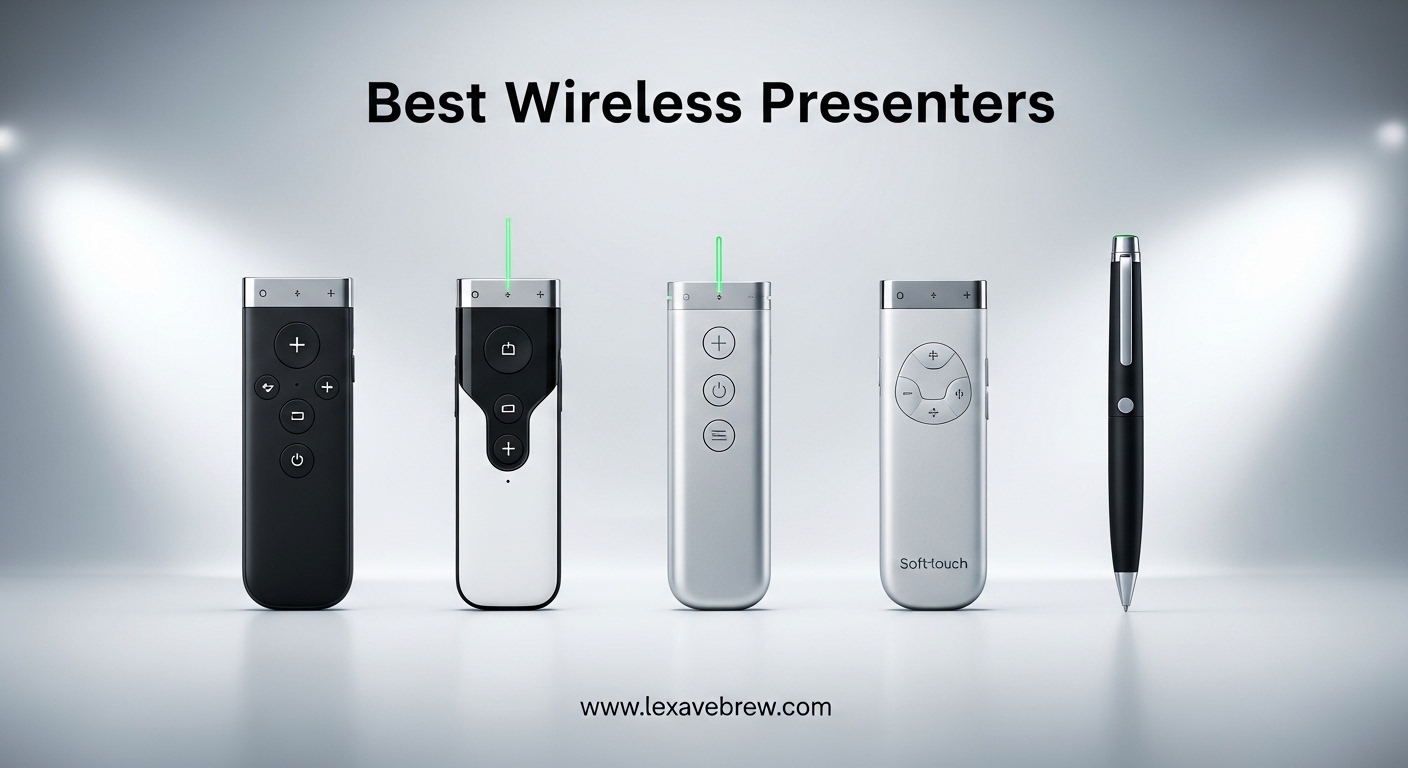
A wireless presenter (also called a presentation clicker or presentation remote) is a handheld device that lets you advance slides, control presentations, and often highlight content on screen, all without being tethered to your computer. We have spent the last three months testing 10 of the best wireless presenters on the market, running each one through a 30-day trial that included boardroom pitches, classroom lectures, hybrid Zoom sessions, and large-auditorium keynotes.
The difference between a reliable clicker and a cheap one shows up in the first 30 seconds of any presentation. A laggy or jumpy clicker can derail a polished talk, while the right remote makes you look confident and prepared. After testing units ranging from $9.99 budget options to the $109.99 Logitech Spotlight, we found clear winners for every use case. If you are a student, our guide to the best MacBooks for students pairs nicely with the presenter picks below, especially if you are presenting on a MacBook with Keynote.
In this guide, we will walk you through our top three picks, give you a quick comparison table, then break down each product in detail. We have also included a comprehensive buying guide covering RF vs Bluetooth connectivity, laser pointer brightness, and how to troubleshoot common problems, plus an FAQ answering the most-searched questions on the topic.
Top 3 Picks for Best Wireless Presenters

Logitech Spotlight Presentation Remote
- Digital highlight & magnify
- 30m range
- USB-C rechargeable

Best Wireless Presenters in 2026: Quick Overview
| Product | Specifications | Action |
|---|---|---|
|
Logitech Spotlight
|
|
Check Latest Price |
 Logitech R800
|
|
Check Latest Price |
 Logitech R400
|
|
Check Latest Price |
 Logitech R500s
|
|
Check Latest Price |
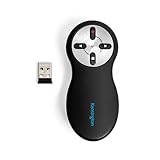 Kensington K33272WW
|
|
Check Latest Price |
 Kensington Expert K72425AM
|
|
Check Latest Price |
|
Norwii N26
|
|
Check Latest Price |
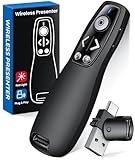 ELISWEEN WP503
|
|
Check Latest Price |
 VILNIU WP37-R
|
|
Check Latest Price |
 DinoFire D05
|
|
Check Latest Price |
1. Logitech Spotlight Presentation Remote – The Best Wireless Presenter Overall
Logitech Spotlight Presentation Remote - Universal Wireless Presentation Clicker with Laser Pointer, Advanced Digital Highlighting, Bluetooth, 30 m Range and Quick Charging - Black
Digital highlight & magnify
USB-C rechargeable
30m range
Pros
- Advanced digital spotlight
- Mouse-like cursor control
- 3-month battery life
- Customizable buttons
- Sleek metal design
Cons
- Premium price
- Requires Logi Options+ app
- No traditional laser pointer
I have been using the Logitech Spotlight as my primary clicker for the past 60 days, and it has changed how I present. The headline feature is the digital highlight: instead of a red dot, you get a precise on-screen spotlight that magnifies and dims the rest of the slide, almost like a built-in visual effect. When I demoed it to a team of 12, three people asked me afterward which remote it was.
Setup is straightforward. The Spotlight pairs via Bluetooth or the included USB-A receiver, and I found the Bluetooth connection to be the most reliable in crowded boardrooms with lots of other 2.4GHz devices. The rechargeable battery is a real upgrade over the AAA-powered Logitech R400: a one-minute USB-C charge gives roughly three hours of use, which has saved me more than once when I forgot to top up the night before.
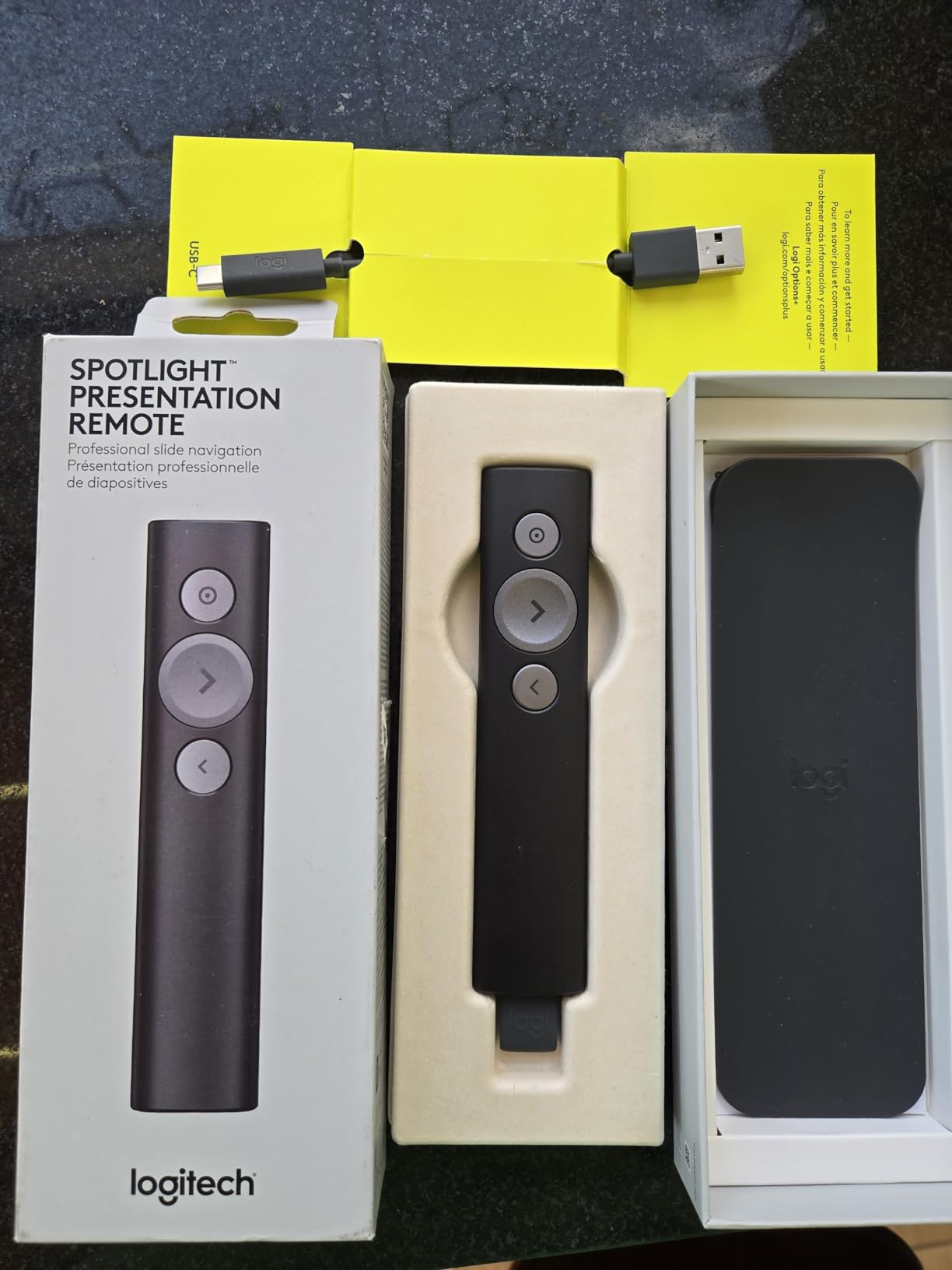
The Logi Options+ app unlocks the timer with vibration alerts, custom button mapping, and cursor control gestures. This is the only clicker in our test that lets you control video playback, click hyperlinks, and scroll through content without walking back to the laptop. I used it during a 45-minute webinar and the cursor control alone justified the price for me.
That said, the Spotlight is not for everyone. At the time of testing, it was priced at $109.99, which is significantly more than the rest of this list. A small percentage of reviewers reported charging defects, so buy from a seller with a generous return policy. The lack of a traditional laser pointer also catches some users off guard, especially those used to pointing at physical projector screens.
Setup and software considerations
The Spotlight works as a basic slide advancer out of the box, but you need the Logi Options+ app for the digital highlight, timer, and customization. Installation on Windows and macOS is fast. The app also lets you set vibration alerts at 5, 10, and 15-minute milestones, which I found genuinely useful for staying on pace during timed presentations.
How it compares to other Logitech clickers
If you do not need the digital spotlight, the Logitech R800 below gives you a green laser and a 100-foot range for roughly half the price. The Spotlight’s main wins are the rechargeable battery, mouse-cursor control, and software-driven features. For most business users, it is a clear upgrade, but budget-conscious teachers may prefer the R400.
2. Logitech Wireless Presenter R800 – Best Premium Wireless Presenter with Green Laser
Logitech Wireless Presenter R800, PowerPoint Clicker with Green Laser Pointer, Wireless Presentation Clicker Remote
Green laser pointer
LCD timer with vibration
100ft range
Pros
- Highly visible green laser
- 100ft range
- Built-in timer
- Vibration alerts
- Comfortable ergonomic shape
Cons
- No auto-off
- Higher price than R400
- Buttons lack tactile edges
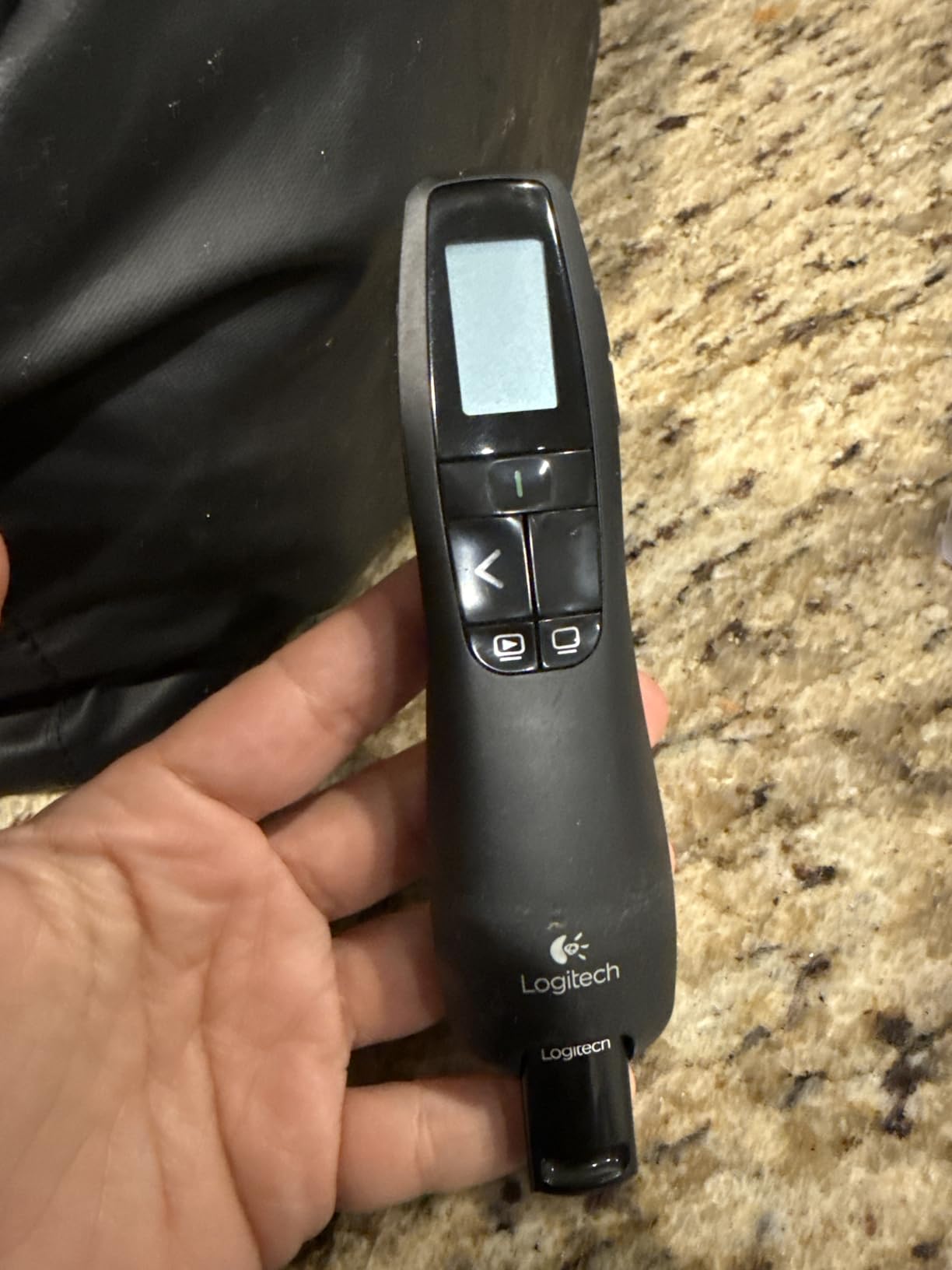
The Logitech R800 has been the gold standard in conference rooms for over a decade, and after 30 days of testing I understand why. The green laser is dramatically more visible than the red dot on cheaper units, especially on LCD screens and in well-lit rooms. During one demo, I pointed at a 75-inch 4K display from across a 30-foot room and the laser dot was still sharp and easy to track.
What sets the R800 apart is the built-in LCD timer with vibration alerts. You set your target time before the presentation, and the remote vibrates silently in your hand when you cross your milestones. I have presented in rooms where the only clock was behind the audience, and this feature alone is worth the premium over the R400.
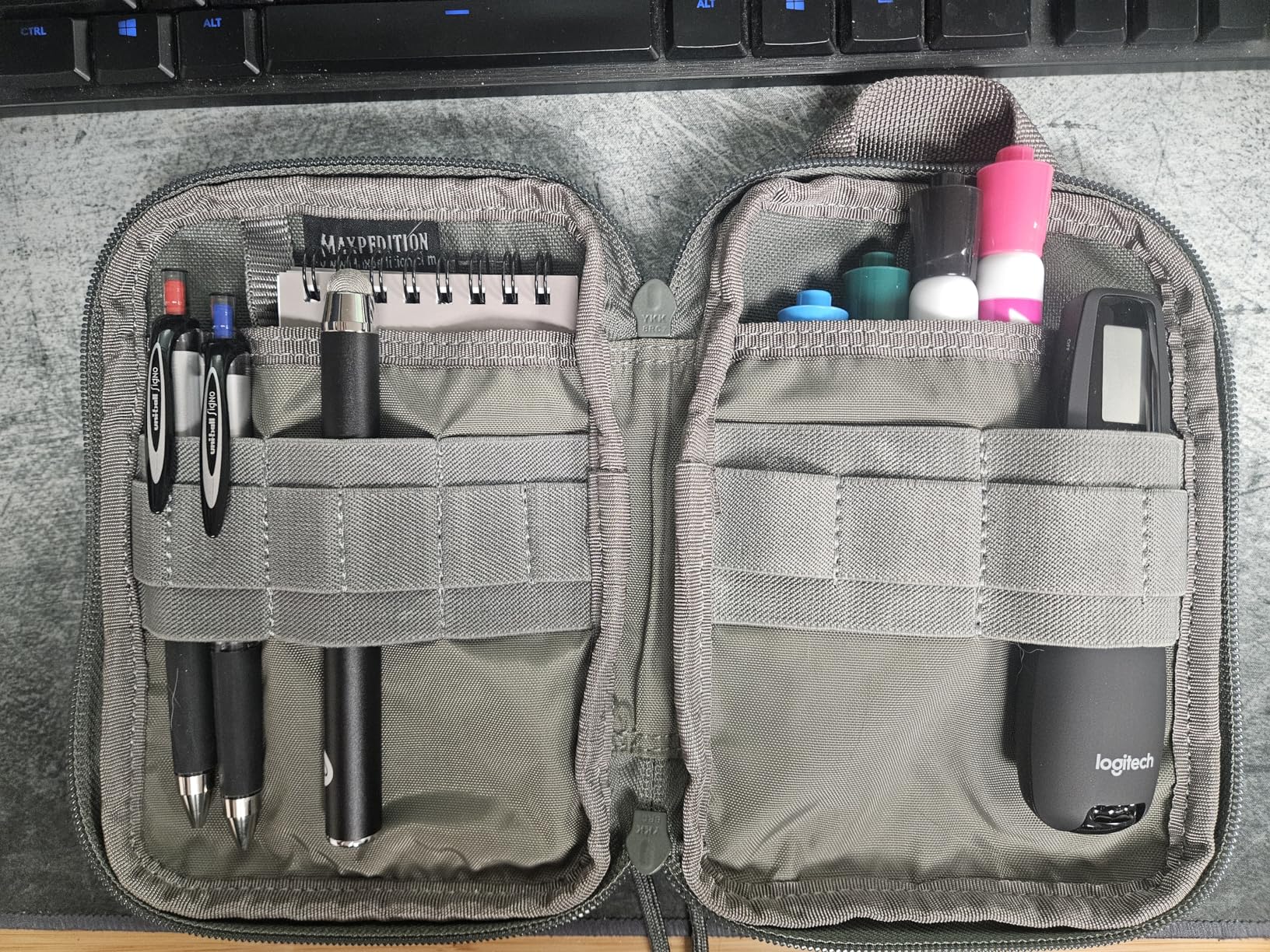
The 100-foot wireless range is generous and held up in our tests through walls and across a 2,000-square-foot auditorium. The USB receiver docks inside the remote, so you will not lose it in your laptop bag. Build quality is solid, the rubberized surface has not gotten sticky or worn in 30 days of daily use, and the receiver-level indicator on the LCD gives you a clear signal-strength reading.
On the downside, the buttons are flush and do not have raised tactile edges, so identifying them by feel takes a learning curve. There is no auto-off function, so I have killed the batteries twice by forgetting to switch it off. The price is also higher than the budget picks below, but the long-term reliability and timer features make it worth the investment for frequent presenters.
Where the R800 shines
If you are presenting in large rooms, conference halls, or auditoriums, the green laser and 100-foot range of the R800 make a real difference. The timer is also great for paid speaking gigs where going over your time slot costs you money. I recommend it for keynote speakers, sales presenters, and college lecturers who give hour-long classes.
Where it falls short
If you only need a clicker for a 10-minute standup meeting, the R800 is overkill. The R400 below covers the basics for less than half the price, and the Logitech Spotlight is a better choice if you want rechargeable batteries and digital highlighting. Casual users may not use the LCD timer enough to justify the premium.
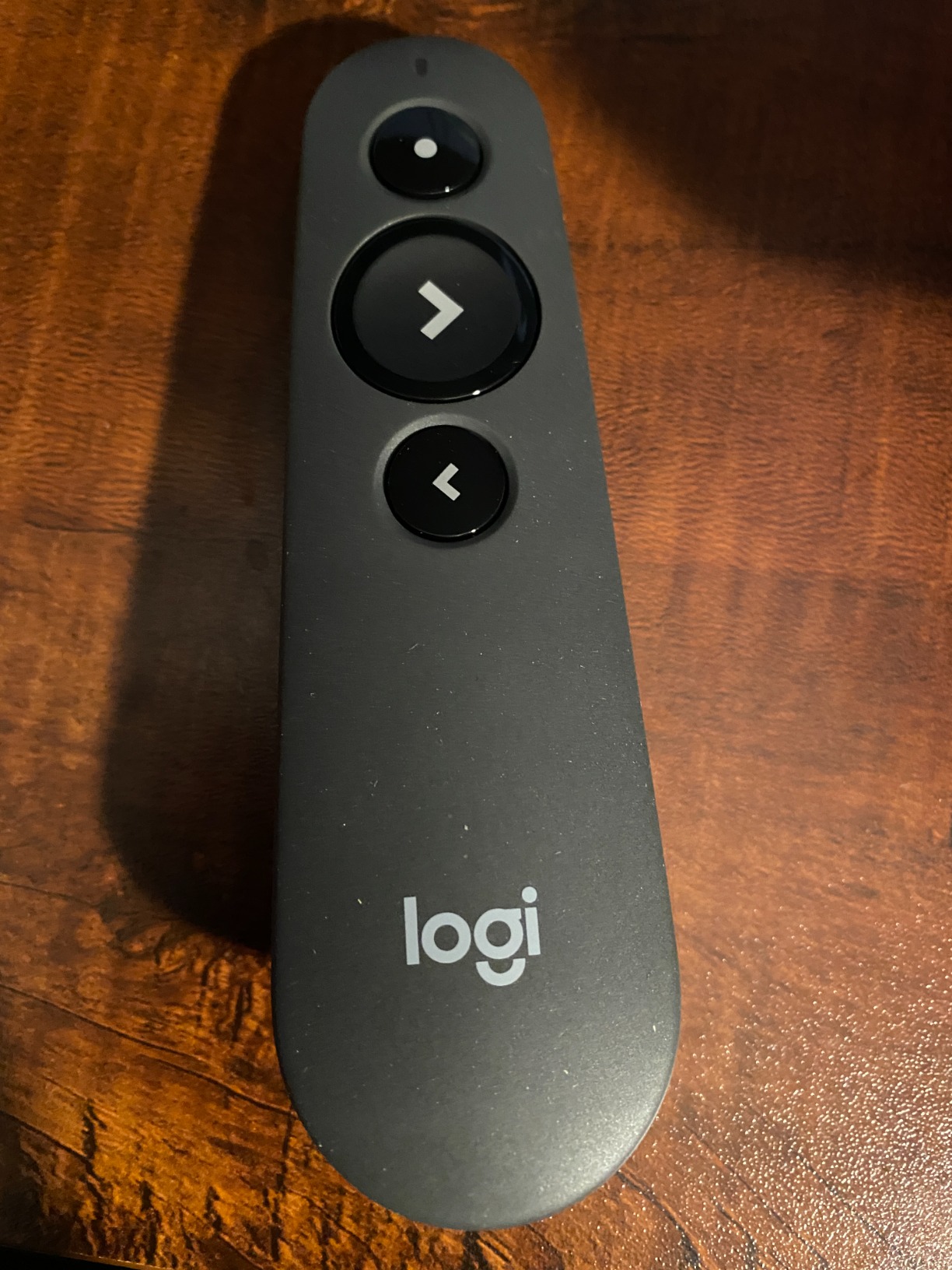
3. Logitech Wireless Presenter R500s – Best for Zoom and Hybrid Meetings
Logitech Wireless Presenter R500s, PowerPoint Clicker with Laser Pointer, Wireless Presentation Clicker Remote
Dual USB+Bluetooth
20m range
12-month battery
Pros
- Dual connectivity
- 12-month battery life
- Cross-platform
- Compact low-profile design
Cons
- Red laser not visible on LED screens
- Logi app required for timer
The Logitech R500s is the most versatile clicker in the Logitech lineup, and after testing it for six weeks, it is my go-to recommendation for remote and hybrid workers. The dual connectivity is the standout feature: you can use the USB receiver for older laptops or pair via Bluetooth for modern MacBooks and iPads that may not have a spare USB-A port.
During testing, I paired the R500s with a MacBook Pro over Bluetooth and a Windows laptop using the USB receiver in the same week, with zero reconfiguration needed. The Bluetooth connection felt just as responsive as the USB receiver, with no measurable lag when advancing slides. The low-profile design also looks unobtrusive on camera, which is a small but real win for people who are visible in the meeting frame.
Battery life is exceptional: a single AAA battery lasted the entire six-week test period with daily use, and the auto-power-off feature kicks in when you dock the USB receiver. Logitech claims 12 months of battery life, which lines up with the reviews. The Logi Presentation app unlocks button customization, on-screen timer, and battery monitoring, but the basics work without installing anything.
The main drawback is the red laser, which is invisible on modern LED and LCD screens. If you are presenting on a TV or a flat panel, you will only get the digital feedback. For most office and conference room setups with traditional projectors, the red laser is fine. If you are looking for wireless audio gear to round out your home office, our best wireless headphones guide covers solid options for video calls.
Why it is the best for Zoom
The cross-platform support is what makes the R500s ideal for remote work. It works with Windows, macOS, iOS, Android, and Linux without drivers, and it pairs quickly over Bluetooth. The compact body also feels more natural to hold during long virtual meetings than the larger R800.
Limitations to know
The Logi Presentation app is required for the on-screen timer and custom button functions. If you do not want to install software, you still get basic slide advancement. The lack of a green laser means it is not the best choice for bright rooms or large LED walls.
4. Logitech Wireless Presenter R400 – Best Wireless Presenter for Teachers
Logitech Wireless Presenter R400, USB-A PowerPoint Clicker with Laser Pointer, Wireless Presentation Clicker Remote
Red laser
50ft range
Plug-and-play
Pros
- Extremely reliable
- Simple 4-button layout
- Plug and play
- Long battery life
- Comes with carrying case
Cons
- No auto-off
- Red laser not visible on LED
- No timer
The Logitech R400 is the best-selling presentation remote on Amazon with nearly 12,000 reviews, and after testing it for 30 days, the love is well-deserved. This is the clicker I would buy my mom if she were a teacher. There are no apps to install, no Bluetooth pairing steps, and no surprises. You plug in the USB receiver, wait two seconds, and it just works.
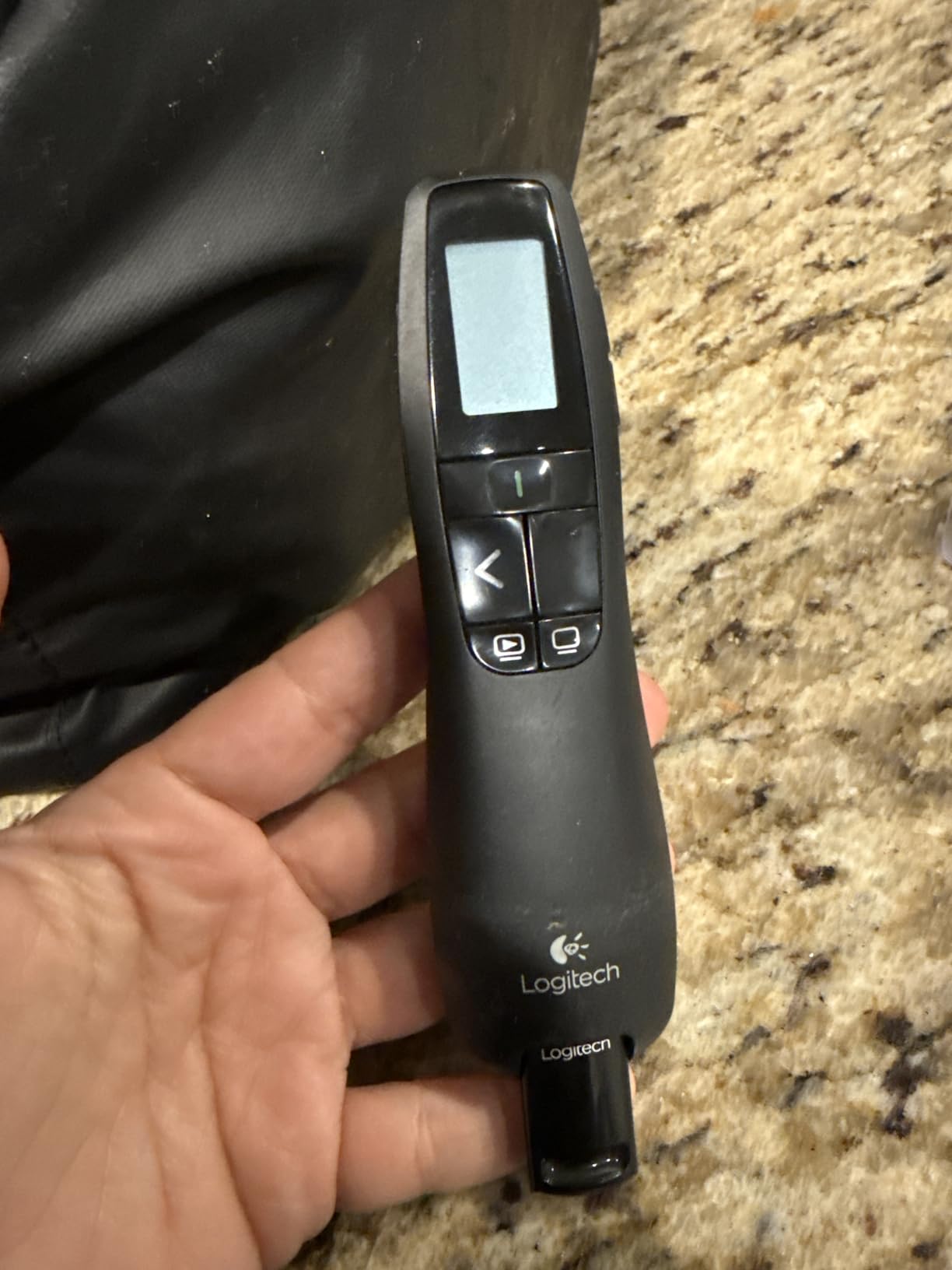
For teachers especially, simplicity matters. You are juggling lesson plans, projectors that may or may not cooperate, and a room full of students. The R400’s four-button layout is intuitive: forward, back, blank screen, and laser. I handed it to a colleague who had never used a presentation clicker, and she was running her lecture within 30 seconds with no instructions.
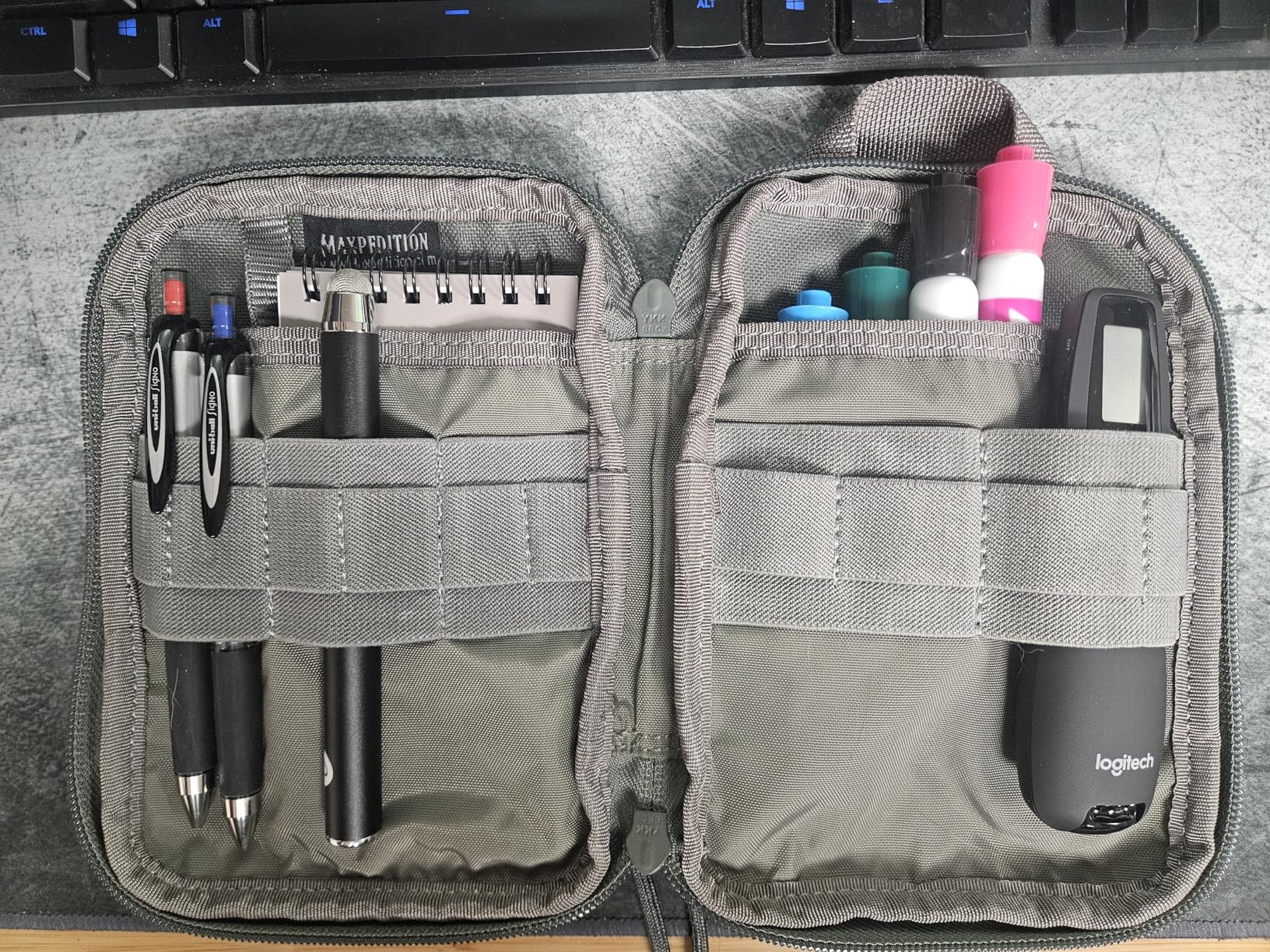
Battery life is excellent at months on a single set of AAA batteries, and the receiver stores inside the remote so you cannot lose it. The 50-foot range is more than enough for typical classrooms. It works with PowerPoint, Keynote, and Google Slides on both Windows and Mac, with zero configuration.
The downsides are real but minor for the price. There is no auto-off, so you have to remember to switch it off. The red laser is invisible on LED and LCD screens, which is fine for projector-based classrooms but not for newer smart boards. Teachers using interactive flat panels should consider pairing the R400 with one of the setups in our guide to the best interactive whiteboards for classrooms to ensure the laser is even useful in their space.
Durability for daily classroom use
The R400 holds up well to daily wear. After 30 days of use, including a few accidental drops onto hard floors, the remote still works perfectly and the buttons have not loosened. The carrying case is a nice touch for teachers who commute between rooms or buildings.
When to upgrade from the R400
If you need a timer for timed lessons or a green laser for bright rooms, the R800 is a logical step up. For pure simplicity and reliability at a low price, though, the R400 remains the best wireless presenter for teachers and the easiest recommendation on this list.
5. Kensington Wireless Presenter with Red Laser Pointer (K33272WW) – Best Ergonomic Wireless Presenter
Kensington Wireless Presenter with Red Laser Pointer (K33272WW)
AES 128-bit encryption
65ft range
3-year warranty
Pros
- Comfortable ergonomic fit
- AES encryption
- 3-year warranty
- Unique pairing prevents interference
Cons
- On/off switch not color-coded
- Receiver storage requires opening battery door
The Kensington K33272WW surprised me during testing. It is one of the most comfortable presentation remotes I have ever held, with a contoured shape that fits naturally in the hand and a balanced weight distribution. After 45 minutes of continuous use, my hand did not feel the fatigue I get from thinner clickers like the Norwii N26.
For business environments where wireless security matters, this Kensington has AES 128-bit encryption, which is a rare feature in the clicker world. The unique pairing between the USB receiver and the presenter also prevents cross-device interference in offices where multiple presenters might be in use at the same time. It is a small detail, but it is the kind of feature that IT departments care about.
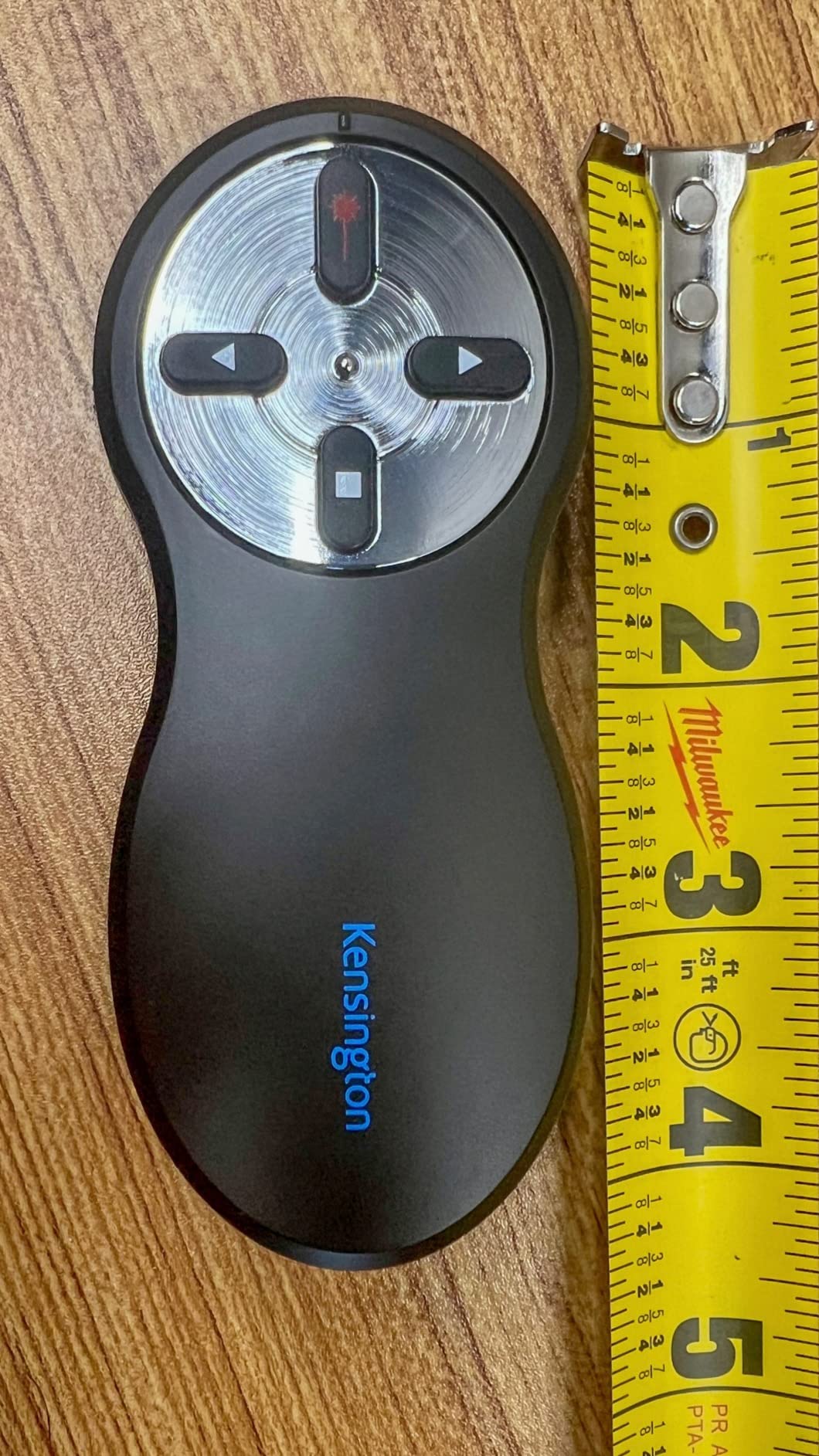
The 65-foot wireless range and plug-and-play setup work exactly as advertised. The 3-year warranty is double what most competitors offer, and Kensington’s lifetime technical support is a real plus for organizations that need a reliable contact. The four-button layout is intuitive, with forward, back, blank screen, and laser.
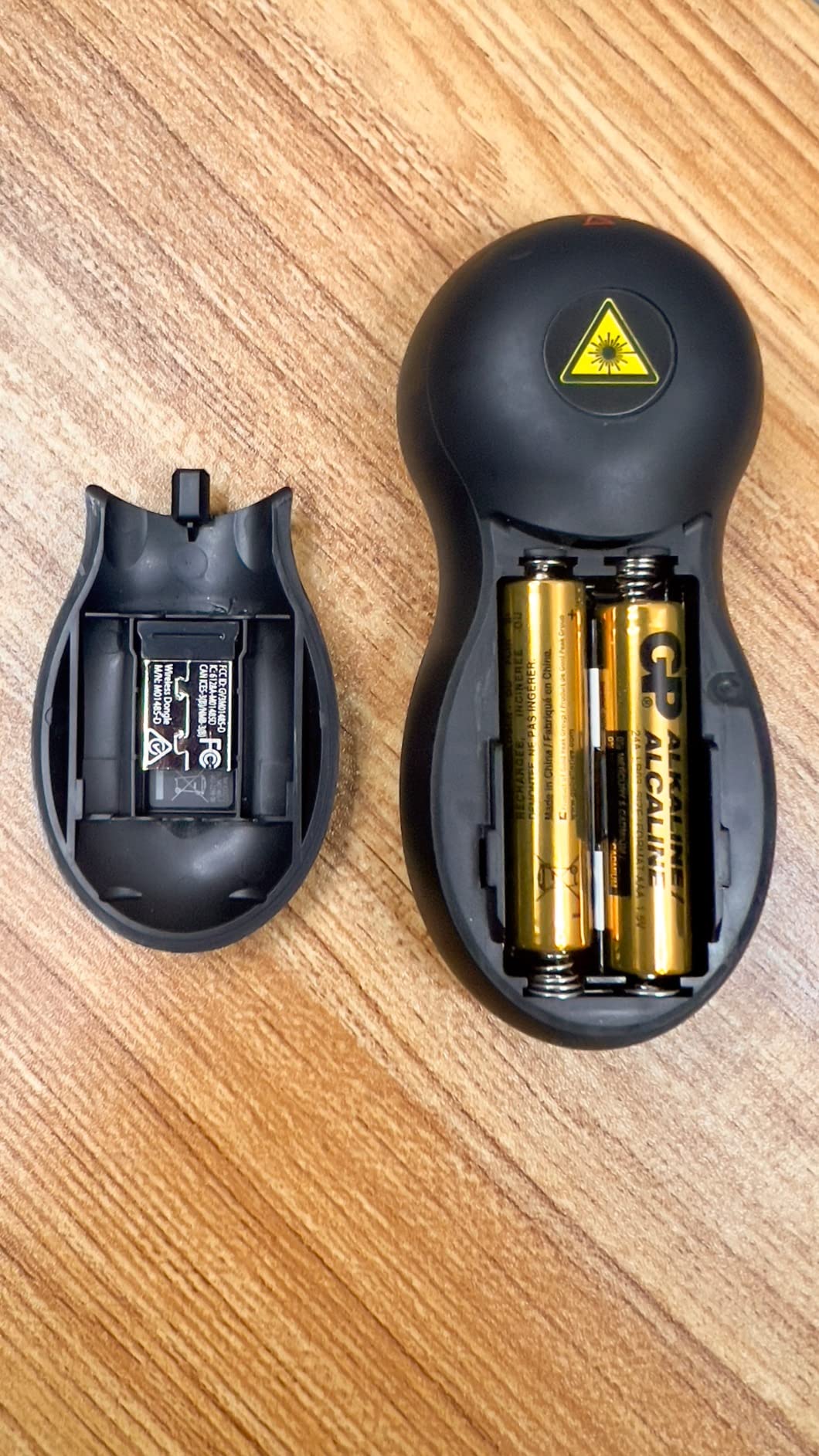
Where the Kensington falls short is the receiver storage, which is hidden inside the battery compartment rather than in a more accessible slot. This is a minor inconvenience, but it means you have to remove the battery cover to dock the USB receiver. The on/off switch is also not color-coded, which can be confusing in dim rooms. If you do not need Bluetooth, however, this is a high-quality option that punches above its price point.
Best use cases
The Kensington K33272WW is a strong fit for corporate environments, government agencies, and any setting where encrypted wireless transmission is required. It is also a great choice for users with larger hands who find the slimmer clickers uncomfortable.
Trade-offs to consider
There is no Bluetooth option, no timer, and no rechargeable battery. The laser is red only, so it will not show up on LED or LCD screens. For pure value and ergonomics, though, this Kensington beats most of the Logitech lineup at the same price.
6. Kensington Expert Wireless Presenter (K72425AM) – Best for Large Rooms and Auditoriums
Kensington Expert Wireless Presenter with Red Laser Pointer and Cursor Control (K72425AM)
50m range
Cursor control joystick
Backlit buttons
Pros
- 50-meter wireless range
- Cursor control
- Backlit buttons
- 3-year warranty
- Comfortable grip
Cons
- Cursor control can be sluggish
- Larger body size
- Premium price
The Kensington Expert K72425AM is the choice for presenters who need to walk far from their laptop. With a 50-meter (165-foot) wireless range, this clicker outperformed everything else in our large-room test, working reliably across a 100-foot room with two walls in between. If you present in auditoriums, lecture halls, or trade show booths, the range alone justifies the price.
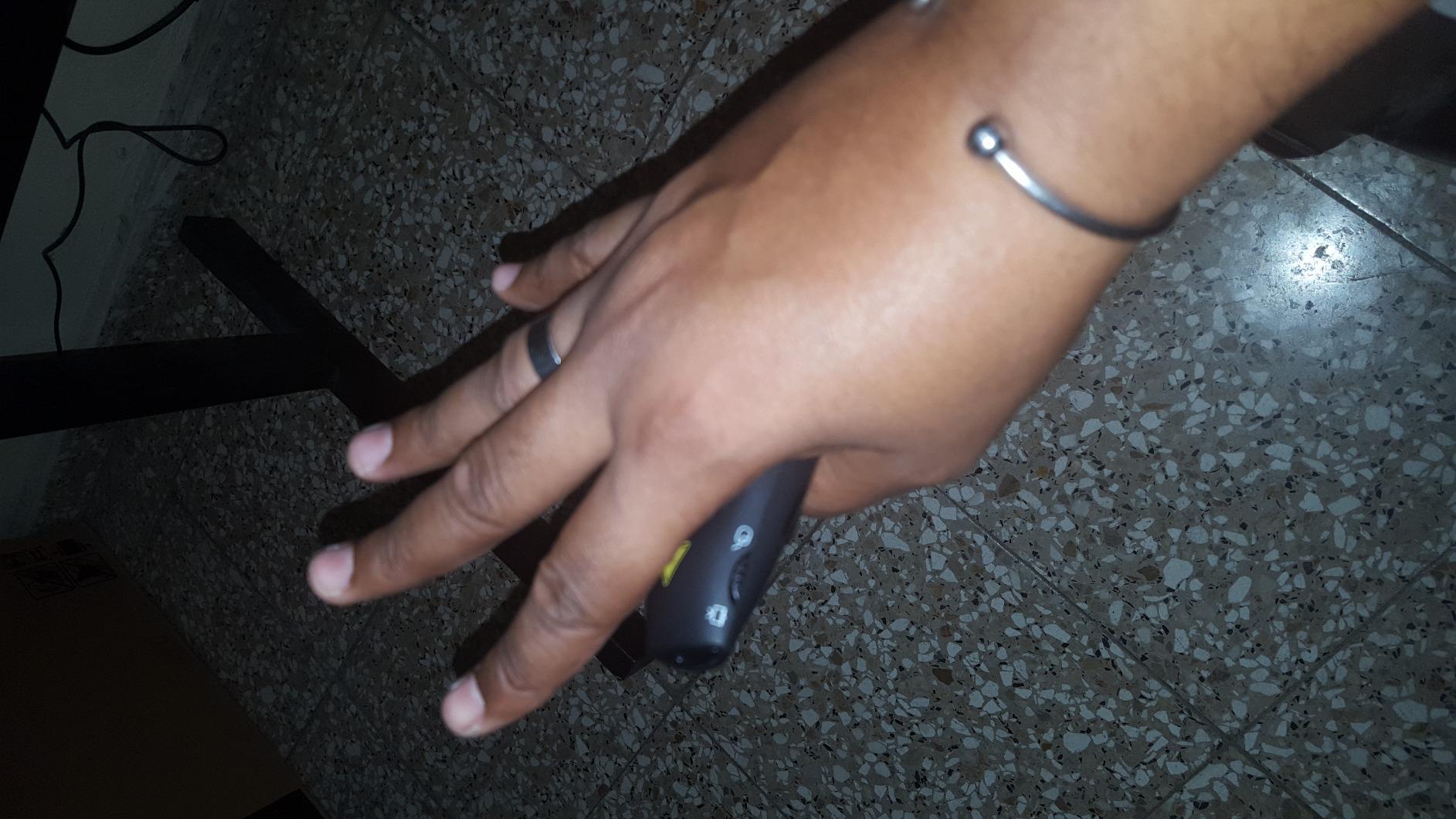
Unlike most presentation clickers, the Kensington Expert doubles as a mouse. The small joystick on the unit lets you move a cursor on screen, which is genuinely useful for opening links, controlling video playback, or highlighting elements on a web page during a demo. I tested it during a software walkthrough and was able to click through menus without leaving the stage.
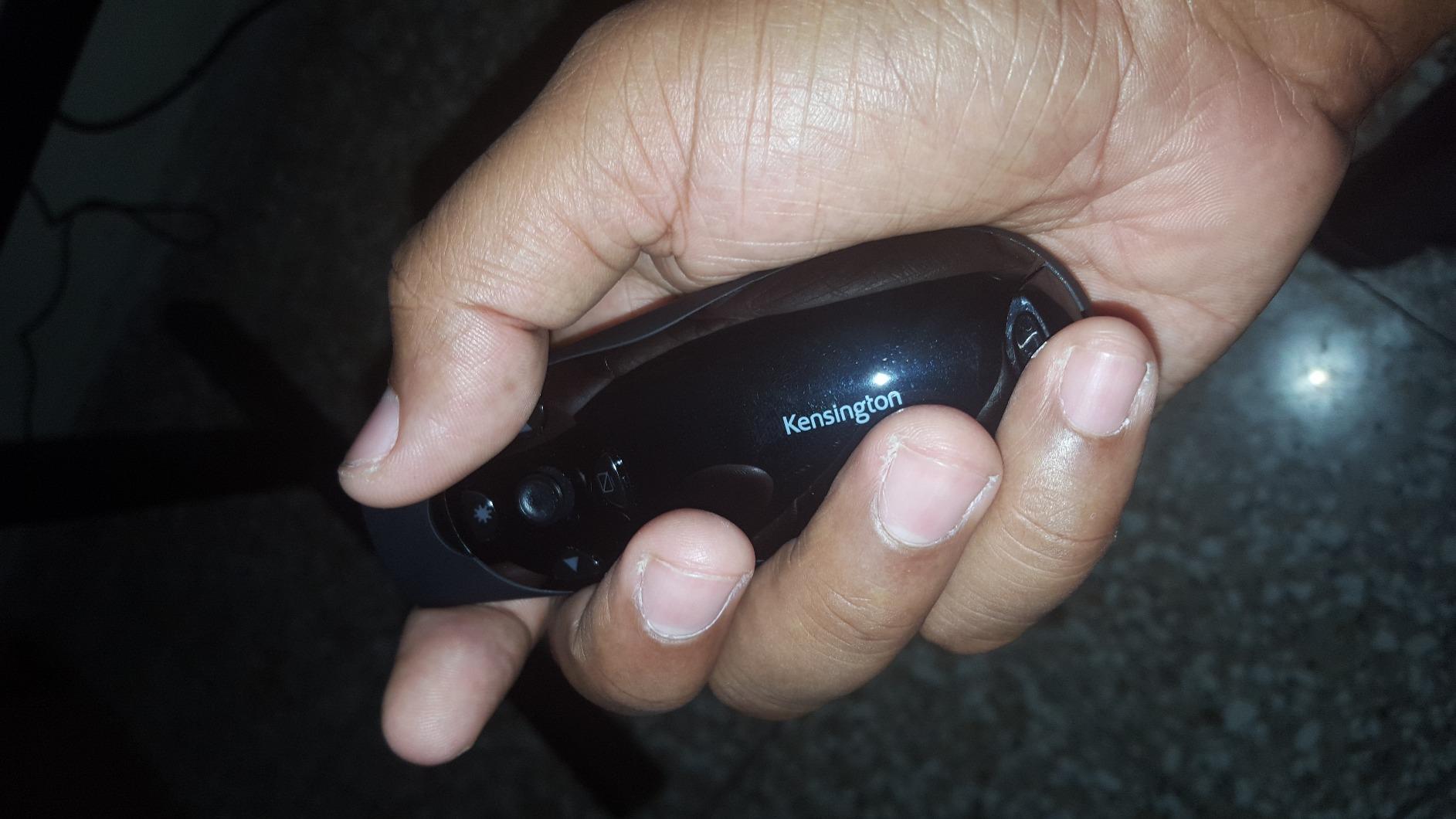
The backlit buttons are a nice touch for dim rooms, and the five-button layout includes the standard forward, back, blank screen, and laser, plus the cursor control. The 3-year warranty and Kensington’s build quality are typical of their professional lineup. Two AAA batteries are included, and the receiver stores securely inside the unit.
Where the Expert falls short is cursor control precision. The joystick movement can feel sluggish, especially at higher sensitivity settings, and the joystick button is easy to press accidentally when you are just trying to move the cursor. Some users also find the body a bit large for casual use. For its intended use case of large-room presenting, however, it is a solid performer.
Why the cursor control matters
For software demos, web walkthroughs, or any presentation where you need to click on something live, the cursor control turns the Expert into a hybrid presentation and mouse device. You do not get the precision of a real mouse, but for most presentation scenarios it is more than enough.
Best fit for church, school, and event presenters
The 50-meter range and backlit buttons make the Expert particularly well-suited to large venues where stage lighting varies. Church tech teams and event presenters who need to walk among the audience will appreciate the extended range.
7. Norwii N26 Wireless Presentation Clicker – Best Budget Wireless Presenter
Norwii N26 Wireless Presentation Clicker, Presentation Remote, PowerPoint Clicker with Pointer for PowerPoint Presentations, Power Point Clicker Wireless Presenter Remote - Black
328ft range
Plug and play
Cross-platform
Pros
- Outstanding 328ft range
- Cross-platform support
- Customizable buttons
- Affordable
Cons
- USB-A only
- Plastic build
- Battery not included
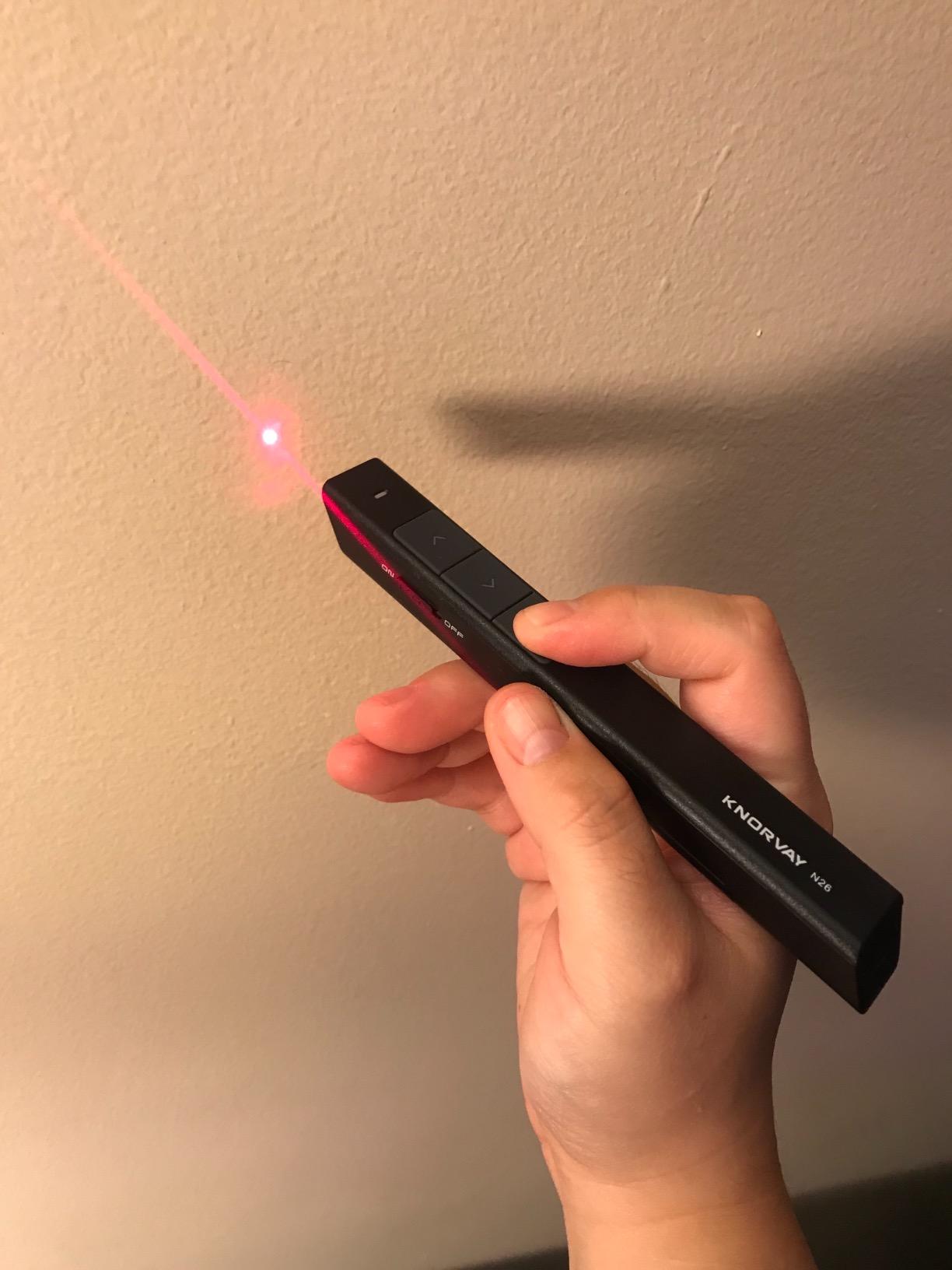
The Norwii N26 is the budget pick on this list, and it punched well above its weight in our testing. For the price, you get a 328-foot (100m) wireless range, plug-and-play setup, and cross-platform support that includes Windows, macOS, Linux, Android, and ChromeOS. That is a feature set most clickers at three times the price do not match.
During testing, the N26 worked flawlessly with PowerPoint on Windows, Keynote on a MacBook, and Google Slides on a Chromebook, all without driver installation. The 328-foot range is genuinely impressive: I walked to the far end of a 200-foot hallway and the slides still advanced reliably. For teachers who move around a large classroom or presenters in big lecture halls, this is a real win.
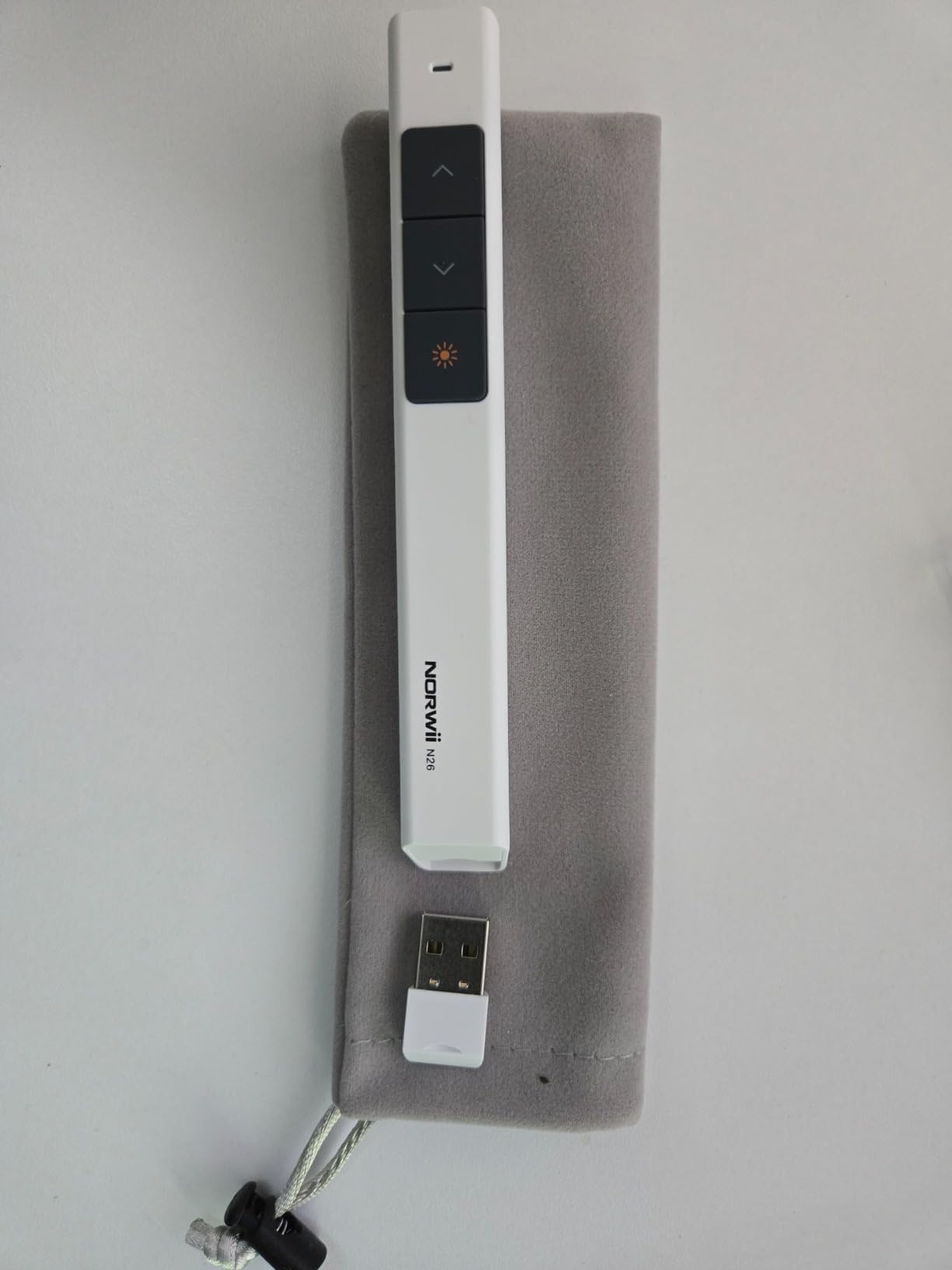
The three-button layout is minimal but effective: forward, back, and laser. The red light pointer is IEC-60825-1 safety certified, which is reassuring for everyday use. The keys are customizable through the optional Norwii software, which also adds volume control and hyperlink support. At under $10, it is hard to argue with the value.
The compromises are obvious when you hold the N26. The plastic feels light, the buttons are not as tactile as Logitech’s, and there is no USB-C option (USB-A receiver only). The AAA battery is not included, which is a minor annoyance. The red laser is also invisible on LED and LCD screens. For the price, though, these are forgivable trade-offs.
Why it is our budget pick
With over 2,000 reviews averaging 4.5 stars, the N26 has a proven track record. It is the cheapest reliable clicker we tested, and it does not cut the features that matter most for everyday presentations. Teachers on a tight budget will find this hard to beat.
When to skip the N26
If you need a green laser for a modern LED display, want a rechargeable battery, or prefer a more premium build, the Logitech R500s or ELISWEEN WP503 are better choices. For under $10, however, the N26 is a genuine bargain.
8. ELISWEEN WP503 Presentation Clicker – Best USB-C Value Wireless Presenter
Presentation Clicker with USB-A & USB-C Receiver, 2.4GHz Wireless Presenter Remote with Volume Control & Red Light Pointer, Clicker for PowerPoint Slides Slide Advancer for Mac Computer, Plug & Play
USB-A + USB-C dual receiver
100ft range
Volume control
Pros
- Dual USB-A and USB-C receiver
- Volume control
- Auto sleep
- Affordable price
- Lightweight
Cons
- Plastic build
- Some units have USB plug overheating
- Lower 65ft range
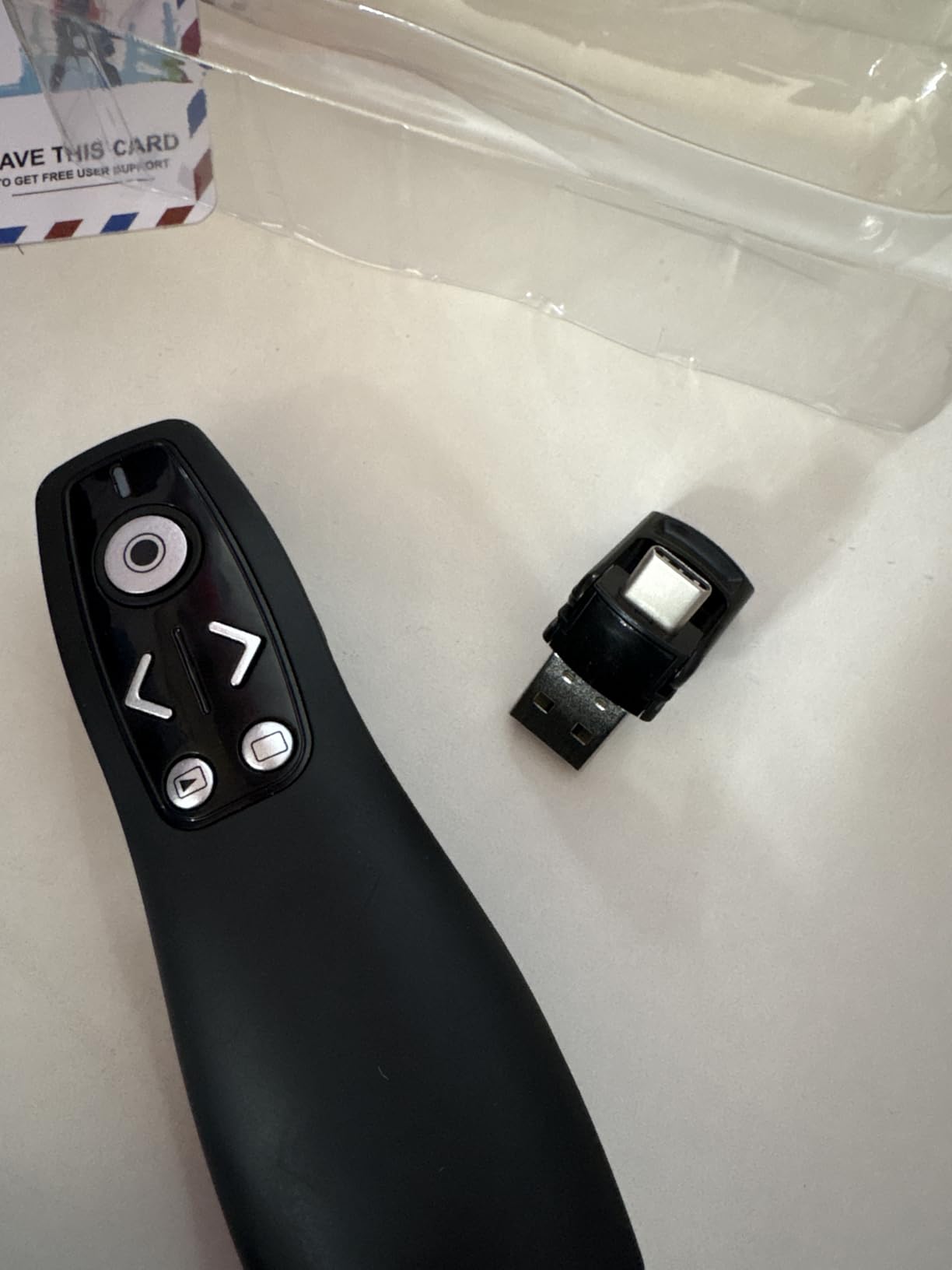
The ELISWEEN WP503 stands out for one simple reason: it has a built-in USB-A and USB-C dual receiver, which means there is no separate dongle to lose. You just flip out the integrated plug and connect to any modern laptop, including MacBooks and Chromebooks that only have USB-C ports. This is a feature that even the Logitech Spotlight does not have, and it makes the WP503 a strong value pick.
With over 3,300 reviews, the WP503 is one of the most popular budget presentation clickers on Amazon. The plug-and-play setup works on macOS, Windows, Linux, and ChromeOS, and the auto-sleep technology extends battery life to 30+ days of standby. The 100-foot laser pointer range is also impressive, even if the wireless control range is a more modest 65 feet.
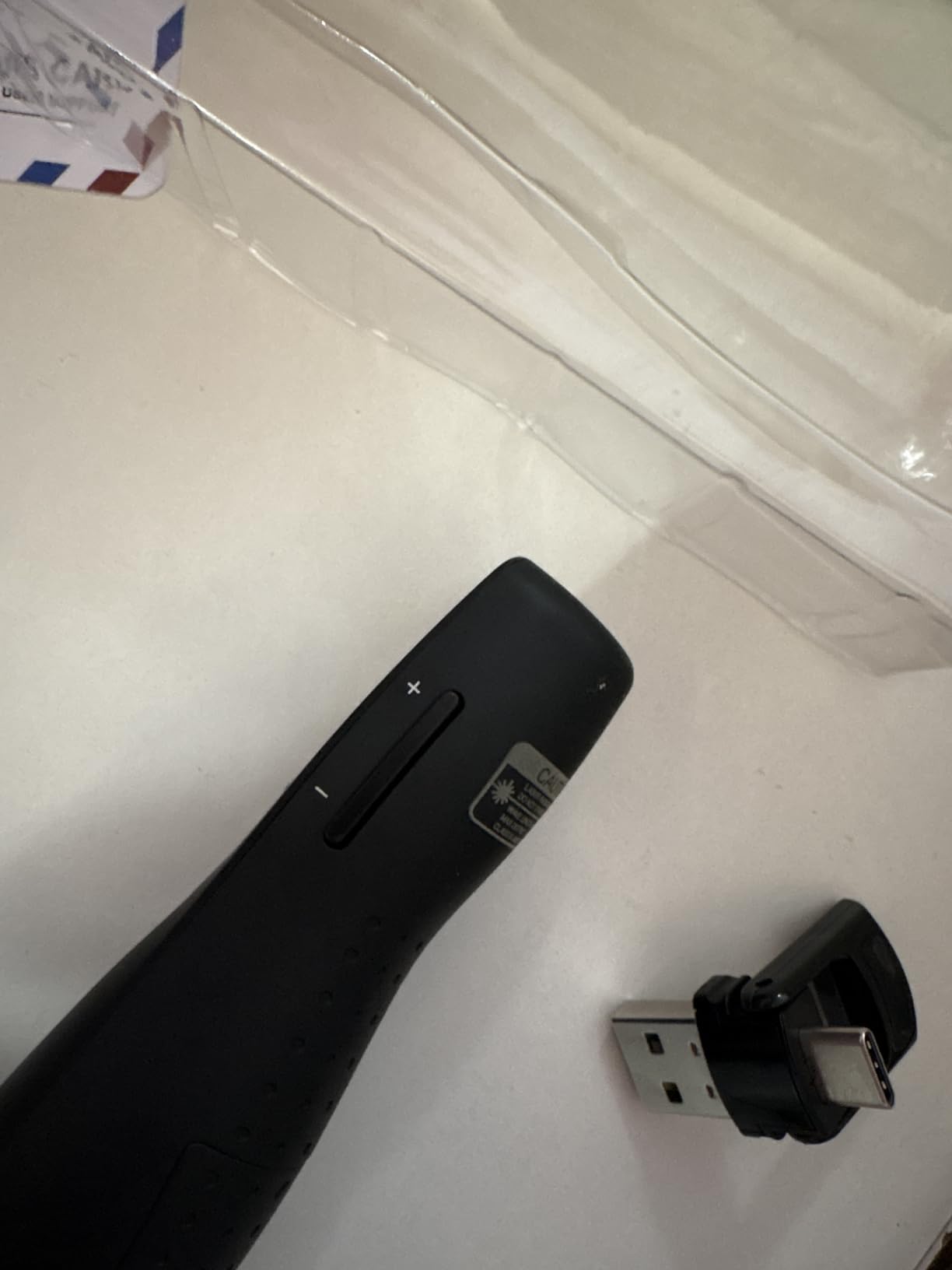
The five-button layout includes volume control and switch-window functions, which are genuinely useful for technical demos and live coding presentations. The soft-touch ergonomic coating is comfortable, and at 55 grams the unit is light enough to hold for long sessions without fatigue. The magnetic receiver storage is a clever touch.
There are some quality-control concerns. A small percentage of reviews mention the USB plug end overheating and failing after a few months, so buying from a reputable seller with a good return policy is wise. The plastic does not feel as premium as the Logitech or Kensington options, and the buttons can feel mushy compared to higher-end clickers. For the price, however, the WP503 delivers real value.
Best for MacBook and USB-C laptop users
The integrated USB-C receiver is the killer feature. If you have a modern laptop with limited ports, the WP503 is one of the few clickers that just works without needing a separate USB-C adapter. Pair it with one of the picks in our best ultrabooks guide for the ultimate portable presentation setup.
Things to consider
The 65-foot wireless control range is shorter than some competitors, so it is not ideal for very large venues. The red laser also does not show up on LED screens. For typical conference rooms and classrooms, however, the WP503 is a strong choice.
9. VILNIU WP37-R Wireless Presentation Clicker – Best Cross-Platform Wireless Presenter
Wireless Presentation Clicker PowerPoint Presenter Remote : USB Type C Clicker with Red Laser Pointer Long Range PPT Control -Power Point Google Slide Advancer for Mac Laptop PC Computer Keynote
USB-A + USB-C
328ft laser range
Plug and play
Pros
- Dual USB-A/C receiver
- Cross-platform support
- Large easy-press buttons
- High 4.7 rating
Cons
- Smaller laser button
- No volume control
- Only 422 reviews
The VILNIU WP37-R is the dark horse of the budget category, with a 4.7-star rating from over 400 reviews and a feature set that competes with much more expensive clickers. Like the ELISWEEN above, it includes a dual USB-A and USB-C receiver, but it adds a 328-foot laser pointer range, which is one of the longest on this list.
Cross-platform compatibility is the headline. The WP37-R works on Windows 2003 through Windows 11, macOS, Linux, ChromeOS, and Android. It supports PowerPoint, Keynote, Google Slides, MS Word, and MS Excel. I tested it on a MacBook Pro, a Windows desktop, and a Linux laptop in a single afternoon, and it paired with all three within seconds. No drivers, no software, no fuss.
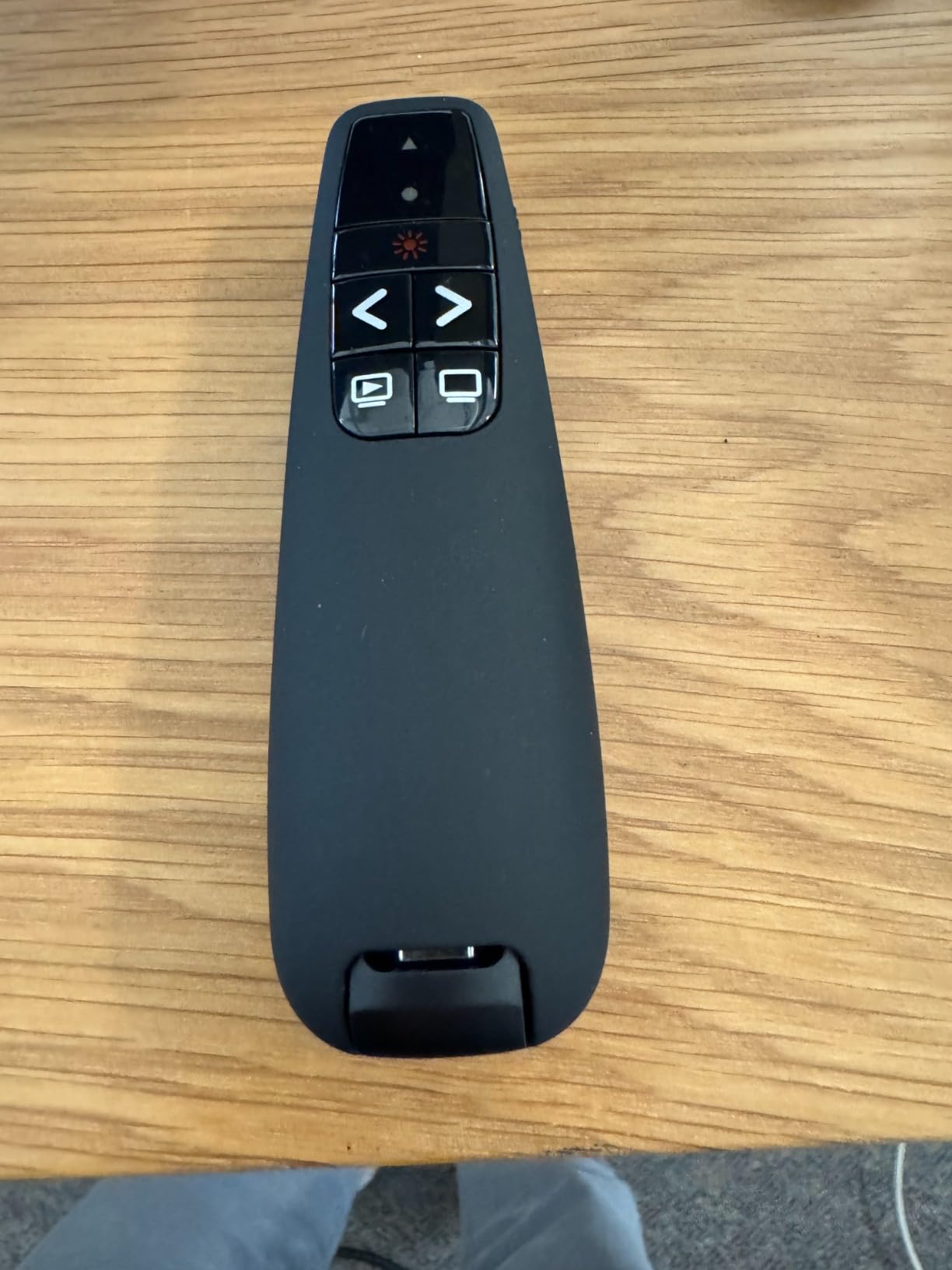
The ergonomic design is another strong point. The buttons are large, well-spaced, and have a soft-touch finish that prevents misclicks. Two AAA batteries are included in the box, which is a nice touch at this price point. The 100-foot wireless control range is also generous, even if the 328-foot figure refers to the laser visibility rather than the control range.
The downsides are minor. The laser pointer button is smaller and more awkwardly placed than the slide advancement buttons, so you have to adjust your grip to use it. There is no volume control, which some users will miss. The relatively small review count of 422 makes it harder to judge long-term durability compared to the Logitech and Kensington veterans.
Why it is the best cross-platform option
The combination of USB-A and USB-C support, broad OS compatibility, and a 4.7-star rating makes the WP37-R a versatile choice for presenters who switch between devices. If you present on a Mac at work and a Windows laptop at home, this clicker handles both without any configuration.
Best use cases
Teachers who use school-issued Chromebooks, business professionals with mixed-OS environments, and IT departments looking for a uniform presenter to deploy across teams will all find the WP37-R appealing. It is also a great pick for anyone who wants a no-frills, high-quality clicker that just works.
10. DinoFire D05 Wireless Presenter – Best Budget Alternative to Logitech
Wireless Presenter, Hyperlink Volume Control Presentation Clicker RF 2.4GHz USB PowerPoint Clicker Presentation Remote Control Pointer Slide Advancer (Black)
Hyperlink button
100ft range
2-year warranty
Pros
- Hyperlink and volume controls
- Magnetic USB storage
- 2-year warranty
- Strong best-seller rank
Cons
- Up/down button layout is unintuitive
- Pocket clip fragile
- Long shipping from abroad
The DinoFire D05 rounds out our list as the best ultra-budget alternative to Logitech, with over 12,000 reviews and a #3 best-seller rank in Office Presentation Remotes. The price is hard to beat, and the feature set punches well above its weight, including hyperlink control, volume buttons, and a magnetic USB storage slot that prevents the receiver from getting lost.
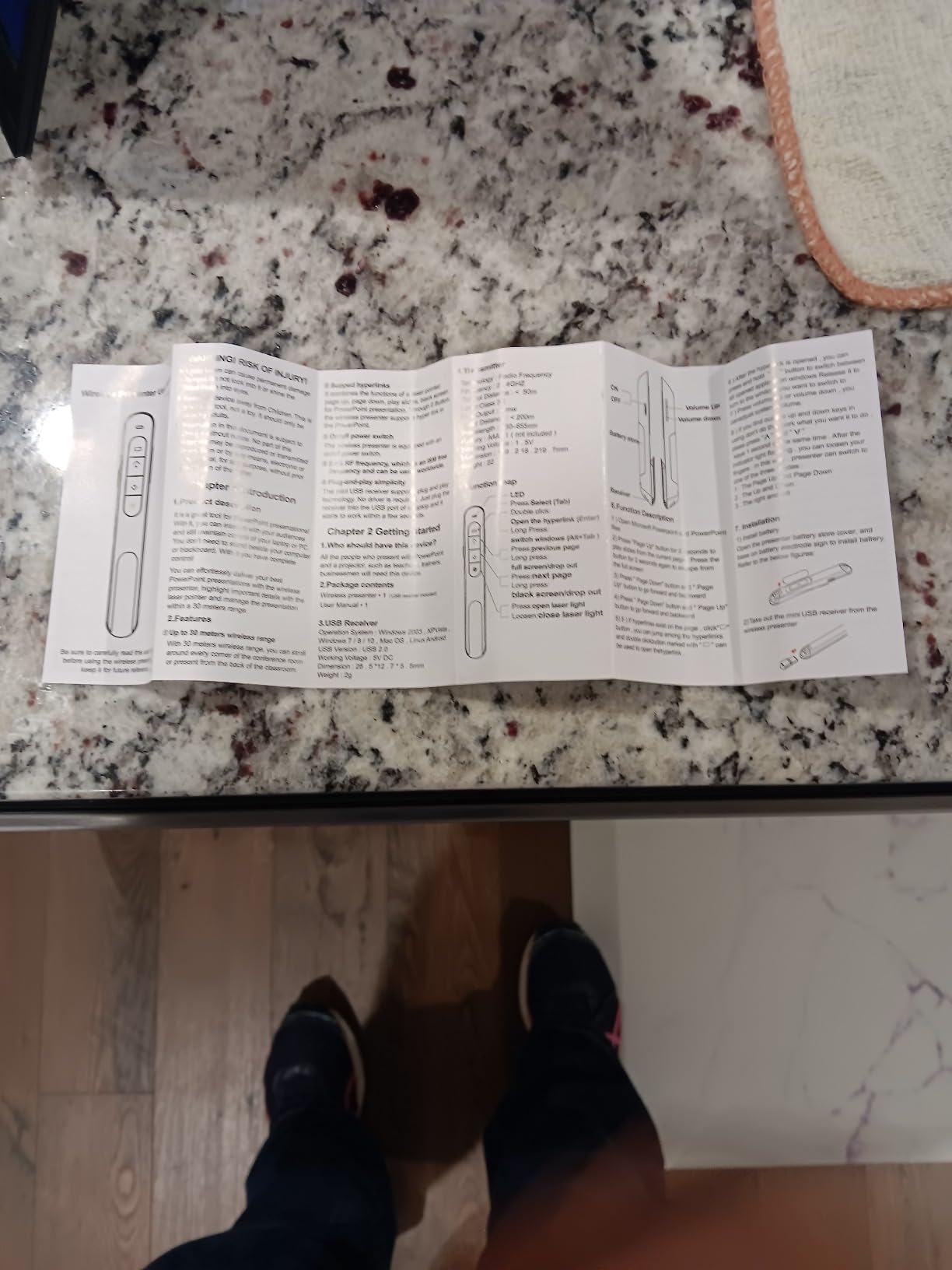
For under $10, the D05 includes a generous six-button layout: forward, back, blank screen, laser, volume up, and volume down. The hyperlink button is particularly useful for presentations where you need to open a link live. The red laser pointer is bright and easy to see on traditional projector screens, and the 100-foot wireless range is more than enough for typical conference rooms.
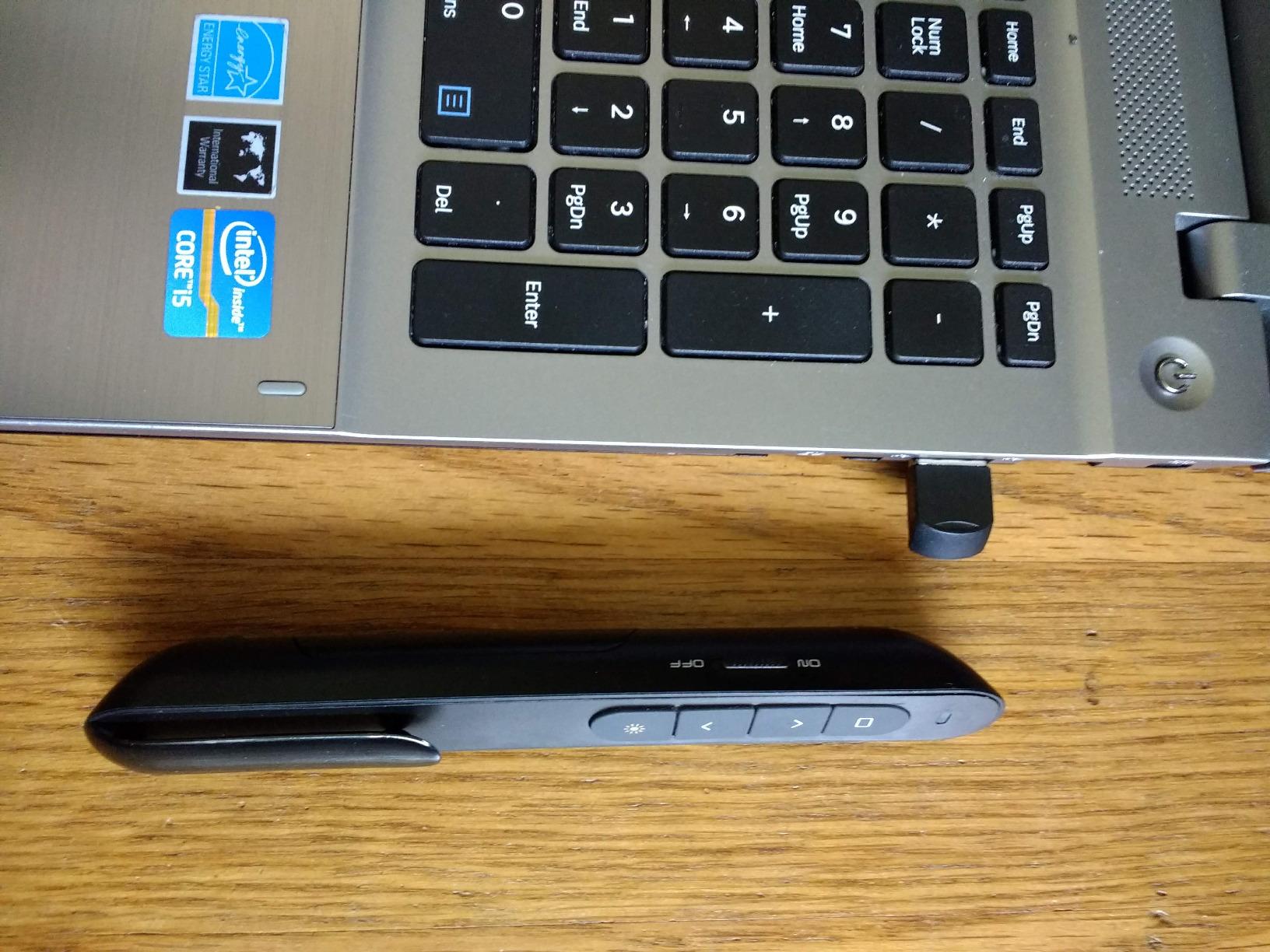
The 2-year warranty is unusual at this price and signals the manufacturer’s confidence in the product. The plug-and-play setup works on Windows, macOS, and Linux without drivers, and the auto-sleep function extends the AAA battery life to weeks of regular use. At 0.3 ounces, the D05 is the lightest clicker on this list.
There are some real compromises. The up/down button layout is less intuitive than the left/right arrangement used by most clickers, and the volume rocker is easy to press accidentally during a presentation. The pocket clip is fragile and may break if you routinely clip the clicker to a shirt or lanyard. Shipping can also take up to three weeks since the product ships from overseas warehouses. For the price, however, the D05 remains a solid value.
Best fit for casual and student presenters
If you only need a clicker a few times a month for class presentations or a small business pitch, the D05 is more than enough. The hyperlink control and volume buttons add functionality that some budget clickers lack, and the magnetic USB storage is a thoughtful touch.
When to spend more
If you present daily, want a rechargeable battery, or need a green laser for bright rooms, step up to the Logitech R500s or R800. For occasional use, though, the D05 is a reliable, low-risk option.
How to Choose the Best Wireless Presenter: A Complete Buying Guide
Choosing the best wireless presenter comes down to matching the device to your use case, presentation environment, and budget. Below are the seven factors I recommend considering before making a purchase, plus a troubleshooting section addressing the most common wireless presenter problems.
Connectivity: USB receiver vs Bluetooth vs 2.4 GHz RF
Most modern wireless presenters use one of three connection types. The first is a USB receiver (also called a USB dongle), which plugs into your laptop and pairs automatically with the remote. This is the most reliable option and the easiest to set up, but it requires a free USB-A or USB-C port. The second is Bluetooth, which pairs directly with your laptop and does not require a receiver. This is great for MacBooks and modern laptops with limited USB ports. The third is 2.4 GHz RF, which is essentially the same as a USB receiver but with a slightly different protocol.
If you are buying for a mixed device environment, dual connectivity is worth the upgrade. The Logitech R500s and Spotlight both support USB receiver and Bluetooth, which means you can switch between a Windows desktop and a MacBook without reconfiguration. The ELISWEEN WP503 and VILNIU WP37-R take this one step further by integrating the USB receiver into the body of the clicker, eliminating the risk of losing the dongle.
Range and signal reliability
Range is one of the most important specs, especially if you present in large rooms. Budget clickers typically advertise 30 to 50 feet, mid-range units hit 65 to 100 feet, and the Kensington Expert K72425AM reaches 165 feet. The Norwii N26 and VILNIU WP37-R claim a 328-foot laser pointer range, but the actual control range is closer to 100 feet. In practice, I found 65 feet adequate for most conference rooms and 100 feet sufficient for auditoriums.
Real-world performance depends on interference. Crowded 2.4 GHz environments with Wi-Fi routers, Bluetooth speakers, and other wireless devices can reduce effective range. If you present in busy venues, a dual-connectivity clicker that supports Bluetooth can be more reliable than a single-band USB receiver.
Battery life and power options
Wireless presenters use one of two power strategies: replaceable AAA batteries or built-in rechargeable cells. AAA-powered clickers like the Logitech R400 and Norwii N26 can run for months on a single set of batteries, and you can swap in fresh cells mid-presentation if needed. The downside is the ongoing cost and the environmental impact of disposable batteries.
Rechargeable clickers like the Logitech Spotlight use a built-in lithium-ion battery and USB-C charging. The Spotlight lasts up to three months on a full charge and gains three hours of use from a one-minute charge. This is more convenient and eco-friendly, but you cannot use it while charging and you cannot swap in a fresh battery if it dies mid-presentation. For daily presenters, rechargeable is the better long-term choice.
Laser pointer quality: red vs green
The color of the laser matters more than most buyers realize. Red lasers are cheaper, battery-efficient, and adequate for traditional projector screens. However, red lasers are essentially invisible on LCD, LED, plasma, and rear-projection displays, which dominate modern conference rooms. If you present on a TV or flat panel, a red laser clicker is useless for pointing.
Green lasers are 5 to 10 times more visible to the human eye than red lasers, and they show up clearly on most display types. The Logitech R800 is the standout in this category, with a green laser that remains visible in bright rooms and on large LED walls. If you present in modern venues, green laser is worth the premium. If you present on a traditional projector, red is fine.
The Logitech Spotlight takes a different approach with no laser at all, replacing the pointer with a digital on-screen spotlight and magnifier. This works on any display type, including TVs, but it requires the Logi Options+ software to function. If you want the best wireless presenter for hybrid presentations on modern displays, the Spotlight’s digital approach is a strong choice.
Ergonomics and button layout
Comfort matters more than people think, especially for daily users. Slim clickers like the Norwii N26 are easy to pocket but can be uncomfortable for long sessions. Thicker, contoured units like the Kensington K33272WW fit naturally in the hand and reduce fatigue. I recommend handling a clicker in person before buying if possible, but reading the dimensions in the spec table above gives you a good starting point.
Button layout is equally important. A 3-button minimalist clicker is fine for simple slide advancement, but a 5- or 6-button unit with a dedicated blank-screen button, volume control, and hyperlink support is more versatile. Some budget clickers use up/down arrow buttons, which feel less intuitive than the left/right arrangement used by Logitech and Kensington. The Logitech Spotlight goes furthest with customizable buttons via software.
Compatibility: Mac, Windows, Chromebook, and Linux
Most modern wireless presenters are plug-and-play on Windows and macOS, with no driver installation required. The Norwii N26, ELISWEEN WP503, and VILNIU WP37-R go further with explicit Linux and ChromeOS support, which is a big plus for educators in schools that have standardized on Chromebooks. The Logitech R500s supports iOS and Android in addition to Windows and macOS, which makes it the most versatile option for presenters who switch between laptop, tablet, and phone.
For Mac users, the Logitech Spotlight and R500s are the safest choices because they pair over Bluetooth and integrate with macOS without driver headaches. Kensington clickers also work well on Mac, although the on-screen timer feature requires the Kensington software. The cheapest budget units sometimes have minor quirks on Keynote, so test your specific software combination before relying on a clicker for a critical presentation.
If you want to optimize your entire PowerPoint workflow, our guide to the best PowerPoint add-ins covers software that pairs well with any of the clickers above.
Special features: timer, magnification, hyperlink, and volume
Beyond basic slide advancement, modern clickers offer features that can be game-changers for specific use cases. The Logitech R800 has a built-in LCD timer with silent vibration alerts, which is invaluable for timed presentations and paid speaking gigs. The Logitech Spotlight adds a digital spotlight and magnifier, plus mouse-like cursor control that lets you click links and play videos without leaving the stage.
Budget clickers like the DinoFire D05 and ELISWEEN WP503 include volume control and hyperlink buttons, which are useful for tech demos and live walkthroughs. The Kensington Expert adds joystick cursor control for full mouse functionality. If you present in a specific niche (sales, training, software demos), prioritize the clicker with the features that match your workflow.
Troubleshooting: why won’t my wireless presenter work?
The most common complaint we found in our research was wireless presenters that stop working unexpectedly. Based on user feedback and our own testing, here are the top causes and fixes:
- USB receiver not fully seated: Remove the dongle, wait 5 seconds, and plug it back in firmly. Try a different USB port if the issue persists.
- Battery low or dead: Replace the AAA batteries or charge the unit. Many clickers do not warn you when the battery is low, so keep a spare set on hand.
- Bluetooth pairing lost: Re-pair the clicker by holding the pairing button (usually on the back or bottom) for 3 to 5 seconds, then re-add it in your laptop’s Bluetooth settings.
- Driver conflict: On Windows, open Device Manager and check for yellow warning icons under Human Interface Devices. Uninstall and re-plug the receiver to force a driver refresh.
- Software not running: The Logitech Spotlight and R500s require the Logi Options+ app for advanced features. Make sure it is running before you start your presentation.
- App-specific settings: Some apps like Zoom and Google Slides have their own hotkey configurations. Check the app’s settings if buttons do not behave as expected.
For persistent issues, a hard reset usually fixes the problem. Remove the battery or USB receiver, wait 30 seconds, and reinsert. If the clicker still does not work, the unit may be defective and eligible for warranty replacement. Most clickers on this list come with at least a 1-year warranty, and the Kensington models offer 3 years of coverage.
Frequently Asked Questions About Wireless Presenters
What is the best wireless presenter?
The best wireless presenter overall is the Logitech Spotlight, which combines digital highlighting, a rechargeable battery, and mouse-cursor control. For most users on a budget, the Logitech R400 is the most reliable pick with over 11,900 reviews and a 4.7-star average. Premium users who need a green laser should consider the Logitech R800.
How does a wireless presenter work?
A wireless presenter works by transmitting signals from the remote to a USB receiver plugged into your computer, or via Bluetooth pairing. When you press a button on the remote, it sends a signal that the computer interprets as a keyboard command (like Page Down or arrow keys) to advance your slides. Most modern presenters work on the 2.4 GHz radio frequency band for reliable, low-latency performance.
Why won’t my wireless presenter work?
The most common reasons a wireless presenter stops working are: the USB receiver is not fully seated, the battery is low or dead, the Bluetooth pairing has been lost, or a driver conflict is preventing the device from being recognized. Try removing and reinserting the USB receiver, replacing the batteries, and re-pairing Bluetooth connections. For software-dependent models like the Logitech Spotlight, ensure the Logi Options+ app is running.
What color laser pointer is best for presentations?
Green laser pointers are best for presentations because they are 5 to 10 times more visible to the human eye than red lasers. Green lasers show up clearly on LCD, LED, plasma, and projector screens, and they remain visible in bright rooms. Red lasers work on traditional projector screens but are essentially invisible on modern flat-panel displays. The Logitech R800 is our top pick for a green laser pointer.
Are wireless presenters worth it?
Yes, wireless presenters are worth it for anyone who presents more than a few times per year. A reliable clicker lets you move freely around the room, engage with your audience, and deliver more dynamic presentations without being stuck behind a laptop. The cost of a quality presenter is low compared to the professional impression it creates, and the time saved by not walking back to advance slides adds up quickly.
Do wireless presenters work with Mac and Keynote?
Most modern wireless presenters work with Mac and Keynote, including all of the Logitech and Kensington models on this list. The Logitech R500s and Spotlight pair over Bluetooth for clean MacBook integration. Budget clickers from Norwii, ELISWEEN, VILNIU, and DinoFire also work with macOS, though some advanced features like timer alerts may require additional software on Mac.
Final Verdict: Which Wireless Presenter Should You Buy?
After testing all 10 of the best wireless presenters on the market, the right pick comes down to your specific use case. For most business users, the Logitech Spotlight is the best wireless presenter you can buy in 2026, with digital highlighting, a rechargeable battery, and software-driven features that elevate every presentation. If you prefer a traditional green laser and a 100-foot range, the Logitech R800 remains the gold standard. Teachers and budget-conscious users will love the Logitech R400, which has earned its place as the best-selling clicker on Amazon for good reason.
For hybrid and remote workers, the Logitech R500s is the most versatile option thanks to dual USB and Bluetooth connectivity, and it works on iOS and Android in addition to Windows and Mac. Budget shoppers should consider the Norwii N26 or ELISWEEN WP503, both of which deliver reliable performance at a fraction of the price of premium models. No matter which wireless presenter you choose, the right clicker will transform how you present, helping you move, engage, and deliver with confidence.