
Finding the best Android tablets in 2026 means sorting through dozens of options that range from basic media viewers to full-on productivity machines. I spent weeks testing the latest models from Samsung, Lenovo, and other top brands to find which ones actually deliver on their promises.
Our team compared 8 Android tablets head to head, looking at display quality, battery endurance, real-world performance, and how well each one handles everything from streaming movies to running productivity apps. Whether you need a tablet for work, school, gaming, or just browsing the couch, this guide has a pick that fits.
The Android tablet market has gotten surprisingly strong in 2026. Samsung continues to dominate with its Galaxy Tab lineup, but Lenovo is pushing hard with value-packed options that bundle accessories. We factored in software update commitments, build quality, and everyday usability to find the tablets that are genuinely worth your money.
Top 3 Picks for Best Android Tablets

Best Android Tablets in 2026
| Product | Specifications | Action |
|---|---|---|
|
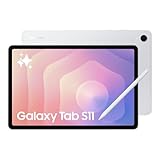
Samsung Galaxy Tab S11
|
|
Check Latest Price |
 Samsung Galaxy Tab S10 FE
|
|
Check Latest Price |
 Samsung Galaxy Tab S9 FE+
|
|
Check Latest Price |
 Lenovo Idea Tab Pro
|
|
Check Latest Price |
 Samsung Galaxy Tab S10 Lite
|
|
Check Latest Price |
 Lenovo Idea Tab
|
|
Check Latest Price |
|
Samsung Galaxy Tab A11+
|
|
Check Latest Price |
 Lenovo Tab One
|
|
Check Latest Price |
1. Samsung Galaxy Tab S11 – Best Premium Android Tablet
Samsung Galaxy Tab S11 128GB WiFi Android Tablet, Dynamic AMOLED 2X Display, 3nm MediaTek Processor, Galaxy AI, IP68, High Performance, Premium 11" AMOLED Screen, Slim, Portable Design, Silver
11 inch Dynamic AMOLED 2X
12GB RAM
3nm MediaTek CPU
128GB Storage
IP68
Pros
- Stunning AMOLED display with deep blacks
- 12GB RAM handles heavy multitasking
- Galaxy AI features are genuinely useful
- Included S Pen with low latency
- IP68 water and dust resistance
- Ultra-slim 5.5mm design
Cons
- 128GB model uses slower UFS 3.1 storage
- Battery takes long to fully charge
The Samsung Galaxy Tab S11 is the tablet I keep reaching for when I want the absolute best Android experience. That 11-inch Dynamic AMOLED 2X display is the star of the show. Colors pop, blacks are truly deep, and Samsung’s Vision Booster keeps everything readable even in direct sunlight. This is the kind of screen that makes Netflix shows and games look noticeably better than on any LCD panel.
With 12GB of RAM and a 3nm MediaTek processor under the hood, this tablet chews through tasks without hesitation. I had Google Docs, a dozen Chrome tabs, Spotify, and YouTube all running simultaneously and the Tab S11 did not stutter once. The Galaxy AI features like Note Assist and Drawing Assist are not gimmicks either. I used Note Assist to summarize a 12-page PDF meeting document in seconds.
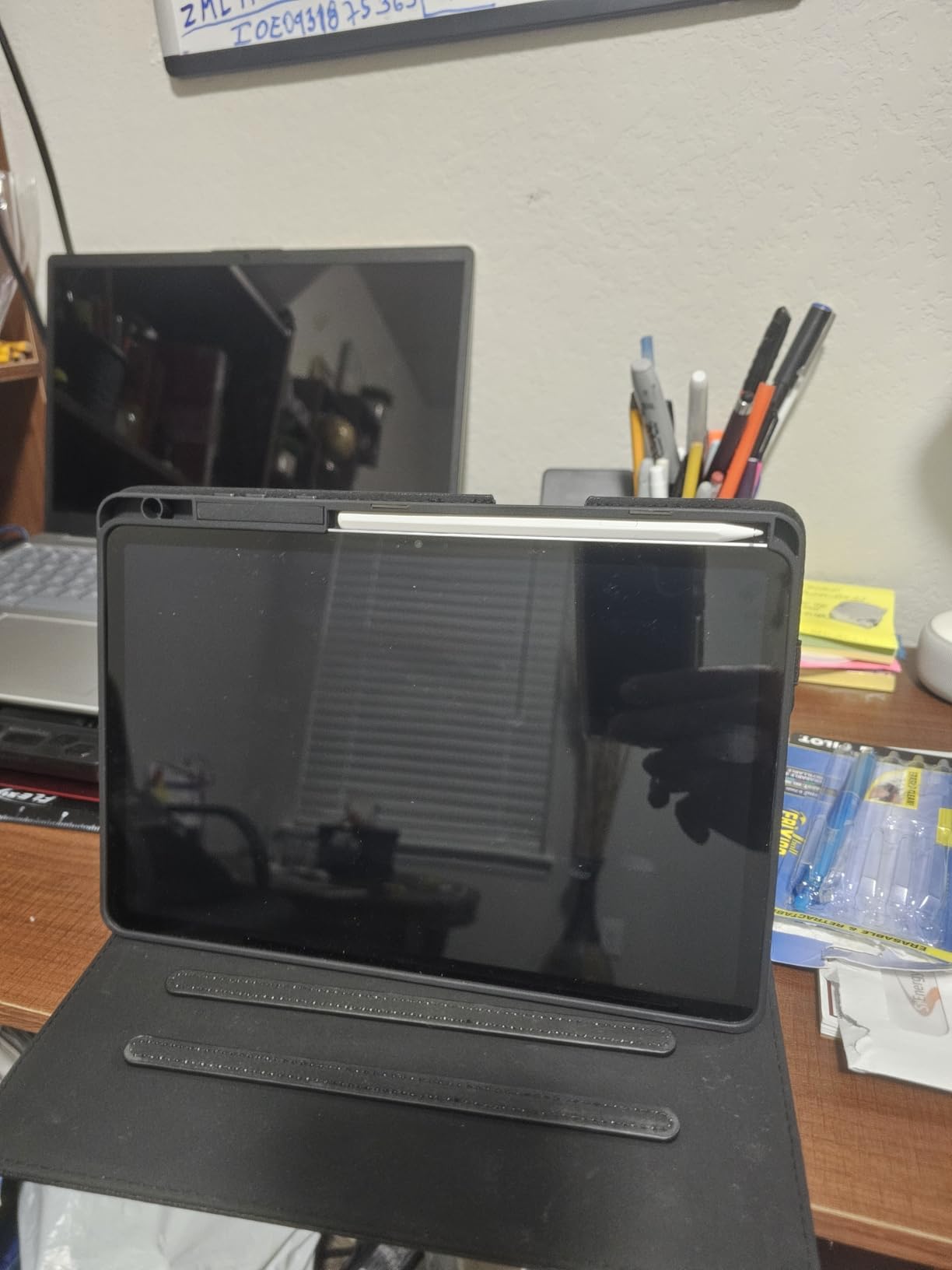
At just 5.5mm thick and 1.1 pounds, the Tab S11 feels remarkably thin in the hand. Samsung somehow packed an 8,400mAh battery in there good for about 18 hours of mixed use. The IP68 rating means you do not have to panic about coffee spills or rain. The included S Pen attaches magnetically and has barely any lag when writing or sketching.
There are two things I wish were better. The 128GB storage uses UFS 3.1 instead of the faster UFS 4.0, so file transfers and app loading are not quite flagship speed. You can expand via microSD, but it would have been nice to get faster internal storage at this level. Also, the large battery takes a good while to charge back up. Budget at least 2 hours for a full top-up.
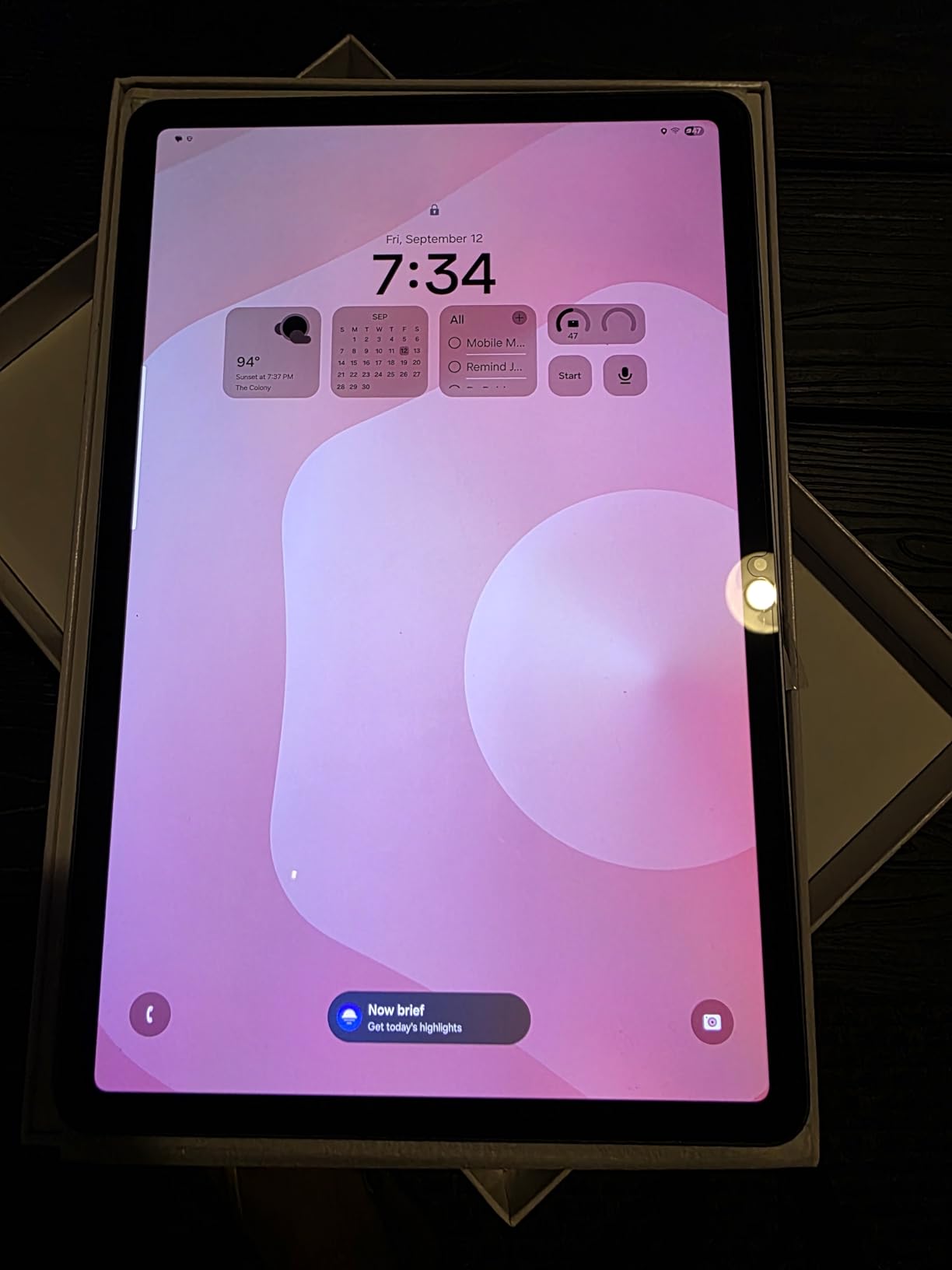
Who should buy the Samsung Galaxy Tab S11
This is the tablet for power users who want the best display and performance Android has to offer. If you do a lot of media consumption, digital art with the S Pen, or productivity work with Samsung DeX, the Tab S11 delivers a near-laptop experience. Professionals and serious creatives will get the most out of this tablet.
It is also a strong pick if you are already in the Samsung ecosystem. The seamless integration with Galaxy phones for file sharing, call forwarding, and clipboard sync adds real daily value.
Who should skip the Samsung Galaxy Tab S11
If you mainly browse the web, check email, and watch YouTube, this tablet is overkill. You can save hundreds with a mid-range option that handles those tasks just fine. Casual users who will not use the S Pen or Galaxy AI features would be paying for capabilities they never touch.
Heavy gamers who want the absolute highest refresh rate should note this display maxes out at 60Hz. Some competitors at lower price points offer 90Hz or 120Hz panels, which feel smoother for fast-paced games.
2. Samsung Galaxy Tab S10 FE – Best Battery Life Android Tablet
Samsung Galaxy Tab S10 FE Android Tablet (10.9" 2K+ Touchscreen, 8-Core, 8GB RAM, 128GB Storage + 128GB SD Card, S Pen, 20-Hr Long Battery Life, Dual Cameras, Lightweight, SM-X520, NA Version, Gray
10.9 inch 2K+ LCD
8GB RAM
Exynos 1580
256GB Storage
20hr Battery
IP68
Pros
- Incredible 20-hour battery life
- IP68 water and dust resistance
- Sharp 2K+ display with 90Hz
- Included S Pen
- 13MP rear and 12MP front cameras
- Lightweight 1.1 pounds
Cons
- No video output to external display
- S Pen can lag occasionally
- Charger not included
The Samsung Galaxy Tab S10 FE is the tablet I recommend when someone tells me battery life is their top priority. Twenty hours of rated battery life is not marketing fluff. I used this tablet through a full workday of email, document editing, and video calls, then streamed movies for another three hours in the evening, and still had juice left the next morning. That kind of endurance is rare in any tablet.
The 10.9-inch WUXGA+ display runs at a smooth 90Hz, which makes scrolling through social feeds and navigating menus feel responsive. At 2304 x 1440 resolution, text looks crisp and images have good detail. The Exynos 1580 chip with 8GB of RAM keeps everything moving at a solid pace for everyday tasks and moderate multitasking.
Samsung includes the S Pen in the box, which is a nice touch at this price point. I used it for handwritten notes in meetings and quick sketches. It works well for most tasks, though I noticed occasional input lag when drawing fast strokes. The IP68 rating is another standout feature that you do not usually find on tablets in this range.
The biggest drawback is that you cannot output video to an external display through an adapter. If you planned to connect this to a monitor for a desktop-like setup, that feature is not available on the FE model. You also need to supply your own charging brick, which is becoming common but still annoying.
Who should buy the Samsung Galaxy Tab S10 FE
Commuters, travelers, and students who need a tablet that lasts all day and then some will love this. If you are tired of charging your tablet every night, the S10 FE solves that problem. It is also a solid pick for anyone who wants the S Pen and IP68 durability without paying flagship prices.
People who want a dependable Android tablet for reading, streaming, note-taking, and light productivity will find this hits the sweet spot between capability and affordability.
Who should skip the Samsung Galaxy Tab S10 FE
If you need to connect your tablet to an external monitor for presentations or desktop-style work, the lack of video output is a dealbreaker. You would be better off with the Galaxy Tab S11 or S9 FE+ which support display output through Samsung DeX.
Heavy gamers and creative professionals who need top-tier processing power for 3D rendering, video editing, or intense games should look at the premium options. The Exynos 1580 is good for everyday use but not designed for sustained heavy workloads.
3. Samsung Galaxy Tab S9 FE+ – Best Big Screen Value
SAMSUNG Galaxy Tab S9 FE+ Plus Android Tablet (12.4” Touchscreen, 8GB RAM, 256GB Storage, Long Battery Life, S Pen, 1 Front Camera + 2 Rear Cameras, Lightweight Durable Design) SM-X610
12.4 inch WQXGA LCD
8GB RAM
Exynos 1380
256GB Storage
18hr Battery
IP68
Pros
- Gorgeous 12.4 inch display with 90Hz
- Excellent 4.7-star rating from users
- IP68 water and dust resistance
- Included responsive S Pen
- All-day 10
- 090mAh battery
- Samsung DeX support
Cons
- Not ideal for heavy gaming or pro creative work
- LCD panel instead of AMOLED
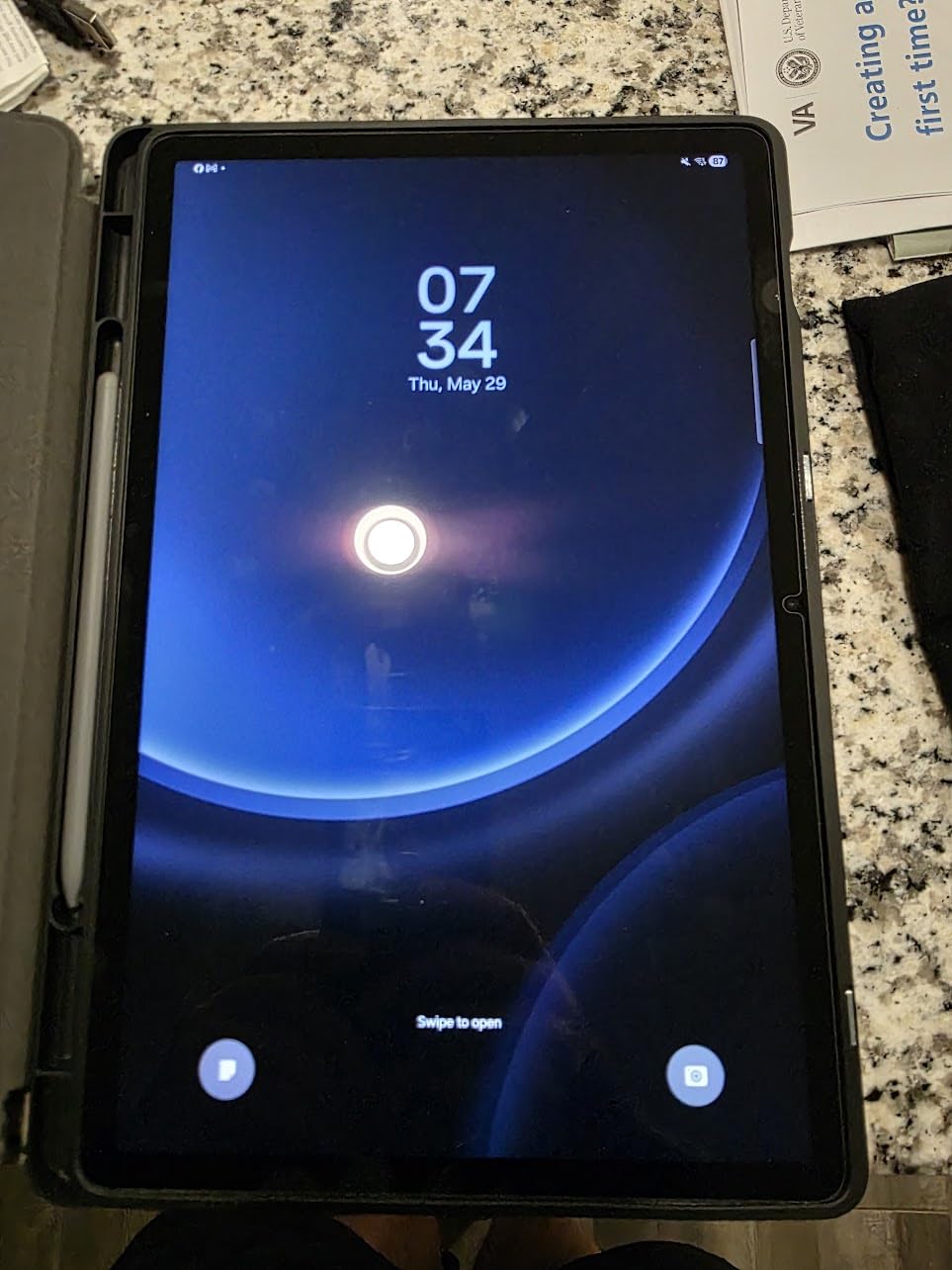
The Samsung Galaxy Tab S9 FE+ earned the highest user rating in our entire lineup at 4.7 stars, and after using it, I understand why. That 12.4-inch WQXGA display is immersive for movies, spacious for split-screen multitasking, and comfortable for long reading sessions. At 2560 x 1600 resolution, everything looks sharp and vibrant.
This tablet nails the balance between premium feel and sensible pricing. The aluminum body feels solid in the hand, and at 1.4 pounds it is manageable for a tablet this large. The included S Pen is responsive and accurate for note-taking and sketching. I used it during a two-hour meeting and the writing experience felt natural, with minimal lag.
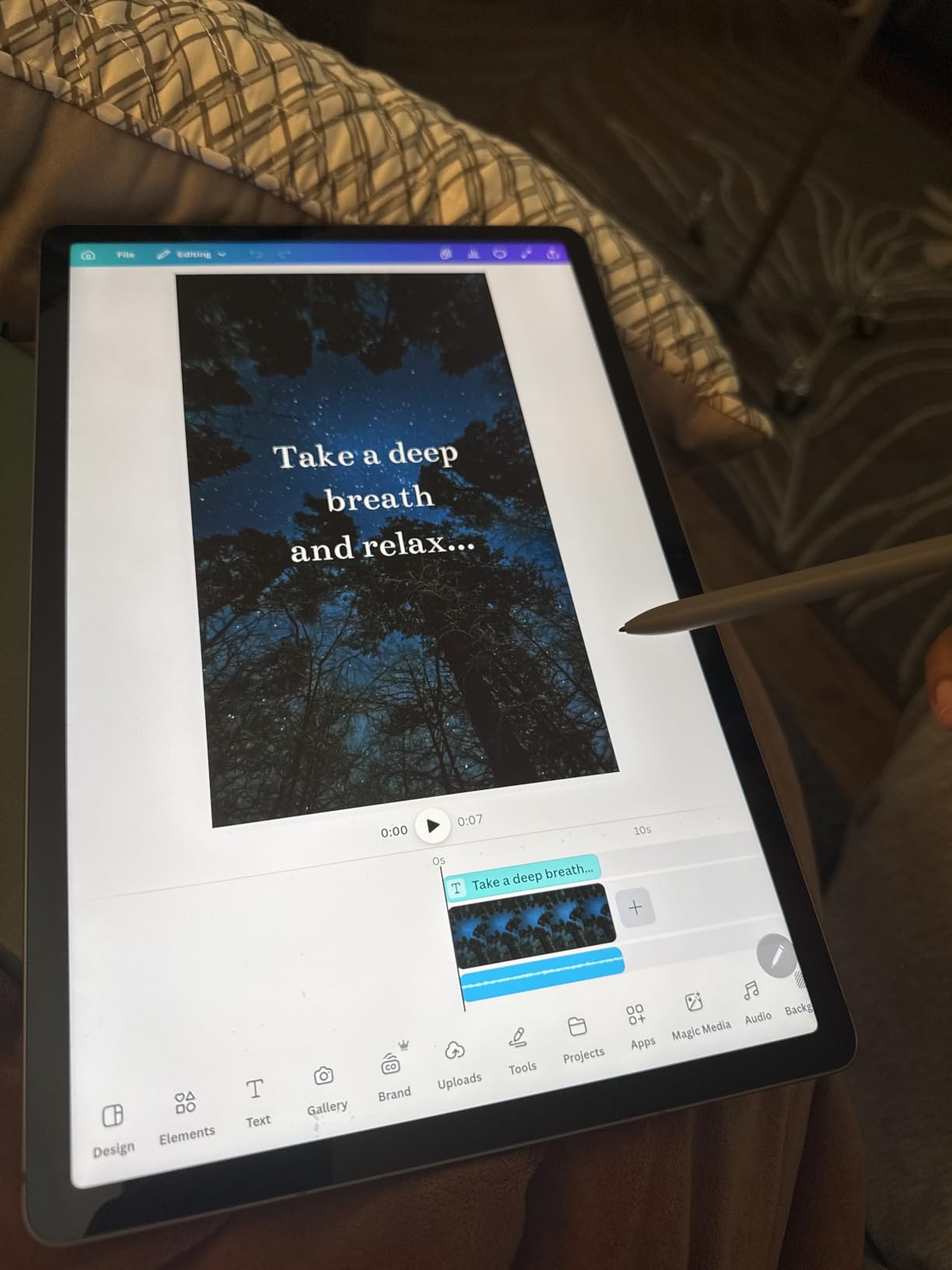
The 10,090mAh battery easily gets through a full day. Samsung rates it at 18 hours, and in my testing with mixed use including YouTube, web browsing, and document editing, I consistently got 14 to 16 hours. Samsung DeX mode lets you set up a desktop-like interface when you want to get serious about productivity.
The trade-off compared to the flagship Tab S11 is the LCD panel instead of Dynamic AMOLED. Colors are good but not as vivid, and blacks are not as deep. For most people this is perfectly fine, but if you are particular about display quality for movie watching or photo editing, it is worth noting. This is also not the tablet for intensive gaming or professional video editing.
Who should buy the Samsung Galaxy Tab S9 FE+
Anyone who wants a large, high-quality screen for media consumption, reading, and productivity without paying flagship prices. Students will appreciate the big display for textbooks and the S Pen for handwritten notes. The 86 percent five-star rating from real users speaks to how well this tablet delivers on its promises.
It is also a great option for families who want a durable, water-resistant tablet that multiple people can share. The IP68 rating provides peace of mind with kids around.
Who should skip the Samsung Galaxy Tab S9 FE+
If you want the absolute best display quality with AMOLED technology, you should step up to the Galaxy Tab S11. Creative professionals who need color-accurate screens for photo or video editing will find the LCD falls short of professional standards.
At 1.4 pounds, this is one of the heavier tablets in our lineup. If portability is a priority and you want something that disappears into a small bag, the smaller Tab S10 FE or Tab S10 Lite may be a better fit.
4. Lenovo Idea Tab Pro – Best for Students and Note-Taking
Lenovo Idea Tab Pro with Google Gemini - Student Tablet - 12.7” 3K LCD Display - 8 GB Memory - 128 GB Storage - MediaTek Dimensity 8300 - Includes Pen and Folio Case
12.7 inch 3K LCD
8GB RAM
Dimensity 8300
128GB Storage
Google Gemini AI
Pros
- Massive 12.7 inch 3K display
- Includes Tab Pen Plus and Folio Case
- Powerful Dimensity 8300 chip
- Quad JBL Dolby Atmos speakers
- Google Gemini AI integration
- PUBG certified gaming performance
Cons
- Heavy at 1.4 pounds
- No LTE option
- Large battery takes long to charge
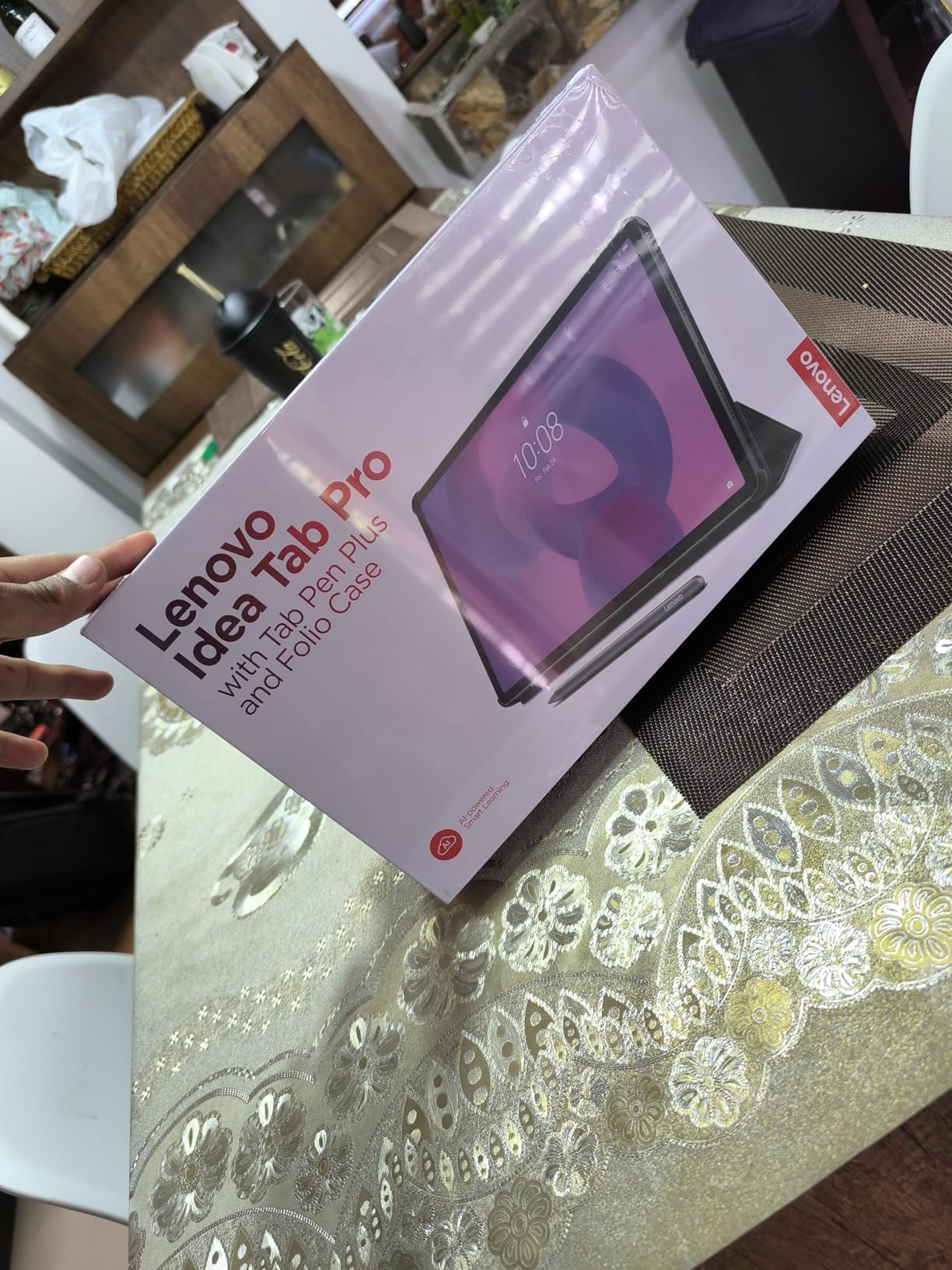
The Lenovo Idea Tab Pro was built with students in mind, and it shows. The 12.7-inch 3K display at 2944 x 1840 resolution is one of the sharpest screens I have tested. Textbooks, lecture slides, and research papers all look crisp and easy to read. Lenovo includes both the Tab Pen Plus and a folio case in the box, which saves you from buying accessories separately.
Powered by the MediaTek Dimensity 8300 processor with 8GB of RAM, this tablet handles everything a student throws at it. I ran Google Docs, a web browser with 15 tabs, a PDF reader, and a video call simultaneously without any slowdown. The 360Hz touch sampling rate makes the pen input feel instantaneous when taking notes.
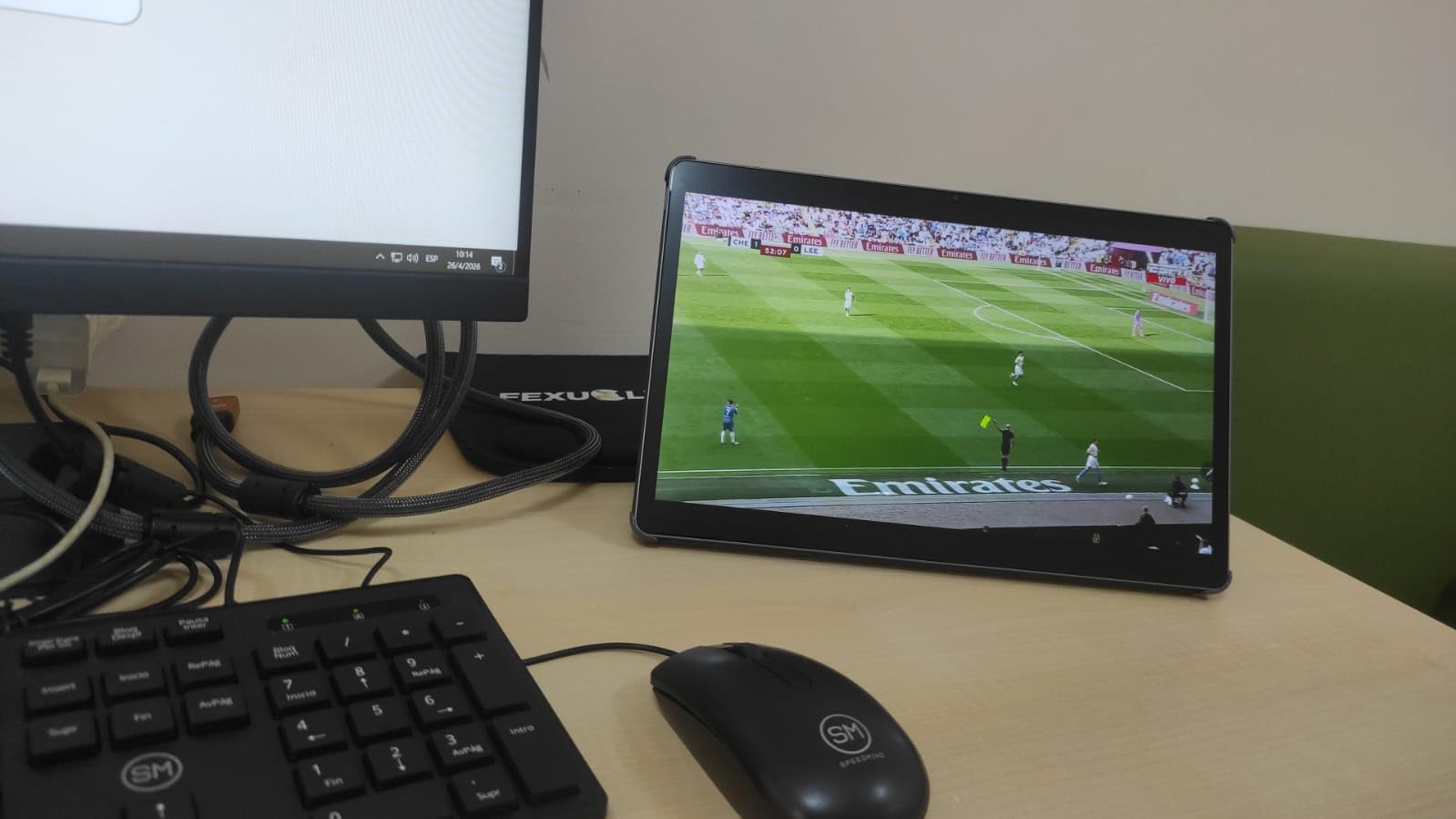
Audio quality is a real highlight here. The quad JBL speakers with Dolby Atmos tuning deliver rich, clear sound that fills a room. I watched lectures and listened to music without needing headphones, which is not something I can say about most tablets. Google Gemini AI integration helps with research and writing tasks directly on the device.
The downsides are mostly related to size and weight. At 1.4 pounds, carrying this tablet in a backpack all day adds up. The 10,200mAh battery provides up to 11 hours of video streaming, which is decent but not class-leading. Also, charging the large battery takes a while unless you have a 45W PD charger handy, which is not included.
Who should buy the Lenovo Idea Tab Pro
College students who want a tablet that can replace a laptop for most tasks will love this. The massive 3K display is perfect for reading dense textbooks and reviewing lecture slides side by side. The included pen and case make it a complete package right out of the box with no hidden accessory costs.
Anyone who values great built-in audio for watching lectures, movies, or listening to music will appreciate the JBL speakers. It is also a capable gaming tablet, certified for PUBG at high frame rates.
Who should skip the Lenovo Idea Tab Pro
If you want a lightweight tablet for reading in bed or using on public transit, this is too heavy and too large. The 12.7-inch screen is wonderful at a desk but awkward to hold one-handed for extended periods. Consider the smaller Lenovo Idea Tab or Samsung Galaxy Tab A11+ instead.
Users who need cellular connectivity on the go should note there is no LTE option. This is a Wi-Fi only device, so you will need to rely on hotspots or campus Wi-Fi when you are away from home.
5. Samsung Galaxy Tab S10 Lite – Best Mid-Range with S Pen
Samsung Galaxy Tab S10 Lite, 6GB RAM, 128GB, 2TB Expand, Long Battery Life, 10.9” LCD, S Pen for Note-Taking, Exynos 1380, Circle to Search, AI Tools, Gray
10.9 inch LCD
6GB RAM
Exynos 1380
128GB Storage
S Pen included
2TB Expandable
Pros
- S Pen included at no extra cost
- Expandable storage up to 2TB
- Long 16-hour battery life
- Circle to Search AI feature
- Slim lightweight design
- Samsung ecosystem integration
Cons
- No charger included
- No LTE option
- DeX mode performance could be better
- Some pre-installed bloatware
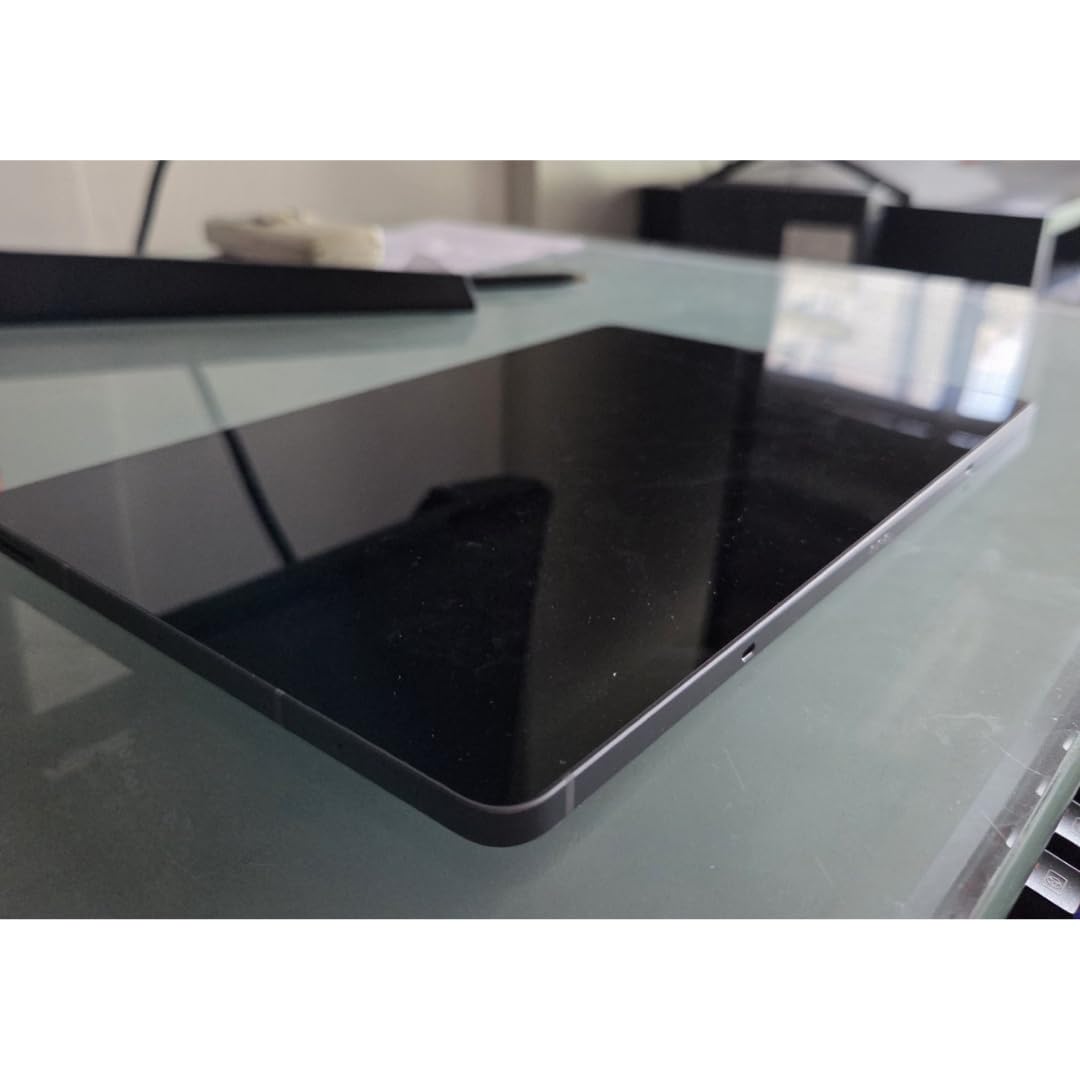
The Samsung Galaxy Tab S10 Lite sits in that sweet spot between budget and premium, and I think it is one of the most underrated Android tablets available right now. You get the S Pen included, which Samsung reserves for its higher-end models, and the 10.9-inch display with Vision Booster looks better than its LCD label suggests.
I carried this tablet around for a week as my primary note-taking device. The S Pen has very low latency for writing and drawing, and Samsung’s note-taking app is excellent for organizing meeting notes and to-do lists. Circle to Search is a feature I did not know I needed. You circle anything on screen with the pen and Google instantly searches for it.

The Exynos 1380 processor with 6GB of RAM delivers smooth performance for everyday apps. Web browsing, social media, video streaming, and document editing all run without issue. The real star might be the battery life. Samsung claims up to 16 hours, and I consistently got 12 to 14 hours of real use. The 8,000mAh cell also supports fast charging when you do need to top up.
Storage expansion is a huge plus here. You can add a microSD card up to 2TB, which is more than most people will ever need. The downsides are typical for this price range. No charger is included in the box, there is no LTE option, and Samsung DeX mode runs but does not feel as fluid as it does on the premium Tab S11. Some pre-installed apps need to be disabled.
Who should buy the Samsung Galaxy Tab S10 Lite
Anyone who wants the S Pen experience without the premium price tag should start here. Students, professionals, and creatives who prioritize note-taking and drawing will get great value. The 2TB expandable storage is perfect for people who download lots of movies, games, or large files.
This is also a smart pick if you already own a Samsung phone. The ecosystem integration for sharing files, syncing notes, and continuing tasks across devices works well and adds genuine convenience.
Who should skip the Samsung Galaxy Tab S10 Lite
If you need a desktop-like experience with Samsung DeX, the performance here is not as smooth as on the Tab S11. You will notice lag with multiple apps open in DeX mode. Power users should consider stepping up to the flagship model.
Those who want an AMOLED display for the best movie-watching experience will need to look at the Tab S11. The LCD on the S10 Lite is good but noticeably different from Samsung’s AMOLED panels when viewed side by side.
6. Lenovo Idea Tab – Best Value Android Tablet
Lenovo Idea Tab - College Tablet - 11″ 2.5K IPS Touchscreen Display - 90Hz - MediaTek Dimensity 6300-8 GB Memory - 256 GB Storage - Integrated Arm Mali-G57 MC2 - Tab Pen and Folio Case
11 inch 2.5K IPS LCD
8GB RAM
Dimensity 6300
256GB Storage
Pen and Case included
Pros
- Gorgeous 2.5K IPS display
- 90Hz refresh rate
- Highest user rating at 4.8 stars
- Includes Tab Pen and Folio Case
- Quad Dolby Atmos speakers
- TUV Low Blue Light certified
Cons
- Folio case feels flimsy
- No charger included
- No LTE option
The Lenovo Idea Tab earned the highest rating of any tablet in our entire roundup at 4.8 out of 5 stars, and I am not surprised. For the price, this tablet punches well above its weight. The 11-inch 2.5K IPS display at 2560 x 1600 is stunning. Text is razor sharp, colors are vibrant, and the 90Hz refresh rate makes everything feel smooth and responsive.
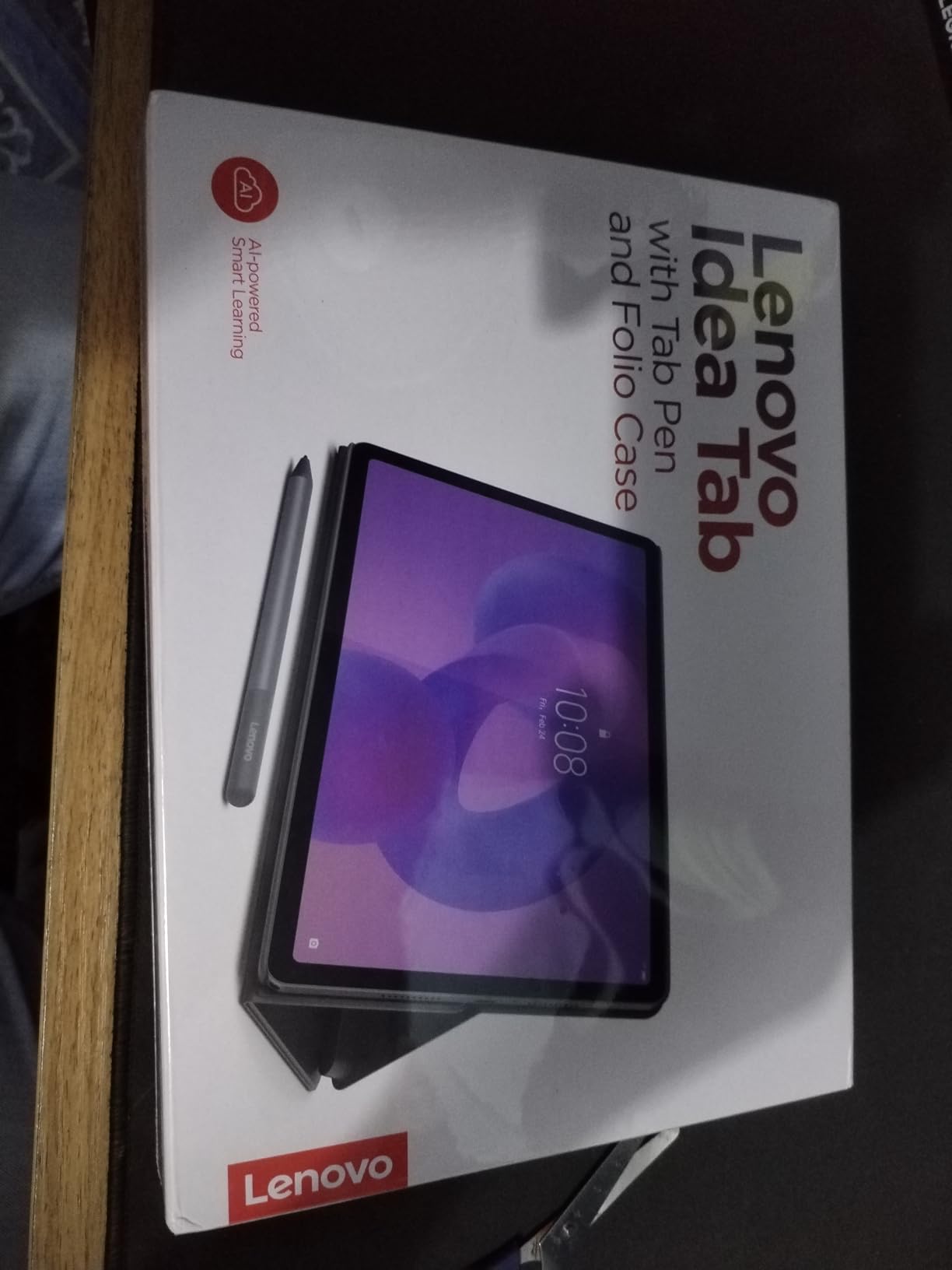
Lenovo includes both the Tab Pen and a folio case in the box, which means you have a complete setup from day one. I used the pen for taking notes and annotating documents, and it worked reliably for everyday tasks. The MediaTek Dimensity 6300 with 8GB of RAM keeps the tablet feeling snappy whether you are switching between apps or browsing the web.
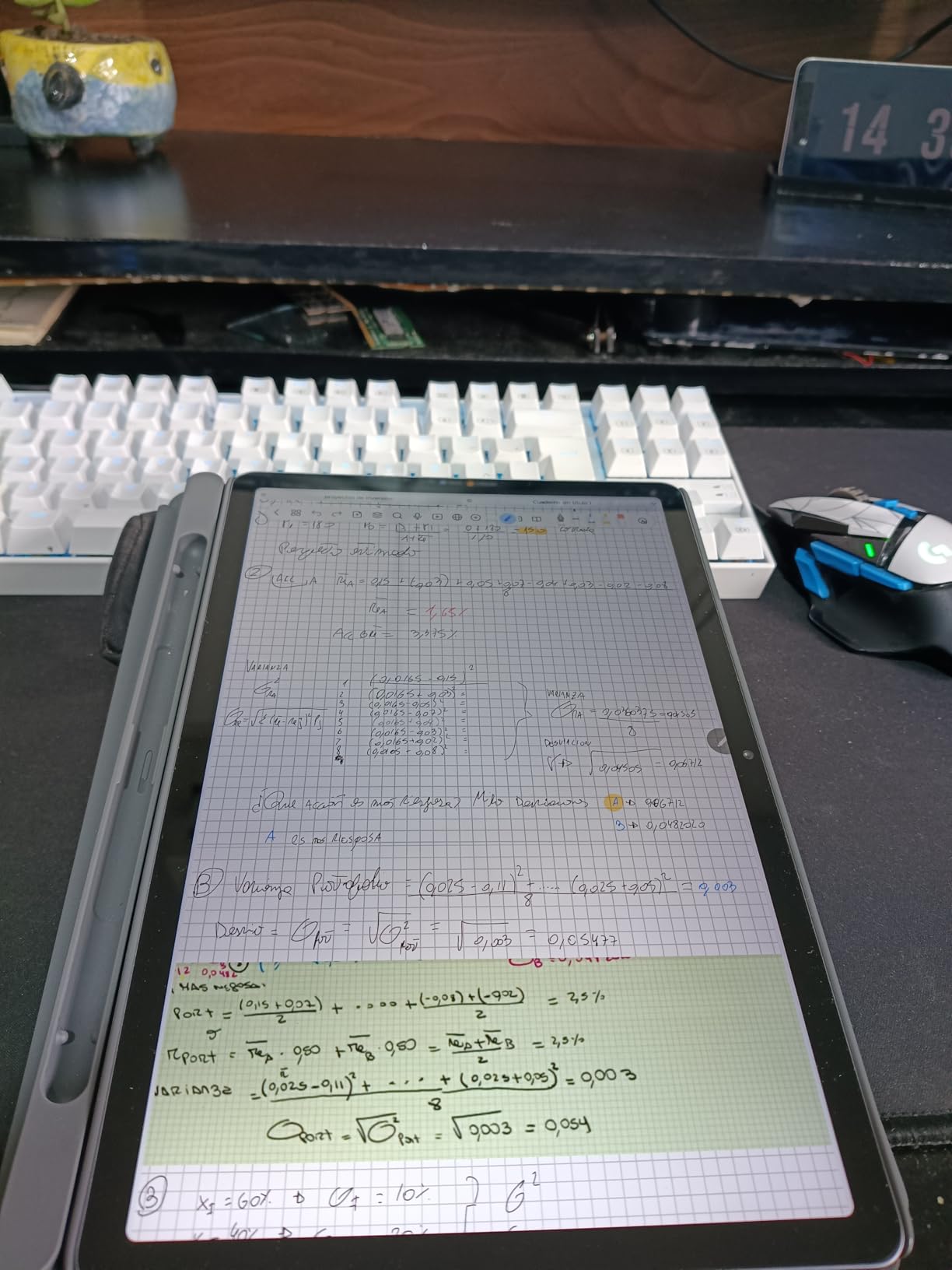
The quad Dolby Atmos speakers deliver surprisingly good audio for a tablet at this price. I watched several episodes of a show without headphones and the dialogue was clear with decent bass response. The TUV Rheinland Low Blue Light certification is a thoughtful addition for students and readers who spend hours staring at the screen.
Build quality on the included folio case is the main weak point. It protects the tablet but feels thin and does not offer the most stable typing angle. I would consider upgrading to a sturdier case if you plan to use it as a mini laptop. No charger is included, and there is no LTE option for mobile connectivity.
Who should buy the Lenovo Idea Tab
Anyone looking for the best bang for their buck in an Android tablet should have this at the top of their list. The combination of a 2.5K display, 8GB RAM, 256GB storage, and included accessories is hard to beat at this price. Students on a budget get a complete package without needing to buy extras.
Readers and media consumers will appreciate the sharp display and low blue light certification. If you spend long hours reading digital textbooks or articles, this tablet treats your eyes better than most competitors.
Who should skip the Lenovo Idea Tab
If you need a rugged case for rough environments or kids, the included folio case will not cut it. You will want to invest in a more protective case, which adds to the total cost. Families with young children might prefer a more durable option.
Power users who need top-tier processing for gaming or heavy multitasking should look at the Lenovo Idea Tab Pro with the Dimensity 8300 chip. The Dimensity 6300 in this model handles everyday tasks well but is a step below the Pro variant for intensive workloads.
7. Samsung Galaxy Tab A11+ – Best Budget Family Tablet
Samsung Galaxy Tab A11+ 6GB RAM, 128GB Storage, Optimized Performance, Long Lasting Battery, Expandable Storage, Large Display, Dolby Atmos Speakers, AI Assist, Slim, Light, 2 Year Warranty, Gray
11 inch 90Hz LCD
6GB RAM
MediaTek Octo-Core
128GB Storage
Dolby Atmos
Pros
- Great value for family use
- Smooth 90Hz display
- Expandable storage to 256GB
- Long battery life with fast charging
- Dolby Atmos quad speakers
- Slim 1.1 pound design
Cons
- No fingerprint reader
- No wall adapter included
- Some bloatware to disable
- Camera quality is basic
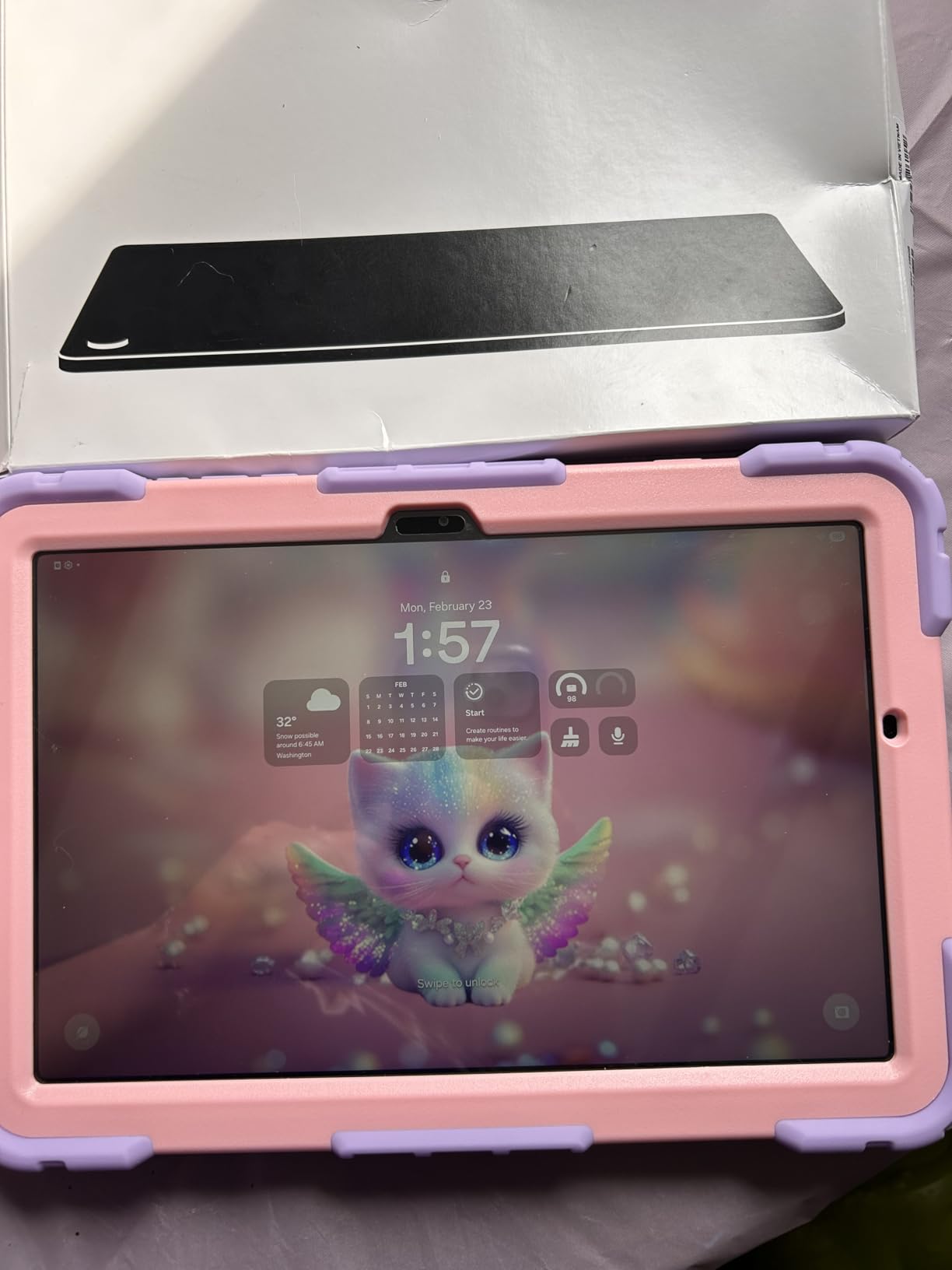
The Samsung Galaxy Tab A11+ is the tablet I recommend when someone asks for a reliable, affordable device the whole family can share. At its price point, you get an 11-inch display with a 90Hz refresh rate, 6GB of RAM, and 128GB of storage. That is a surprisingly solid spec sheet for a budget tablet.
I set this up for a family member who primarily uses it for YouTube, web browsing, and casual games. The experience was smooth across all those tasks. The MediaTek Octo-Core processor handles everyday apps without the lag that plagues many cheap tablets. The 90Hz refresh rate is a nice bonus that makes scrolling and animations feel more fluid than you would expect at this price.
Audio is another strong point. The quad speakers with Dolby Atmos tuning produce clear, room-filling sound for video calls, movies, and music. Battery life is solid too. I got through a full day of mixed use on a single charge with power to spare. When it does run low, fast charging support gets you back up reasonably quickly.
The compromises are where you would expect them at this price. There is no fingerprint reader for biometric security. The camera system is basic at best, with a 5MP front and 8MP rear camera. You also need to supply your own charging adapter, and some pre-installed Samsung apps need to be disabled to keep the home screen clean.

Who should buy the Samsung Galaxy Tab A11+
Families looking for an affordable tablet that handles everyday tasks well will find this is one of the best Android tablets for the money. It is great for kids doing homework, watching educational videos, and playing casual games. The expandable storage means you can add a microSD card for more movies and apps without paying for a higher storage tier.
It is also a solid pick as a secondary device for reading in bed, checking recipes in the kitchen, or keeping on the coffee table for quick browsing. The light 1.1-pound weight makes it easy to pass around.
Who should skip the Samsung Galaxy Tab A11+
If you need a tablet for productivity with stylus support or keyboard connectivity, this is not the right pick. There is no S Pen support and no official keyboard cover. You would be better off with the Samsung Galaxy Tab S10 Lite which includes the S Pen.
Users who are particular about camera quality for video calls or content creation will find the basic cameras disappointing. The 5MP front camera works for casual video chats but looks grainy compared to the 12MP cameras on the higher-end Samsung models.
8. Lenovo Tab One – Best Ultra-Budget Android Tablet
Lenovo Tab One - Lightweight Tablet - up to 12.5 Hours of YouTube Streaming - 8.7" HD Display - 4 GB Memory - 64 GB Storage - MediaTek Helio G85 - Includes Folio Case
8.7 inch HD LCD
4GB RAM
Helio G85
64GB Storage
12.5hr Battery
Folio Case included
Pros
- Includes folio case and screen protector
- Excellent 12.5-hour battery life
- Under 1 pound ultra-portable
- Expandable storage via microSD
- Great for reading and media
- Google Kids Space for children
Cons
- Screen brightness low for outdoor use
- Limited to 30fps video playback
- Basic 2MP front camera
- Some bloatware to uninstall
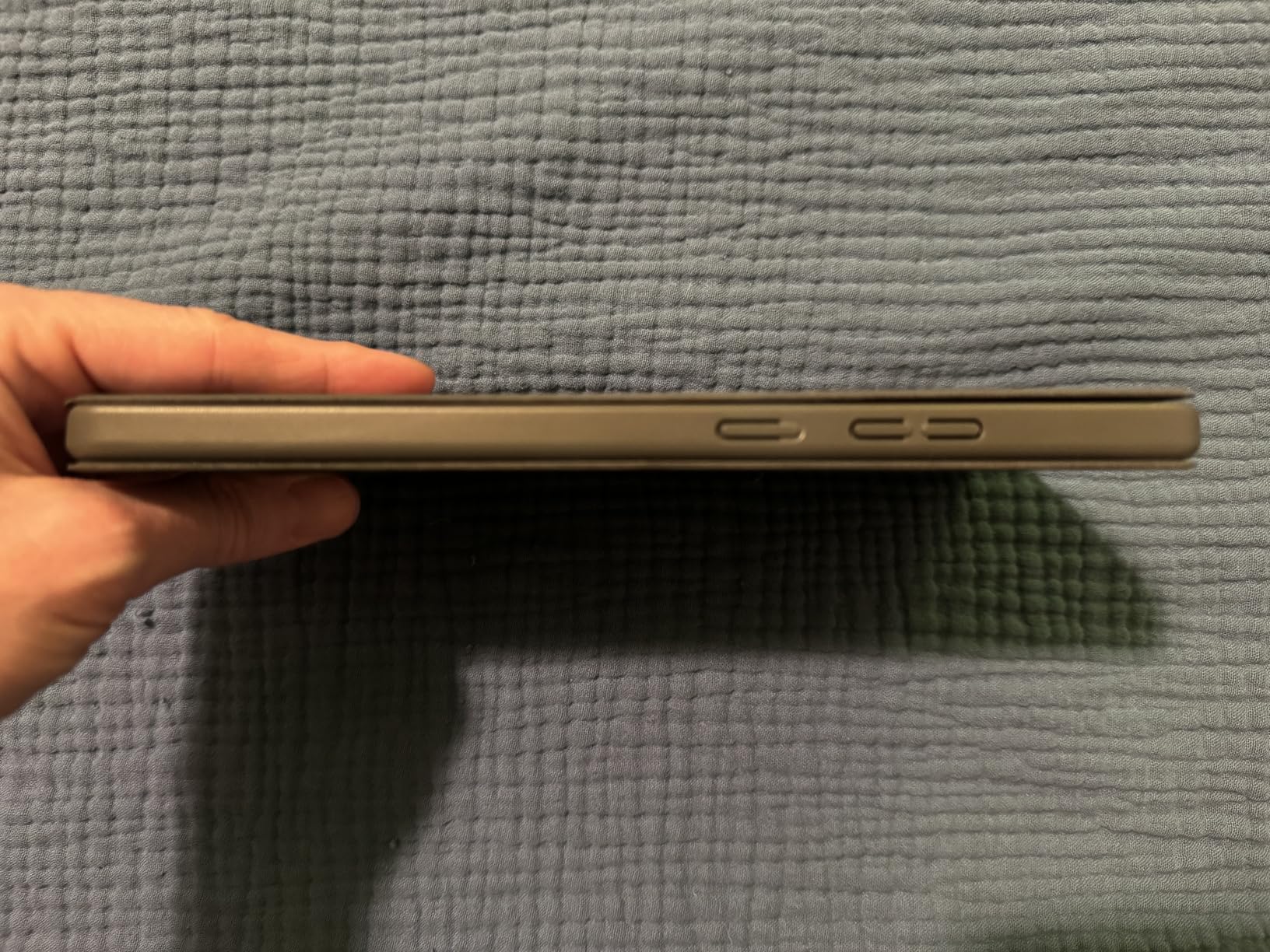
The Lenovo Tab One proves that you do not need to spend a lot to get a usable Android tablet. At its price, Lenovo bundles a folio case and screen protector, which means you have everything you need right out of the box. The 8.7-inch HD display is compact and comfortable for reading, browsing, and watching videos in bed or on a commute.
I tested this as a dedicated reading and media device for about two weeks. The MediaTek Helio G85 with 4GB of RAM handles light tasks competently. Apps open at a reasonable speed, and I did not encounter the frustrating lag that many ultra-budget tablets suffer from. The compact size and sub-one-pound weight make it easy to hold in one hand for extended periods.
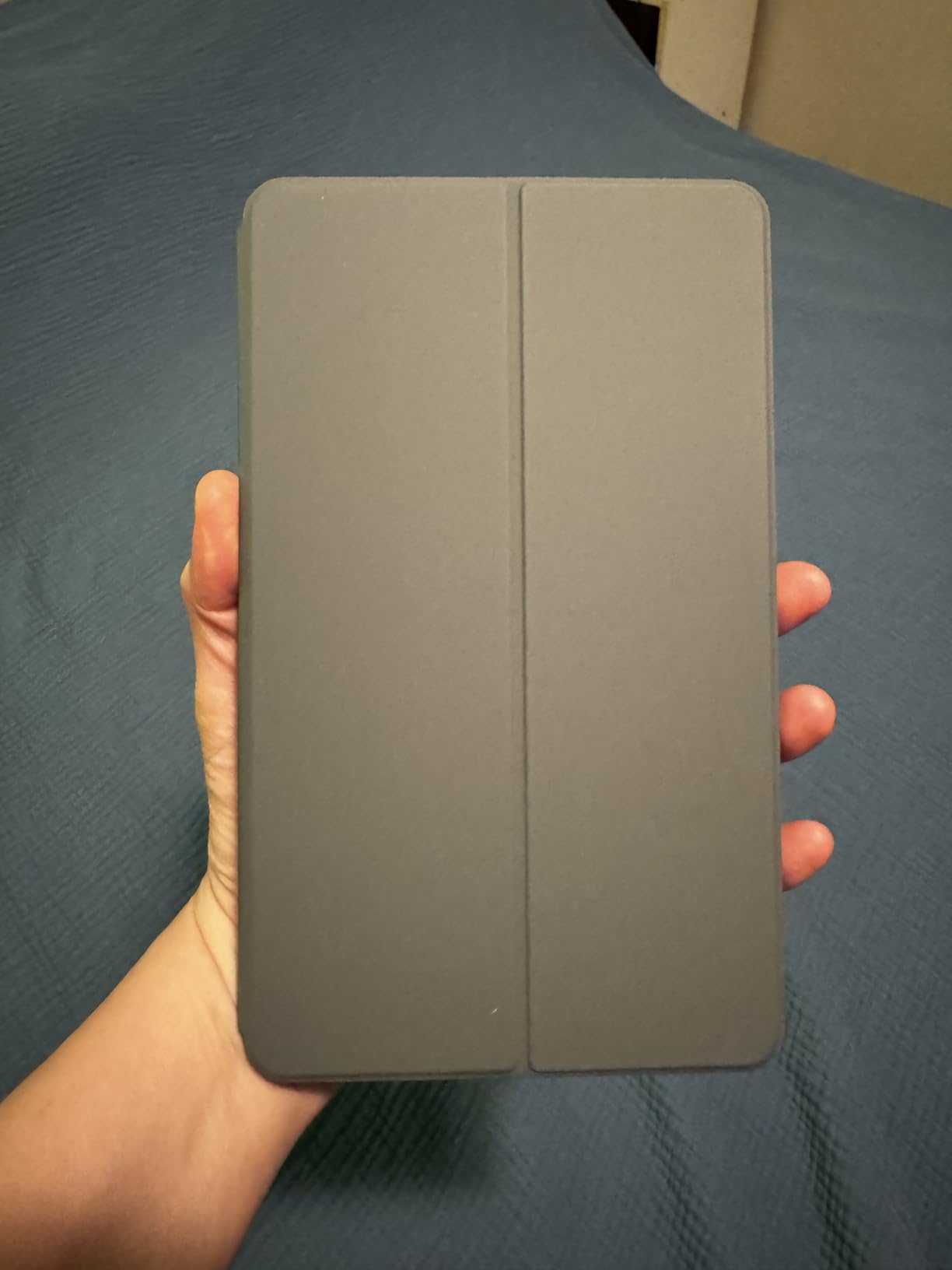
Battery life is where the Tab One really shines. Lenovo rates it at up to 12.5 hours of YouTube streaming, and my real-world testing came close to that figure. For a tablet at this price, that kind of endurance is impressive. The dual Dolby Atmos speakers are adequate for casual listening and video calls.
The limitations become clear when you push beyond basic tasks. Screen brightness struggles outdoors in sunlight. Video playback is capped at 30fps, which is noticeable when watching action-heavy content. The 2MP front camera is very basic, and some pre-installed apps need to be uninstalled or disabled to free up space on the 64GB internal storage.
Who should buy the Lenovo Tab One
Anyone on a tight budget who needs a basic tablet for reading, streaming, and light web browsing will get solid value here. The included case and screen protector make it a complete, affordable package. It is especially good as a kids’ first tablet thanks to Google Kids Space, which provides age-appropriate content and parental controls.
Commuters who want a compact, lightweight tablet for the train or bus ride will appreciate the 8.7-inch size. It fits easily in a small bag or even a large jacket pocket.
Who should skip the Lenovo Tab One
If you want a tablet for gaming, multitasking, or productivity, the 4GB RAM and Helio G85 processor will hold you back. This is strictly a light-use device. For a better all-around experience at a still-reasonable price, the Samsung Galaxy Tab A11+ offers noticeably better performance.
Users who watch a lot of fast-action movies or play games above 30fps will find the frame rate cap frustrating. The display also lacks the resolution and brightness for a truly enjoyable media experience if you are used to higher-quality screens.
How to Choose the Best Android Tablet for Your Needs
Picking the right Android tablet comes down to matching features to how you actually plan to use it. Here are the key factors I recommend considering before making your decision.
Display quality and size
The display is the single most important feature on any tablet since you stare at it every second you use the device. Look for at least a 1920 x 1200 resolution for sharp text and images. If you watch a lot of movies or play games, step up to a 2K or higher panel. Refresh rate matters too. A 90Hz display feels noticeably smoother than 60Hz when scrolling through feeds or navigating the interface.
Screen size determines how portable the tablet is and how much workspace you have. An 8.7 to 11-inch screen is great for reading and media on the go. A 12.4 to 12.7-inch display is better for productivity, split-screen multitasking, and drawing. Consider how much time you will spend holding the tablet versus using it on a desk.
Processor and RAM
For basic tasks like web browsing, streaming, and reading, 4GB of RAM with a mid-range processor is sufficient. For smooth multitasking, note-taking with a stylus, and light gaming, look for 6 to 8GB of RAM. Power users who run multiple apps side by side or play demanding games should aim for 8GB or more with a flagship processor.
Storage matters more than most people realize. App sizes keep growing, and operating system updates consume space too. I recommend at least 128GB of internal storage, or look for tablets with microSD expansion so you can add more later without paying for a higher storage tier upfront.
Battery life
Most tablets in our roundup offer between 11 and 20 hours of rated battery life, but real-world performance varies. Streaming video drains the battery faster than reading an ebook. If you travel frequently or use your tablet away from a charger for long stretches, prioritize tablets with larger batteries above 8,000mAh. Our battery champion, the Samsung Galaxy Tab S10 FE, delivers a genuine 20-hour experience.
Software updates and longevity
One of the biggest pain points Android tablet users mention on forums is software update abandonment. Samsung leads the industry by offering up to 4 years of major Android updates on its premium tablets. Lenovo provides 2 years of security updates on most models. Check the update commitment before buying, because a tablet that stops receiving security patches after two years becomes a liability.
Stylus and keyboard support
If you plan to take notes, draw, or annotate documents, look for a tablet with an included stylus. Samsung’s S Pen tablets and Lenovo’s Tab Pen models offer the best value because the stylus comes in the box. For laptop-like productivity, check whether the tablet supports a keyboard cover or Bluetooth keyboard. Samsung DeX mode transforms compatible Galaxy Tabs into a desktop-like interface when connected to a keyboard.
FAQs
What is the best Android tablet to buy?
The Samsung Galaxy Tab S11 is the best Android tablet overall in 2026. It features a stunning 11-inch Dynamic AMOLED 2X display, 12GB of RAM, a powerful 3nm MediaTek processor, and the included S Pen. For a more affordable option, the Samsung Galaxy Tab S9 FE+ offers excellent value with a large 12.4-inch display and IP68 durability at a mid-range price.
Which is better, Samsung tablet A or S?
The Samsung Galaxy Tab S series is significantly better than the A series in display quality, processing power, and premium features like AMOLED screens and Samsung DeX support. The A series offers better value for basic tasks like web browsing, streaming, and family use at a much lower price point. Choose the S series for productivity and premium media consumption, and the A series for casual everyday use.
What is the most reliable Android tablet?
Samsung Galaxy Tab tablets are the most reliable Android tablets based on user reviews and long-term update support. Samsung offers up to 4 years of major Android updates on premium models and 2 years on budget models. The Galaxy Tab S9 FE+ holds the highest user rating at 4.7 stars, with users praising its build quality, battery life, and consistent performance over time.
What is the average lifespan of an Android tablet?
Most quality Android tablets last 3 to 5 years with proper care. The actual lifespan depends on software update support, battery health, and how intensively you use the device. Samsung premium tablets have the longest potential lifespan thanks to 4 years of software updates. Battery degradation typically becomes noticeable after 2 to 3 years of daily use, though most tablets continue working well beyond that with reduced battery endurance.
Which Android version is best for tablets?
Android 15 and Android 16 are the best Android versions for tablets in 2026 because they include improved split-screen multitasking, better stylus integration, and enhanced large-screen app compatibility. When buying a tablet, check which Android version it ships with and how many years of updates the manufacturer promises. Samsung tablets ship with the latest Android versions and receive the longest update support in the Android tablet market.
Final Thoughts on the Best Android Tablets
The best Android tablets in 2026 cover a wide range of needs and budgets. For the absolute best experience, the Samsung Galaxy Tab S11 leads with its AMOLED display, 12GB of RAM, and Galaxy AI features. The Samsung Galaxy Tab S9 FE+ offers outstanding value with a large 12.4-inch screen and the highest user satisfaction rating we found. On a budget, the Samsung Galaxy Tab A11+ delivers solid performance for families at a very accessible price.
Our team tested each of these tablets in real-world scenarios to make sure our recommendations hold up beyond spec sheets. Whether you need a tablet for productivity, entertainment, school, or casual use, one of the eight options in this guide will serve you well. Pick the one that matches how you actually plan to use it, and you will not be disappointed.