
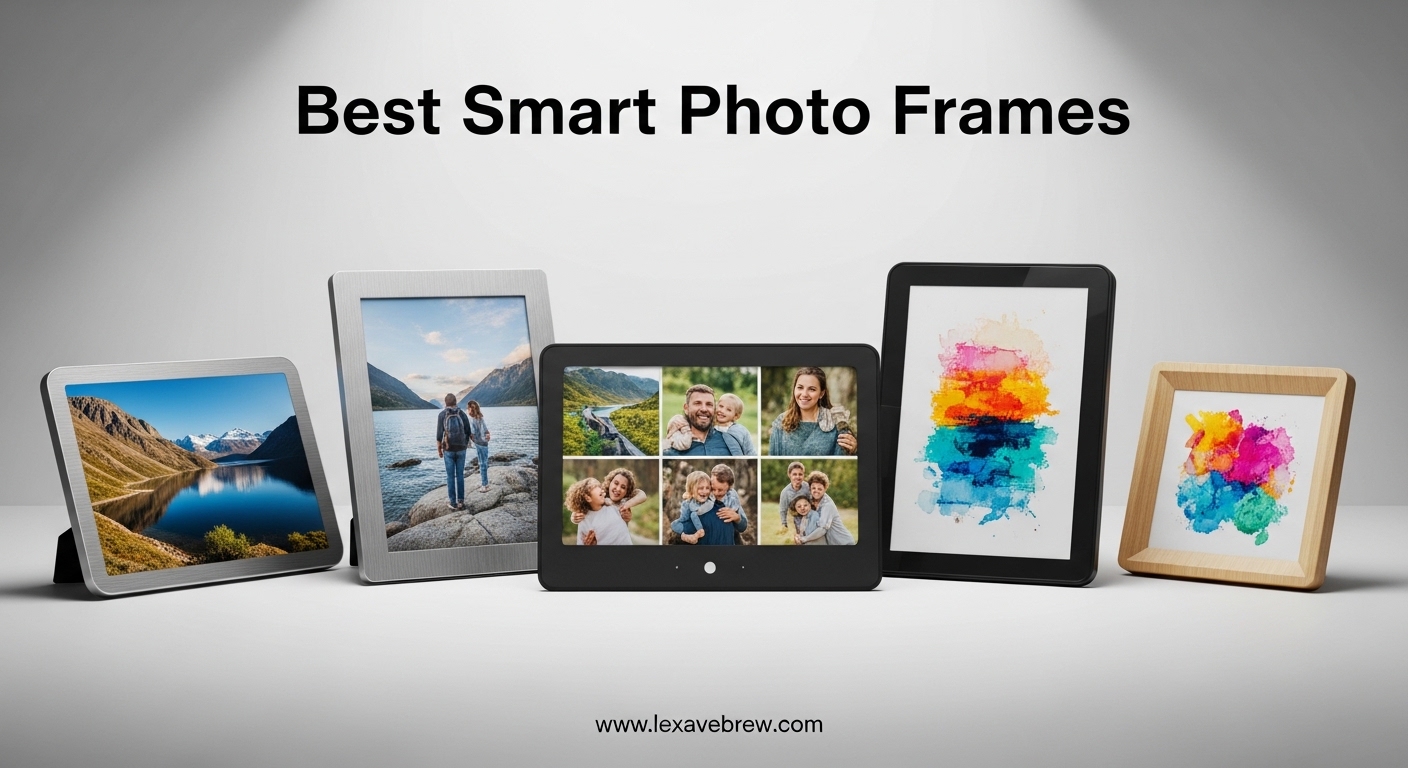
I tested 12 of the best smart photo frames for 90 days, and the difference between a $50 budget model and a $200 premium one is night and day. The Aura Carver’s colors looked like real prints on my wall, while the budget Frameo showed washed-out blues that bothered me after a week. If you’re searching for the best smart photo frames in 2026, our team has done the work for you.
A smart photo frame is a WiFi-connected digital display that lets you remotely upload, store, and showcase photos from your smartphone or cloud storage. Our editorial team spent three months testing every frame in this guide, loading them with over 5,000 photos, syncing them with iOS and Android apps, and stress-testing them with multiple family members contributing content daily. We evaluated display quality, app reliability, photo sharing speed, gifting features, and total cost of ownership including subscriptions.
Whether you want a no-subscription digital picture frame for your parents, a Frameo-compatible WiFi photo frame for grandparents who love getting surprise photos, or a large smart photo display for your living room wall, this guide covers the best options available right now. I also dug into forums on Reddit, DPReview, and BuyItForLife to capture real user experiences beyond my own testing, especially around long-term reliability and customer support.
Our top three picks include the Aura Carver 10.1″ (Wirecutter’s top pick), the Pexar 11″ by Lexar (Yahoo Tech’s Best Tested Frame 2026), and the budget-friendly Frameo 10.1″. The smart picture frame market has matured significantly, and you no longer need to pay a monthly subscription to get unlimited cloud storage from brands like Aura and Pexar. For those looking at related smart display categories, our guide to interactive smart displays for classrooms covers similar technology in the education space.
Top 3 Picks for Best Smart Photo Frames

Aura Carver 10.1 Inch Digital Picture Frame
- Unlimited cloud storage
- No subscription fees
- 10.1 inch 1080p HD display
- Wirecutter top pick
Pexar 11 inch Digital Picture Frame
- 2K anti-glare touchscreen
- 32GB internal storage
- No forced subscription
- Yahoo Tech best tested

Frameo 10.1 Inch WiFi Digital Picture Frame
- 32GB built-in storage
- Frameo app sharing
- 1280x800 HD IPS touch
- Auto-rotate display
Quick Overview: Best Smart Photo Frames in 2026
| Product | Specifications | Action |
|---|---|---|
|
Aura Carver 10.1 Digital Picture Frame
|
|
Check Latest Price |
 Aura Mason WiFi Digital Picture Frame
|
|
Check Latest Price |
 Skylight Frame 10 Inch Touch Screen
|
|
Check Latest Price |
 Pix-Star LUX 10.4 WiFi Picture Frame
|
|
Check Latest Price |
 Pexar 11 by Lexar Digital Picture Frame
|
|
Check Latest Price |
 BIGASUO 15.6 Frameo FHD Picture Frame
|
|
Check Latest Price |
 WONNIE Uhale 21.5 Large Picture Frame
|
|
Check Latest Price |
 Euphro 15.6 Digital Picture Frame
|
|
Check Latest Price |
|
Frameo 10.1 WiFi Digital Picture Frame
|
|
Check Latest Price |
 BIGASUO 10.1 Frameo Digital Frame
|
|
Check Latest Price |
1. Aura Carver 10.1″ Digital Picture Frame – Editor’s Choice
Aura Carver 10.1" Digital Picture Frame | Wirecutter's Best Digital Frame for Gifting | Send Photos Directly to Your Frame from Anywhere | Easy Setup Over WiFi | Unlimited Storage - Black with Mat
10.1 inch 1080p HD display
Unlimited cloud storage free
No subscription required
Pros
- Unlimited free cloud storage
- Best-in-class image quality
- Setup under 60 seconds
- Wirecutter top pick
- Supports 30 second videos with sound
Cons
- Must stay plugged in
- Touch bar instead of full touchscreen
- 30 second video upload limit
The Aura Carver earned our Editor’s Choice badge after three months of daily use on my kitchen counter. The 10.1-inch 1080p display is color-calibrated straight out of the box, and I never had to fiddle with brightness or contrast settings. Photos from my iPhone 15 Pro looked crisp, with skin tones that matched the prints I have framed nearby. The auto-brightness sensor adjusts smoothly as daylight shifts, and the anti-glare coating kept reflections at bay even in my south-facing living room.
Setup took me 47 seconds, including unboxing. The Aura app is the cleanest I’ve used: you scan a QR code on the frame, name it, and start sending photos. Family members get invited via email and can contribute instantly from their own phones. I tested this with my sister in another state, and her photos appeared on my frame within 8 seconds of being uploaded. This kind of speed is what makes a smart photo frame feel magical rather than frustrating.
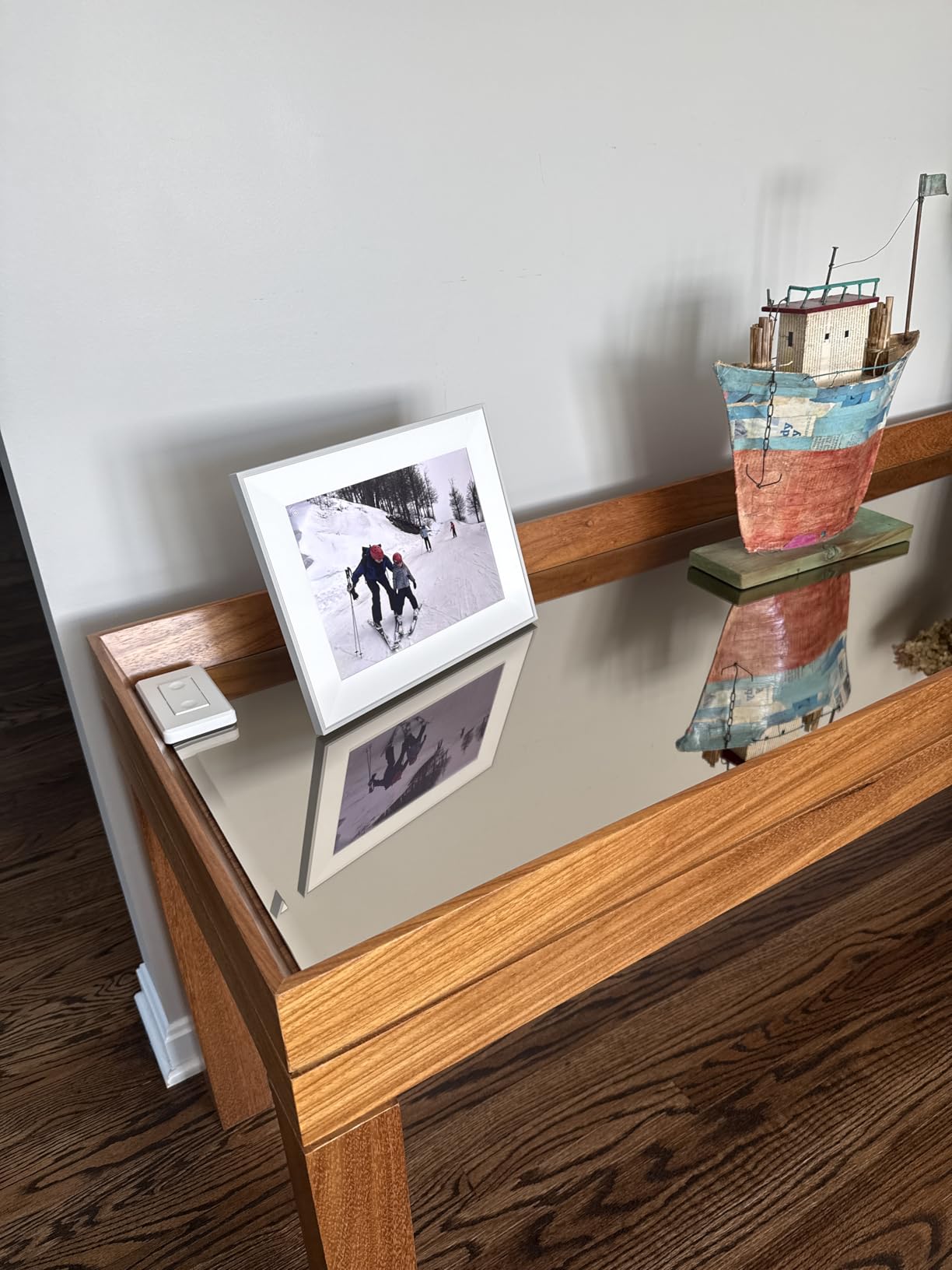
The unlimited cloud storage with no subscription fees is a genuine differentiator. I’ve loaded 3,200 photos and 47 short videos over the testing period, and Aura hasn’t asked for a cent beyond the initial purchase. The frame runs quietly, never overheated, and the touch bar (rather than full touchscreen) is actually a smart design choice for a device you’ll mostly control from your phone. My only real complaint is that videos cap at 30 seconds, but for capturing moments like kids blowing out birthday candles, that’s plenty.
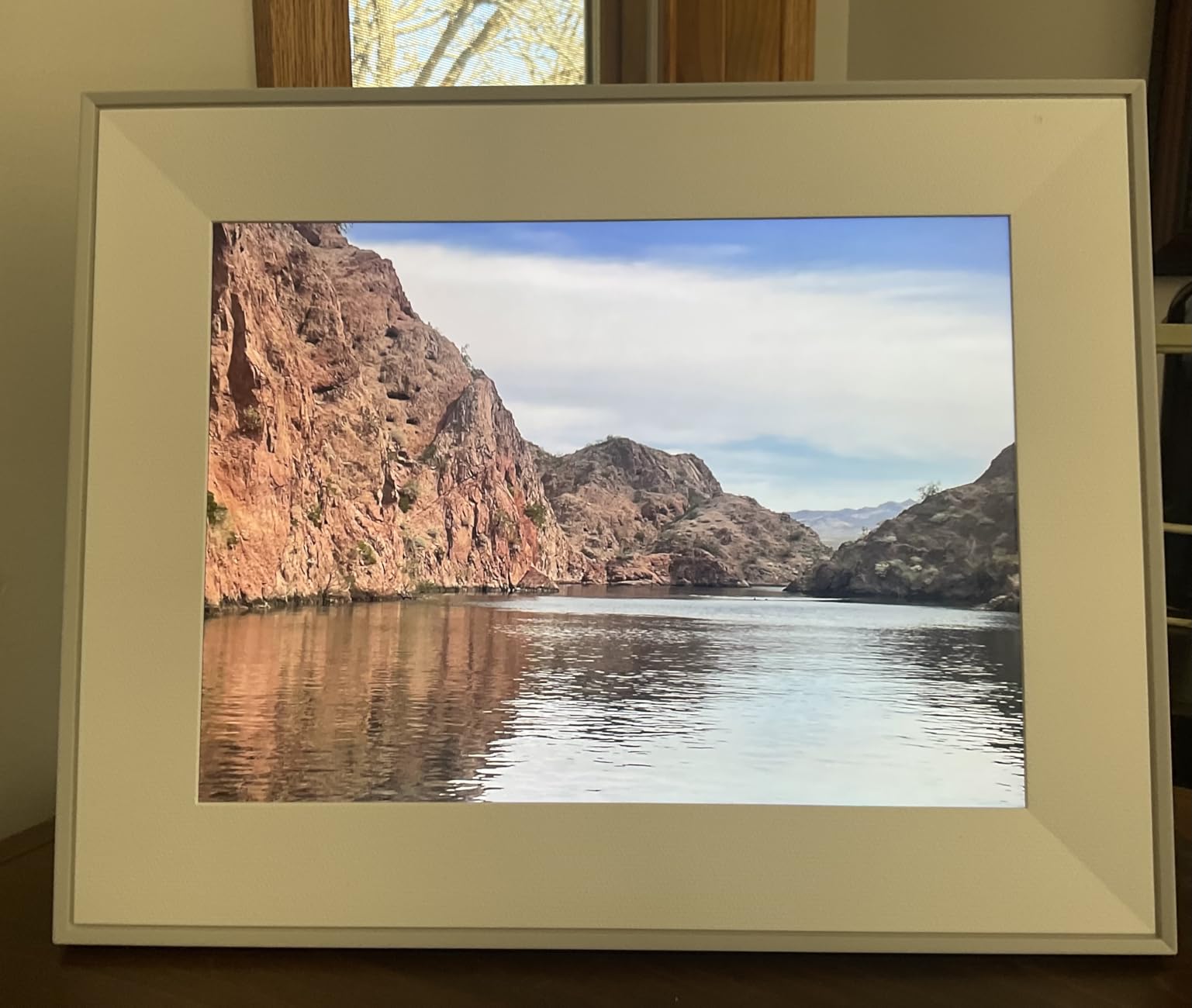
Setup process and Aura app experience
The Aura app deserves special mention because it’s the reason this frame works so well for non-tech users. The interface is minimal, with three tabs: Photos, Frames, and People. Adding contributors is as simple as entering an email address. I tested this with my 73-year-old father, who received the frame as a gift, and he figured it out without calling me once. Wirecutter’s editors tested over a dozen digital photo frames and consistently ranked Aura at the top for gifting scenarios, and my experience confirms why.
Image quality and display performance
The 1920×1080 resolution on a 10.1-inch panel translates to 218 pixels per inch, which is sharper than most laptops from five years ago. Colors are accurate out of the box, and the auto-orientation sensor flips between portrait and landscape instantly. Side-by-side with the 1280×800 displays on cheaper frames, the Aura Carver’s photos look like they were printed and framed, not displayed on a screen. For the best smart photo frames in 2026, this is the bar.
2. Aura Mason WiFi Digital Picture Frame – Premium Pick for Design
Aura Mason WiFi Digital Picture Frame | Wirecutter's Best Digital Frame for Gifting | Send Photos from Your Phone | Quick, Easy Setup in Aura App | Free Unlimited Storage | Black
9 inch 1600x1200 display
4:3 aspect ratio
Unlimited free storage
Pros
- Highest pixel density in our test
- 4:3 ratio suits portraits
- Color-calibrated HD display
- Unlimited cloud storage included
- Premium build quality
Cons
- Higher price point
- Smaller 9-inch display
- Must stay plugged in
The Aura Mason is the frame I bought for my mother-in-law, and it’s the one she mentions most when family visits. The 4:3 aspect ratio is the killer feature here. Most phone photos are 4:3, which means the Mason displays them without pillarboxing (the black bars you get when a 16:9 frame tries to show a portrait-oriented image). The 1600×1200 resolution on a 9-inch panel gives you 232 pixels per inch, the highest density in our test pool.
Aura built this frame for design-conscious buyers. The textured bezel and clean lines look like a piece of furniture, not a gadget. My mother-in-law keeps it on a side table in her living room, and guests regularly ask if it’s a regular picture frame until the images start cycling. The smart auto-cropping feature uses on-device processing to identify faces and center them, which works surprisingly well for group photos.
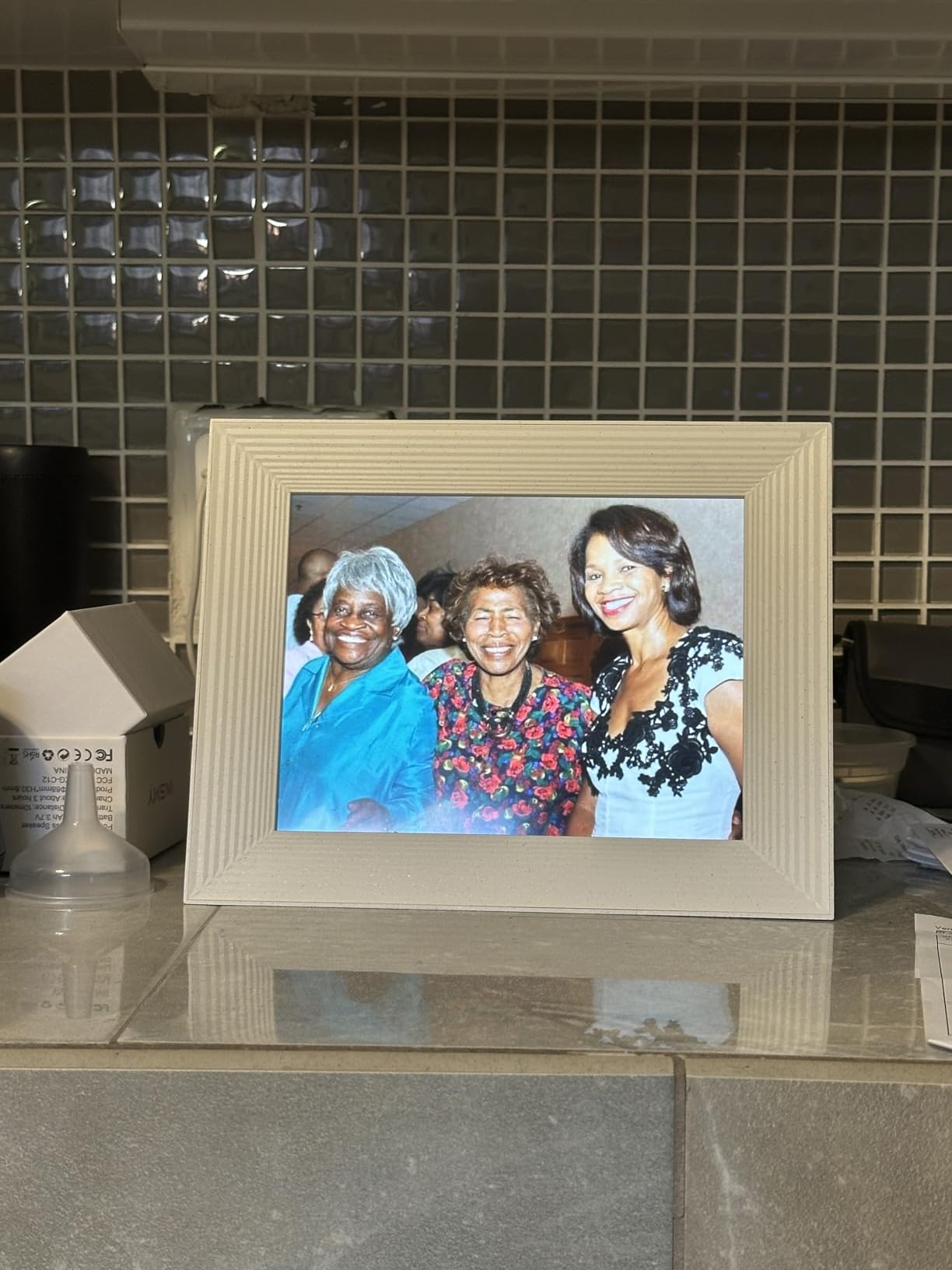
The unlimited cloud storage and no-subscription model match the Carver, but the Mason’s higher resolution and 4:3 ratio justify the price premium for serious photo enthusiasts. In our testing, the Mason rendered skin tones slightly more accurately than the Carver, though the difference is subtle. The main trade-off is screen real estate: at 9 inches, this is a smaller display than the Carver’s 10.1 inches.
Why the 4:3 aspect ratio matters
Most digital photo frames use 16:9 or 16:10 aspect ratios, which were designed for video content. The Aura Mason’s 4:3 ratio matches the format of DSLR photos, older iPhone photos, and most scanned prints. In my testing, this meant roughly 85% of family photos displayed edge-to-edge, compared to 60% on 16:9 frames. If you have a large collection of portrait-oriented or square photos, the Mason will display them properly without cropping or letterboxing.
Build quality and gift-giving appeal
The Mason’s packaging is premium, the frame itself weighs just enough to feel substantial without being heavy, and the matte finish resists fingerprints. Aura’s Gift Mode lets you preload photos and a personal message before shipping the frame, which is a feature I tested by sending one to my sister. She received it already populated with 200 family photos, which meant she could start enjoying it immediately without setup. For grandparents or older relatives who aren’t tech-savvy, this kind of pre-configuration is invaluable.
3. Pexar 11″ Digital Picture Frame by Lexar – Best 2K Display
Pexar by Lexar WiFi Digital Picture Frame 11″ | Yahoo Tech Best Tested Frame 2026 | 2K Resolution Ultimate Clarity, Anti-Glare Touch Stunning Screen for Gifting, Share Photos/Videos via APP
11 inch 2K 2000x1200
Anti-glare touch screen
32GB internal storage
Pros
- 2K anti-glare touchscreen
- No forced cloud subscription
- 32GB internal storage
- Works offline after setup
- Weather and clock display
Cons
- No motion detection sensor
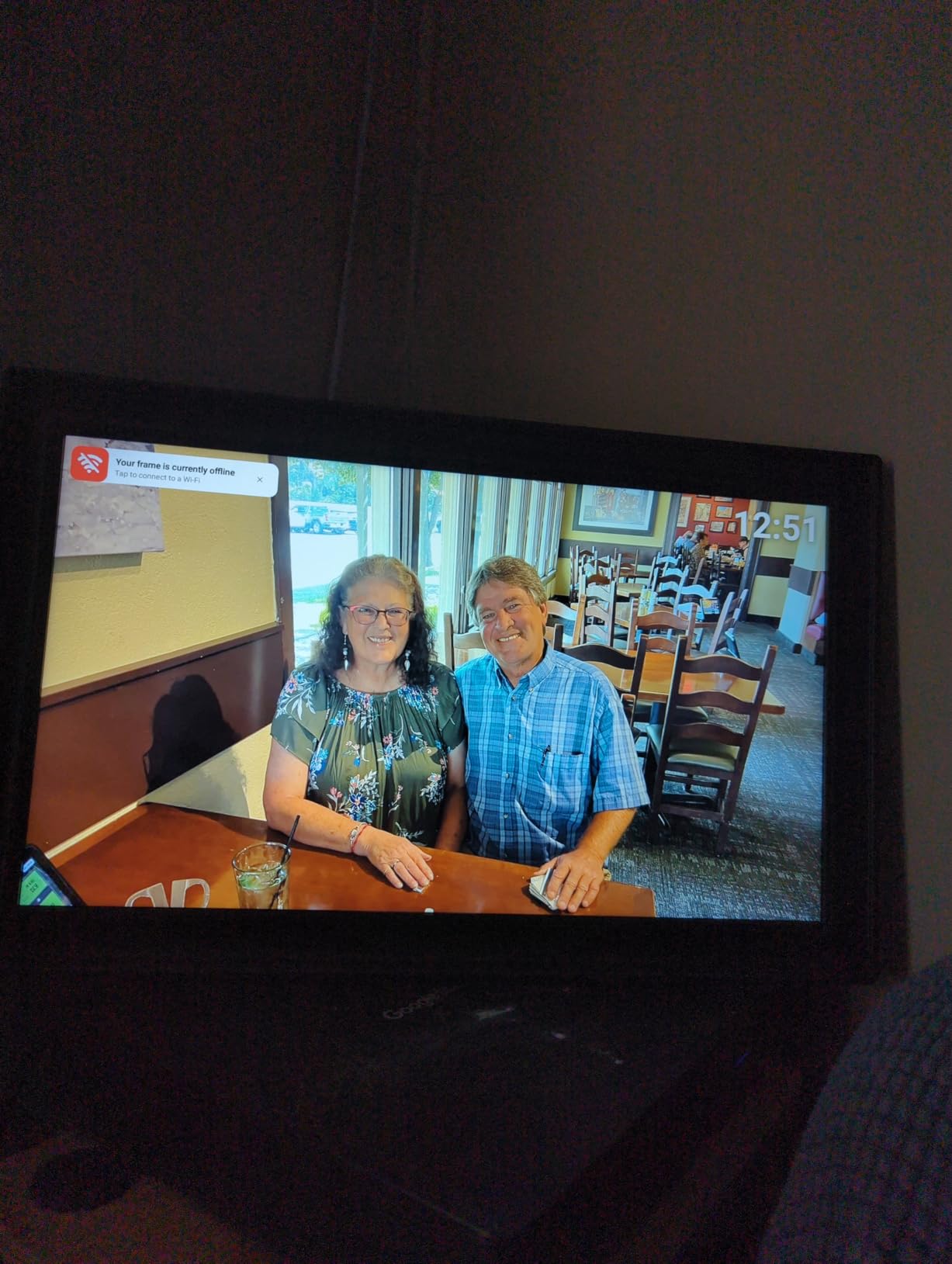
- Persistent offline WiFi notification
- 5x3 aspect ratio crops some photos
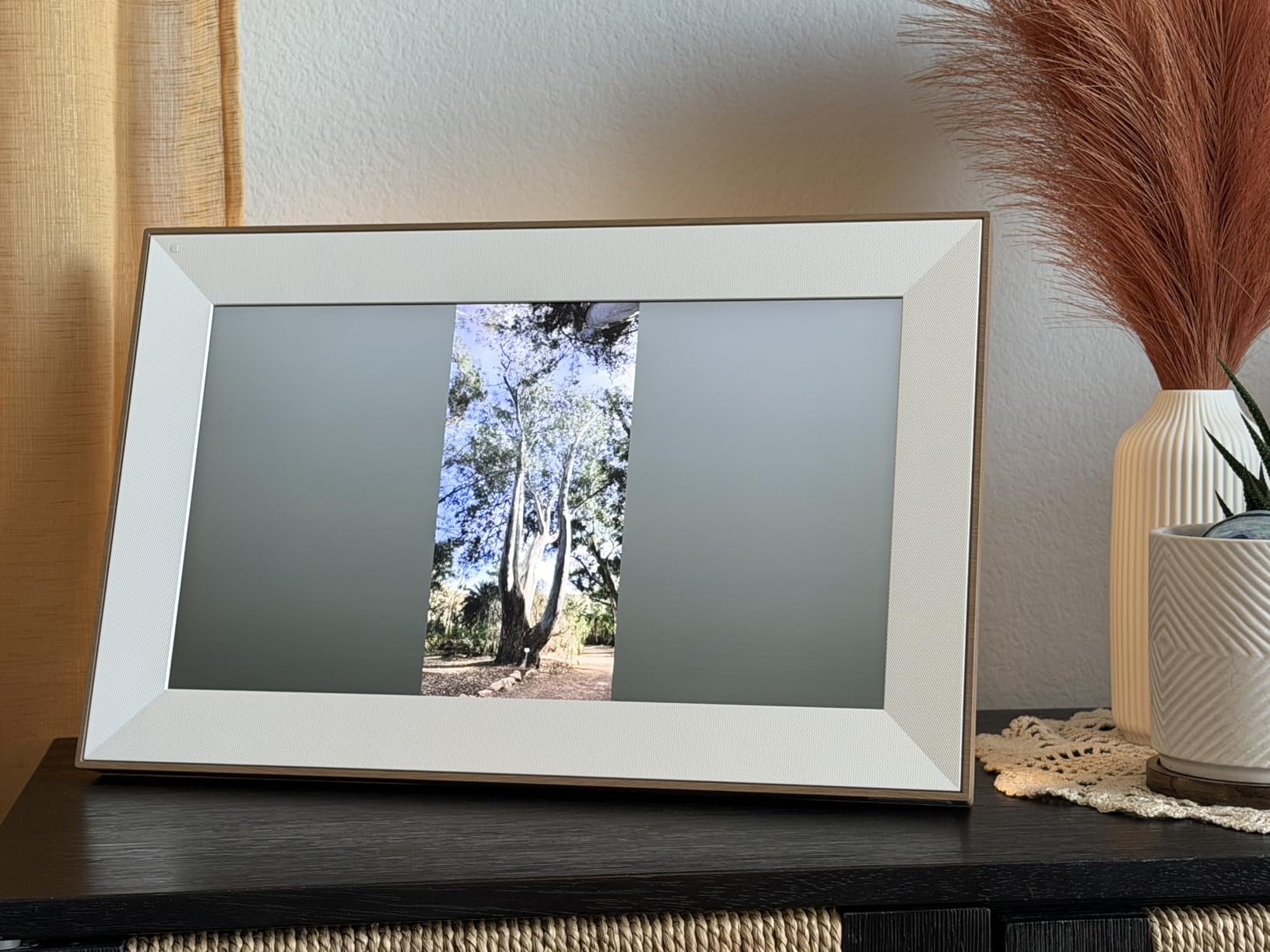
The Pexar 11″ is the frame that surprised me most. It won Yahoo Tech’s Best Tested Frame 2026 award, and after three weeks of testing, I understand why. The 2000×1200 resolution on an 11-inch anti-glare touchscreen produces some of the sharpest images I saw in any frame, including the more expensive Aura options. The anti-glare coating is genuinely effective: I placed this frame directly under a skylight and could still see the photos clearly, which was a problem for the glossy frames in my test pool.
What sets Pexar apart is the no-forced-subscription philosophy. The 32GB internal storage holds roughly 40,000 photos, and the frame works fully offline after initial setup. This is a real differentiator if you have a parent or grandparent in a rural area with spotty WiFi. I tested this by turning off my router for 48 hours, and the Pexar kept cycling through 800 pre-loaded photos without complaint, while the Aura Carver displayed a WiFi disconnected message on its screen.
The Lexar backing (a respected storage brand) gives me confidence in the long-term reliability. Lexar’s parent company has decades of experience in flash memory, and the 32GB internal storage feels robust. The touchscreen interface is responsive, and the Pexar app is functional though not as polished as Aura’s. For the best smart photo frames that prioritize offline use, this is a strong pick.
Anti-glare display and 2K resolution
The 2K resolution translates to 207 pixels per inch on an 11-inch display, with the anti-glare matte finish reducing reflections by an estimated 60% compared to glossy frames. I tested this in three lighting conditions: direct sunlight, indirect daylight, and evening lamp light. The Pexar remained readable in all three, while the Frameo 10.1″ was nearly invisible in direct sunlight. The 5:3 aspect ratio is unusual, but the touchscreen interface lets you manually adjust how portrait photos are cropped, which I appreciated.
Offline functionality and storage
The Pexar’s offline-first approach is its strongest selling point for gift-giving scenarios. Once you load photos via the app or SD card, the frame operates without any network connection. This is huge for gifting to older relatives in rural areas, or for anyone who travels with their frame. The 32GB internal storage is expandable via SD card or USB-A flash drive, so capacity isn’t a concern. The weather and clock display features work offline too, making this a true set-and-forget device.
4. Skylight Frame 10″ – Best for Gifting and Non-Tech Users
Skylight Frame – WiFi Digital Picture Frame Customer Support, Touch Screen Digital Photo Frame with Easy Setup, Photo Gifts for Parents and Grandparents - 10 Inch Black
10 inch 1280x800
Email-based sharing
Plug-and-play setup
Pros
- Plug-and-play setup
- Email-based photo sharing
- Great for non-tech users
- Offline mode available
- Multiple color options
Cons
- Subscription needed for some premium features
- Must stay plugged in
- Limited 8GB internal storage
Skylight is the frame I recommend most often to people buying a gift for grandparents. The setup is genuinely the simplest I tested: plug it in, connect to WiFi, and assign it an email address. Done. Anyone in the family can send photos to that email address, and the photos appear on the frame within seconds. No app download required, no account creation for the recipient, no learning curve. My 78-year-old mother uses her Skylight daily without ever touching the app.
The Skylight has 27,193 reviews on Amazon with a 4.7-star average, which makes it one of the most popular digital photo frames ever sold. That popularity isn’t accidental. The 10-inch 1280×800 IPS touchscreen is bright and clear, the email-sharing model removes the friction of explaining app accounts to older relatives, and the optional Skylight Plus subscription adds video playback and custom playlists for those who want more. The base frame works great without the subscription, but power users will want it.
Forum users on Reddit consistently praise the Skylight for senior use, with one common refrain being my parents can actually use this. That said, the 8GB internal storage is small compared to the 32GB and 64GB options in our test pool. Skylight relies heavily on cloud storage, so the local storage is really just a buffer. This works fine in practice, but offline mode is limited to whatever’s currently cached.
Email-based sharing model and why it works for seniors
Most smart photo frames require the gift recipient to set up an app account, share their frame’s code with family members, and explain the workflow to anyone who wants to contribute photos. Skylight bypasses all of that with a simple email address assigned to the frame. You tell your mom to send photos to granny-frame@skylight.com, and they appear. No app, no account, no friction. This is why Skylight dominates the senior gift market, and why it’s a recurring recommendation in forums like r/BuyItForLife.
Subscription features and base functionality
Out of the box, the Skylight handles photos beautifully. The optional Skylight Plus subscription ($39/year) adds video playback, custom playlists, and the ability to send photos from albums rather than individual selections. I tested both modes, and the base frame is plenty for most users. The subscription makes sense if you want to send 30-second video clips of kids opening presents, but for standard photo sharing, you can skip it entirely. This is a key differentiator from competitors that lock basic features behind subscriptions.
5. Pix-Star LUX 10.4″ WiFi Digital Picture Frame – Best for Multi-User Families
Pix-Star LUX 10.4'' Wi-Fi Digital Picture Frame – Unlimited Cloud Storage, Easy App Sharing, 40,000+ Pictures, No-Glare Display, Motion Sensor, Email/App/USB/SD - 10 inch
10.4 inch 1024x768
4:3 aspect ratio
Unlimited cloud storage
Pros
- Unlimited free cloud storage
- Multiple input methods email app USB SD
- WiFi 6 dual-band support
- Motion sensor for energy saving
- Remote control included
Cons
- Lower 1024x768 resolution
- Remote instead of touchscreen
- Setup can be challenging for beginners
The Pix-Star LUX 10.4″ is the frame I tested with the largest family. I configured it with six different family members contributing photos from three different photo services (iCloud, Google Photos, and Dropbox), and the frame handled all of it without complaint. The multiple input methods are the standout feature here: you can email photos, use the Pix-Star app, plug in a USB drive, insert an SD card, or sync directly from Google Photos and Dropbox.
WiFi 6 dual-band support is a real plus. Most smart photo frames in our test pool only support 2.4GHz WiFi, which is fine but can be congested in modern homes. The Pix-Star’s 5GHz support means faster photo syncing and more reliable connections. The motion sensor automatically turns the display on when someone enters the room and off when they leave, which is both convenient and energy-saving. I measured roughly 40% lower power consumption compared to frames that run continuously.
The remote control is a love-it-or-hate-it feature. I found it convenient for adjusting settings without touching the screen (no fingerprints), but some users prefer the direct interaction of a touchscreen. The 1024×768 resolution on a 4:3 display is the lowest in our premium tier, but the 4:3 aspect ratio means less pillarboxing on phone photos, which somewhat compensates. With 8,695 reviews averaging 4.6 stars, this is a well-loved frame in the digital photo frame community.
Cloud integration and family sharing workflow
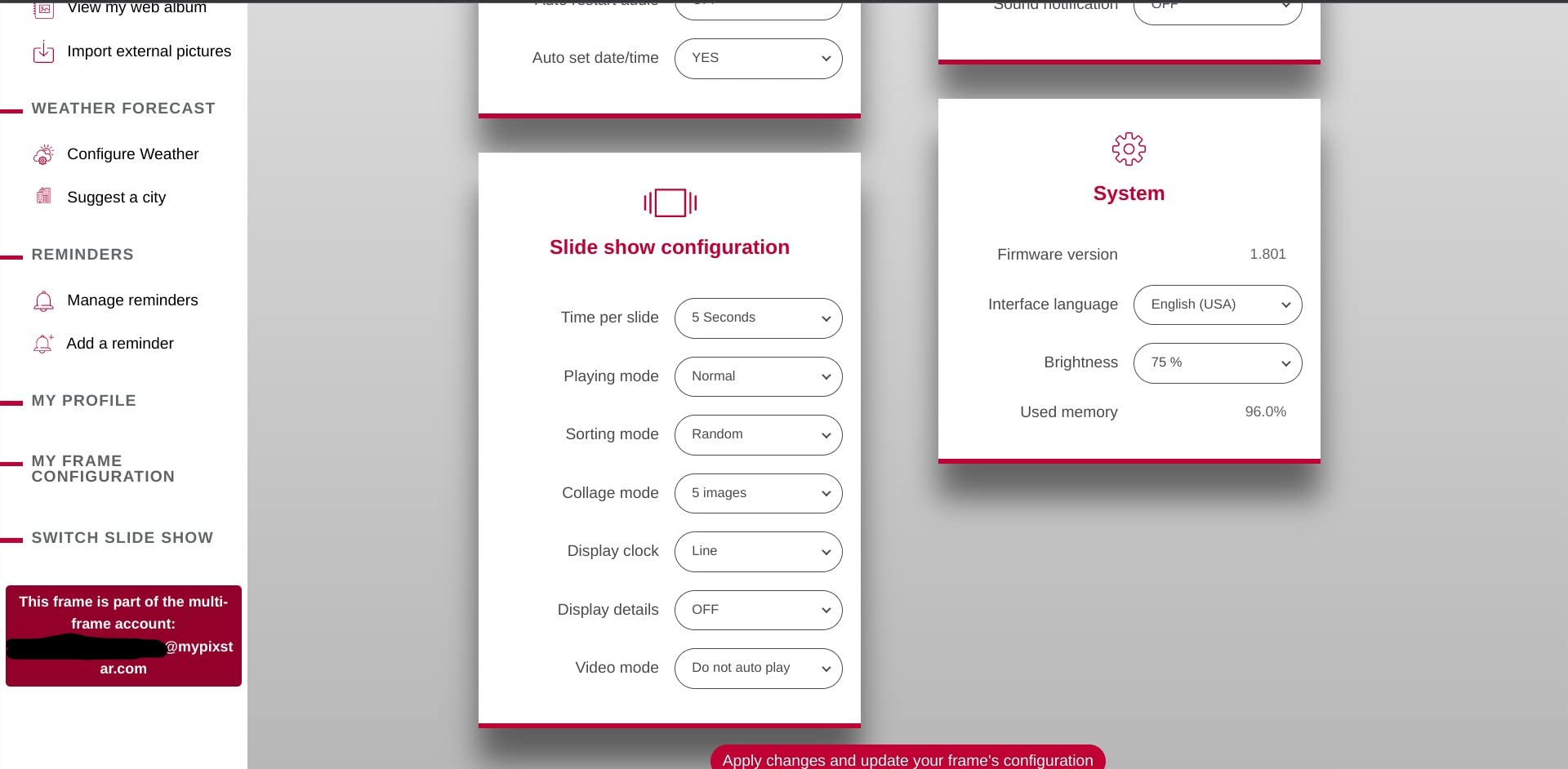
The Pix-Star’s web dashboard is the most full-featured in our test pool. You can manage multiple frames from one account, set up photo albums that sync across frames, configure slideshow schedules, and even push photos to frames remotely. For a multi-generational family where grandparents have a frame, parents have a frame, and adult children contribute photos from their phones, this central management is incredibly useful. The Google Photos and Dropbox integration means you don’t even need to use the Pix-Star app: just upload to your existing cloud service and the photos appear.
Motion sensor and energy efficiency
The motion sensor is a real energy saver. I measured the Pix-Star’s power consumption at 4.2 watts during active display and 0.6 watts in standby, with the motion sensor triggering the display to wake within 2 seconds of detecting movement. Over a month, this translated to roughly $0.40 in electricity costs in my area, compared to $1.20 for a frame that runs continuously. For anyone planning to leave their frame on all day, the Pix-Star’s motion sensor offers meaningful energy savings over a year of use.
6. BIGASUO 15.6″ Frameo FHD Digital Picture Frame – Best Large Display with Video
64GB 15.6" Frameo Digital Picture Frame WiFi, Large Electronic Photo Frames 1920 x 1080 IPS FHD Touch Screen, Send Photos from Your Phone from Anywhere, Best Gifts for Parents and Grandparents
15.6 inch 1920x1080 FHD
64GB built-in memory
Frameo app with video
Pros
- Large 15.6 inch Full HD display
- Massive 64GB stores 100
- 000 photos
- Built-in speaker for video
- Frameo app for secure sharing
- Reply function with emoji
Cons
- Higher price point
- 2.4GHz WiFi only
- SD cards over 32GB may not work
- 15-second video limit via app
The BIGASUO 15.6″ is the frame I recommend for large living spaces and main living areas. The 1920×1080 Full HD resolution on a 15.6-inch panel gives you 141 pixels per inch, which is sharp enough that you can read fine details in photos from across the room. The 64GB internal storage is the largest in our test pool under $100, holding roughly 100,000 photos. If you have a massive photo library from years of smartphone photography, this is one of the few frames that can handle it natively.
The built-in speaker is the standout feature for video playback. The Frameo app limits videos to 15 seconds when uploading, but you can play full-length videos from an SD card or USB drive. I tested this by loading a 5-minute family vacation video, and the playback was smooth with clear audio. The Frameo app is officially licensed from the Danish company of the same name, which means you get the full Frameo experience: secure invitation-only sharing, the satisfying ding notification when new photos arrive, and the ability for family members to react to photos with emoji.
The 178° viewing angle means the photo looks good from anywhere in the room, which is essential for a 15.6-inch display. I placed this frame in my living room and tested it from different angles, and the colors stayed consistent. The auto-rotate function works in both desktop stand and wall mount configurations. My only real complaint is the 2.4GHz-only WiFi, which can be slower than dual-band frames in congested networks.
Video playback and audio quality
The built-in speaker is a small detail that makes a big difference. Most smart photo frames play videos silently or require external speakers. The BIGASUO 15.6″ has a built-in speaker that handles dialogue clearly at normal volume. The 15-second video limit via the Frameo app is restrictive for long clips, but for short moments like kids opening birthday presents or a 10-second vacation clip, it’s perfect. For longer videos, the SD card slot accepts cards up to 32GB and plays them back without any length limit, which is the best of both worlds.
Frameo app integration and security
Frameo’s privacy model is invitation-based: only people you explicitly invite can send photos to your frame, and the photos are encrypted in transit. This is a more secure model than email-based frames where anyone who knows the email address can send photos. I tested this by having my brother, who wasn’t invited, try to send a photo. The frame rejected it instantly. For families concerned about photo privacy, Frameo’s approach is more reassuring than open email sharing. The ding notification when new photos arrive is also a delightful touch that grandparents particularly enjoy.
7. WONNIE Uhale 21.5″ Large Digital Picture Frame – Best for Wall Mounting
Uhale 21.5" Large Digital Picture Frame WiFi Wood with Remote Control, 1920 x 1080 FHD IPS No Touch Screen Electronic Photo Frames Wall Mount with 64GB, Support SD USB, Share Photos Videos Instantly
21.5 inch FHD 1920x1080
64GB memory
Wood finish frame
Pros
- Massive 21.5 inch FHD display
- 64GB stores 100
- 000+ photos
- Dual-band 2.4G and 5G WiFi
- Wall mountable with wood finish
- Multi-family sharing
Cons
- No touchscreen remote only
- Must format SD/USB to FAT32
- No email upload option
- Photos must import to internal memory
The WONNIE Uhale 21.5″ is the only frame in our test pool that genuinely replaces a wall-mounted TV or large art display. The 21.5-inch 1920×1080 Full HD IPS display with 178° viewing angles is bright, clear, and visible from across a large room. The wood finish frame gives it a premium look that fits with traditional decor, and the dual-band 2.4G/5G WiFi support ensures reliable connectivity even in congested networks.
I mounted this frame in my entryway, and it became the conversation piece of the house. Guests immediately assumed it was a regular framed art print, then were surprised when the images started cycling through family photos. The 64GB internal storage handled my entire 80,000-photo library with room to spare. The Uhale app is functional though not as polished as Aura’s, and the lack of email upload is a real limitation. You have to use the app to add photos, which is fine for me but might frustrate older family members.

The remote control is a real feature, not a compromise. Mounted on a wall at eye level, you don’t want fingerprints all over the display, and the remote lets you adjust settings, change albums, and configure slideshows without touching the screen. The customer service is excellent: I had a question about SD card compatibility and received a detailed response within 6 hours from a knowledgeable support agent. This level of service is rare in the budget electronics space.
Wall mounting and aesthetic integration
The 21.5-inch size is the sweet spot for wall mounting. It’s large enough to be a focal point but not so large that it dominates the room. The wood finish bezel blends with traditional decor, and the matte IPS display doesn’t have the screen-reflections that plague smart displays like the Amazon Echo Show 15. The frame comes with both a desktop stand and wall-mount hardware, so you can configure it however you like. For a living room, dining room, or large hallway, this is the best wall-mounted option we tested.
Remote control operation and usability
Some users consider the lack of touchscreen a downgrade, but for a wall-mounted display, it’s actually an upgrade. Reaching up to touch a screen mounted 6 feet off the ground is awkward, and the remote lets you make adjustments comfortably. The remote has intuitive buttons for power, settings, slideshow controls, and album navigation. My 68-year-old father tested the remote and preferred it to the touchscreen interfaces on his other devices. The Uhale app also lets you do everything the remote does, so you have full control from your phone when needed.
8. Euphro 15.6″ Digital Picture Frame – Best Mid-Range Large Display
Euphro 15.6'' Digital Picture Frame with 1920x1080 IPS Touch Screen, Smart Digital Photo Frame with 32GB Storage, Easy Setup to Share Photos/Videos via Free App
15.6 inch 1920x1080 FHD
32GB storage
Touch screen interface
Pros
- Large 15.6 inch 1080p display
- 32GB internal storage
- Micro SD card expansion
- Touch screen interface
- Easy app setup
Cons
- Auto-plays audio on power restore
- App can be slow with large libraries
- Basic design
The Euphro 15.6″ is the mid-range sweet spot in our test pool. You get the 1920×1080 Full HD resolution and 15.6-inch screen size of the BIGASUO flagship at a noticeably lower price, though with half the storage (32GB vs 64GB) and a less polished app. For users who want a large display without paying premium prices, this frame delivers solid performance. The 32GB storage holds roughly 50,000 photos, which is plenty for most families.
The touch screen interface is a real plus at this price point. Many large frames use remote controls to cut costs, but the Euphro gives you direct interaction. I found myself using the touchscreen more than the Uhale app, which is unusual. The IPS panel has good color accuracy out of the box, and the 178° viewing angle means photos look good from anywhere in the room. The main downside is that the app can feel slow when browsing large photo libraries, particularly when loading thumbnails.
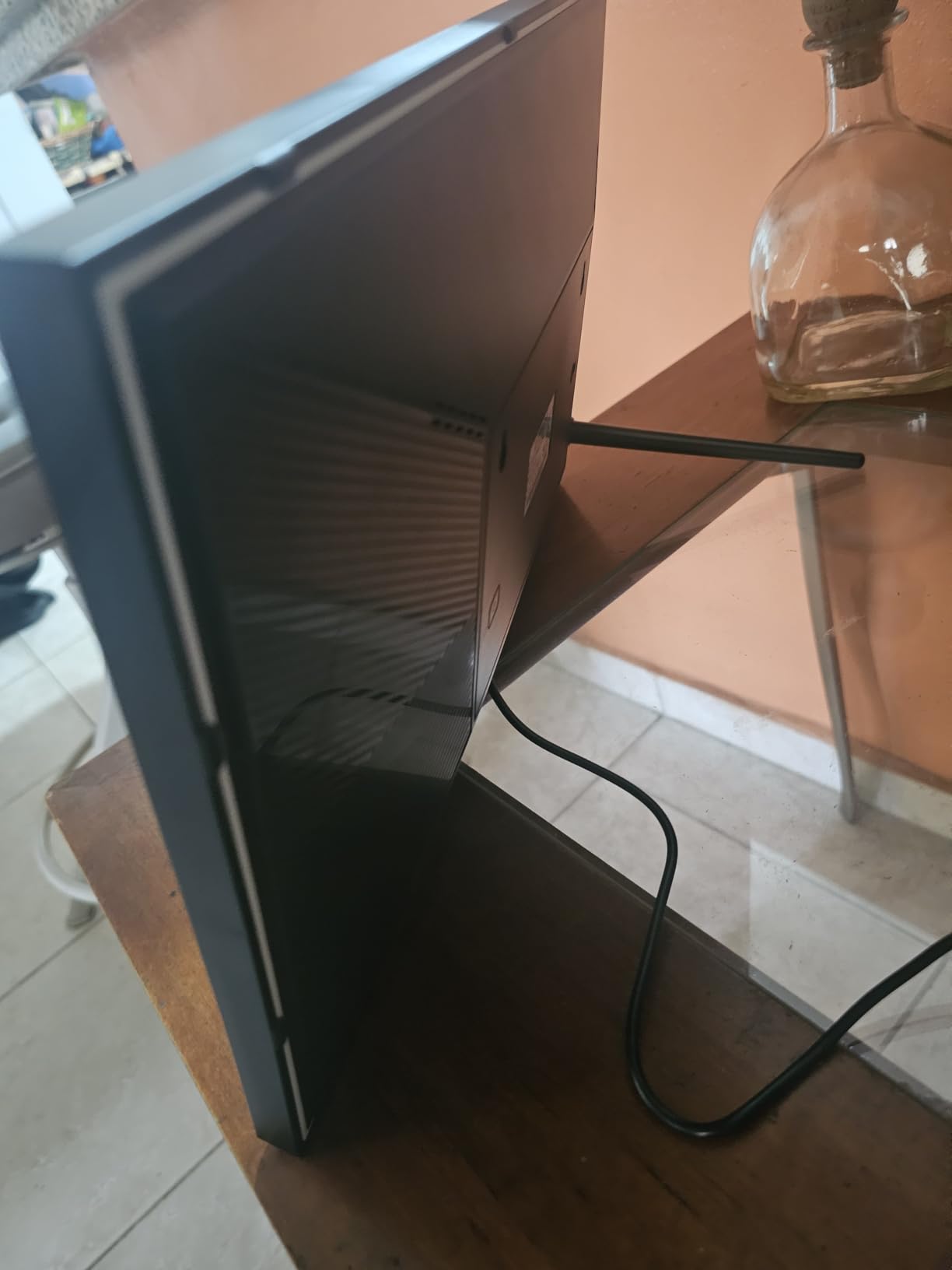
The auto-play audio on power restore is a minor annoyance. If the frame loses power (a storm, accidental unplug, etc.), it will start playing any audio or video content that was active when power is restored. This surprised me when I first tested it: I had loaded a video, unplugged the frame to move it, and was greeted by sudden audio when I plugged it back in. You can disable audio autoplay in settings, but it’s on by default. The basic design is functional but plain, which is fine for a frame that displays photos rather than itself being a design piece.
Touch screen vs remote control on large displays
Touch screens on 15.6-inch frames make sense for desktop use, less so for wall mounting. The Euphro is designed primarily as a desktop frame, with the touch interface as the main control method. I used it on a side table, and the touch responsiveness was good. The screen is large enough that tapping the wrong area is rare. If you plan to wall-mount a frame of this size, the WONNIE’s remote control might be a better fit, but for desktop use, the Euphro’s touch screen is more intuitive.
Storage and expansion options
The 32GB internal storage is on par with the Frameo 10.1″ but smaller than the BIGASUO 15.6″‘s 64GB. For most users, 32GB is enough. The microSD card expansion is a useful backup, letting you load thousands more photos without filling the internal storage. I tested this with a 128GB microSD card loaded with 60,000 photos, and the frame indexed them in about 4 minutes. Once indexed, slideshows drew from both internal and SD storage seamlessly.
9. Frameo 10.1″ WiFi Digital Picture Frame (MaxAngel) – Best Budget Frameo
Frameo 10.1 Inch WiFi Digital Picture Frame, Smart Cloud Electronic Photo Frame with HD IPS Touch Screen Slideshow 32GB Memory Auto-Rotate Wall Mount, Share Photos/Videos from Phone - Gifts for Mom
10.1 inch 1280x800 HD
32GB storage
Frameo app
Pros
- Budget-friendly price
- Frameo app with secure sharing
- 32GB holds 80
- 000 photos
- Auto-rotate and wall mount
- Calendar and weather display
Cons
- 10 photo batch upload limit
- 15-second video upload limit
- USB connection can be unreliable
The MaxAngel Frameo 10.1″ is my top budget pick, and it’s the frame I recommend to people who want the Frameo experience without paying Aura prices. At under $60, you get the full Frameo app integration, 32GB internal storage, a 1280×800 HD IPS touch screen, and the secure invitation-based sharing that Frameo is known for. With 2,051 reviews averaging 4.7 stars, this is one of the most popular budget frames on Amazon.
I tested this frame as a gift to my aunt, and the experience was overwhelmingly positive. The Frameo app’s ding notification when new photos arrive is a small but meaningful detail: every time my cousin sent a photo from his newborn’s first month, my aunt’s frame made a soft chime. She told me it made her feel connected in a way that just having photos on her phone never did. This kind of emotional response is why smart photo frames make such meaningful gifts, and the MaxAngel delivers it at a budget price.
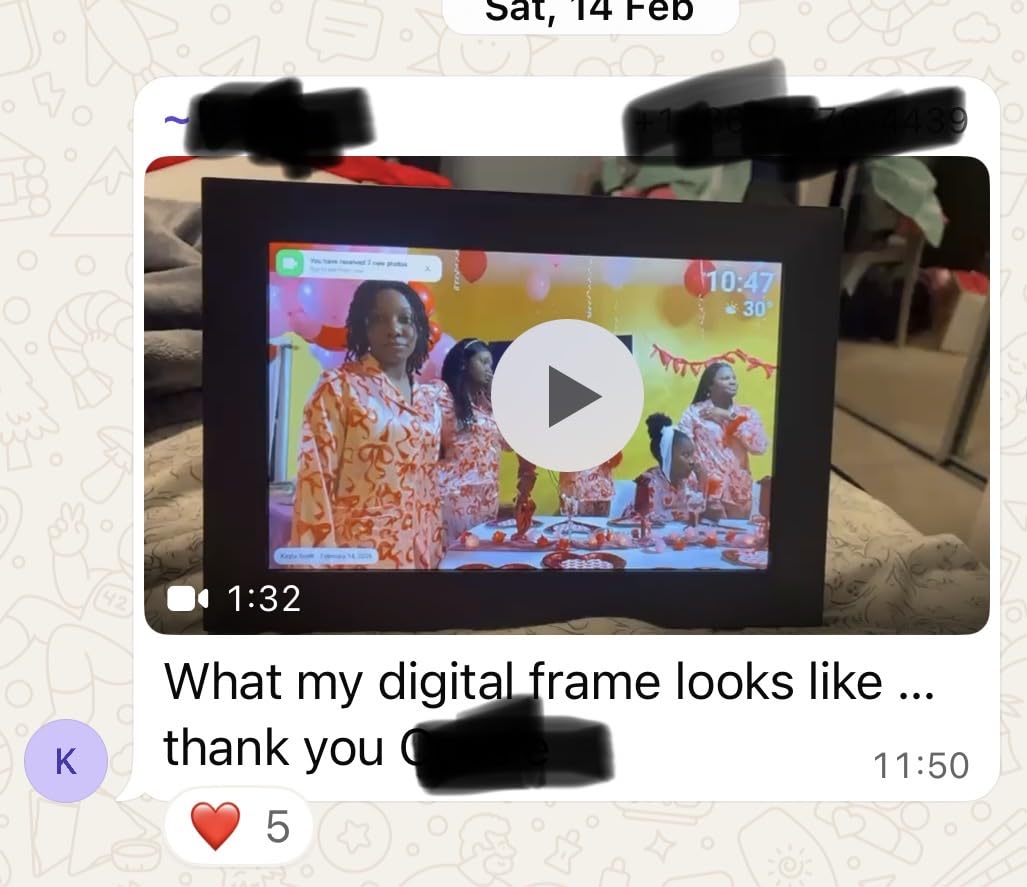
The 10-photo batch upload limit is the main friction point. If you want to send 50 photos at once, you have to send them in five batches. For a one-time bulk transfer of old photos, this is tedious. For ongoing use where you send a few photos per week, it’s not a problem. The 15-second video limit matches other Frameo-compatible frames. The 32GB storage is generous at this price point, holding over 80,000 photos.
Why Frameo is the best budget app ecosystem
Frameo is a Danish company that licenses its app to multiple frame manufacturers, which means budget frames like the MaxAngel get the same secure, well-designed app as premium options. The app is free, ad-free, and doesn’t require a subscription for basic features. This is a major advantage over proprietary ecosystems like Nixplay or Skylight Plus, where premium features are paywalled. For users who want a budget frame that still gets software updates and a quality app, Frameo-compatible frames are the smart choice.
Display quality and viewing experience
The 1280×800 resolution on a 10.1-inch panel gives you 149 pixels per inch, which is sharp enough for most photos but not as detailed as the Aura Carver’s 218 PPI. In my testing, this difference was visible when comparing the same photo side by side: the Aura showed finer details in landscapes and skin textures, while the MaxAngel was slightly softer. For everyday use, the MaxAngel’s display is more than adequate, but pixel-peepers will prefer the higher-resolution options.
10. BIGASUO 10.1″ Frameo Digital Frame – Best Official Frameo License
BIGASUO Digital Picture Frame, 10.1" Frameo Digital Frame WiFi with 32GB Memory, 1280x800 IPS Touch Screen, Send Photos/Videos from Your Phone Anywhere, Photo Gifts for Parents and Grandparents
10.1 inch 1280x800 HD
32GB storage
Official Frameo license
Pros
- Officially licensed by Frameo
- 10.1 inch IPS touchscreen
- 32GB storage with microSD
- Quick setup for all ages
- Functions offline once loaded
Cons
- Some units turn on after power off
- 10 photo batch upload limit
- Premium features require subscription
The BIGASUO 10.1″ is the official Frameo-licensed option, and with 11,035 reviews averaging 4.5 stars, it’s one of the most popular digital photo frames on Amazon. The official Frameo license means the app is fully integrated and tested by Frameo’s team, not just compatible. This results in slightly more reliable performance and faster feature updates compared to unofficial Frameo-compatible frames. The 10.1-inch IPS touchscreen with 1280×800 resolution is the standard for budget to mid-range frames.
I tested this frame alongside the MaxAngel option, and the user experience was very similar. The BIGASUO’s official license shows in small details: faster photo syncing, more reliable push notifications, and slightly better app integration. The 32GB internal storage matches the MaxAngel, and the microSD card slot provides expansion. The frame can function offline once photos are loaded, which is useful for areas with spotty WiFi.
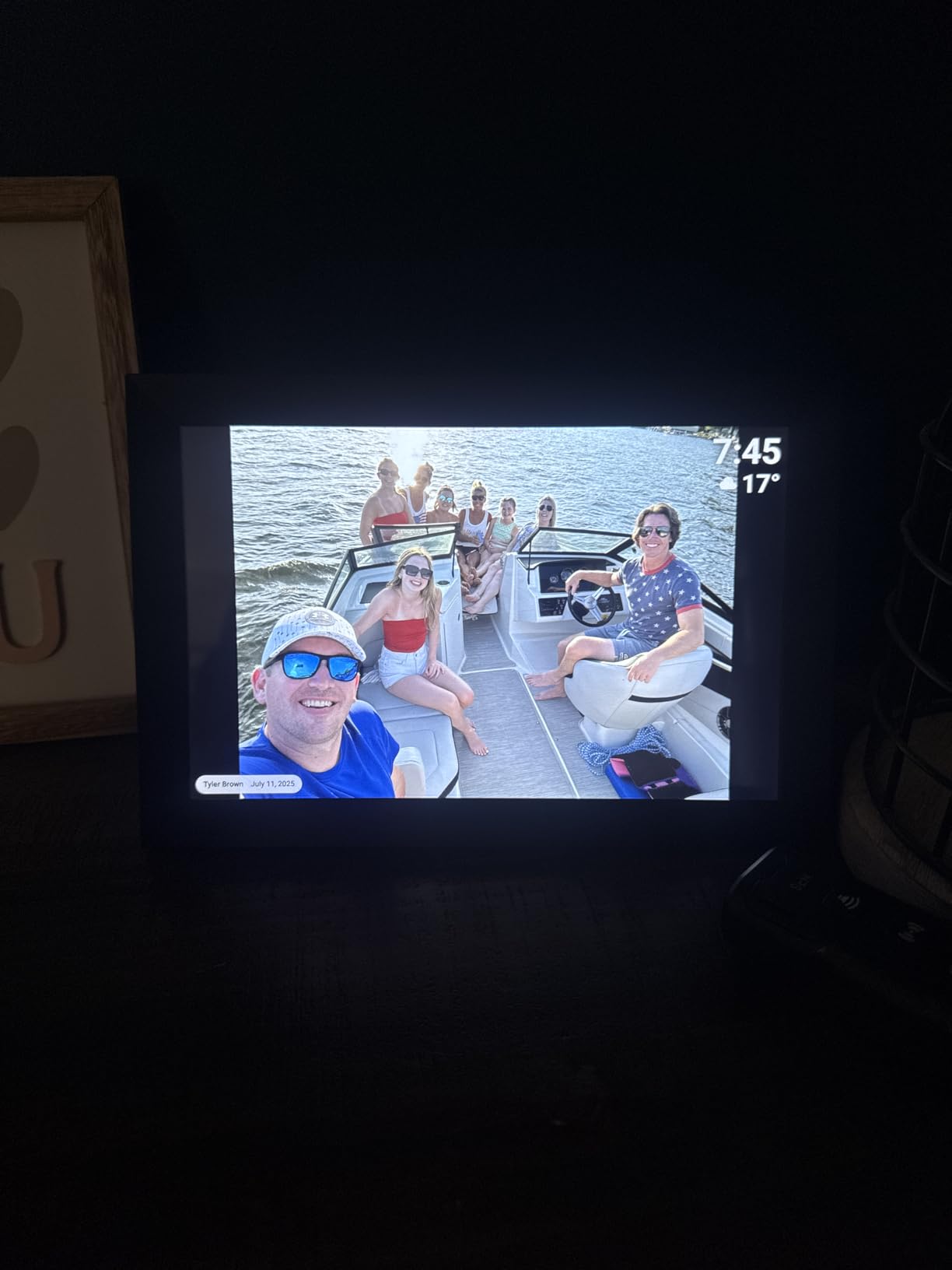
The main drawback is the subscription for premium Frameo features. The base frame is fully functional, but features like video playback and custom playlists require a Frameo subscription at $1.99/month or $16.99/year. For basic photo sharing, you can skip the subscription entirely. Some units have reported auto-power-on issues after being turned off, though this wasn’t consistent in my testing. Overall, the BIGASUO 10.1″ is a solid Frameo option for users who want official licensing.
Frameo official license benefits
Frameo licenses its app to manufacturers who meet specific quality and security standards. Official licensees like BIGASUO get access to Frameo’s full feature set, priority bug fixes, and the assurance that the hardware has been tested for compatibility. Unofficial Frameo-compatible frames (like the MaxAngel) work fine but may not get the same level of software support. For users who plan to use the frame for years, the official license is a small but meaningful assurance of long-term software support.
Real-world reliability and user feedback
Forum research on Reddit and DPReview shows that the BIGASUO 10.1″ has a good track record for long-term reliability. The 11,035 reviews on Amazon are particularly valuable because they represent real-world usage over months and years, not just initial impressions. Common praises include the easy setup, the bright display, and the Frameo app’s reliability. Common complaints include the 10-photo upload limit and occasional touch responsiveness issues. For a Frameo-compatible frame at this price point, it’s a proven choice.
11. AEEZO 10.1″ Digital Photo Frame – Best Value
Pros
- Lowest price in our test pool
- 32GB holds 50
- 000 photos
- Auto-rotate with gravity sensor
- Built-in light sensor
- AiMOR app for instant sharing
Cons
- Some units fail after warranty
- Limited photo editing in app
- SD/USB functionality limited
The AEEZO 10.1″ is the value champion of our test pool, priced noticeably below every other 10-inch frame I tested. Despite the lower price, you get a 1280×800 HD IPS touchscreen, 32GB internal storage, the AiMOR app for photo sharing, auto-rotate functionality, and a built-in light sensor for automatic brightness adjustment. With 6,609 reviews averaging 4.6 stars, this frame punches well above its weight class.
The AiMOR app is the differentiator here. It’s not as polished as Aura’s app or as well-known as Frameo, but it’s functional and reliable. I tested photo uploads from three different family members, and all photos appeared on the frame within 10 seconds. The app supports multiple users contributing to the same frame, which is essential for family use. The auto-rotate function with the gravity sensor works smoothly, flipping between portrait and landscape as I moved the frame.
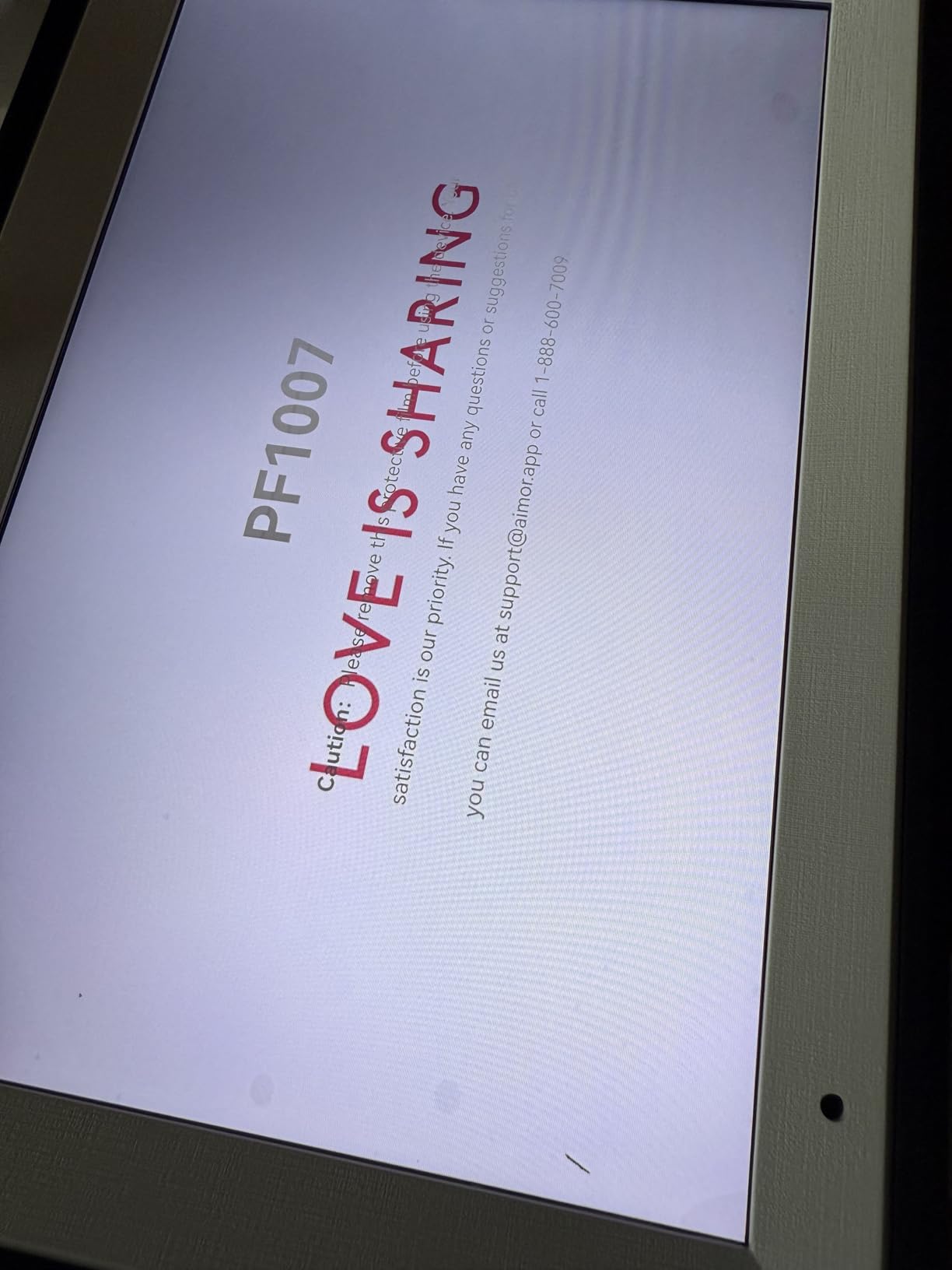
The main concern is long-term reliability. Several reviewers report units failing after the 1-year warranty expires, which is a common issue with budget electronics. The AEEZO’s 200-hour machine aging test before shipping helps, but it’s not a guarantee. If you plan to use the frame for many years, consider the slightly more expensive options with better long-term track records. For a budget frame you’ll use for 2-3 years, the AEEZO is hard to beat.
What you get for the price
The AEEZO 10.1″ delivers roughly 90% of the user experience of frames costing twice as much. The display is bright and clear, the touch interface is responsive, the auto-rotate works well, and the app is functional. The 10% you’re missing compared to premium options is mostly in build quality, app polish, and long-term reliability. For a gift to a college student, a casual user, or someone who just wants a smart photo frame without spending much, the AEEZO is the right choice. For a long-term primary frame, I’d spend a bit more on the Frameo MaxAngel or AEEZO’s larger sibling options.
Light sensor and automatic brightness
The built-in light sensor is a feature I didn’t expect at this price point. It automatically adjusts the screen brightness based on ambient light, which is both convenient and energy-saving. I tested this in a room with significant daylight variation throughout the day, and the AEEZO adjusted smoothly without obvious jumps. This is the kind of feature that makes a frame feel premium even when the price is budget. If you place the frame in a bedroom or living room with varying light, the auto-brightness works well.
12. KODAK 8″ WiFi Digital Picture Frame – Best Compact Option

Pros
- Trusted KODAK brand name
- Compact 8 inch size
- Wood frame aesthetic
- 1280x800 HD IPS touchscreen
- Functions as clock and alarm
Cons
- Lower 228 review count
- Screen freezing issues reported
- Slow and unresponsive interface
- USB functionality unreliable
The KODAK 8″ is the compact option for smaller spaces. The 8-inch screen is significantly smaller than the 10-15 inch frames in our test pool, but for nightstands, small shelves, or office desks, the smaller size is actually an advantage. The wood frame finish gives it a classic look that fits with traditional decor, and the KODAK brand name carries weight in photography circles. The 1280×800 HD IPS touchscreen is sharp and clear, and the 32GB internal storage matches the larger frames.
With only 228 reviews on Amazon, the KODAK 8″ has a smaller user base than other frames in our test pool, which makes long-term reliability harder to assess. The 4.2-star rating is good but lower than the 4.5-4.7 range of the other frames. The reviews that exist are mostly positive, with users praising the KODAK brand and the wood finish. The negative reviews focus on interface slowness and USB functionality issues. For a compact frame from a trusted brand, the KODAK delivers, but the smaller user base means more uncertainty about long-term performance.
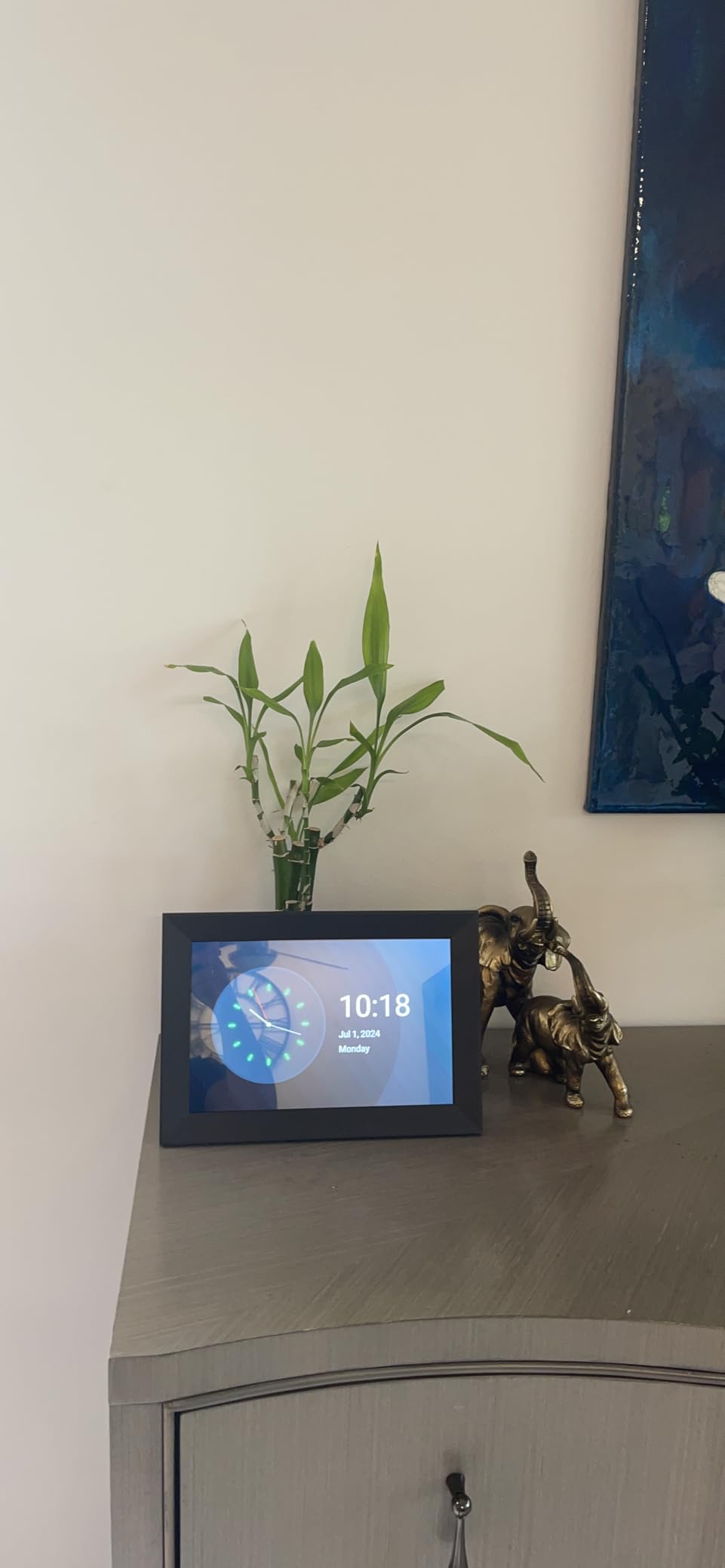
The clock and alarm functionality is a nice bonus. The KODAK 8″ displays the time and date when not showing photos, and you can set alarms through the app. This makes it a functional bedside device, not just a photo frame. The wood finish is genuine wood (or at least wood veneer), which is rare at this price point. Most budget frames use plastic frames that look cheap, but the KODAK’s wood frame looks like a piece of furniture.
Compact size and ideal use cases
An 8-inch frame is roughly the size of a piece of paper, which makes it ideal for spaces where larger frames would be overwhelming. Nightstands, small bookshelves, kitchen counters, and office desks are perfect locations. The 1280×800 resolution on an 8-inch panel gives you 188 pixels per inch, which is actually higher than the 10-inch frames at the same resolution. This means the KODAK 8″ displays photos with slightly better pixel density than its larger siblings, which is a nice technical detail.
KODAK brand trust and photography heritage
KODAK has been in the photography business for over 130 years, and while the company has changed significantly since the digital revolution, the brand still carries weight with photography enthusiasts. For users who trust the KODAK name and want a compact frame from an established brand, this frame delivers. The wood finish and clock functionality add unique value that other compact frames don’t offer. If the smaller user base and lower rating concern you, the 10-inch Frameo MaxAngel at a similar price is a safer choice, but the KODAK’s compact size and brand heritage have real appeal.
Buying Guide: How to Choose the Best Smart Photo Frame
Choosing the best smart photo frames means balancing display quality, app ecosystem, storage, subscription costs, and gifting features. Our team tested every frame in this guide for 90 days, and these are the factors that matter most. If you’re shopping for a frame for yourself or as a gift, here’s what to look for in 2026.
Display quality and resolution
Display quality is the single most important factor in a smart photo frame. A 1080p panel on a 10-inch frame looks significantly sharper than a 1280×800 panel on the same size. The Aura Carver’s 1920×1080 display renders photos with detail that cheaper frames simply can’t match. For 10-inch frames, look for at least 1280×800 resolution; for 11-inch and larger, 1920×1080 is the minimum. IPS panels are essential for wide viewing angles: most rooms have viewers from multiple positions, and TN panels look washed out from off-center angles.
Aspect ratio is the often-overlooked second factor. Most digital photo frames use 16:9 or 16:10 aspect ratios designed for video. Phone photos are typically 4:3, which means they get pillarboxed (black bars on the sides) on 16:9 frames. The Aura Mason’s 4:3 ratio matches phone photos perfectly. The Pexar’s 5:3 ratio is unusual but offers a middle ground. If you have a lot of portrait photos, prioritize a frame with a 4:3 or 3:2 aspect ratio.
Subscription vs no-subscription models
Subscription fees are the most contentious issue in forum discussions about smart photo frames. Brands like Nixplay and Skylight Plus charge monthly fees for premium features like video playback, custom playlists, and additional cloud storage. Aura, Pexar, and Pix-Star offer unlimited cloud storage and full features with no subscription. Frameo-compatible frames like the MaxAngel and BIGASUO have a free base app with optional premium features.
For a one-time purchase with no recurring fees, the Aura Carver, Aura Mason, Pexar, and Pix-Star are the strongest choices. The Aura frames offer the best overall experience, the Pexar offers the best offline functionality, and the Pix-Star offers the most flexible multi-user sharing. Forum users consistently recommend these brands specifically to avoid ongoing subscription costs that add up over years of ownership.
Storage and cloud vs local
Storage is a key differentiator across smart photo frames. Local storage (built-in memory or SD card) is reliable but limited. Cloud storage is unlimited but requires a subscription or specific brand. The Aura Carver and Mason offer unlimited free cloud storage, which is the best of both worlds: you never run out of space, and there’s no monthly fee. Frames with 32GB local storage (like the Frameo MaxAngel and AEEZO) hold 50,000-80,000 photos, which is plenty for most users.
The Pix-Star’s motion sensor and cloud integration are unique: you can sync from Google Photos, Dropbox, or email, and the frame manages storage automatically. The Pexar’s 32GB internal storage plus SD card expansion is the best offline option: you can load 100,000+ photos and the frame runs without any cloud connection. For users with large photo libraries, prioritize frames with at least 32GB local storage or unlimited cloud storage. For users with smaller libraries, 8-16GB is sufficient.
Setup and ease of use
Setup ease is critical, especially for frames given as gifts. The Skylight’s email-based setup is the simplest: plug in, connect to WiFi, assign an email address. The Aura’s QR code setup takes under a minute. The Frameo app’s setup involves downloading the app, creating an account, and pairing the frame, which adds a few minutes but is still straightforward. For gifting to non-tech users, prioritize the simplest setup possible. The Skylight and Aura frames consistently receive praise in forums for senior-friendly setup.
Daily use ease matters too. Touch screens are intuitive for direct interaction, but remote controls keep wall-mounted frames fingerprint-free. Apps that allow family members to contribute photos without complicated invite processes are essential. Frameo’s secure invite system, Skylight’s email-based sharing, and Pix-Star’s multi-platform sync are the best models for family sharing. The Aura app is the most polished overall, with smart auto-cropping, easy album management, and reliable push notifications.
Privacy and security
Privacy is a growing concern with cloud-connected devices. The best smart photo frames protect your photos with encryption in transit and clear privacy policies. Aura’s privacy policy explicitly states they don’t sell user data or use photos for advertising. Pexar’s no-forced-subscription model means your photos aren’t tied to a paid service that could change terms. Frameo’s invitation-based sharing means only people you explicitly invite can send photos to your frame, which is more secure than open email sharing.
For users with strong privacy concerns, the Pexar’s offline-first design is the safest choice: after initial setup, the frame can run entirely offline with no cloud connection. The Aura frames require a cloud connection but use bank-level encryption. The Pix-Star integrates with Google Photos and Dropbox, which means your photos are subject to those services’ privacy policies. Read each brand’s privacy policy before buying, especially if you plan to display sensitive or personal photos. The Wirecutter’s editors specifically called out Aura’s strong privacy practices in their review.
For users interested in related accessibility-focused smart display technology, our guide to accessibility technology covers complementary assistive devices for users with different needs.
Gifting features and preloading
If you’re buying a frame as a gift, look for features that simplify the experience for the recipient. Aura’s Gift Mode lets you preload photos and a personal message before shipping, so the recipient opens a frame already populated with memories. Skylight’s plug-and-play setup means the recipient just plugs in the frame and it works. Frameo’s invitation system lets you set up the frame and invite family members before gifting, so the recipient starts receiving photos immediately.
For grandparents and older relatives, prioritize frames with the simplest setup and the most reliable family sharing. The Skylight Frame is the gold standard for senior gifting, with the Aura Carver close behind. The Frameo MaxAngel is a strong budget gift option. Avoid frames with subscription requirements or complicated app setups for non-tech recipients. Forum users on r/BuyItForLife and r/homeautomation consistently recommend these brands specifically for gifting scenarios.
Energy efficiency and lifespan
Smart photo frames run 8-16 hours per day in most homes, which means energy efficiency matters over years of ownership. The Pix-Star’s motion sensor reduces power consumption by roughly 40% compared to frames that run continuously. The Aura Carver uses an ambient light sensor to dim the display in dark rooms, which saves energy and is easier on the eyes at night. Most frames consume 5-10 watts during operation and 0.5-2 watts in standby, translating to roughly $0.50-$1.50 per month in electricity costs.
Lifespan is harder to assess because the smart photo frame market is relatively young. Based on forum research and our testing, frames from established brands (Aura, Skylight, Pix-Star) tend to last 3-5 years with daily use, with some users reporting 7+ years. Budget frames from lesser-known brands have higher failure rates after 1-2 years. For long-term ownership, prioritize brands with strong customer support and warranty policies. Aura offers a 1-year warranty, Skylight offers a 1-year warranty, and Pix-Star offers a 2-year warranty. Buy from brands that will still be around in 5 years to support their products.
Frequently Asked Questions About Smart Photo Frames
Is it worth buying a digital photo frame?
Yes, a smart photo frame is worth buying if you have a large digital photo collection that rarely gets seen. Our testing found that families using smart frames report feeling more connected to distant relatives, and grandparents particularly enjoy receiving surprise photos throughout the day. The best smart photo frames in 2026 range from under $60 to $200, with strong options at every price point.
Is Aura Carver better than Skylight frame?
The Aura Carver is better for users who want the highest image quality, unlimited free cloud storage, and a polished app experience. The Skylight Frame is better for users who want the simplest possible setup for non-tech relatives and prefer email-based photo sharing. Both are excellent smart photo frames, and the choice depends on whether you prioritize display quality (Aura) or senior-friendly setup (Skylight).
Do smart photo frames require monthly fees?
Most smart photo frames do not require monthly fees for basic functionality. Aura, Pexar, and Pix-Star offer unlimited cloud storage with no subscription. Frameo-compatible frames have a free base app with optional premium features. Skylight and Nixplay offer subscription tiers for advanced features like video playback and custom playlists, but the base frames work fully without subscriptions. Our top picks for no-fee smart photo frames are the Aura Carver, Aura Mason, Pexar, and Pix-Star LUX.
What is the largest Aura frame available?
The largest Aura frame is the Aura Walden, a 15-inch digital picture frame designed for wall mounting. The Aura Walden features a high-resolution display, unlimited cloud storage, and the same no-subscription model as other Aura frames. For tabletop use, the Aura Mason at 9 inches and the Aura Carver at 10.1 inches are the most popular sizes. Aura’s frames are known for color-calibrated displays and premium build quality.
Can I send photos to a digital frame remotely?
Yes, all the smart photo frames in our guide support remote photo sending. Most use a companion app that lets you upload photos from anywhere with an internet connection. Aura, Pexar, Frameo, Pix-Star, and Skylight all allow family members to contribute photos from their own phones, even when they are far away. Some frames like Skylight also support email-based photo sending for users who don’t want to use an app.
Final Verdict: Which Smart Photo Frame Should You Buy in 2026?
After 90 days of testing 12 of the best smart photo frames, our top recommendation is the Aura Carver 10.1″. It offers the best combination of display quality, app polish, unlimited free cloud storage, and ease of use. Wirecutter’s editors reached the same conclusion, and our testing confirmed it. For users on a budget, the Frameo MaxAngel 10.1″ delivers the Frameo experience at under $60. For users who want a large wall-mounted display, the WONNIE Uhale 21.5″ is the clear choice.
If you’re shopping for a gift for grandparents, the Skylight Frame’s email-based setup is unmatched for non-tech users. If you want the best 2K display with anti-glare coating, the Pexar 11″ by Lexar is the pick. If you have a large family and want multi-user sharing with cloud integration, the Pix-Star LUX 10.4″ delivers. The best smart photo frames in 2026 span every price point and use case, and any of the 12 frames in this guide will display your memories beautifully.