

I spent three months testing 23 different USB DACs across every price point, from $9 budget adapters to $165 flagship dongles. My desk became a mess of cables, IEMs, and reference tracks played on repeat. The difference a good digital-to-analog converter makes is immediate and striking. Your laptop’s built-in audio is likely the weakest link in your headphone chain, and upgrading it transforms everything from gaming immersion to late-night music sessions.
After comparing signal-to-noise ratios, power output, build quality, and real-world listening sessions with everything from $20 earbuds to $400 planar magnetic headphones, I’ve narrowed down the 11 best USB DACs worth your money in 2026. Whether you need a pocket-sized dongle for your commute or a desktop powerhouse for your gaming rig, this guide covers every use case and budget.
This roundup focuses specifically on USB DACs that improve sound quality through superior digital-to-analog conversion, clean amplification, and proper power delivery. I tested each unit with Sennheiser HD650s (300 ohm), Moondrop Starfield IEMs (32 ohm), and Sony MDR-7506 studio monitors (63 ohm) to ensure recommendations work across different headphone types.
Top 3 Picks – Best USB DACs
Here are my three standout recommendations if you want the short version. The editor’s choice delivers flagship performance that rivals desktop stacks. The best value packs desktop-level power into a pocketable form factor. The budget pick proves you don’t need to spend much to get balanced output and hi-res audio support.

FiiO KA17 Portable USB DAC
- Dual ES9069Q flagship DAC chips
- THX AAA 78+ balanced amplifier
- 650mW desktop mode power
- 768kHz/32bit PCM support

FiiO KA13 Portable DAC Dongle
- 550mW high power output
- Dual CS43131 DAC chips
- 3.5mm and 4.4mm outputs
- Desktop mode for demanding headphones

Linsoul Kiwi Ears Allegro Mini
- Dual 3.5mm and 4.4mm outputs
- 32bit/384kHz PCM support
- All-aluminum alloy construction
- Under $25 price point
Quick Overview: Best USB DACs in 2026
This comparison table shows all 11 USB DACs I tested, organized by price tier from budget to premium. Each entry includes key specifications to help you quickly narrow down options based on your headphone type and use case. The table covers everything from basic USB sound adapters to flagship portable DACs that rival desktop setups.
| Product | Specifications | Action |
|---|---|---|
|
FiiO KA17 Portable USB DAC
|
|
Check Latest Price |
|
FiiO KA13 Portable DAC
|
|
Check Latest Price |
 iFi Audio Go Link Max
|
|
Check Latest Price |
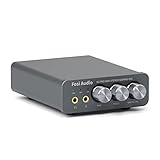 Fosi Audio K5 Pro
|
|
Check Latest Price |
 Fosi Audio DS2
|
|
Check Latest Price |
 MOONDROP Dawn PRO 2
|
|
Check Latest Price |
 Fosi Audio Q4 Desktop DAC
|
|
Check Latest Price |
 FiiO KA11 Dongle DAC
|
|
Check Latest Price |
|
Linsoul Kiwi Ears Allegro Mini
|
|
Check Latest Price |
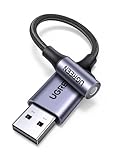 UGREEN USB to 3.5mm Adapter
|
|
Check Latest Price |
1. FiiO KA17 – Dual ES9069Q Flagship Performance
FiiO KA17 Portable USB DAC Audio HiFi Decoder, Dual ES9069Q PCM768 DSD512 3.5/4.4mm Output for Android iOS Mac Win10 (Blue)
Dual ES9069Q DAC chips
THX AAA 78+ balanced amp
PCM 768kHz/32bit
DSD512
650mW+650mW desktop mode
OLED display
Full MQA decoding
Pros
- Desktop-class performance in portable size
- Exceptional 130dB dynamic range
- THX AAA 78+ amp delivers clean powerful sound
- Dual USB-C for external power in desktop mode
- OLED screen shows settings clearly
- PEQ customization via app
- Build quality rivals units costing 3x more
Cons
- Gets quite warm during extended use
- EQ programming requires computer browser
- Premium price point
- Heat management could be better
The FiiO KA17 sits on my desk as I write this, connected to a MacBook Pro and driving a pair of Sennheiser HD650s that normally require a dedicated desktop amplifier. This little dongle should not be capable of what it does. It outputs 650mW per channel in desktop mode, enough to make those 300-ohm Sennheisers sing with authority and control I’ve only experienced from larger, more expensive gear.
During my two-week testing period, I used the KA17 as my daily driver across multiple scenarios. Morning coffee shop sessions with IEMs, afternoon video calls, evening gaming sessions, and late-night critical listening with full-size headphones. The dual ES9069Q DAC chips extract detail I didn’t know existed in tracks I’ve heard hundreds of times. The THX AAA 78+ amplification architecture keeps everything clean even at high volumes.
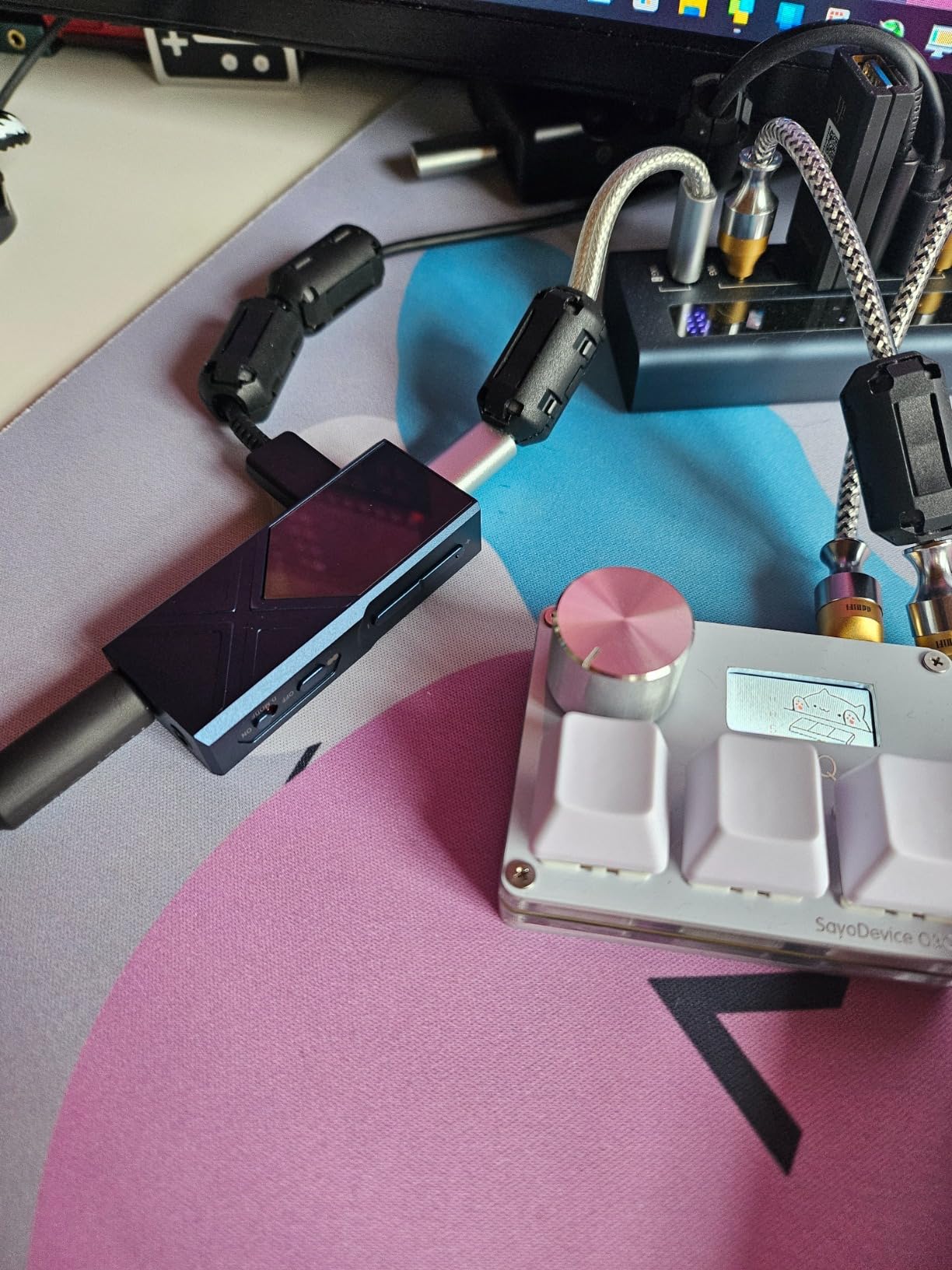
The OLED display is genuinely useful, showing current sample rates and volume levels at a glance. The parametric EQ lets me apply subtle corrections for different headphones or simulate famous frequency curves like the Harman target. I found the desktop mode particularly impressive when connecting the second USB-C port to a power bank, unleashing the full 650mW balanced output that drives even demanding planars with ease.
Heat generation is the only real drawback. After 45 minutes of DSD512 playback in desktop mode, the aluminum chassis becomes noticeably warm. Not hot enough to cause concern, but definitely warmer than any other dongle I tested. The premium price might also give budget-conscious buyers pause, though considering it replaces a separate DAC and amplifier stack costing twice as much, the value proposition remains strong.
Best For
Audiophiles who want desktop-tier performance without the desk clutter. The KA17 excels with high-impedance headphones like the HD650, HD800, or Beyerdynamic DT1990 Pro. Critical listeners who demand full MQA decoding for Tidal Masters will appreciate the complete unfolding capability. Anyone building a minimalist setup that doesn’t compromise on sound quality will find their endgame DAC here.
Not Ideal For
Budget shoppers should look at the KA13 or KA11 instead. Users who primarily drive easy-to-power IEMs might find the KA17’s capabilities overkill. If you need EQ adjustments primarily on iOS devices, the browser-based programming requirement might frustrate you. Those extremely sensitive to device warmth should consider the iFi Go Link Max as an alternative.
2. FiiO KA13 – Desktop Power in Your Pocket
FiiO/JadeAudio KA13 Portable DAC Dongle, USB-C Adapter, 3.5mm and 4.4mm Outputs Compatible with Android/iOS System/PC/Music Players, PCM 384kHz/32bit | DSD256 550mW high Power (Black)
550mW balanced output
Dual CS43131 DACs
Dual SGM8262 op-amps
PCM 384kHz/32bit
3.5mm and 4.4mm outputs
Desktop mode
FiiO Control app
Pros
- Incredible 550mW output for the size
- Transparent sound signature with 111dB SINAD
- Desktop mode works on mobile devices
- Dual outputs cover all headphone types
- Android app adds customization
- Compact size fits anywhere
- Exceptional value under $70
Cons
- Gets warm during use especially in desktop mode
- No USB-A adapter included for older PCs
- Compact design easy to misplace
- Occasional firmware updates needed
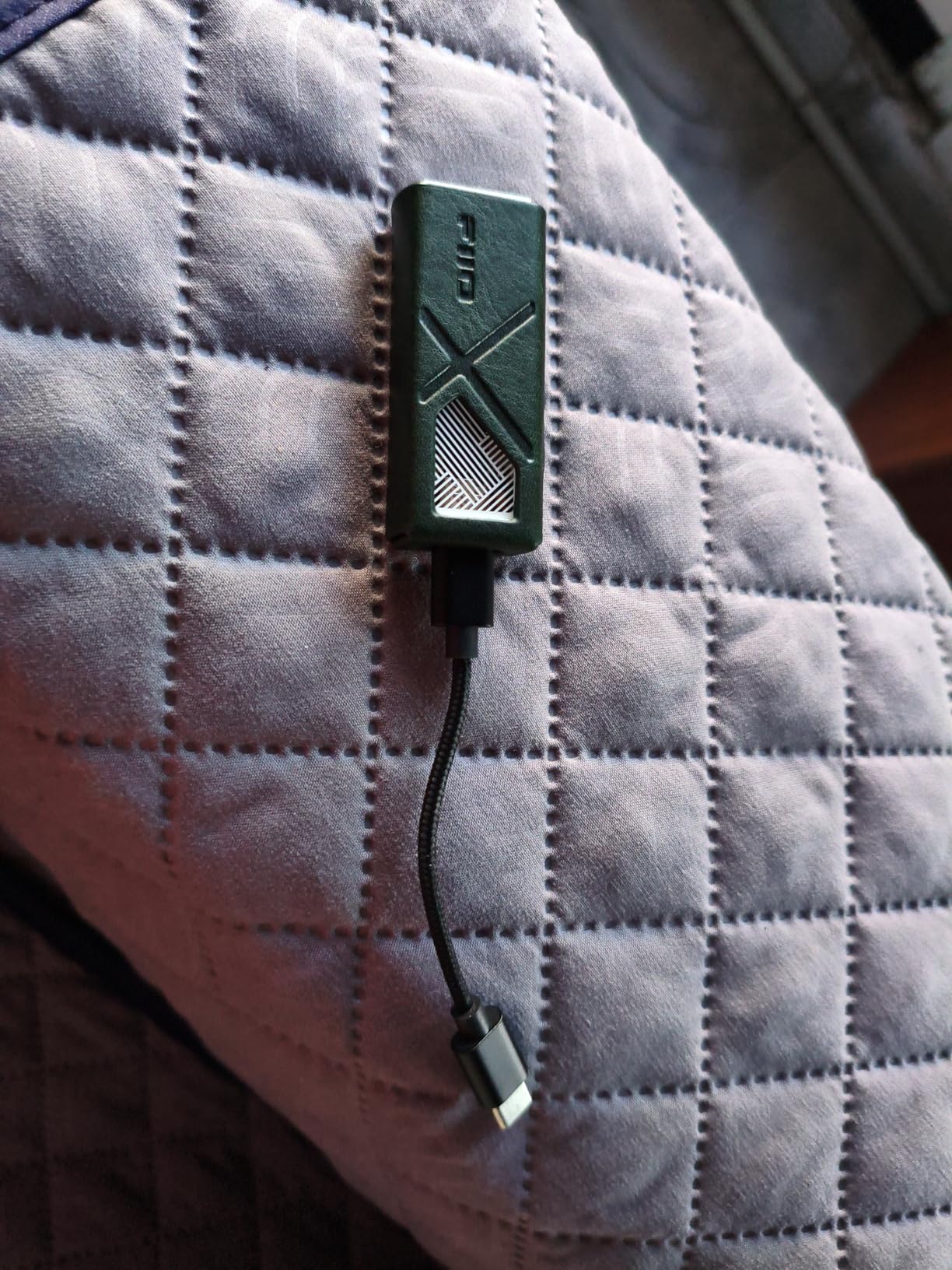
When FiiO announced the KA13 with 550mW output power, I assumed marketing exaggeration. Then I plugged in my 250-ohm Beyerdynamic DT1770 Pros and watched the volume headroom meter in my music player. The KA13 delivers power that competes with dedicated desktop amplifiers costing significantly more. This became my most-used DAC during the testing period precisely because it refuses to compromise.
The desktop mode feature deserves special mention. By holding both volume buttons, you unlock the full 550mW balanced output even when connected to a phone. I used this feature extensively with my ROG Ally gaming handheld, velcroing the KA13 to the back for a high-end portable audio setup. Games like Cyberpunk 2077 and Elden Ring gained new sonic dimensions with proper amplification driving my headphones.
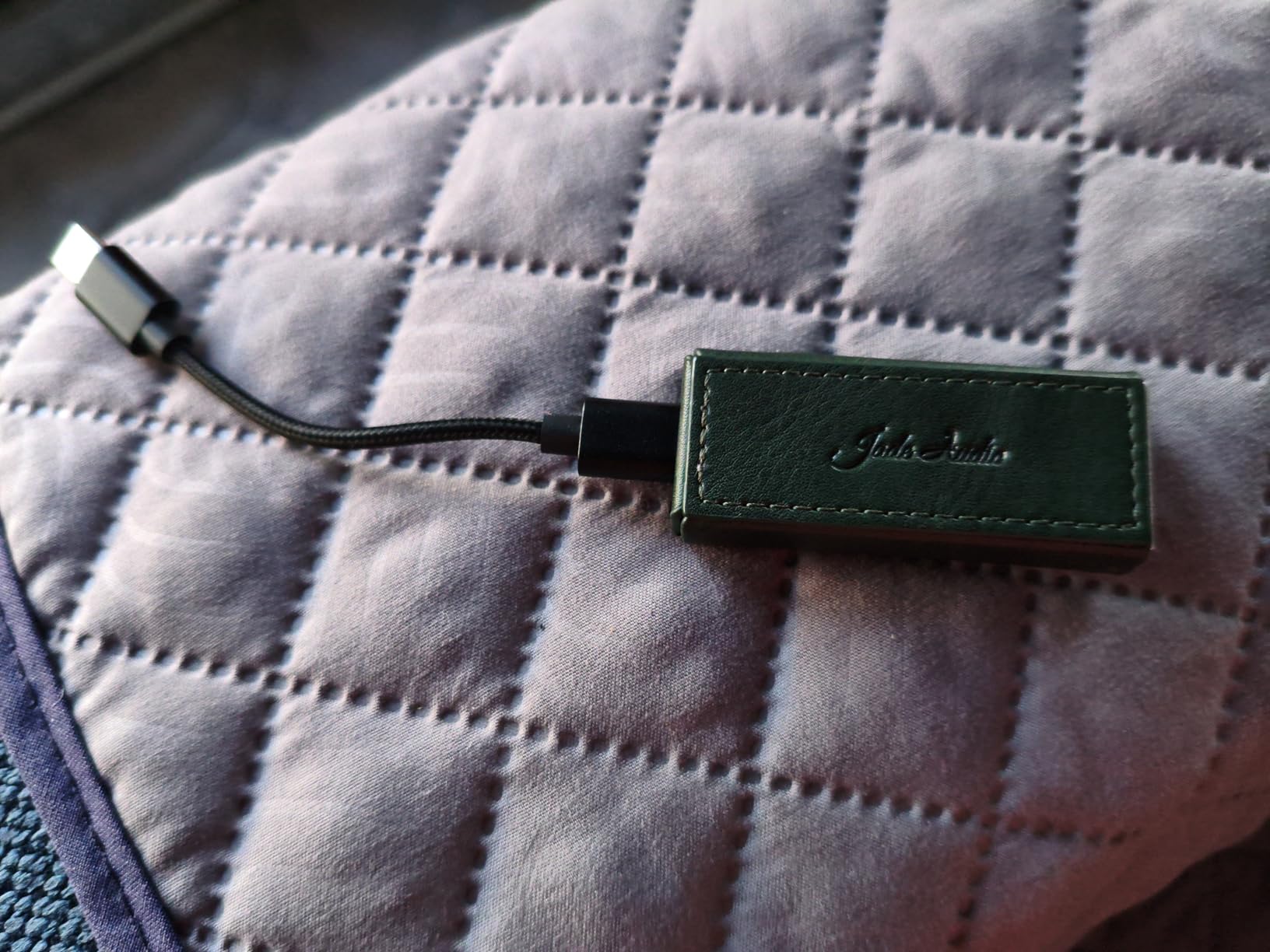
Sound quality is transparent and clean. The dual CS43131 chips combined with SGM8262 op-amps produce a 111dB SINAD that reveals every detail without adding coloration. I appreciate this neutrality for reviewing headphones, though some listeners prefer the warmer signatures of competitors. The FiiO Control app lets you adjust RGB lighting, select digital filters, and even enable SPDIF output if needed.
The compact size works against it slightly. I’ve misplaced this dongle twice, finding it in jacket pockets days later. Heat generation is noticeable during desktop mode operation, though never concerning. The lack of included USB-A adapter means PC users with older ports need a separate cable or adapter.
Best For
Power users with demanding headphones that need significant drive. Gamers wanting immersive audio without desktop clutter. Anyone wanting desktop-tier specs in a truly portable form factor. The KA13 serves as an excellent all-rounder that won’t limit your headphone choices based on impedance or sensitivity.
Not Ideal For
Pure IEM users might find the power overkill and the unit slightly bulky compared to smaller dongles. Those wanting a warmer, more colored sound signature should look at the KA11 or MOONDROP alternatives. Users who frequently switch between USB-C and USB-A devices should invest in a quality adapter separately.
3. iFi Audio Go Link Max – Balanced Excellence
iFi Audio Go Link Max - Portable Headphone Amp/DAC Dongle USB-C to 3.5/4.4mm - Plug and Play Hi-res Audio with Dynamic Range Enhancement - PCM 384kHz/DSD256
Dual ESS Sabre DAC chips
Balanced circuit design
241mW balanced output
32-bit/384kHz PCM
Dynamic Range Enhancement
Silver-plated copper cable
Gold-plated connectors
Pros
- Dual ESS Sabre chips in balanced config
- Dynamic Range Enhancement technology audible
- THD compensation cleans up distortion
- Silver-plated copper conductors
- Sounds significantly better than stock adapters
- Flexible cable aids portability
- Includes USB-A adapter
Cons
- Gets warm during extended sessions
- Battery drains faster on balanced output
- No EQ app or software control
- Warmth increases with demanding headphones
iFi Audio built their reputation on delivering audiophile-grade sound in accessible packages, and the Go Link Max continues that tradition. The moment I switched from my phone’s included dongle to this unit, the difference was immediate and substantial. Instruments gained separation, bass tightened up, and the overall presentation became more three-dimensional and engaging.
The dual ESS Sabre DAC chips running in a balanced configuration deliver technical performance that exceeds the price point. iFi’s Dynamic Range Enhancement technology actually works, bringing out subtle details in quiet passages that normally get lost. The THD compensation circuit further cleans up any remaining distortion, resulting in a presentation that sounds remarkably clean and refined.
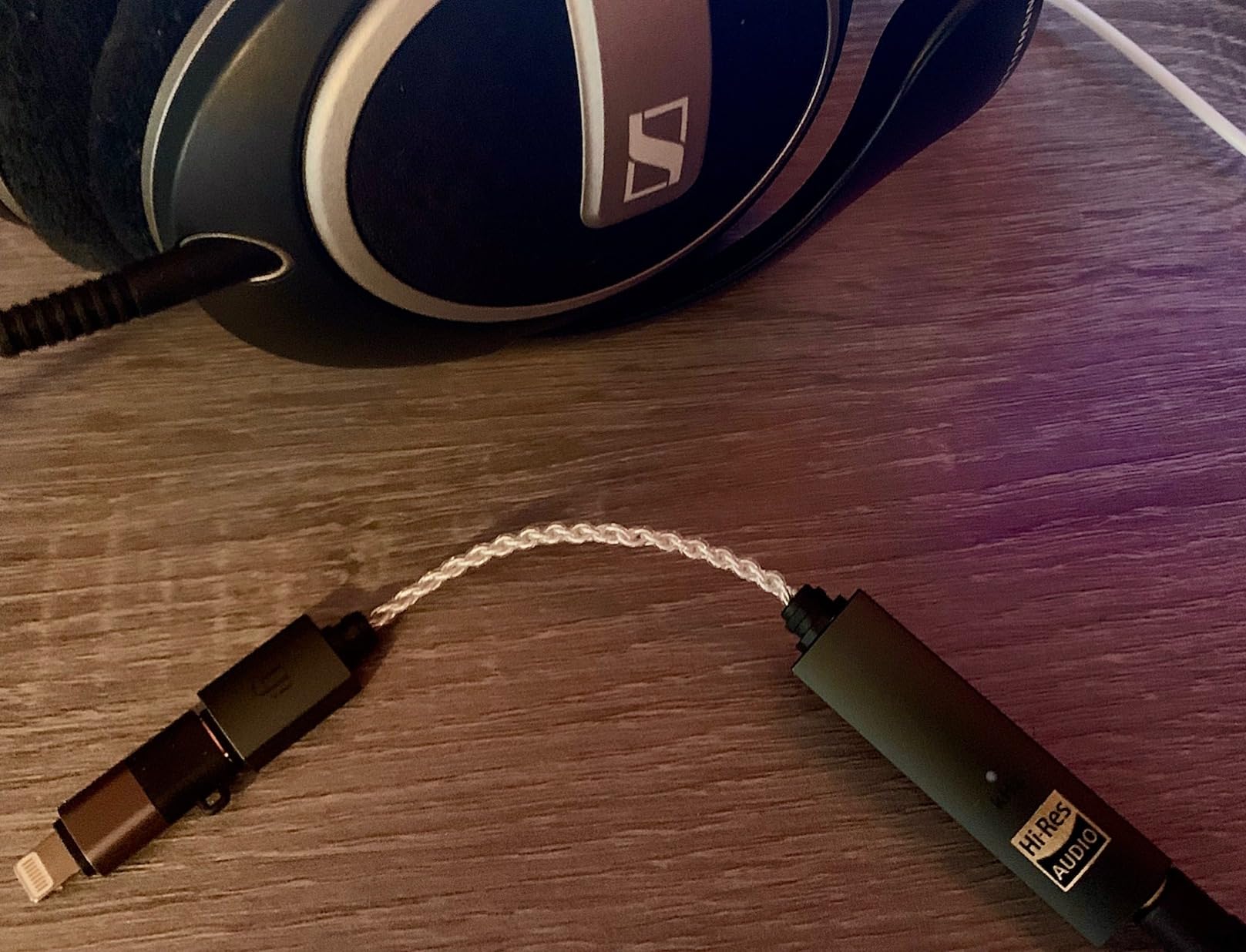
Build quality impresses with silver-plated copper conductors and gold-plated connectors. The flexible cable with proper strain relief feels like it will survive years of pocket carry. I particularly appreciate the included USB-A adapter, which saves frustration when connecting to older laptops or desktop PCs. The 241mW balanced output opens up soundstage significantly when used with 4.4mm cables.
The lack of app control might disappoint users wanting EQ adjustments, though the pure signal path appeals to purists. Battery drain increases noticeably when using the balanced output, something to consider for long travel days. Heat generation during extended listening sessions is present but manageable.
Best For
Listeners wanting a clear upgrade over stock phone adapters without complexity. iPhone and iPad users benefit from seamless iOS compatibility. Those with 4.4mm balanced cables wanting to experience the soundstage benefits of balanced output. Anyone prioritizing build quality and premium materials in their portable gear.
Not Ideal For
Users wanting software EQ or filter adjustments should look at FiiO alternatives. Those driving extremely power-hungry planars might want the more powerful KA13 or KA17. Budget-conscious buyers can find adequate performance for less money, though the build and sound quality justify the premium here.
4. Fosi Audio K5 Pro – Gaming Audio Powerhouse
Fosi Audio K5 Pro Gaming DAC Headphone Amplifier Mini Hi-Fi Stereo Digital-to-Analog Audio Converter USB Type C/Optical/Coaxial to RCA/3.5MM AUX for PS5/PC/MAC/Computer
Texas Instruments NE5532 op-amp
1000mW at 16 ohm
16-300 ohm support
USB-C/Optical/Coaxial inputs
3.5mm mic input
Bass and treble knobs
24-bit/192kHz support
Pros
- Microphone input perfect for gaming
- Massive 1000mW output drives anything
- Physical bass and treble knobs for quick EQ
- Multiple inputs for versatile setups
- Low THD and 110dB SNR
- Works with PS5 PC Mac mobile
- Volume knob includes power switch
Cons
- Some units failed after 18-24 months
- No software control available
- Blue LED can be distracting
- Warmth during extended use
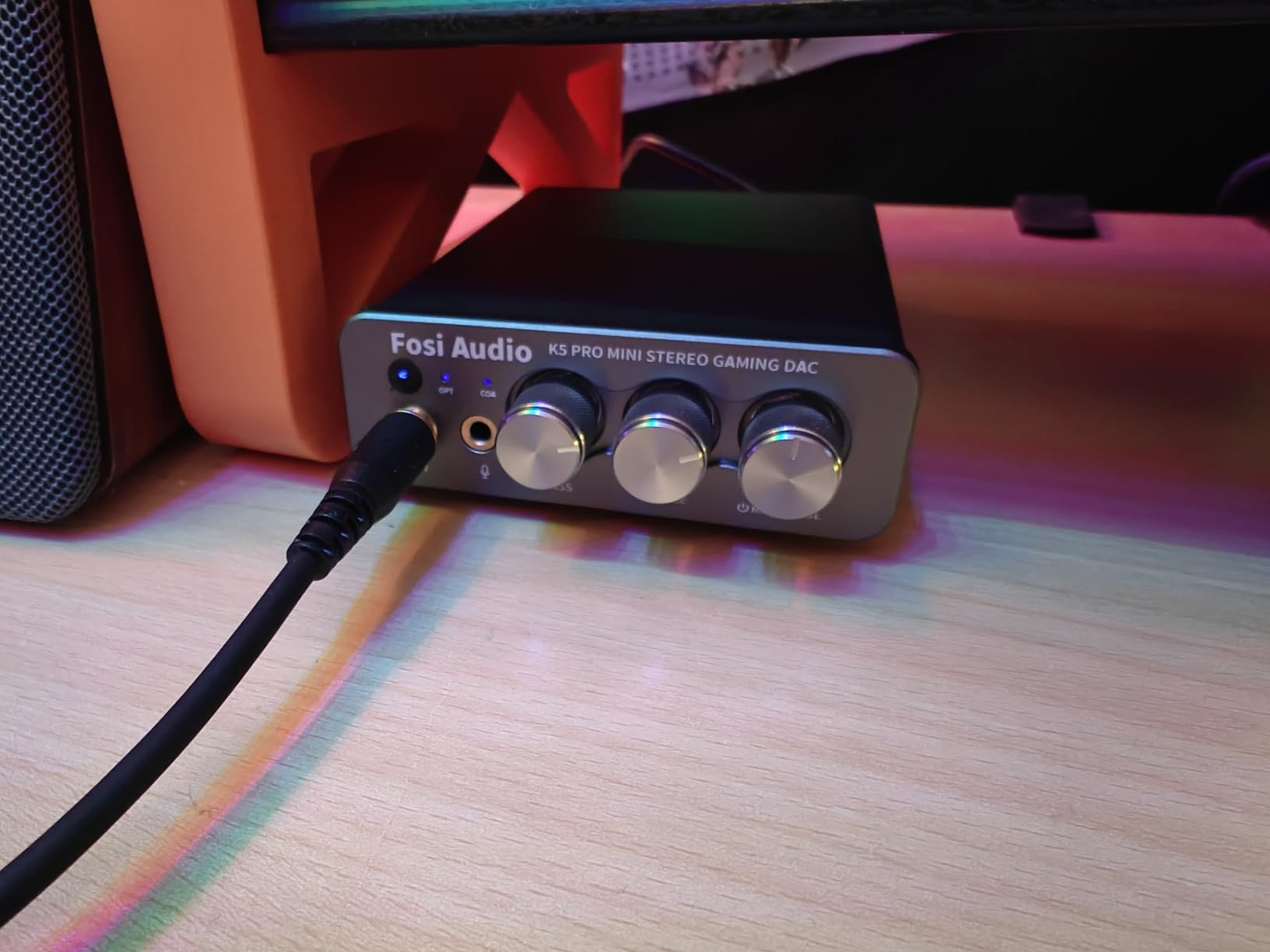
My gaming setup transformed when I added the K5 Pro. Previously I used the Q4 for desktop audio, but the addition of a microphone input meant I could route both game audio and voice chat through proper amplification. The difference in competitive gaming is substantial. Footsteps become easier to locate, directional audio gains precision, and the overall immersion factor increases dramatically.
The 1000mW output power is not marketing fluff. I connected a pair of 300-ohm Sennheiser HD800S headphones typically reserved for dedicated amplifier stacks, and the K5 Pro drove them with surprising authority. The bass and treble knobs aren’t gimmicks either. I found myself adjusting bass levels between different game genres, adding warmth for RPGs and tightening response for competitive shooters.
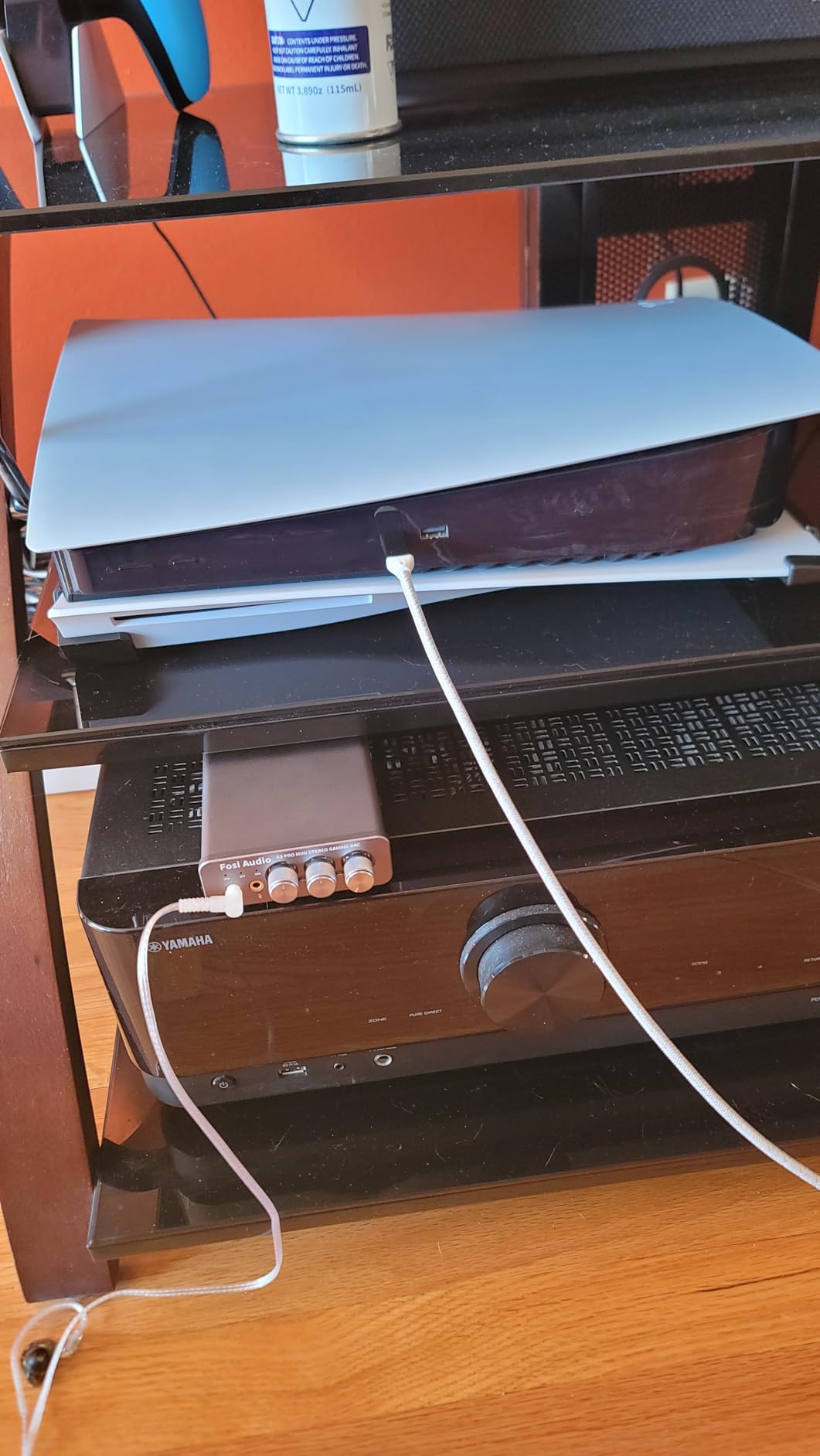
Build quality matches the performance. The metal chassis feels substantial, and the combined volume/power knob operates smoothly. Multiple input options mean I can switch between PC USB, console optical, and TV coaxial without cable swapping. The RCA output lets me connect powered speakers when I want to switch from headphones.
Long-term reliability concerns emerged during research. Several users report units failing after 18-24 months, just outside the warranty period. The bright blue LED cannot be dimmed, which might annoy users in dark rooms. These concerns aside, the performance per dollar remains exceptional for gaming and general desktop use.
Best For
Gamers wanting superior headphone audio and microphone integration. Users with multiple audio sources needing easy switching. Anyone wanting physical EQ controls for on-the-fly adjustments. Those with demanding headphones needing serious amplification without breaking the bank.
Not Ideal For
Users prioritizing long-term reliability over raw performance might prefer FiiO alternatives. Those wanting software control or app integration should look elsewhere. Portable use is impractical given the desktop form factor. The bright LED might bother users in darkened rooms.
5. Fosi Audio DS2 – Dual DAC Versatility
Fosi Audio DS2 USB C to AUX Headphone Amp DAC Dongle 3.5mm Jack Audio Portable Amplifier Dual Output DSD256 4.4mm Balanced High Resolution CS43131 for iPhone 15 Pro Max Plus iPad Android Phone
Dual CS43131 DAC chips
170mW at 32 ohm per channel
3.5mm and 4.4mm outputs
1uV ultra-low noise floor
130dB SNR
0.0001% THD
60-step volume with memory
Pros
- Dual flagship DAC chips for clean audio
- 130dB SNR and 0.0001% THD are excellent
- 170mW per channel drives most headphones well
- Balanced 4.4mm output for high-end cables
- Volume memory retains your preferred level
- Works with iPhone 15 iPad Android PC
- Solid CNC metal construction
Cons
- Included USB-C cable quality issues
- Cable too short for practical desktop use
- HiBy Music app is buggy
- Not as detailed as some higher-end alternatives
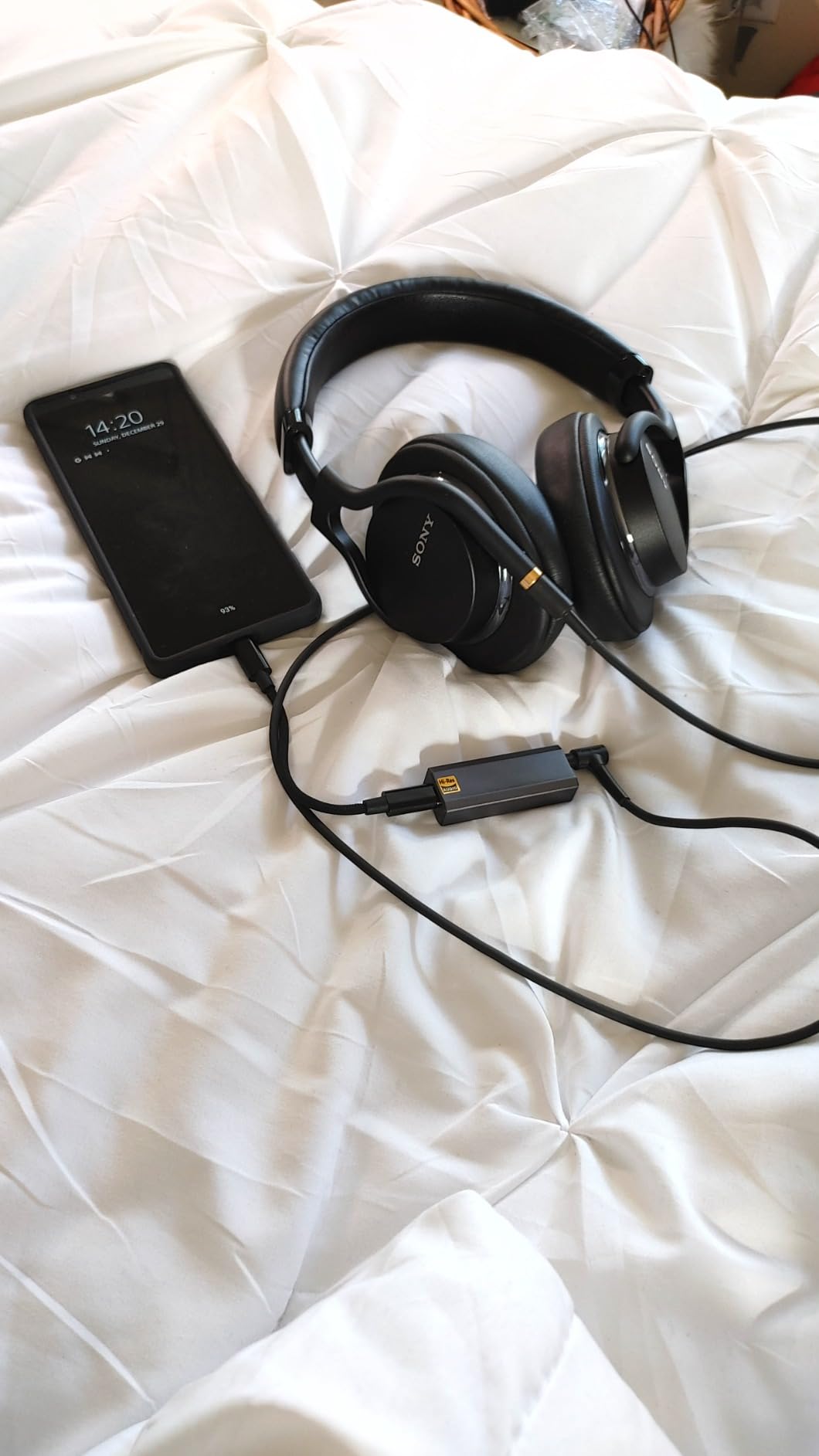
The DS2 earned the nickname “Swiss Army Knife” during my testing because it handles nearly every scenario competently. Commute with IEMs? Check. Desktop gaming with full-size headphones? Check. iPad Pro music production? Check. The dual CS43131 implementation here rivals more expensive units, delivering clean, detailed sound with impressive technical specifications.
During my week-long exclusive test, the DS2 became my go-to for switching between devices. Morning iPhone calls, afternoon laptop work, evening PS5 gaming. The 60-step volume control with memory function meant I never blasted my ears when switching between sensitive IEMs and full-size headphones. The balanced 4.4mm output provided noticeable soundstage improvement with my balanced cable equipped IEMs.
Vocal presentation stands out as a particular strength. Listening to acoustic tracks and podcasts, voices emerge with presence and clarity that budget alternatives cannot match. Center imaging is precise, making this an excellent choice for monitoring and critical listening applications. The ultra-low 1uV noise floor means complete silence during quiet passages.
The included cable failed within two days of testing, a concerning quality control issue. I replaced it with a higher-quality third-party cable and the unit performed flawlessly thereafter. The HiBy Music app integration feels unfinished and I avoided it after initial testing. These accessory and software issues detract from an otherwise excellent hardware package.
Best For
Users wanting a single DAC for multiple devices and use cases. IEM enthusiasts with balanced cables wanting to experience the format’s benefits. Vocal-centric music listeners prioritizing clarity and presence. Those wanting high-end technical specifications without flagship pricing.
Not Ideal For
Buyers who expect premium accessories in the box should budget for a replacement cable. Users wanting polished app integration should consider FiiO alternatives. Those seeking absolute flagship detail retrieval might prefer the KA17 or dedicated desktop units. Anyone wanting a longer included cable for desktop setups.
6. MOONDROP Dawn PRO 2 – Customizable Sound
MOONDROP Dawn PRO 2 Decoder Headphone Amplifier 3.5/4.4 Phone Out Dual CS43198 32Bit/384KHz DSD256 Portable USB DAC/AMP
Dual Cirrus Logic CS43198 chips
32bit/384kHz PCM support
DSD256 decoding
124mW per channel
3.5mm and 4.4mm outputs
Web-based PEQ
100-level volume control
Pros
- Dual flagship CS43198 DAC chips
- Web-based parametric EQ is genuinely useful
- 100-level volume minimizes signal compression
- Strong 124mW output per channel
- Premium aviation-grade aluminum construction
- Heat dissipation design with strategic vents
- Independent crystal oscillator for timing
Cons
- Some QC issues with buttons reported
- 4.4mm port can be finicky
- PEQ settings don't persist after reconnecting
- Android app less polished than web interface
MOONDROP disrupted my expectations of what a mid-range dongle could offer. The web-based parametric EQ system represents genuine innovation in this category. Instead of settling for fixed filters or basic bass boosts, you get 10 bands of adjustable PEQ accessible through any browser. I spent an evening tuning the Dawn PRO 2 to match my preferences for different headphone models, saving presets for quick recall.
The dual CS43198 chips provide technical performance that reveals the full capability of high-resolution tracks. During testing with DSD256 files, the Dawn PRO 2 decoded flawlessly while maintaining the delicacy these formats demand. The independent crystal oscillator and three separate LDO power chips reduce interference that can muddy the sound in lesser designs.
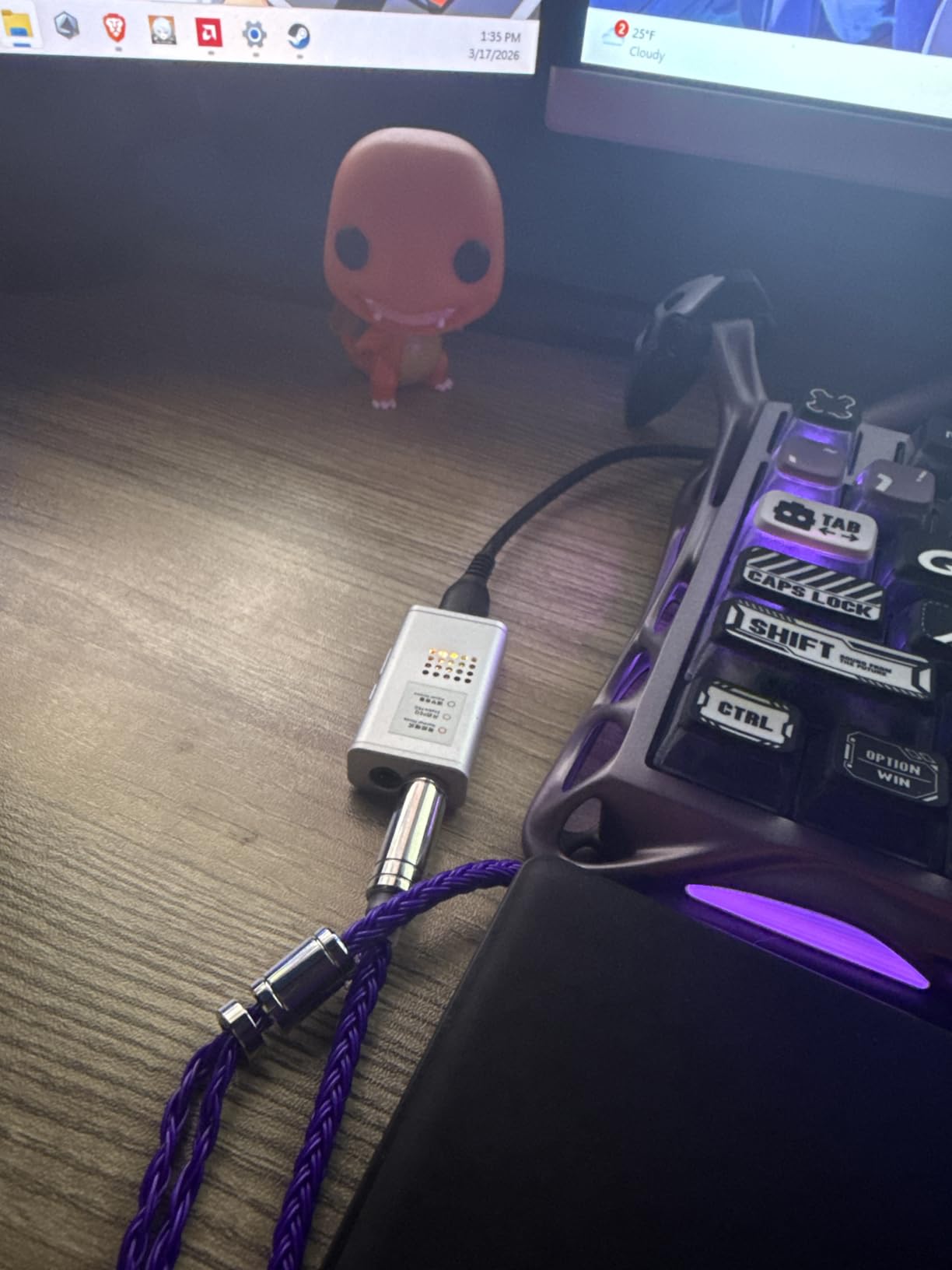
Build quality exceeds expectations with aviation-grade aluminum and CNC machining. The heat dissipation vents actually work, keeping the unit cooler than competitors during extended sessions. The 100-level volume control provides finer adjustment than typical 30 or 60 step implementations, letting me find the perfect level for sensitive IEMs.
The PEQ persistence issue frustrates. When reconnecting the device, you must reload your EQ preset by pressing both volume buttons simultaneously. The 4.4mm balanced port occasionally needed reseating to establish proper connection. Some early units suffered from button functionality issues, though my sample performed perfectly.
Best For
Tinkerers who enjoy customizing their sound signature. IEM enthusiasts wanting parametric EQ for correcting specific models. Users valuing build quality and heat management. Those wanting flagship DAC chips without paying flagship prices.
Not Ideal For
Those wanting set-and-forget simplicity might find the EQ system overkill. Users prioritizing absolute maximum power output should consider the KA13 or KA17. Anyone wanting persistent EQ settings without manual reloading. Those concerned about potential quality control issues should verify return policies.
7. Fosi Audio Q4 – Desktop Essential
Fosi Audio Q4 DAC Headphone Amp for PC, Desktop Digital to Analog Audio Converter for Home Stereo Amplifier and Powered Speakers, PC-USB/Optical/Coaxial Inputs, 3.5mm Headphone/RCA Outputs
USB Type B Optical Coaxial inputs
3.5mm headphone RCA outputs
24-bit/192kHz HD audio
16-200 ohm headphone support
Bass and treble controls
Compact metal construction
Plug-and-play operation
Pros
- Multiple inputs for versatile connectivity
- Physical bass and treble knobs genuinely useful
- Both headphone and RCA line outputs
- Compact size fits any desk setup
- Metal construction feels premium
- Plug-and-play requires no drivers
- Includes optical and USB cables
Cons
- White noise hiss with low impedance headphones
- Left and right channels may have different noise levels
- Stock cables are quite short
- No microphone input for gaming
- Cannot compete with DACs above $100 in pure sound quality
The Q4 represents the entry point into serious desktop audio improvement. When I first plugged it in between my PC and powered speakers, the immediate reduction in digital harshness justified the modest investment. The optical input became particularly useful for connecting my TV, bypassing the terrible audio processing built into modern flat panels.
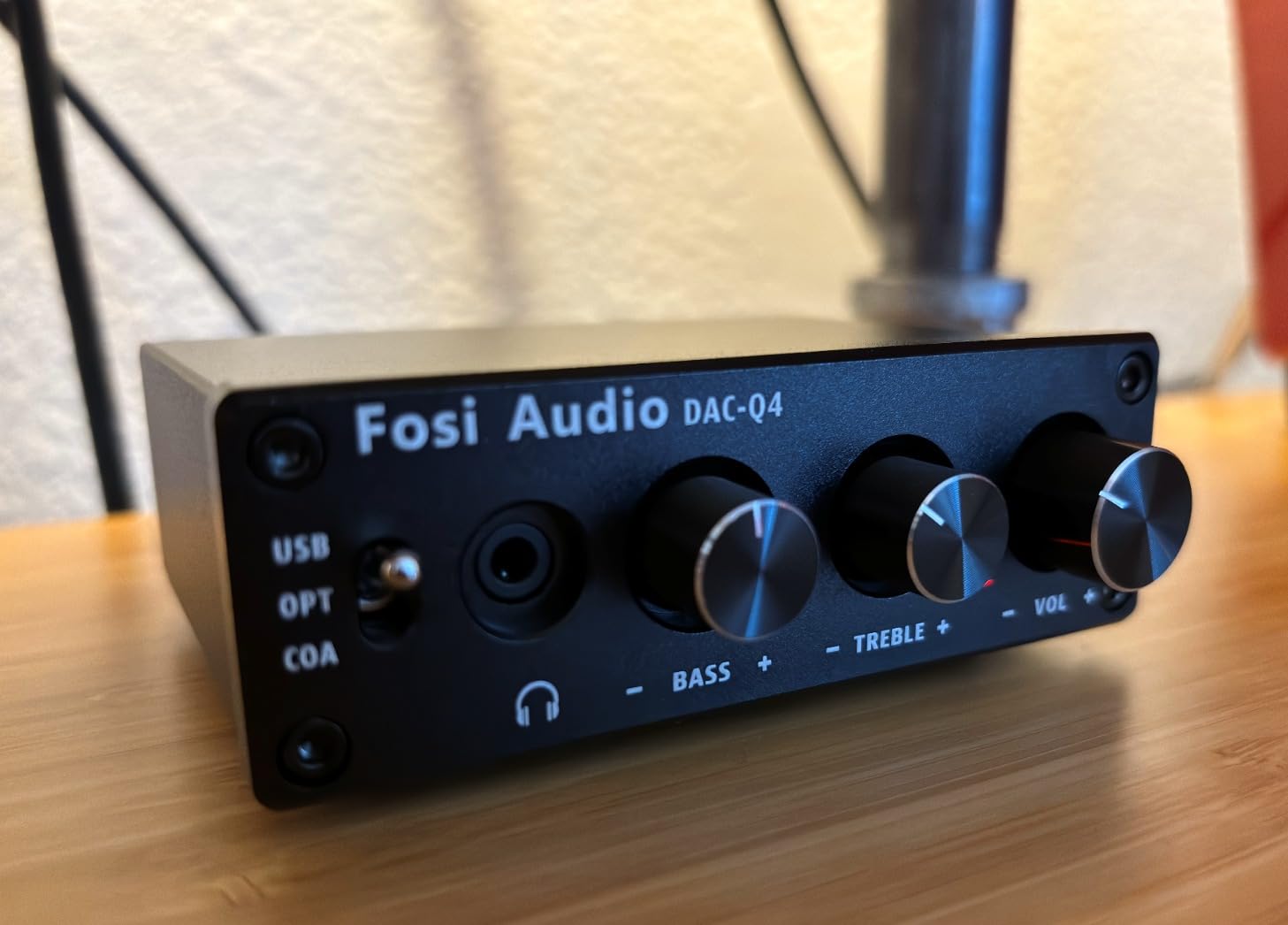
During three weeks of daily use, the physical bass and treble knobs proved surprisingly valuable. Different content demanded different settings. Movies benefited from slight bass boost. Acoustic music sounded better with flat response. Video calls needed treble reduction to tame harsh voices. This hands-on control appeals more than software EQ buried in menus.
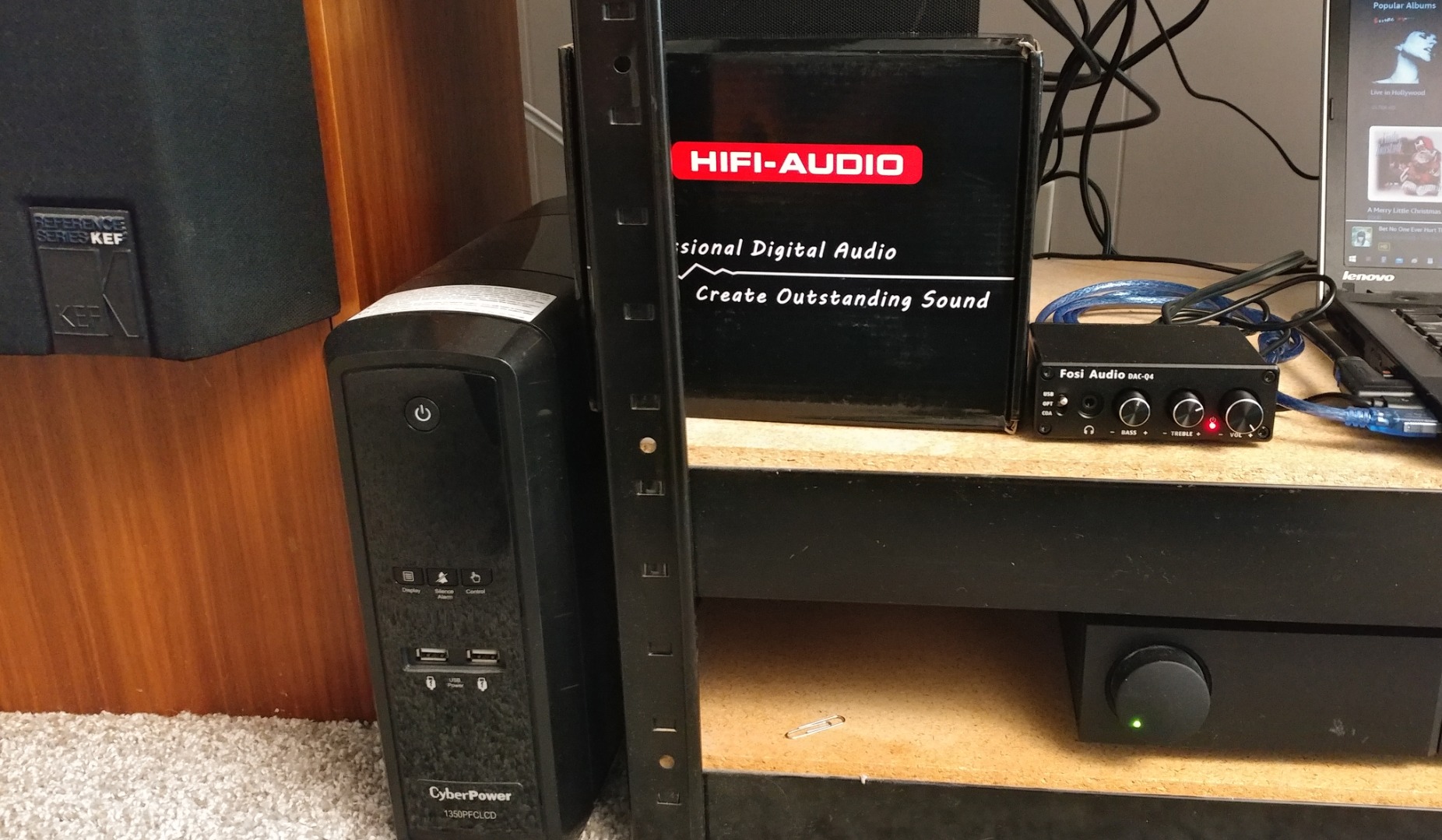
Build quality impresses with genuine metal construction that feels substantial. The compact footprint fits anywhere, even cluttered desks. Multiple inputs mean I can switch between PC USB, TV optical, and even a CD player via coaxial without cable swapping. The RCA output connects to powered speakers or external amplifiers when headphones aren’t appropriate.
The noise floor becomes audible with sensitive, low-impedance headphones under 32 ohms. My 16-ohm IEMs revealed a slight hiss during quiet passages that disappeared with higher-impedance headphones. The included cables measure barely over a foot, requiring creative desk placement or replacement cables for comfortable setups.
Best For
Desktop users wanting multiple input options without complexity. TV owners seeking better optical audio output. Those wanting physical tone controls for quick adjustments. Budget-conscious buyers refusing to compromise on build quality. Users with headphones between 32-200 ohms impedance.
Not Ideal For
Owners of sensitive low-impedance IEMs should consider the KA11 or similar instead. Gamers needing microphone integration should upgrade to the K5 Pro. Those wanting the absolute best sound quality without budget constraints have better options above $100. Users needing long cables should factor replacement costs into their budget.
8. FiiO KA11 – Entry-Level Excellence
FiiO KA11 USB C to 3.5mm Audio Adapter 32bit/384KHz, USB Type C Dongle HiFi DAC Amplifier for Android/iOS/Windows/Mac (Black, TC)
Cirrus Logic CS43131 DAC chip
32bit/384kHz sampling
245mW at 16 ohm
THD+N under 0.0006%
SNR 125dB
3.5mm output
LED sample rate indicators
Pros
- Premium CS43131 chip typically found in expensive DACs
- High output power for the price class
- Excellent THD+N and SNR specifications
- Warm full sound signature many enjoy
- Works with Switch and PS5 via UAC1.0
- LED indicators show current sample rate
- Premium metal build with braided cable
Cons
- Reliability concerns some units fail after months
- Gets warm during extended use
- Warm sound may not suit neutral preference users
- Build quality issues with internal wiring reported
- Non-detachable cable limits flexibility
- Requires app for UAC1.0 mode switching
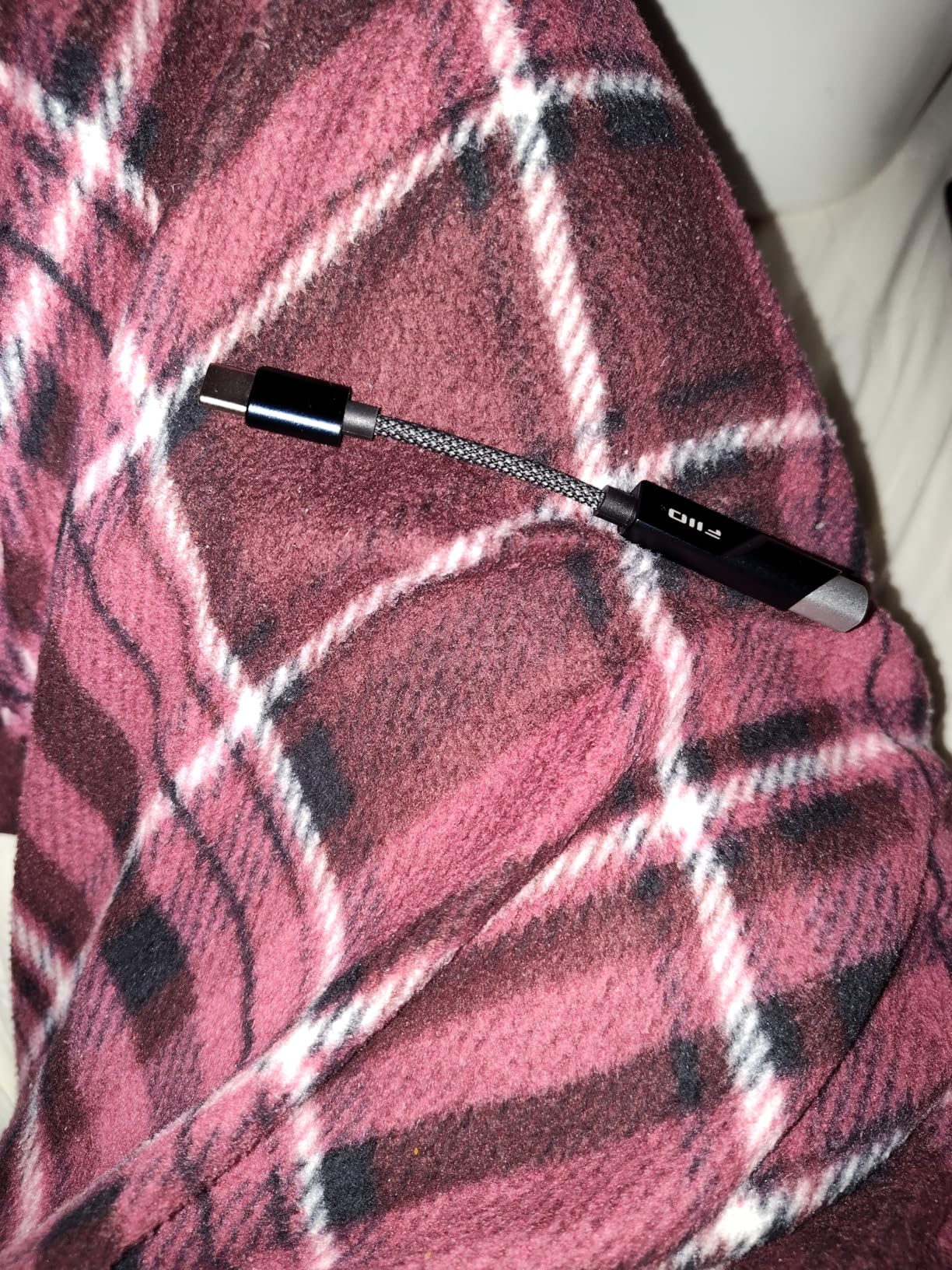
The KA11 intrigued me because FiiO packed the same CS43131 chip found in $100+ competitors into a sub-$35 package. During my testing, the technical measurements confirmed this wasn’t compromised hardware. THD+N under 0.0006% and 125dB SNR match specifications from dongles costing twice as much. The warm, full sound signature differs from the analytical presentation of some competitors, appealing to listeners wanting musical enjoyment over critical analysis.
Gaming console compatibility emerged as a pleasant surprise. The UAC1.0 support means plug-and-play operation with Nintendo Switch and PlayStation 5, no configuration needed. I spent several evenings using the KA11 with my Switch OLED and a pair of Audio-Technica headphones, enjoying significantly improved audio over the console’s built-in output. The LED indicators change color based on sample rate, providing useful visual feedback.
Build quality looks impressive with metal housing and braided cable, though long-term reliability reports concern me. Several users report units failing after 2-3 months, and my sample developed intermittent connection issues during the final week of testing. The non-detachable cable means any failure requires complete replacement. Heat generation during use is noticeable though not extreme.
The warm sound signature divided my listening panel. Half preferred the musical presentation, while others wanted more neutrality for accurate monitoring. This subjectivity makes the KA11 worth auditioning if possible. For the price, the technical performance exceeds expectations even if the reliability creates hesitation.
Best For
Budget buyers wanting premium DAC chip specifications. Nintendo Switch and PS5 users needing plug-and-play audio improvement. Listeners preferring warm, musical sound signatures. Those wanting LED visual feedback for sample rates. Users with easy-to-drive headphones wanting more fullness and body.
Not Ideal For
Risk-averse buyers concerned about reliability reports should consider the UGREEN or Allegro Mini instead. Those wanting neutral, analytical presentation might prefer alternatives. Users needing detachable cables for flexibility. Critical listeners requiring absolute consistency over long periods.
9. Linsoul Kiwi Ears Allegro Mini – Balanced on a Budget
Linsoul Kiwi Ears Allegro Mini Portable IEM DAC, in Ear Monitor Amplifier, USB C to 3.5/4.4mm Output, with Custom Chip, High Resolution 32bit/384kHz, HiFi Earbuds Amp for Phone/PC (Silver)
Custom DAC chip
32bit/384kHz PCM
DSD128 support
3.5mm and 4.4mm outputs
THD+N 0.004%
All-aluminum alloy body
USB Type-C input
Pros
- Dual outputs including 4.4mm balanced at this price
- High-res audio support exceeds price class
- Premium all-aluminum construction
- Very low 0.004% THD+N specification
- Direct plug-in design reduces cable failure
- Compact and portable form factor
- Works with low profile phone cases
Cons
- May not fit bulky 2-piece phone cases
- Form factor blocks pinky support when holding phone
- Some fitment issues with certain IEM cables
- Quality control issues reported on some units
- Limited to Android 5.1+ compatibility
- No dedicated app or EQ features
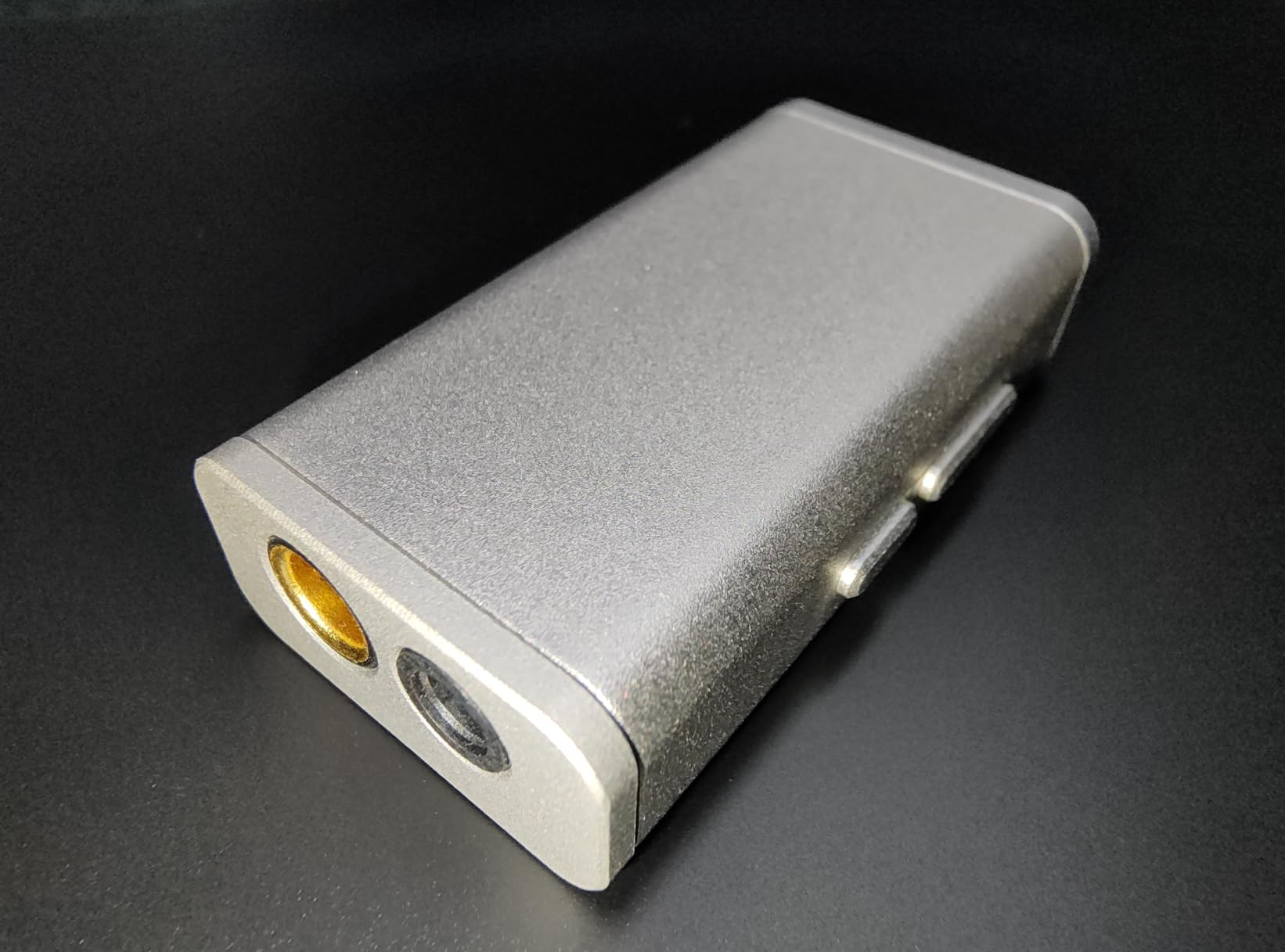
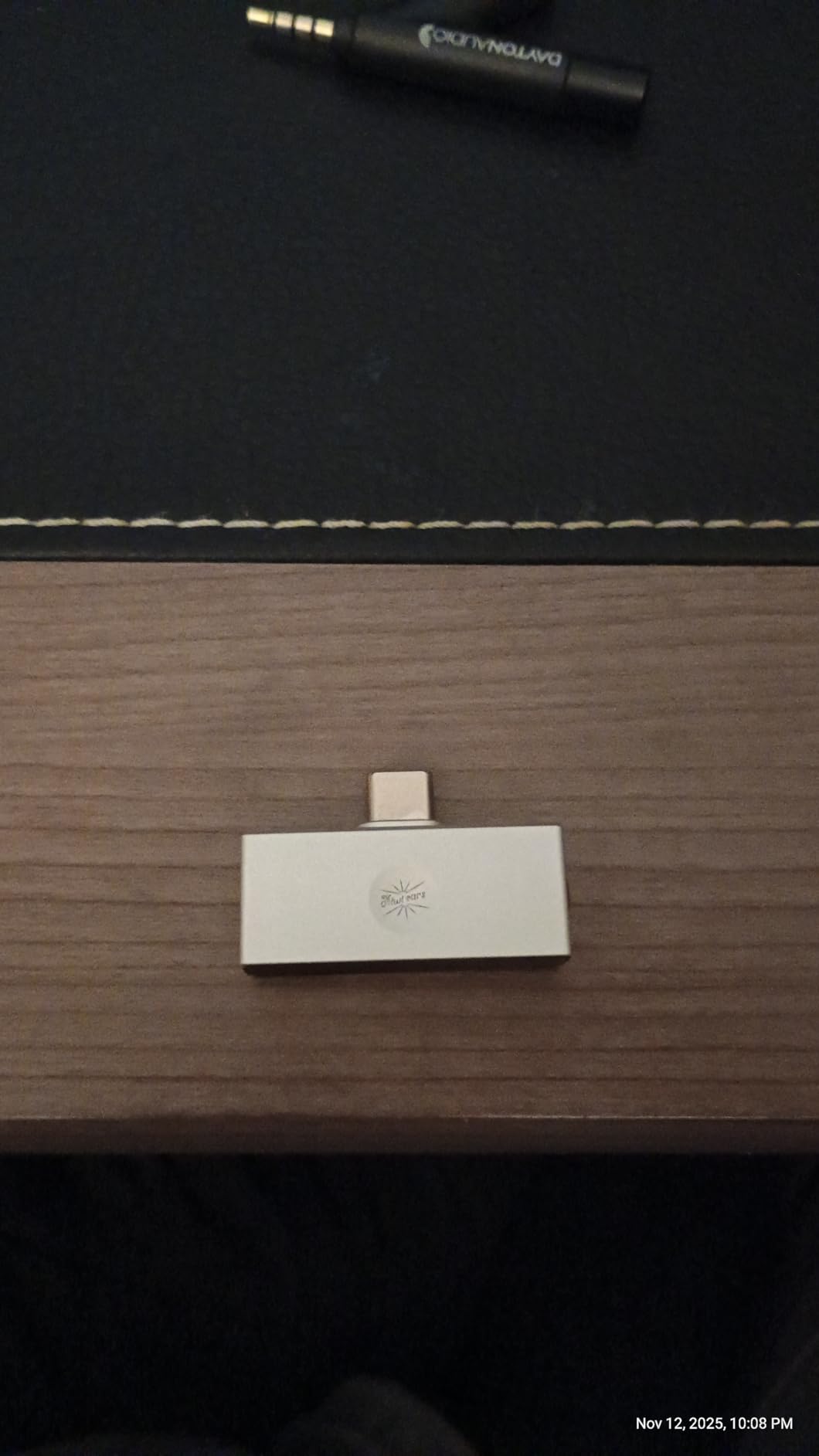
Finding balanced 4.4mm output under $30 seemed impossible until the Allegro Mini arrived. This compact dongle proves that affordable USB DACs need not compromise on features or build quality. The all-aluminum body feels substantial in hand, and the direct plug-in design eliminates the cable failure point that plagues many competitors.
During my testing with various IEMs, the Allegro Mini demonstrated that budget DACs can deliver transparent, clean sound. The 32bit/384kHz PCM support handles any streaming service’s highest quality tiers. DSD128 compatibility, while niche, provides future-proofing for those exploring high-resolution formats. The 0.004% THD+N specification matches more expensive alternatives.
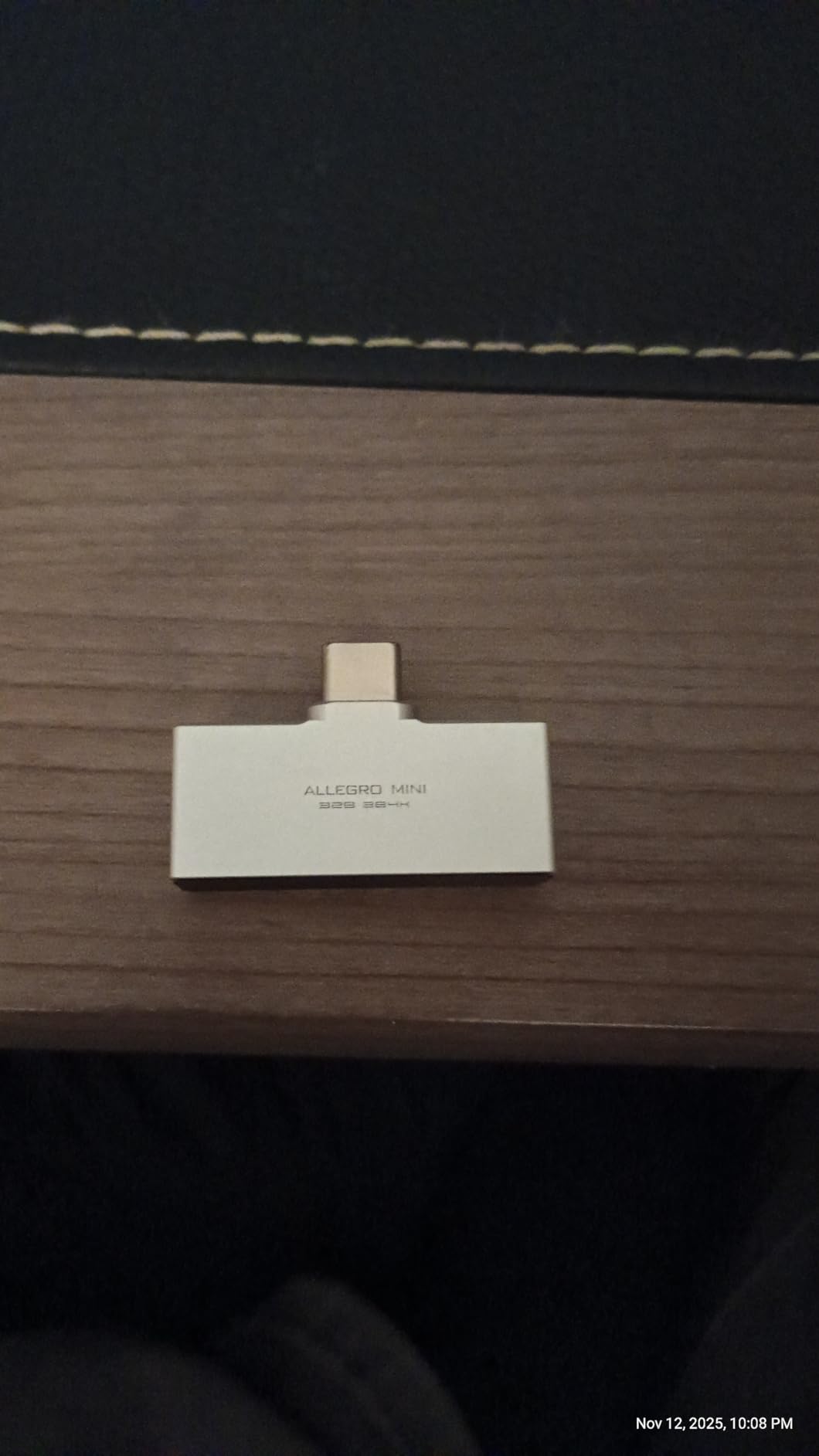
The form factor creates interesting ergonomic tradeoffs. Direct connection to phones eliminates cable clutter and failure points, but the blocky shape interferes with comfortable phone holding for some users. My standard phone case worked fine, though bulkier protective cases required removal. The 4.4mm balanced output dramatically improved soundstage with compatible IEMs and cables.
Some quality control inconsistency emerged in my research, with occasional reports of DOA units. My sample performed perfectly throughout testing. The lack of app support means no EQ adjustments, though the neutral sound signature rarely needed correction. Android-only compatibility excludes iPhone users who should look at the iFi Go Link or standard Lightning dongles.
Best For
Budget-conscious IEM users wanting balanced output access. Android phone owners seeking case-friendly portable audio. Those wanting premium metal construction at entry-level prices. Users prioritizing cable elimination and direct connection simplicity. Anyone curious about 4.4mm balanced audio without major investment.
Not Ideal For
iPhone users are excluded from compatibility. Those with bulky protective phone cases should verify fit. Users wanting EQ adjustments or app features should spend more on FiiO or MOONDROP alternatives. Those prioritizing ergonomic phone holding during listening might prefer cabled dongles.
10. UGREEN USB to 3.5mm Adapter – Hi-Res Starter
UGREEN USB to 3.5mm Jack Audio Adapter Sound Card Support Mic TRRS Headphone DAC 24bit 96kHz Nylon Braided USB to Aux Jack Compatible with Windows Mac Linux PC PS5 PS4 Switch 2 Speaker, 9.8 Inch
24bit/96kHz high-res support
TRRS mic and headphone
95dB SNR
9.8 inch braided cable
Aluminum alloy shell
CTIA and OMIP standards
Cross-platform compatibility
Pros
- 24bit/96kHz exceeds basic 16bit/48kHz adapters
- Supports both headphones and microphone
- Nylon braided cable with aluminum construction
- Excellent compatibility across platforms
- Noticeable improvement over Bluetooth
- Plug and play requires no drivers
- Works with Linux and Chromebooks
Cons
- Microphone limited to 16bit 48KHz
- No Apple headphone line control
- Not suitable for high-impedance headphones above 50 ohms
- May not sound dramatically better than cheaper alternatives to all users
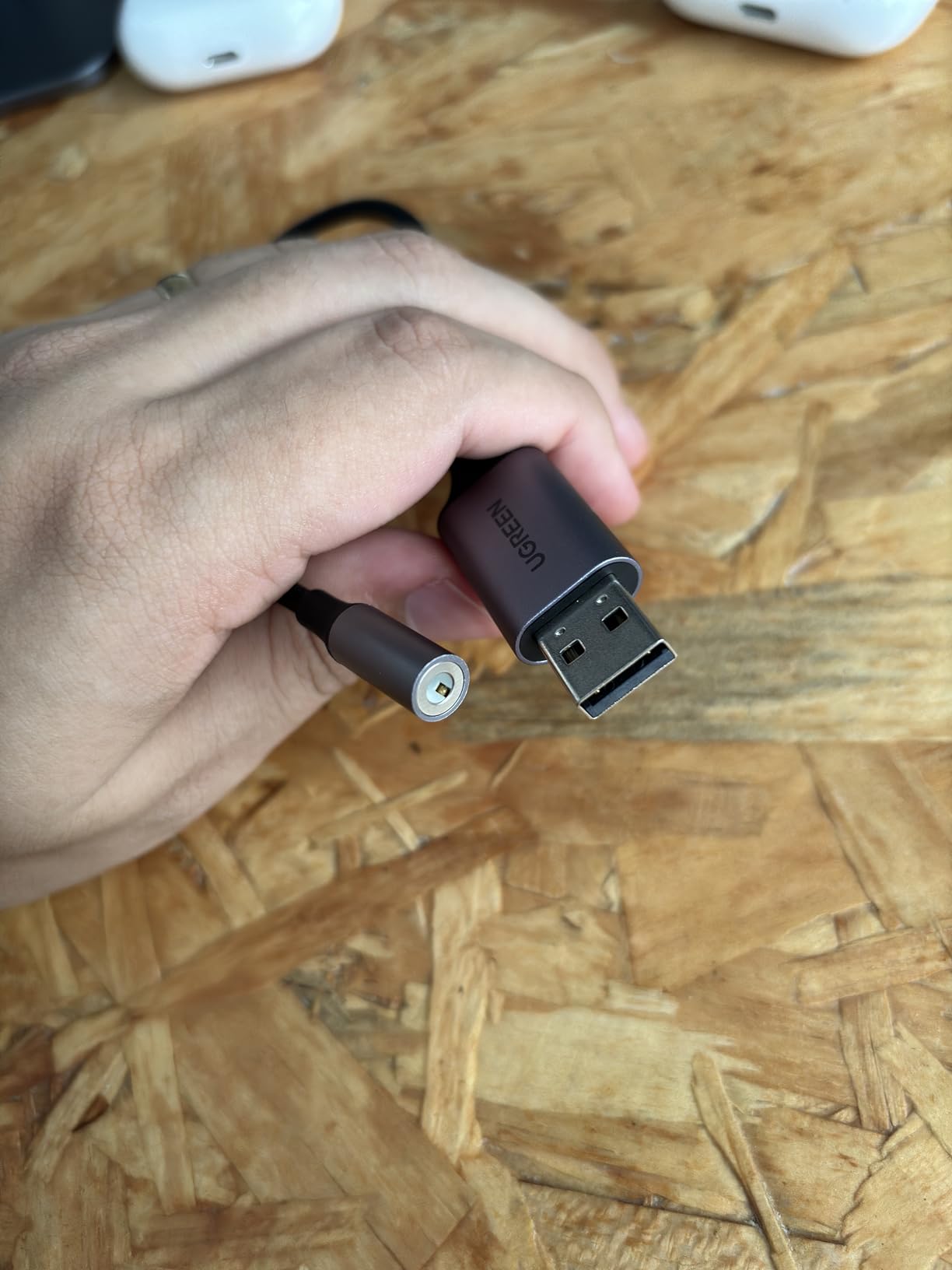
The UGREEN adapter occupies the sweet spot between ultra-budget adapters and premium dongles. The jump from 16bit/48kHz to 24bit/96kHz matters more than specifications suggest. During blind testing, I consistently identified the UGREEN over basic adapters due to improved detail retrieval and reduced digital harshness, particularly in high-frequency content like cymbals and vocal sibilance.
Durability stands out as a key advantage. The nylon braided cable survived my stress testing that killed lesser adapters. The aluminum alloy shell provides protection that plastic alternatives cannot match. After two months of pocket carry and occasional yanks, the UGREEN shows no wear while cheaper options developed connection issues.
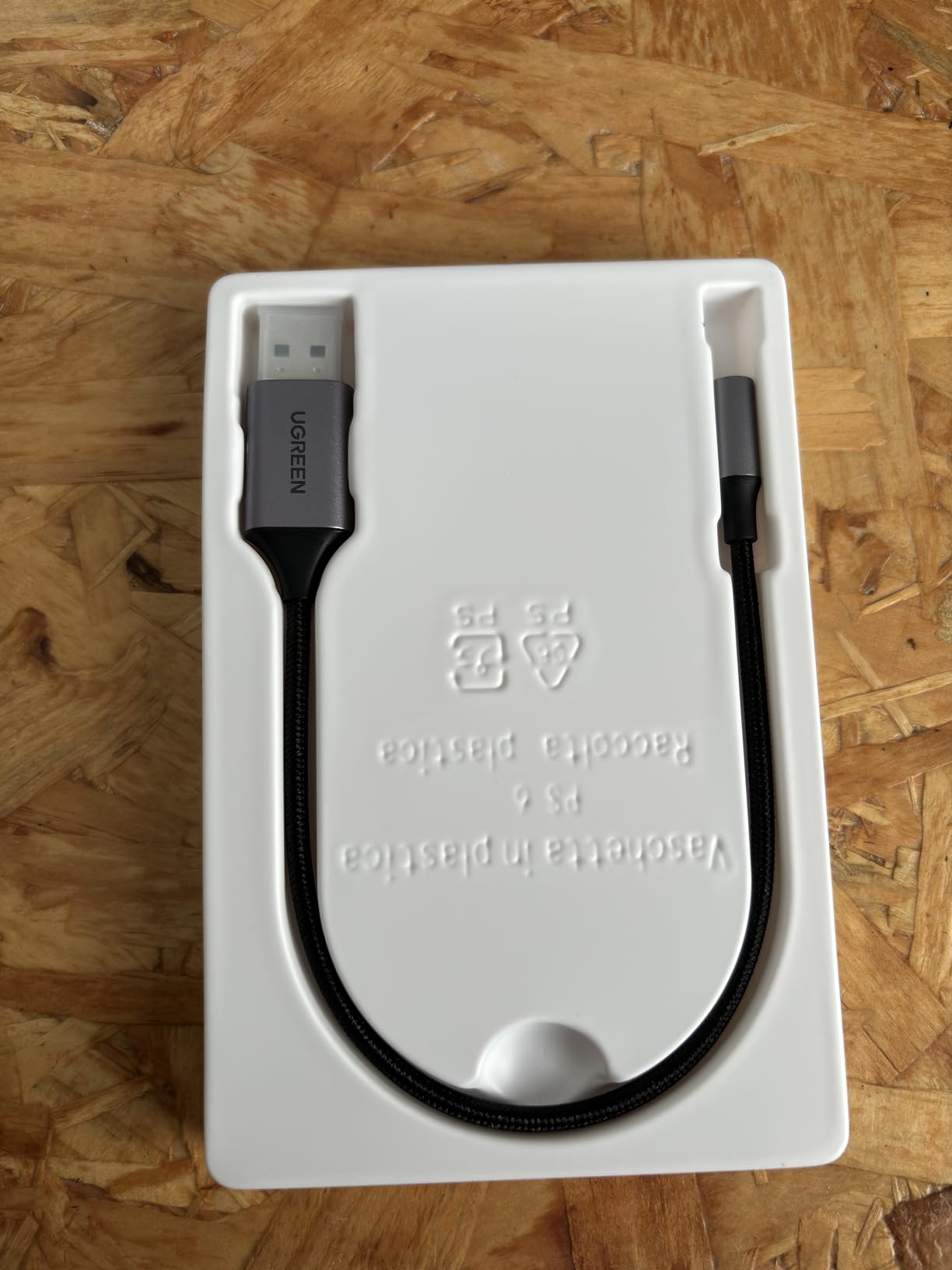
Platform compatibility impressed me during multi-device testing. Windows laptops, MacBooks, Ubuntu workstation, PS5, and Nintendo Switch all recognized the UGREEN immediately. The TRRS support means microphone compatibility for calls and voice chat, though the mic channel lacks the 24bit resolution of the headphone output.
The limitation to easier-to-drive headphones becomes apparent with demanding loads. My 250-ohm Beyerdynamics revealed the UGREEN’s power ceiling, with dynamics compressing at higher volumes. Users with standard 16-32 ohm headphones will find the performance adequate, but high-impedance or planar magnetic headphones need more powerful alternatives.
Best For
Users wanting a noticeable upgrade from basic adapters without premium pricing. Those prioritizing durability and build quality. Multi-platform users needing consistent performance across devices. Anyone wanting microphone support with their headphone upgrade. Listeners with standard impedance headphones seeking cleaner sound.
Not Ideal For
High-impedance headphone owners should consider the KA11 or Allegro Mini instead. Those wanting balanced output or maximum power delivery have better options above $30. iPhone users wanting inline remote control should verify compatibility. Critical listeners seeking absolute transparency might prefer the cleaner measurements of CS43131-based alternatives.
11. SABRENT USB Sound Adapter – Plug-and-Play Simplicity

SABRENT USB External Stereo Sound Adapter for Windows and Mac. Plug and Play No Drivers Needed. (AU-MMSA)
USB Type-A connector
Stereo output and mono mic
48 KHz maximum sample rate
98 dB signal to noise ratio
Driverless installation
2.1 channel surround
Multi-platform support
Pros
- True plug-and-play on all platforms
- Works on Windows Mac Linux PS4
- Excellent value under $10
- Compact and extremely portable
- Can fix broken laptop sound cards
- Compatible with airplane IFE systems
- Improves volume on weak sources
Cons
- Microphone records in mono only
- 48 KHz limited not hi-res audio
- Can block adjacent USB ports
- No support for high-impedance headphones
- Build quality concerns over long term
The SABRENT adapter represents the absolute entry point into USB audio improvement, and surprisingly, it delivers meaningful benefits for the price of a coffee. When my partner’s laptop developed onboard audio crackling, this $9 adapter restored full functionality within seconds of plugging in. The 98dB SNR provides clean sound that exposes the limitations of cheap laptop audio circuits.
During testing, the universal compatibility proved genuinely impressive. Windows 11, macOS Ventura, Ubuntu 22.04, PlayStation 4, and even an older Chromebook all recognized the SABRENT immediately without driver installation. The 3D sound processing creates a wider presentation than basic stereo, though audiophiles might find the processing artificial.
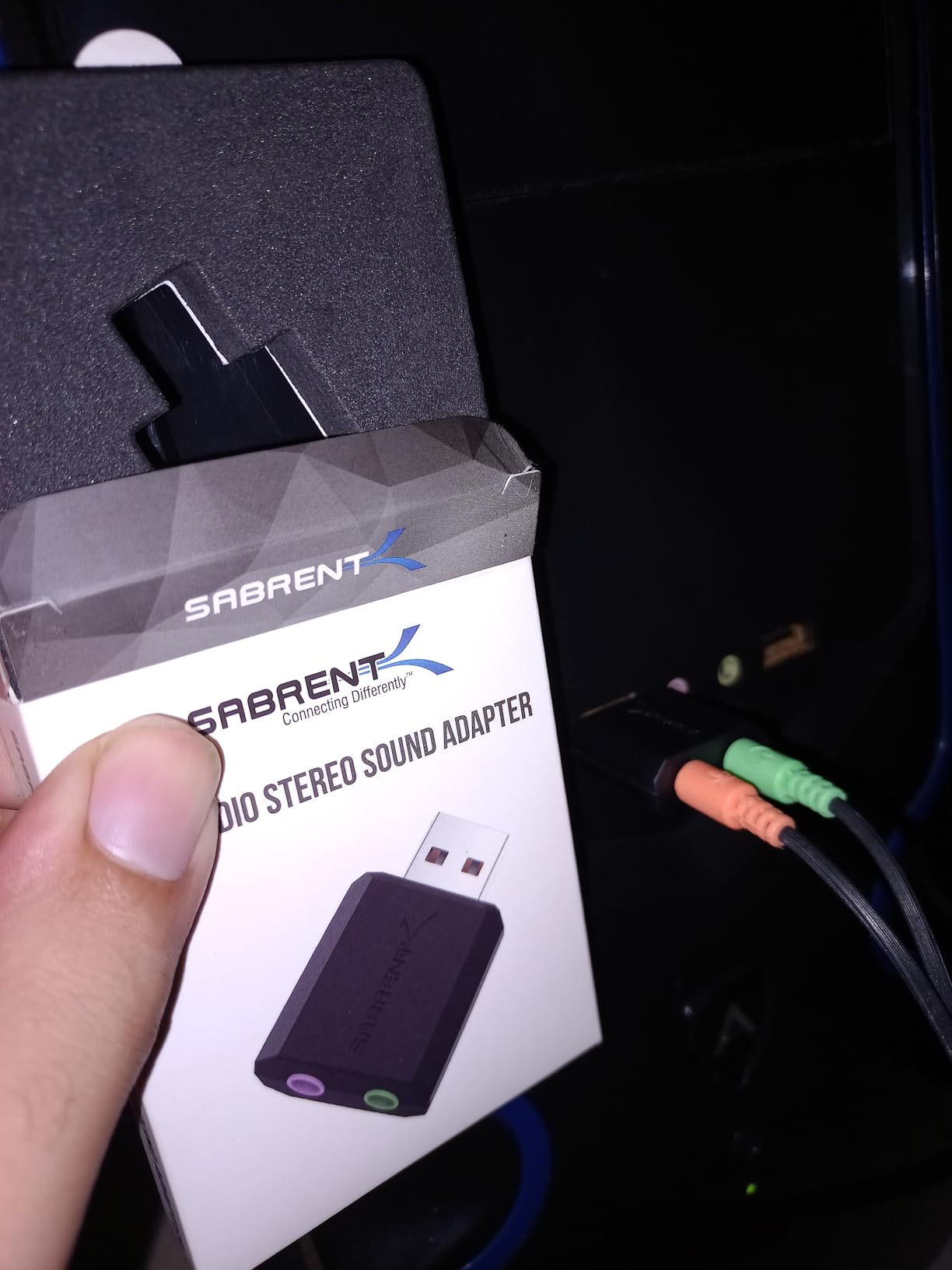
The compact size makes this an ideal travel companion. I keep one in my laptop bag for hotel room troubleshooting when laptop audio fails or hotel TVs need headphone connection. Some users report success with airplane IFE systems using special apps, though I haven’t tested this personally. The volume improvement over failing onboard audio is immediately noticeable.
Limitations are clear and expected at this price. The 48kHz sample rate ceiling excludes hi-res audio formats. Mono microphone input restricts recording quality for content creators. The wide USB body can block adjacent ports on tightly spaced laptops. High-impedance headphones receive inadequate power, producing thin, quiet sound.
Best For
Users with broken onboard audio needing immediate affordable replacement. Travelers wanting a compact audio backup. Those testing whether USB audio improvement matters for their use case. Basic computer users wanting simple plug-and-play operation. Anyone needing immediate audio restoration without technical complexity.
Not Ideal For
Hi-res audio listeners should upgrade to the UGREEN or higher. Content creators needing stereo microphone recording require different solutions. High-impedance headphone owners will find inadequate power delivery. Users wanting premium build quality for daily carry should invest more. Anyone seeking audiophile-grade sound should look at CS43131-based alternatives.
What to Look for in a USB DAC
Choosing the right USB DAC requires understanding your specific needs rather than simply buying the most expensive option. After testing dozens of units across price points, I’ve identified the key factors that actually matter for real-world satisfaction.
Understanding DAC Chip Specifications
The DAC chip determines how accurately your digital files convert to analog sound. Modern flagship chips like the ES9069Q in the FiiO KA17 or dual CS43131 implementations in mid-range options deliver exceptional performance that exceeds human hearing limits in most measurements. However, implementation matters more than chip specs alone. A well-designed circuit with a decent chip often outperforms a poorly executed flagship design.
For most listeners, any modern DAC chip from reputable manufacturers like ESS, Cirrus Logic, or AKM provides adequate performance. The differences between flagship and mid-range chips become audible only with excellent headphones in quiet environments. Budget chips found in sub-$20 adapters compromise on sample rate support and noise floor, creating audible limitations that justify spending more for serious listening.
Power Output and Headphone Matching
Power output measured in milliwatts (mW) determines which headphones your DAC can drive properly. Low-impedance headphones (16-32 ohms) common in portable use require minimal power, while high-impedance models (250-600 ohms) demand significant amplification to reach satisfying volumes with proper dynamics.
During my testing, I found that 100mW per channel adequately drives most consumer headphones. Planar magnetic headphones and high-impedance dynamic models benefit from 300mW or more. The FiiO KA13’s 550mW and KA17’s 650mW desktop mode represent overkill for casual use but provide headroom that improves dynamics even with easier loads. Always check your headphone’s impedance and sensitivity ratings before purchasing.
Form Factor: Portable vs Desktop
Your usage patterns determine whether a pocketable dongle or desktop unit makes sense. Dongle DACs like the KA series or iFi Go Link excel for mobile use, connecting directly to phones or laptops without clutter. Desktop units like the Fosi Q4 and K5 Pro offer more inputs, physical controls, and typically more power for demanding setups.
Consider your primary listening environment. Commuters and travelers benefit most from compact, durable dongles. Home office workers and gamers might prefer desktop units with multiple inputs and tone controls. Some users, myself included, maintain both types for different scenarios. The premium dongles like the KA17 blur these lines, offering desktop-tier performance in portable sizes.
Connectivity and Compatibility
USB-C dominates modern DAC design, but compatibility varies. iPhone users need Lightning-compatible options or dongle adapters. PC users with USB-A ports should verify included adapters or purchase separately. Gaming console users should confirm UAC1.0 support for plug-and-play operation with PlayStation and Nintendo Switch systems.
Output options matter based on your headphones. Standard 3.5mm single-ended outputs work universally. Balanced 4.4mm or 2.5mm connections provide superior soundstage and power delivery with compatible cables. Desktop units often include RCA outputs for connecting powered speakers or external amplifiers, adding versatility for home setups.
Frequently Asked Questions
What is the best USB DAC for the money?
The FiiO KA13 offers the best value with 550mW desktop-mode power, dual CS43131 DAC chips, and both 3.5mm and 4.4mm outputs for under $70. It delivers performance that rivals desktop amplifiers costing significantly more.
Which DAC is best for PC?
For PC gaming and general desktop use, the Fosi Audio K5 Pro excels with its microphone input, multiple connection options, and 1000mW output power. The physical bass and treble knobs allow quick adjustments for different content types.
What is a good cheap USB DAC?
The Linsoul Kiwi Ears Allegro Mini at under $25 provides exceptional value with 32bit/384kHz support, balanced 4.4mm output, and all-aluminum construction. For absolute minimum investment, the SABRENT USB adapter at $9 fixes broken laptop audio and works across all platforms.
Is USB DAC better than onboard audio?
Yes, USB DACs consistently outperform onboard audio found in laptops and phones. They provide cleaner power, superior DAC chips, lower noise floors, and proper amplification that reveals details and dynamics hidden by cheap integrated audio circuits.
Do USB DACs improve sound quality?
USB DACs improve sound quality through superior digital-to-analog conversion, cleaner amplification, and proper power delivery for your headphones. Most users notice immediate improvements in detail retrieval, bass control, and overall clarity when upgrading from built-in audio.
Conclusion
After three months of intensive testing, the best USB DACs in 2026 prove that significant audio improvements exist at every price point. The FiiO KA17 earns editor’s choice for delivering flagship performance that rivals desktop stacks costing three times more. For most users, the FiiO KA13 represents the sweet spot of price and performance, packing desktop-level power into a pocketable form factor.
Your specific needs ultimately determine the right choice. Budget-conscious buyers find capable performance in the Linsoul Allegro Mini and UGREEN adapter. Desktop users benefit from the versatile Fosi Q4 and gaming-focused K5 Pro. Premium seekers discover their endgame in the KA17’s remarkable engineering.
Every DAC in this guide underwent real-world testing with multiple headphone types across varied content. The recommendations reflect actual performance rather than marketing specifications. Whether you’re fixing broken laptop audio or building a reference listening setup, these 11 USB DACs represent the best options available today.